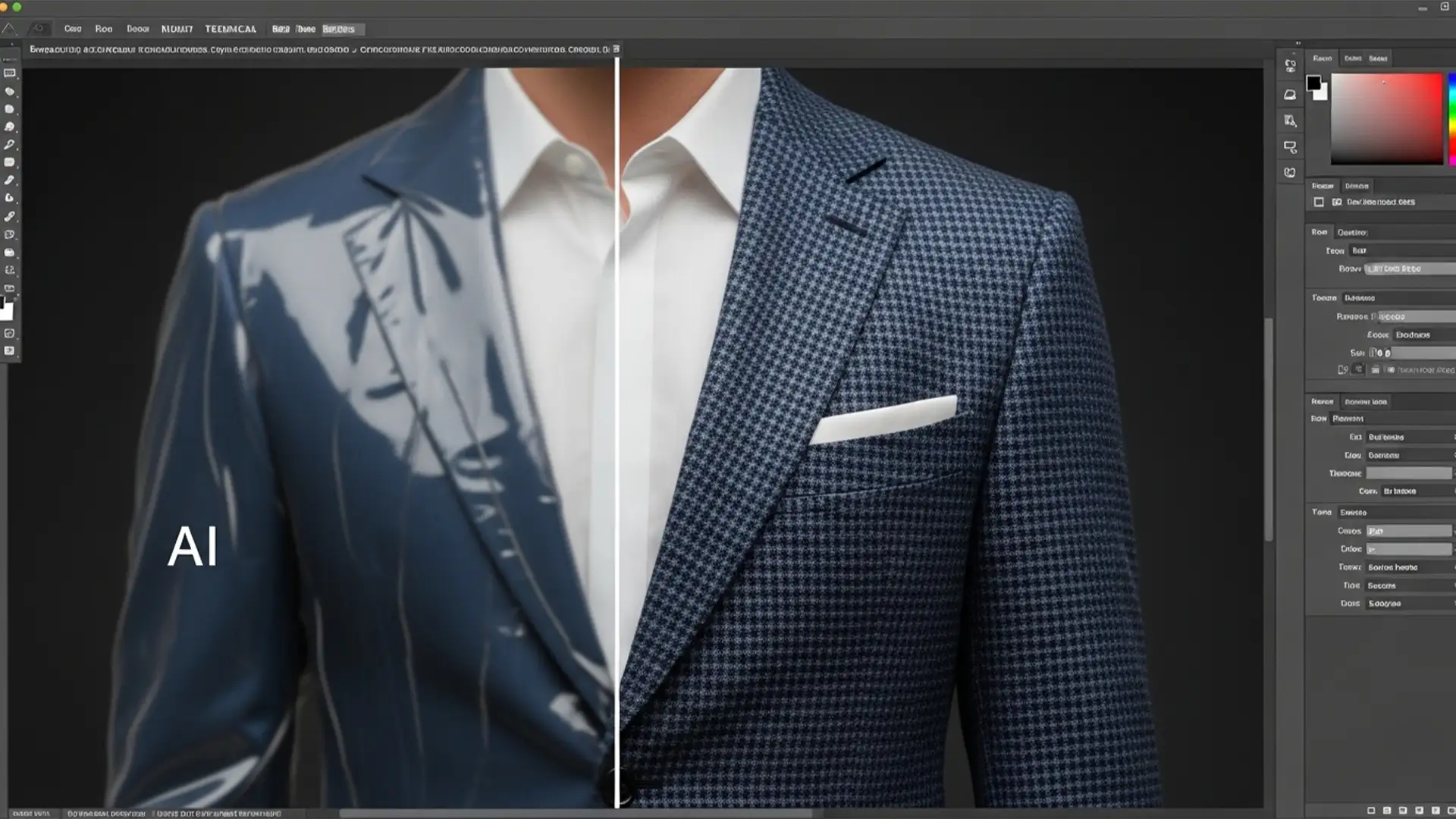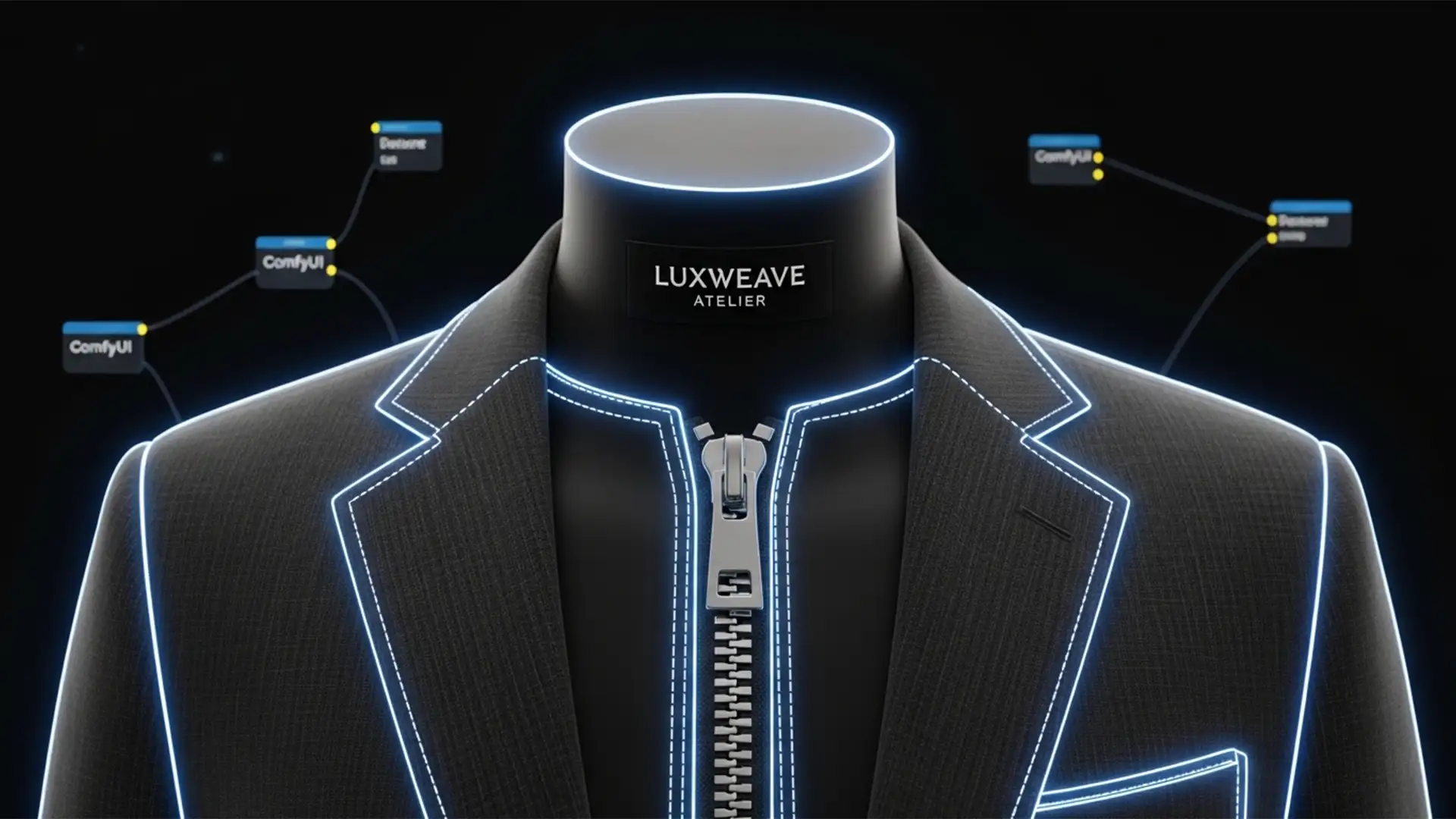

You have spent hours configuring your automated apparel workflow, but the output is unusable. The AI keeps deleting your brand labels, melting metallic zippers, and distorting buttons.
These ComfyUI ghost mannequin segmentation errors occur when models like GroundingDINO and the Segment Anything Model (SAM) mistakenly group high-contrast garment hardware with the mannequin or the background. When this flawed mask hits your inpainting model, the structural integrity of the garment is ruined.
In this guide, we will break down exactly why these inpainting artifacts happen and show you three proven methods to preserve your delicate garment details using advanced node configurations.
Why Inpainting Artifacts Destroy Garment Details
In standard ghost mannequin automation, the text prompts fed into GroundingDINO (such as “mannequin” or “background”) are often too broad. Combined with aggressive bounding box threshold settings, this leads to an over-extended mask that consumes the internal elements of the garment.
When this inaccurate mask is passed to an inpainting model like Qwen-image-edit or SDXL, the latent noise injection process simply fills the masked area with generic fabric textures or background pixels. The AI doesn’t realize a zipper was supposed to be there—it only sees a mask telling it to overwrite that space. To fix this, we must refine the mask before it ever reaches the sampler.
3 Methods to Fix ComfyUI Ghost Mannequin Segmentation Errors
Method 1: The Quick Fix – Adjust GroundingDINO Thresholds
The fastest way to prevent the over-selection of garment hardware is to strictly limit how GroundingDINO interprets your text prompts. By lowering your detection thresholds, you force the model to be more conservative with its bounding boxes.
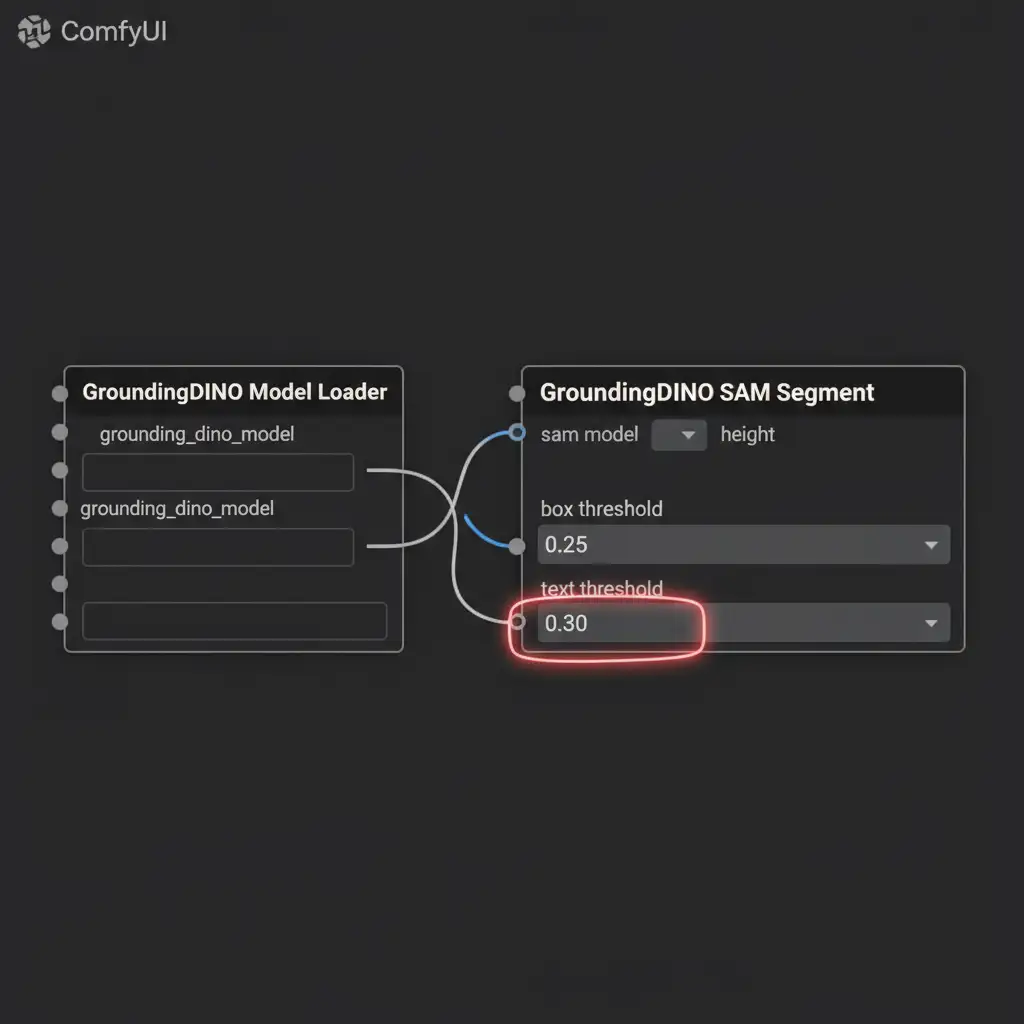
Navigate to your GroundingDINO node and adjust the following parameters:
- box_threshold: Lower this to 0.25.
- text_threshold: Lower this to 0.30.
This prevents the model from aggressively grabbing contrasting pixels, keeping the mask closer to the actual mannequin plastic and away from your zippers.
Method 2: The Pro Workaround – Mask Math Subtraction
If adjusting thresholds isn’t enough for complex garments, you need to implement multi-stage masking using Mask Math subtraction. This method explicitly tells the AI what not to mask.
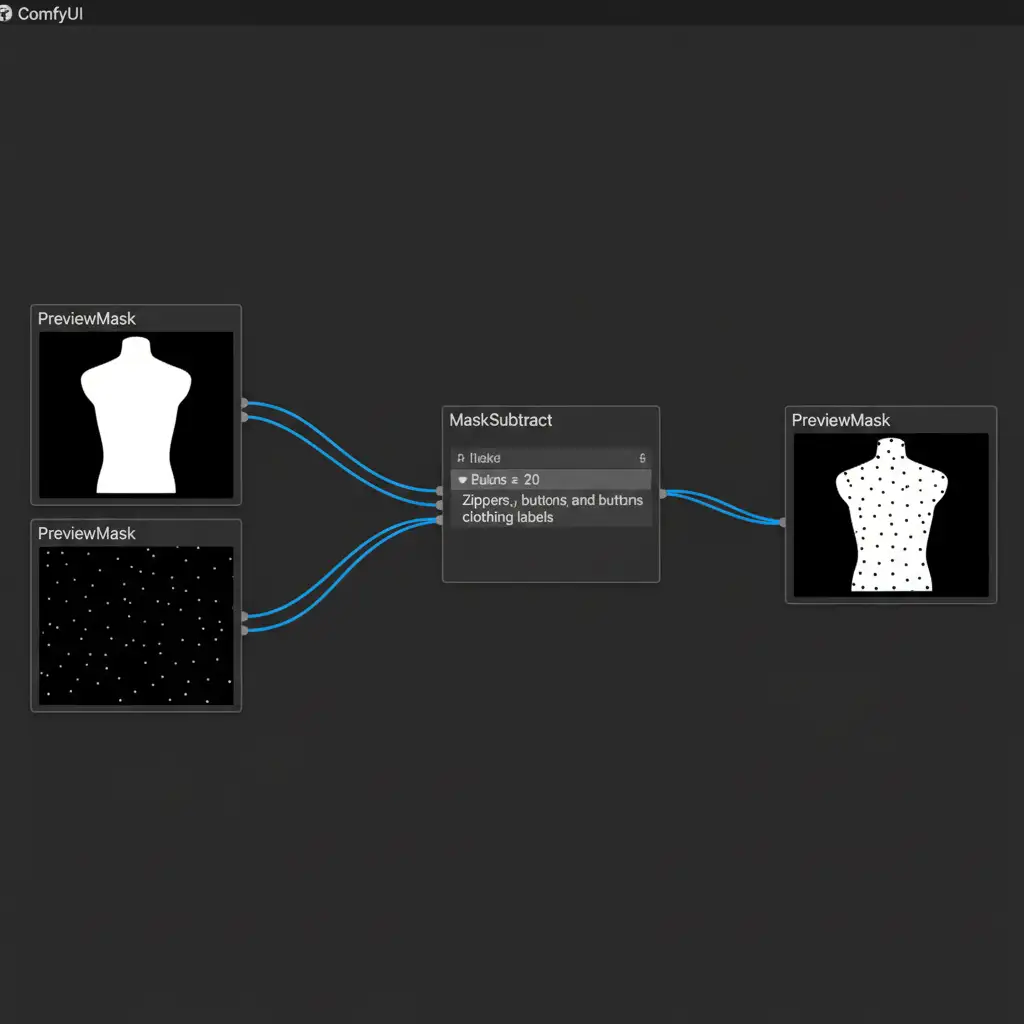
- Primary Mask: Create your standard SAM pass targeting the “mannequin”.
- Secondary Mask: Create a second GroundingDINO/SAM pass explicitly prompting for “zippers, labels, tags, buttons”.
- Subtraction: Route both outputs into a Subtract Mask node. Connect the primary mask to the top input and the secondary mask to the bottom input.
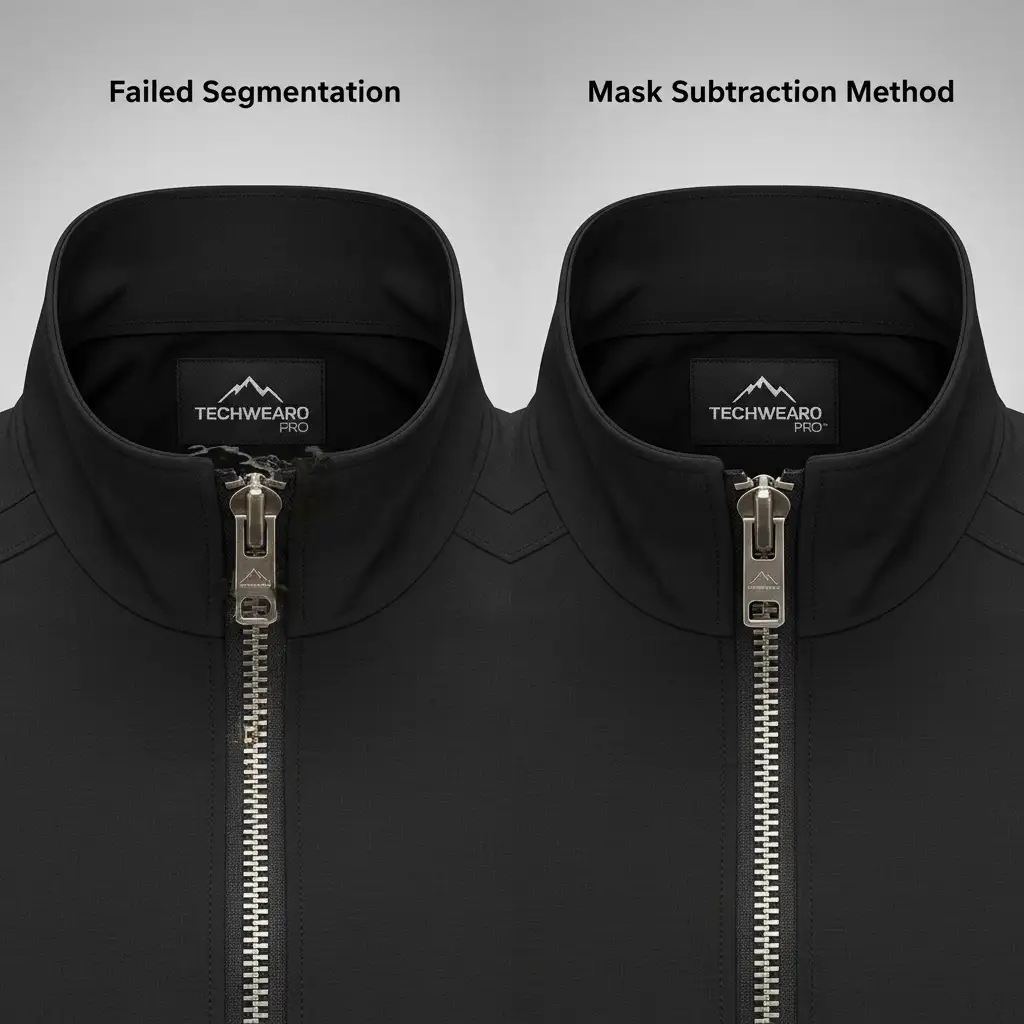
This subtracts the delicate details from your primary inpainting mask, ensuring the inpainting model physically cannot touch your branding or hardware.
Method 3: The Technical Deep-Dive – ControlNet Canny Edge Detection
For the ultimate failsafe against ComfyUI ghost mannequin segmentation errors, integrate a ControlNet Canny map into your Gwen-image-edit pipeline.
Even if your mask slightly bleeds over a zipper, feeding a Canny edge map of the original unedited image into the generation process forces the AI to respect the structural lines of the garment. It will heavily penalize any generation that deviates from the original hardware geometry.
- ControlNet Strength: Set to 0.75.
- Denoise Strength: Set the in paint denoise to 0.85.
This provides enough freedom for the AI to seamlessly remove the mannequin while strictly adhering to the physical boundaries of the clothing.
Scale Your E-Commerce Imagery with Image Work India
Building and troubleshooting complex ComfyUI workflows takes time away from growing your business. If you are struggling with ComfyUI ghost mannequin segmentation errors, inconsistent masking, or inpainting artifacts ruining your product photos, it’s time to outsource to the experts.
At Image Work India and Cloud Retouch, we specialize in high-volume, pixel-perfect apparel retouching. Whether you need flawless ghost mannequin effects, precise color correction, or detailed wrinkle removal, our team delivers studio-quality results without the AI artifacts.
Stop fighting with node graphs and let us handle your post-production workflow. Contact Image Work India today to scale your e-commerce imagery with zero compromises on quality.