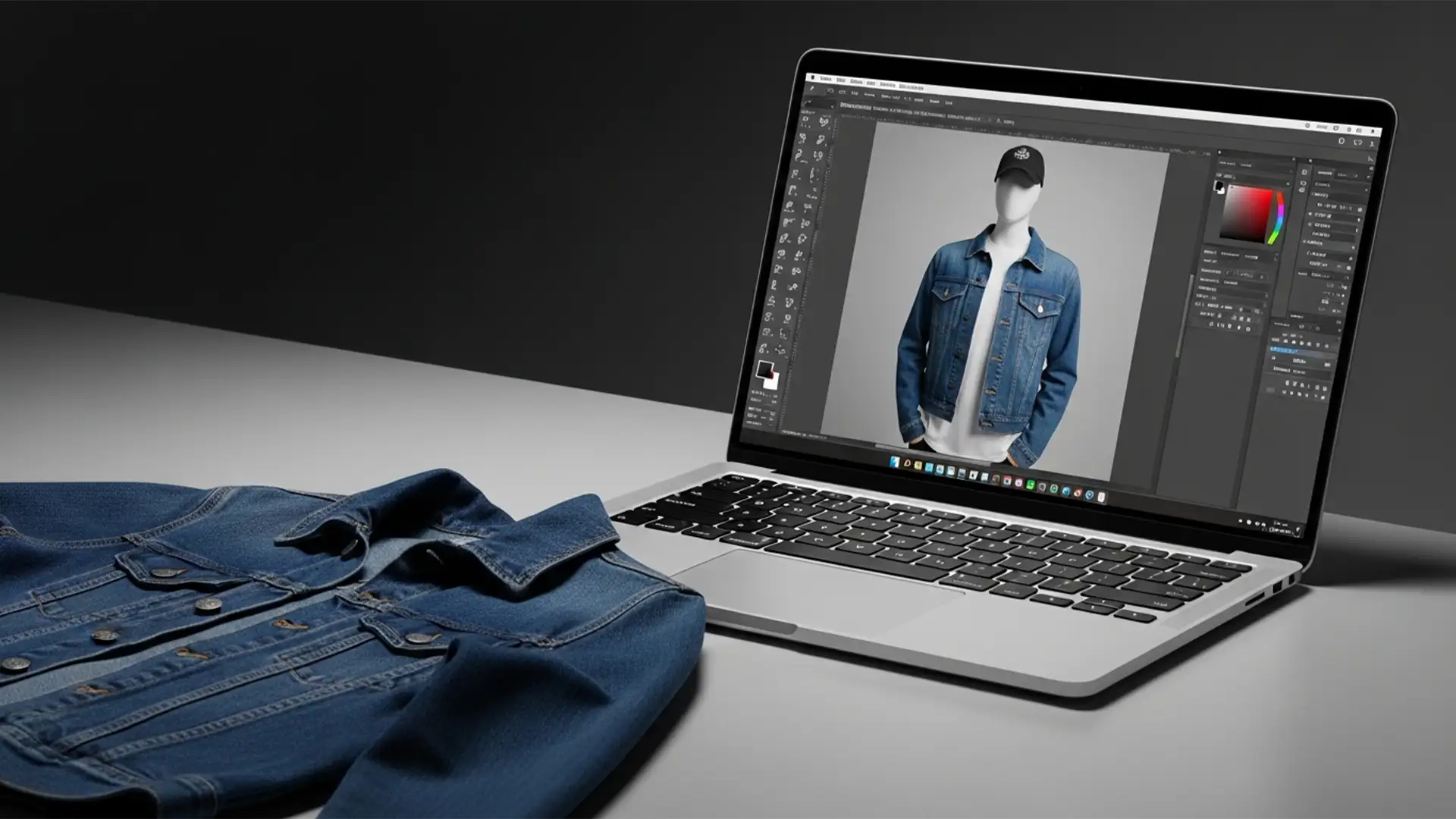

You know the struggle. You want your apparel to look premium, 3D, and retail-ready, but those modular invisible mannequins cost a small fortune. Standard flat-lay photography just doesn’t deliver that same high-end structural form, leaving your product pages looking flat and uninspiring.
What if you could achieve the perfect ghost mannequin effect without a mannequin at all?
Whether you’re shooting your garments on a hanger or laying them flat, you can fake the 3D hollow look using a clever Photoshop composite technique. By merging your front shot with an inner-back shot, you can simulate a structured form. In this guide, we will break down the exact steps to bridge the gap between budget photography and professional e-commerce imagery.
Understanding the Flat-Lay to Ghost Transition
The core challenge of this edit involves simulating a 3D structural form for apparel without a physical transparent or modular mannequin. In modern editing software like Photoshop v24.x and v25.x, this is achieved by creating a composite image from two separate 2D photographs.
You will need:
- A front-facing shot of the garment (on a hanger or laid flat).
- An inside-back shot showing the neck label.
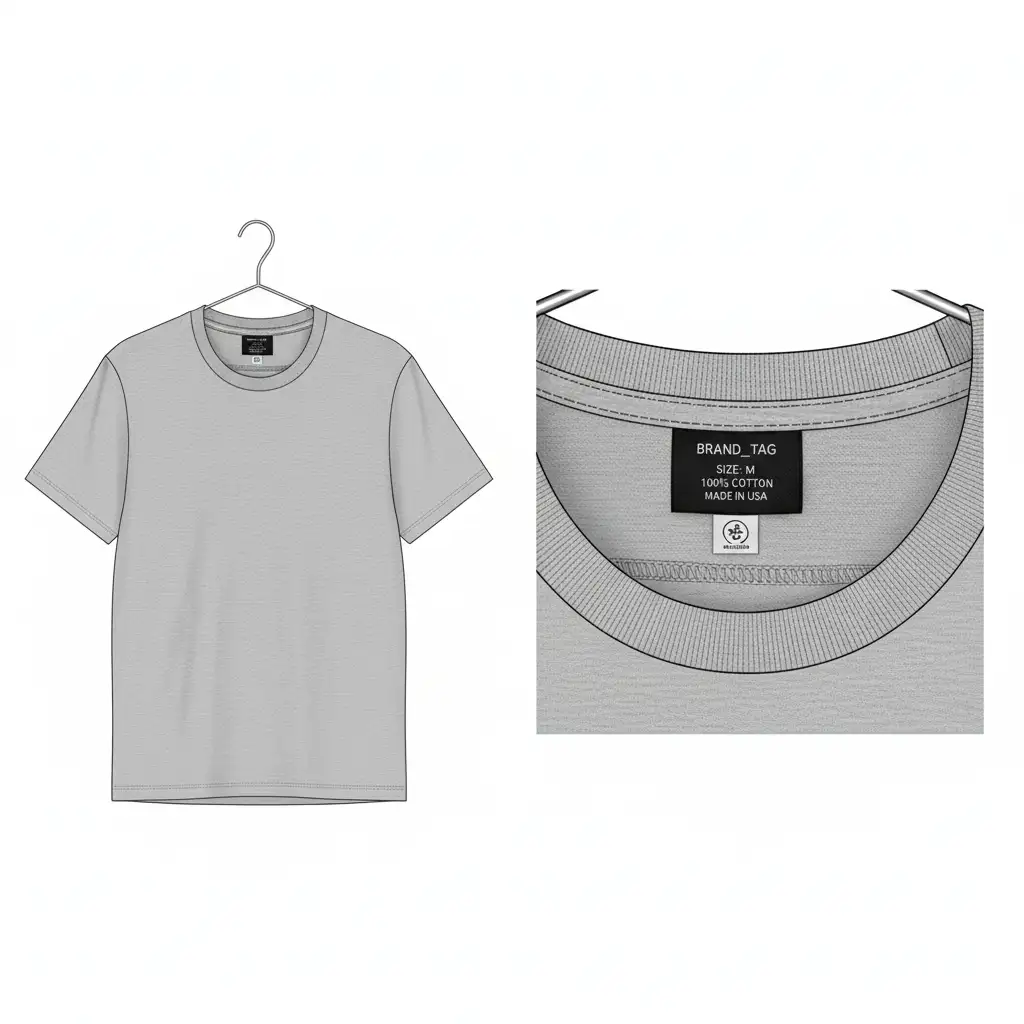
The technical friction lies in perspective matching, maintaining lighting consistency, and removing the hanger or flat background without losing the natural drape of the fabric. Let’s look at three ways to tackle this, ranging from a quick fix to a professional deep-dive.
Step-by-Step Guide: 3 Ways to Reconstruct the Neck Joint
Method A: The Quick Fix (For Fast Mockups)
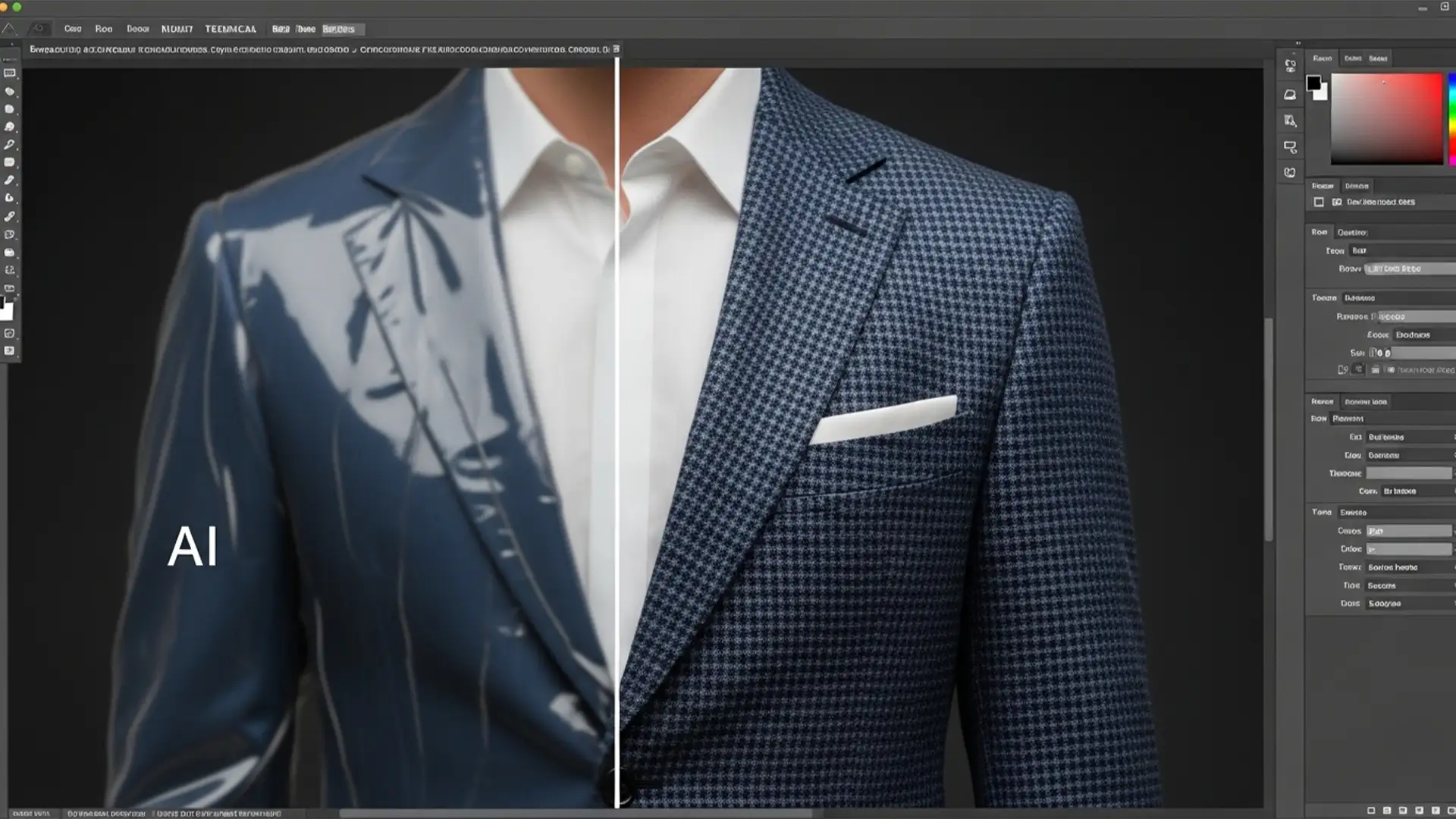
If you are using Photoshop v25.x and need a rapid turnaround, AI tools can do a lot of the heavy lifting.
- Isolate the Garment: Use the Object Selection Tool or the Select Subject feature to isolate the main front-facing garment.
- Remove the Hanger: Carefully erase or mask out the hanger or flat background from the collar area.
- Position the Label: Paste your inner collar shot on a new layer behind the front garment layer.
- Bridge the Gaps: If the perspective doesn’t perfectly align, use Generative Fill on a blank layer above the neck joint to seamlessly bridge any missing fabric gaps.
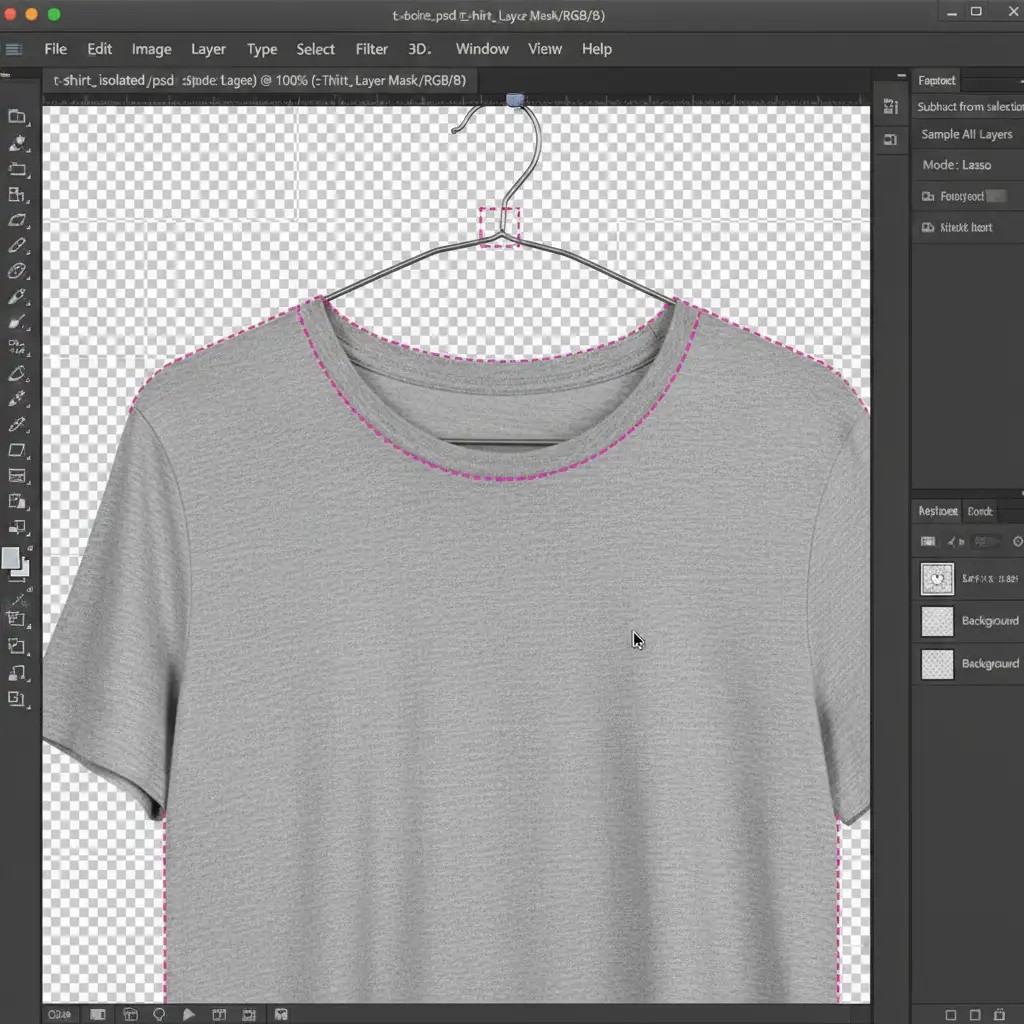
Method B: The Pro Workaround (Maximum Control)
For e-commerce stores that require pixel-perfect accuracy, relying solely on AI isn’t enough. You need precise masking and transformation tools.
- Draw a Clipping Path: Select the Pen Tool and create a precise clipping path around the garment’s exterior to cut it out from the background.
- Apply a Layer Mask: Mask out the neck area where the hanger or flat background is visible.
- Align the Layers: Place the inner back image beneath the front layer.
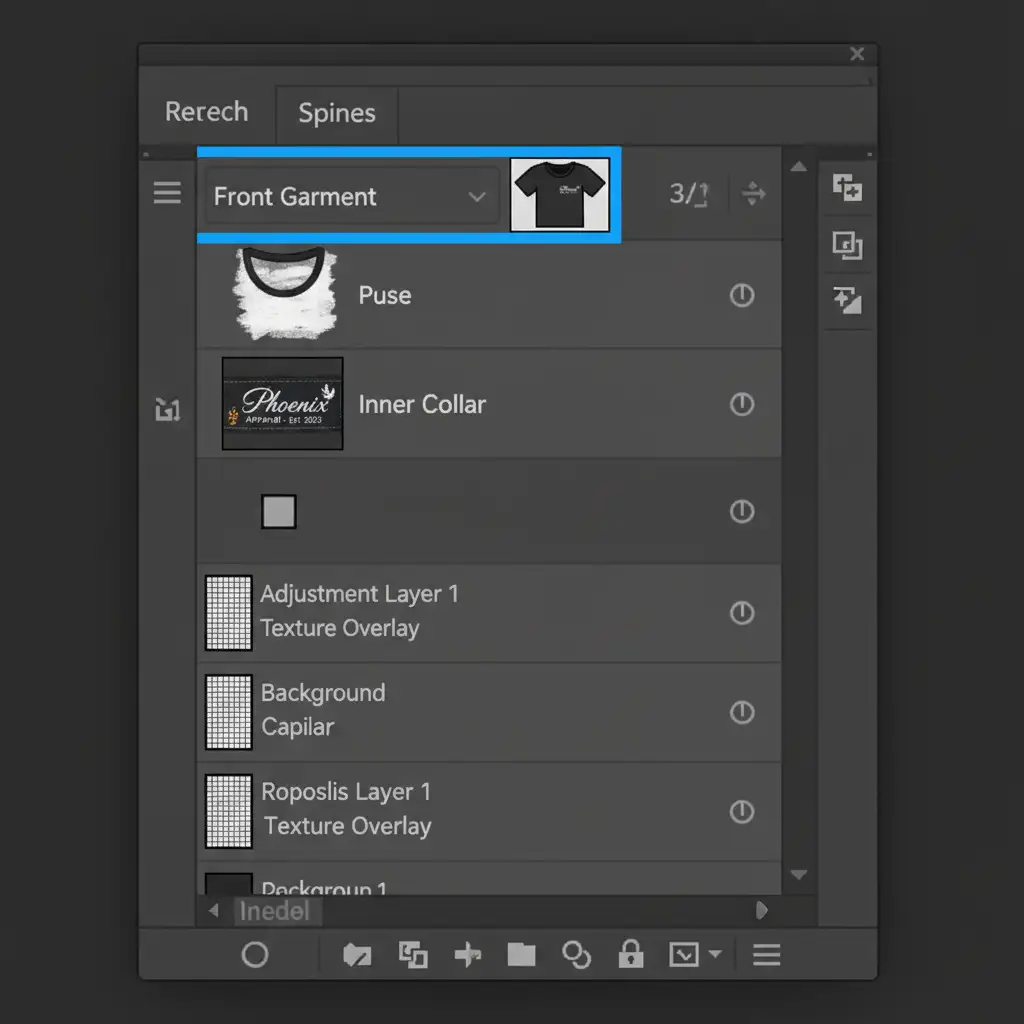
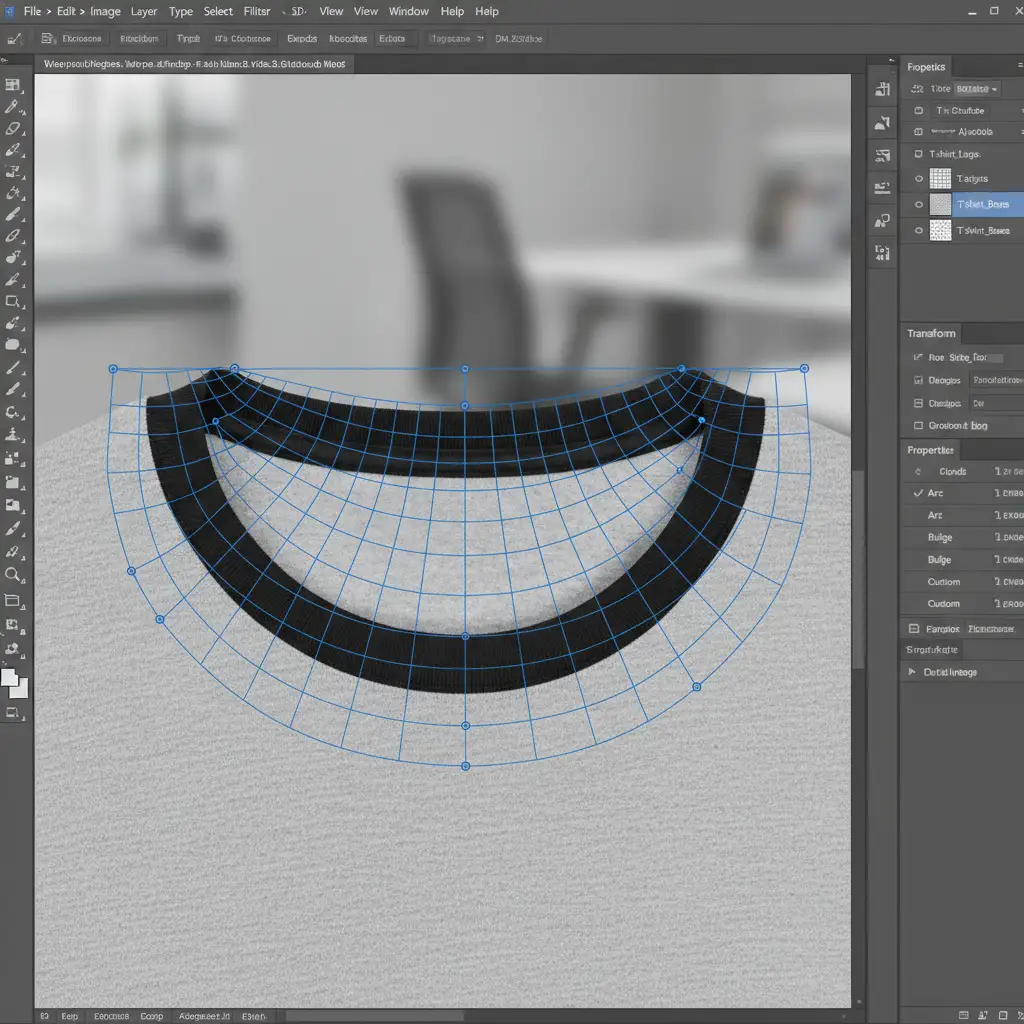
- Shape the Collar: With the inner collar layer selected, navigate to Edit > Transform > Warp. Use the warp tool grid to push and pull the fabric so it perfectly matches the curvature of the front collar.
Method C: The Technical Deep-Dive (Adding 3D Depth)
The secret to making the ghost mannequin effect without a mannequin look realistic is lighting. A flat composite looks fake; you need to add realistic shadows inside the hollow cavity.
- Refine Edges: Manually extract both pieces using the Pen Tool for incredibly crisp edges.
- Fix the Drape: If the flat-lay photography resulted in awkward wrinkles, use Puppet Warp to gently pin and adjust drapery inconsistencies.
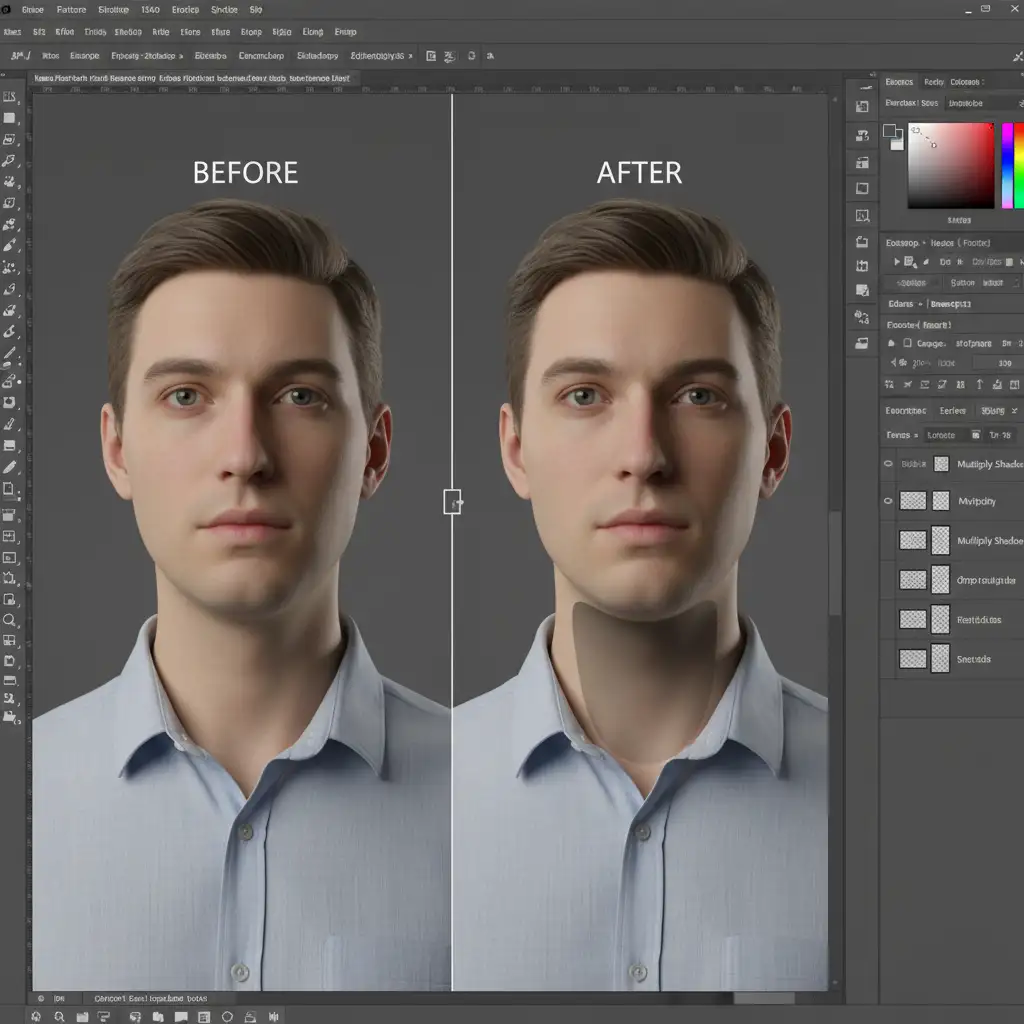
- Create the Shadow: Add a new blank layer between the front garment and the back collar pieces.
- Paint Ambient Occlusion: Set this new layer’s blending mode to Multiply. Select a soft brush with low opacity and paint a soft black gradient inside the collar. This simulates ambient occlusion and a realistic drop shadow, giving the garment a true 3D hollow appearance.
Scale Your E-Commerce Imagery with the Experts
Mastering the ghost mannequin effect without mannequin setups is a fantastic way to save money on expensive studio equipment. However, performing this meticulous composite work, drawing clipping paths, and tweaking the warp tool takes serious time—time you could be spending growing your brand.
If you are dealing with hundreds of SKUs and need flawless, consistent, retail-ready imagery, let the professionals handle it.
At Image Work India and Cloud Retouch, our expert retouchers specialize in high-volume e-commerce editing. We flawlessly execute complex neck joint composites, precise color correction, and shadow recreation to ensure your apparel looks its absolute best.
Stop wrestling with layer masks and let us bring your garments to life. Contact Image Work India and Cloud Retouch today for a free trial and see the 3D difference for yourself!