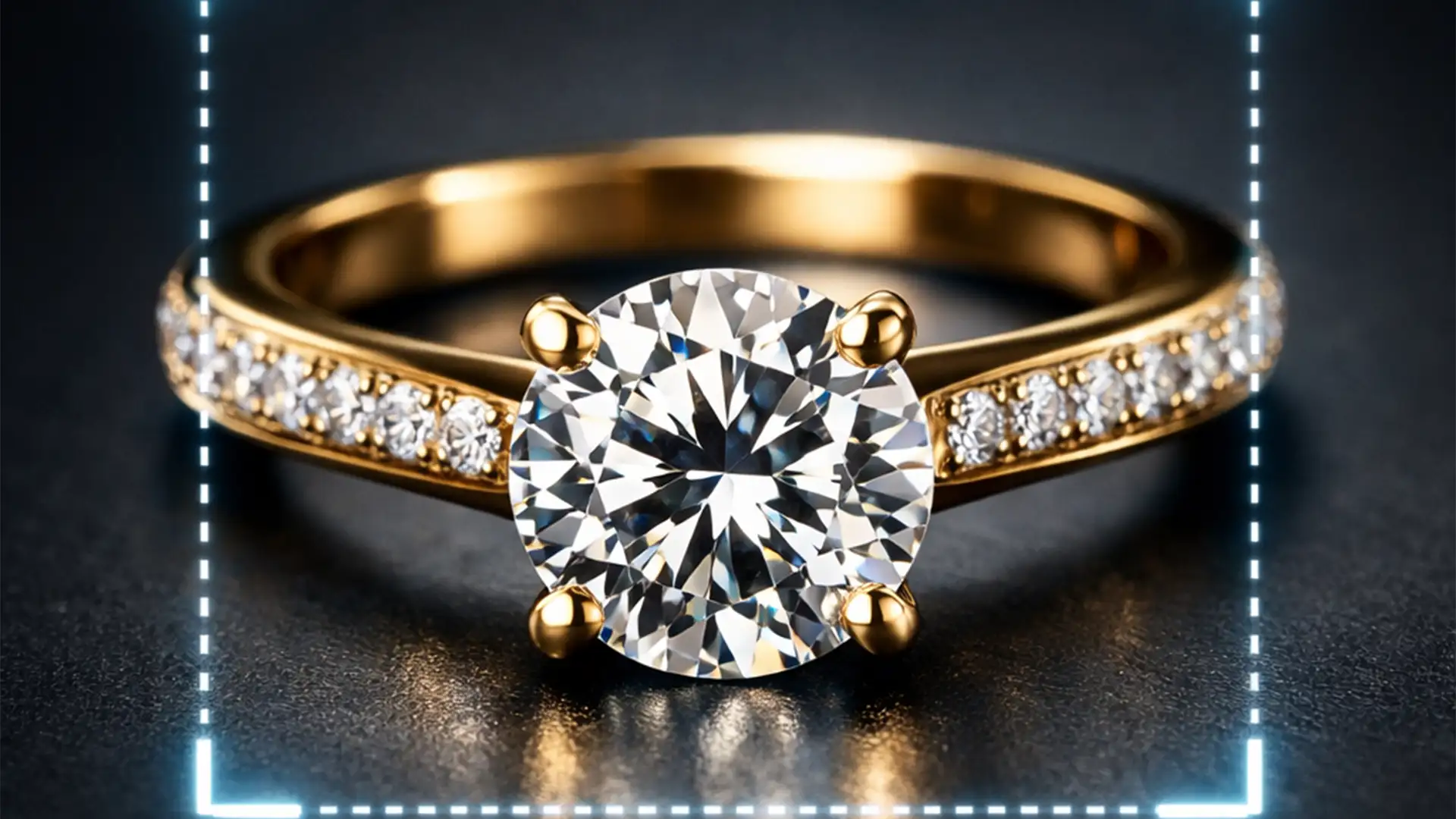

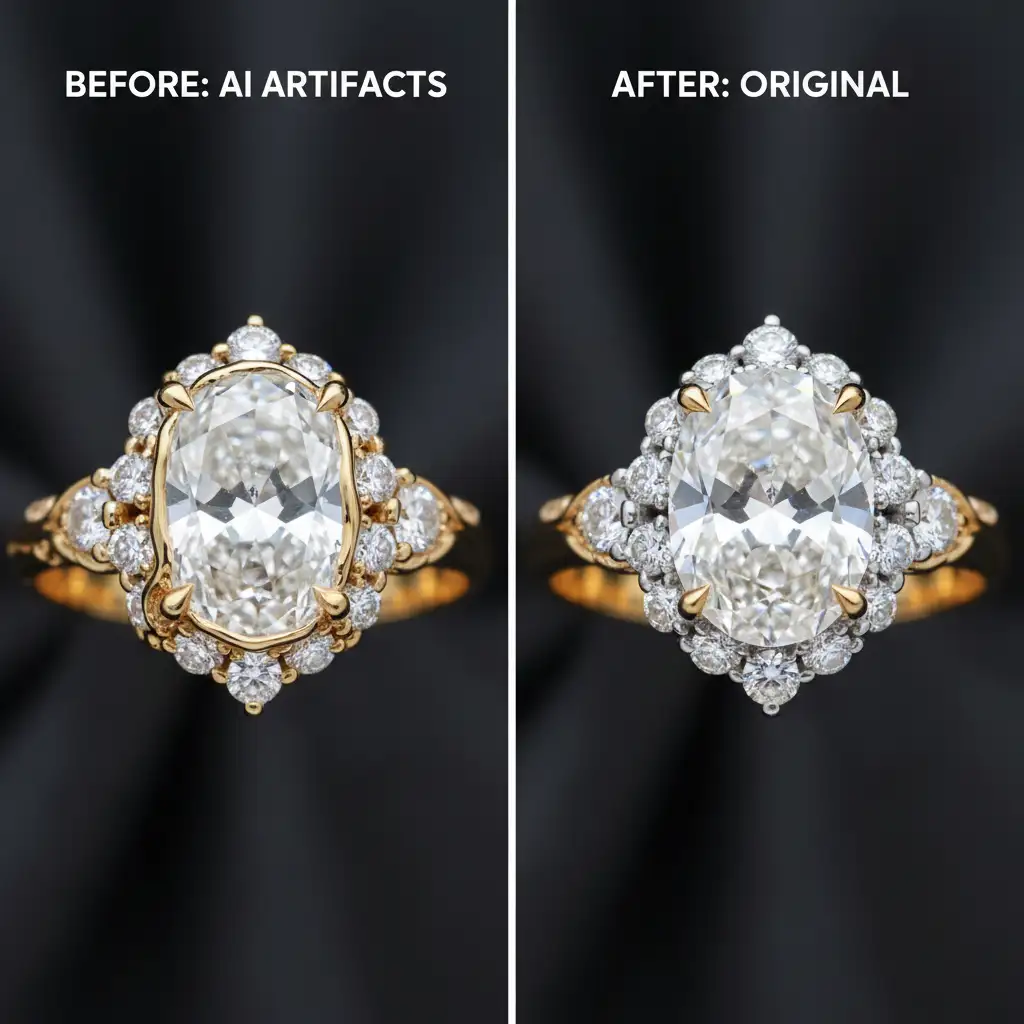
You just used Photoshop’s Generative Fill to extend a background or remove a prop in a high-end jewelry shot, but the AI completely butchered the product. The diamonds look like melted plastic, the gold has lost its metallic gradient, and the intricate gemstone facets are warped beyond recognition.
While Adobe Firefly is incredible for generating backgrounds, it consistently fails to calculate the complex refractive index of diamonds or the micro-contrast of polished gold. If you want to remove generative fill artifacts in jewelry photography, you must stop relying entirely on automation. Here is the professional hybrid workflow used by top-tier retouching studios to restore pixel-perfect brilliance.
Why Photoshop’s AI Struggles with High-End Jewelry
Since the release of Adobe Photoshop v25.0, Generative Fill has revolutionized e-commerce editing. However, the underlying AI models synthesize pixels based on broad visual patterns, not precise physics.
When applied to jewelry, the AI frequently hallucinates details. Because high-end retouching requires absolute, strict control over light and shadow, generative algorithms struggle to accurately predict how light bends through a diamond or reflects off a curved metallic surface. The result? Severe AI artifacts that ruin the perceived value of the product.
To achieve commercial-grade results, you need a hybrid workflow that combines the speed of AI for backgrounds with the precision of manual retouching for the jewelry itself.
How to Remove Generative Fill Artifacts in Jewelry Photography
Method 1: The Quick Fix (Prompt Refinement)
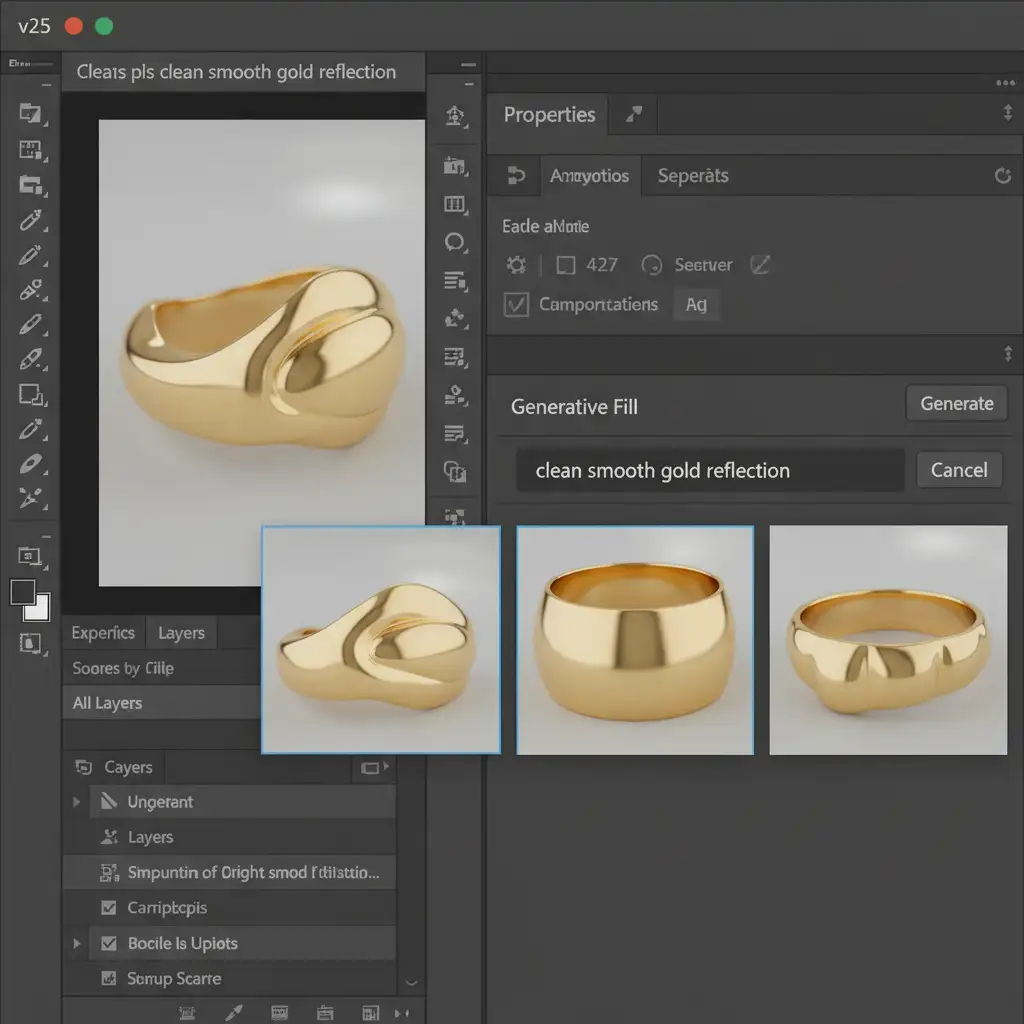
Before diving into manual reconstruction, you can attempt to guide the AI away from hallucinations by utilizing the Properties panel. Leaving the prompt blank often results in muddy textures.
- Generate your initial fill.
- Open the Properties panel and cycle through the 3 generated variations to see if one preserved the jewelry details better than the others.
- If all variations fail, refine the text prompt using structural keywords. Instead of a blank prompt, type: “clean smooth gold reflection” or “sharp diamond facets.”
Method 2: The Pro Workaround (The Hybrid Workflow)
When prompt engineering fails to fix warped gemstone facets, you must isolate the AI generation from the actual product. This is the core of the hybrid workflow.
- Allow Generative Fill to process the entire area (including the jewelry).
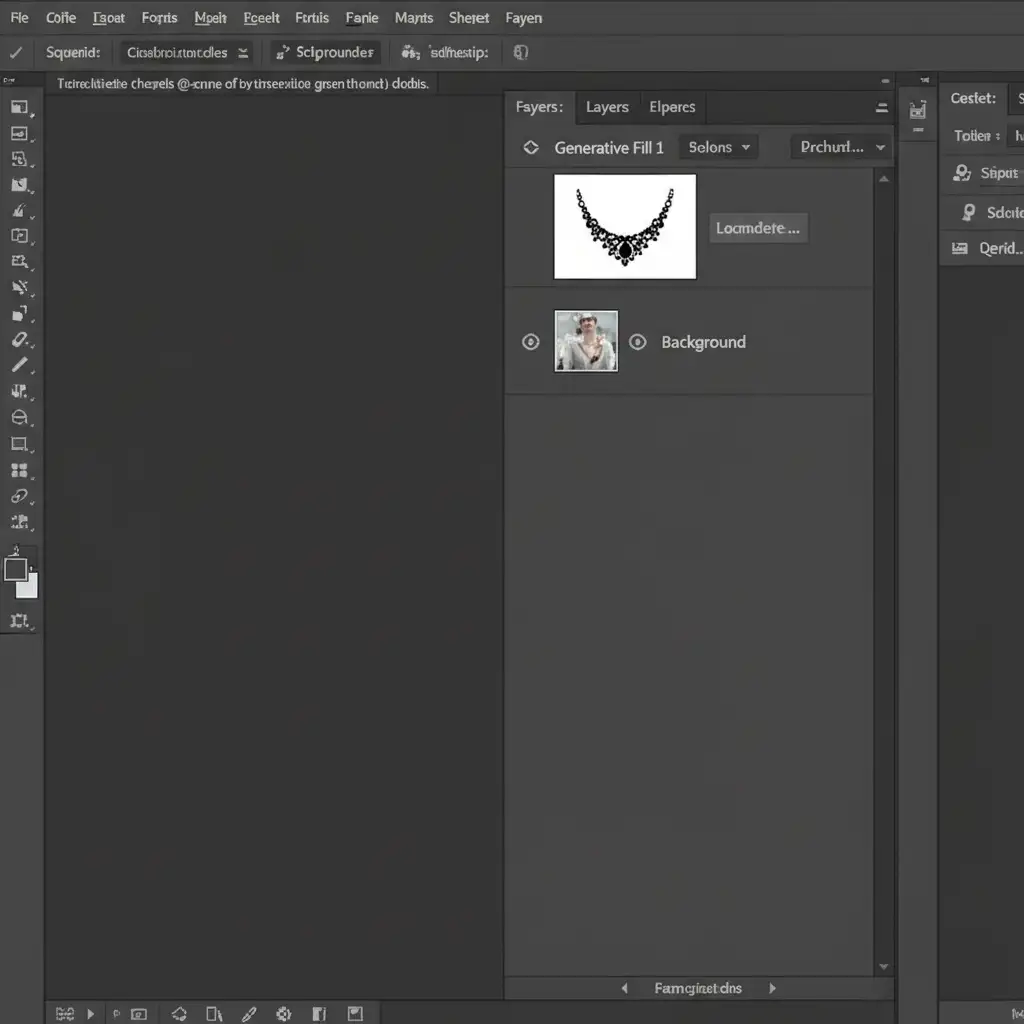
- Select the Generative Fill layer in your Layers panel.
- Apply a Layer Mask to the Generative Fill layer.
- Select the Brush Tool (B), choose a soft round brush, set the foreground color to black, and ensure 100% opacity.
- Carefully paint over the jewelry. This masks out the AI artifacts, revealing the original, untouched metallic surfaces and sharp gemstone facets underneath.
- Leave the AI fill visible only for the background, skin, or props.
Method 3: The Technical Deep-Dive (Gradient Reconstruction)
Sometimes, the original image is too damaged or obscured by a prop, meaning you cannot simply mask out the AI. When Generative Fill completely destroys a reflection and you have no clean original pixels to reveal, you must manually reconstruct the surface.
While techniques like Frequency Separation are great for minor surface blemishes, entirely destroyed metallic reflections require Gradient Reconstruction.
- Create a new blank layer above your Generative Fill layer. (Tip: Convert your base layers to Smart Objects to work non-destructively).
- Use the Clone Stamp tool (set to Sample: Current & Below) to manually patch muddied AI textures around the edges of the metal.
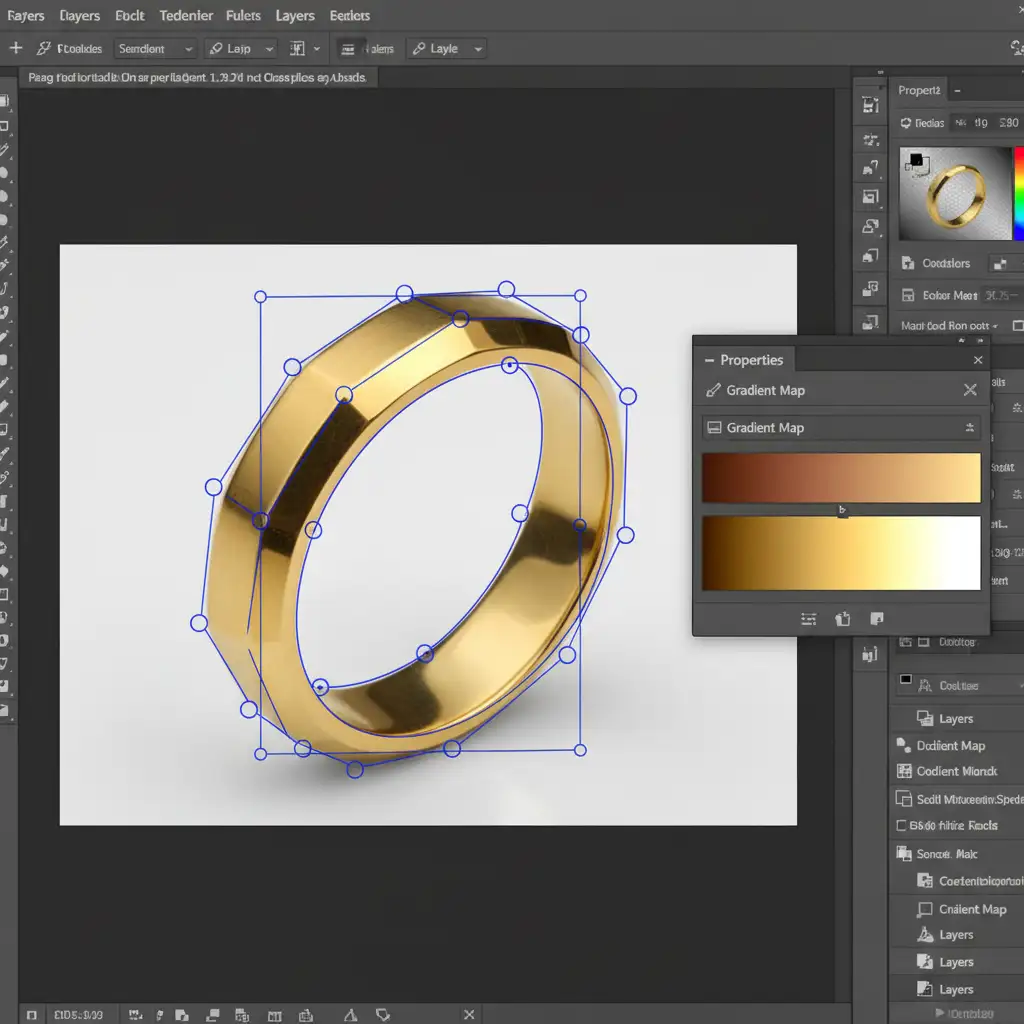
- For the main body of the jewelry, select the Pen Tool (P) and trace the exact shape of the ruined metallic surface.
- Convert the Pen Tool path into a selection.
- Apply a Gradient Map adjustment layer clipped to your selection.
- Sample the darkest shadow, mid-tone, and brightest highlight from an uncorrupted part of the jewelry to manually reconstruct a perfect gold or silver metallic shine, completely overriding the hallucinated pixels.
Stop Fighting AI: Let the Experts Handle Your Jewelry Retouching
Learning how to remove generative fill artifacts in jewelry photography takes years of practice. High-end retouching requires an innate understanding of light, shadow, and material properties that AI simply cannot replicate yet.
If you are struggling with AI artifacts ruining your product catalogs, wasting hours masking out warped facets, or failing to reconstruct realistic metallic gradients, it is time to scale your workflow with professionals.
Image Work India and Cloud Retouch specialize in flawless, pixel-perfect jewelry retouching. Our expert team utilizes advanced hybrid workflows, combining the best of modern technology with elite manual craftsmanship to ensure your diamonds sparkle and your gold shines perfectly.
Don’t let bad AI cost you high-ticket sales. Contact Image Work India and Cloud Retouch today for a free trial and experience commercial jewelry retouching that AI simply cannot match.