

10 Best Clothing Product Photography Studios in Los Angeles
Finding the right studio for clothing photography can make a huge difference in how customers see your products. Whether you sell fashion items through Shopify, Amazon, Etsy, your own online store, or major retail channels, professional images help create trust...
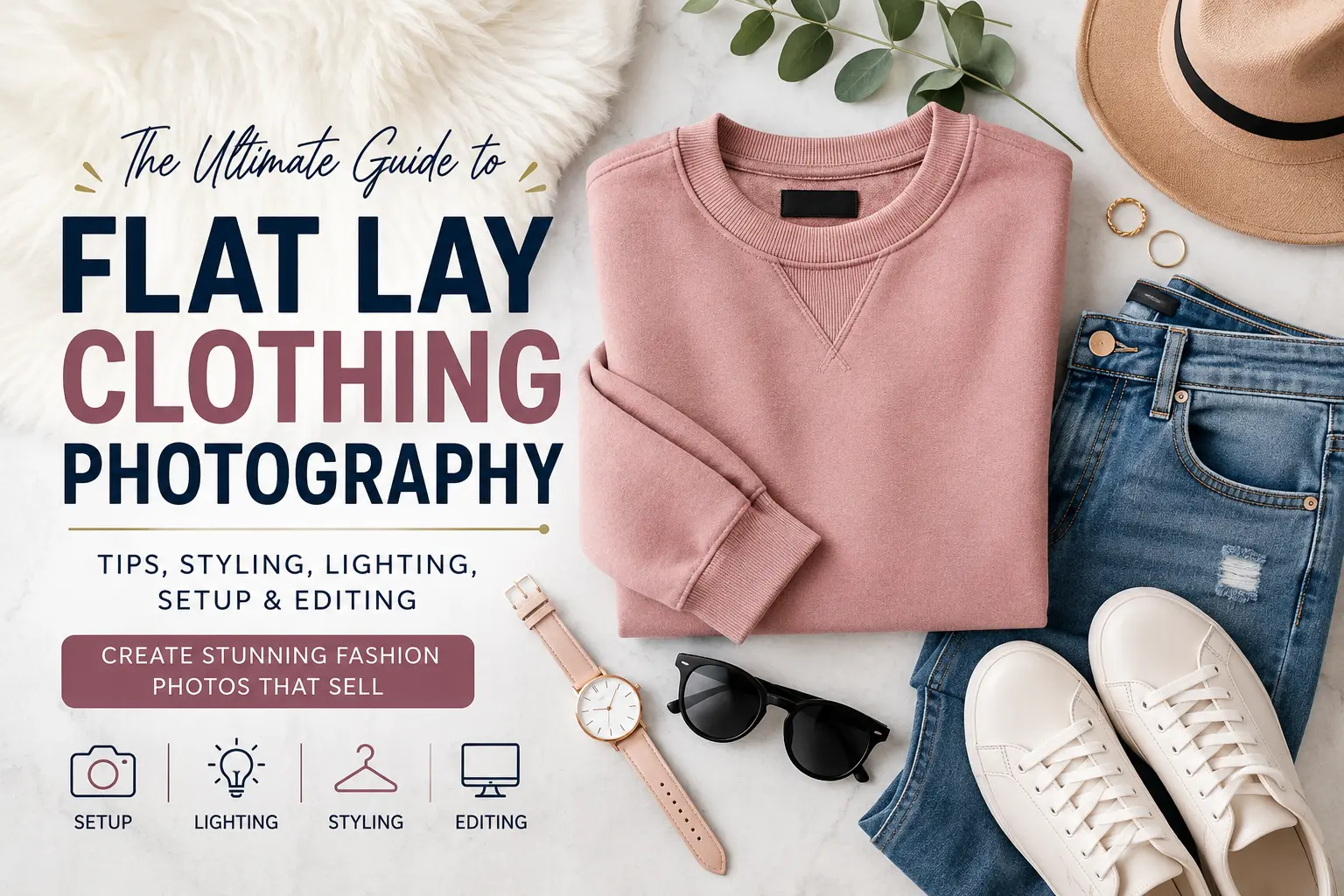
The Ultimate Guide to Flat Lay Clothing Photography
Flat Lay Clothing Photography is one of the most effective ways to showcase apparel online. Whether you sell clothing through an eCommerce store, social media shop, fashion marketplace, or your own brand website, the quality of your images can directly...

How to Match Drone Photo Color to DSLR Perfectly
There is nothing more frustrating than delivering a real estate or event gallery only to realize your exterior aerials look like they belong to a completely different project than your interior shots. You’ve spent hours perfectly grading your full-frame DSLR...

How to Fix Generative Fill Color Shifts: Seamless AI Blending in Photoshop
You just selected an area, typed your prompt, and hit generate. The composition looks amazing, but there is a glaring problem: a harsh dividing line where the AI-generated pixels meet your original image. The new area has a different tint,...

Fix Photoshop Color Picker Sliders Not Working 2024
You’re in the middle of a critical retouching project, you click to select the perfect skin tone, and suddenly—nothing. The photoshop color picker sliders not working 2024 bug has struck again. Whether the RGB sliders are completely unresponsive or lagging...

How to Match Product Photos to Exact Hex Codes in Photoshop
You just received the final product photos from your studio, but there’s a massive problem: the colors don’t match your brand’s official guidelines. Thanks to studio lighting, camera sensors, and incorrect white balance, that vibrant brand orange (#FF5733) looks dull...
![Fix Photoshop 2024 HDR to SDR Color Shift Bug [Full Guide]](https://imageworkindia.com/wp-content/uploads/2026/05/photoshop-2024-hdr-sdr-color-shift-fix-Featured-Image.webp)
Fix Photoshop 2024 HDR to SDR Color Shift Bug [Full Guide]
You spent hours color grading a masterpiece in Photoshop 2024. It looks stunning on your Apple Liquid Retina XDR or Windows HDR monitor. But the moment you export it as a JPEG or PNG, the image looks flat, washed out,...
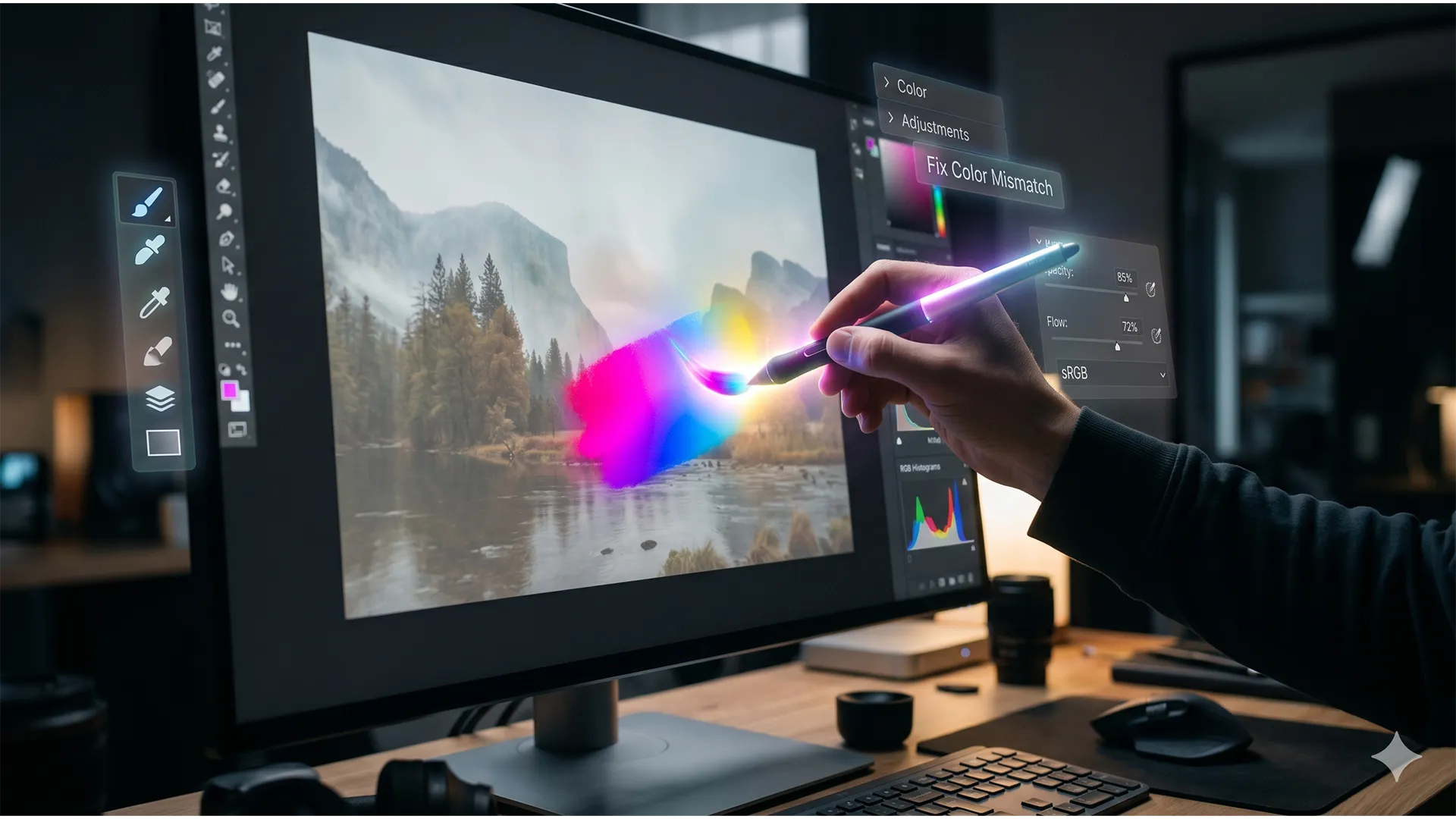
Why Your Generative Fill Colors Don’t Match (And How to Fix It in 3 Clicks)
You’ve made the perfect selection, typed in your prompt, and hit “Generate.” But instead of a seamless, magical edit, Photoshop spits out a washed-out, muddy patch that looks like a cheap sticker slapped onto your high-end photo. If you are...
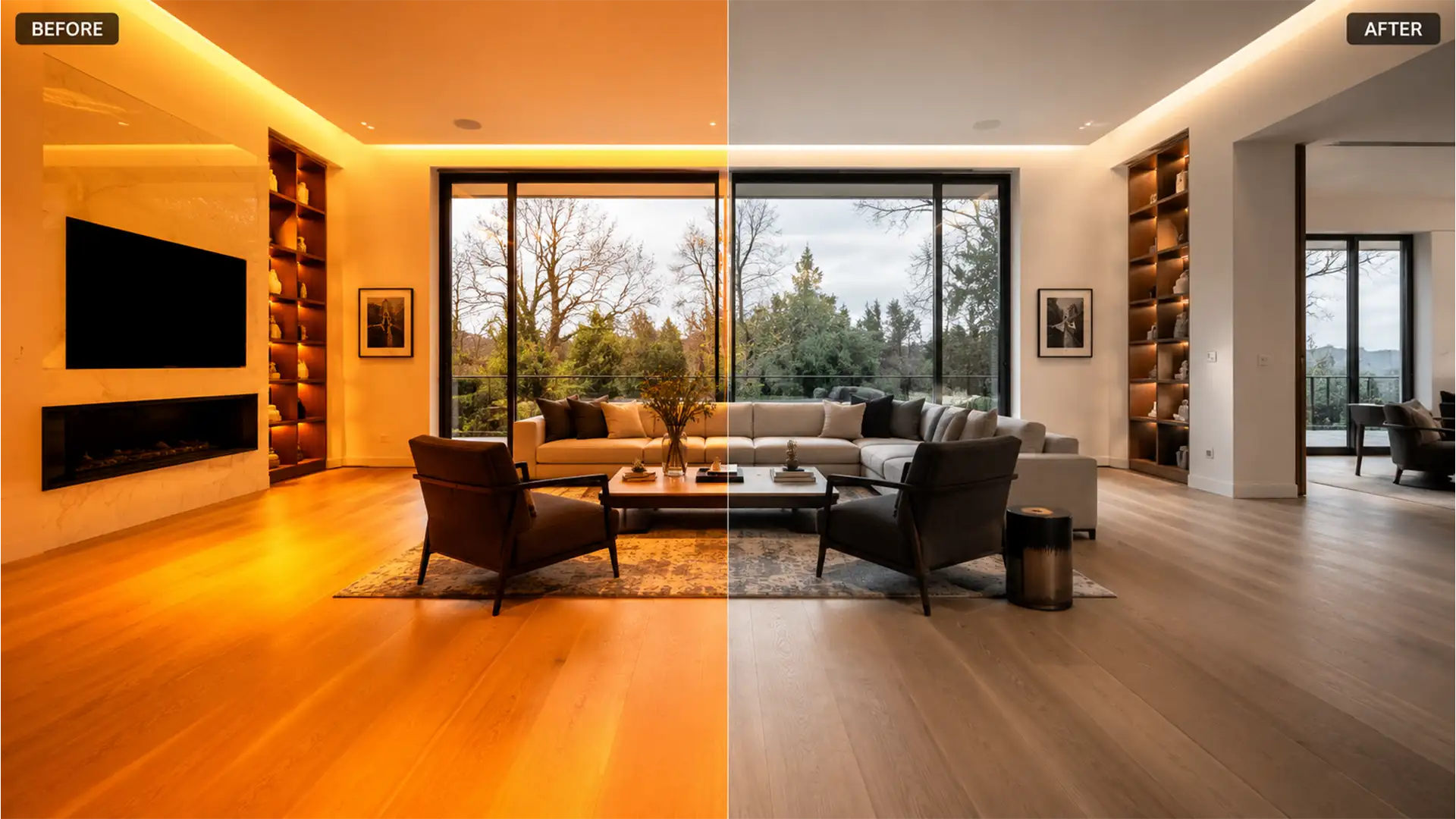
Batch Neutralize Orange Floors in Real Estate Photos
Are you staring at a gallery of 50 interior shots where the hardwood floors look like they are glowing neon orange? You are not alone. In real estate photography, mixed lighting conditions—specifically the clash between cool daylight pouring through windows...
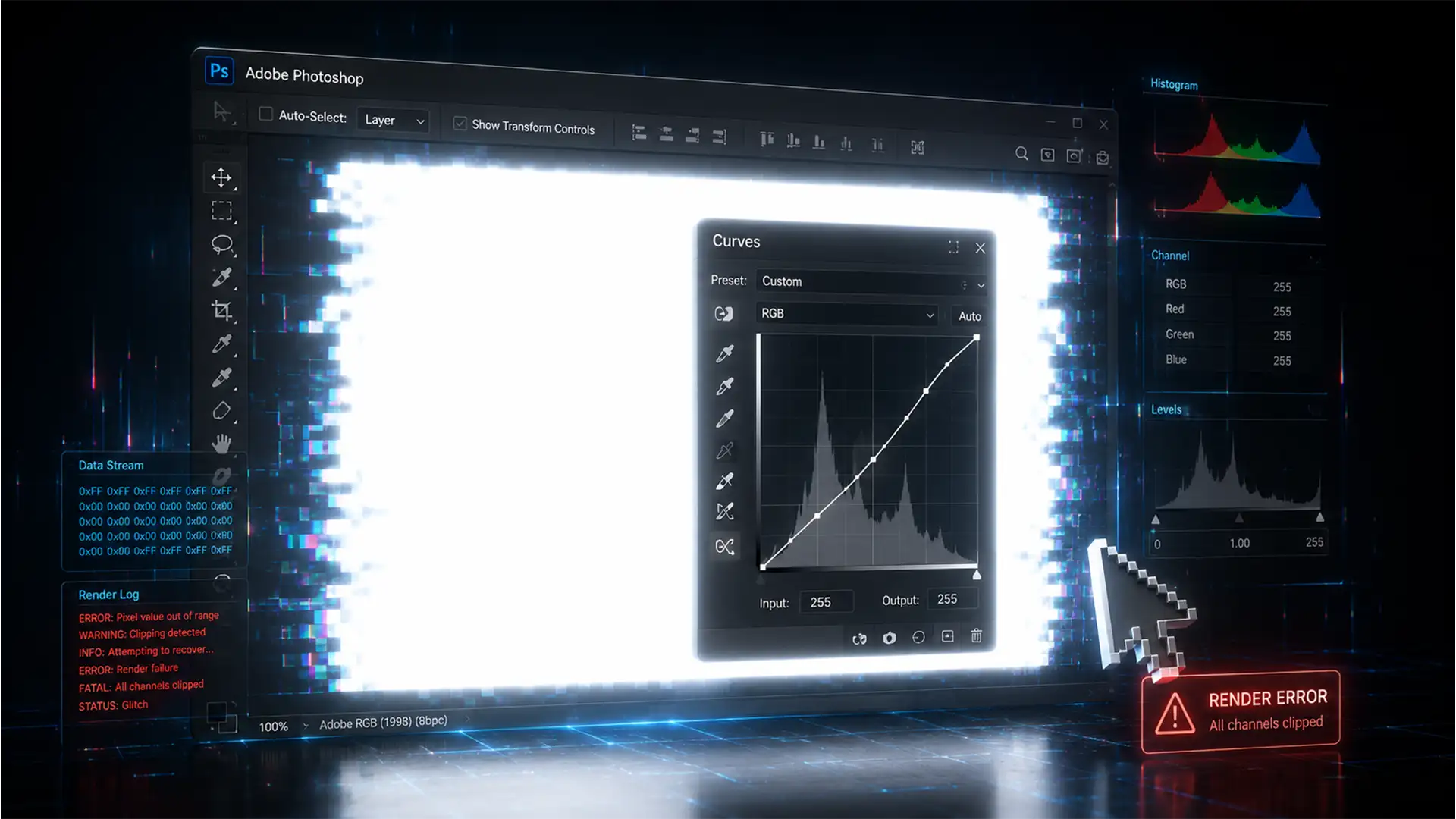
Fix Photoshop Curves Auto Color Picker Turning Layers White
You are deep into a critical retouching session, adjusting the contrast of a complex composite. You click the Auto button on your Curves adjustment layer to establish a baseline, and suddenly—your entire canvas turns blindingly white. If your Photoshop Curves...