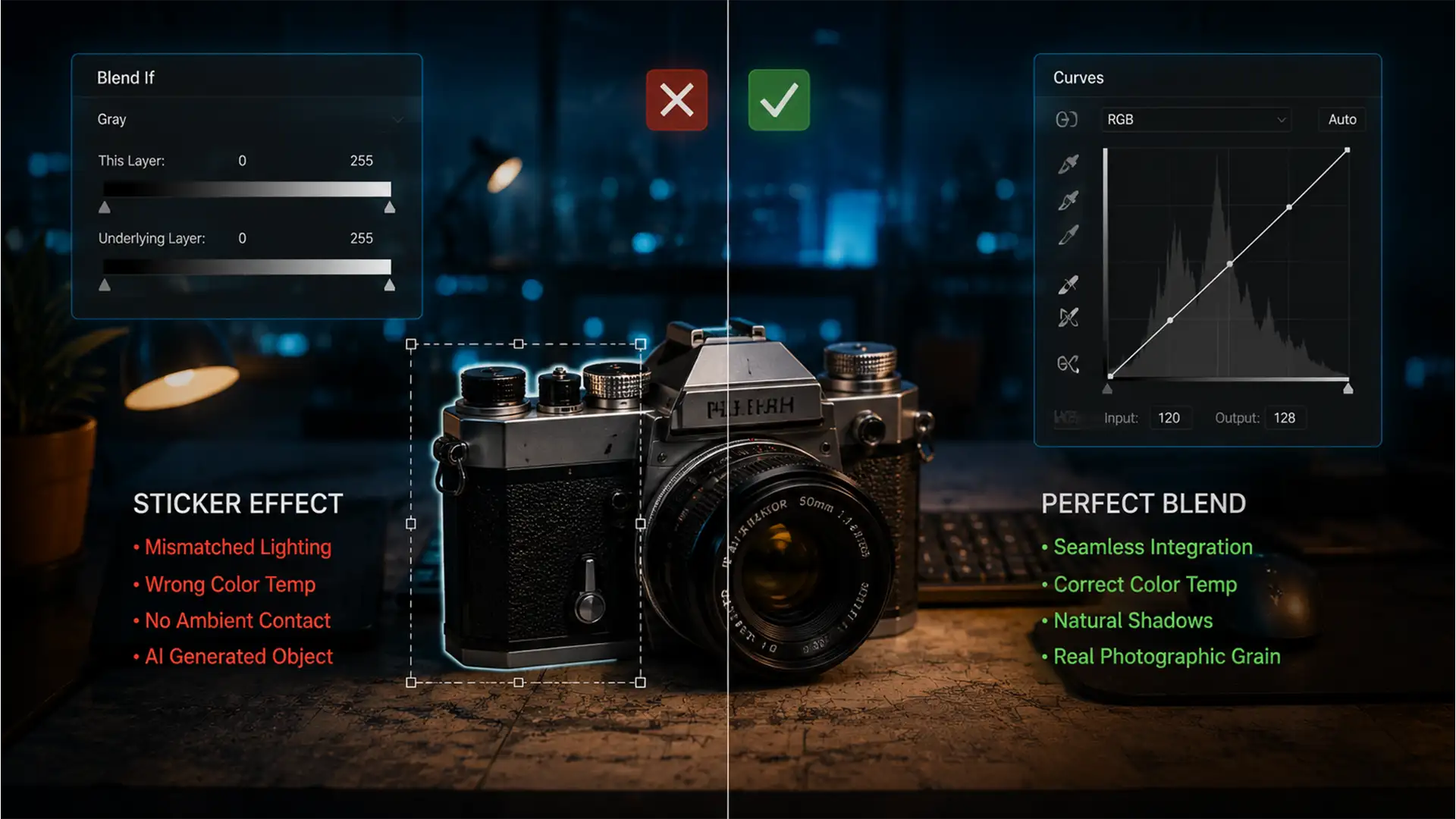

Harmonize AI Generative Fill & Match Color Perfectly
You’ve just used Generative Fill in Photoshop v25.0 to add the perfect element to your composite. The shape is flawless, but there’s a glaring problem: it looks like a cheap sticker. The AI-generated pixels completely fail to interpret your scene’s...
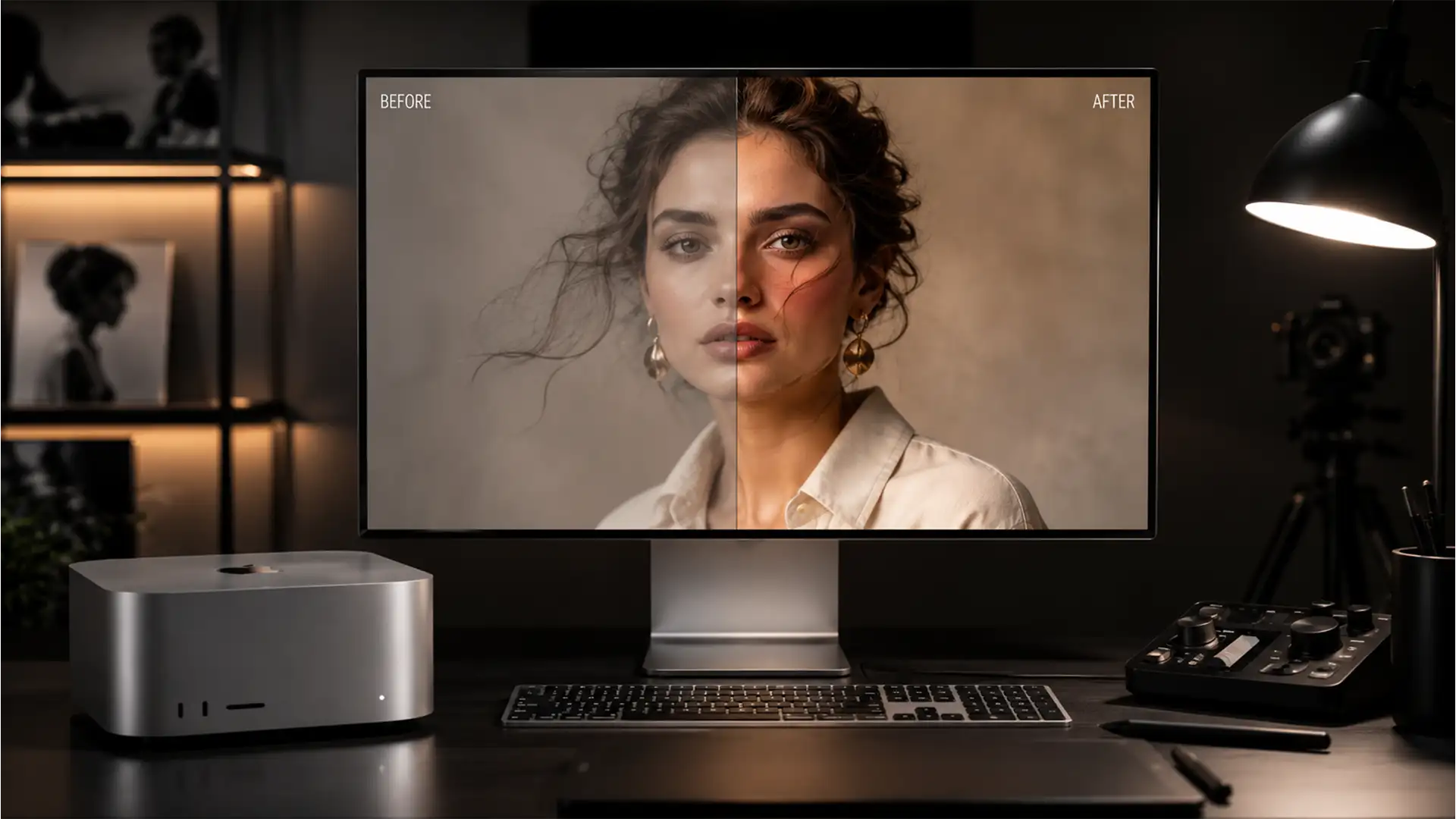
Fix Photoshop Color Mismatch on Mac M2 & M3 Chips
You just invested in a powerful new Apple Silicon machine, but there is a glaring issue: your images look terrible. If you are dealing with the notorious Photoshop color mismatch Mac M2 M3 chips bug, you aren’t alone. You open...
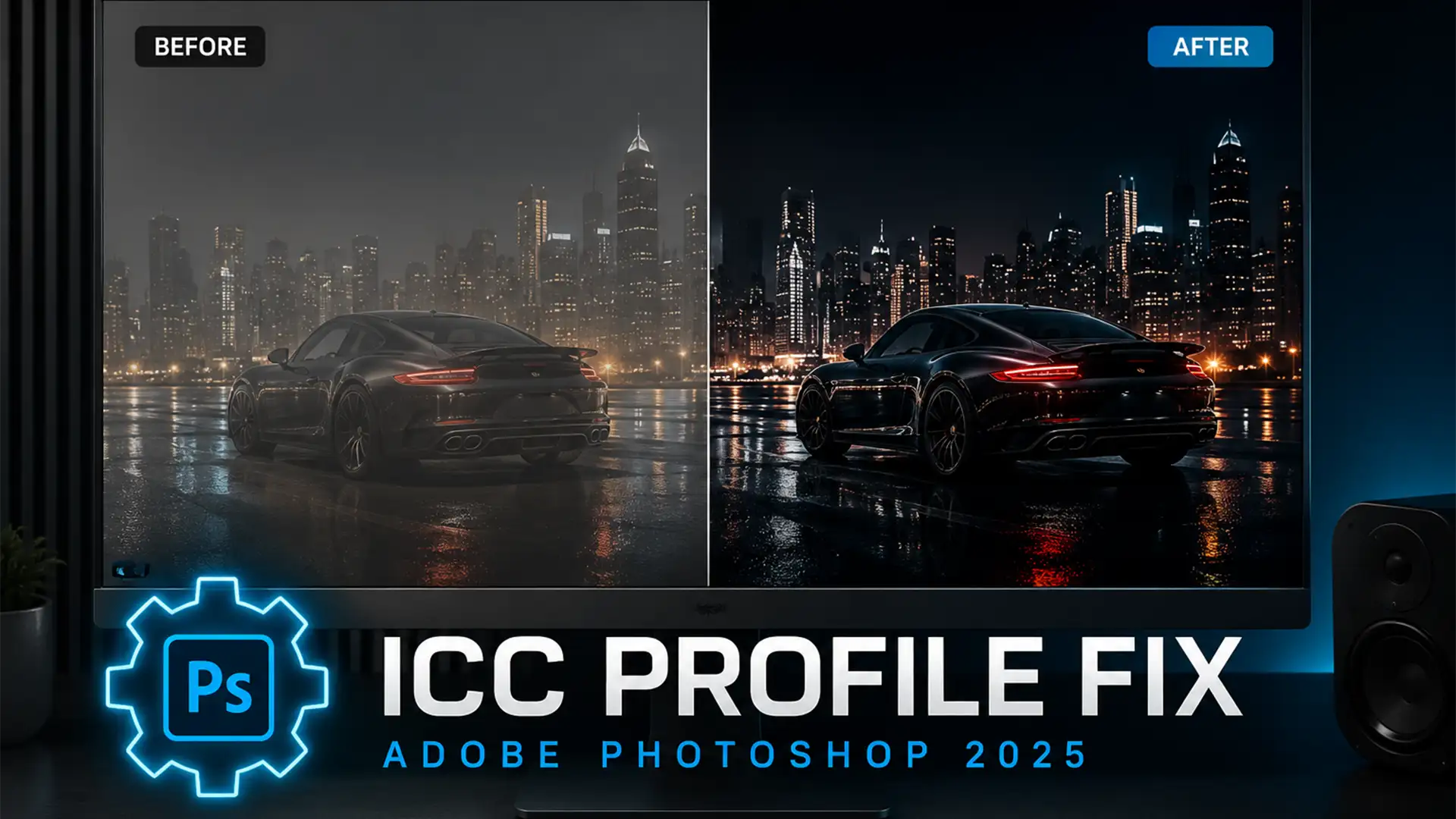
Fix Muddy Blacks in Photoshop 2025: Legacy ICC Profile Fix
You have spent hours perfecting the contrast of an image, but when you open it in Photoshop 2025 (v26.x or v27.x), your pure blacks (RGB 0,0,0) look completely washed out, flat, and gray. This rendering bug is a massive roadblock...
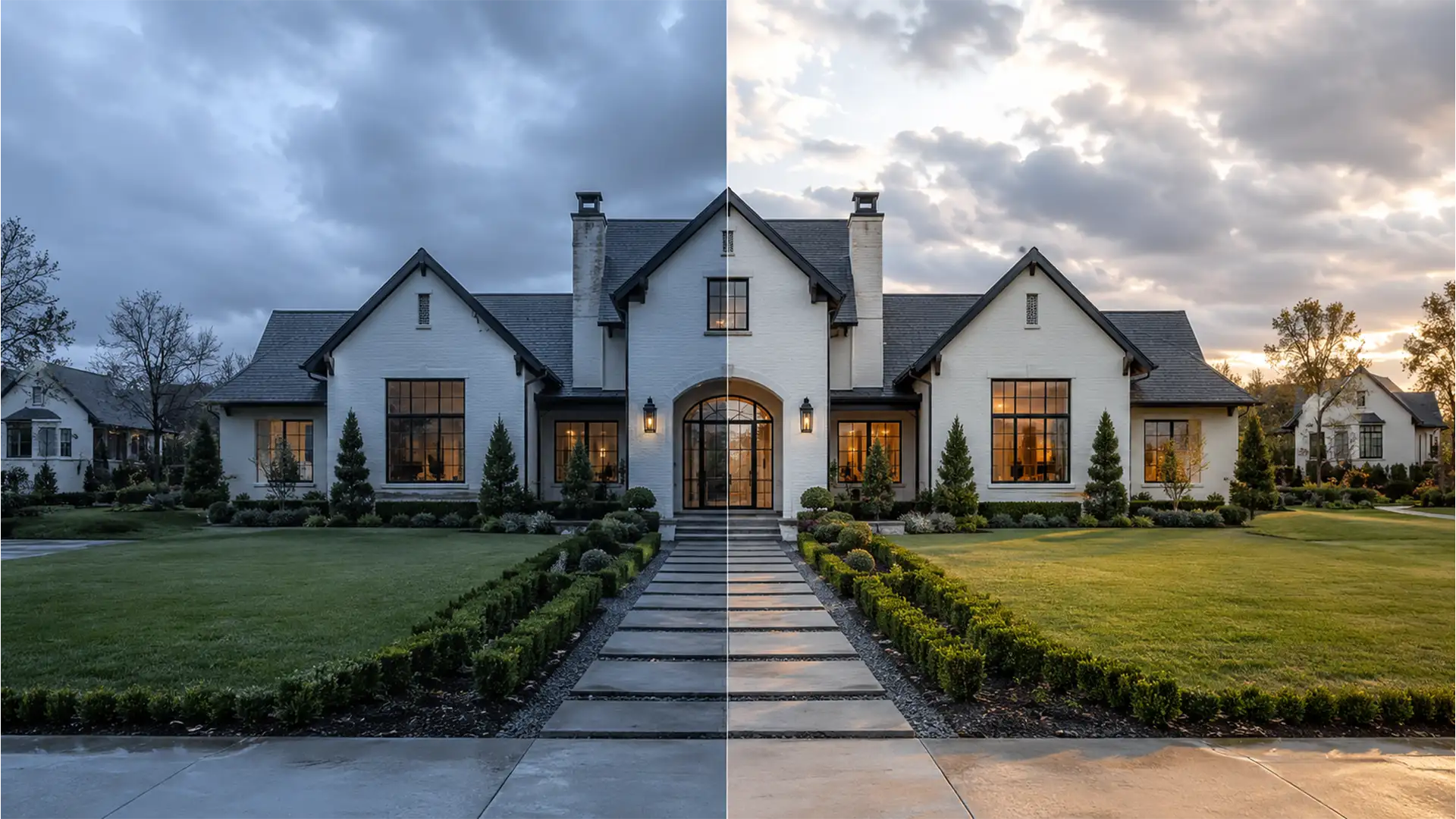
Real Estate Retouching: Natural Color Correction for Overcast Photos
You just wrapped up a crucial real estate shoot, but the weather didn’t cooperate. The property is plagued by flat, overcast lighting and a heavy blue-gray color cast that makes the exterior look cold and uninviting. Your first instinct might...
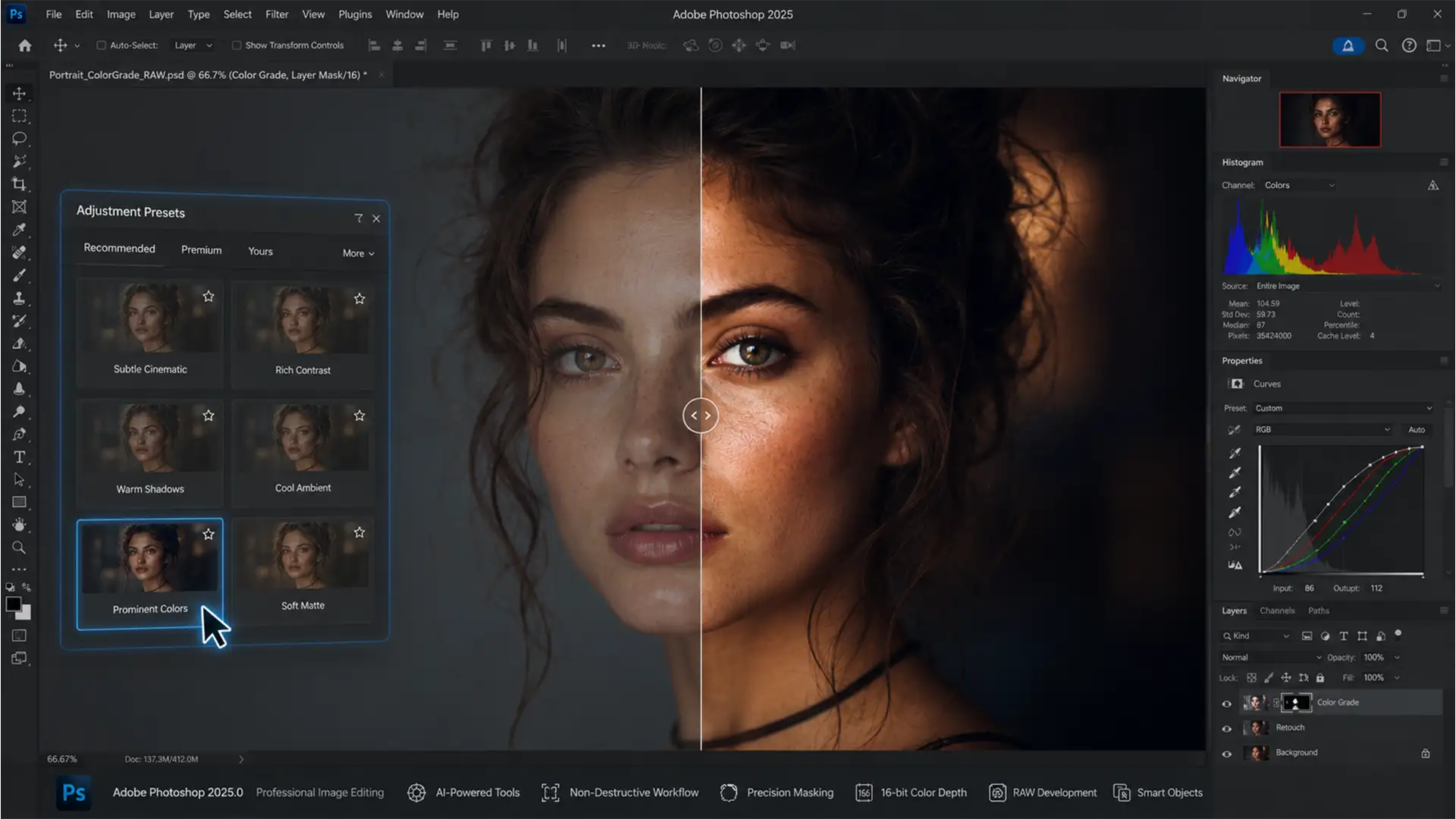
Photoshop Prominent Colors Preset Tutorial: Instant Grading
Color grading used to require hours of meticulously tweaking Curves and Color Balance. When Adobe introduced the Adjustment Presets panel in Photoshop v25.0, it promised instant cinematic looks. However, if you are looking for a photoshop prominent colors preset tutorial,...
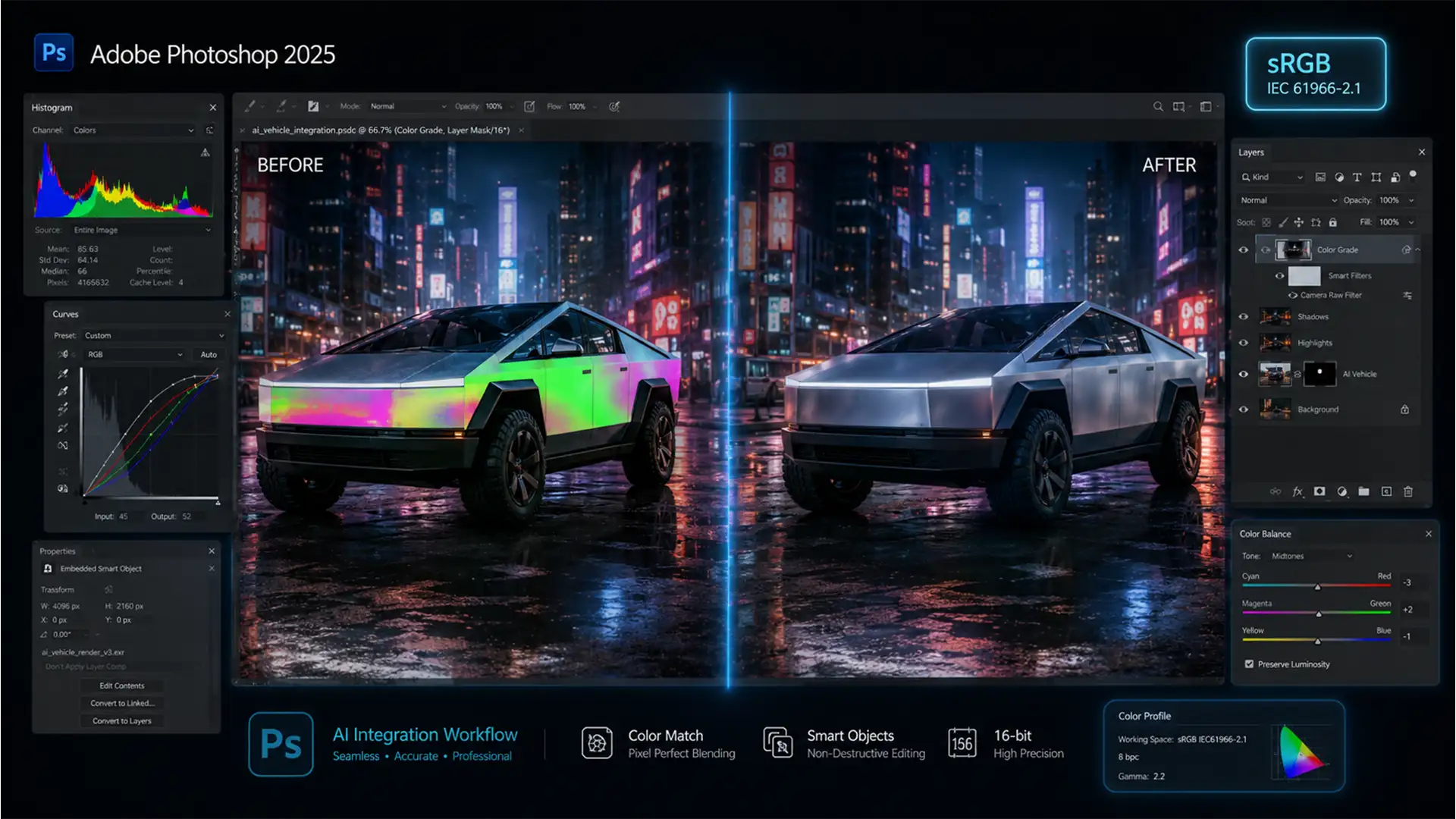
Beyond Match Color: 3 Pro Secrets to Fix Generative Fill Color Mismatches
You type the perfect prompt, hit generate, and hold your breath. But instead of a seamless addition, Photoshop spits out an object with muddy contrast, weird temperature shifts, and glaring edge artifacts. It looks like a cheap sticker slapped onto...
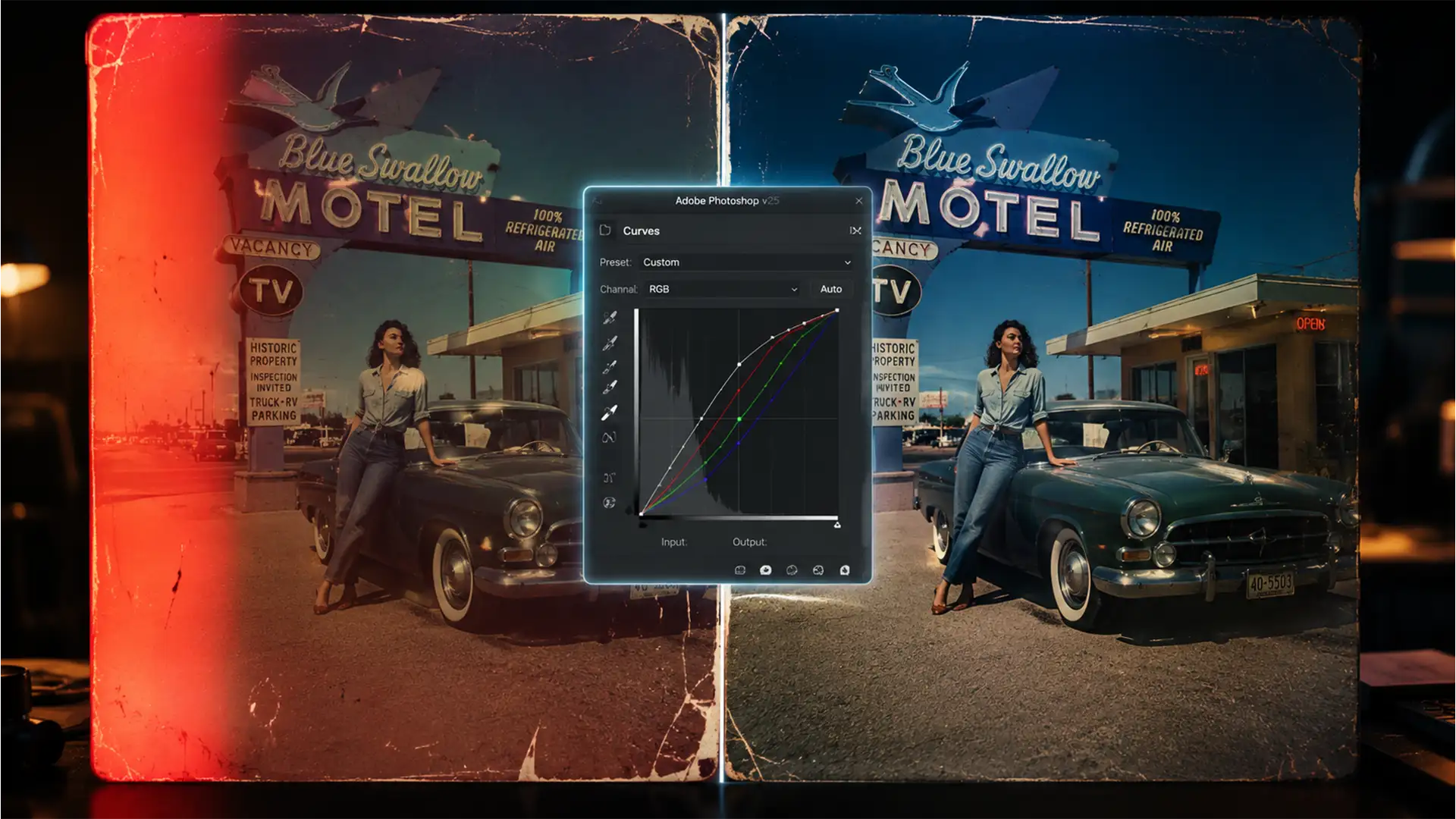
Restoring the Irreparable: Manual Curve Techniques for Light-Damaged Scans
You’ve just scanned a priceless analog photo, only to find it devastated by severe UV fading and aggressive light leaks. Naturally, you click “Auto-Color” or run it through an AI Neural Filter in Photoshop. The result? Horrific color banding, blown-out...
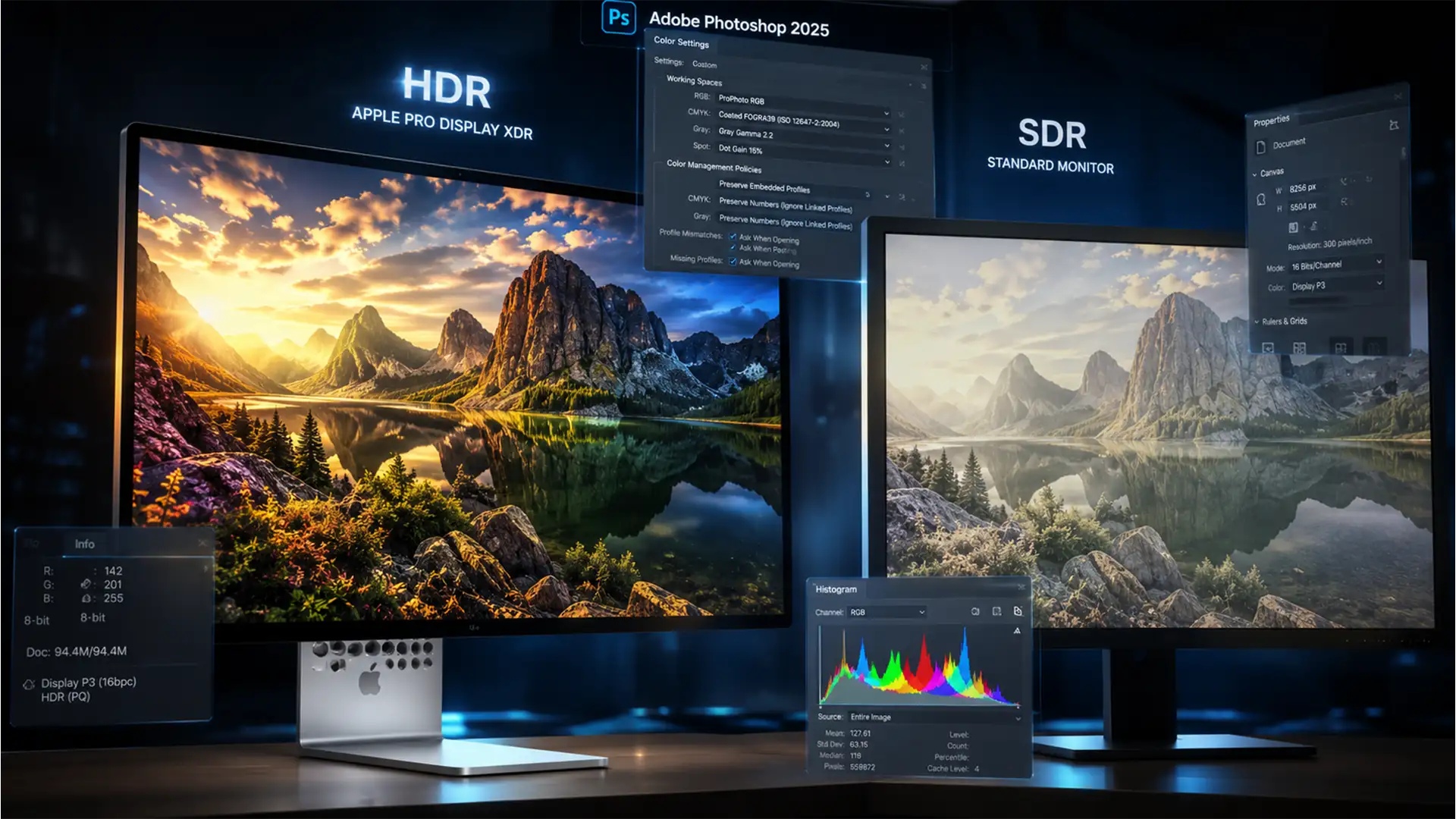
Why Your HDR Photos Look Dull After Export: The 2025 Photoshop Color Management Guide
You spent hours perfecting the lighting and colors of a 32-bit HDR image on your high-end XDR display. But the moment you hit “Export As” or “Save a Copy,” the final JPEG looks flat, lifeless, and completely washed out. If...
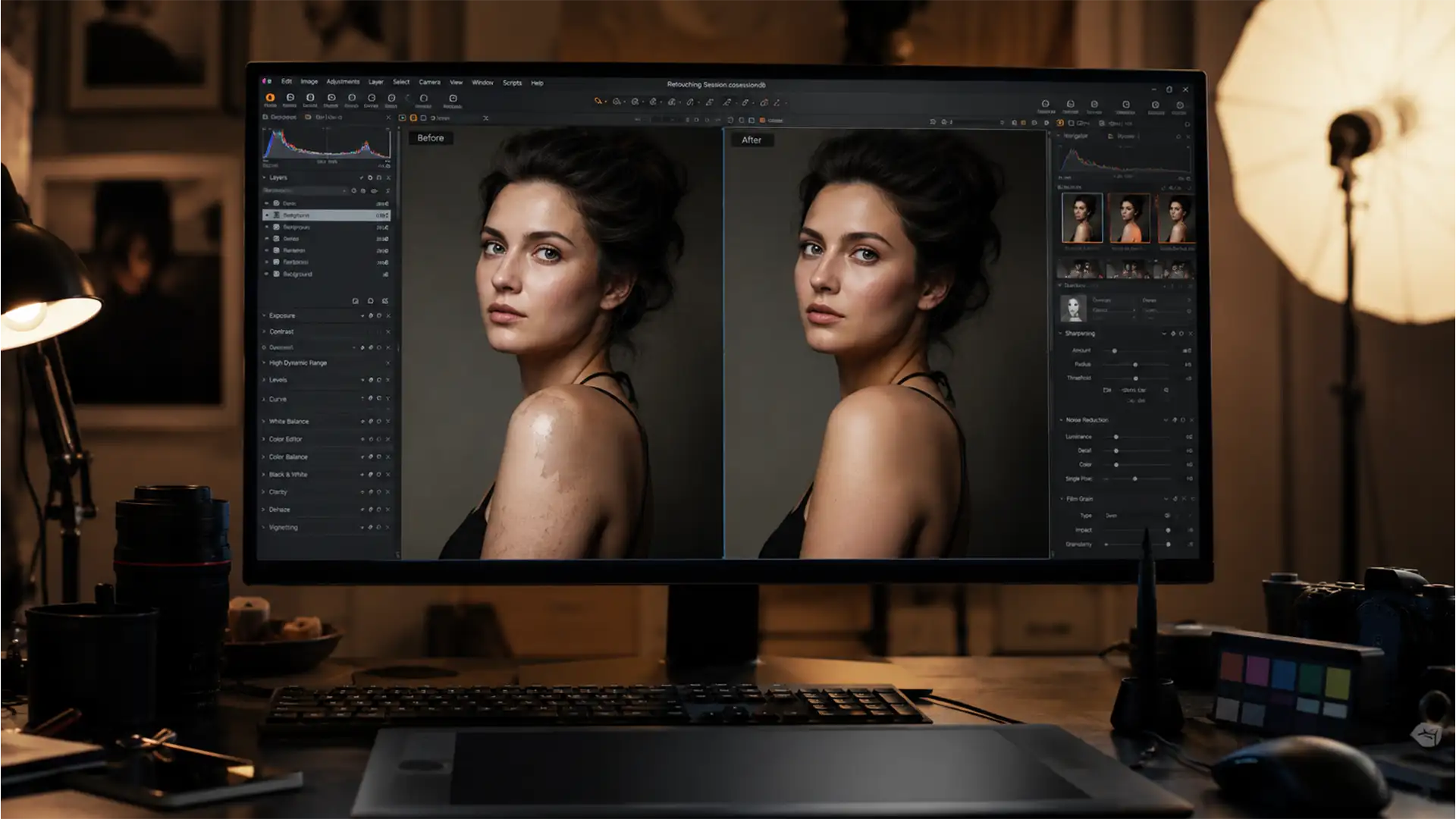
Beyond Auto: How to Fix Mismatched Skin Tones in Photoshop Generative Fill
You just used Photoshop’s Generative Fill to extend a portrait or replace a subject’s arm, but instead of a seamless edit, you are left with a muddy, plasticky, or gray patch of skin that completely ruins the image. If you...
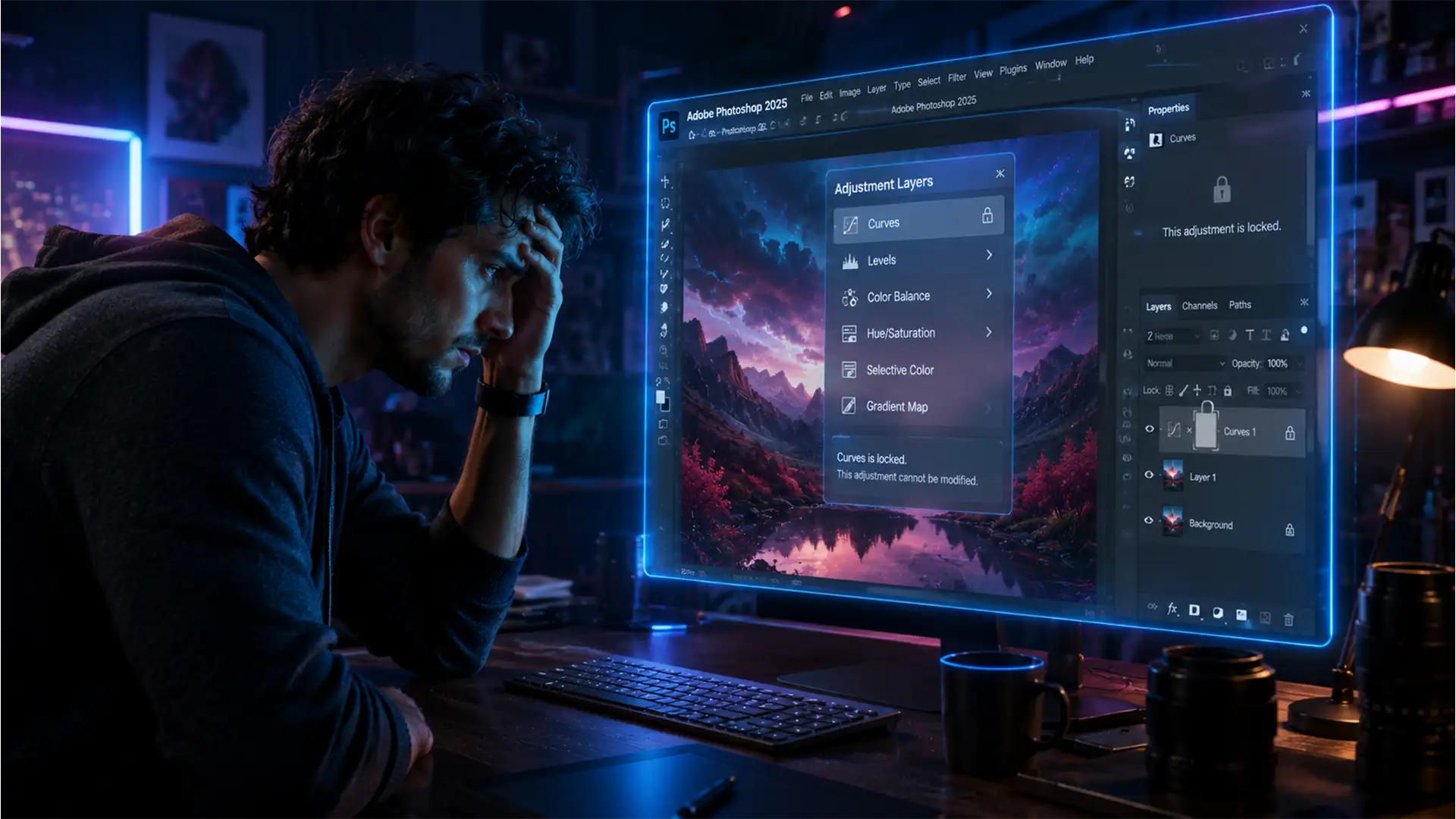
Why Are Your Photoshop Curves Greyed Out? Solving 2025 Adjustment Layer Issues
You’re in the middle of a crucial retouching workflow, perfectly dialing in your tones, when you hit a sudden roadblock: the Curves tool is completely disabled. If you are dealing with the frustrating photoshop curves adjustment greyed out 2025 issue,...