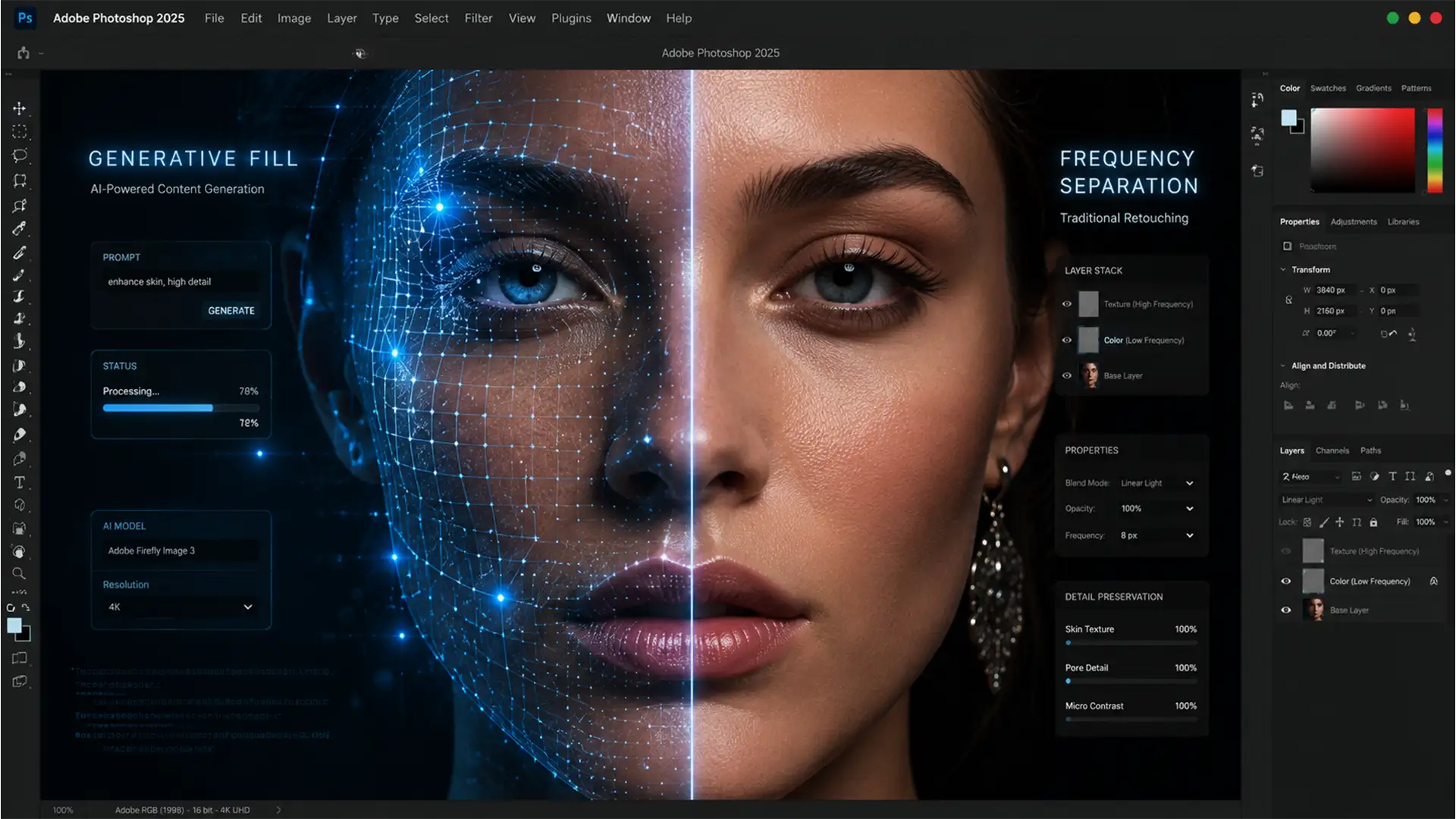

The Hybrid Retouching Guide: Combining AI Generative Fill with Frequency Separation
Are you tired of Photoshop’s Generative Fill Retouching high-end portraits into plastic, muddy messes? In Photoshop v25.x and newer, AI tools offer incredible speed, but they introduce a massive pain point for professional retouchers: they utterly destroy natural skin textures...
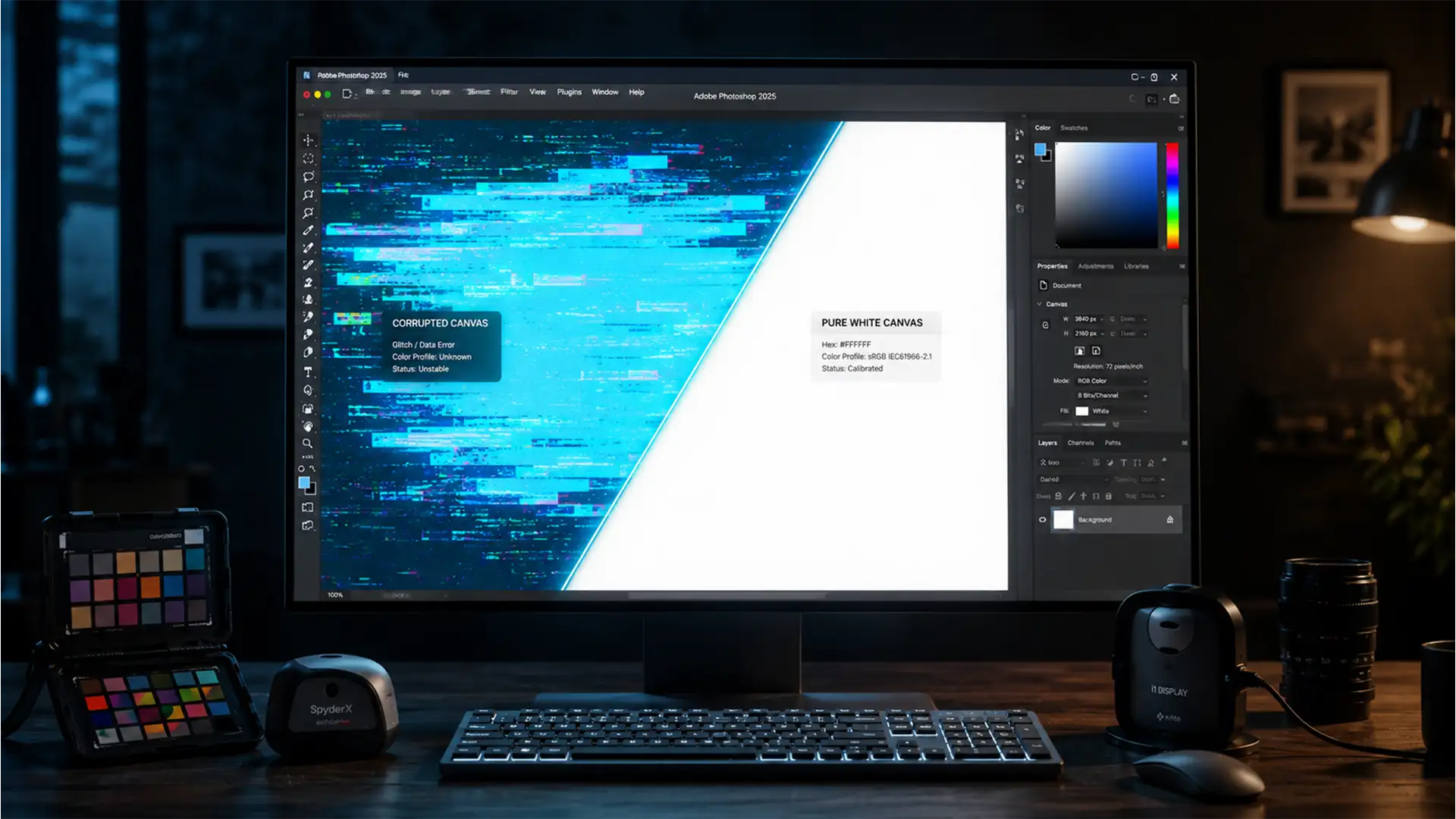
Photoshop 2025 UI Color Bug: Why Your Workspace Looks Blue and How to Fix It
You just updated to the latest version of Adobe’s flagship software, opened a new document, and immediately noticed a glaring issue: your pure white canvas has a distinct, sickly blue or cyan tint. If you are desperately searching for a...
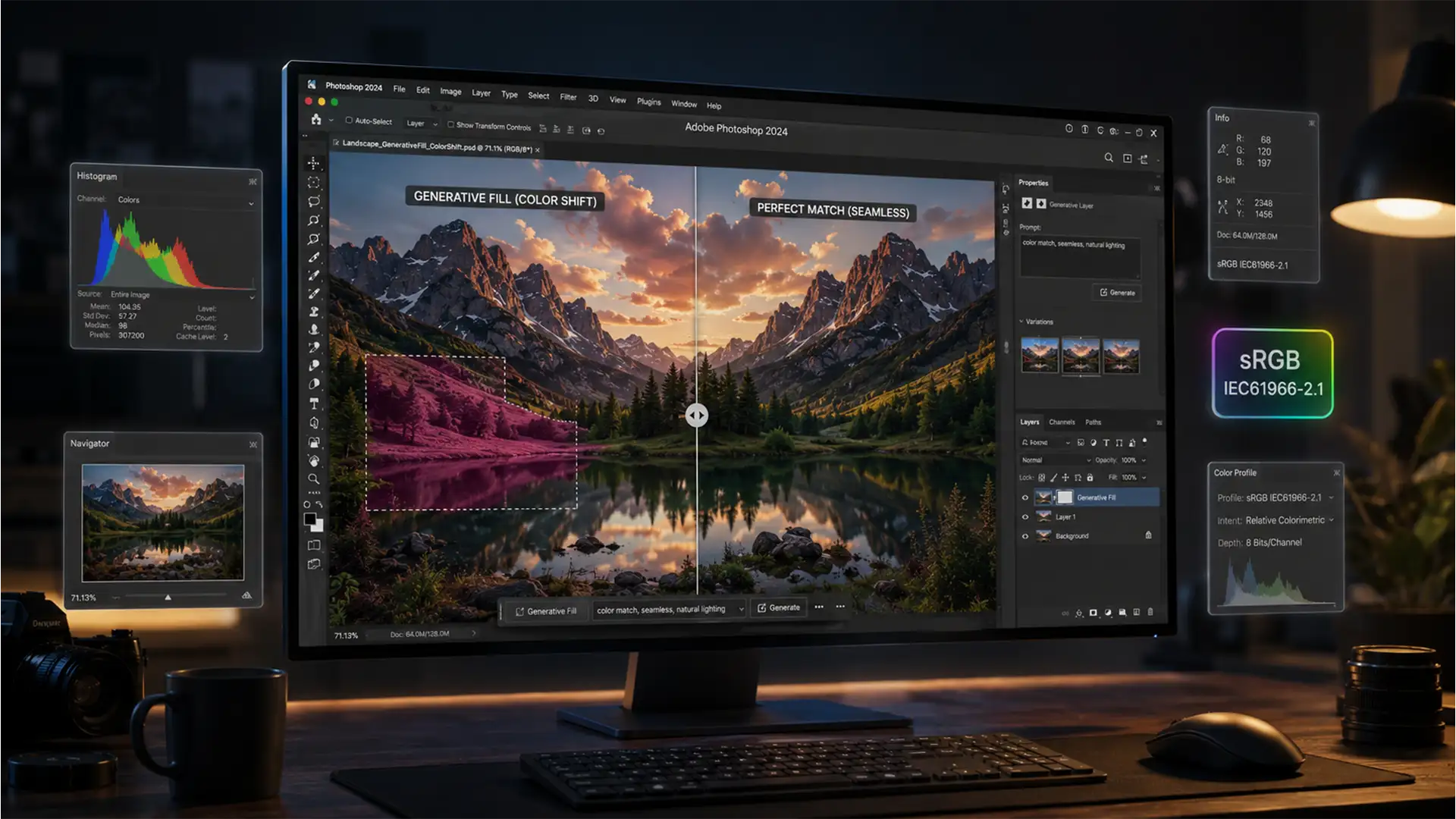
How to Fix Photoshop Generative Fill Color & Tint Mismatches (2025 Guide)
You have just spent hours perfecting a complex composition, only to hit “Generate” and watch Adobe Firefly spit out a washed-out, color-shifted patch that ruins the entire image. If you are struggling to fix Photoshop Generative Fill color shift issues,...
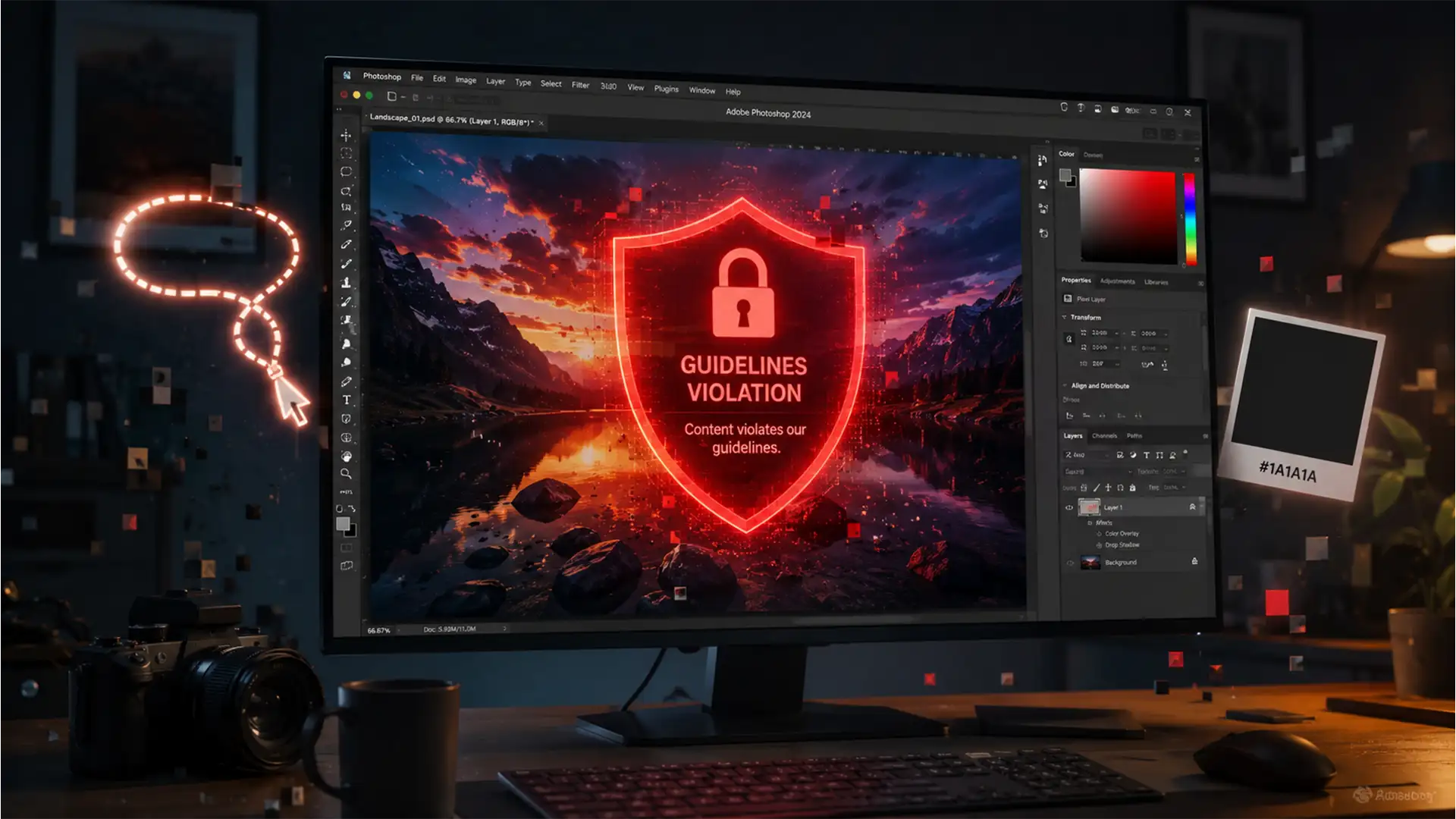
How to Bypass the ‘Guidelines Violation’ Error in Photoshop
You are on a tight deadline, putting the final touches on a client’s image using Photoshop v25.0. You make a selection, hit Generate, and suddenly—a glaring red text box appears. The dreaded “Guidelines Violation” error. The worst part? Your image...

Batch Retouching Workflow for 360 Jewelry Rotations
If you have ever tried to create a 360-degree product view for a diamond ring or luxury watch, you already know the nightmare: the dreaded “flicker effect.” When you manually edit 36 to 72 individual frames, human error is inevitable....
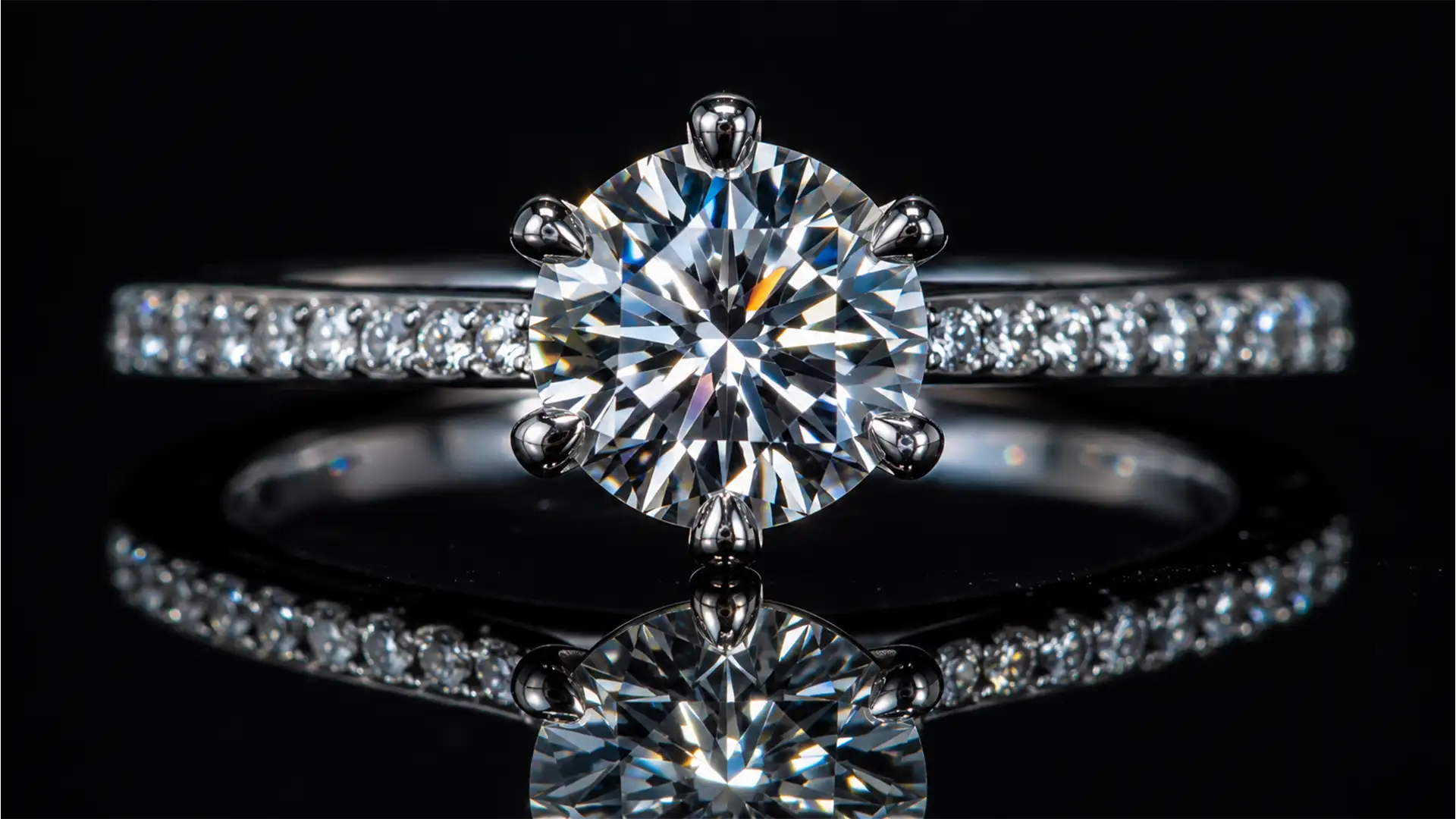
How to Restore Gemstone Fire in AI-Upscaled Jewelry Photos
You just ran a stunning, but low-resolution, client image through Topaz Gigapixel AI v7.x or Adobe Photoshop v25+ Super Resolution. The gold band looks incredibly crisp, but there is a massive problem: the diamond looks like a piece of cheap,...
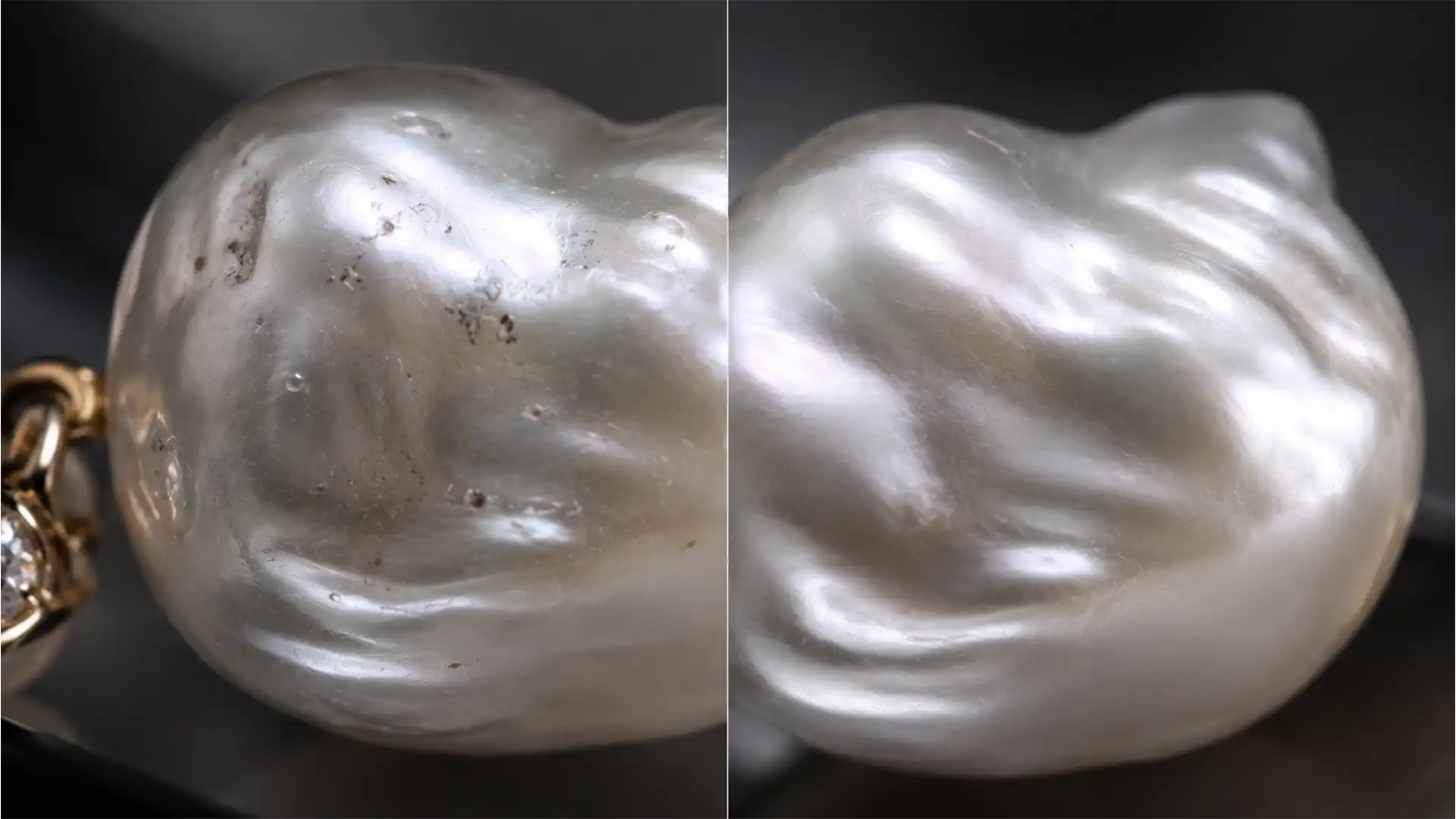
How to Clean Organic Pearls Without Losing Their Soul
You’ve just spent hours shooting a stunning campaign featuring 2026’s hottest jewelry trend: organic baroque pearls. But the moment you apply standard healing tools in Photoshop v25.x, disaster strikes. The unique nacre texture vanishes, leaving behind a cheap, plastic-looking sphere....
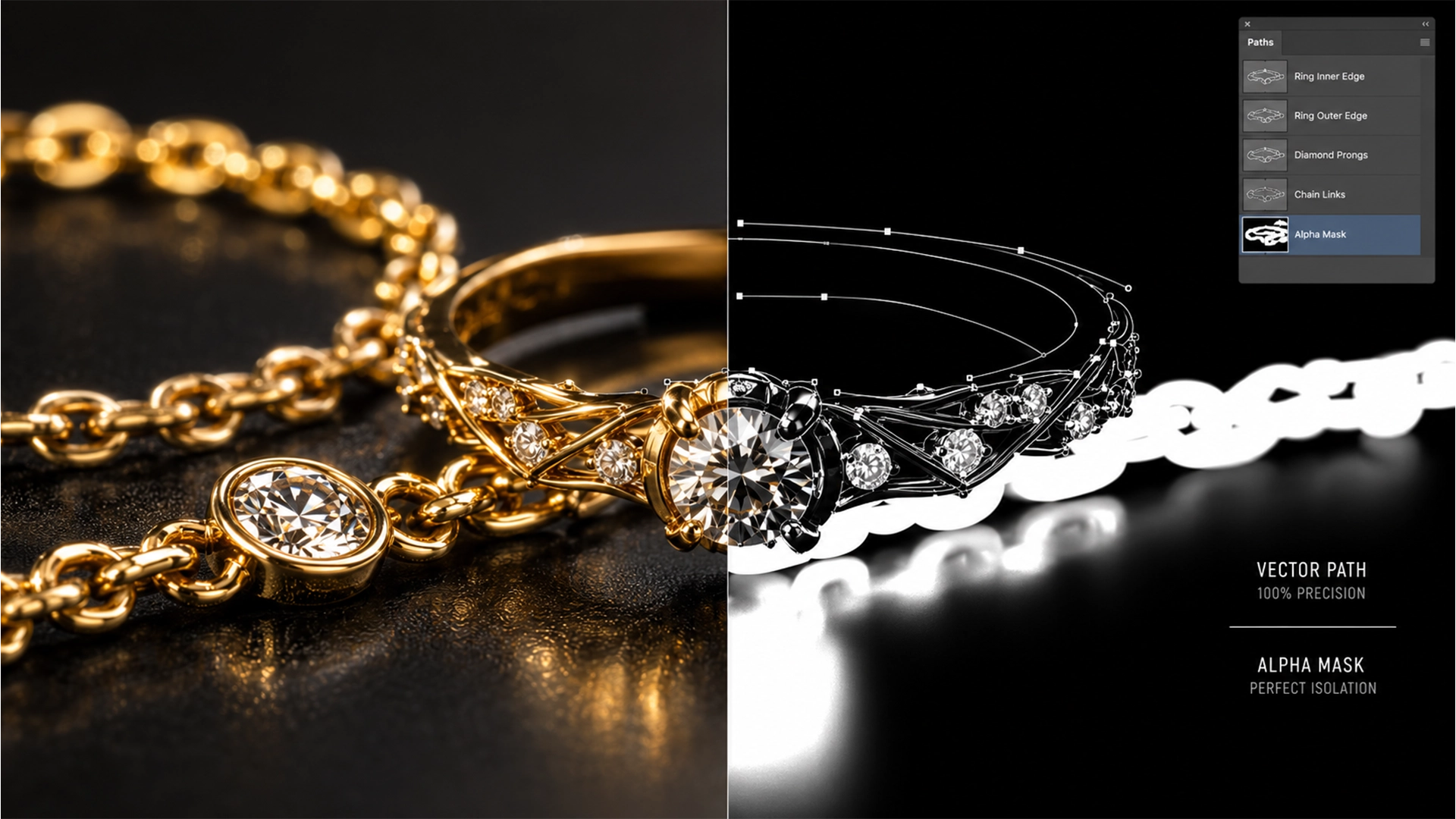
Lost Your Prongs? Recover Micro-Chain Details from AI Masks
You click “Remove Background” in Adobe Photoshop v25, expecting instant magic. Instead, the AI completely eats your delicate gold micro-chain and dissolves the sharp prongs holding a diamond. Sound familiar? While modern AI-driven edge detection algorithms are incredible for high-contrast,...
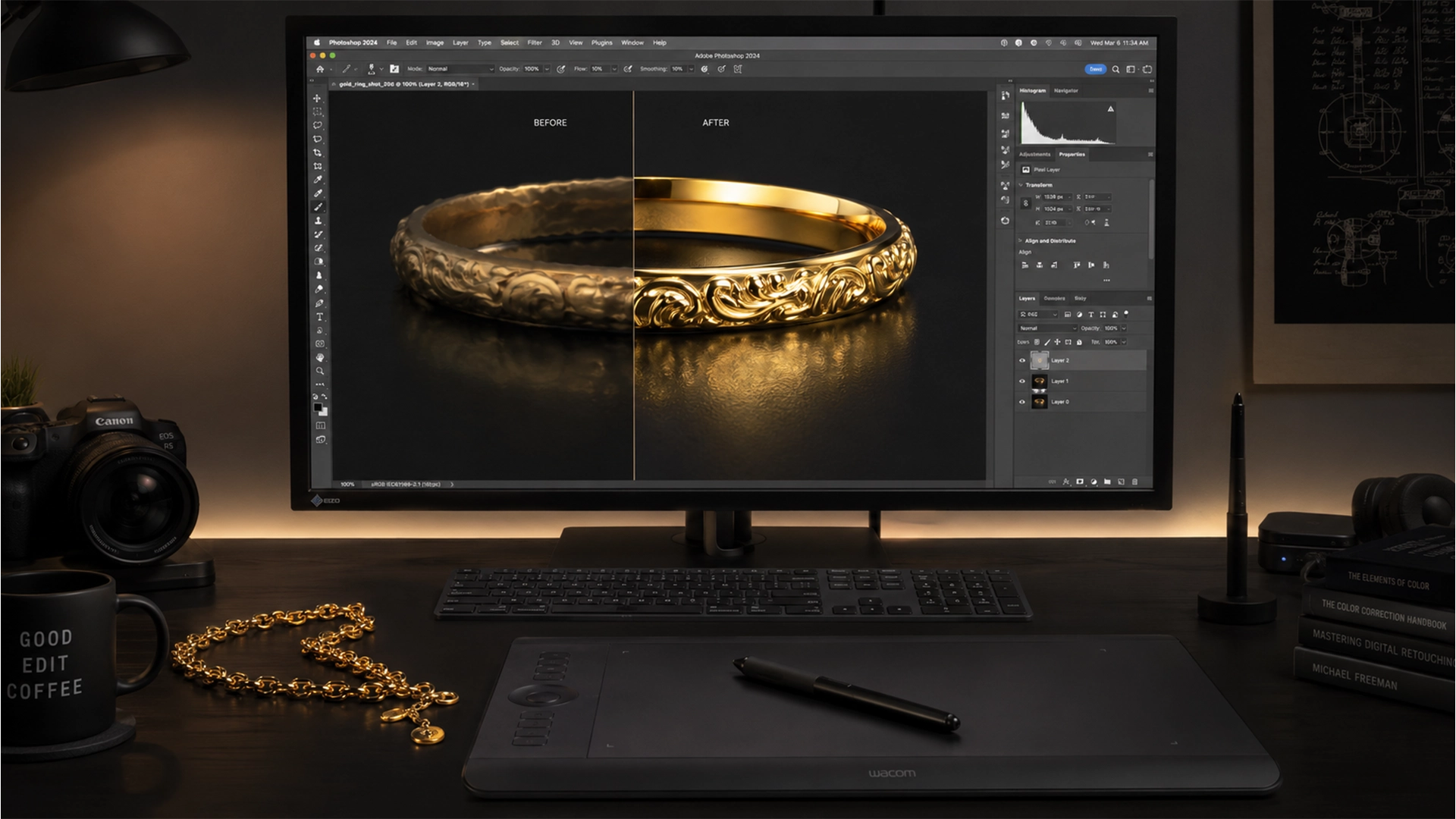
Fix Generative Fill Reflection Artifacts on Gold Jewelry
You just used Photoshop’s Generative Fill to clean up a stunning gold ring, but instead of a crisp, luxurious shine, you’re left with a flat, warped, “muddy metal” mess. Firefly AI is incredible for many tasks, but it notoriously struggles...

Rose Gold Color Profiles: Ensure Consistency Across Displays
You’ve spent hours meticulously retouching a high-end rose gold ring. On your calibrated desktop monitor, it looks luxurious and perfectly balanced. But the moment you view the exported image on an iPhone, disaster strikes: the elegant rose gold suddenly looks...