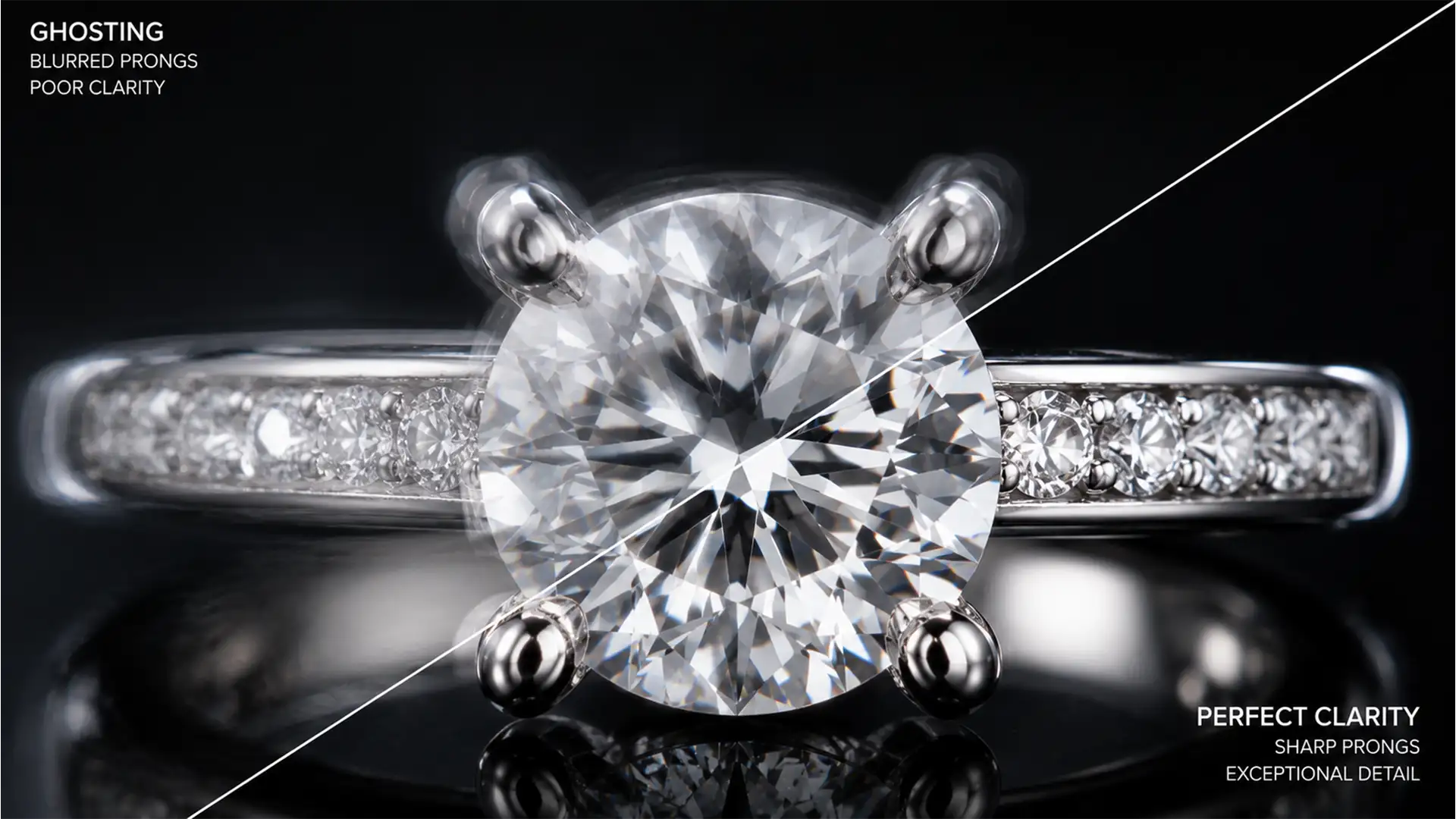

Fix Focus Stacking Artifacts in Transparent Gems
You have spent hours setting up the perfect macro shot of a diamond ring, carefully capturing dozens of slices across the Z-axis. But when you merge them, the result is a disaster. Ghosting artifacts, halos, and blurry metallic prongs ruin...
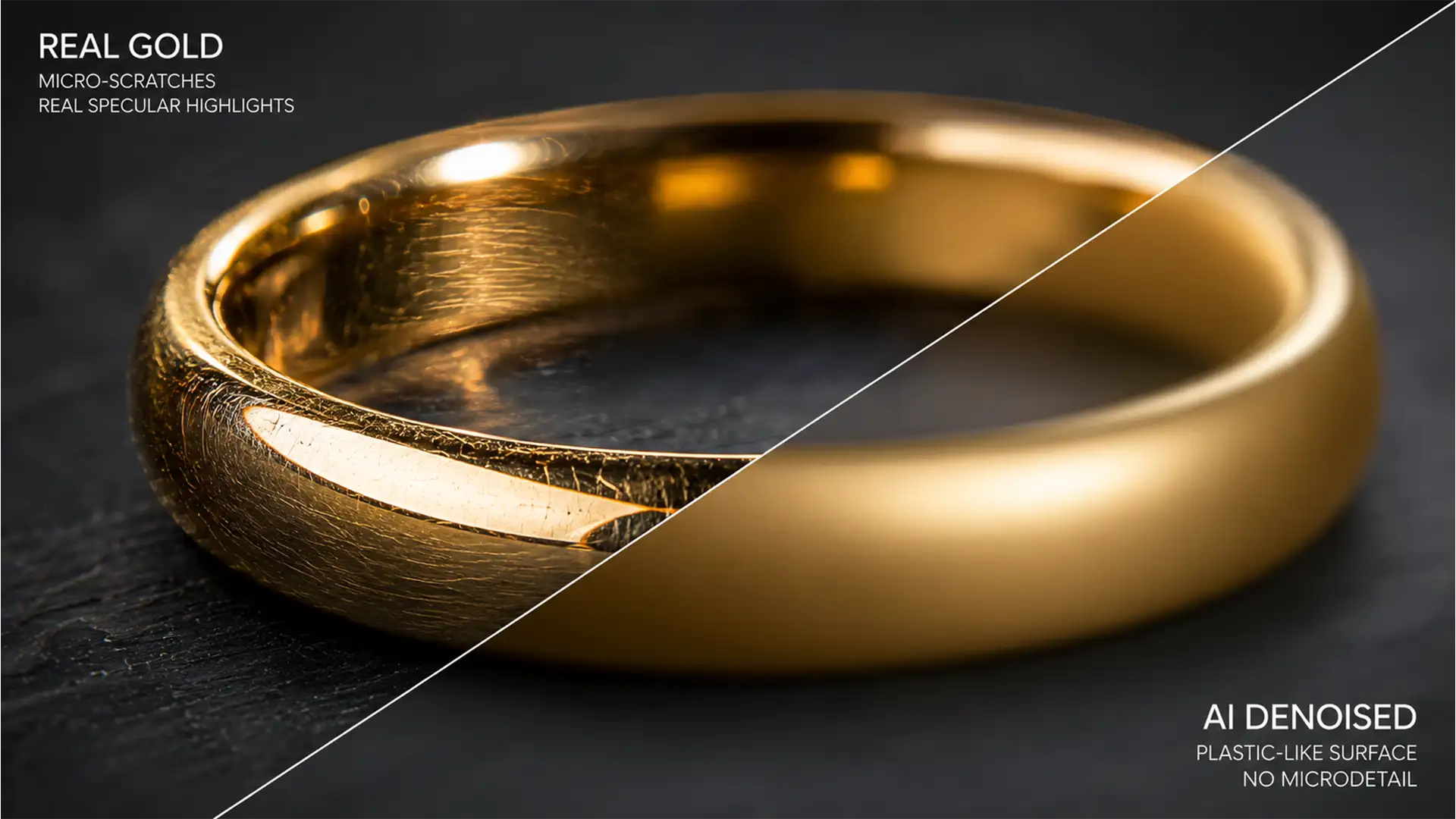
Fix AI Denoise Artifacts on Polished Gold Jewelry
You shoot a stunning macro jewelry piece, load it into Adobe Photoshop v25.x or Lightroom Classic v13.x, and hit the denoise button to clean up the background. But when you zoom in on the metal, disaster strikes. The brilliant surface...
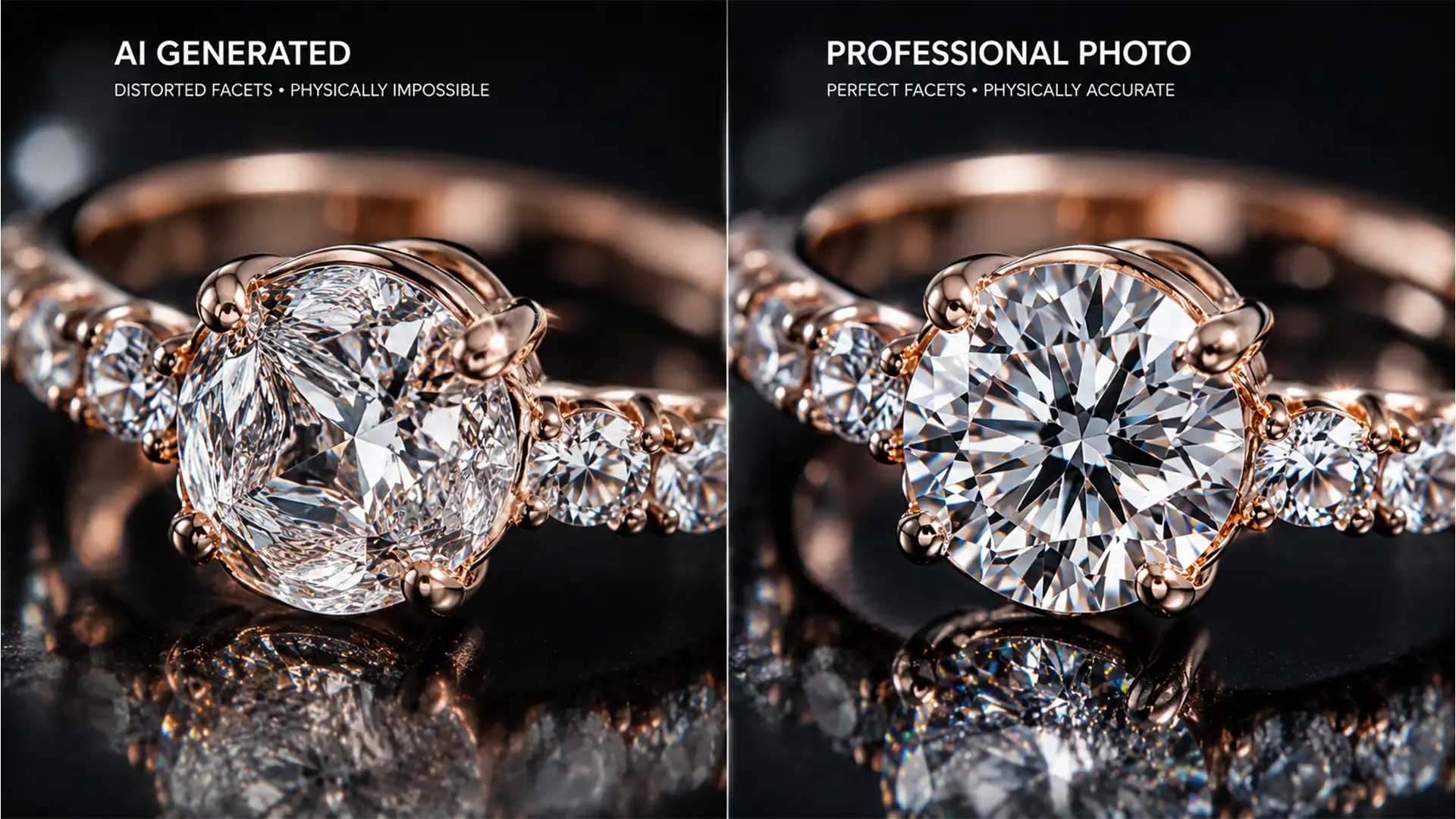
Fix Generative Fill Gemstone Refraction Errors
You just tried to remove a blemish or expand the canvas on a high-end diamond ring using Photoshop v25.x. Instead of a pristine edit, the AI turned your expensive diamond into a melted, cloudy mess. These AI hallucinations happen because...
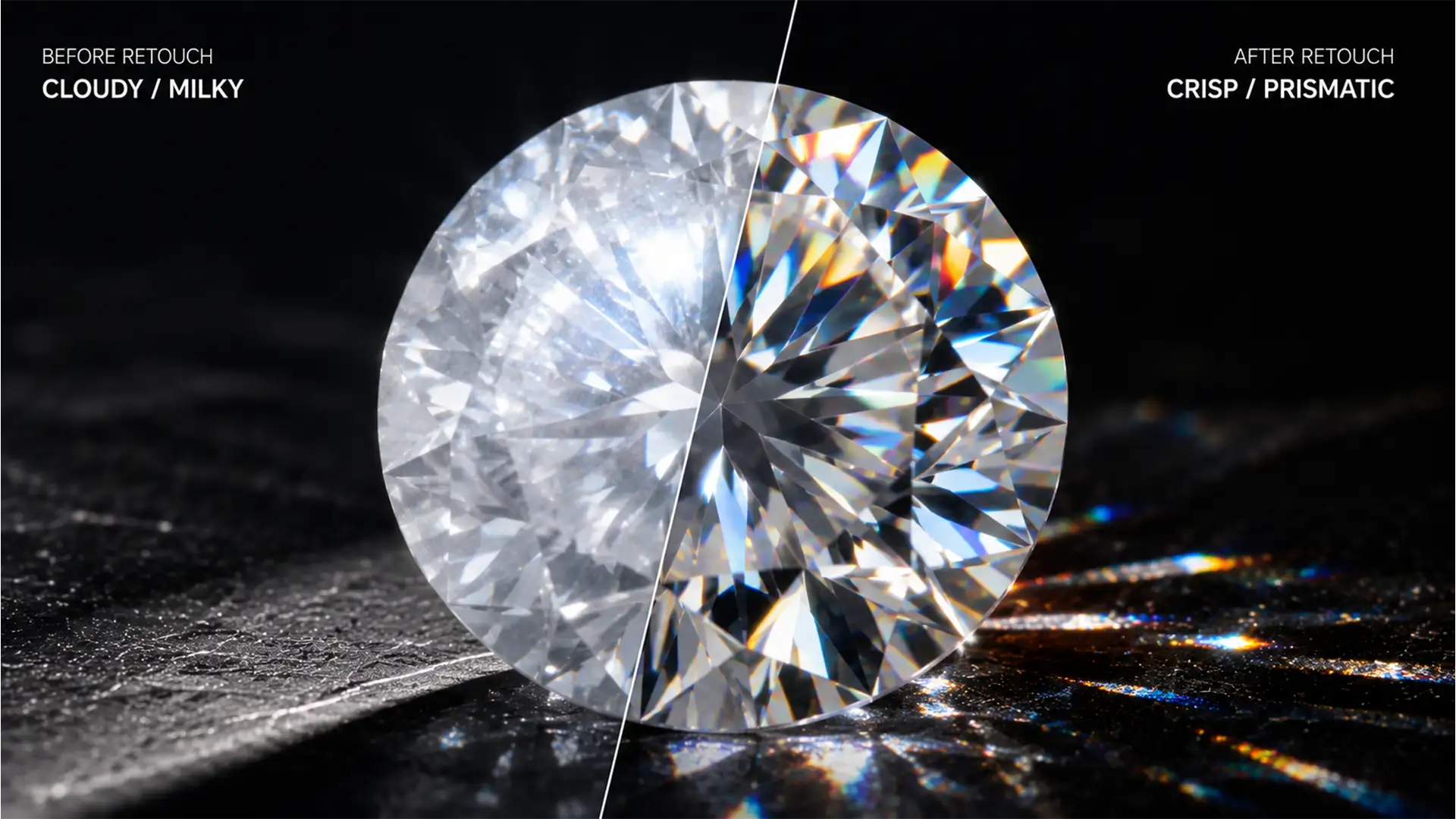
How to Restore Fire and Clarity to Hazy Diamond Photos
Macro jewelry photographers know the struggle: you set up the perfect lighting, but microscopic smudges, lens flare, or light scattering leave your stunning gemstone looking milky and lifeless. In Photoshop v25.x (2024), relying on a global contrast boost or cranking...
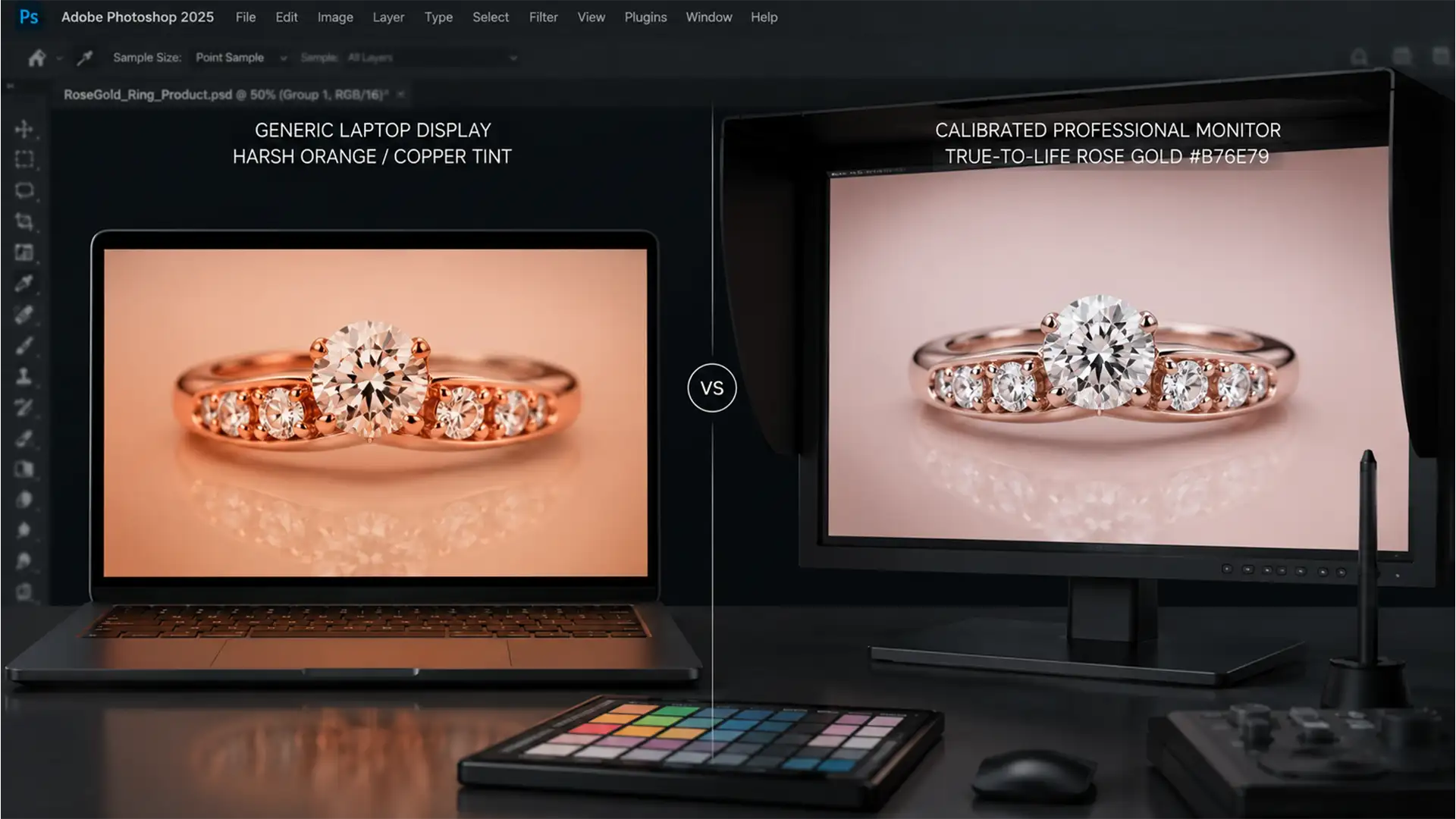
The Rose Gold Standard: A Guide to Consistent Color Matching
You’ve just uploaded a stunning batch of jewelry photos to your online store, but within weeks, the return requests start rolling in. The most common complaint? “The metal looked pink on my phone, but it’s copper in person.” This is...
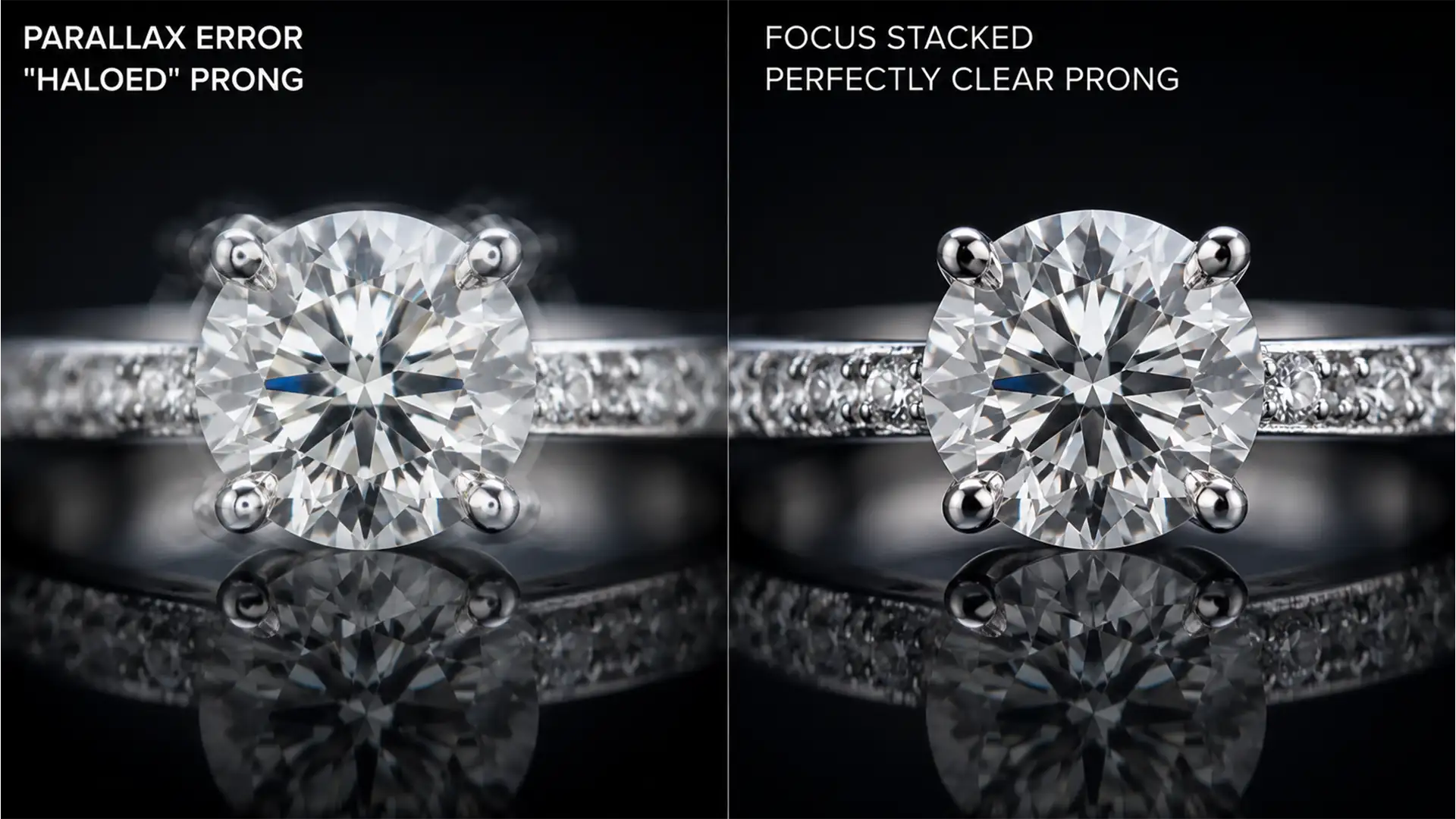
Solving Focus Stacking Halos in Modern Jewelry Photography
You just spent hours shooting a stunning diamond ring, carefully stepping your focus to capture every facet and maximize your depth of field. But when you run the stack in Photoshop 2024, you are greeted with a retoucher’s nightmare: translucent...
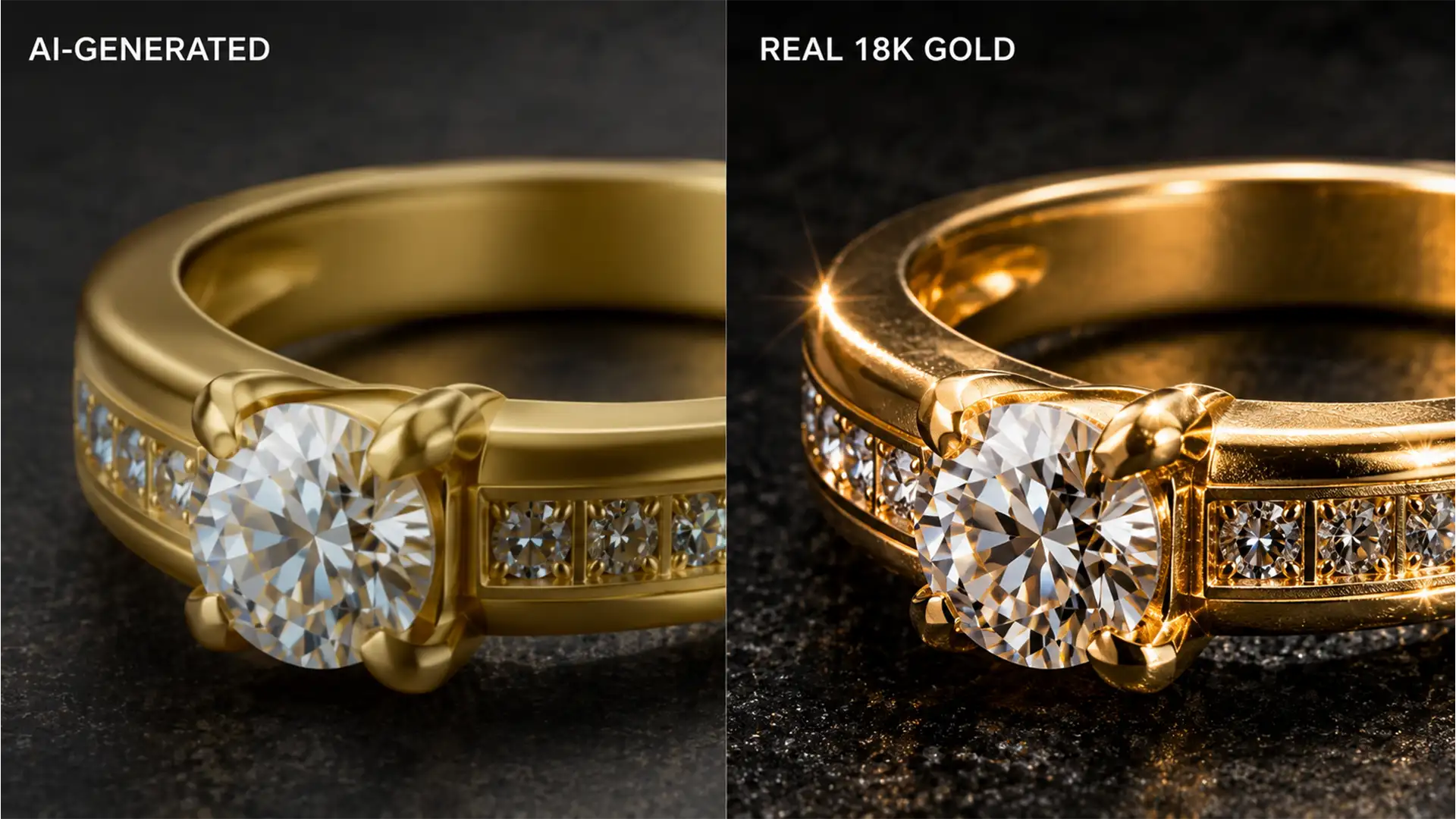
Fix Generative Fill Metallic Artifacts in Jewelry Edits
Have you ever tried to extend a ring band or remove an unwanted reflection in Photoshop, only to watch your expensive jewelry turn into cheap plastic? You are not alone. Since the introduction of Adobe Photoshop v25.0, high-end retouchers have...
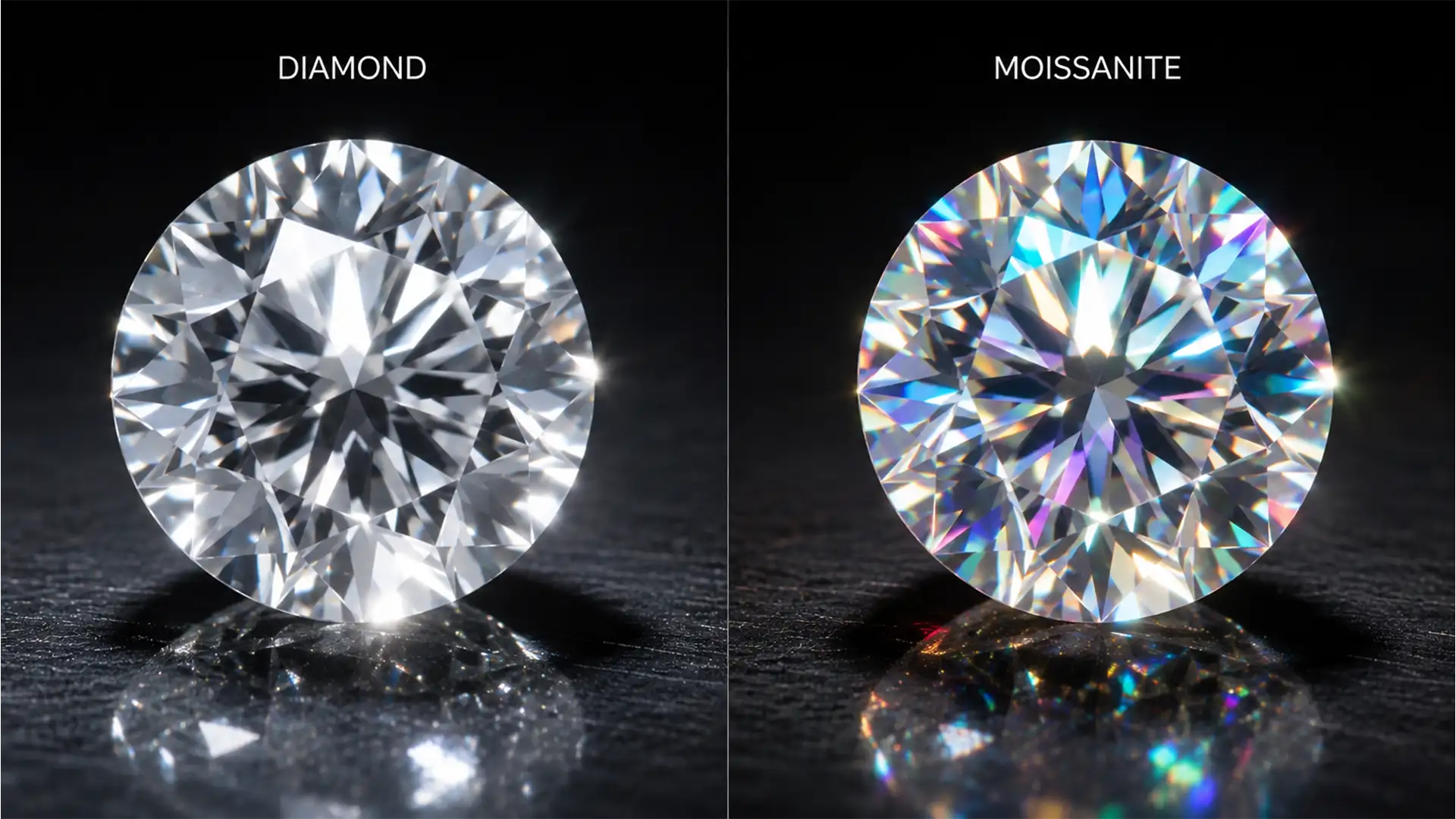
Retouching Moissanite vs Diamond Fire: Pro Guide
If your standard jewelry retouching workflow involves batch-desaturating gemstones to remove unwanted color casts, you are actively destroying your moissanite sales. While this desaturation technique works perfectly for diamonds—which possess a single refraction and a dispersion rate of 0.044 resulting...
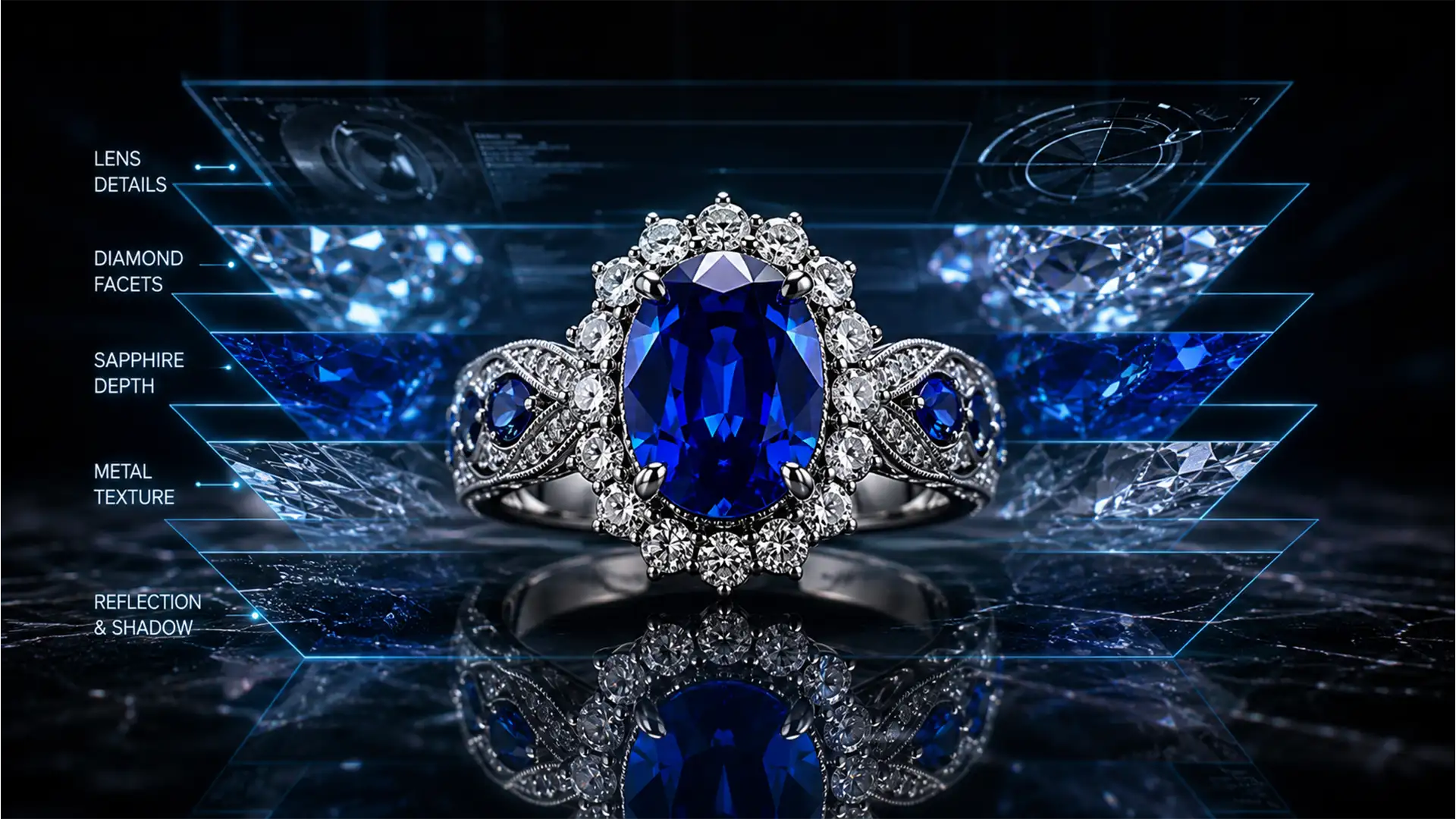
Eliminate Ghosting & Halos in Jewelry Focus Stacking
You have just spent hours meticulously shooting a 40-image macro stack of a flawless diamond ring. But when you run the sequence through Photoshop’s Auto-Blend Layers, the result is a disaster. Instead of crisp, edge-to-edge sharpness, you are staring at...
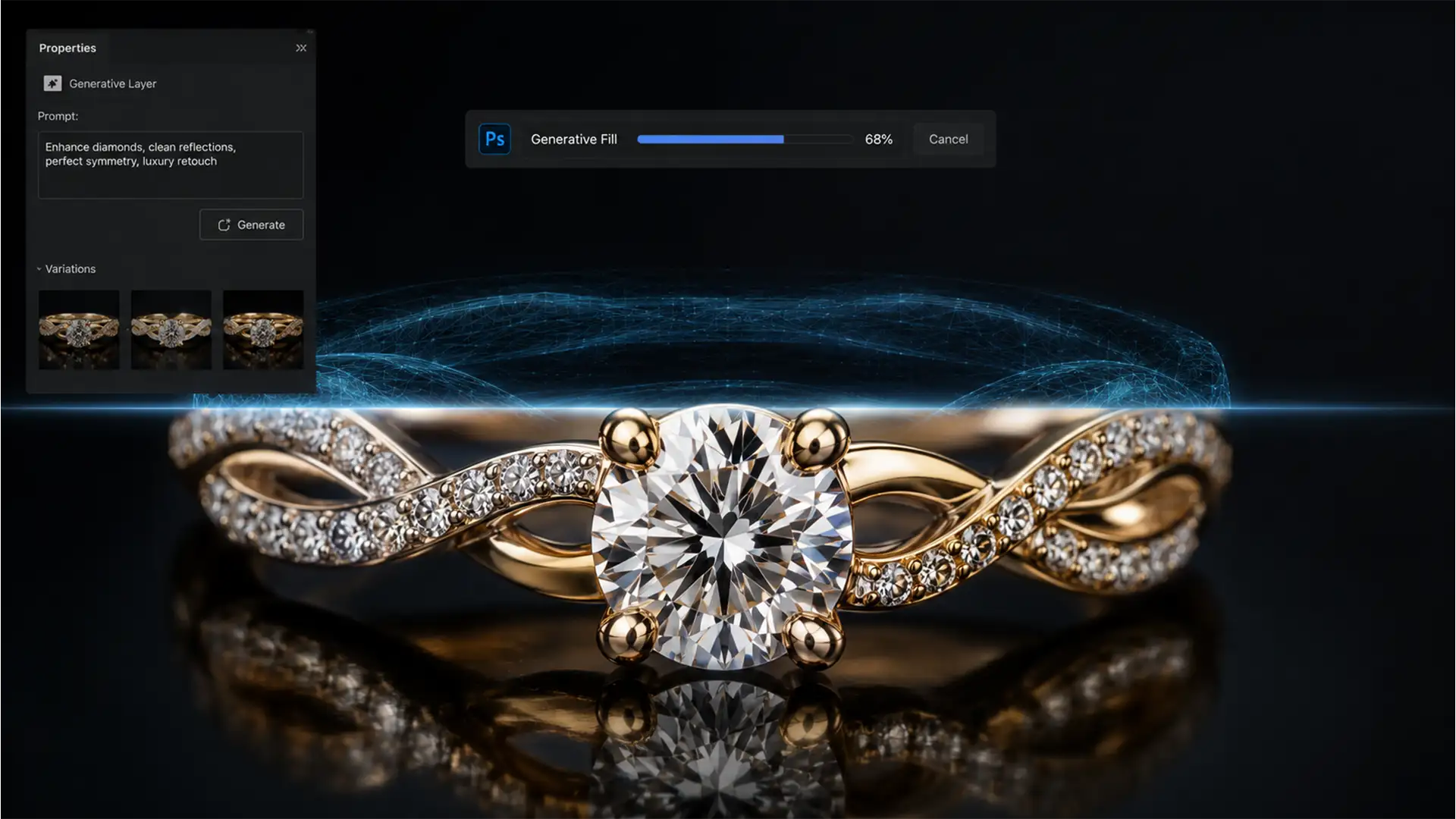
Fix AI Color Mismatch & Seams in Jewelry Retouching
You’ve just used Photoshop v25.0’s Generative Fill to extend the background of a high-end jewelry shot, but the result is a disaster. Instead of a seamless extension, you are staring at muddy specular highlights, an abrupt shift from rose gold...