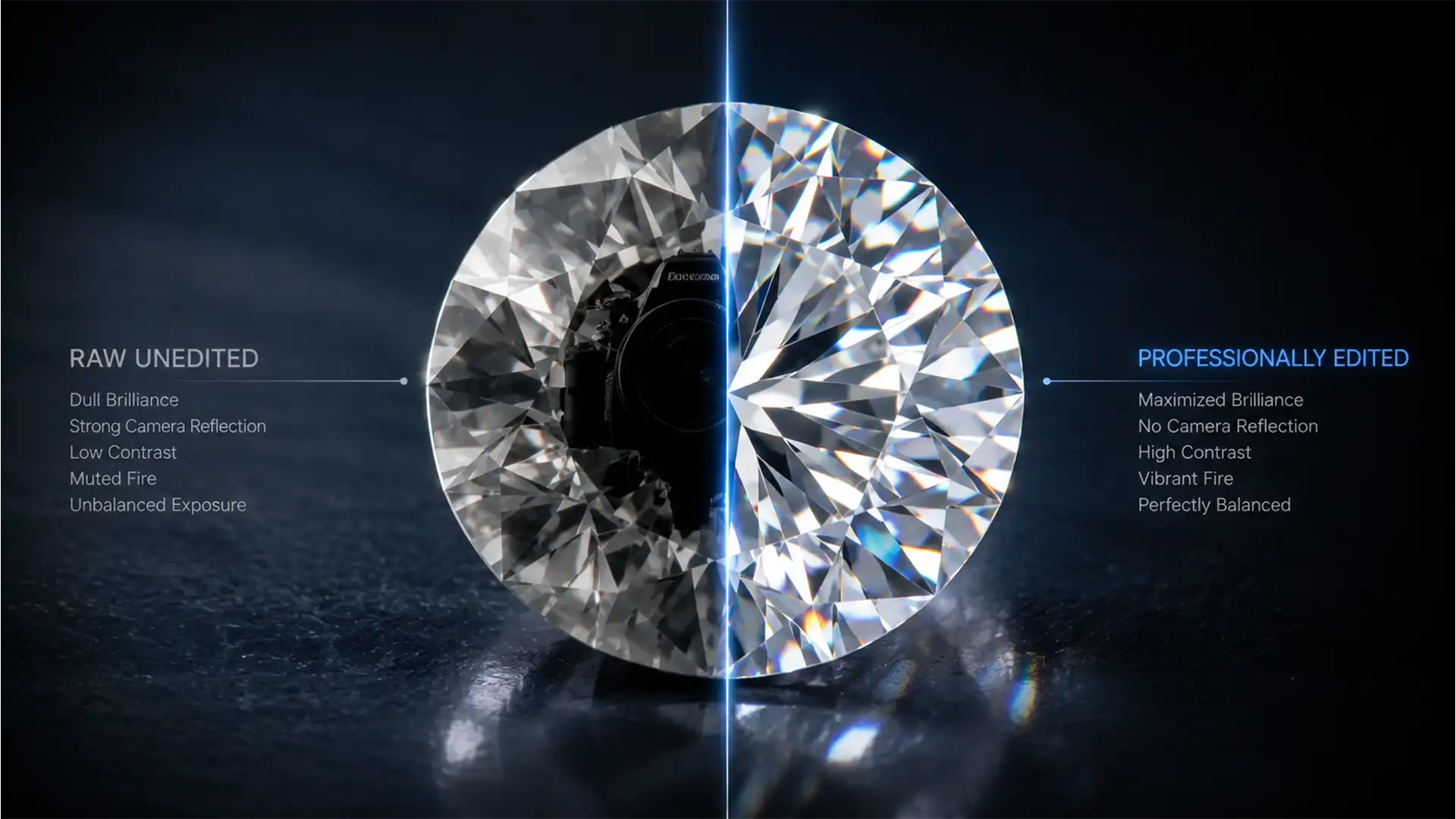

Remove Black Camera Reflections from Diamonds
You’ve spent hours perfecting your studio lighting, dialing in your camera settings, and securing the perfect macro focus on a high-end gemstone. But when you review the files, your heart sinks. Staring right back at you from the center of...
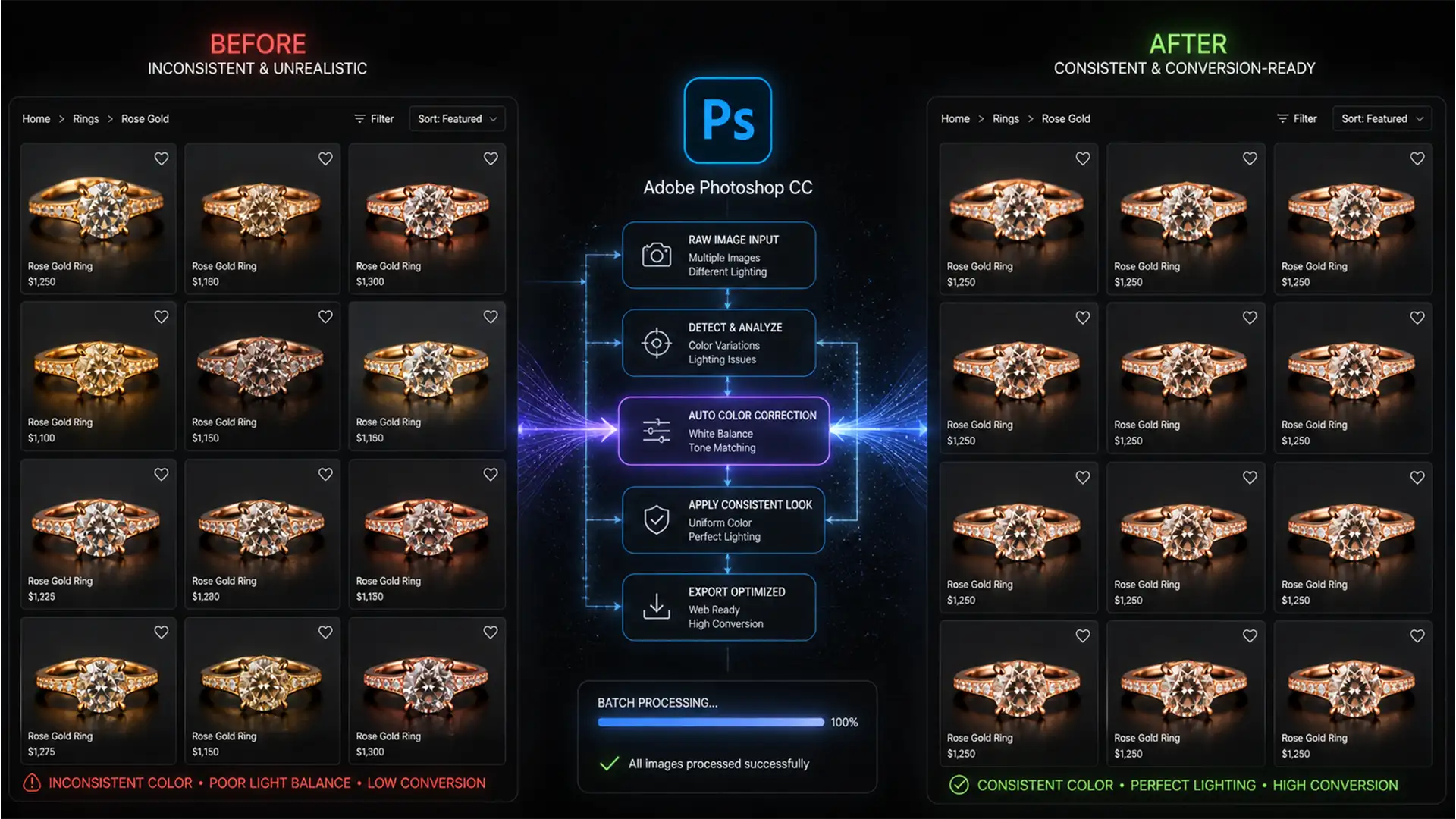
Batch Match Rose Gold Color in Photoshop for Jewelry
E-commerce jewelers know the painful truth: inconsistent metal tones kill conversion rates. You shoot a beautiful new catalog, but slight variations in flash power, ambient light, and studio reflections cause your rose gold pieces to shift drastically. One ring looks...
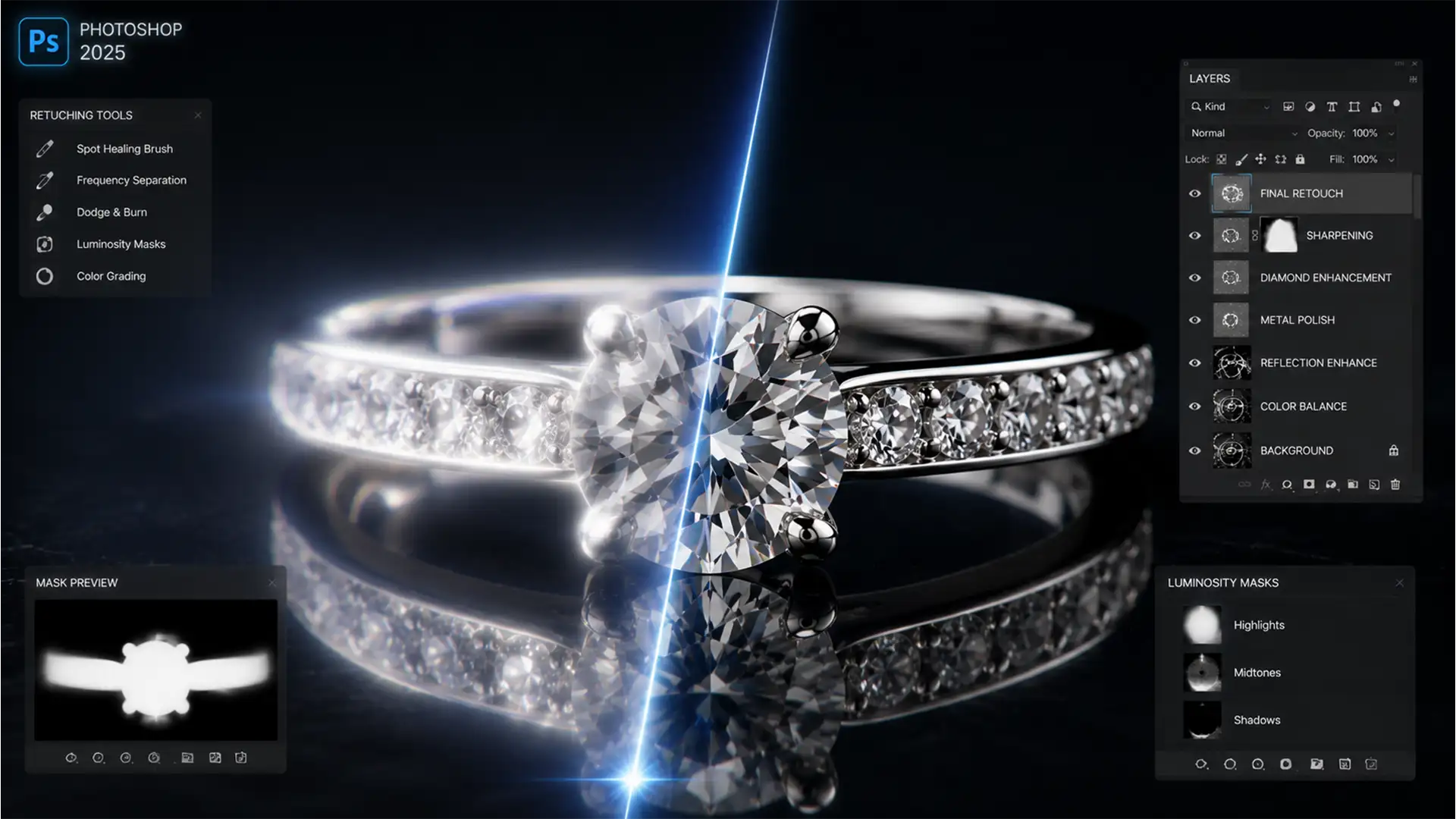
Fix Focus Stacking Halos in Macro Jewelry Photos
You’ve just spent an hour capturing the perfect macro sequence of a diamond ring, meticulously adjusting your focal point for maximum depth of field. But when you run the files through Photoshop’s Auto-Blend Layers, the result is a disaster. Instead...
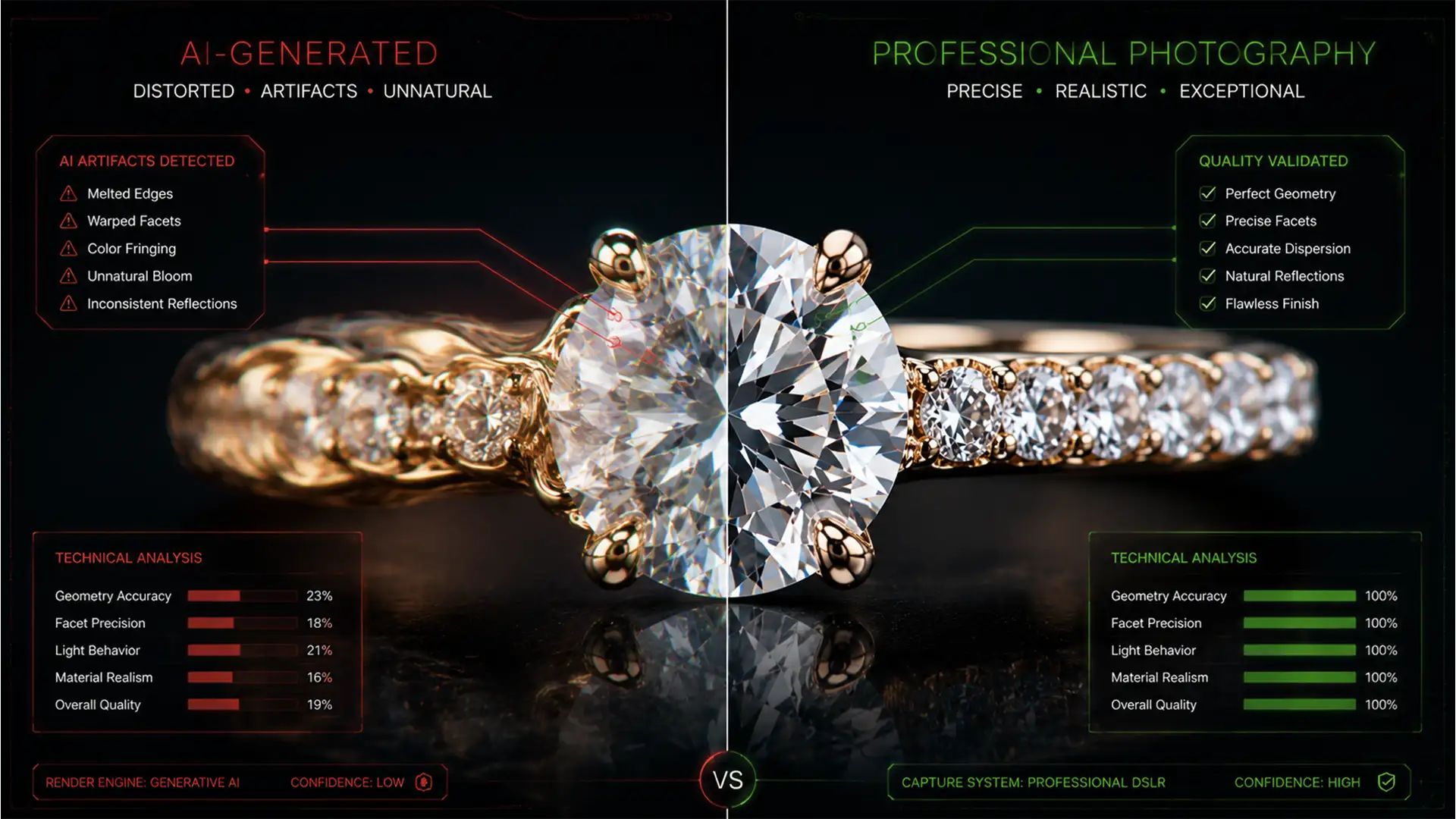
Fix Generative Fill Distortion in Jewelry Retouching
You just used Photoshop’s Generative Fill to clean up dust and scratches on a $50,000 diamond ring, but instead of a flawless finish, you are left with melted gold and warped gemstone facets. Sound familiar? In Photoshop versions 25.0 and...
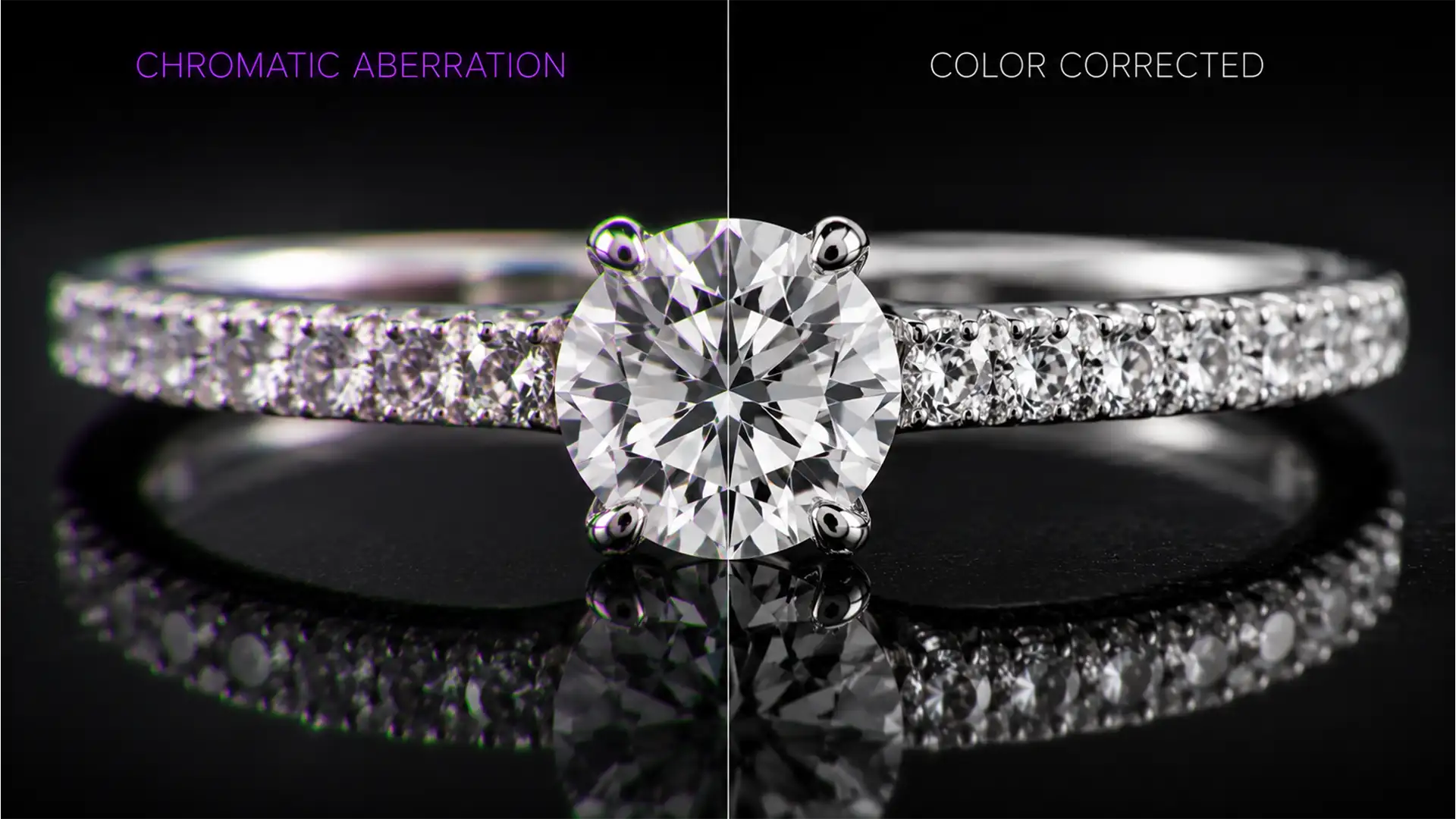
Fix Macro Chromatic Aberration in Jewelry Focus Stacks
You’ve just spent hours shooting a multi-image macro sequence of a stunning diamond ring. The lighting was flawless. But when you run the images through Photoshop or Helicon Focus, disaster strikes. Instead of crisp, brilliant facets, your final image is...
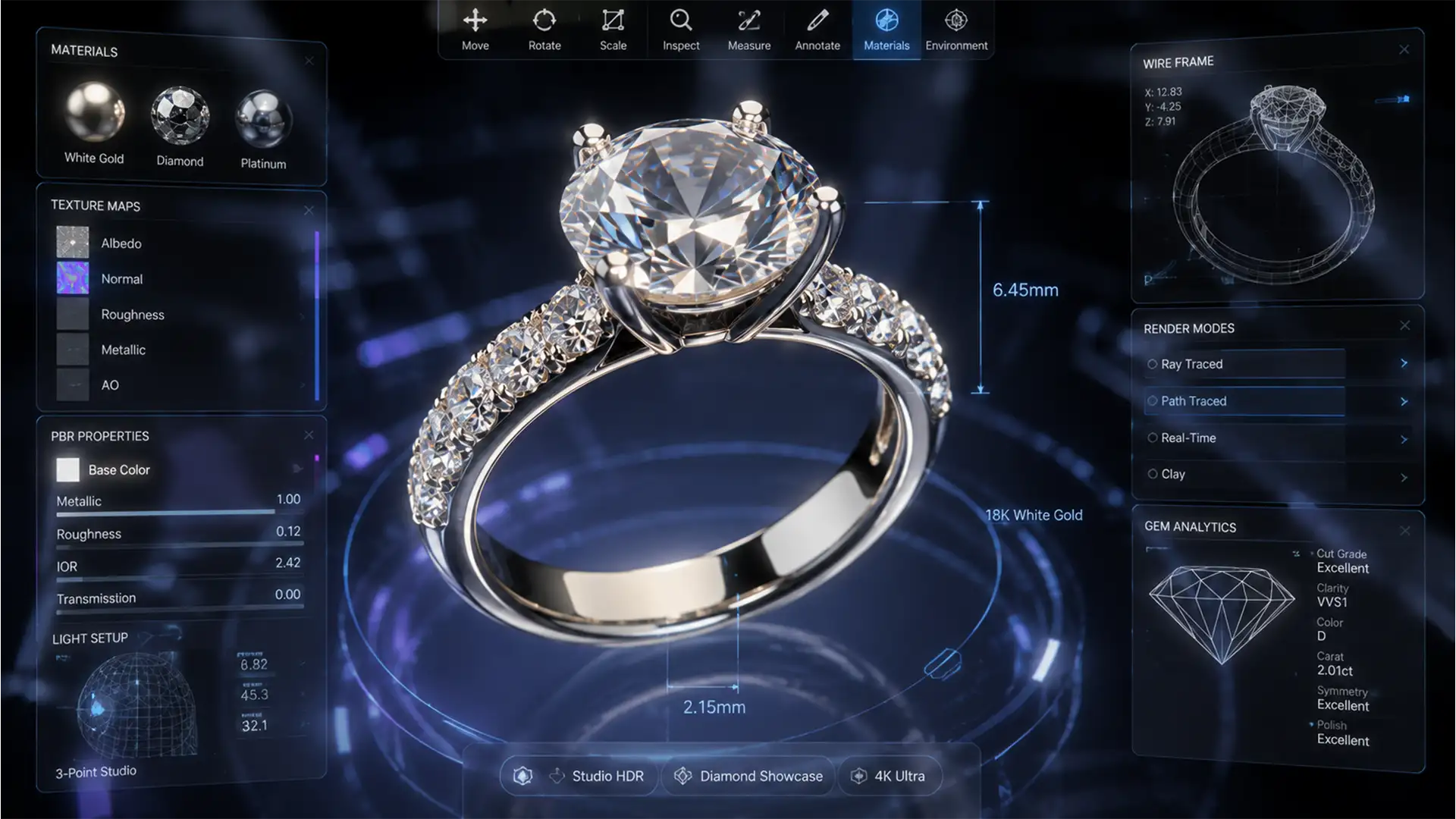
Retouching Jewelry for 4K Spatial Commerce & Vision Pro
Standard 1080p e-commerce retouching is dead in the water for spatial computing. When a potential buyer views your jewelry in an Apple Vision Pro, they can rotate and zoom infinitely. Suddenly, those “invisible” dust particles, chromatic aberrations, and jagged clipping...
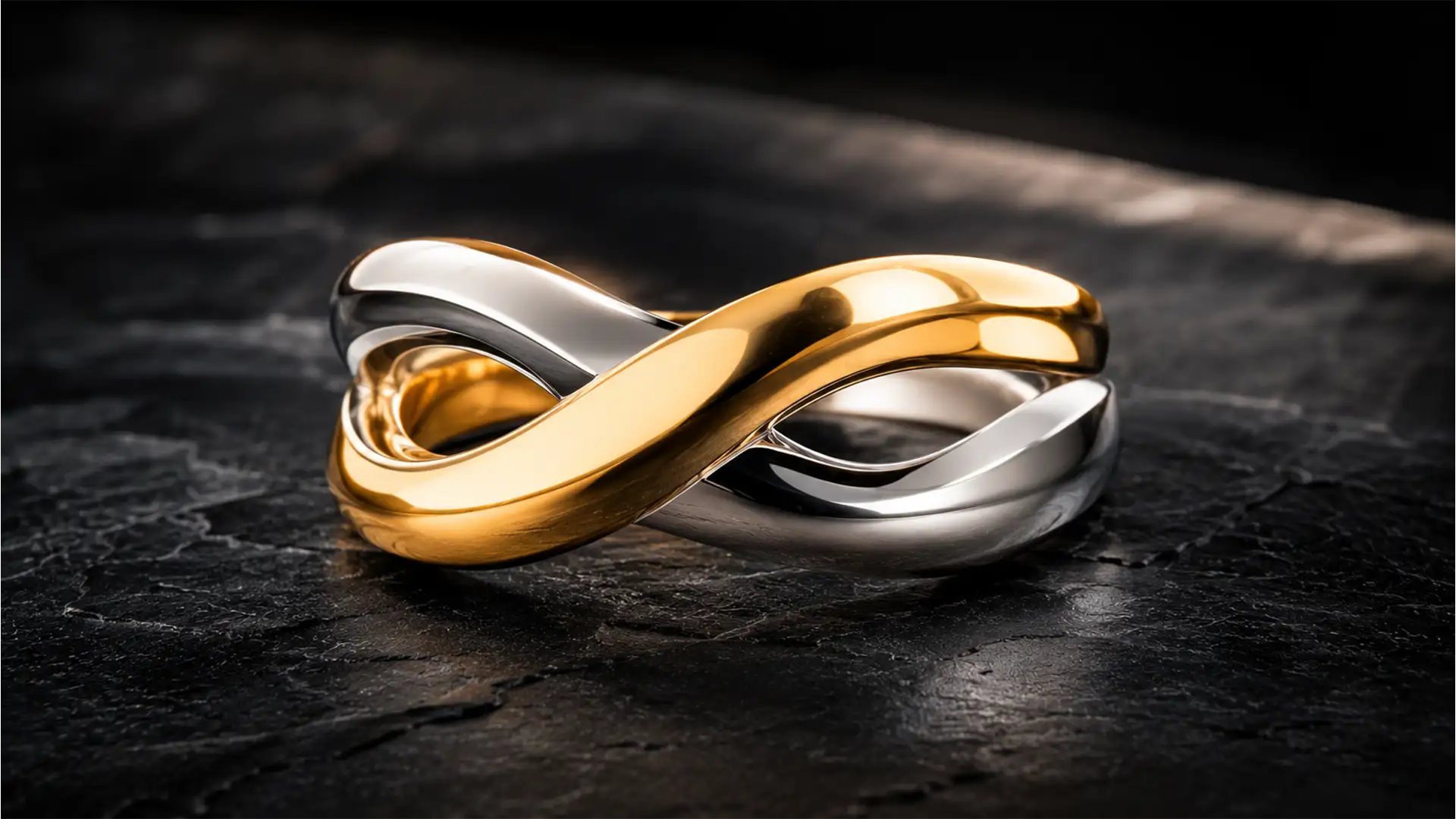
Mixed Metal Retouching: Fix Gold & Silver Color Bleed
As we look ahead to upcoming commercial catalog seasons, mixed-metal designs are aggressively dominating the market. But for retouchers working in Photoshop v25.x to v27.x, these stunning pieces present a massive headache: cross-metal color contamination. You know the exact frustration—that...
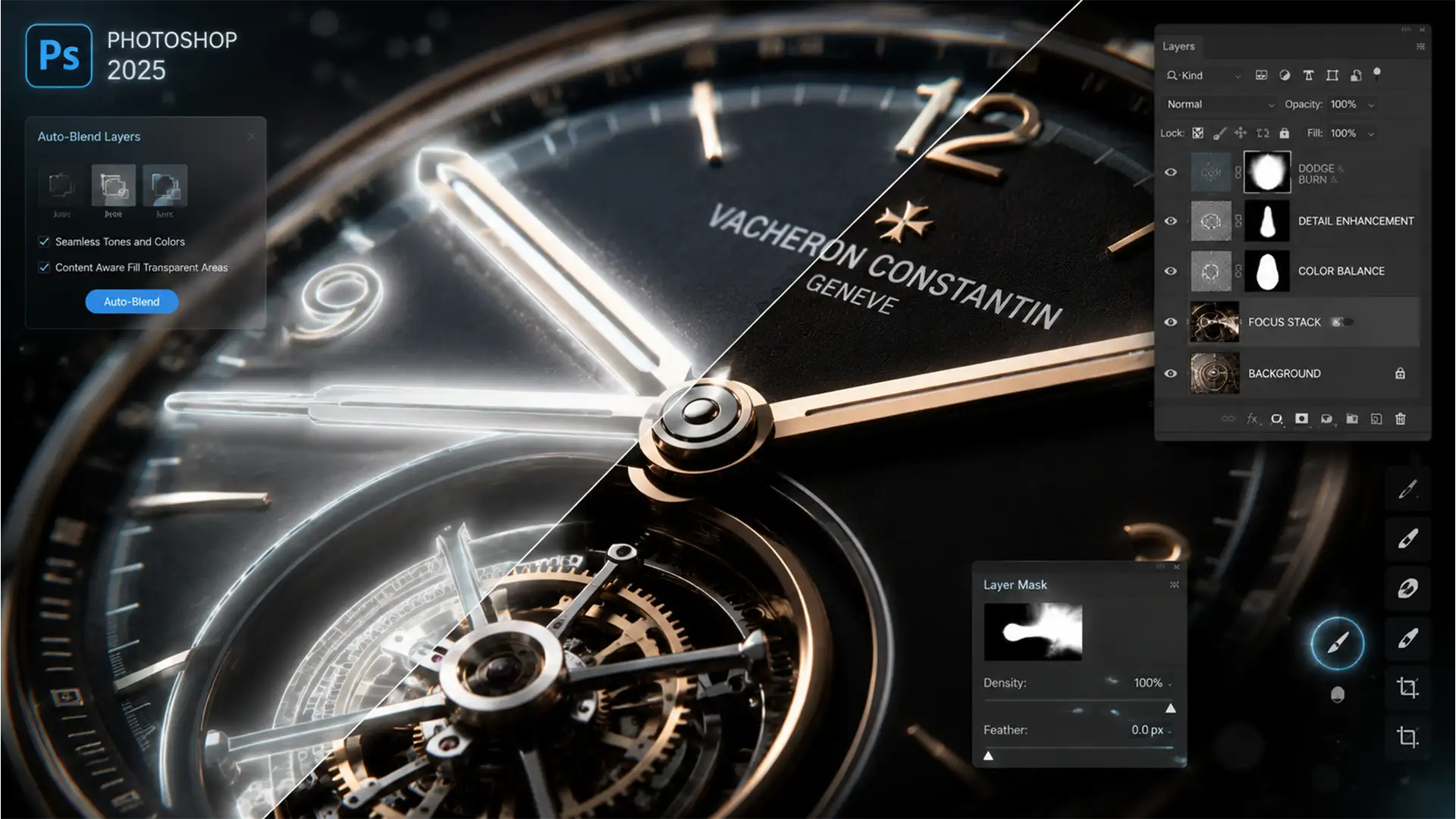
Eliminating Halos: Photoshop 2025 Focus Stacking Fix
You’ve just spent hours capturing a meticulous 40-image macro sequence of a luxury watch, utilizing precise focus peaking to nail every detail. But when you merge the stack in Photoshop 2025, disaster strikes: ugly, translucent halos and ghosting artifacts bleed...
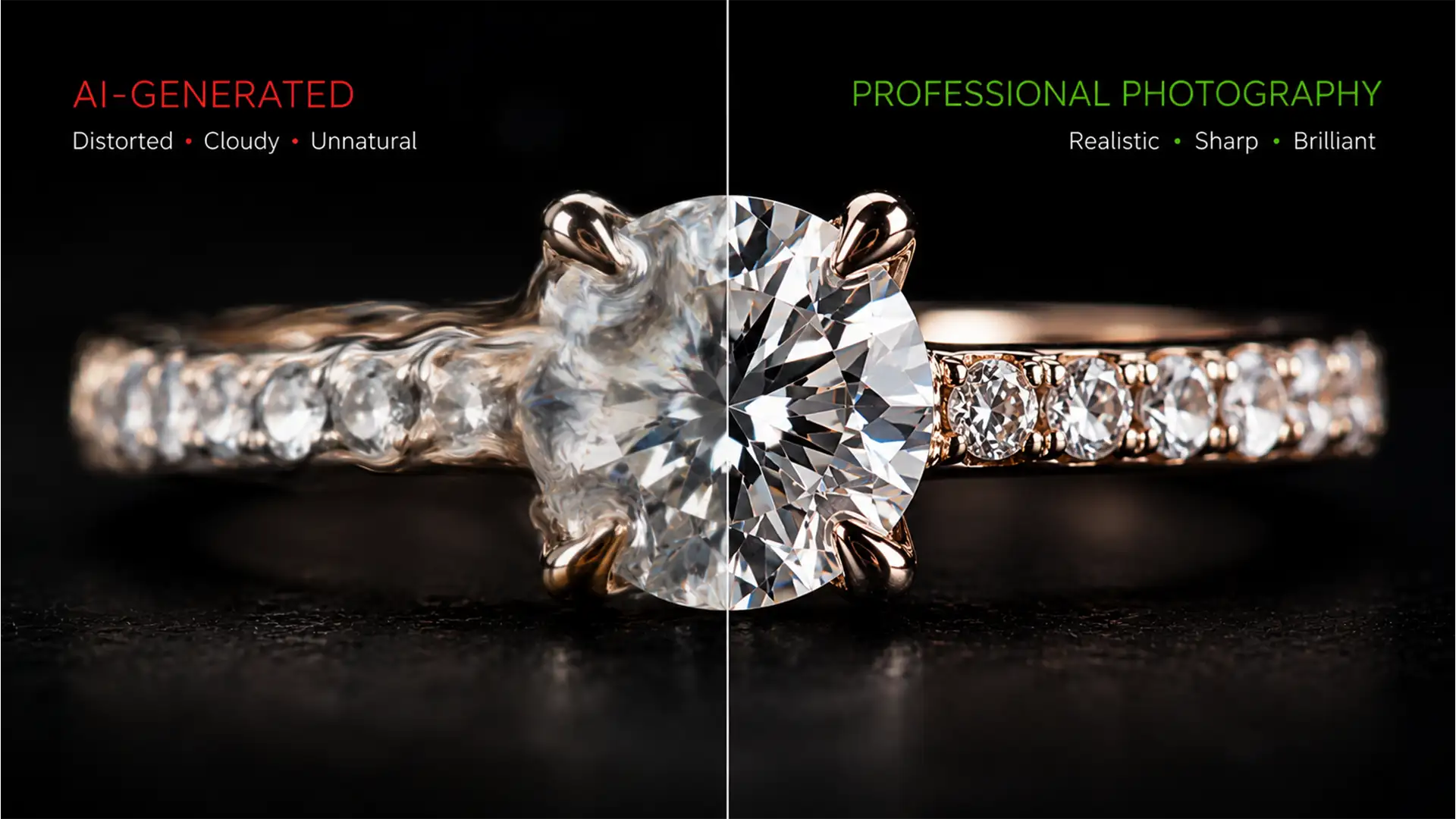
Fix Cloudy AI Diamonds: Restore Gemstone Facets Fast
You just used Photoshop’s Generative Fill to seamlessly extend a background on a luxury jewelry shoot. The setting looks perfect, but there’s a massive problem: your hero diamond now looks like a melted, cloudy piece of glass. While AI is...

The Rose Gold Problem: Achieving Metal Tone Consistency Across High-Brightness Mobile Displays
You’ve spent hours perfecting the product photos for a new jewelry line, only to watch the customer return rate skyrocket. The culprit? That stunning rose gold ring looks like elegant luxury on your calibrated studio monitor, but transforms into cheap,...