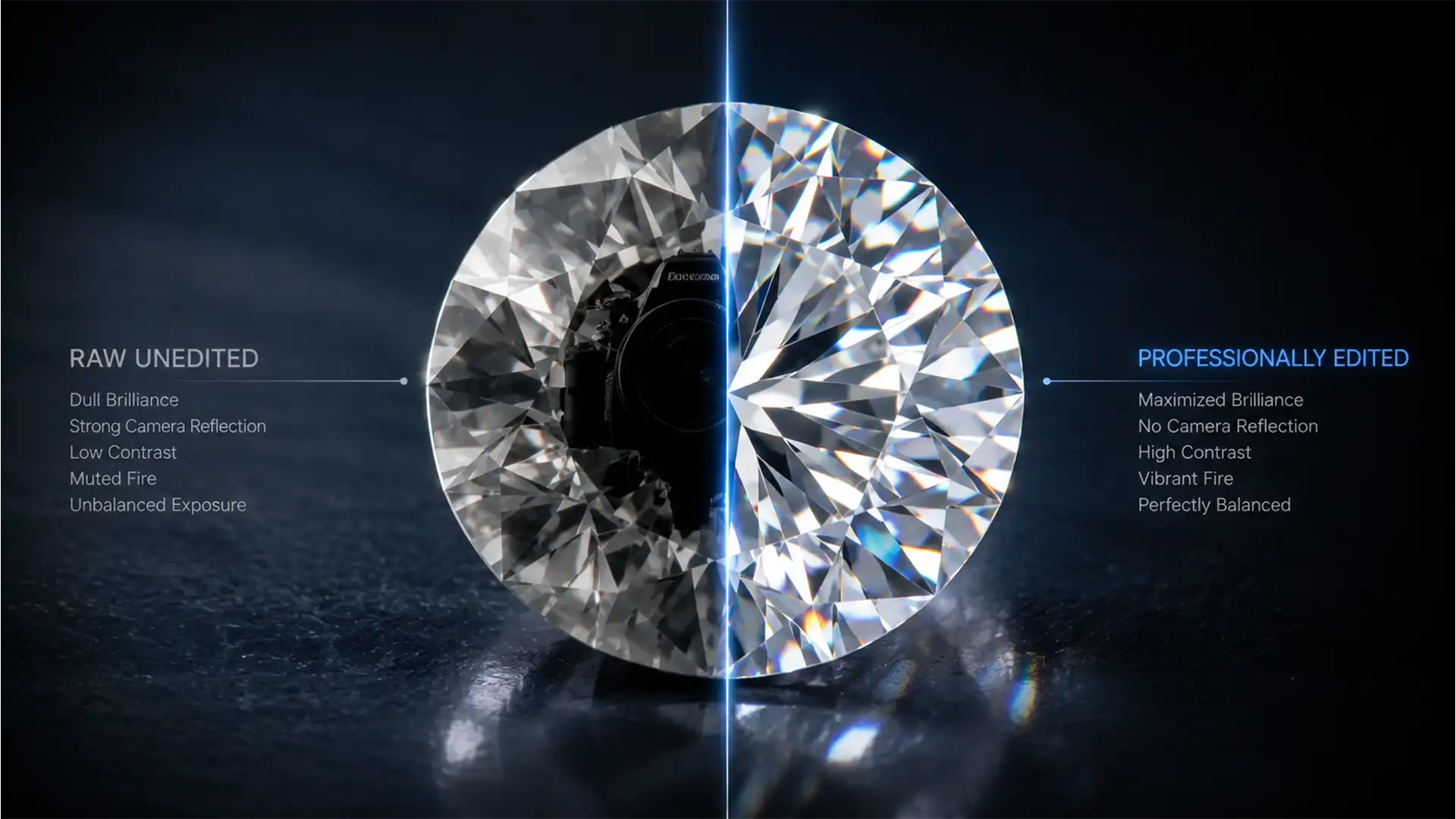

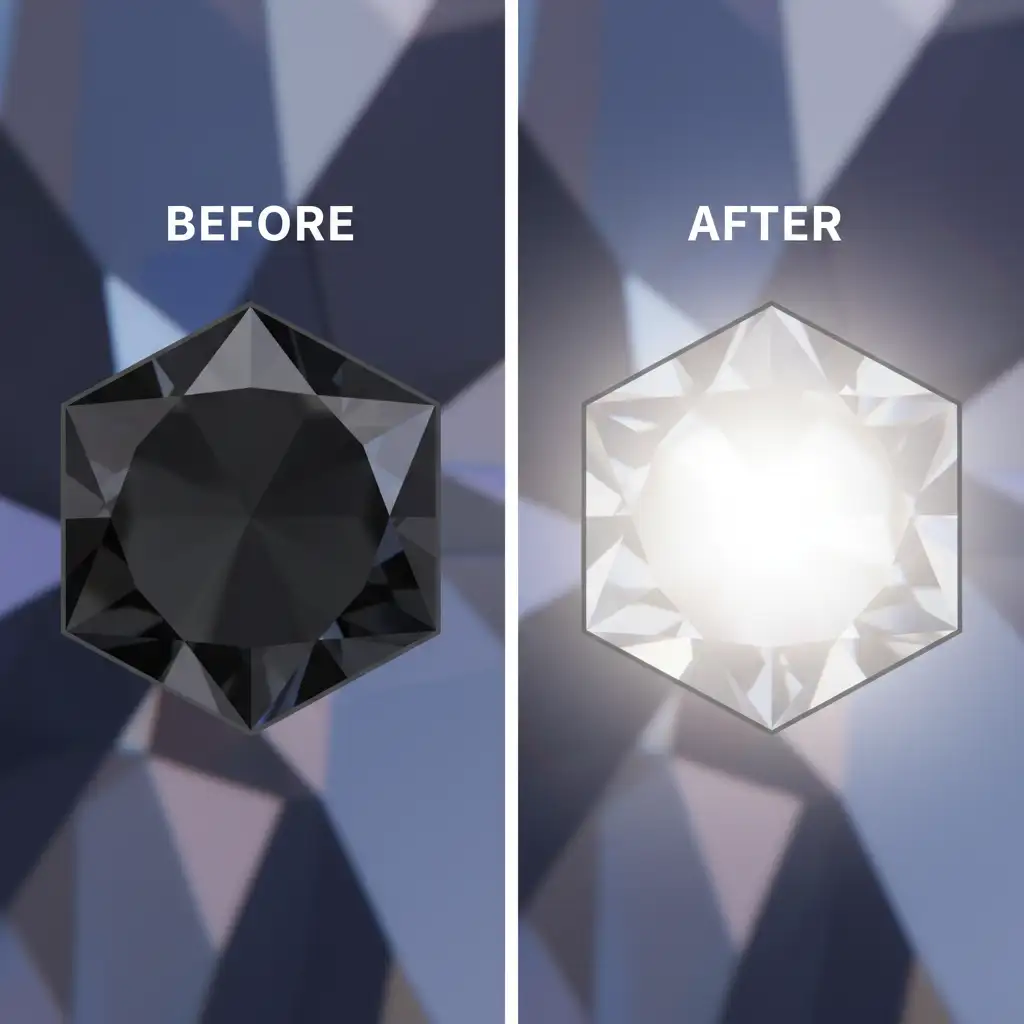
You’ve spent hours perfecting your studio lighting, dialing in your camera settings, and securing the perfect macro focus on a high-end gemstone. But when you review the files, your heart sinks. Staring right back at you from the center of the diamond is a massive, geometric black shape—a direct reflections of your camera lens.
In high-end jewelry photography, capturing faceted gemstones requires macro lenses positioned directly in front of the subject. Because of this proximity, the flat surface of the lens inevitably reflects off the diamond’s table or crown facets. Standard cloning tools will only blur the sharp geometric lines, making the stone look like cheap glass.
In this guide, we will show you exactly how to remove black camera reflections from diamonds in Adobe Photoshop CC without destroying the gemstone brilliance, micro-contrast, or natural diamond fire.
Why Macro Lens Reflections Ruin Diamond Fire
Diamonds are defined by their index of refraction and dispersion—the way they bend light and break it into spectral colors. When a macro lens reflection blocks a primary facet (like the large, flat table facet on top), it creates a dead zone.
The technical challenge in jewelry retouching is restoring pure white or spectral light to the exact polygonal boundaries of that facet. If you just paint over it, you lose the crisp edges that define a real diamond. To fix this, we need to rely on precise blend modes and structural separation techniques.
Method 1: The Quick Fix (Lighten Blend Mode)
If the reflection is relatively small or surrounded by highly textured sparkles, the Clone Stamp tool can work—but only if you change how it blends.
- Open your image in Adobe Photoshop CC (v24.x – v27.x).
- Select the Clone Stamp Tool (S).
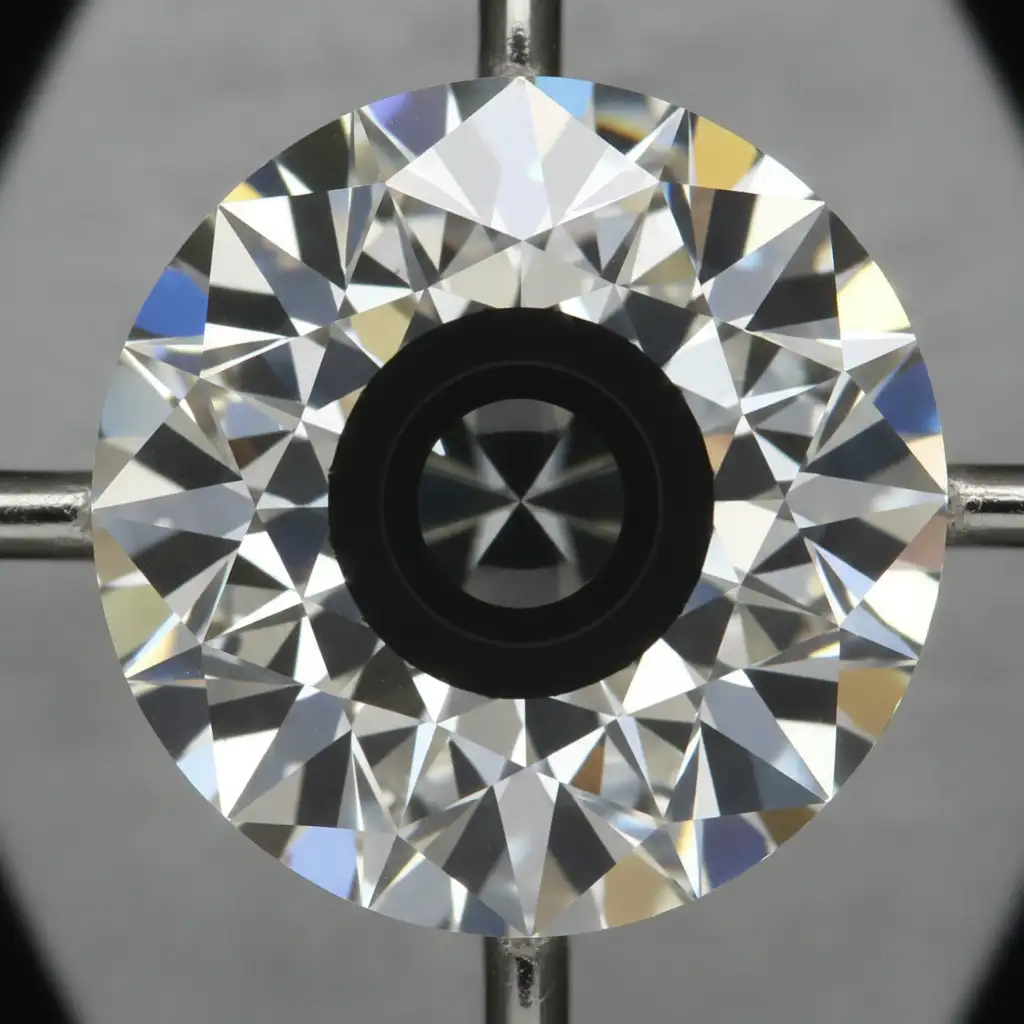
- Look at the top options bar and change the tool’s Blend Mode from ‘Normal’ to ‘Lighten’.
- Set your brush opacity to around 80%.
- Alt-click (Option-click on Mac) to sample a nearby bright, sparkling facet.
- Gently paint over the black reflection.
Because you are using the Lighten blend mode, Photoshop will only replace pixels that are darker than your sampled area. The dark reflection vanishes, but the bright, natural sparkles beneath it remain completely intact.
Method 2: The Pro Workaround (‘Path & Gradient’)
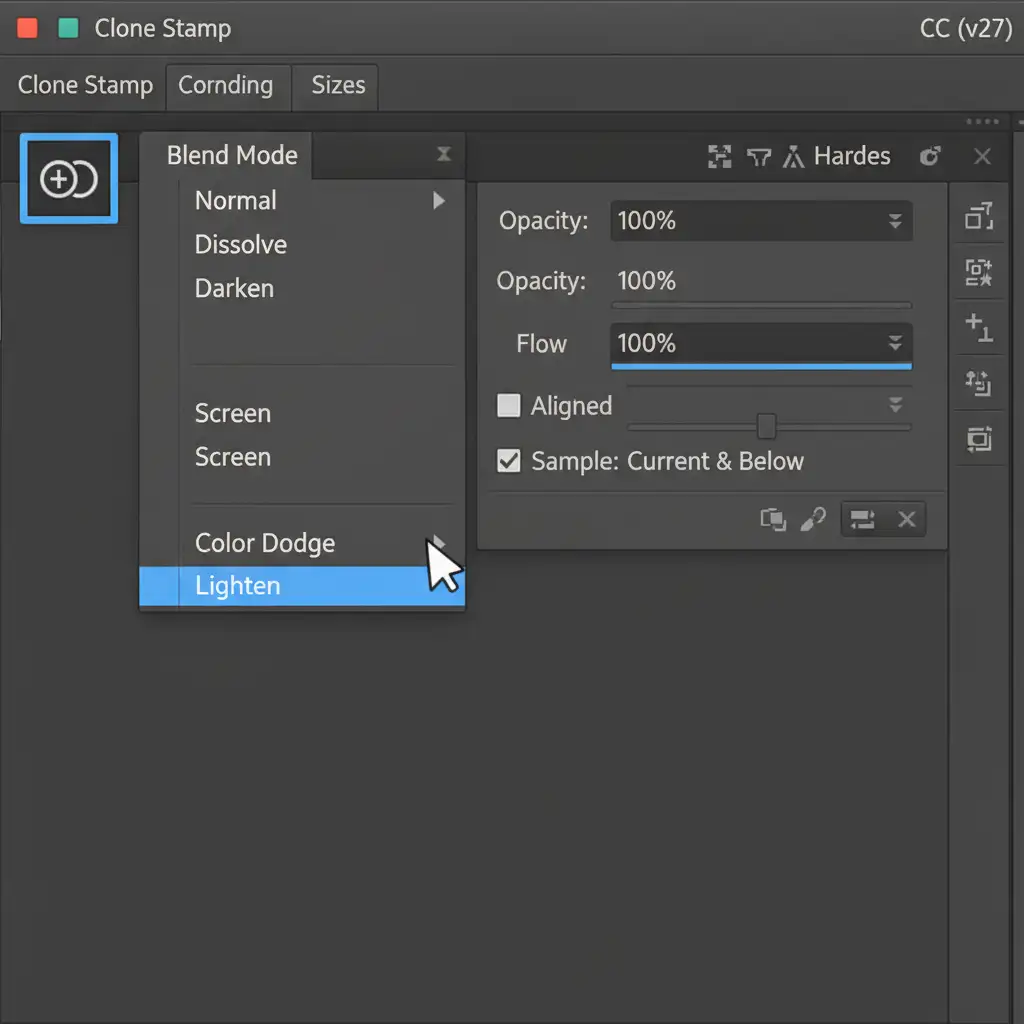
For large reflections on primary facets, you need absolute geometric perfection. This method uses a precise Pen Tool path to recreate the natural light of a facet.
Step 1: Trace the Facet
Zoom in closely to the diamond (at least 300%). Select the Pen Tool (P) and draw a precise path outlining the exact geometric shape of the darkened facet (such as the table or crown).
Step 2: Apply a Light Gradient
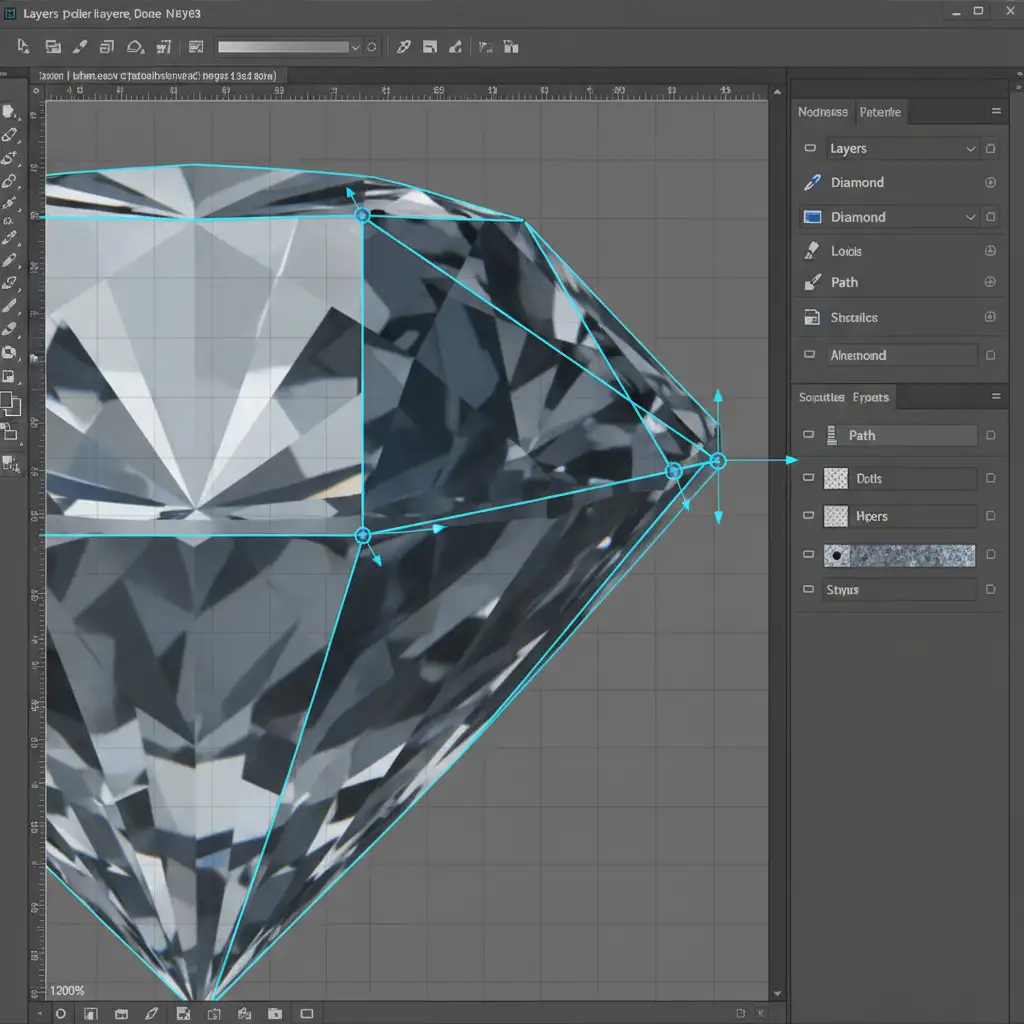
- Press Ctrl+Enter (Cmd+Return) to convert your path into a selection.
- Create a new empty layer.
- Select the Gradient Tool (G) and choose a basic White-to-Transparent gradient.
- Drag the gradient linearly across the selection to mimic how natural light hits a flat surface.
- Change the new layer’s Blend Mode to ‘Screen’ or ‘Soft Light’.
- Lower the layer Opacity to 40-60%.
This method perfectly swaps the black void for a realistic light gradient without bleeding over the sharp edges of the stone.
Method 3: The Technical Deep-Dive (Frequency Separation)
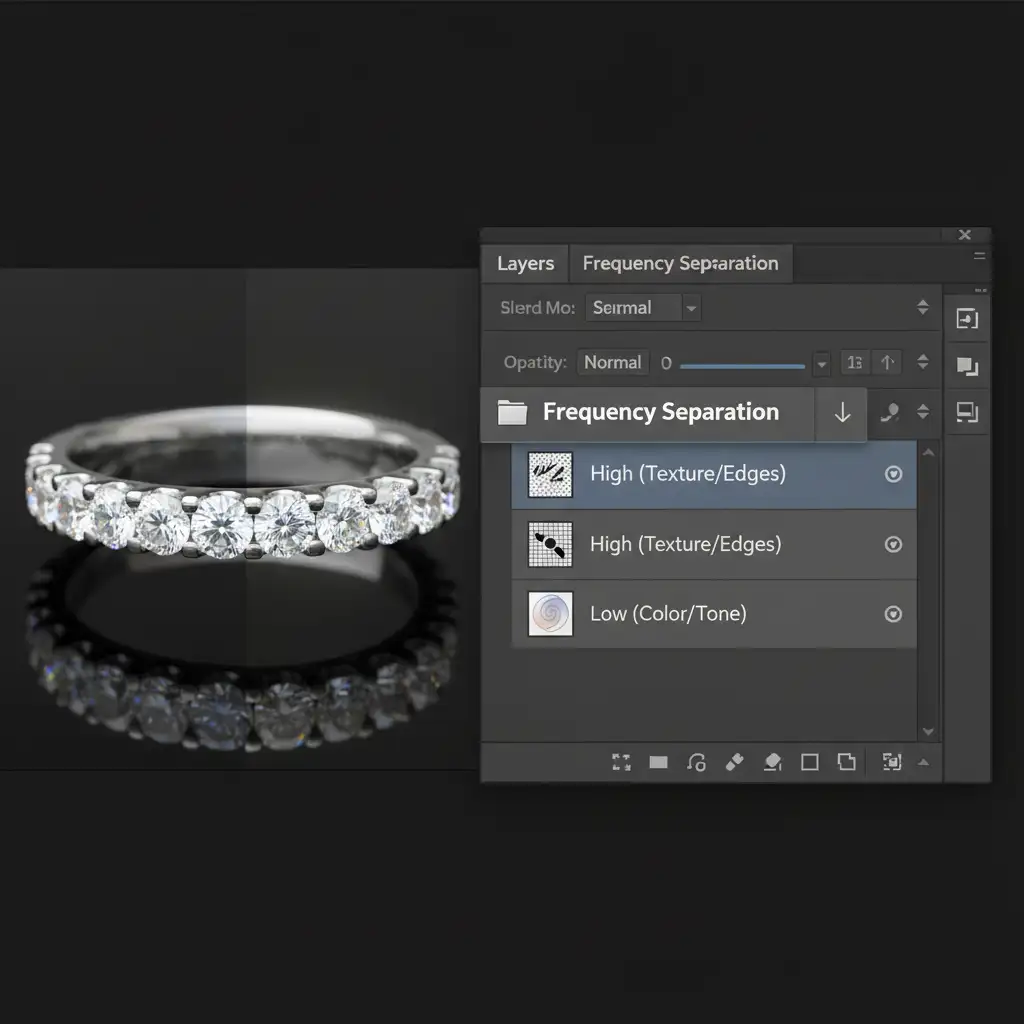
When dealing with highly complex stones where texture and color must be managed independently, professional retouchers turn to Frequency Separation.
- Run your standard Frequency Separation action to split the image into two layers: a Low Frequency layer (Color/Tone) and a High Frequency layer (Texture/Edges).
- Select the Low Frequency layer.
- Use a soft brush or the Mixer Brush tool to sample nearby bright gemstone tones.
- Carefully paint over the black reflection.
Because you are only painting on the color/tone layer, the sharp edges, micro-contrast, and geometric lines of the facets (which live safely on the High Frequency layer) are perfectly preserved. The diamond retains its crisp, realistic cut without looking airbrushed or fake.
Flawless Jewelry Retouching at Scale
Removing macro lens reflections is just one small part of professional jewelry photography. True jewelry editing requires pixel-perfect precision, an advanced understanding of light physics, and hours of meticulous masking.
If you are a photographer, agency, or e-commerce brand struggling to keep up with high-volume editing demands, you don’t have to do this manually. Outsource your jewelry and diamond retouching to the experts at Image Work India & Cloud Retouch. Our dedicated teams specialize in high-end gemstone editing, ensuring flawless, brilliant, and market-ready results for every single stone.
Contact us today to streamline your post-production workflow and let your diamonds truly shine.




