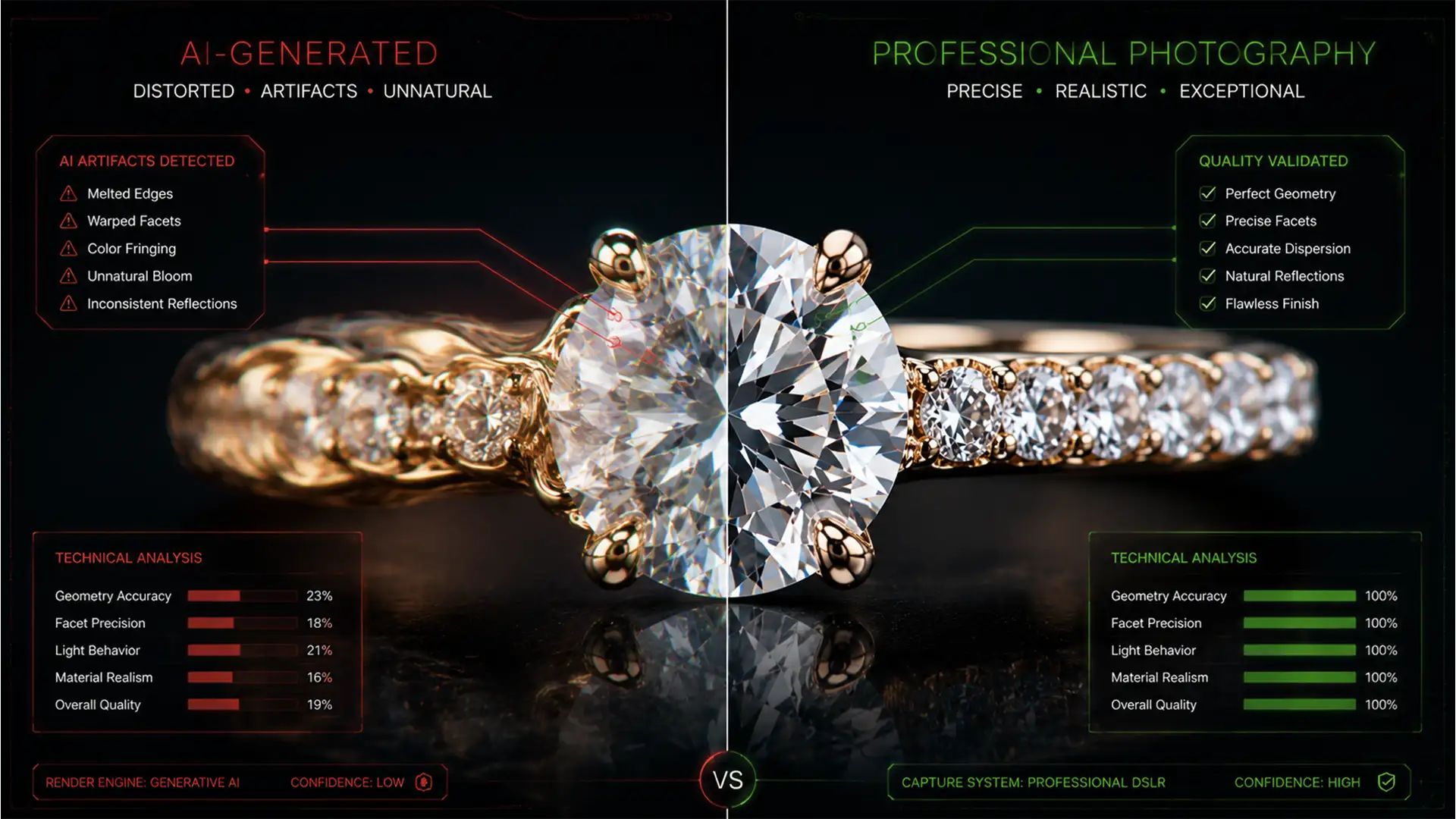

You just used Photoshop’s Generative Fill to clean up dust and scratches on a $50,000 diamond ring, but instead of a flawless finish, you are left with melted gold and warped gemstone facets. Sound familiar?
In Photoshop versions 25.0 and above, the Adobe Firefly model struggles with the mathematical precision required for luxury jewelry. It hallucinates details, prioritizing organic blending over sharp, hard-edged micro-contrast. The result is severe artifact distortion that instantly fails high-end retouching standards.
If you want to fix generative fill jewelry distortion, you must stop relying entirely on automation. Here is how to master the hybrid workflow of AI efficiency and manual texture preservation.
Why Generative Fill Melts Jewelry Details
The Adobe Firefly Image 2 and 3 models are trained to understand organic shapes—landscapes, skin textures, and fabrics. However, high-end jewelry relies on exact geometry. Diamond facets, linked metal chains, and highly reflective surfaces require absolute structural integrity.
When you use Generative Fill on these areas, the AI attempts to guess the missing pixels based on surrounding data. Because it lacks an understanding of mathematical gem cuts, it smooths over the micro-contrast, resulting in a “melted” appearance. To maintain realism, your workflow must shift from broad AI replacements to targeted, non-destructive editing.
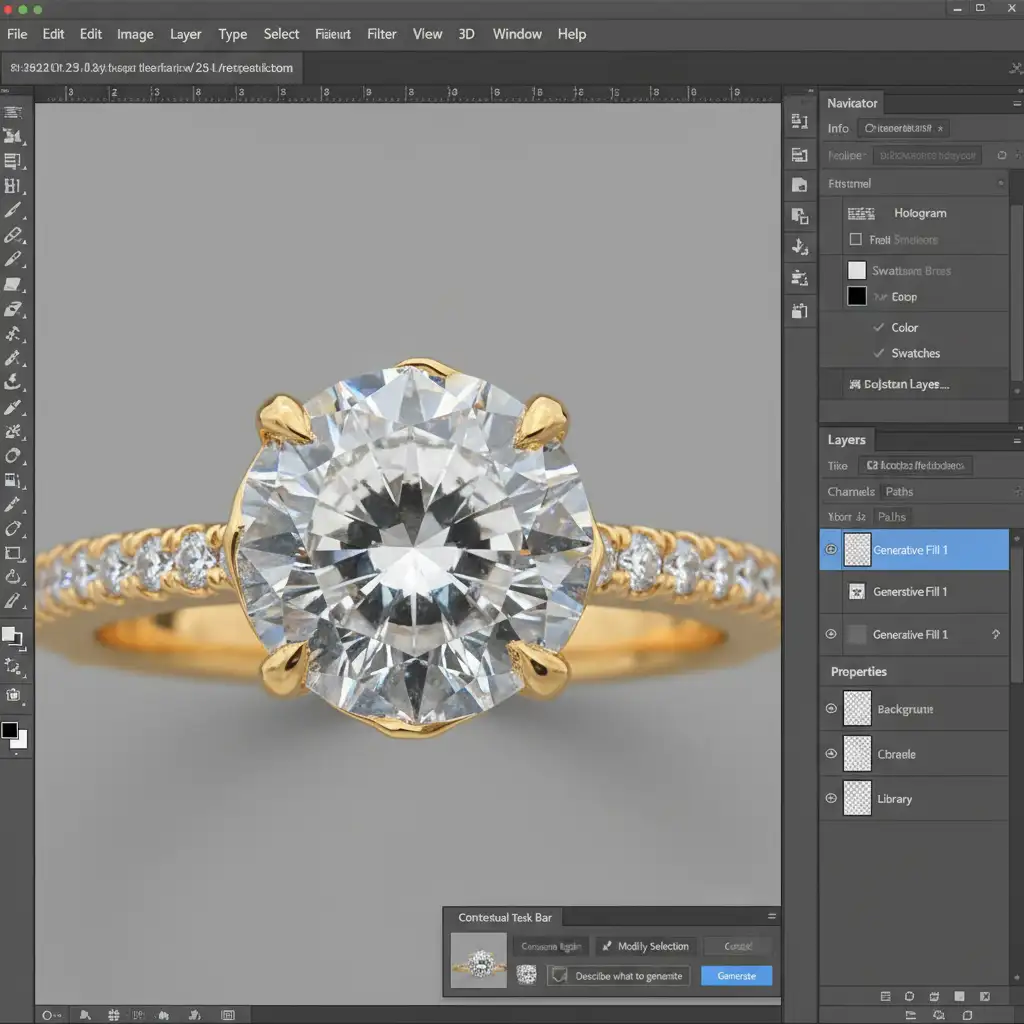
3 Ways to Fix Generative Fill Jewelry Distortion
To achieve luxury retouching standards, you need to restrict where and how the AI applies its generated pixels. Here are three professional methods to fix the issue.
Method 1: The Quick Fix (Precision Paths & Prompting)
The most common mistake retouchers make is using the Lasso tool to draw loose boundaries around a defect. Broad selections give the AI too much room to hallucinate.
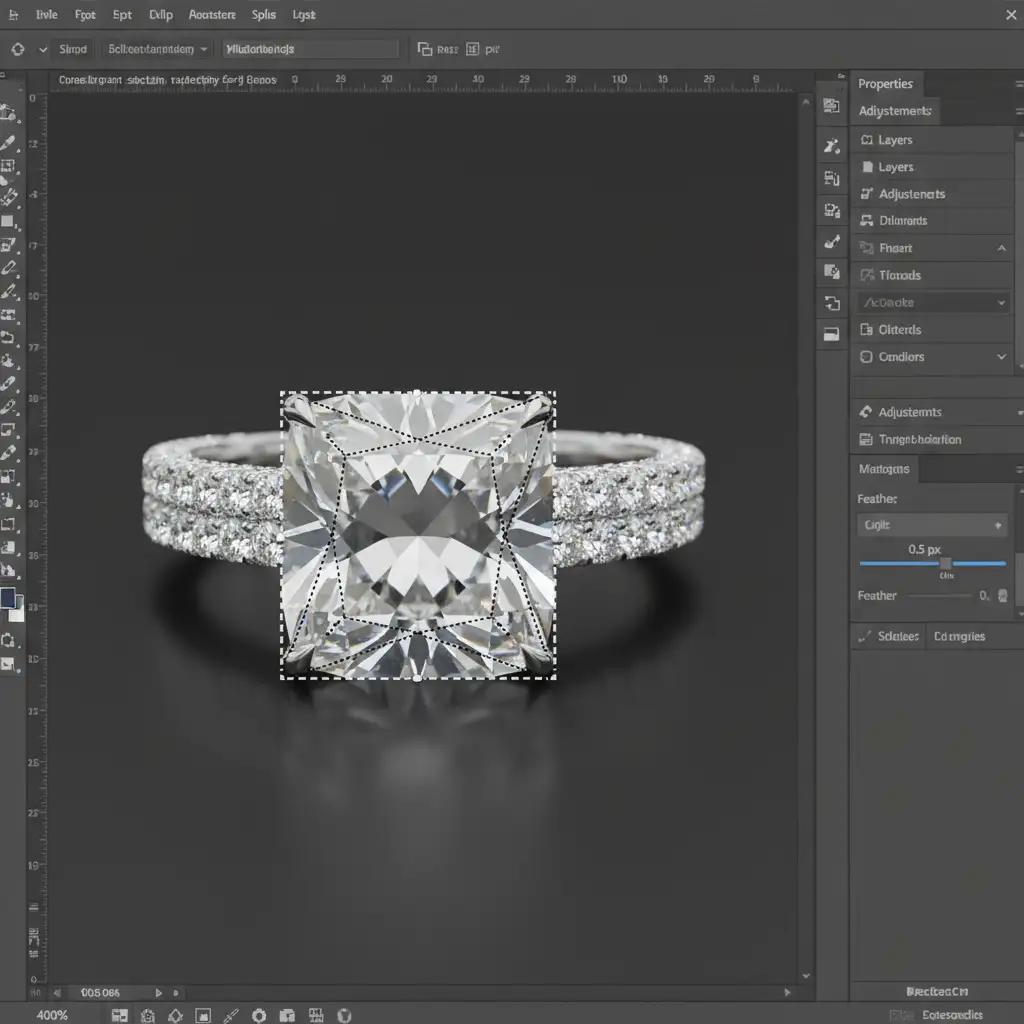
- Ditch the Lasso: Select the Pen tool to trace the exact geometric boundary of the defect.
- Create a Pen Tool Path: Convert your path to a selection (marching ants) with a strict 0.5px feather. This prevents the AI from bleeding into adjacent diamond facets.
- Use Descriptive Prompts: Never leave the text prompt blank when working on jewelry. Instead of letting the AI guess, explicitly type “solid gold surface,” “platinum reflection,” or “diamond facet.”
Method 2: The Pro Workaround (Hybrid Layer Masking)
When you need to clean a larger area but cannot afford to lose the structural edges of the jewelry, hybrid layer masking is the safest non-destructive editing technique.
- Duplicate your original image layer.
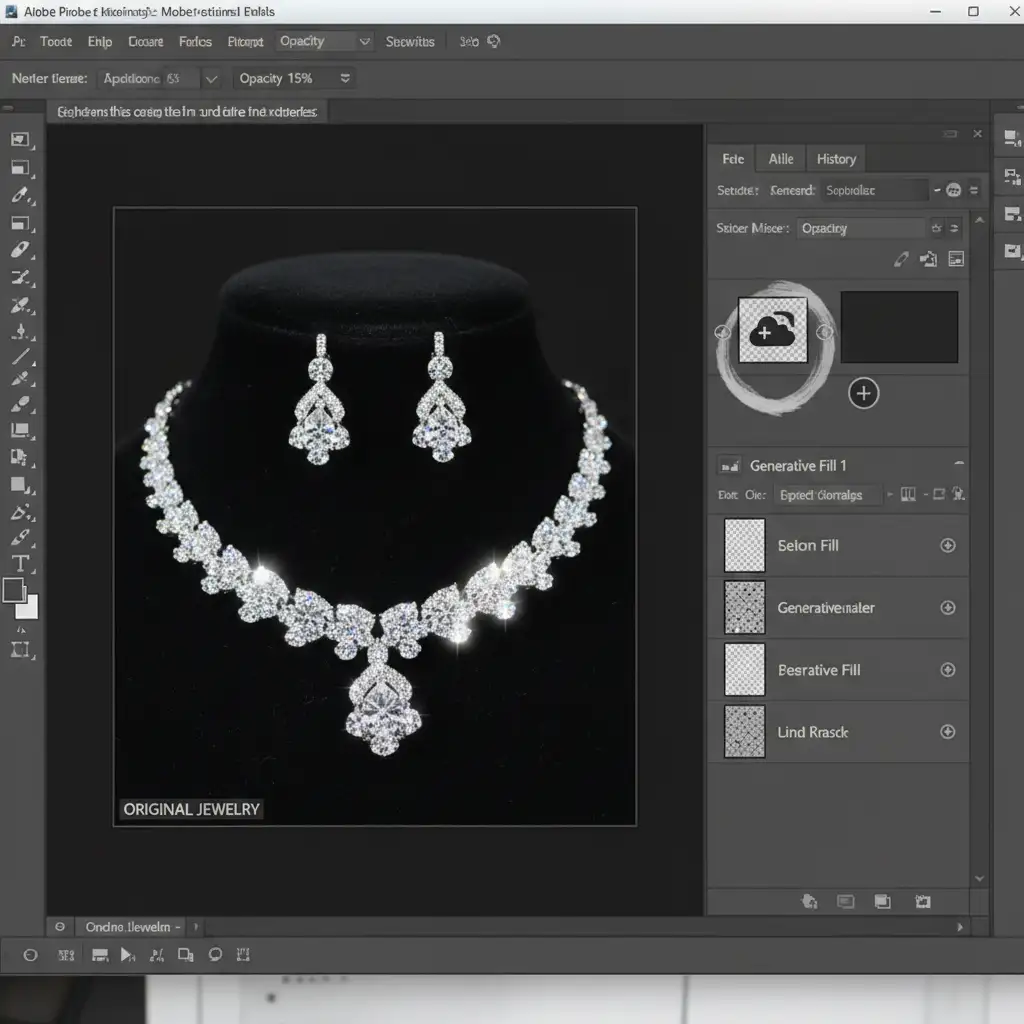
- Run Generative Fill over the area that needs cleaning (accepting that the edges will temporarily look melted).
- Apply a black layer mask to the Generative Fill layer to hide the AI generation completely.
- Select a soft round brush, set the foreground color to white, and drop your brush opacity to 10–20%.
- Carefully paint over the specific dust spots or color casts.
By brushing in the AI correction at a low opacity, you fix the tonal issues while allowing the original, sharp structural edges of the jewelry to show through from the layer below.
Method 3: The Technical Deep-Dive (Frequency Separation)
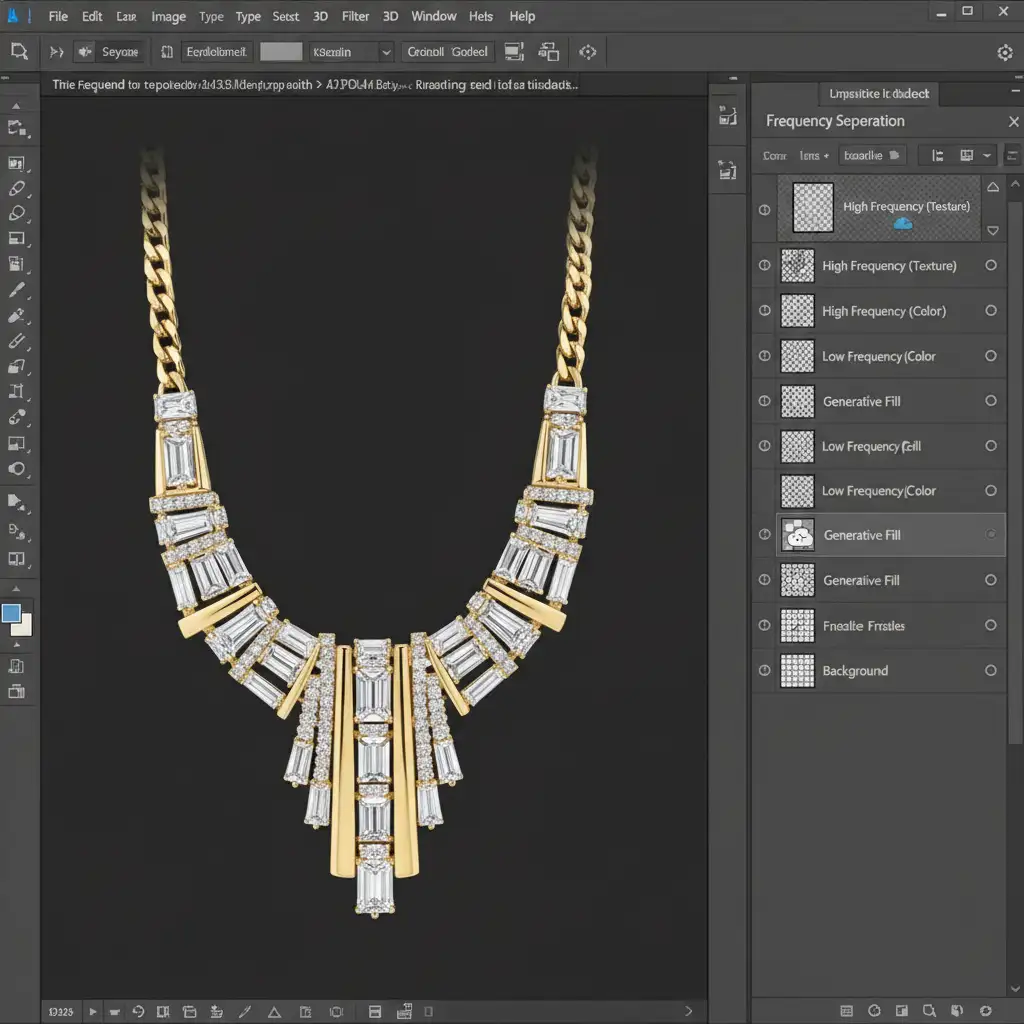
For absolute perfection, integrate AI into a Frequency Separation workflow. This separates your image data into two distinct layers: High Frequency (texture, edges, and micro-contrast) and Low Frequency (color, tones, and gradients).
- Set up your standard Frequency Separation layer stack.
- Target the Low-Frequency layer only.
- Make your selection and run Generative Fill.
Because the AI is only operating on the color and tone data, it can seamlessly remove large reflection anomalies or color casts. Meanwhile, your High-Frequency layer remains completely untouched, ensuring every mathematical edge, scratch-free facet, and crisp detail of the jewelry is perfectly preserved.
Let the Masters Handle Your Jewelry Retouching
Fixing generative fill jewelry distortion requires patience, a deep understanding of light, and an uncompromising eye for detail. While AI tools are incredible for speeding up basic workflows, high-end jewelry requires a human touch for absolute perfection.
If you are spending hours battling artifact distortion and melted edges, it is time to scale your workflow. Let Image Work India and Cloud Retouch handle your luxury image editing. We combine cutting-edge AI efficiency with master artisan precision to deliver flawless, non-destructive retouching that meets the highest industry standards.
Contact us today to elevate your jewelry photography and ensure every facet shines perfectly.




