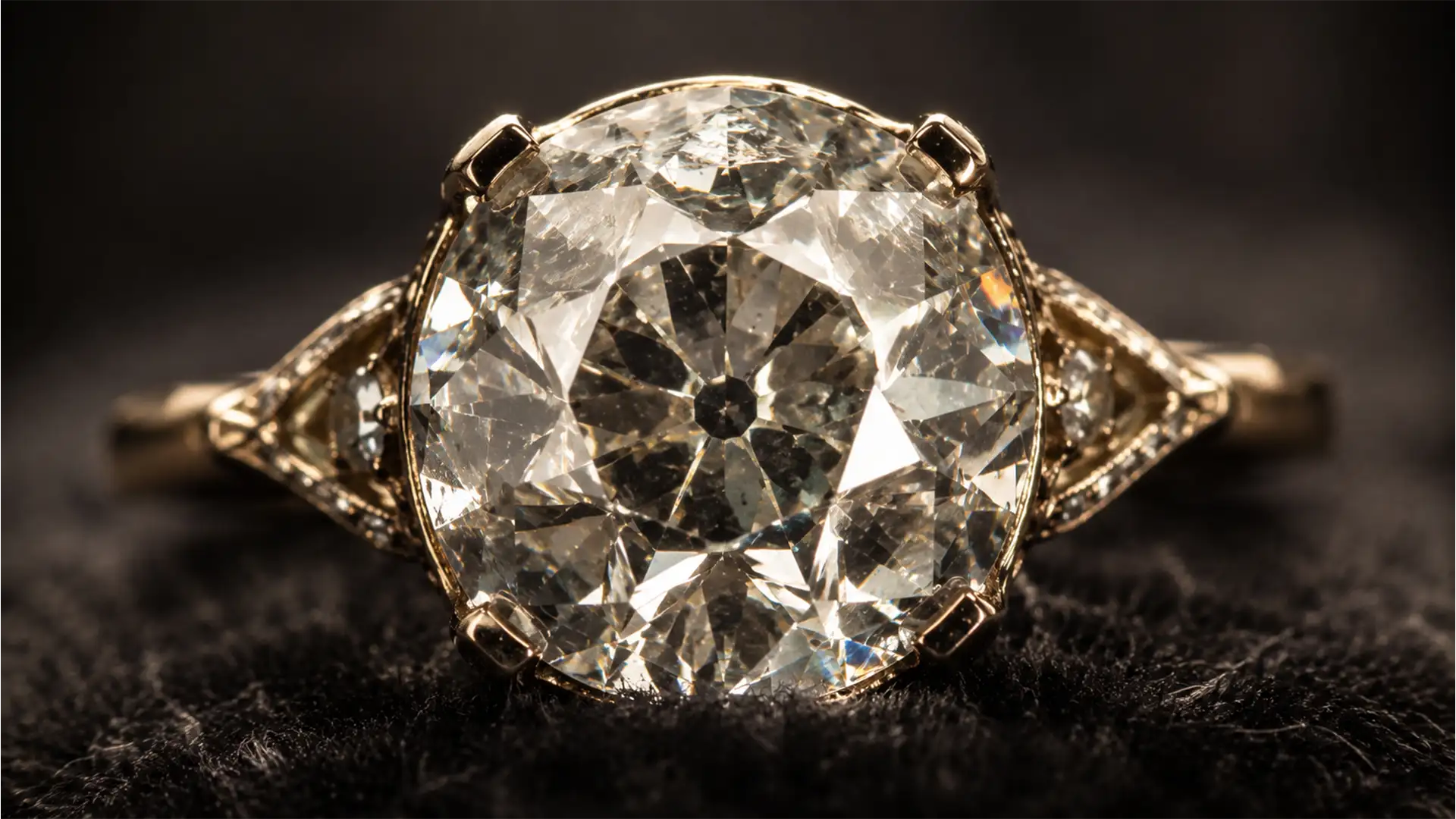

Retouching Old Mine Cut Diamonds: The Pro Guide
If you are using standard diamond retouching automated actions on Old Mine Cut (OMC) or Old European Cut (OEC) diamonds, you are actively destroying their historical value. Unlike modern round brilliants with perfectly symmetrical micro-facets, antique diamonds feature chunky facets,...
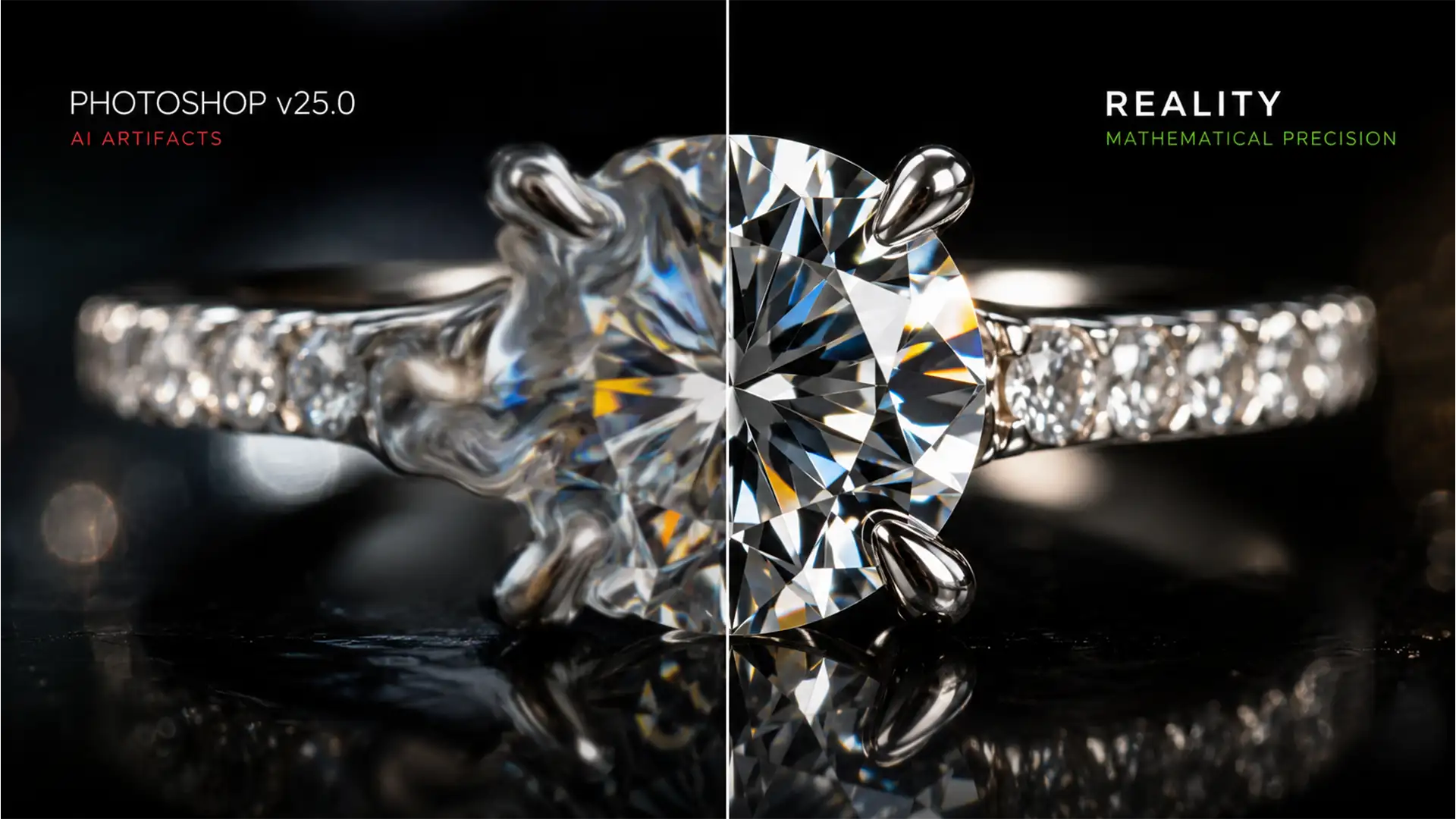
How to Rescue Diamonds from AI: Fix Generative Fill Artifacts
Are your high-end jewelry photos suddenly looking like melted plastic? If you have been using Photoshop v25.0 or later to clean up rings and necklaces, you have likely encountered a frustrating reality: AI tools routinely destroy the structural integrity of...
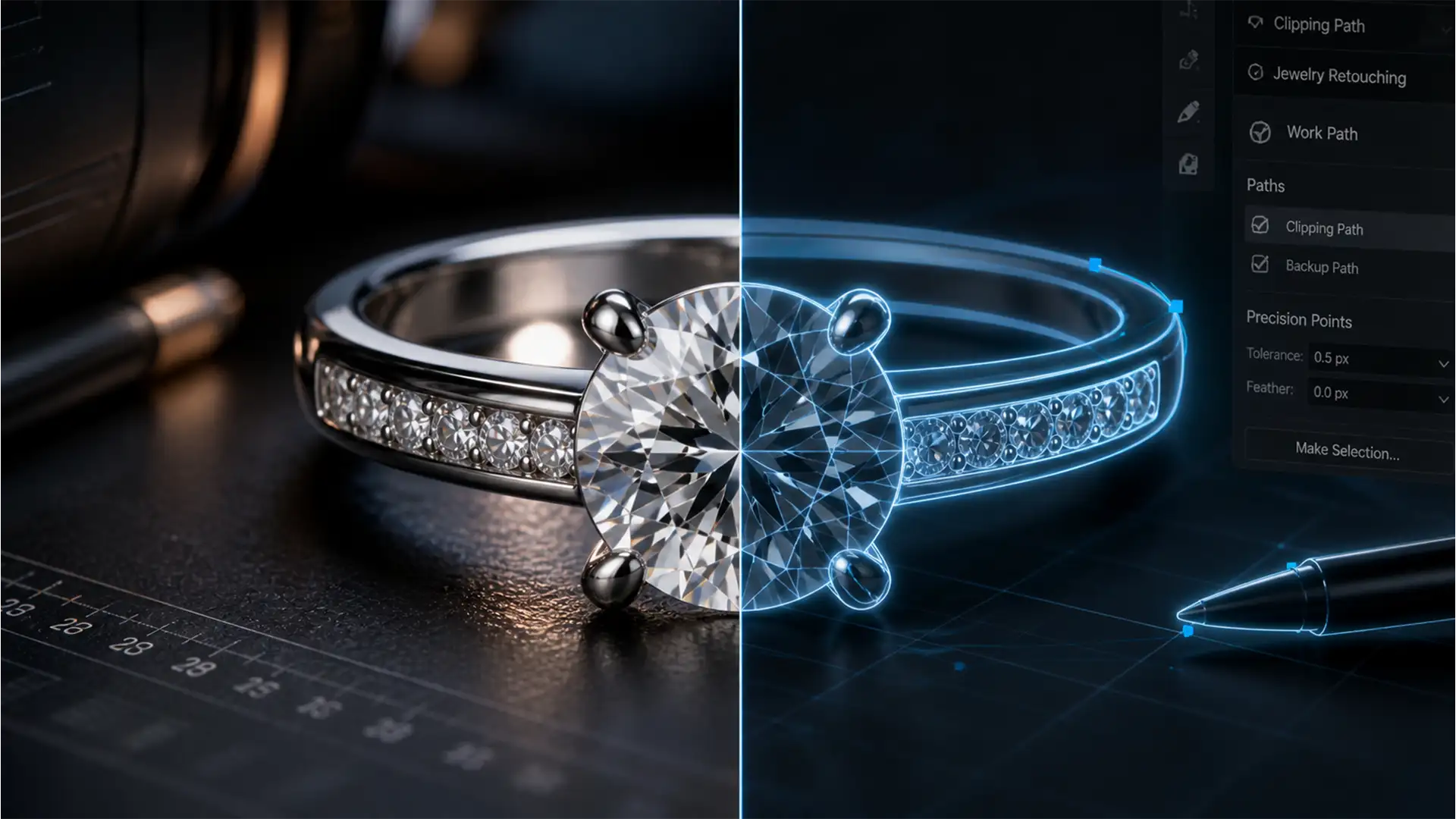
Fix Automated Jewelry Background Removal Artifacts
You just ran a batch of expensive jewelry product photos through an AI background remover, expecting a perfect transparent PNG. Instead, you are staring at a disaster. Diamond prongs are clipped off. Delicate silver chains have vanished. You are experiencing...
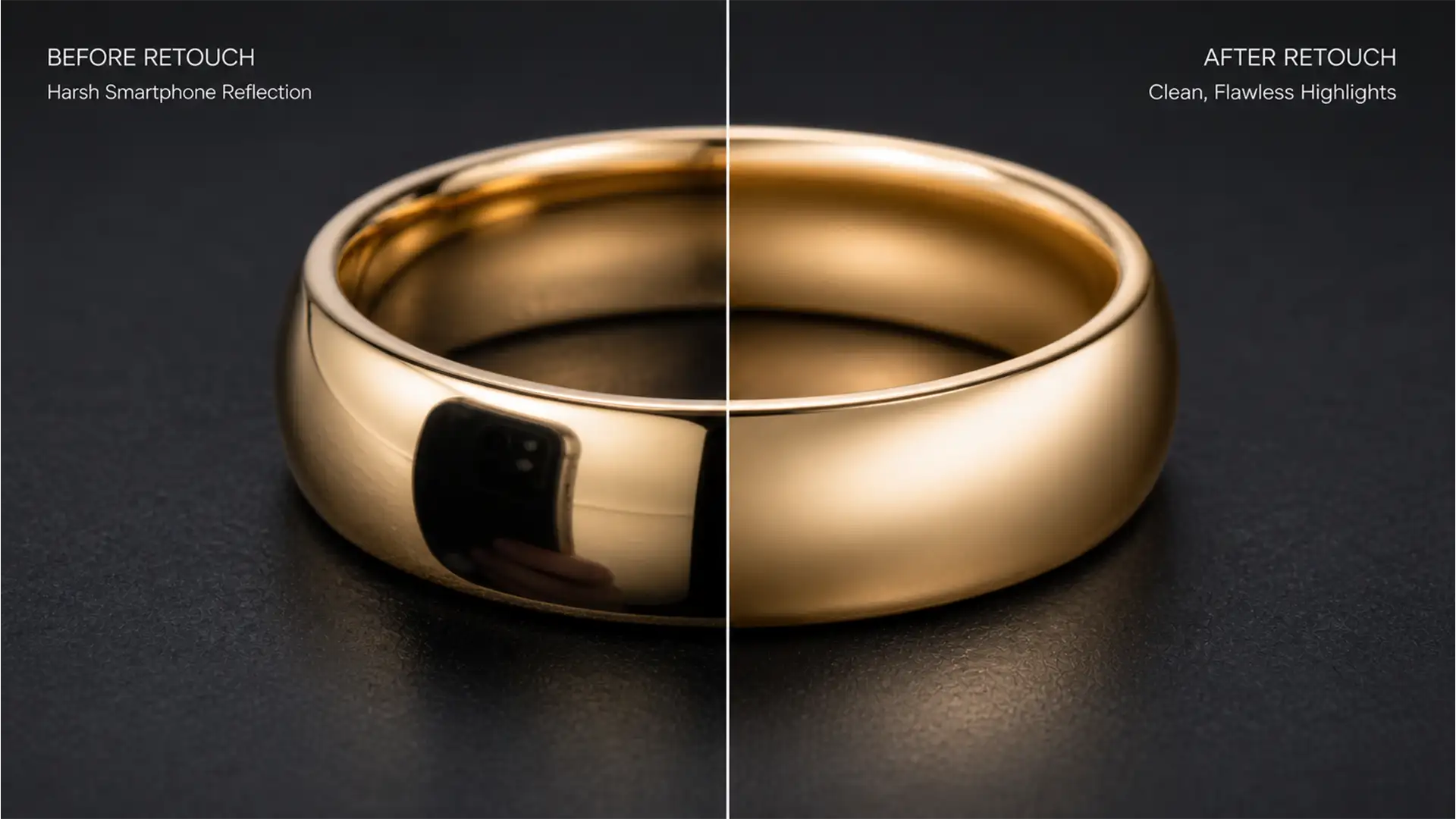
Remove Smartphone Reflections from Gold Jewelry
You’ve just shot a stunning gold ring for your e-commerce store, but when you zoom in, there it is: a dark, rectangular block right in the middle of the band. Highly reflective convex surfaces are notorious for catching smartphone and...
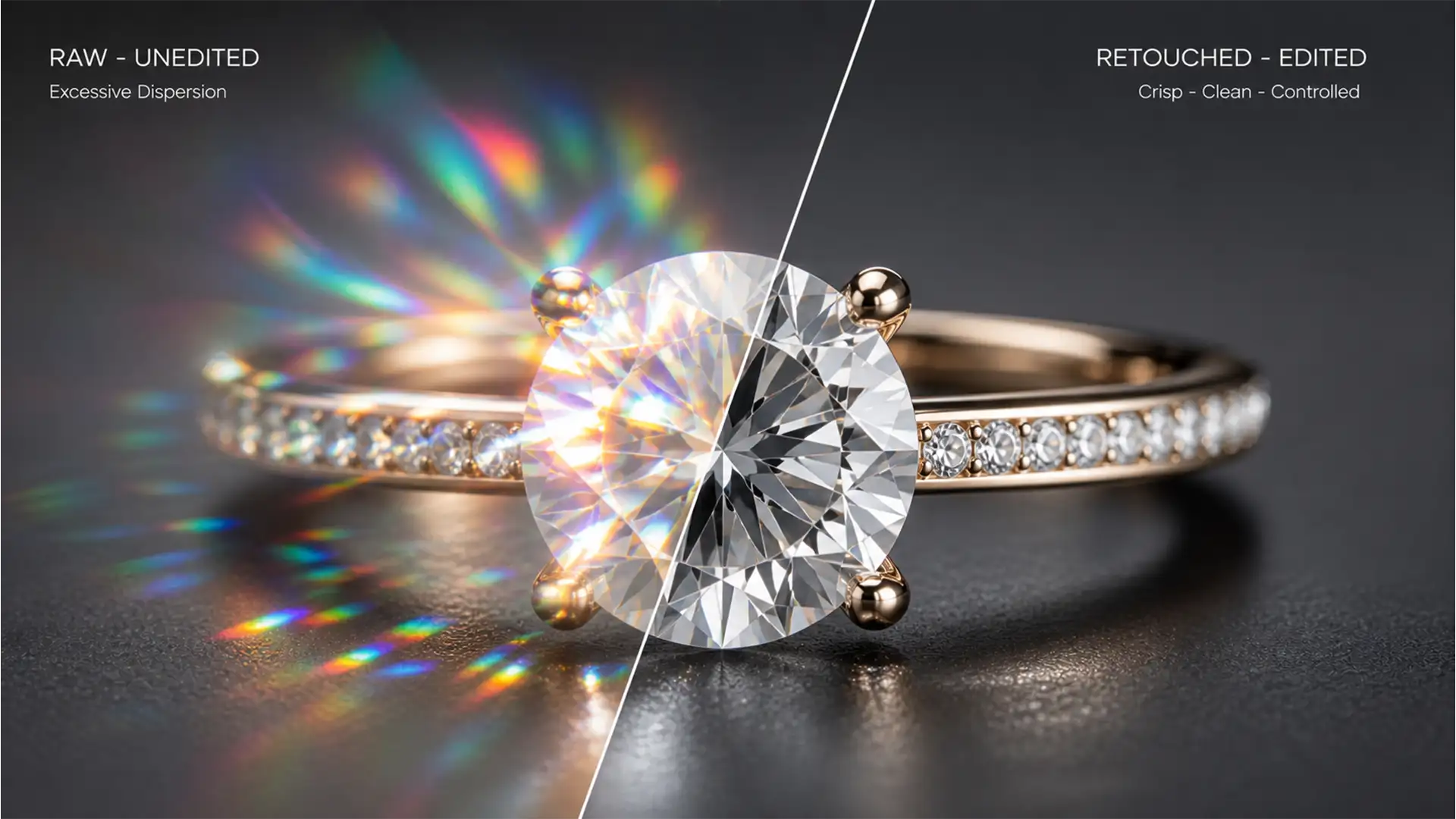
Editing Moissanite: How to Retouch Lab-Grown Gemstones
If you edit lab-grown jewelry for high-end e-commerce, you already know the nightmare: under studio lighting, Moissanite produces explosive, multi-colored flares. Apply standard diamond retouching workflows, and the stone looks dull, flat, and glassy. Leave the raw image untouched, and...
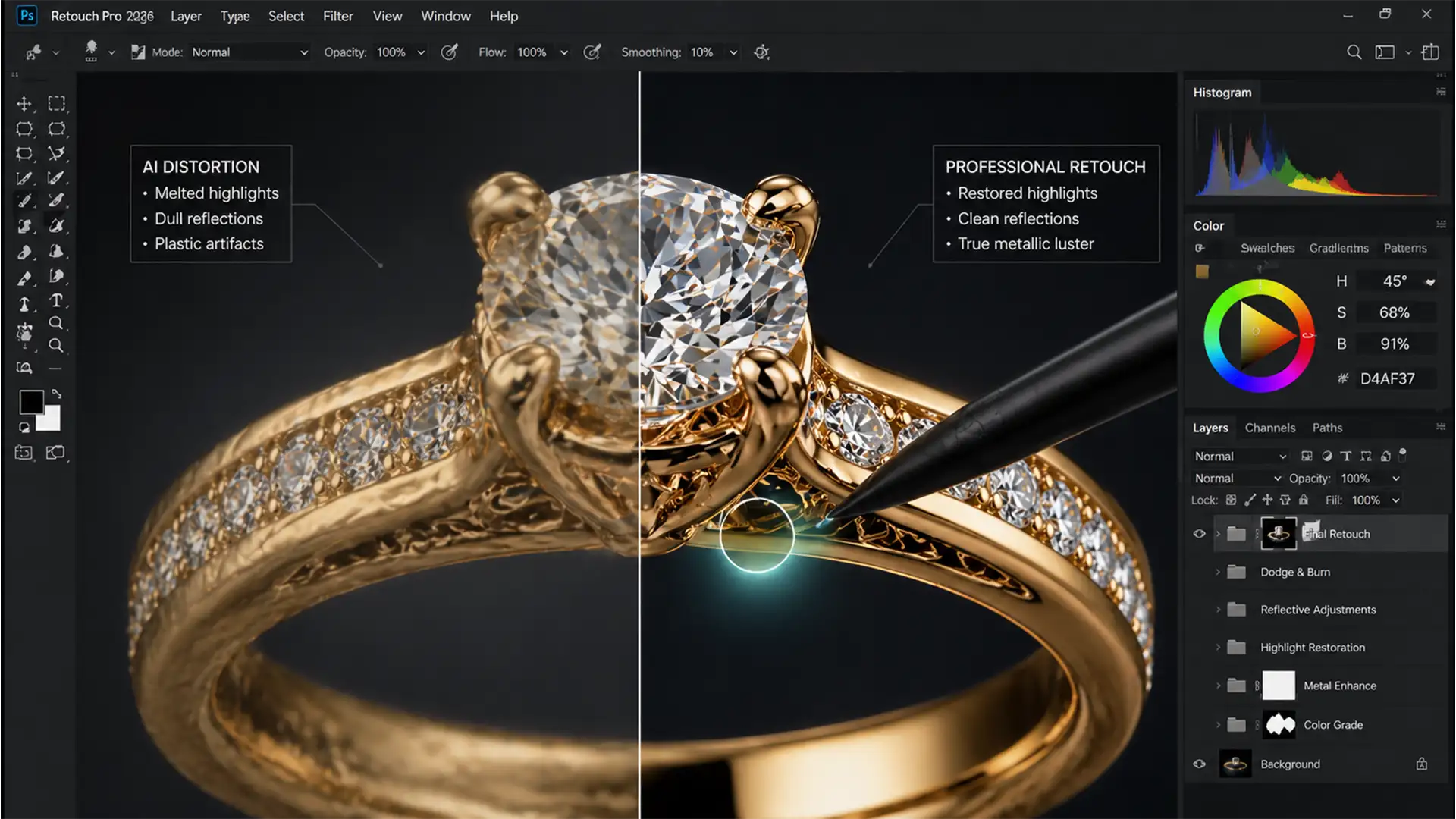
How to Fix AI Jewelry Metal Distortion in Photoshop
You’ve just used Photoshop’s Generative Fill to extend a background or remove a prop, but when you look closely at the gold ring in the center, your heart sinks. The metal looks melted. The crisp reflections are gone, replaced by...
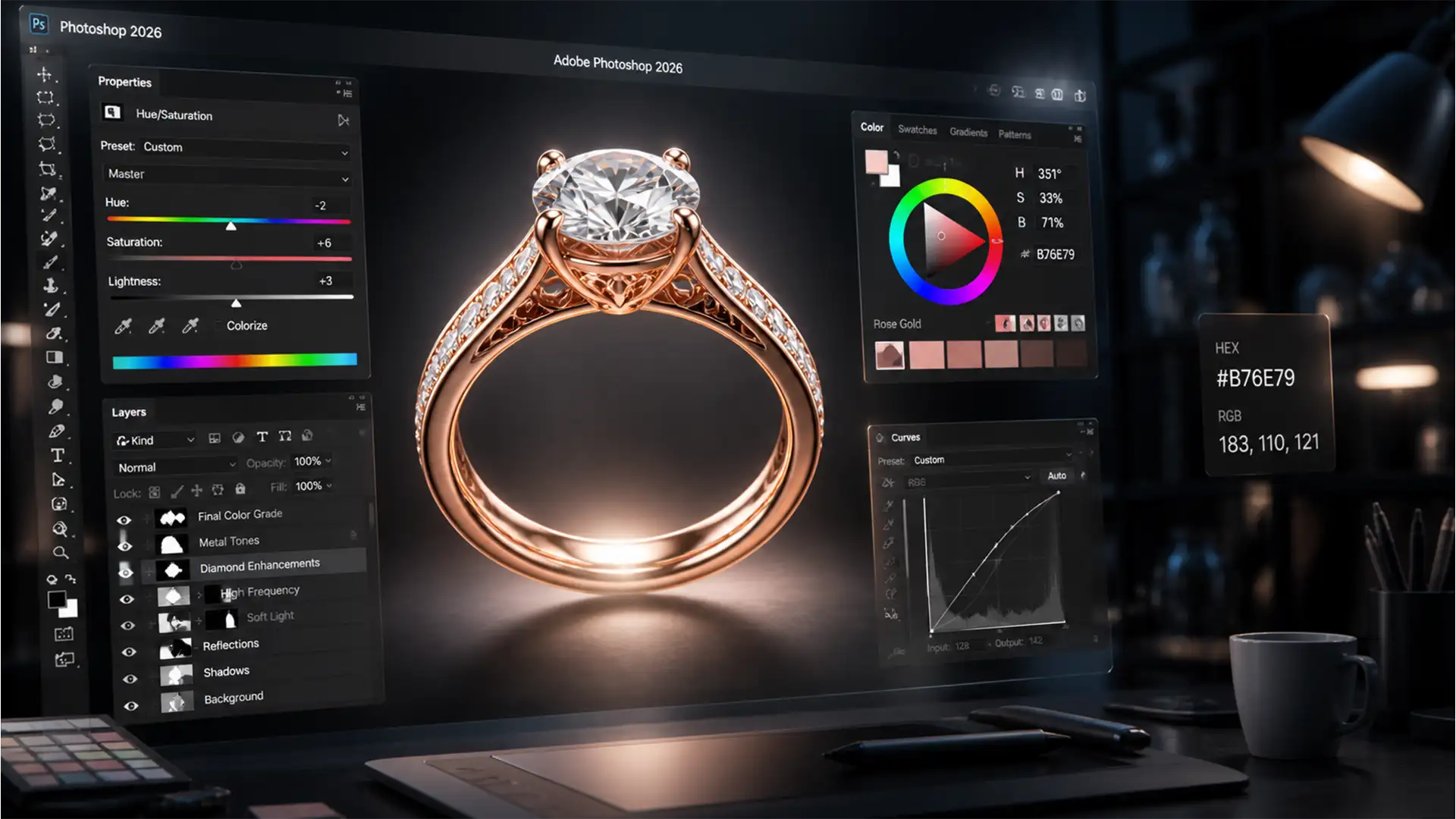
Perfect Rose Gold Consistency in Photoshop 2026
If you retouch high-end jewelry, you already know the nightmare: highlights that look too silver and shadows that turn a muddy, unappealing brown. Maintaining Rose Gold color consistency in Photoshop 2026 across an entire catalog is one of the most...
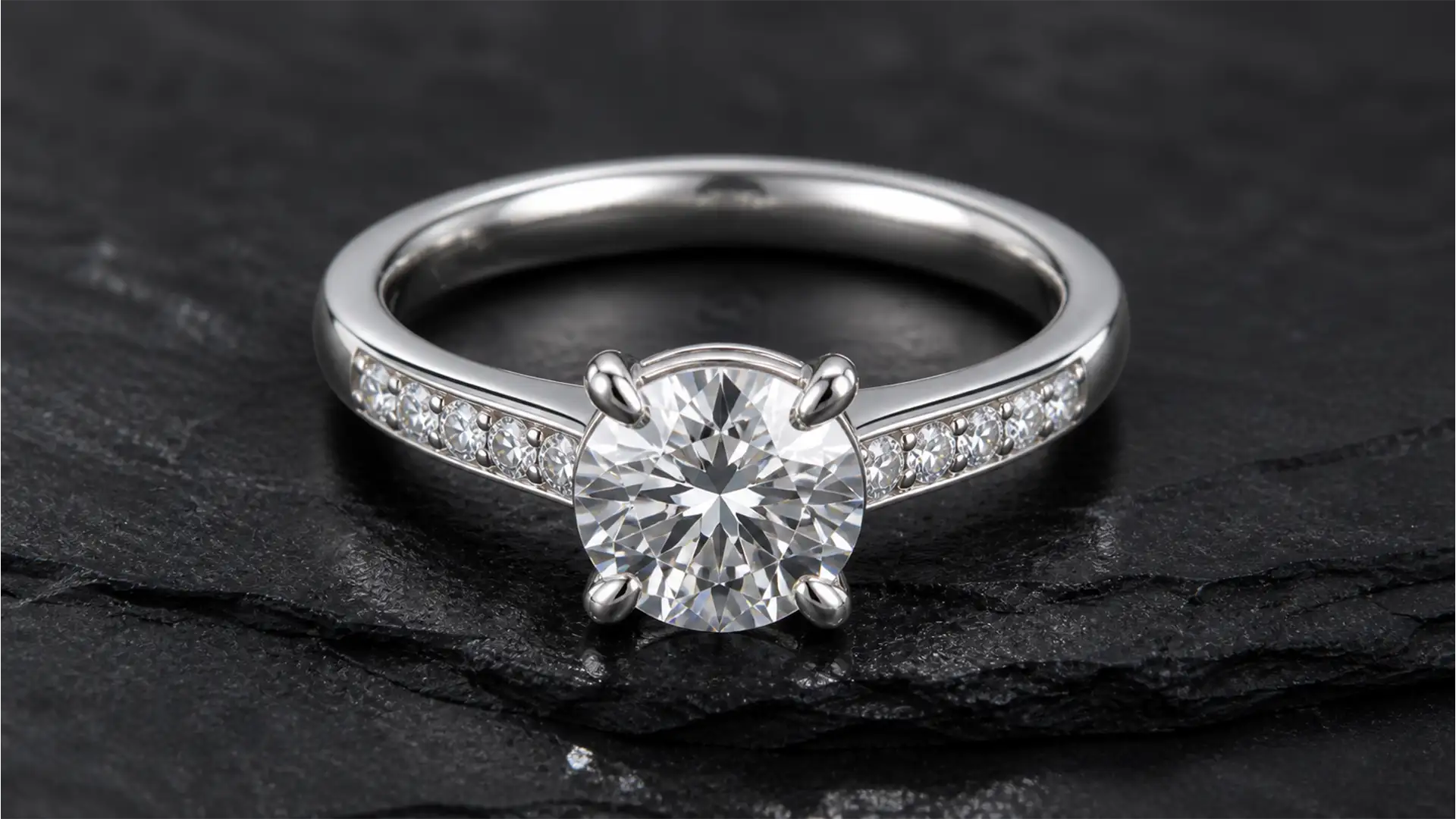
The Silver Mirror Fix: Removing Black Reflections in Jewelry
You’ve just wrapped a high-end macro jewelry photography session. The lighting was perfect, but when you open the RAW files in Adobe Photoshop, your heart sinks. Staring back at you from the highly polished silver and gold surfaces are deep,...
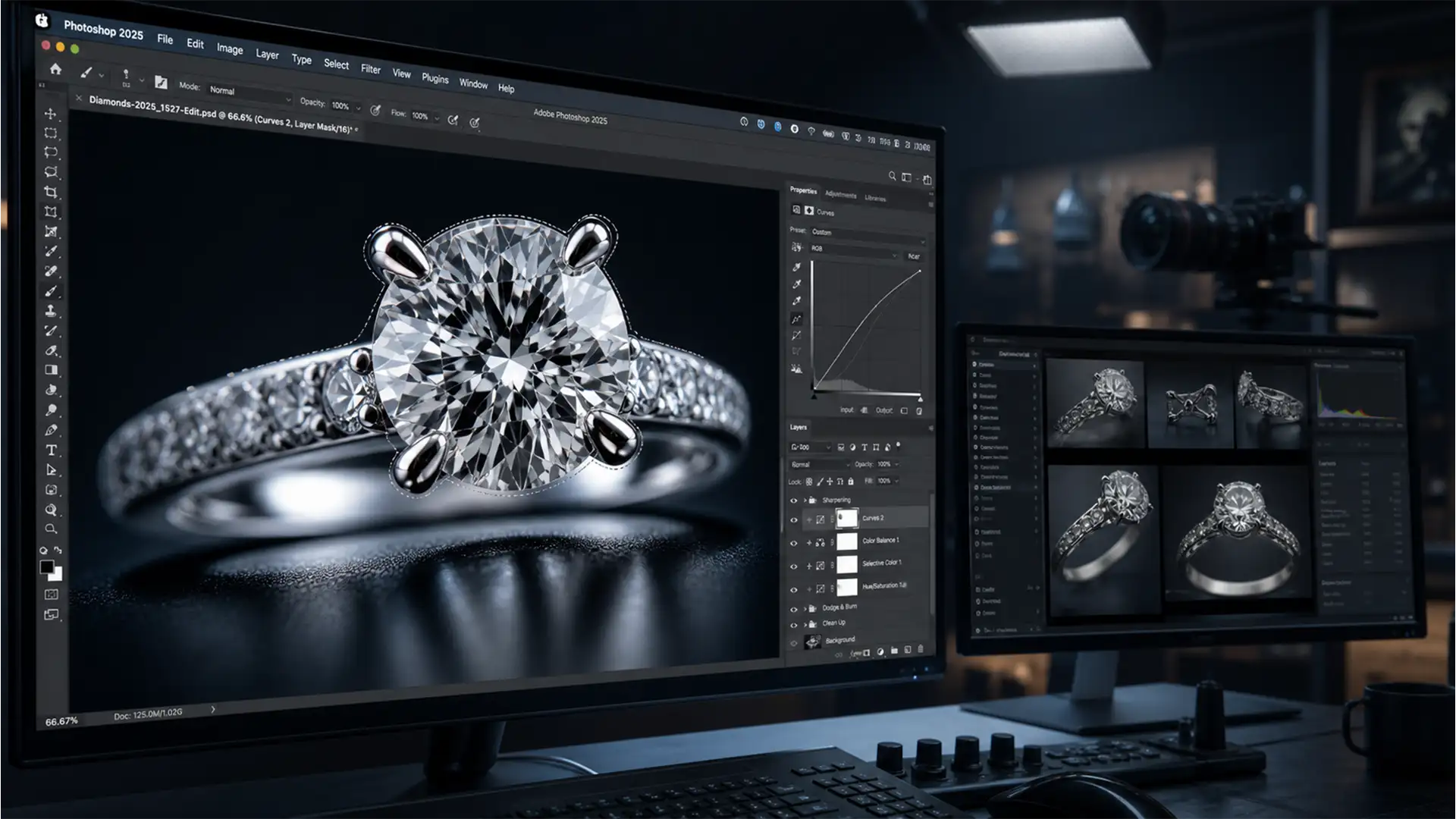
Eliminating Focus Stacking Halos in High-End Jewelry Photos
You’ve spent hours capturing the perfect multi-frame macro sequence of a diamond ring. But when you run Photoshop’s Auto-Blend Layers, disaster strikes: ugly, translucent halos and ghosting artifacts wrap around the prongs and high-contrast edges. Sound familiar? For high-end jewelry...
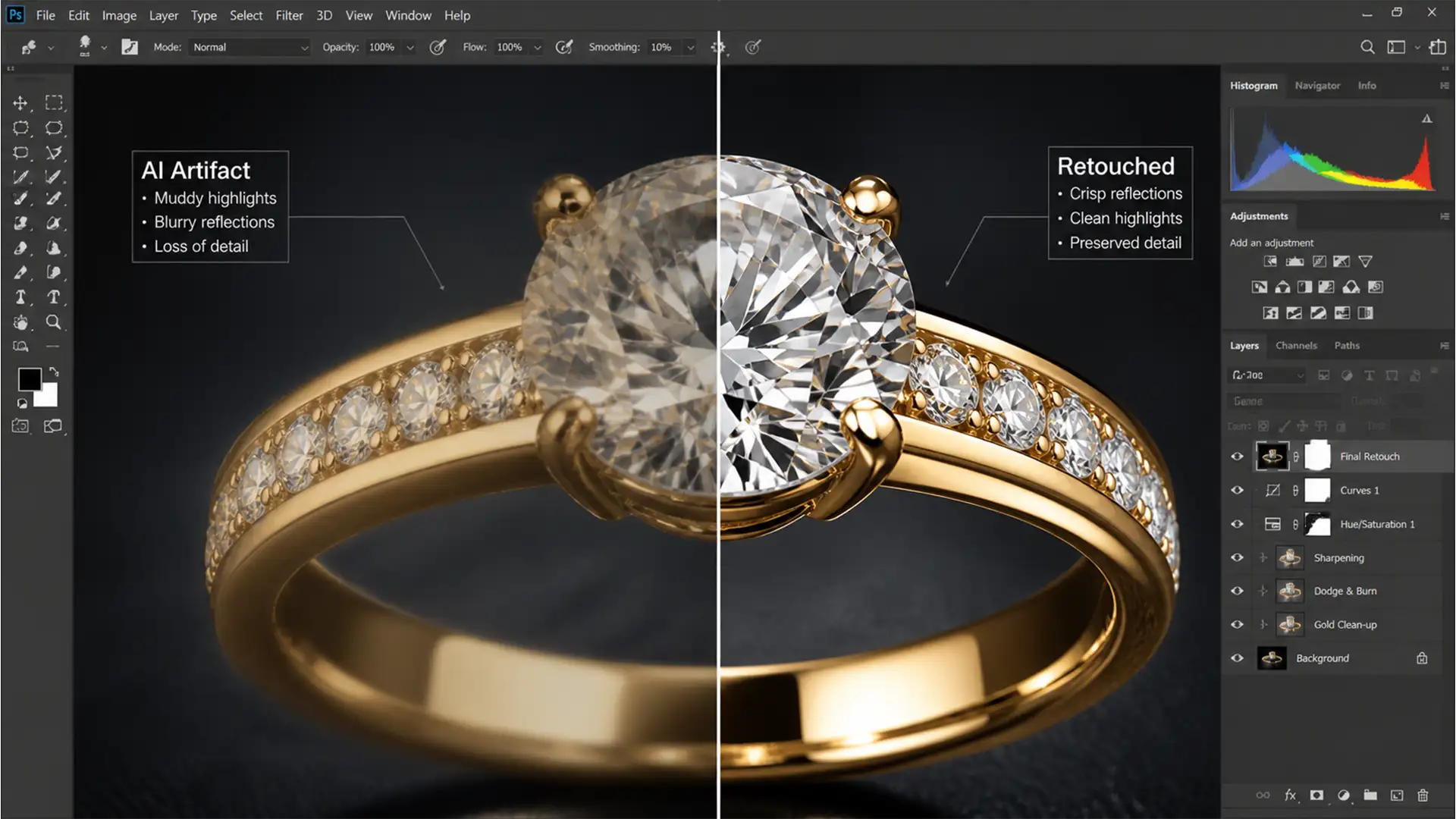
Fix Generative Fill Jewelry Reflection Artifacts
You select a dust spot or scratch on a stunning gold ring, hit Generative Fill in Photoshop v25.0+, and wait for the magic. But instead of a pristine metallic surface, Adobe Firefly leaves behind a muddy, low-resolution smudge. If you...