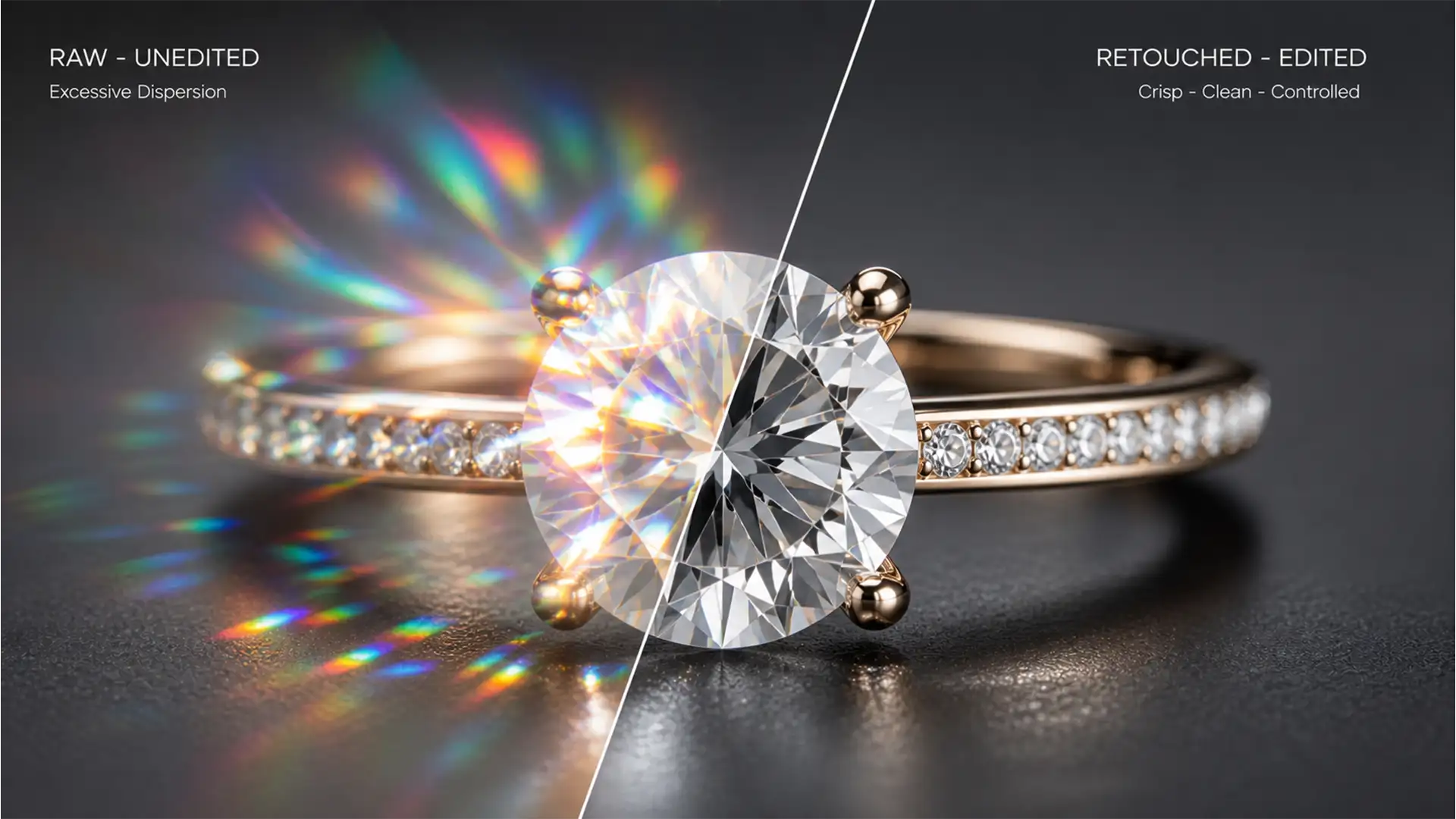

If you edit lab-grown jewelry for high-end e-commerce, you already know the nightmare: under studio lighting, Moissanite produces explosive, multi-colored flares. Apply standard diamond retouching workflows, and the stone looks dull, flat, and glassy. Leave the raw image untouched, and the intense rainbow refractions make the piece look like cheap cubic zirconia.
Mastering Moissanite fire retouching techniques requires a completely different approach. Because of its unique optical properties, you have to separate the gemstone’s structural cuts from its intense color flares. In this guide, we will walk you through the exact Adobe Photoshop (v24.x to v25.x) workflows to tame unrealistic colors and enhance facet contrast for flawless e-commerce presentation.
Why Moissanite Behaves Differently Than Diamonds
Before diving into Photoshop, you need to understand the physics of the gem. Moissanite has a higher refractive index (2.65-2.69) and significantly more chromatic dispersion (commonly known as “fire”) than natural diamonds.
In macro e-commerce photography, this translates to excessive multi-colored light scattering. The technical challenge is managing these intense rainbow refractions without losing the stone’s inherent brilliance.
Method A: The Quick Fix (Taming the Rainbow)
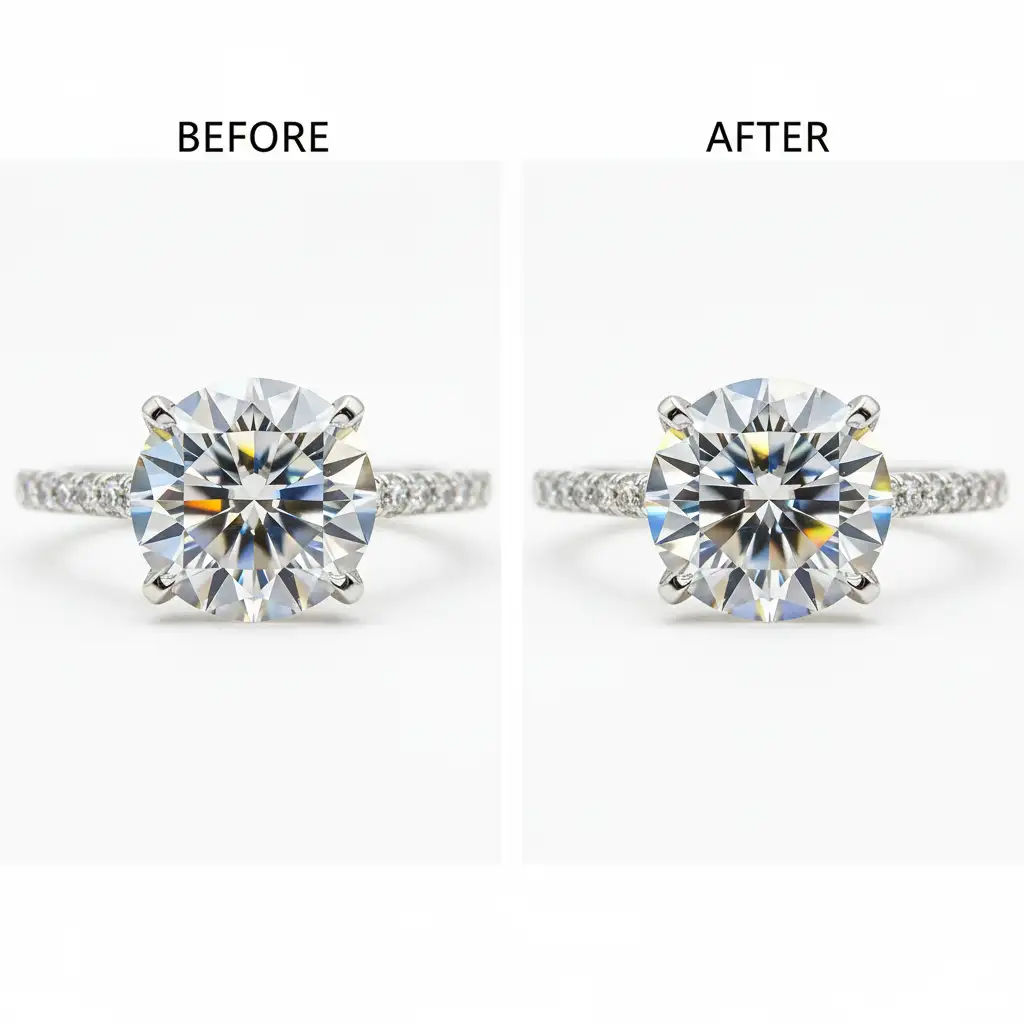
When dealing with bulk e-commerce catalogs, you need a fast way to prevent the gemstone from looking artificial. The easiest way to control the “fire” is by selectively desaturating the problematic color channels.
Step-by-Step:
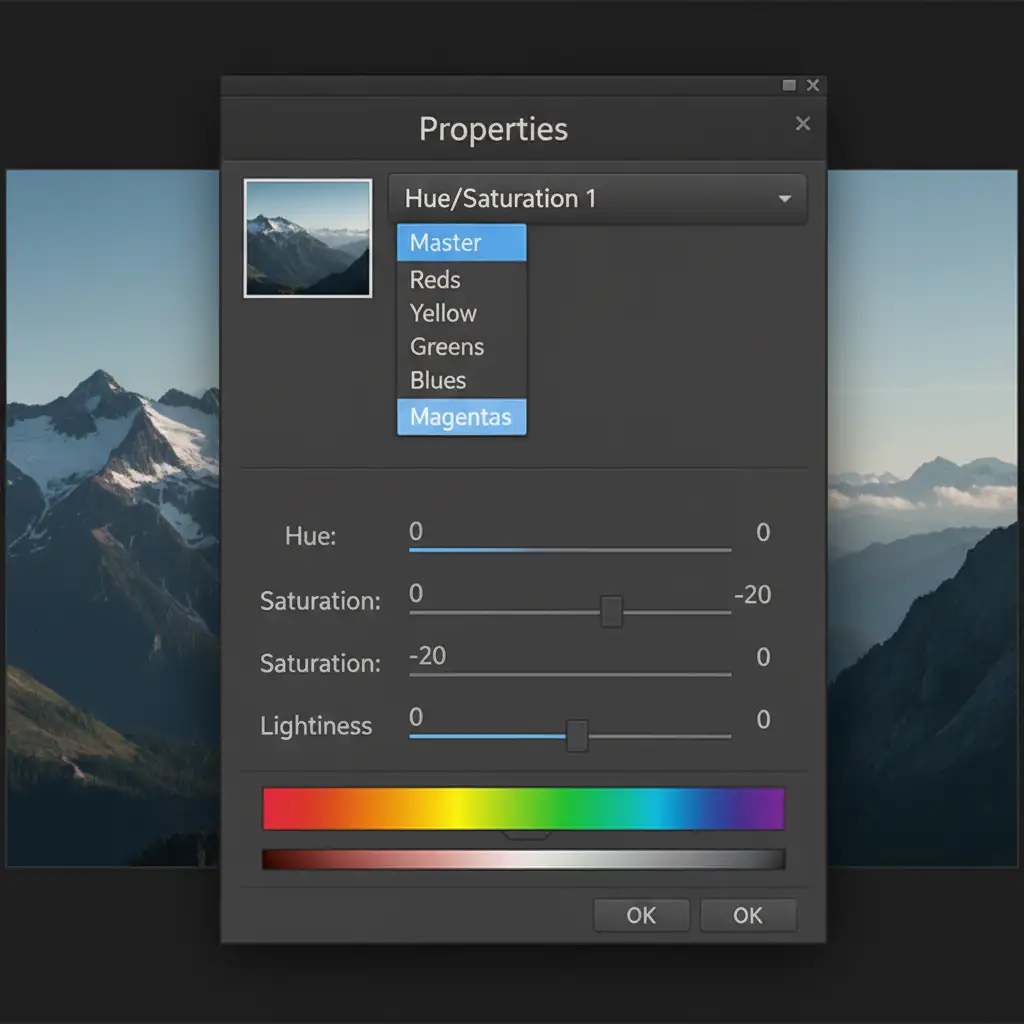
- Create a hue/saturation adjustment layer above your raw gemstone layer.
- In the Properties panel, click the “Master” dropdown and select the Cyans, Blues, and Magentas individually.
- Reduce the saturation of these specific channels by 15% to 25%.
This instantly neutralizes the cheapest-looking neon flares while retaining the structural integrity of the stone.
Method B: The Pro Workaround (Frequency Separation)
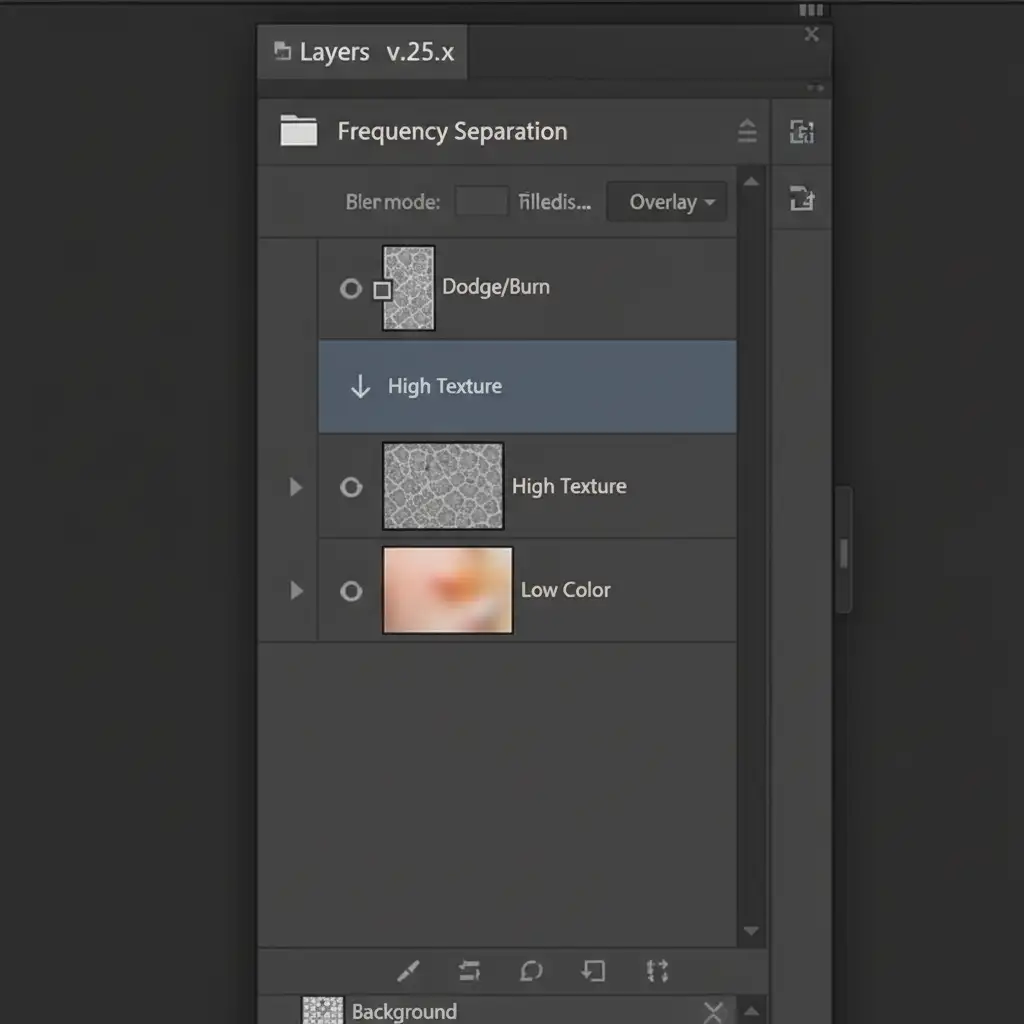
For hero images and high-end campaigns, a simple desaturation won’t cut it. You need to utilize frequency separation to detach the color fire from the structural cuts.
Step-by-Step:
- Set up your standard Frequency Separation group (two duplicated layers: “Low” for color/tone, “High” for texture/details).
- Apply a Gaussian Blur to the Low layer until the sharp facet edges disappear, leaving only the color blobs.
- Apply the Apply Image command to the High layer to extract the structural cuts.
- Create a new layer filled with 50% gray and apply a clipping mask to the High layer. Set this gray layer’s blend mode to Overlay or Soft Light.
- Use the dodge and burn tools exclusively on this 50% gray layer.
By dodging the bright edges and burning the dark triangles, you dramatically enhance facet contrast without blowing out the highlight reflections or altering the underlying chromatic dispersion on the Low layer.
Method C: The Technical Deep-Dive (Camera Raw & Mathematical Sharpening)
When dealing with flat, overexposed facets that lack dimension, you need precise luminance control followed by mathematical sharpening.
Step-by-Step:
- Convert your isolated gem layer into a Smart Object.
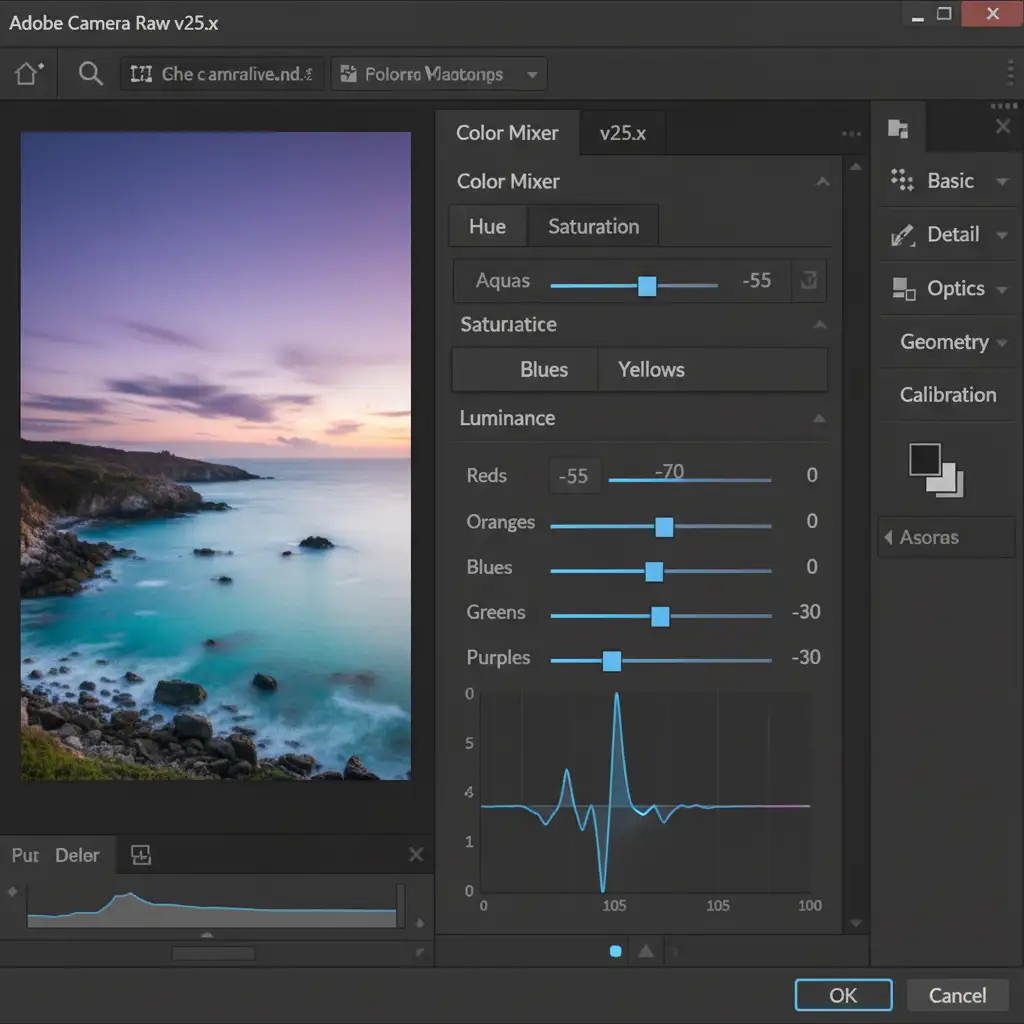
- Go to Filter > Camera Raw Filter and navigate to the Color Mixer tab.
- Target the Luminance of the dispersion colors (specifically Aqua, Blue, and Purple). Pushing the luminance up or down allows you to add depth to the specific flares without changing their hue.
- Click OK to return to the main workspace.
- Merge a duplicate of your visible layers (Ctrl/Cmd + Alt/Opt + Shift + E).
- Go to Filter > Other > High Pass. Set the radius between 1.5px to 3.0px (depending on your image resolution) to target just the geometric facet edges.
- Change this layer’s blend mode to linear light blend mode.
This final high-pass filter step mathematically sharpens the structural cuts, making the Moissanite look crisp, expensive, and perfectly polished.
Stop Wasting Hours on Tedious Pixel-Pushing
Perfecting Moissanite fire retouching techniques requires patience, a deep understanding of gemology optics, and advanced Photoshop skills. When you are managing hundreds of SKUs for an e-commerce launch, spending hours dodging and burning individual facets simply isn’t scalable.
That is where we come in. Outsourcing your jewelry retouching to Image Work India and Cloud Retouch ensures consistent, high-end results for tricky lab-grown gems like Moissanite. Our expert retouchers understand the exact balance of chromatic dispersion and facet contrast required to make your jewelry look luxurious, saving you hours of tedious pixel-level editing.
Ready to elevate your jewelry catalog? [Contact Cloud Retouch and Image Work India today] for a free trial on your most challenging Moissanite images.




