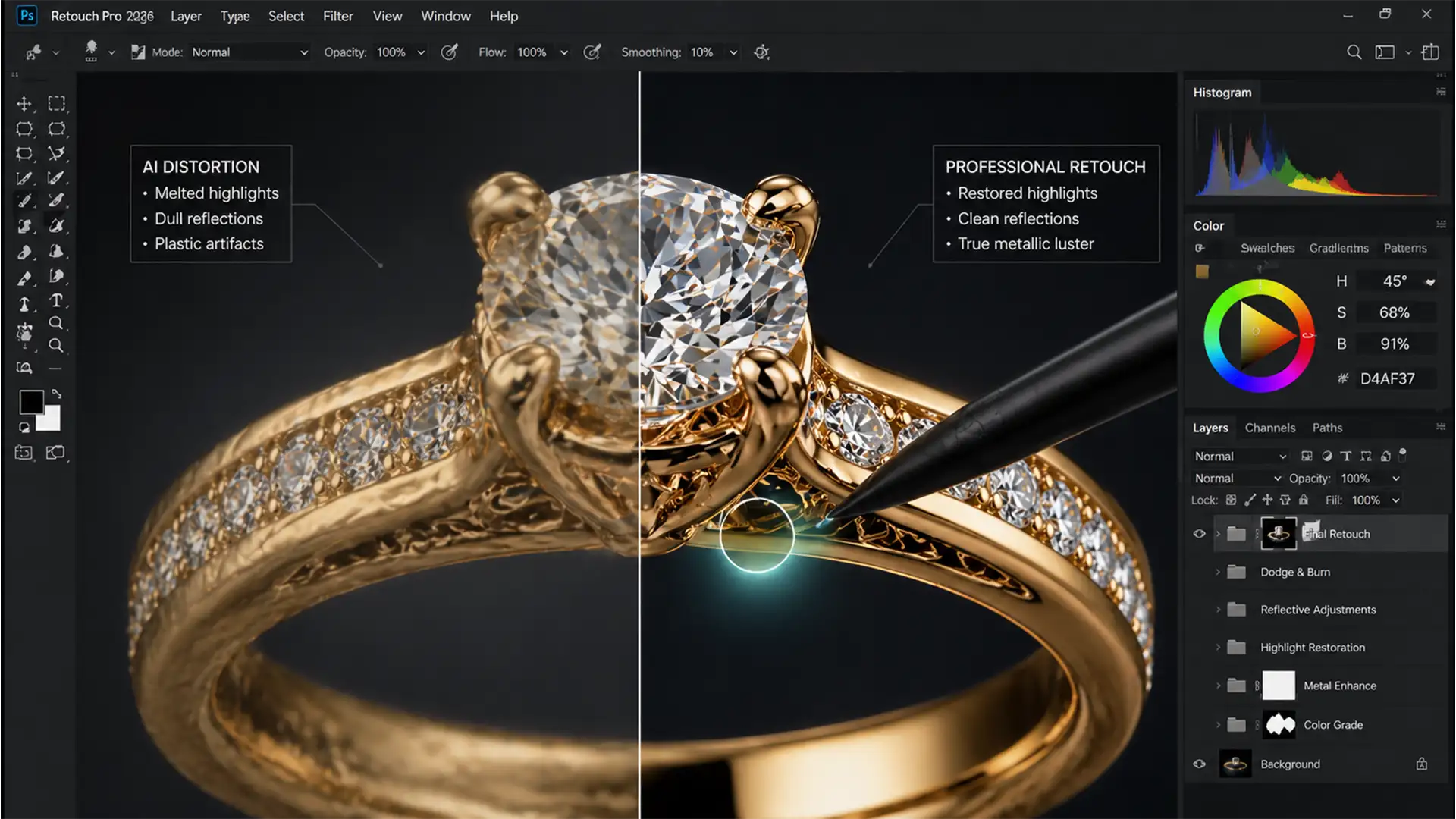

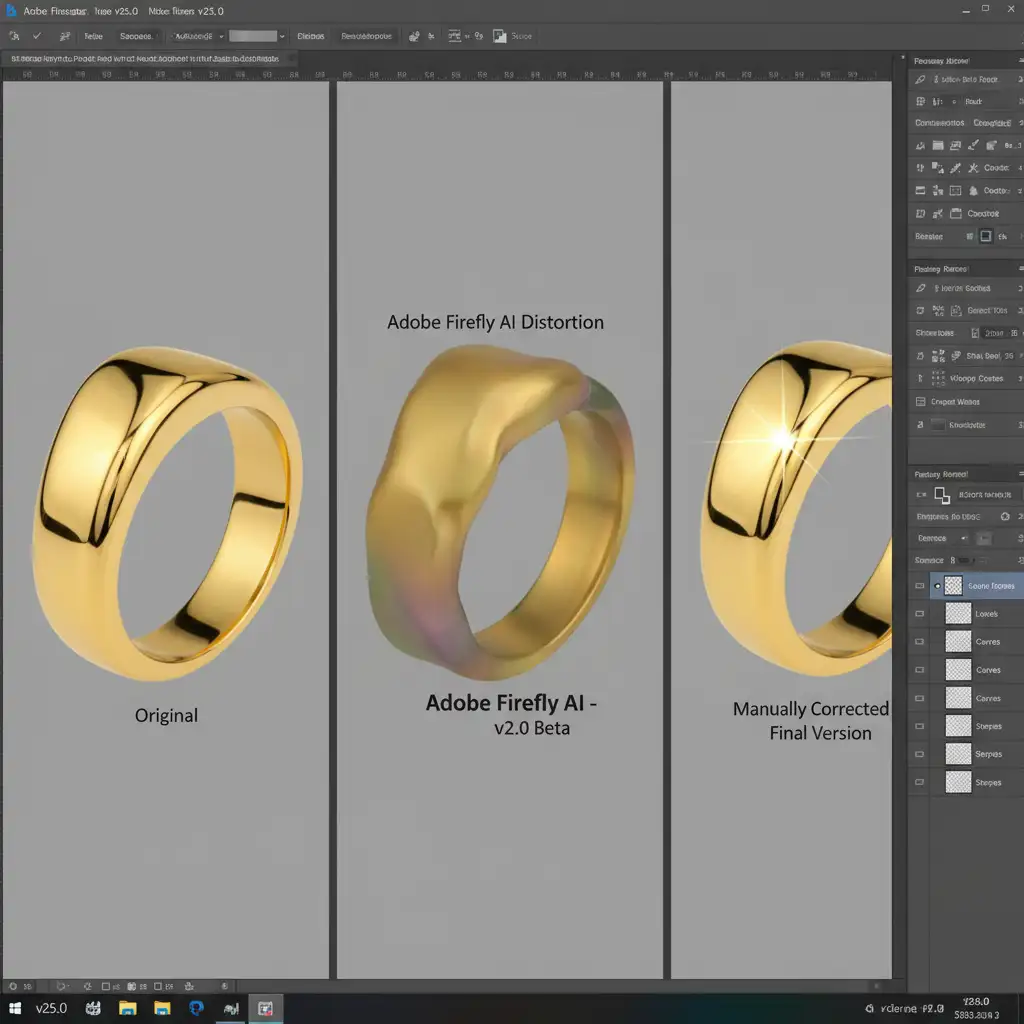
You’ve just used Photoshop’s Generative Fill to extend a background or remove a prop, but when you look closely at the gold ring in the center, your heart sinks. The metal looks melted. The crisp reflections are gone, replaced by dull, plastic-looking gradients.
This is the reality of modern e-commerce jewelry retouching. While Adobe Photoshop v25.0 and its Firefly AI have revolutionized workflows, they notoriously struggle with the complex physics of highly reflective surfaces. If you want to maintain high-end product representation, you need a reliable AI jewelry metal distortion fix.
Here is the professional workflow to rescue your precious metals, restore accurate metallic luster, and eliminate AI-induced smudging.
The Problem: Why Adobe Firefly AI Ruins Metallic Luster
Before we fix the issue, it’s crucial to understand why it happens. Generative Fill relies on Adobe Firefly AI, which excels at organic textures and backgrounds. However, highly reflective surfaces like gold, silver, and precious gems rely on sharp, high-contrast reflections of their environment.
The AI interpolates these complex reflections as matte gradients. Instead of rendering hard-edged specular highlights, the AI blends the tones, resulting in a melted or plastic appearance. For high-end e-commerce, where precise contrast and accurate metallic luster are mandatory, this is a critical failure.
How to Execute an AI Jewelry Metal Distortion Fix
Depending on the severity of the AI smudging, you can use one of three professional workarounds to restore your jewelry imagery.
Method 1: The Quick Fix Using Blending Modes
If the AI generated the correct shape but ruined the contrast, you can leverage blending modes to restore the original highlights.
- Locate your Generative Fill layer in the Layers Panel.
- Change the layer’s blending mode from Normal to Luminosity blending.
- Reduce the opacity to around 60-80% to see how the underlying pixels interact.
- Apply Layer masking to brush out the distorted AI metal using a soft black brush.
This allows the original sharp reflections to bleed through while keeping the newly generated structural shapes intact.
Method 2: The Pro Workaround with Frequency Separation
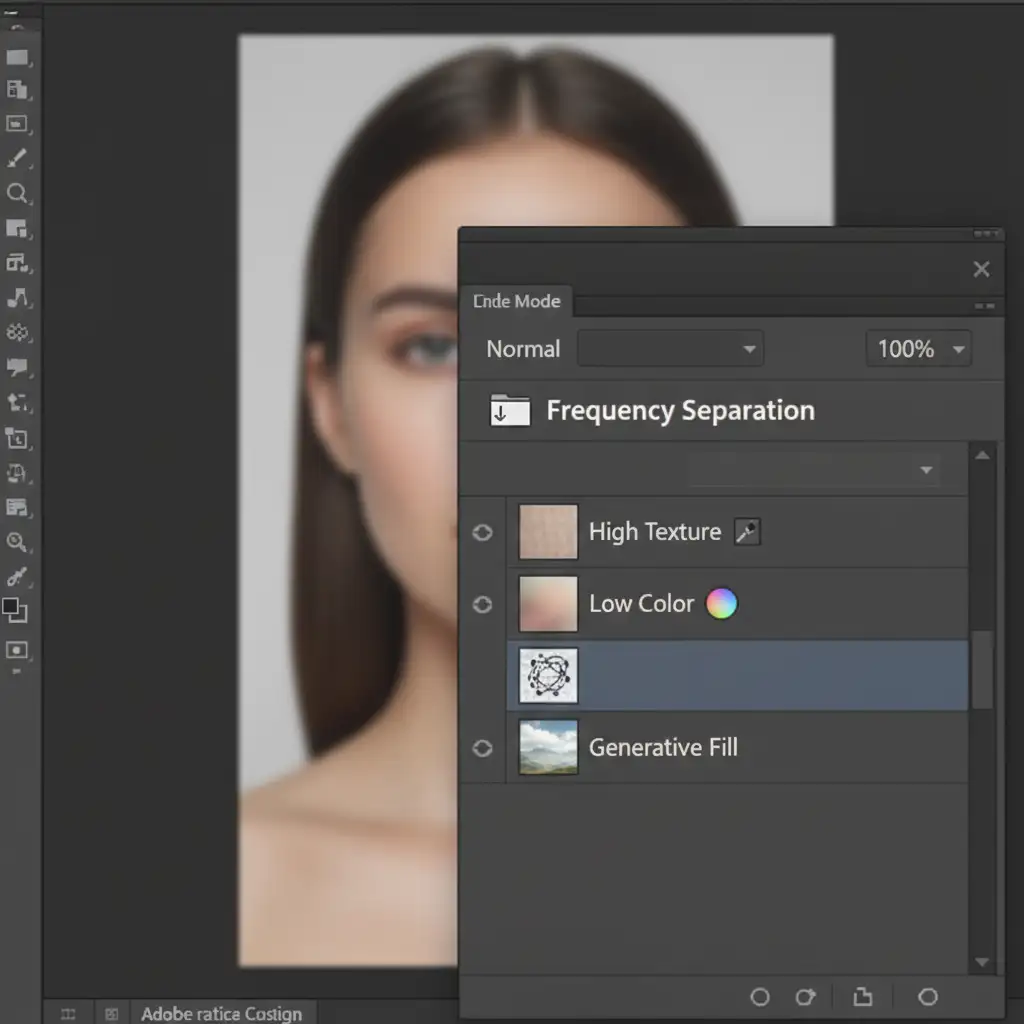
When Generative Fill introduces heavy smudging and ruins the underlying texture, Frequency separation is the industry-standard rescue method.
- Convert your working layers into Smart Objects to work non-destructively.
- Divide your image into a color layer (Low) and a texture layer (High) using the High Pass filter.
- Target the Low layer. Use the Clone Stamp tool (set to a soft brush) to sample smooth metal gradients from undamaged areas of the jewelry. Override the AI smudge completely.
- Switch to the High layer. Copy sharp edges and micro-textures from clean areas to rebuild the physical structure of the metal.
Method 3: Technical Deep-Dive into Specular Rebuilding
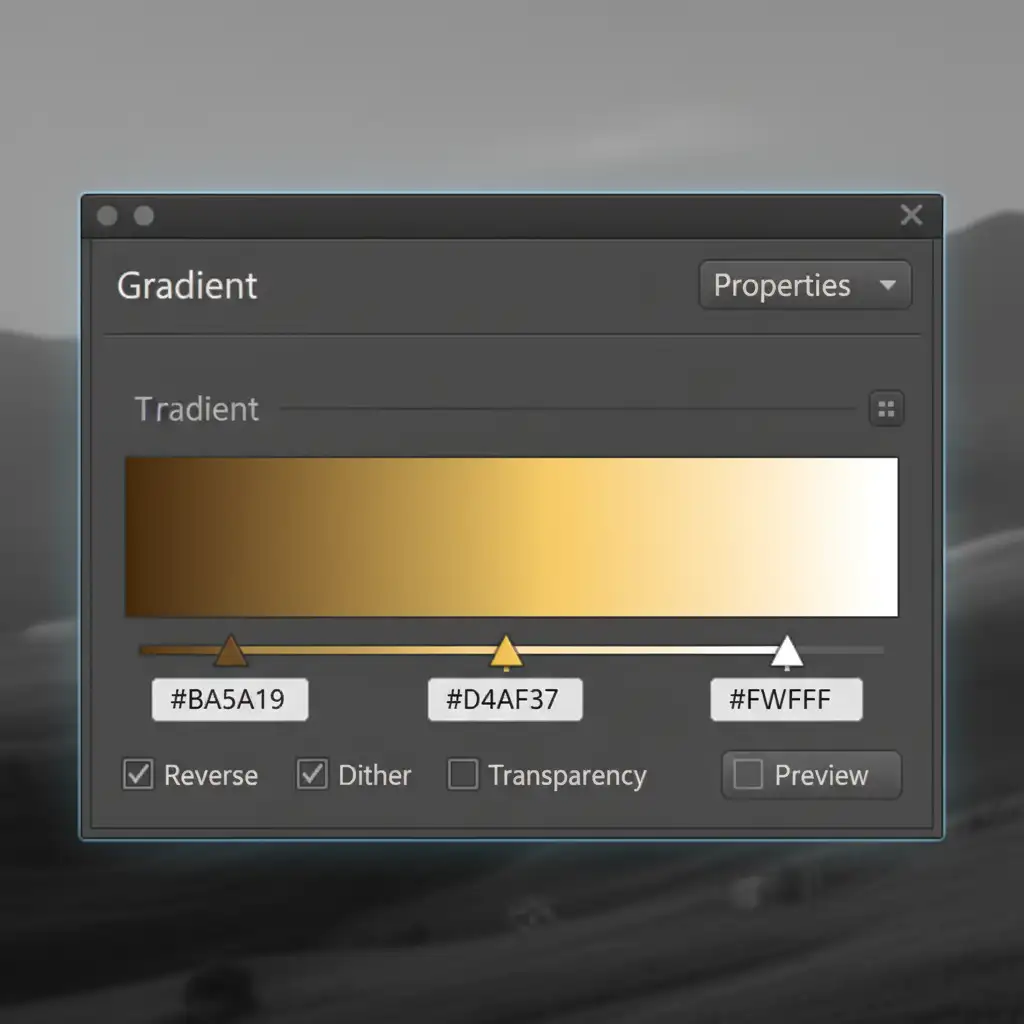
For luxury e-commerce, sometimes the only solution is to manually rebuild the metal from scratch over the AI base. This requires a combination of a Gradient map and manual painting.
Step 1: Unify the Metal Color
Apply a clipped Gradient Map specifically sampled from the undamaged areas of the jewelry piece. This overrides the muddy colors generated by the AI and unifies the metal tones.
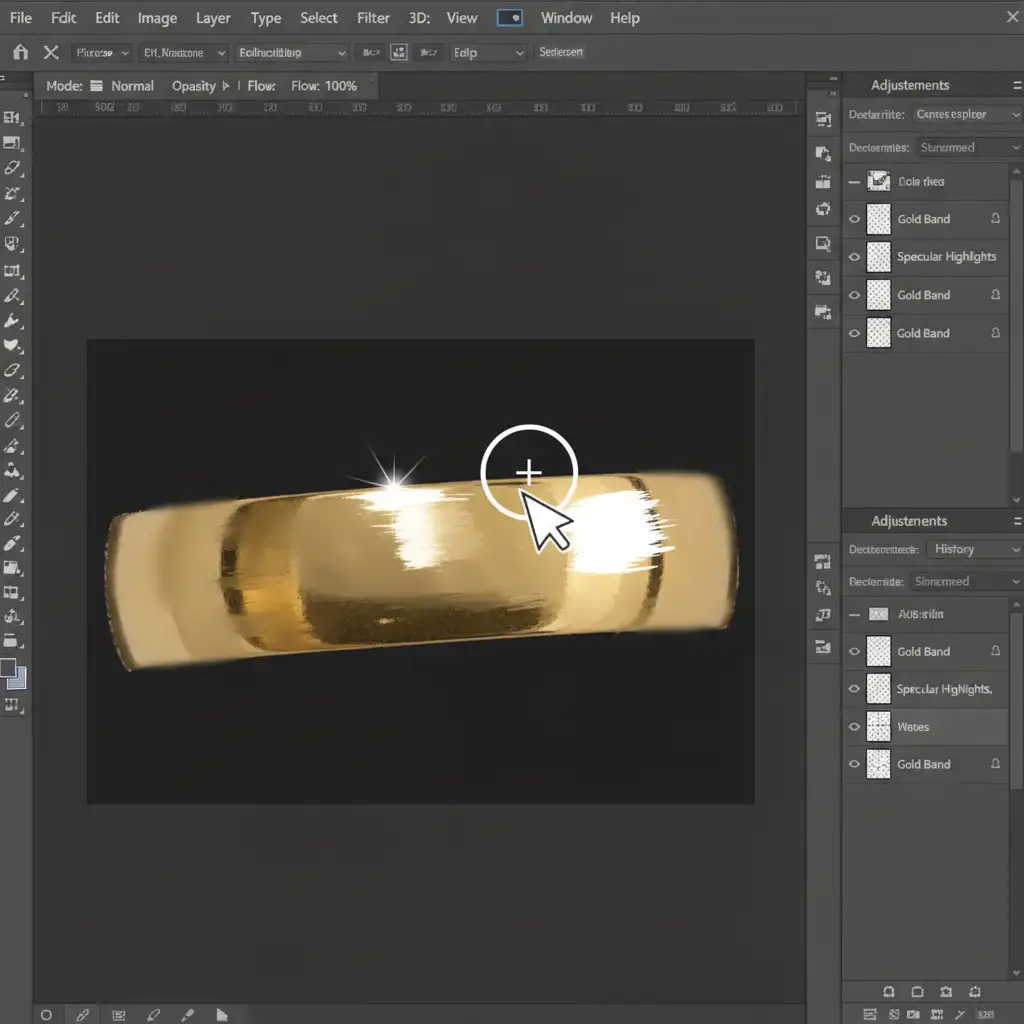
Step 2: Paint Hard-Edged Highlights
Create a new blank layer. Manually paint crisp, hard-edged Specular highlights using a hard round brush. Follow the natural geometry of the ring or necklace to simulate studio lighting.
Step 3: Match Camera Sensor Grain
AI-generated areas are often unnaturally smooth. To blend your manual fixes with the original photograph, add a new layer filled with 50% gray, set it to Overlay, and add Monochromatic noise. Adjust the opacity until it perfectly matches the camera sensor grain of the original image.
Stop Fighting AI: Let the Professionals Handle Your Jewelry Retouching
Fixing AI metal distortion is a tedious, highly technical process. While techniques like frequency separation and specular rebuilding can save an image, they consume hours of valuable production time—time you could spend scaling your business or shooting new collections.
You don’t have to settle for AI artifacts or spend hours fixing them. Image Work India and Cloud Retouch provide pixel-perfect, manual jewelry retouching services tailored for top luxury brands and e-commerce studios. Our team of expert retouchers understands the physics of light, metallic luster, and gemstone clarity, ensuring your products look pristine, expensive, and 100% realistic.
Ready to elevate your jewelry imagery without the AI headaches? Contact Image Work India and Cloud Retouch today for a custom retouching quote and let our experts deliver flawless results every time.




