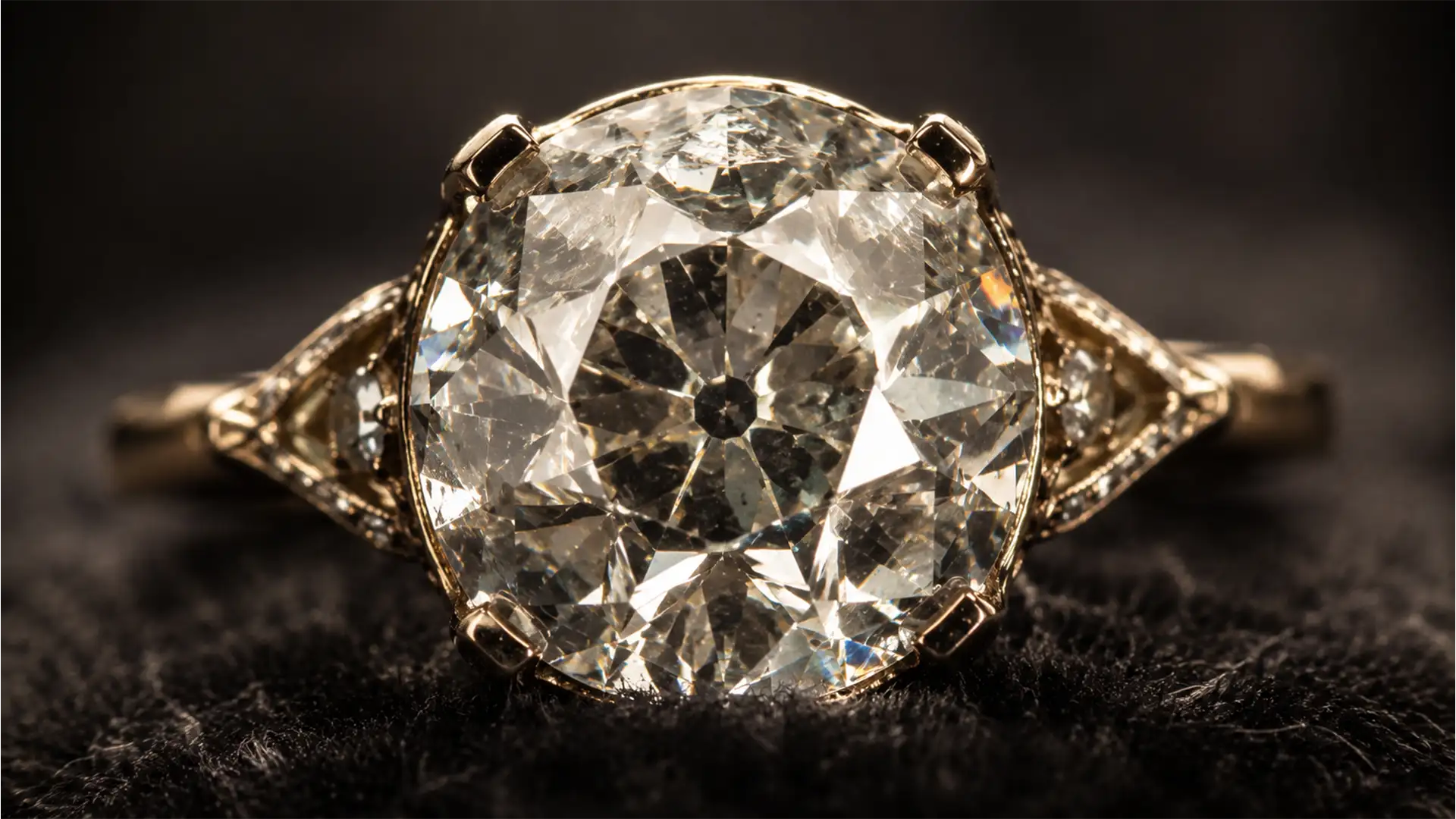

If you are using standard diamond retouching automated actions on Old Mine Cut (OMC) or Old European Cut (OEC) diamonds, you are actively destroying their historical value.
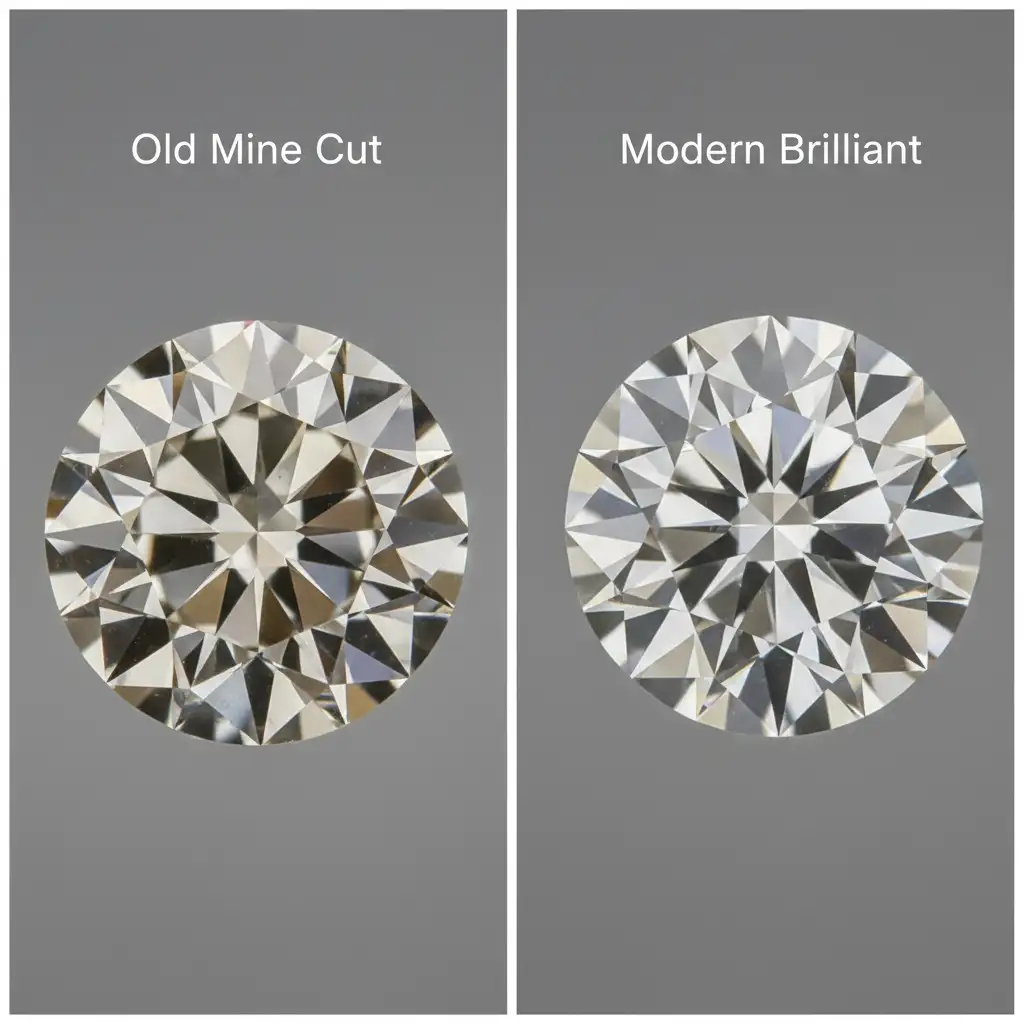
Unlike modern round brilliants with perfectly symmetrical micro-facets, antique diamonds feature chunky facets, an open culet, and a high crown angle. When you apply modern retouching logic—cranking up the contrast and painting over the natural warmth—these vintage pieces end up looking flat, artificial, and suspiciously modern.
In this technical guide, we will show you exactly how to approach retouching old mine cut diamonds in Adobe Photoshop v25.x to preserve their authentic antique charm while expertly removing modern studio glare and carbon spots.
The Core Challenge: Antique Cuts vs. Modern Brilliants
The 2026 estate jewelry market demands historical accuracy in visual presentation. Modern diamond retouching typically relies on aggressive dodging, burning, and sharpening to maximize brilliance. However, applying this to an Old European Cut or Old Mine Cut ruins the very geometry that makes the stone valuable.
Antique diamonds were cut by hand under candlelight. They exhibit the “Kozibe effect” (reflections of the open culet visible through the crown facets) and have a distinct, warmer color profile. Your goal is to balance this natural warmth while executing a clean, commercial-grade image.
Step-by-Step Guide to Retouching Old Mine Cut Diamonds
To maintain the integrity of the stone, you must utilize non-destructive editing techniques. Here are three professional methods to handle OMC and OEC diamonds in Photoshop v25.x and newer.
Method 1: The Quick Fix Using Camera Raw Filter
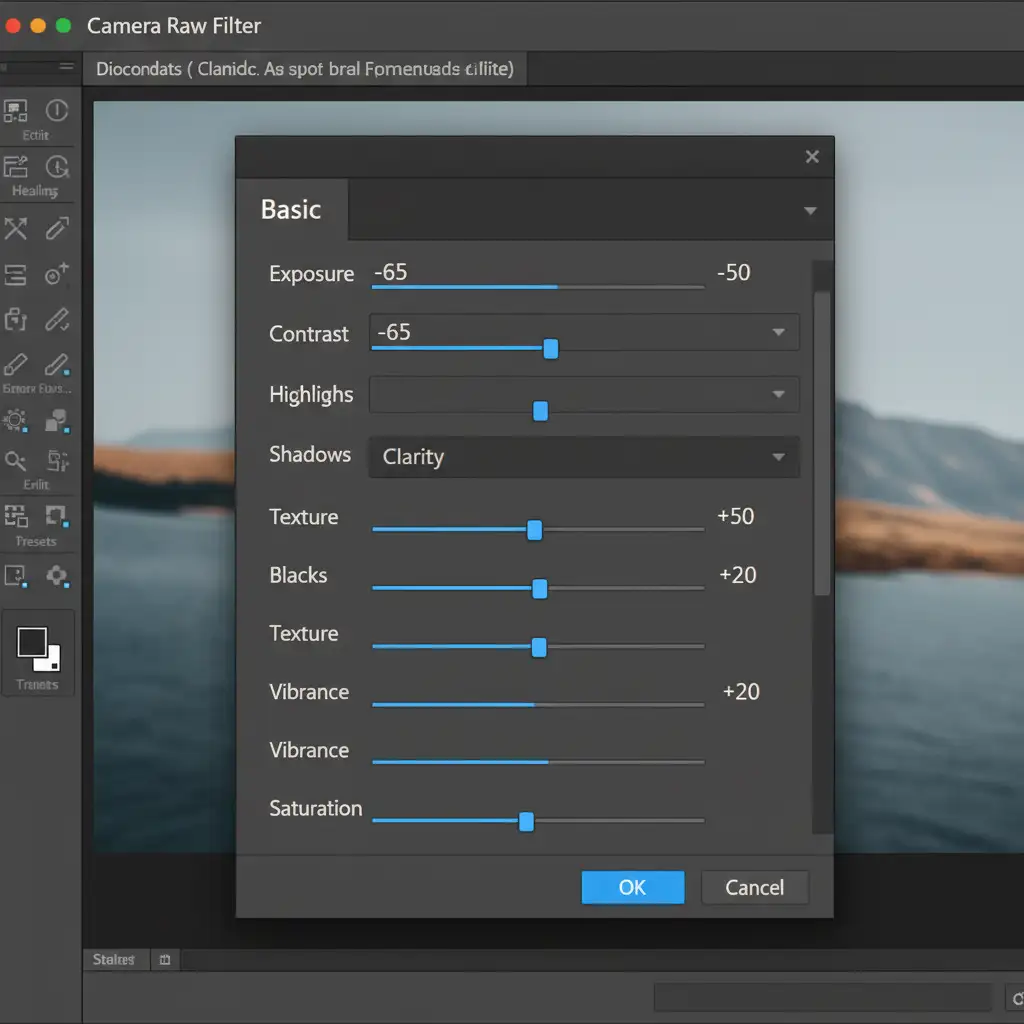
When dealing with minor studio glare that masks the diamond’s geometry, the Camera Raw Filter offers the safest global adjustment.
- Convert your diamond layer to a Smart Object.
- Open the Camera Raw Filter (Ctrl/Cmd + Shift + A).
- Navigate to the Basic panel.
- Decrease Highlights to recover lost detail in the broad, flat facets.
- Increase Shadows gently to reveal the internal structure without washing out the stone.
- Adjust Clarity carefully. Pushing Clarity too high creates modern micro-contrast. You only want enough to emphasize the chunky facets.
Method 2: The Pro Workaround with Frequency Separation
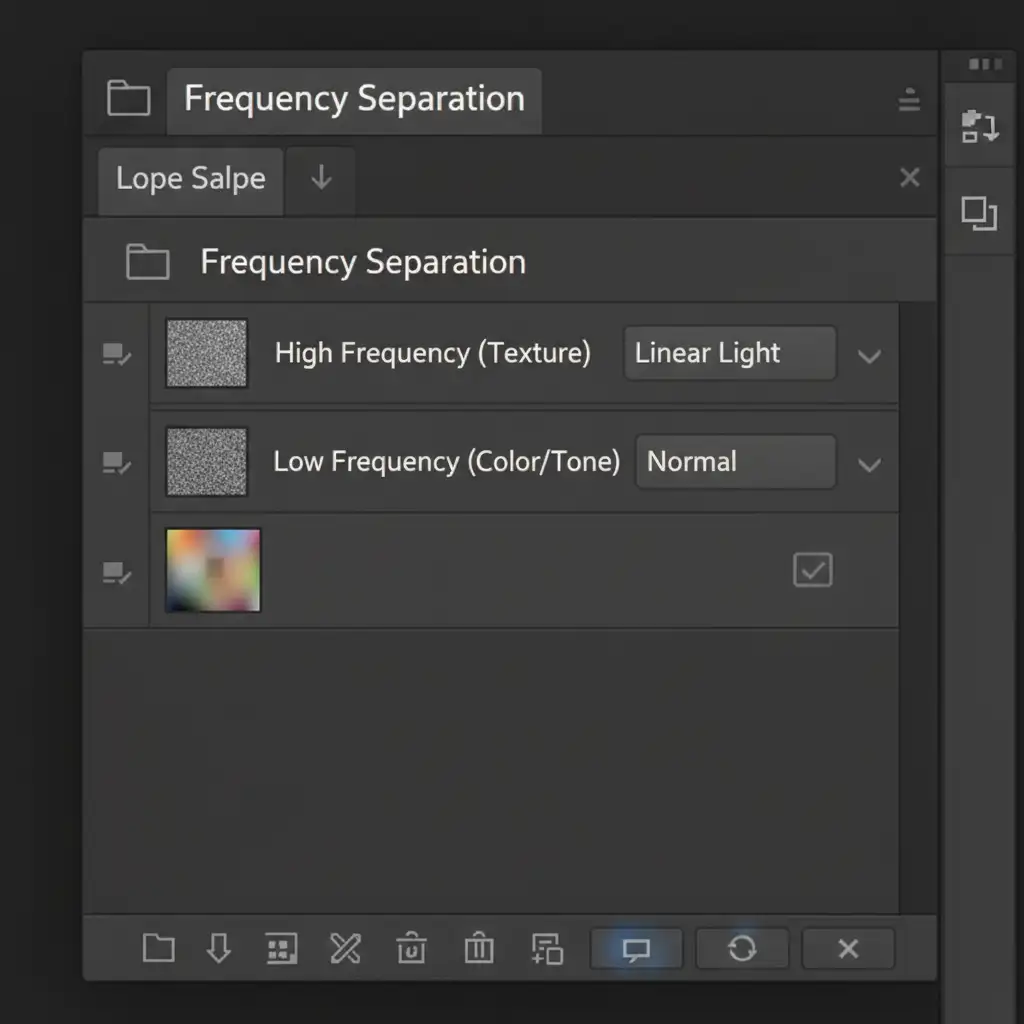
Antique diamonds often have surface scratches on the table facet from a century of wear, alongside internal carbon spots. Healing brushes often smudge the distinct structural lines of the antique cut. Frequency separation is the solution.
- Duplicate your base image twice.
- Name the lower layer “Low Frequency (Color Tone)” and the upper layer “High Frequency (Texture)”.
- Apply a Gaussian Blur to the Low Frequency layer just until the scratches disappear, which perfectly smooths the underlying diamond color tone and warmth.
- Apply the Apply Image command to the High Frequency layer (using standard frequency separation settings for your bit depth), then set its blend mode to Linear Light.
- Select the Clone Stamp Tool (set to Current Layer only) on the High Frequency layer to meticulously remove scratches without altering the broad crown angle or color.
Method 3: Precision Dodging and Burning for Depth
To truly master retouching old mine cut diamonds, you must manually enhance their depth using precision dodging and burning. Automated contrast curves will destroy the open culet.
- Create a new layer and fill it with 50% Gray (Edit > Fill > 50% Gray).
- Set the layer blend mode to Soft Light.
- Select a soft-edged brush at a low opacity (around 5-10%).
- Dodge (paint with white) the broad crown facets to enhance their historical light return.
- Burn (paint with black) the pavilion depth to create three-dimensional volume.
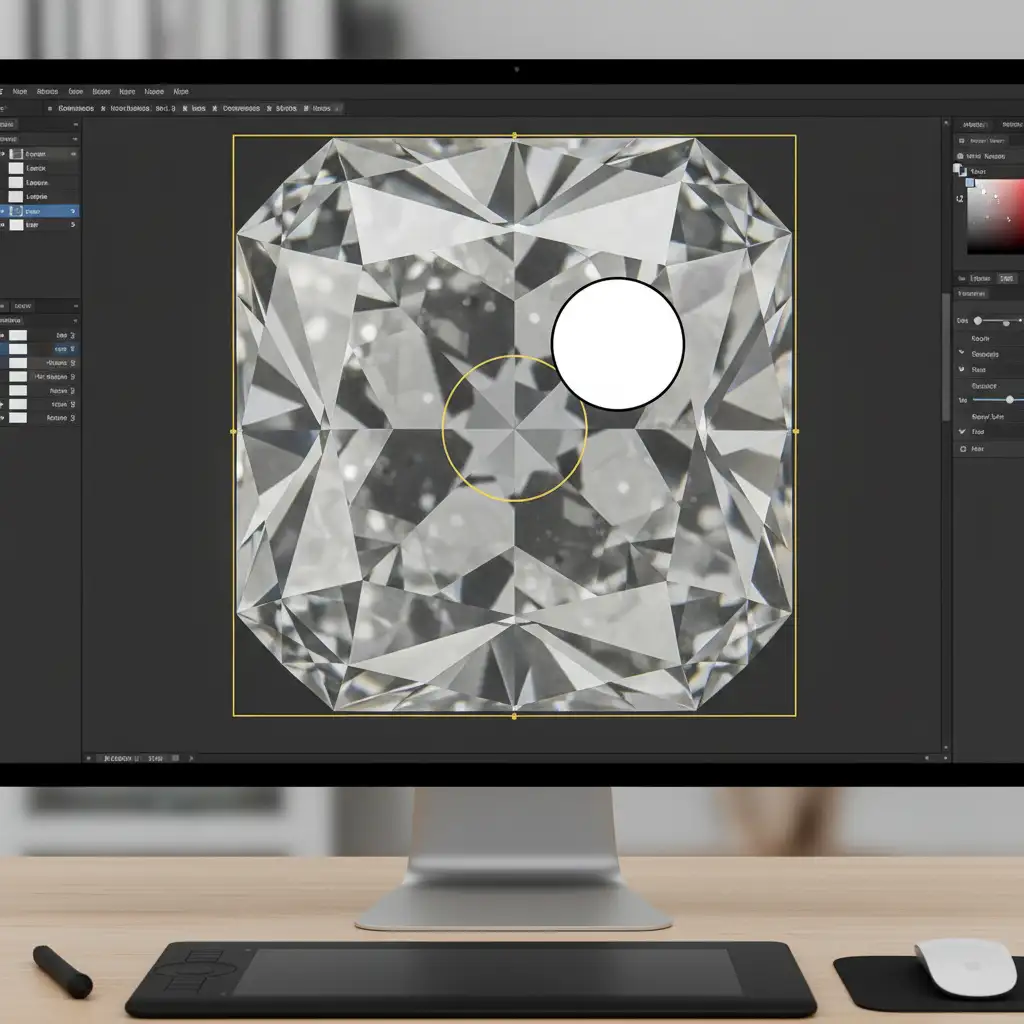
- Crucial Step: Pay special attention to preserving the dark circle of the open culet. Do not dodge this area. This historical marker proves the diamond’s authenticity to estate buyers.
Elevate Your Estate Jewelry Listings with Image Work India
Retouching old mine cut diamonds requires a delicate balance of historical knowledge and advanced Photoshop expertise. One wrong adjustment can strip an antique piece of its character, making it look like a cheap modern reproduction and severely impacting its market value.
You don’t have to navigate these complex editing workflows alone. Ensure your antique jewelry listings capture premium estate market values by partnering with the experts. Image Work India and Cloud Retouch specialize in historically-accurate diamond retouching. Our team of professional retouchers understands the nuances of pavilion depth, crown angles, and the Kozibe effect, delivering flawless, non-destructive edits that make your vintage pieces shine.
Contact Image Work India today to elevate your high-end jewelry photography and increase your conversion rates.




