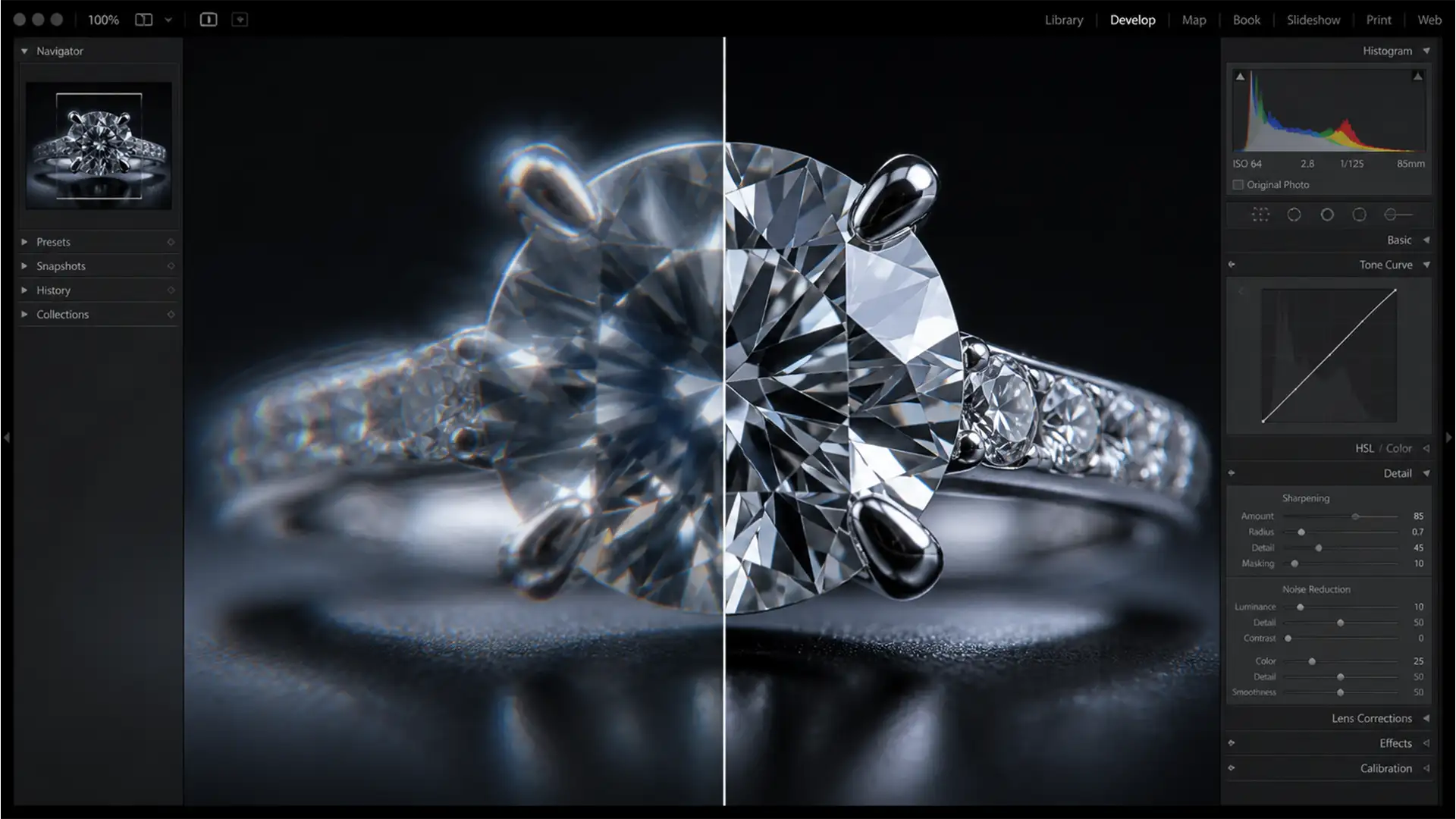

Eliminating Focus Stacking Halos and Ghosting in Macro Jewelry Retouching
You’ve spent hours perfectly lighting a high-magnification diamond ring, capturing dozens of frames to achieve that impossible deep depth of field. But when you finally run those frames through Adobe Photoshop’s Auto-Blend Layers, disaster strikes. Instead of a razor-sharp masterpiece,...
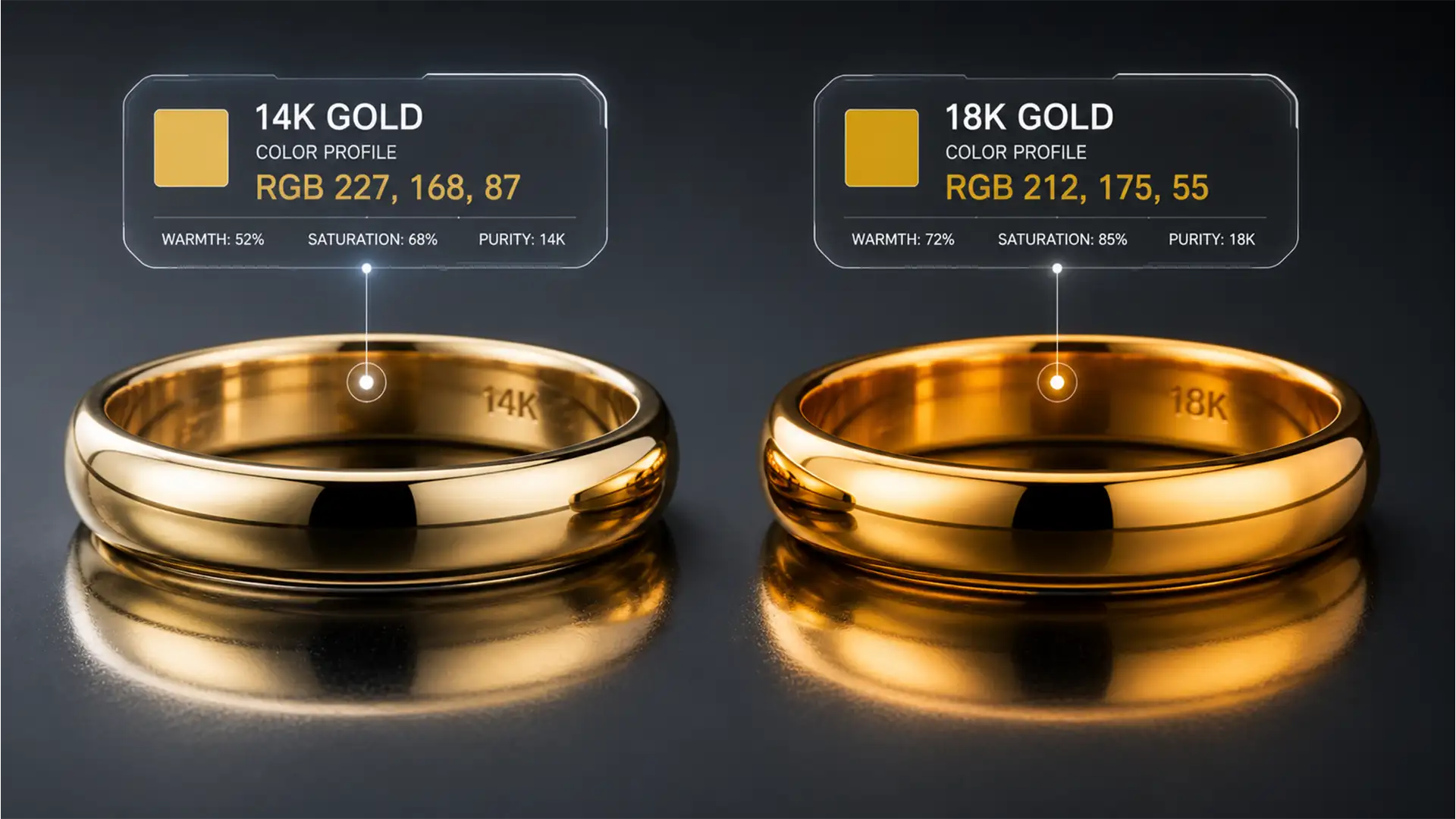
Batch Matching 14k vs 18k Gold Colors in Photoshop
Are you tired of your jewelry catalog looking like a mismatched patchwork of metals? When editing hundreds of e-commerce photos, inconsistent lighting and mixed alloy batches are your worst enemies. Suddenly, your 14k pieces look artificially warm, and your premium...
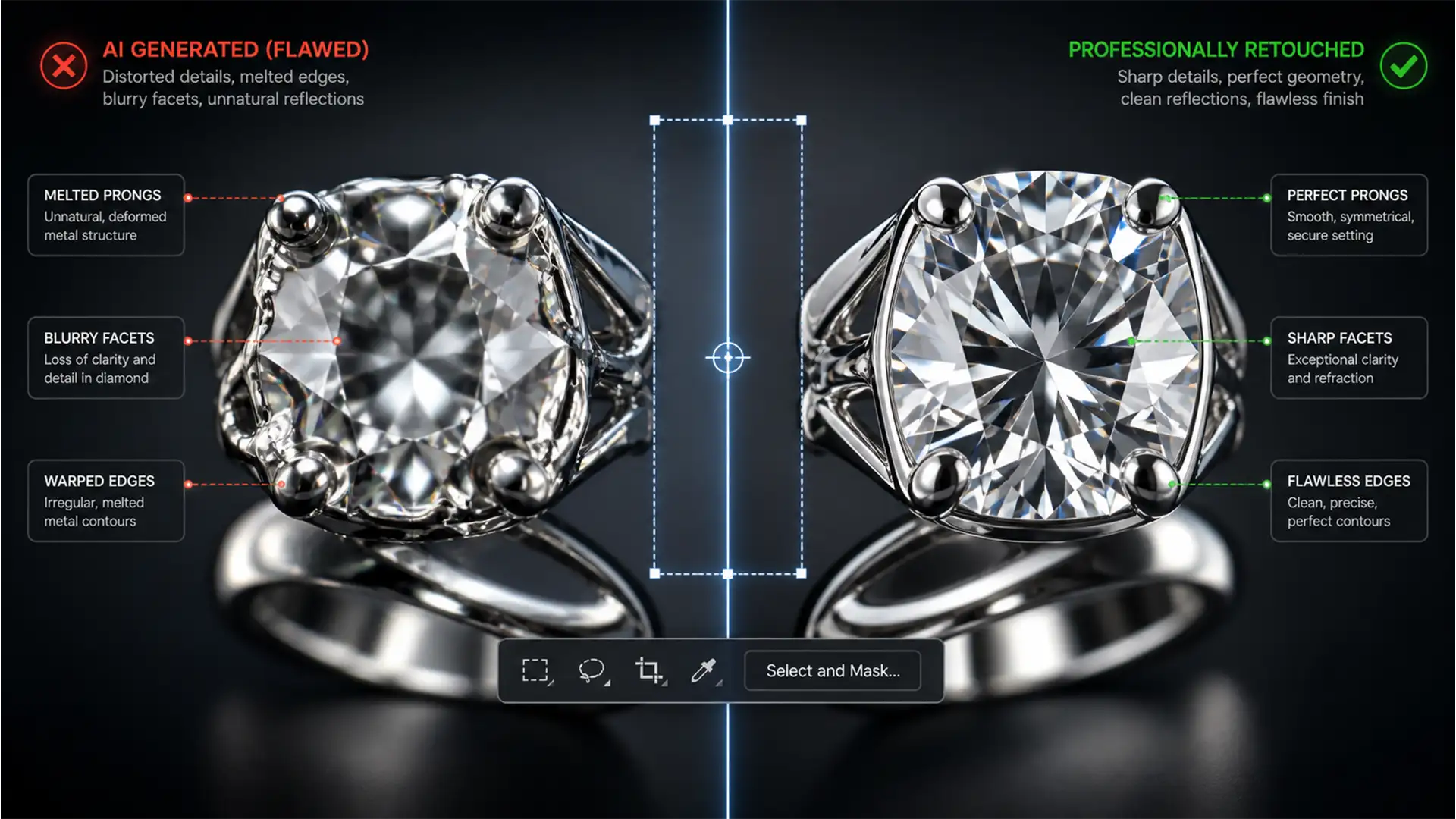
Fix Generative Fill Jewelry Artifacts & Melted Metal
You carefully outline a complex prop removal in Photoshop, hit “Generate,” and wait for the magic. But instead of a pristine background, your $10,000 diamond ring now looks like a melted Dali painting. If you shoot commercial products, fixing generative...
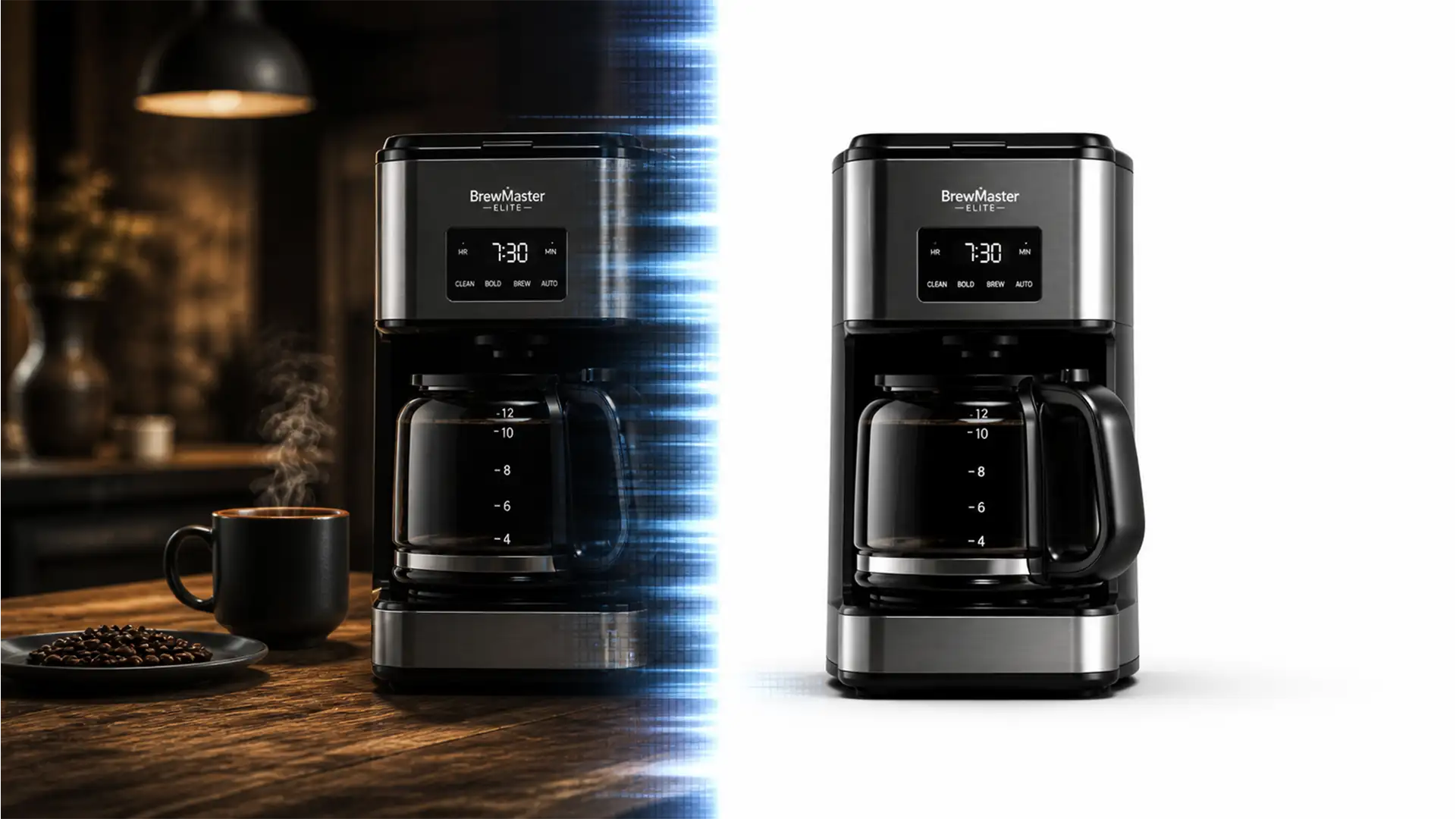
AI to Main Image: Extracting Compliant Amazon Photos
Midjourney and Photoshop v25.x Generative Fill have revolutionized product photography, allowing sellers to create stunning lifestyle renders in minutes. But there is a massive technical roadblock: Amazon product photography guidelines strictly mandate a pure white background (RGB 255, 255, 255)...

Fix Amazon Image Manager Replacement Failure 360 Errors
You’ve spent hours perfectly capturing and editing a 360-degree product spin. You zip the files, upload them to Amazon Seller Central, and wait. Then, the dreaded notification appears: “Submission Reverted.” Dealing with an Amazon Image Manager replacement failure 360 error...
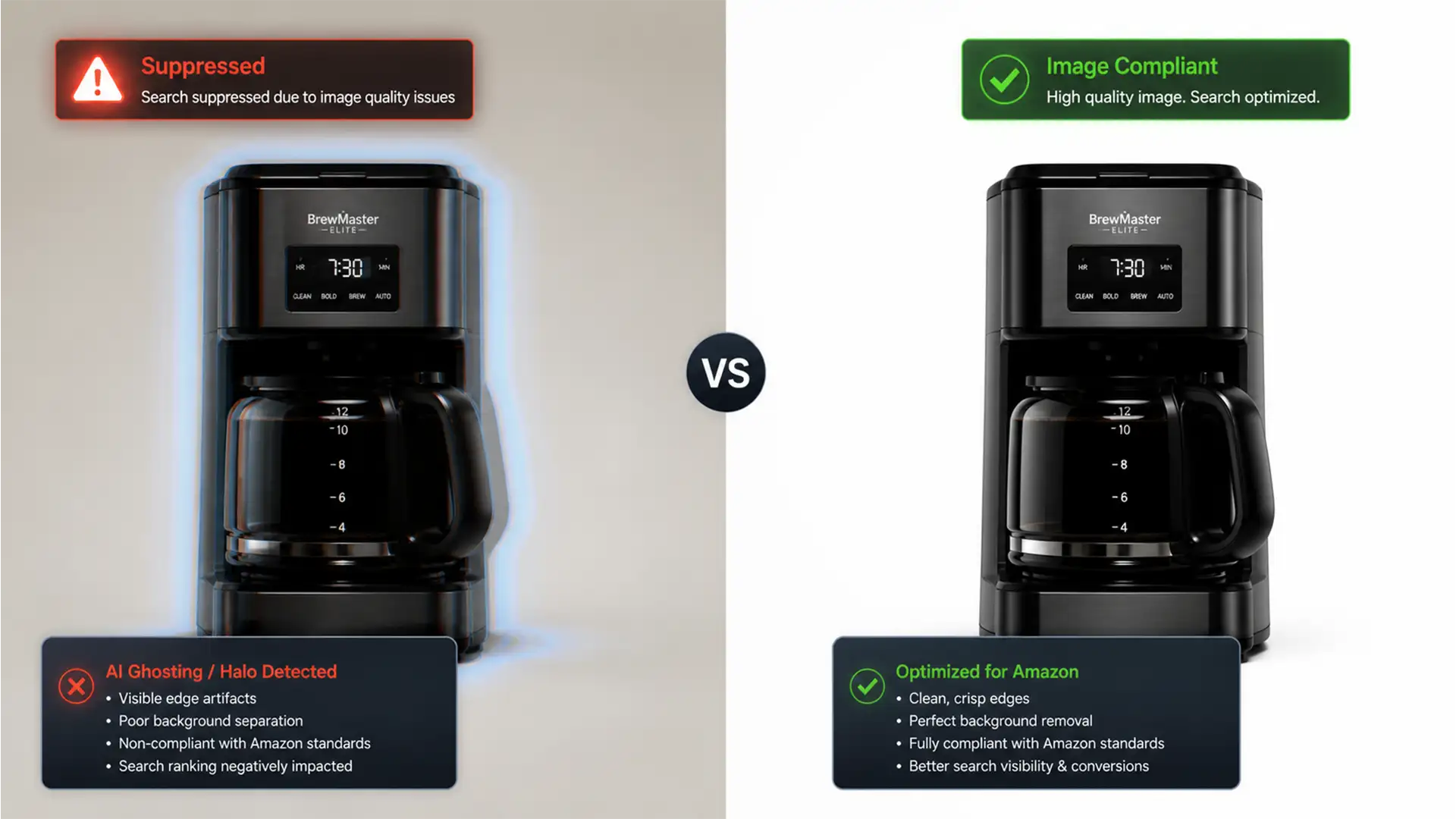
Fixing Amazon AI Background Artifacts: How to Salvage Suppressed Main Images
You check your Amazon Seller Central dashboard, ready to track sales, only to find a dreaded notification: your top-selling product listing is suppressed. The culprit? Your main image. If you relied on Amazon’s automated image tools, you are likely a...
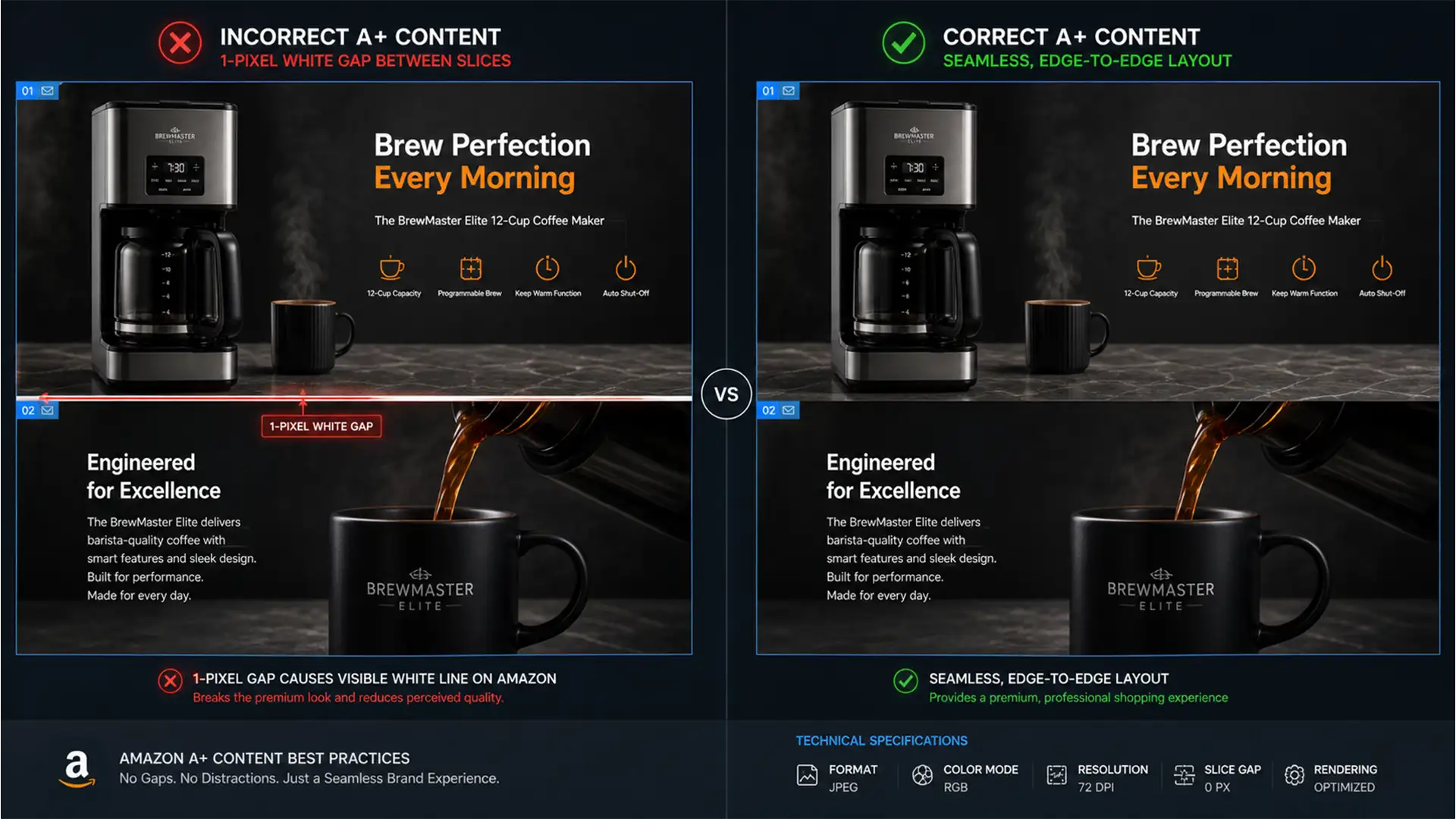
Eliminating the 1-Pixel Gap: Seamless Amazon A+ Content Design
You’ve spent hours designing a stunning, continuous visual experience for your product listing. You slice it, upload it, and there it is-that infuriating, highly visible 1-pixel horizontal white line cutting right through your beautiful graphics. If you’re desperately searching for...
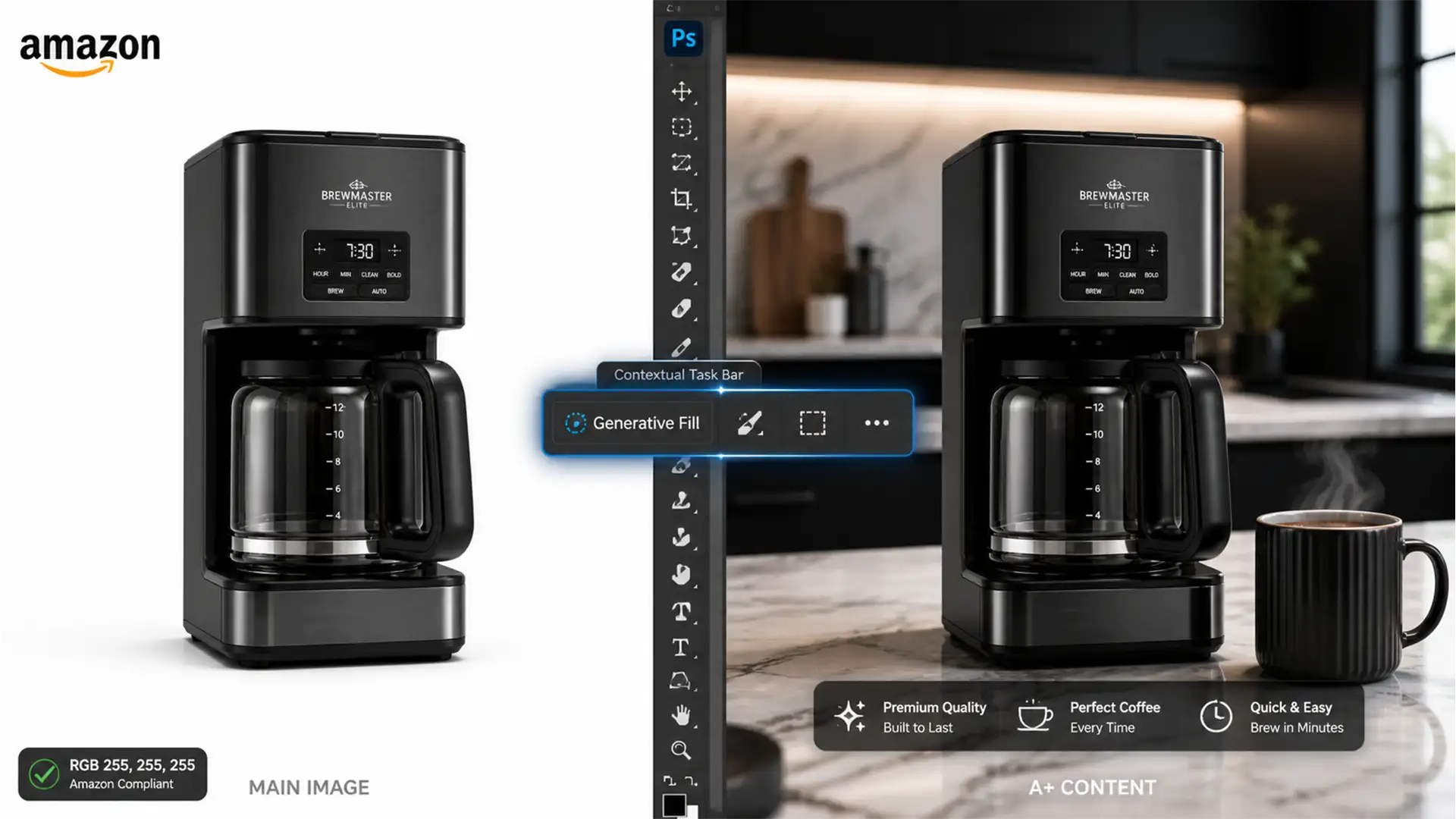
Using Photoshop Generative Fill for Amazon: 2024 Compliance
You just spent hours upgrading your product catalog using Photoshop Generative Fill, only to wake up to a nightmare: Amazon suppressed your listings. In 2024, Amazon’s image policies are stricter than ever regarding AI manipulation. While Adobe Firefly Image 3...
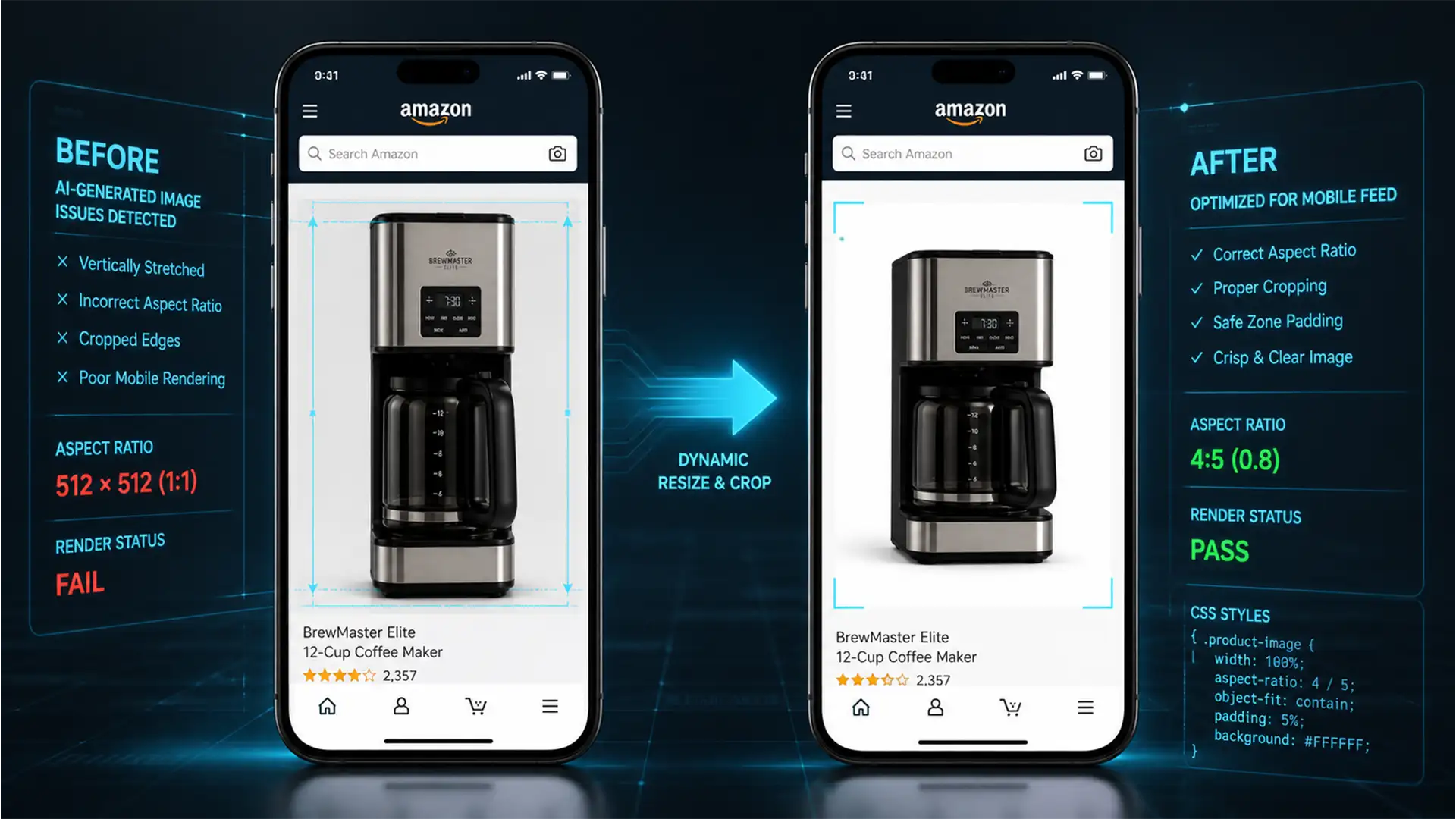
Fix Amazon Mobile App Square Image Stretched Issue (2024)
You uploaded a pristine, high-resolution product photo to your listing. On your desktop browser, it looks perfect. But when you check your listing on your smartphone, the primary thumbnail looks horribly distorted, elongated, or aggressively cropped. If you are losing...
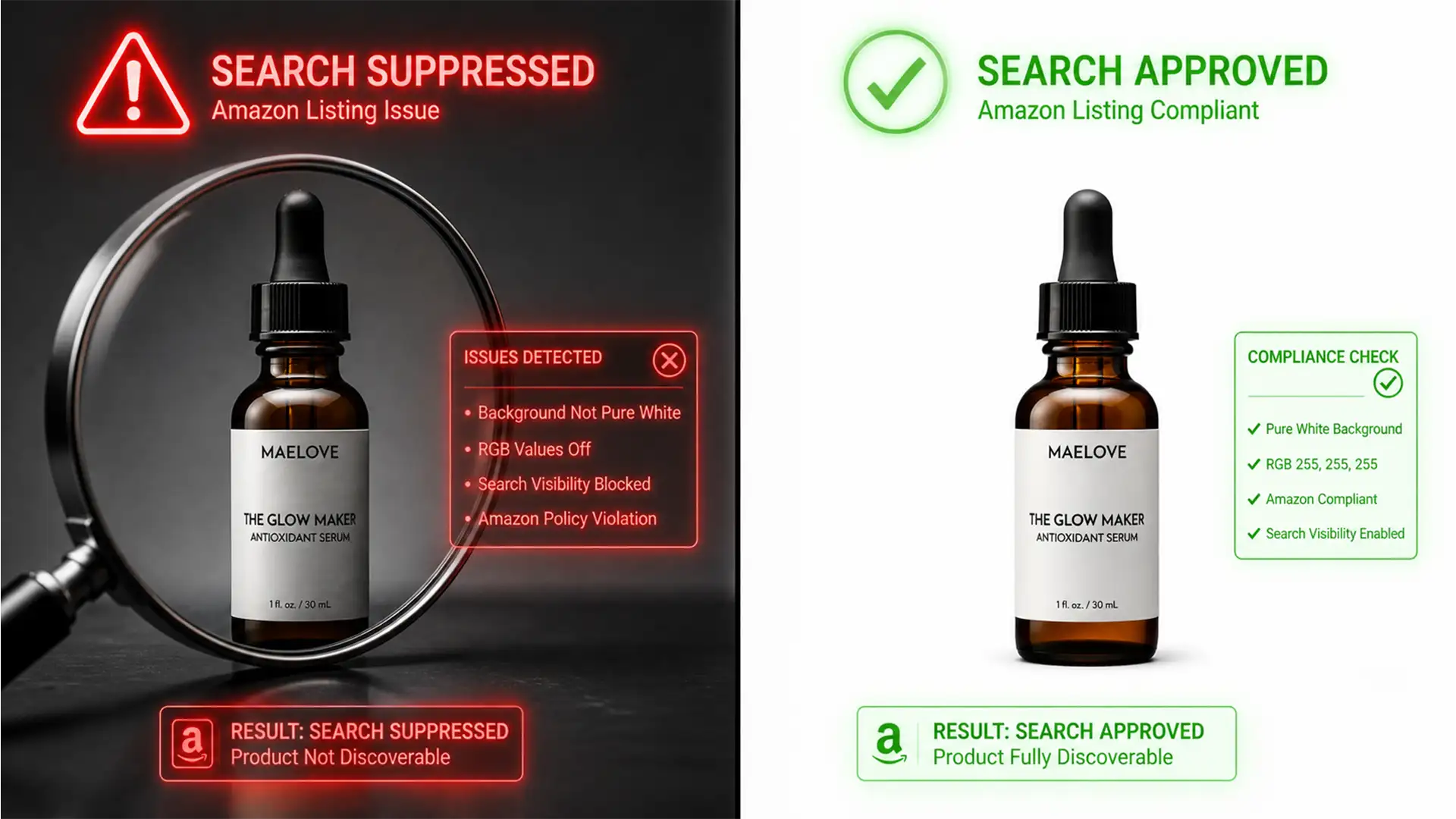
Fix Amazon Main Image Suppression: Pure White 255 255 255
You wake up, check Seller Central, and see the dreaded red flag: “Search Suppressed.” Your best-selling product has been hidden from buyers by the Amazon A9 algorithm. The reason? Your main product image doesn’t have a pure white background. To...