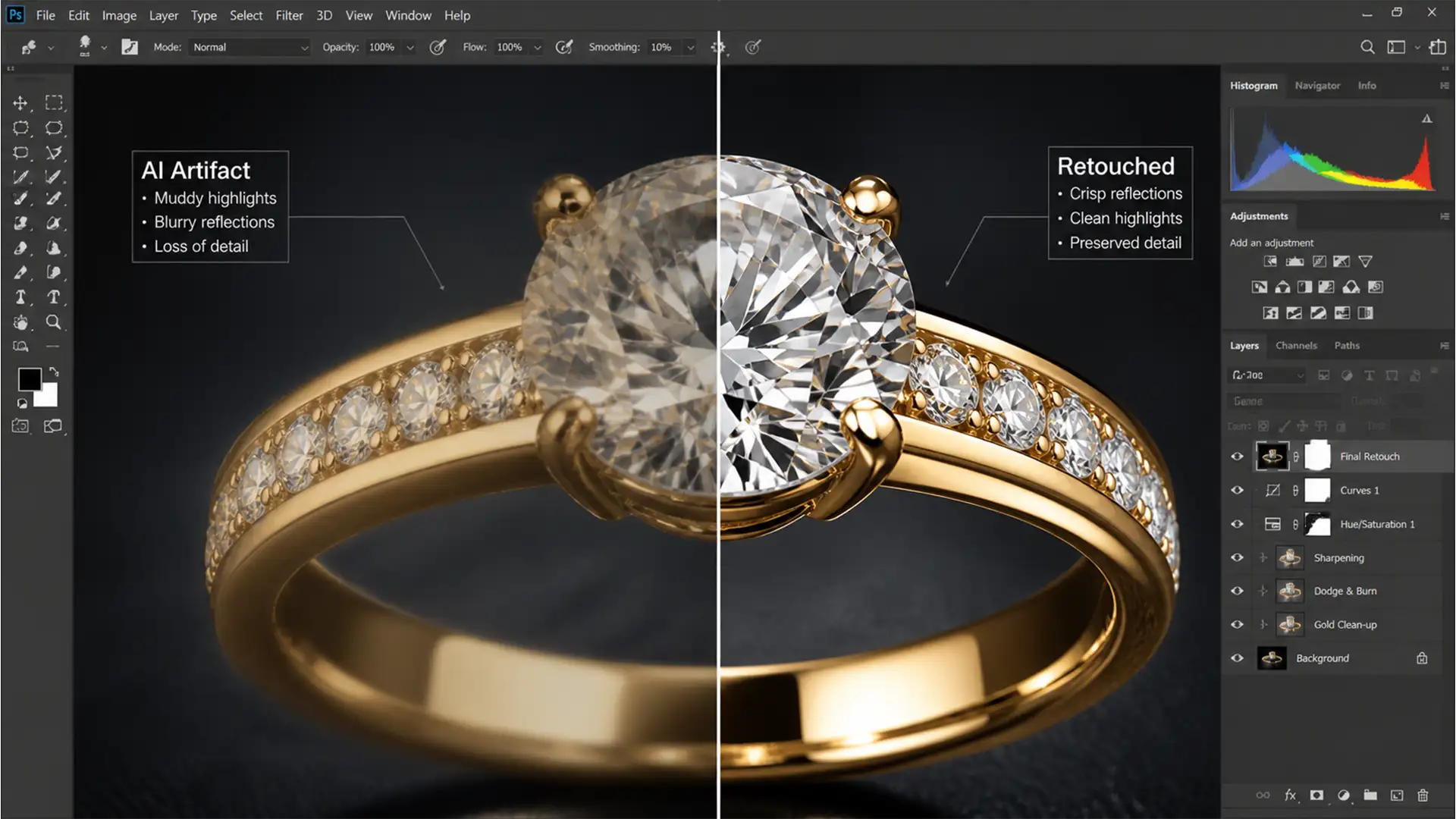

You select a dust spot or scratch on a stunning gold ring, hit Generative Fill in Photoshop v25.0+, and wait for the magic. But instead of a pristine metallic surface, Adobe Firefly leaves behind a muddy, low-resolution smudge. If you edit high-end e-commerce imagery, these Generative Fill jewelry reflection artifacts are a nightmare.
AI simply doesn’t understand the complex physics of anisotropic reflections and specular highlights yet. Stop settling for “hallucinated” matte textures that ruin your catalog’s professional standards. Here is exactly how to clean up the AI blur and restore flawless metallic gradients to your polished jewelry photos.
Why Adobe Firefly Struggles with Polished Jewelry
In Photoshop v25.0+ (utilizing the Adobe Firefly Image 3 model), Generative Fill frequently misinterprets specular highlights and metallic gradients on highly polished surfaces like gold, silver, and diamonds.
The core issue is contextual awareness. The AI lacks an understanding of anisotropic reflections—how light stretches and bounces across curved metallic surfaces based on environmental surroundings. Instead of sharp, high-contrast reflections, the software outputs low-resolution, muddy, or ‘hallucinated’ matte textures. This artifacting completely disrupts professional e-commerce visual standards, requiring meticulous post-generation cleanup.
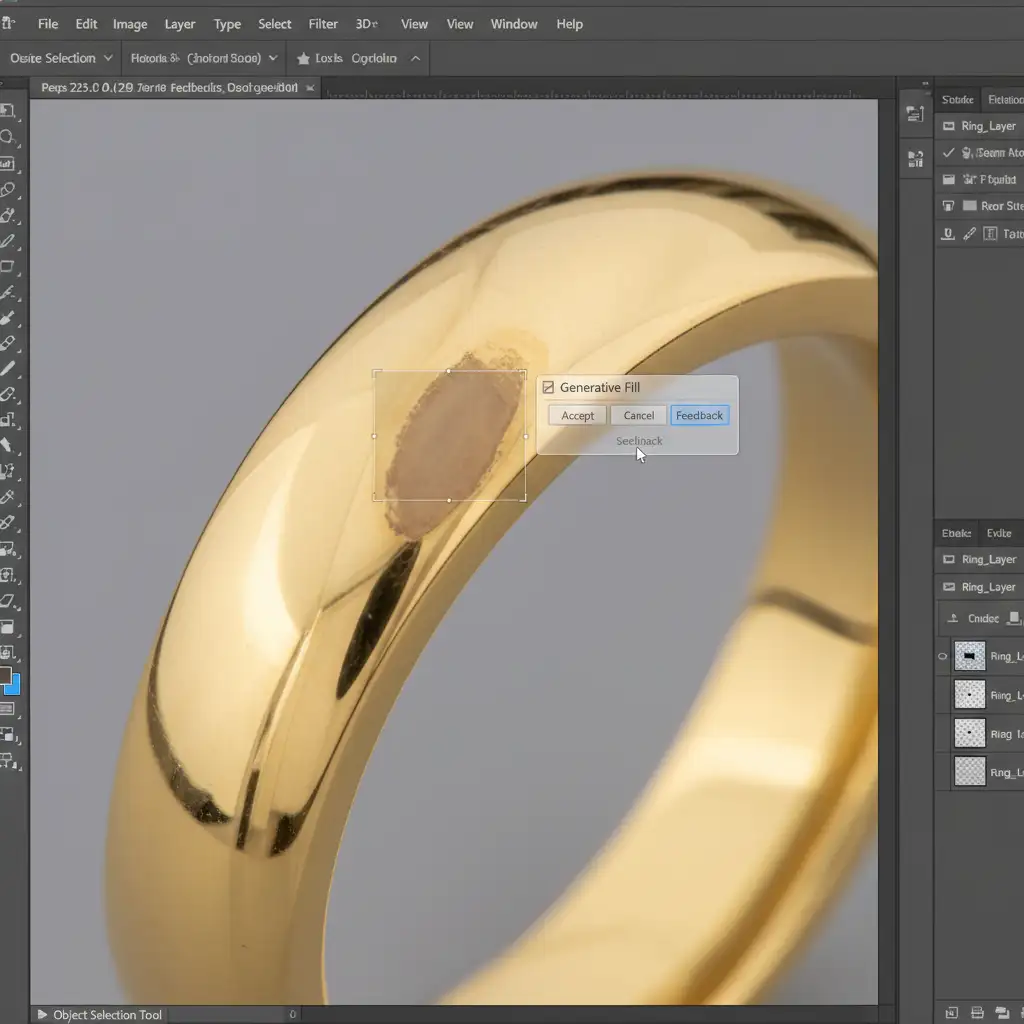
Method 1: The Quick Fix (Prompt Refinement & Feathering)
Most retouchers leave the Generative Fill text box blank when removing blemishes. When dealing with highly reflective surfaces, a blank prompt forces the AI to guess the texture, usually resulting in a matte smudge.
To guide Adobe Firefly accurately:
- Feather Your Selection: Apply a 1-2px feather to your Lasso Tool before making your selection. This ensures smoother blending with the original metal edges.
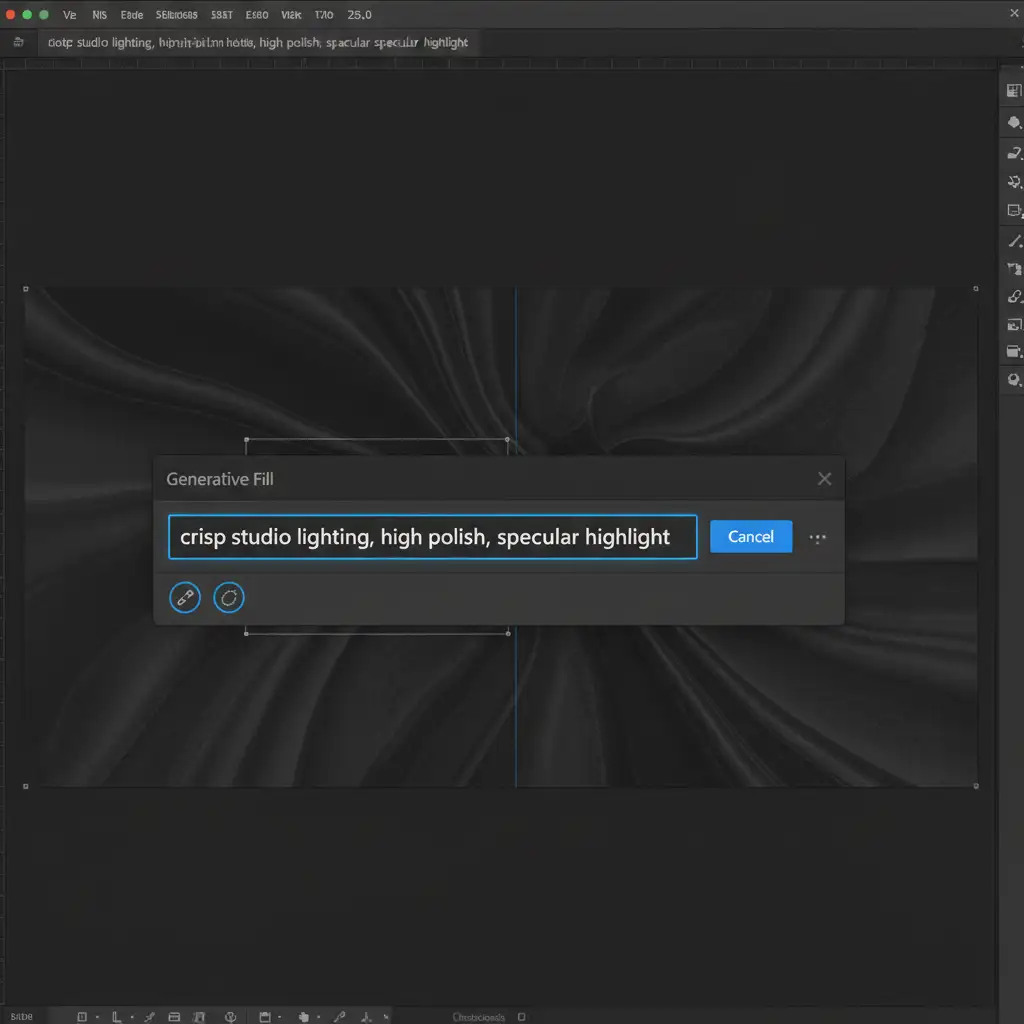
- Use Specific Modifiers: Instead of a blank prompt, type precise lighting and texture terms into the Contextual Task Bar. Use phrases like: “crisp studio lighting, high polish, specular highlight”.
Method 2: The Pro Workaround (Frequency Separation Integration)
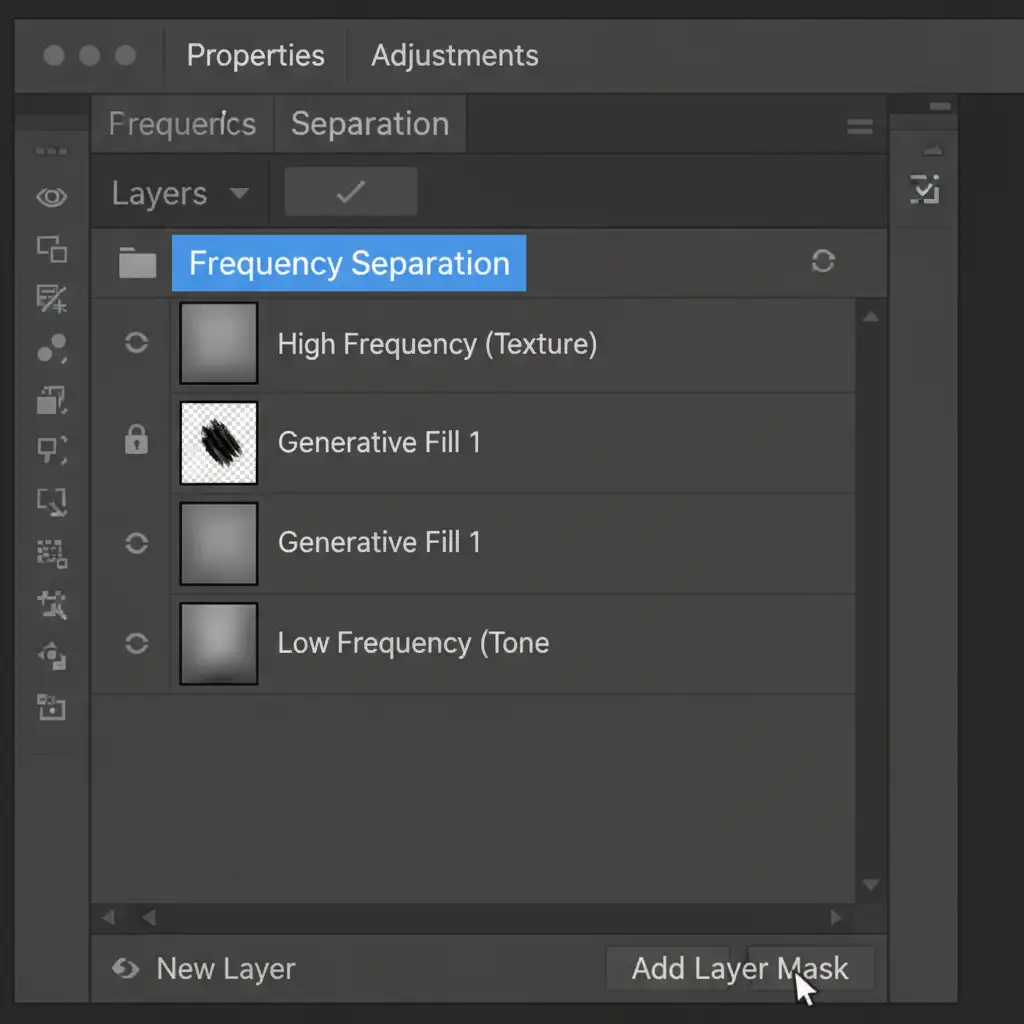
When prompt refinement isn’t enough, you need to separate the color data from the texture data using Frequency Separation. This allows you to leverage AI for structural fixes while retaining manual control over the sharp reflections.
- Run your standard Frequency Separation action on the jewelry image.
- Select the Low-Frequency (color/tone) layer. Use Generative Fill only on this layer to fix the base structure and remove the distracting blemish or reflection.
- Move to the High-Frequency (texture) layer. Manually use the Clone Stamp tool to copy sharp, clean metallic textures and specular highlights from an adjacent, uncorrupted part of the jewelry over the AI-generated base.
Method 3: The Technical Deep-Dive (Vector Paths & Custom Gradients)
For pixel-perfect e-commerce imagery, the ultimate solution is to manually rebuild the metallic gradient over the AI artifact. This method guarantees pristine anisotropic reflections.
- Map the Reflection: Use the Pen Tool to draw precise vector paths around the exact boundaries of the reflection you need to restore.
- Create a Clipping Mask: Create a new blank layer and apply a layer masking technique using your vector path to isolate the area over the Generative Fill artifact.
- Sample Hex Codes: Use the Eyedropper tool to sample the exact hex codes from the adjacent clean metal (selecting the darkest shadow and the brightest specular highlight).
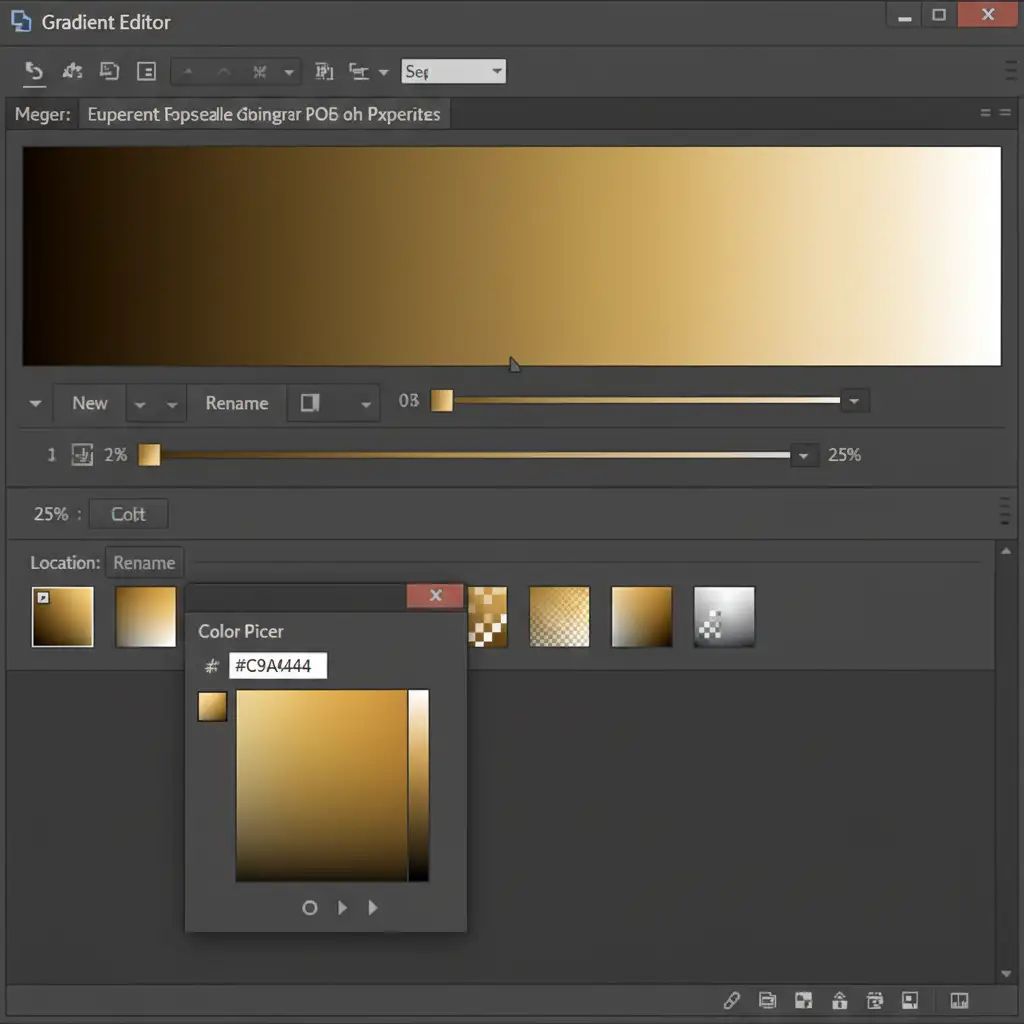
- Rebuild the Gradient: Select the Gradient Tool (set to reflected or linear). Drag the custom metallic gradient across your masked layer.
- Blend Seamlessly: Change the new gradient layer’s blending mode to Screen or Overlay to composite the artificial gradient seamlessly over the AI base structure.
Stop Fighting the AI: Let the Experts Handle Your Jewelry Retouching
Generative Fill is an incredible tool, but as we’ve seen, AI isn’t perfect yet. Fixing Generative Fill jewelry reflection artifacts requires a deep understanding of light physics, vector paths, and advanced compositing techniques.
When you are managing a massive e-commerce catalog, you don’t have the time to manually rebuild metallic gradients on every single ring, watch, or necklace.
When Generative Fill ruins your high-end jewelry catalog, hire the pixel-perfect human experts at Image Work India and Cloud Retouch. Our professional retouching teams specialize in flawless jewelry editing, ensuring every specular highlight and metallic reflection meets the highest luxury standards. Focus on growing your business, and let us deliver the flawless reflections your products deserve.




