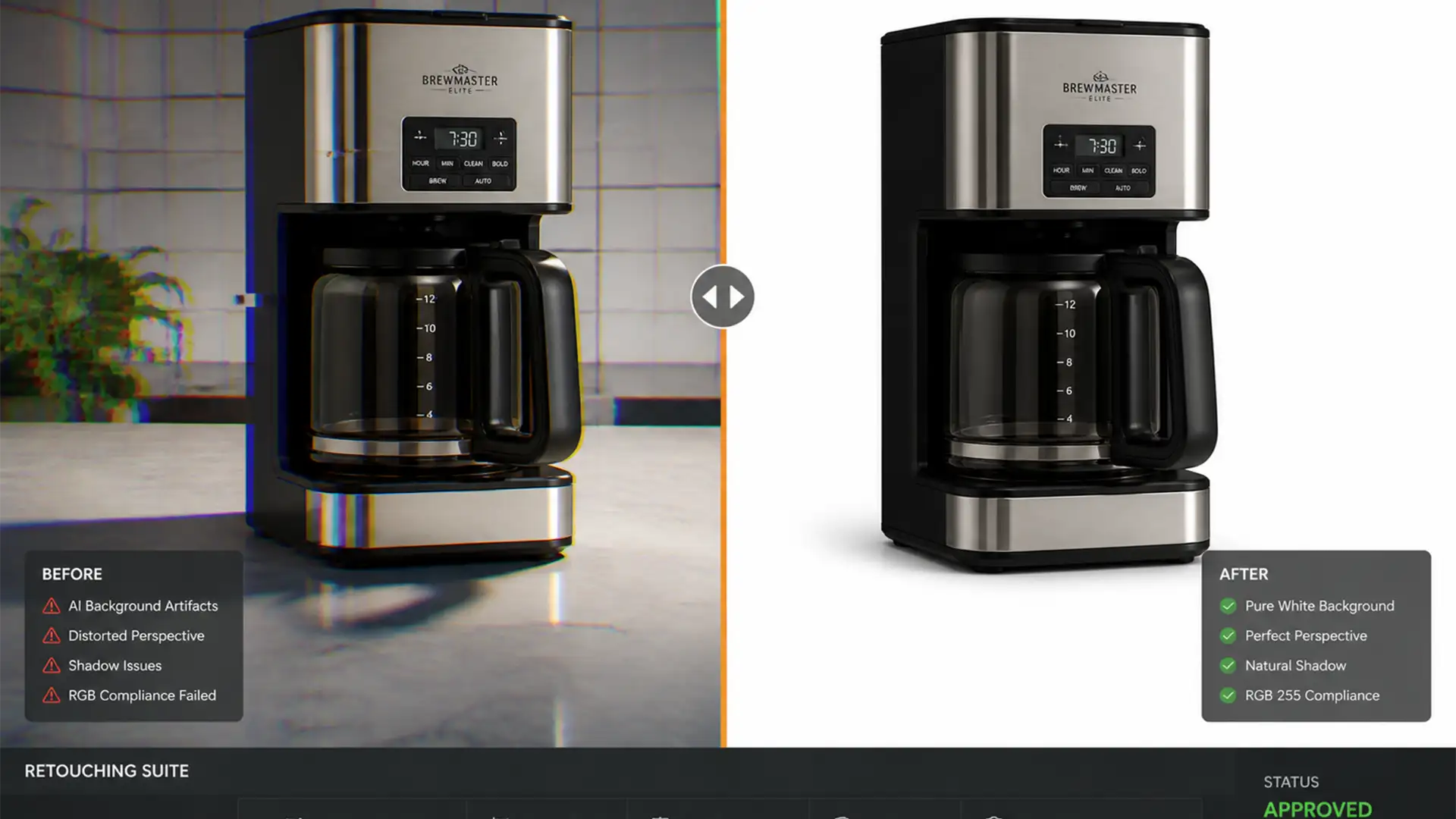

Fix AI Artifacts in Amazon Product Photos (Photoshop Guide)
Amazon sellers are eagerly adopting native AI background generators to create lifestyle images, but there is a massive hidden risk: image hallucinations. Amazon’s AI tools frequently generate extra geometry, warped perspective lines, and bizarre textures near product boundaries. If you...
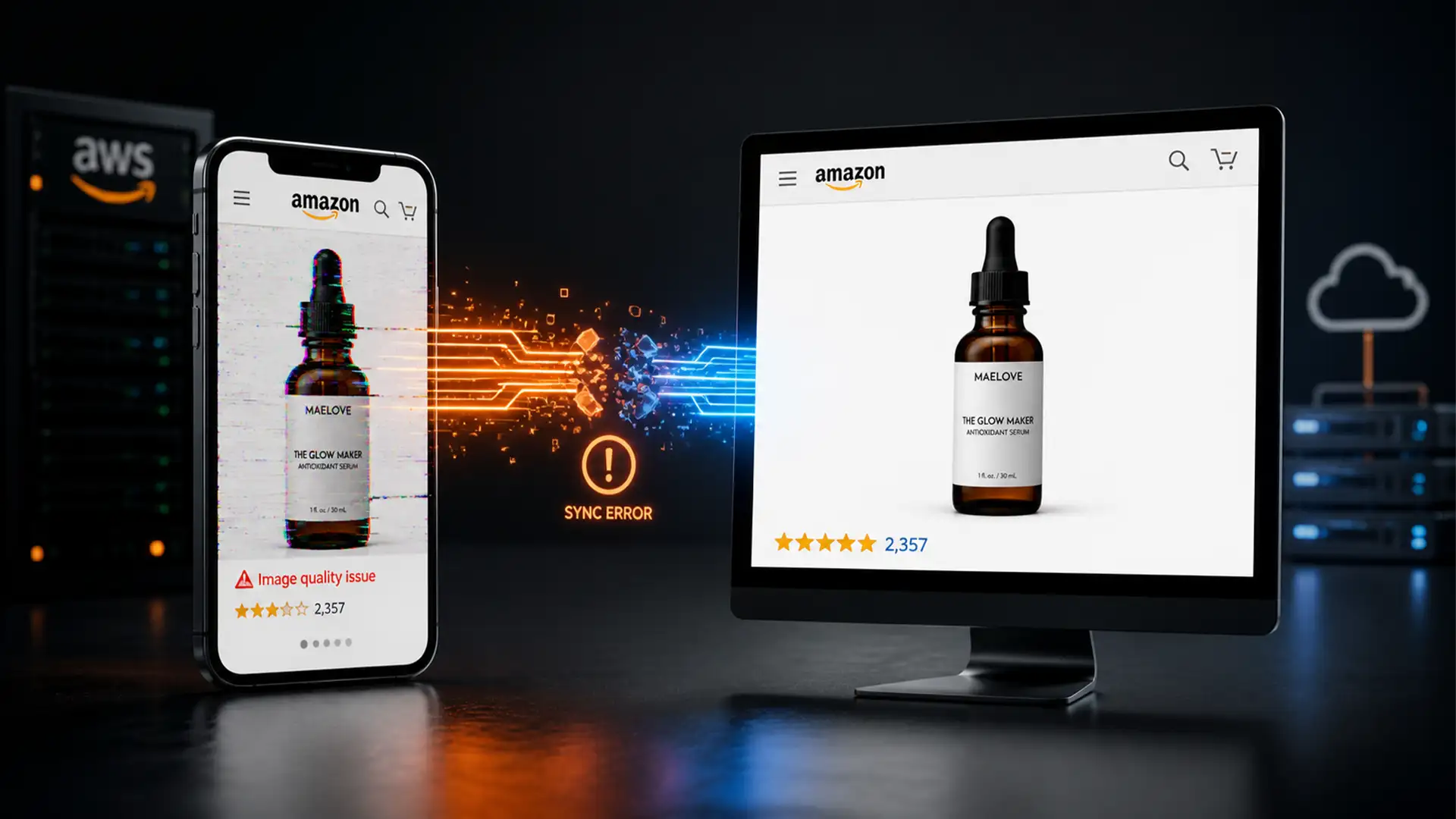
Why Your Amazon Listing Looks Different on Mobile: Fix Image Sync & AI Overrides
You check Seller Central, and your product images are perfectly formatted. You check your live listing on a desktop browser, and everything looks pristine. But the moment you open the Amazon mobile app, your heart sinks. Your images are outdated,...
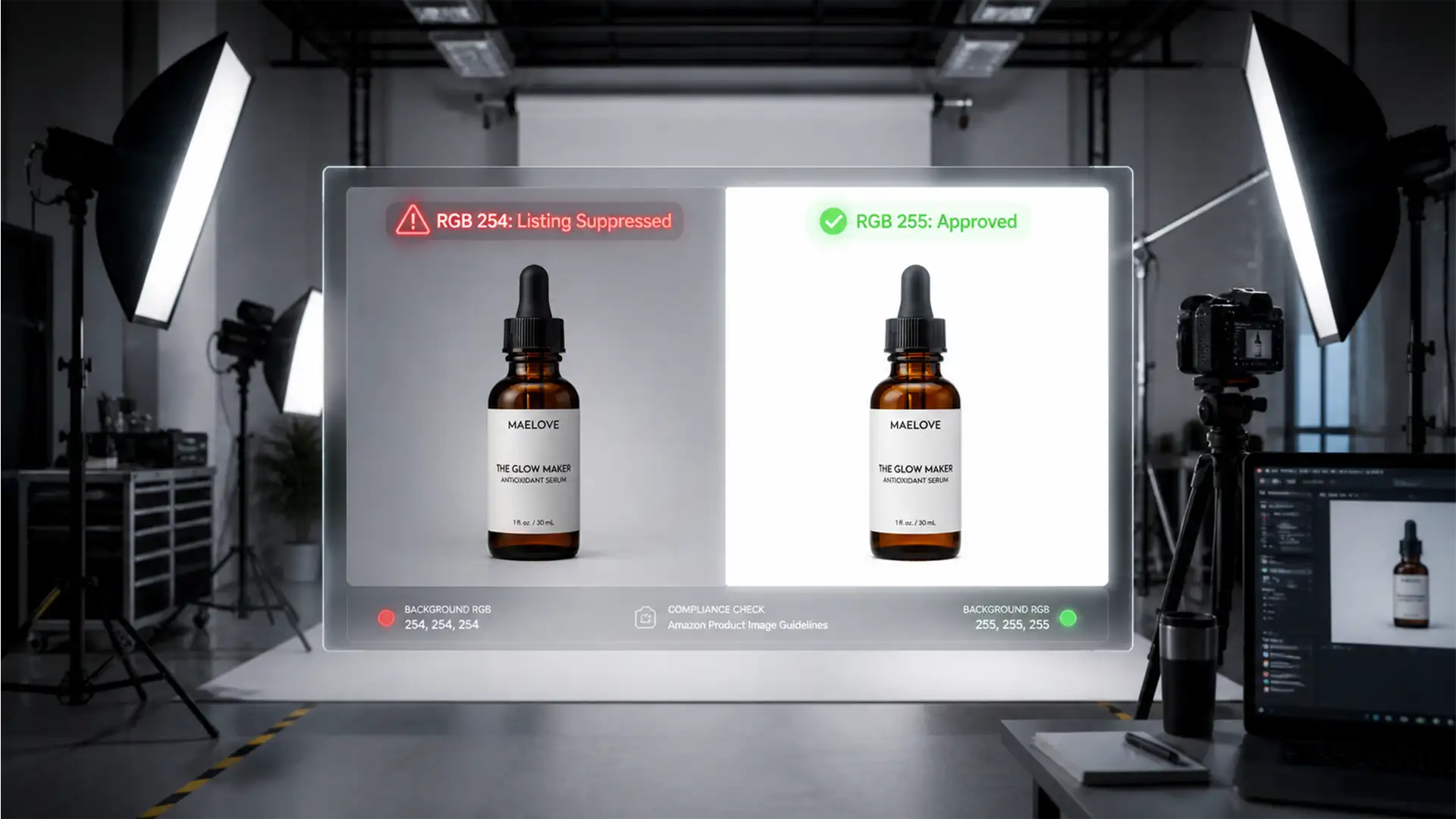
Fix Amazon RGB 255 Rejection Errors: Pure White Backgrounds
You spent hours perfecting your product photography, only to wake up to a nightmare: Amazon suppressed your listing. The culprit? Your white background isn’t actually white. Amazon’s automated quality control bots are ruthless, demanding strict Amazon RGB 255 white background...
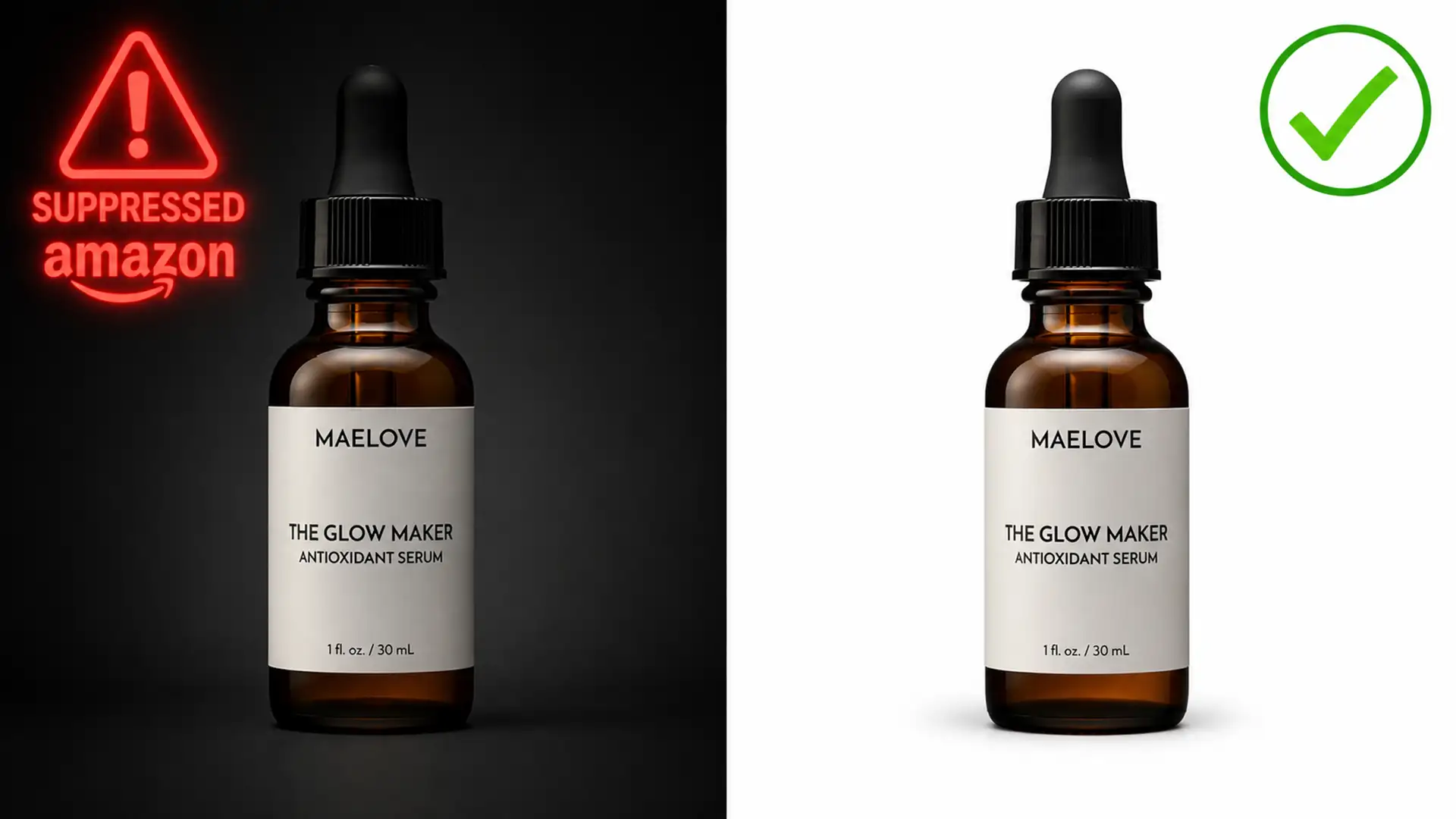
Fix Amazon Shadow Bleeding Rejections in Photoshop
You wake up to a dreaded email from Amazon Seller Central: your top-selling product listing has been suppressed. The culprit? Your main image violates the platform’s strict background requirements. If your product photos feature natural reflections or artificial drop shadows,...
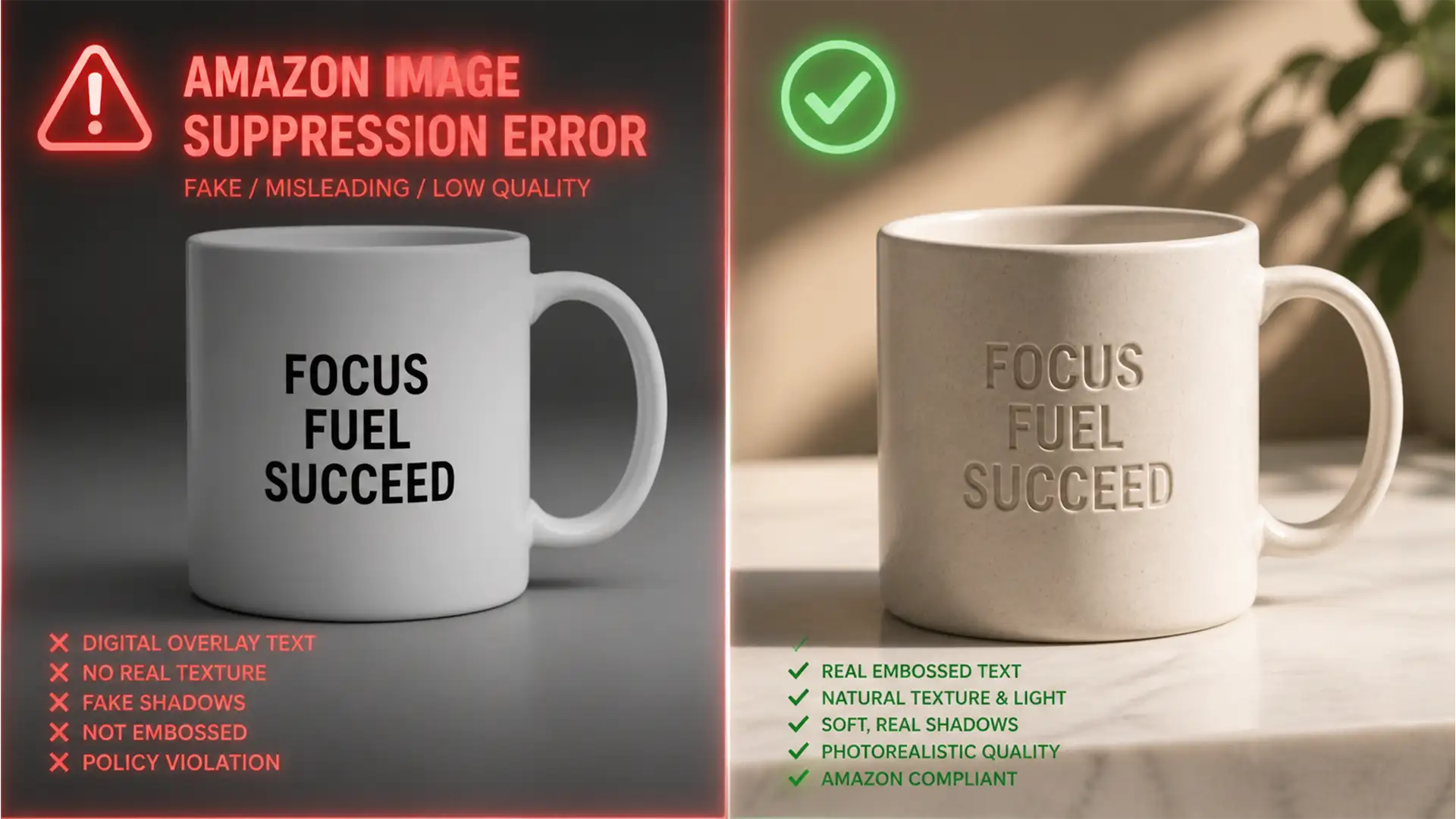
Photoshop Secrets to Bot-Proof Custom Amazon Product Photos
You wake up, check your Seller Central account, and your heart sinks. Your best-selling personalized product listing has been suppressed. The culprit? Amazon’s A9 algorithm and its relentless image recognition bots have flagged your main image for a “Text Overlay”...
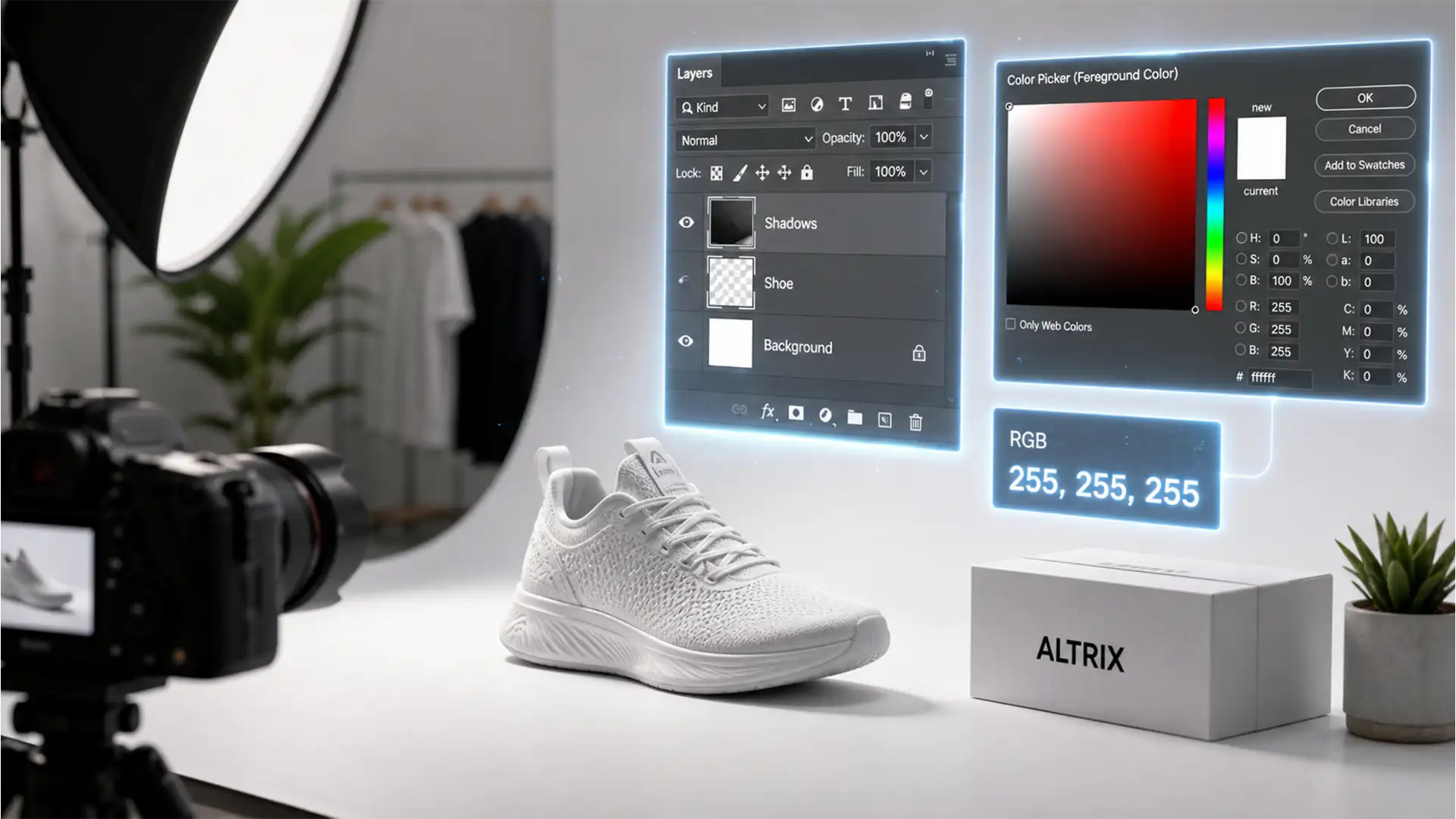
Creating Amazon-Compliant Natural Shadows in Photoshop
You’ve spent hours perfecting your product photos, only to log into Seller Central and see the dreaded “Search Suppressed” warning. The culprit? Your product shadows. Amazon’s A9 algorithm is ruthless when it comes to image guidelines. If an unrefined drop...
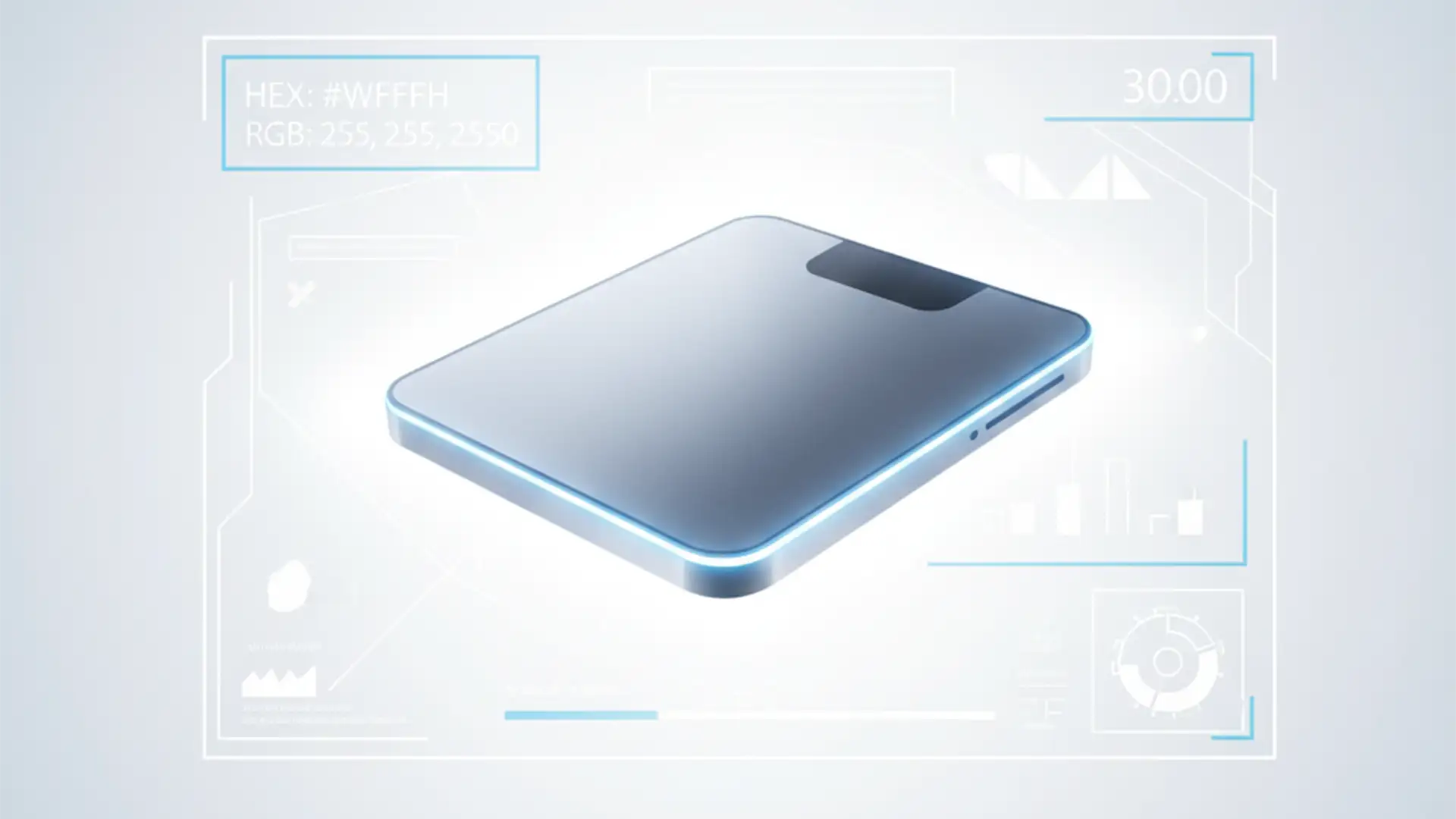
Stop the Suppression: How to Force a Perfect 255 White Background in Photoshop
You just spent hours photographing and editing your latest product, only to wake up to an Amazon suppression error. The culprit? Your background isn’t perfectly white. While it might look white to the naked eye, strict e-commerce algorithms see an...
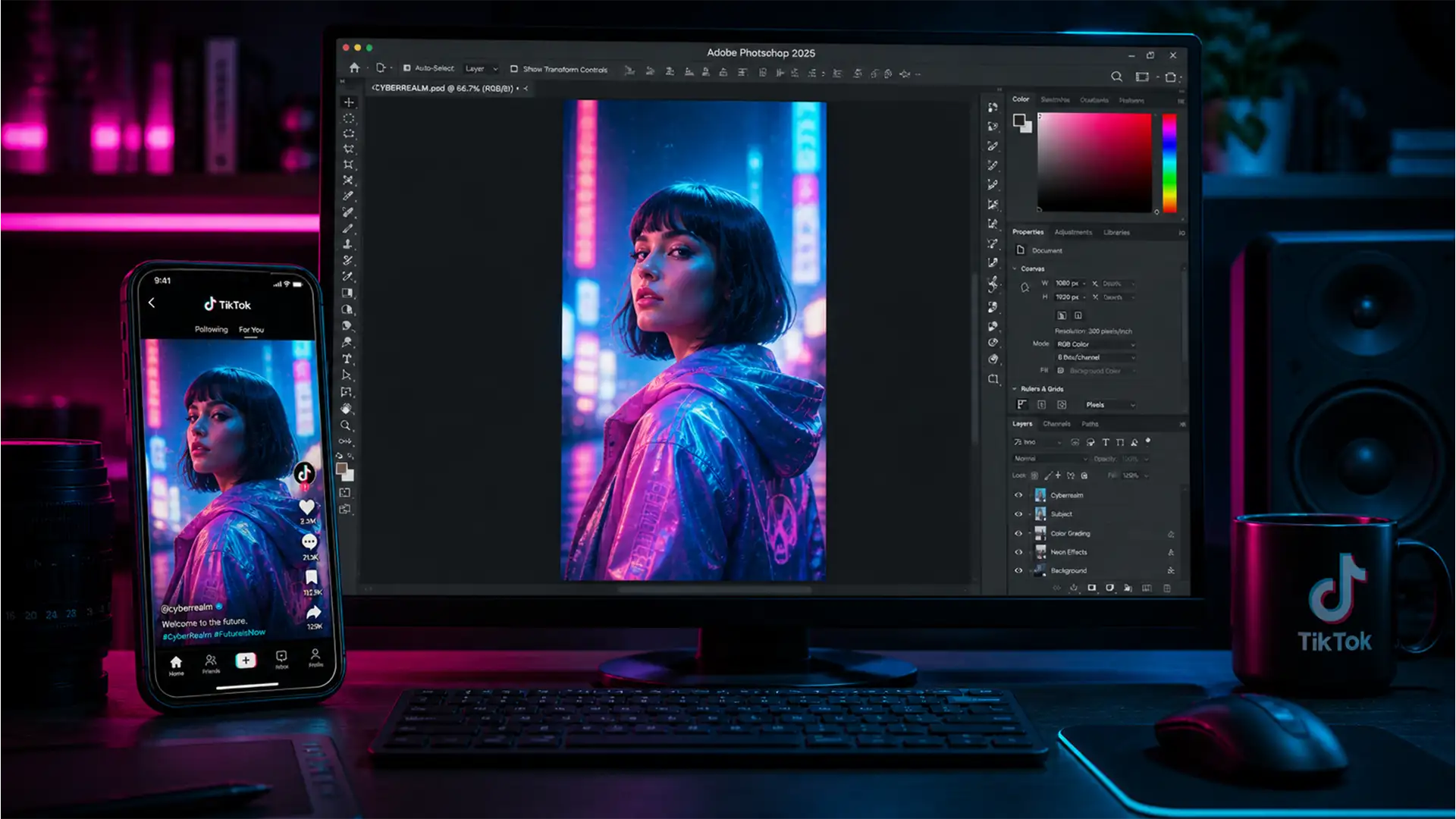
Zero Quality Loss: The Best Photoshop Export Settings for TikTok (2025 Update)
You just spent hours perfecting an edit in Photoshop 2025. The colors pop, the details are razor-sharp, and the composition is flawless. But the second you upload it to a TikTok photo carousel, disaster strikes. Your vibrant reds turn muddy,...
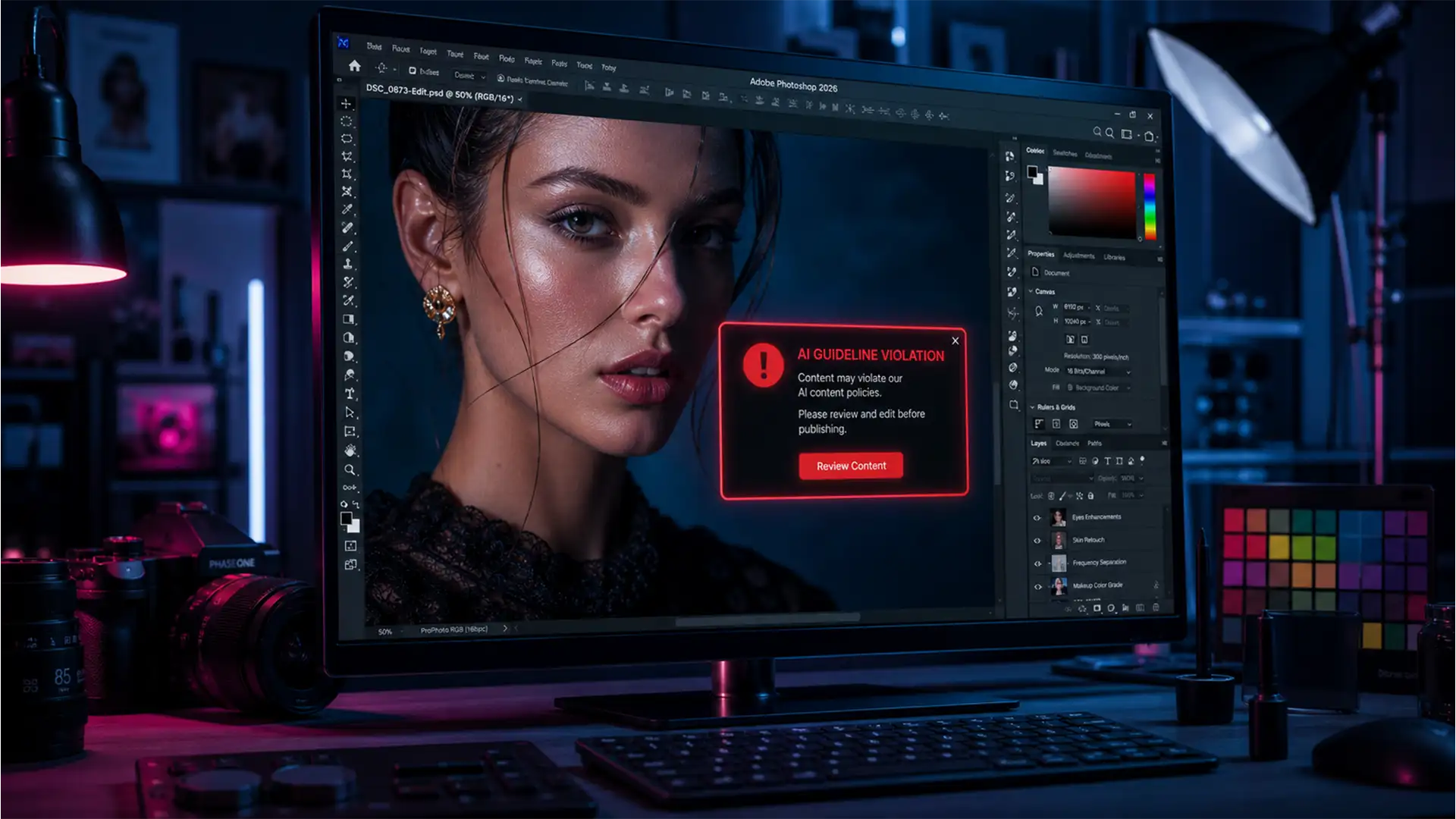
Photoshop ‘Generative Fill Violation’ Error? How to Fix It
You are on a tight deadline, finalizing a high-end commercial portrait in Adobe Photoshop v25.0+. You lasso a minor blemish, hit Generative Fill, and instead of flawless skin, you are hit with a glaring red box: “Something went wrong. Please...
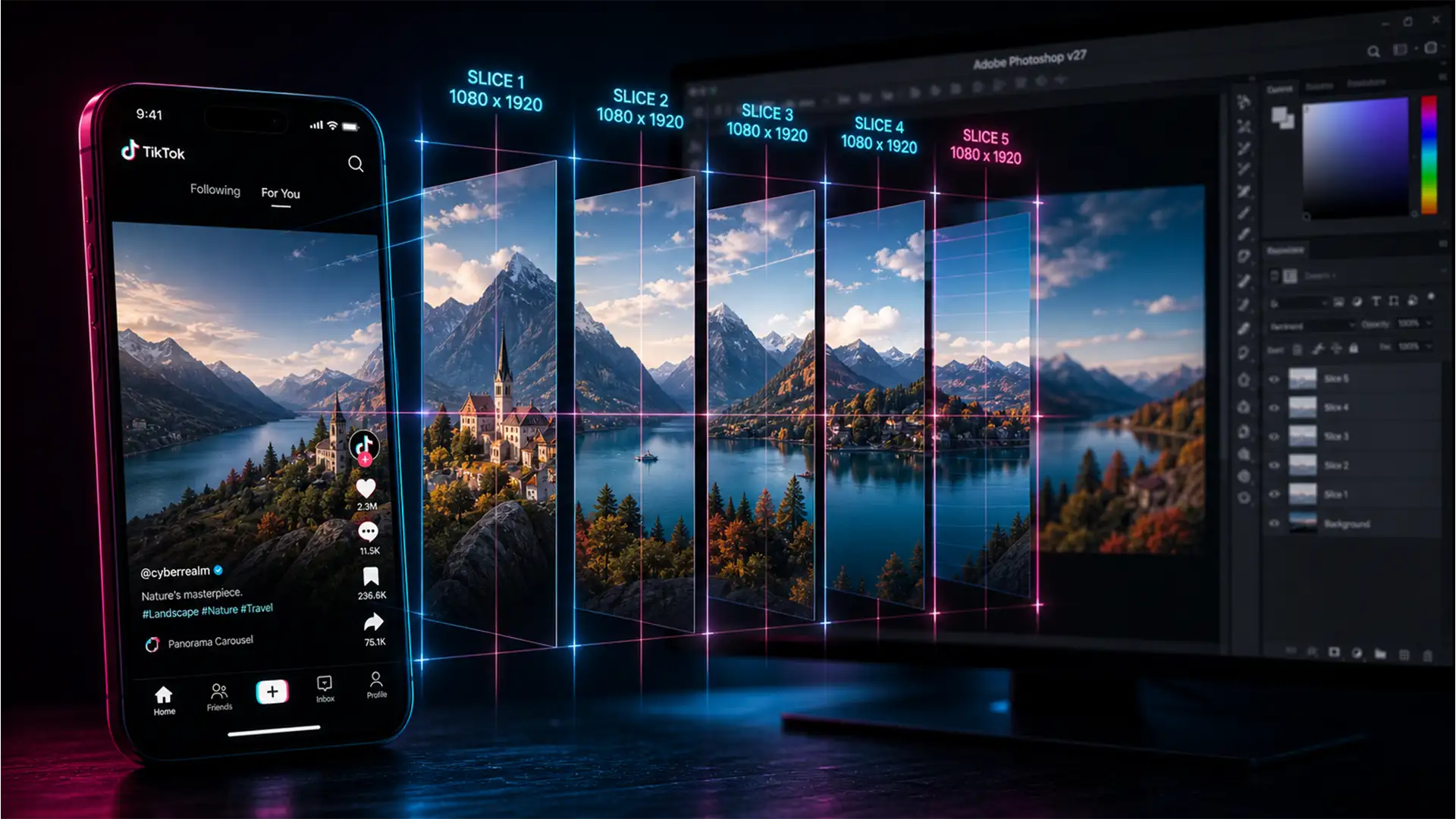
TikTok Seamless Swipe Guide: Photoshop Dimensions & Templates
You have spent hours designing an engaging, high-converting TikTok carousel, but the moment you hit publish, disaster strikes. TikTok’s right-side engagement buttons and bottom description text completely cover your crucial text and focal points. Even worse, the transition between your...