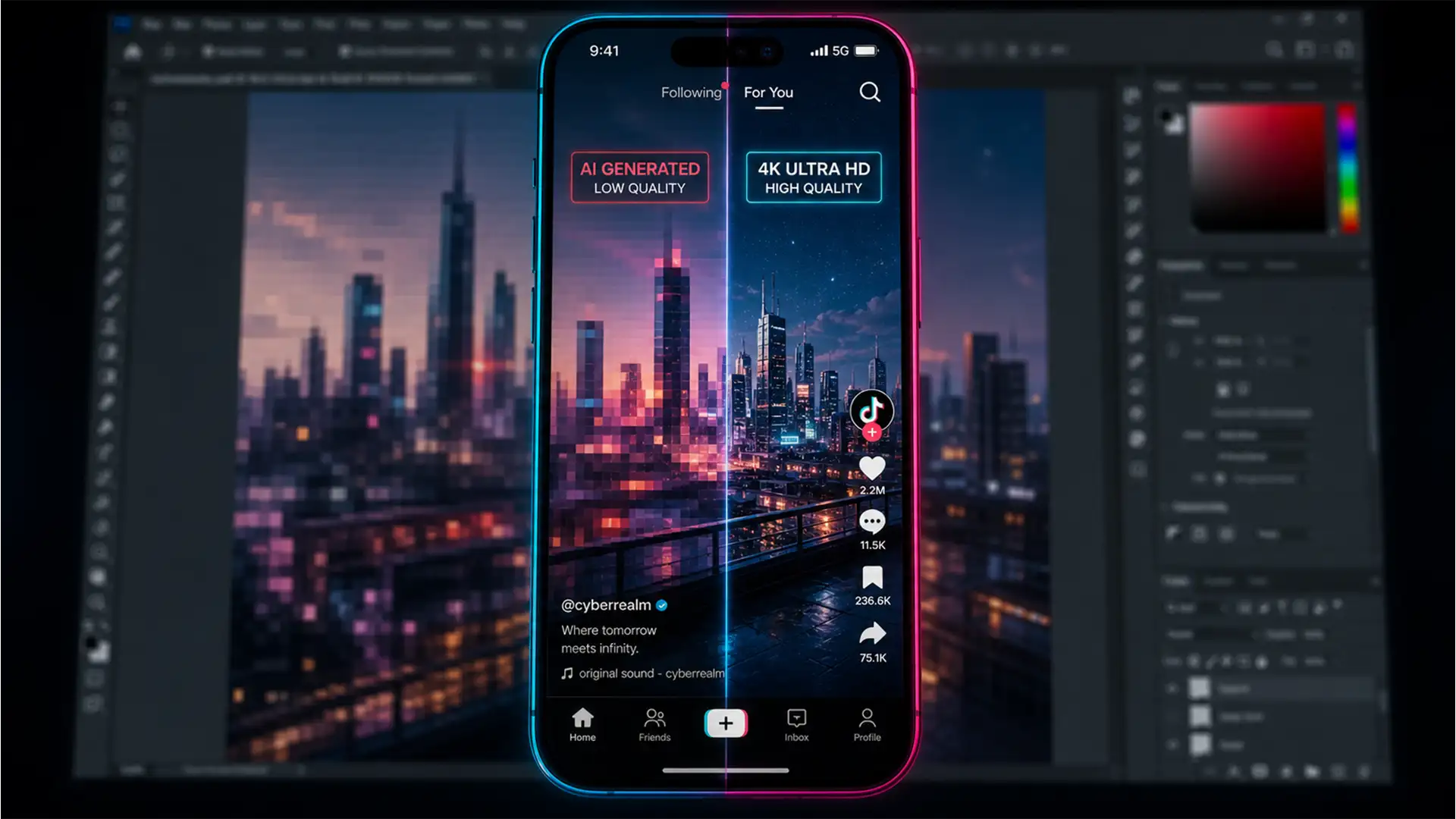

How to Fix Photoshop Blurry AI Backgrounds: High-Res Generative Expand
Are you tired of transforming a stunning, high-resolution landscape photo into a vertical TikTok format, only to watch Adobe’s AI turn the background into a pixelated mess? You are not alone. When you use Generative Expand to fill empty canvas...
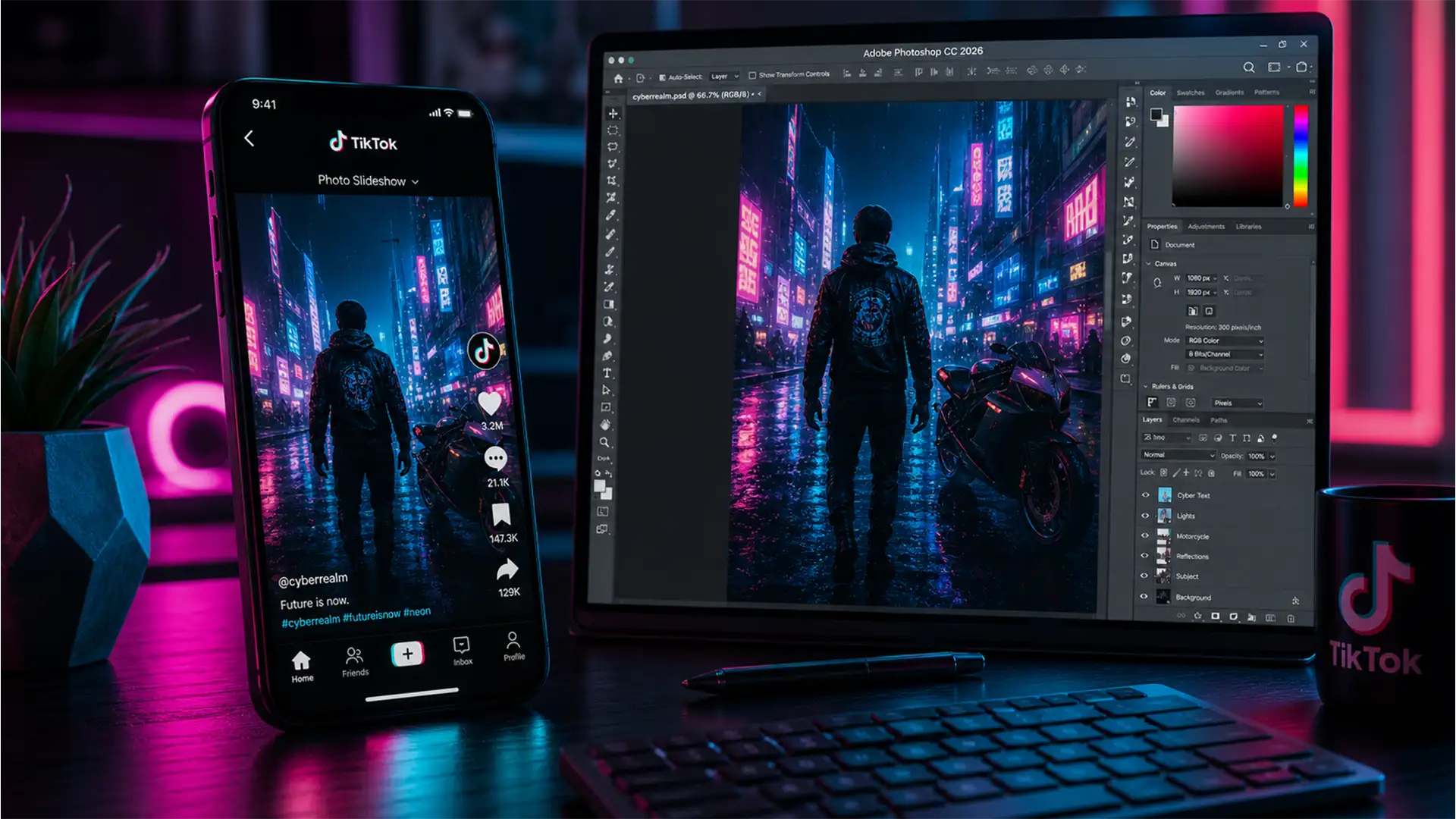
The Best Photoshop Export Settings for TikTok Slideshows
You spend hours retouching a stunning photo, upload it to a TikTok carousel, and suddenly it looks like it was shot on a 2005 flip phone. The edges are blurry, the colors are muddy, and the beautiful gradients are ruined...
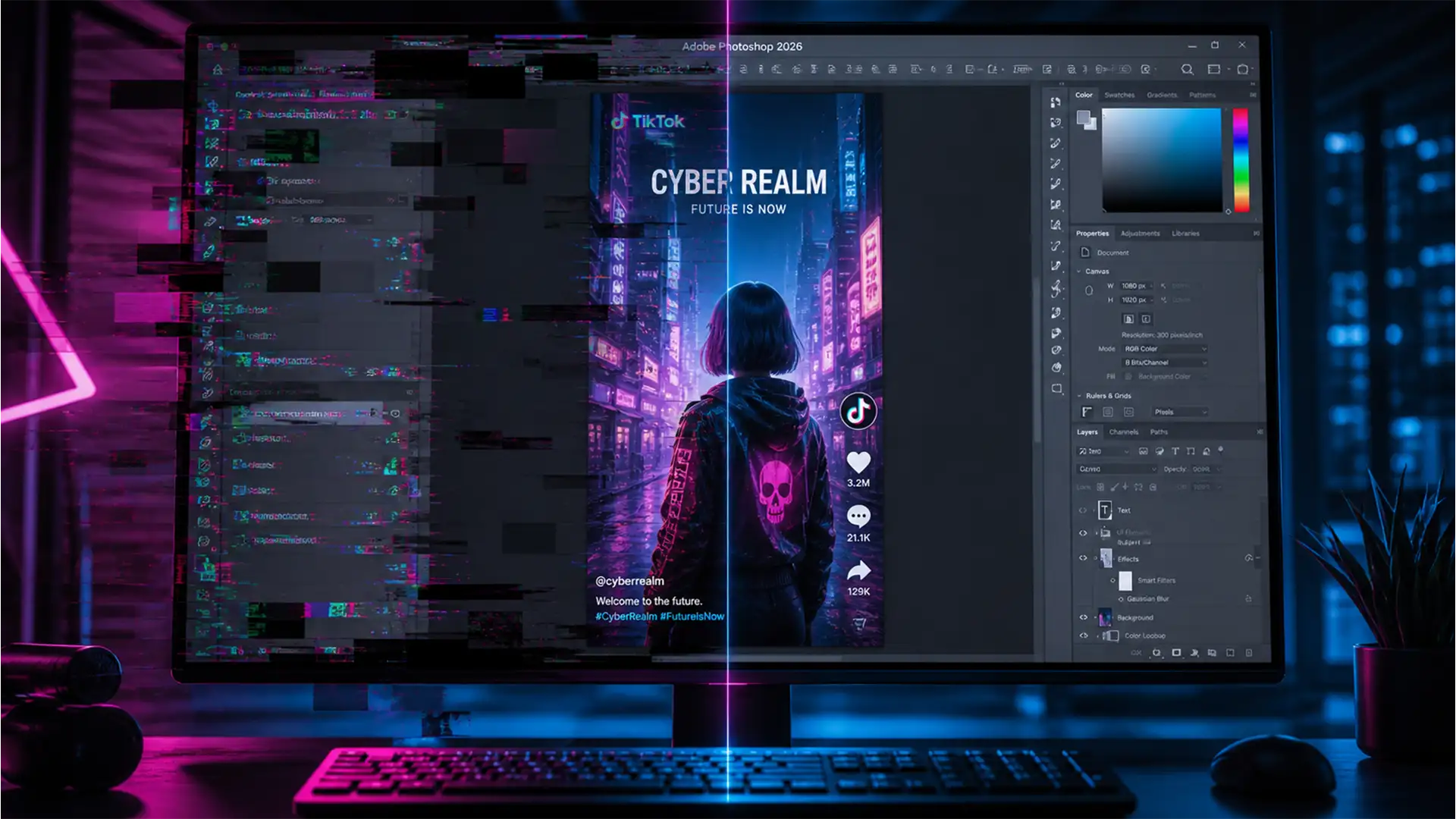
Fixing the Photoshop 2026 Workspace Flicker Bug for TikTok Creators
Are you trying to edit a high-resolution TikTok or Instagram Reel, only to have your screen throw an absolute fit? You zoom in to perfect a mask, and suddenly you’re hit with aggressive screen tearing, black boxes, and a strobe-like...
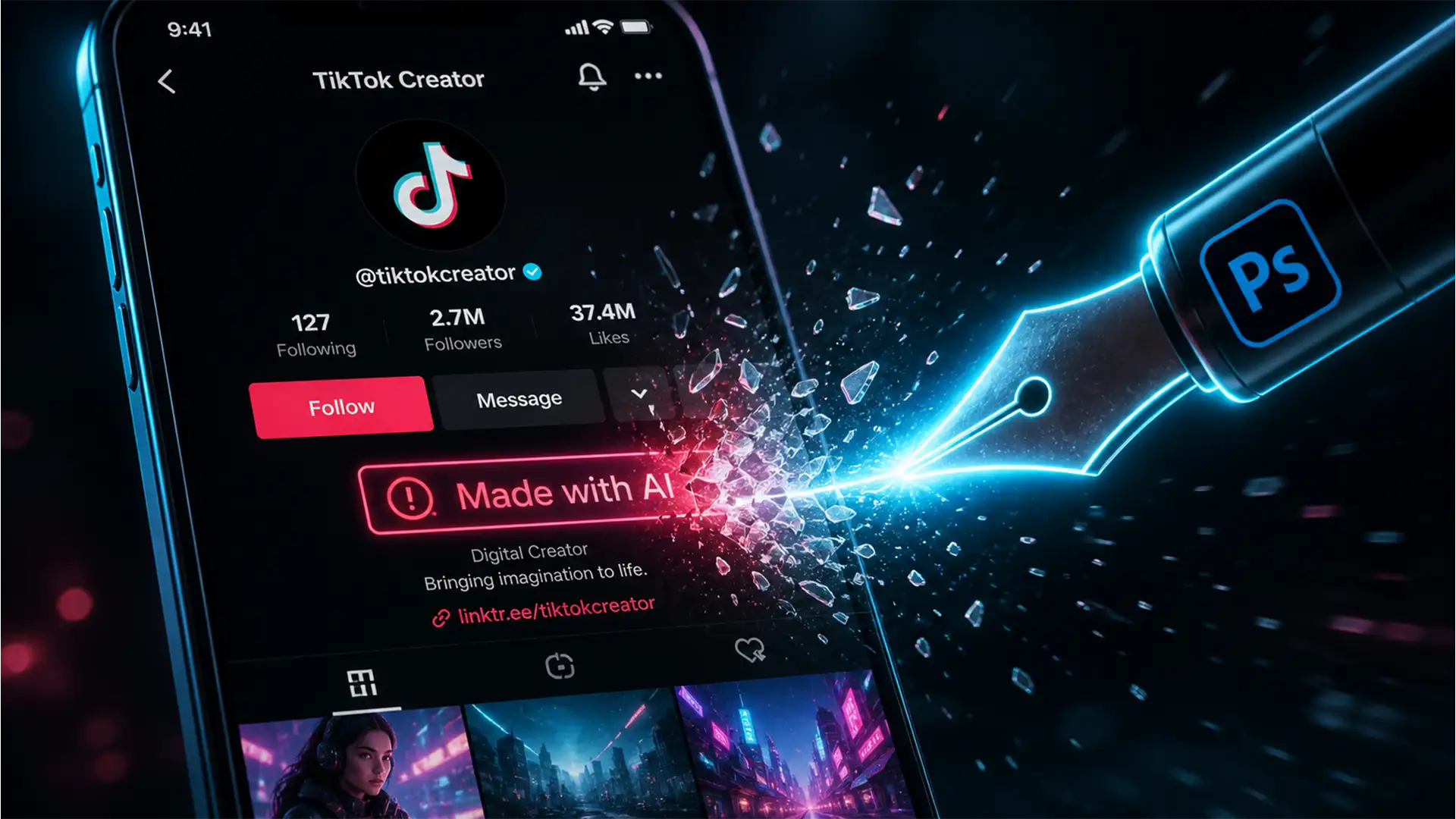
How to Stop TikTok from Labeling Your Photoshop Edits as ‘AI-Generated’
You just spent hours perfecting your latest photo shoot in Photoshop. You transfer the images to your phone, upload them to TikTok, and instantly see it: the dreaded “Made with AI” label. Even if you only used a basic healing...
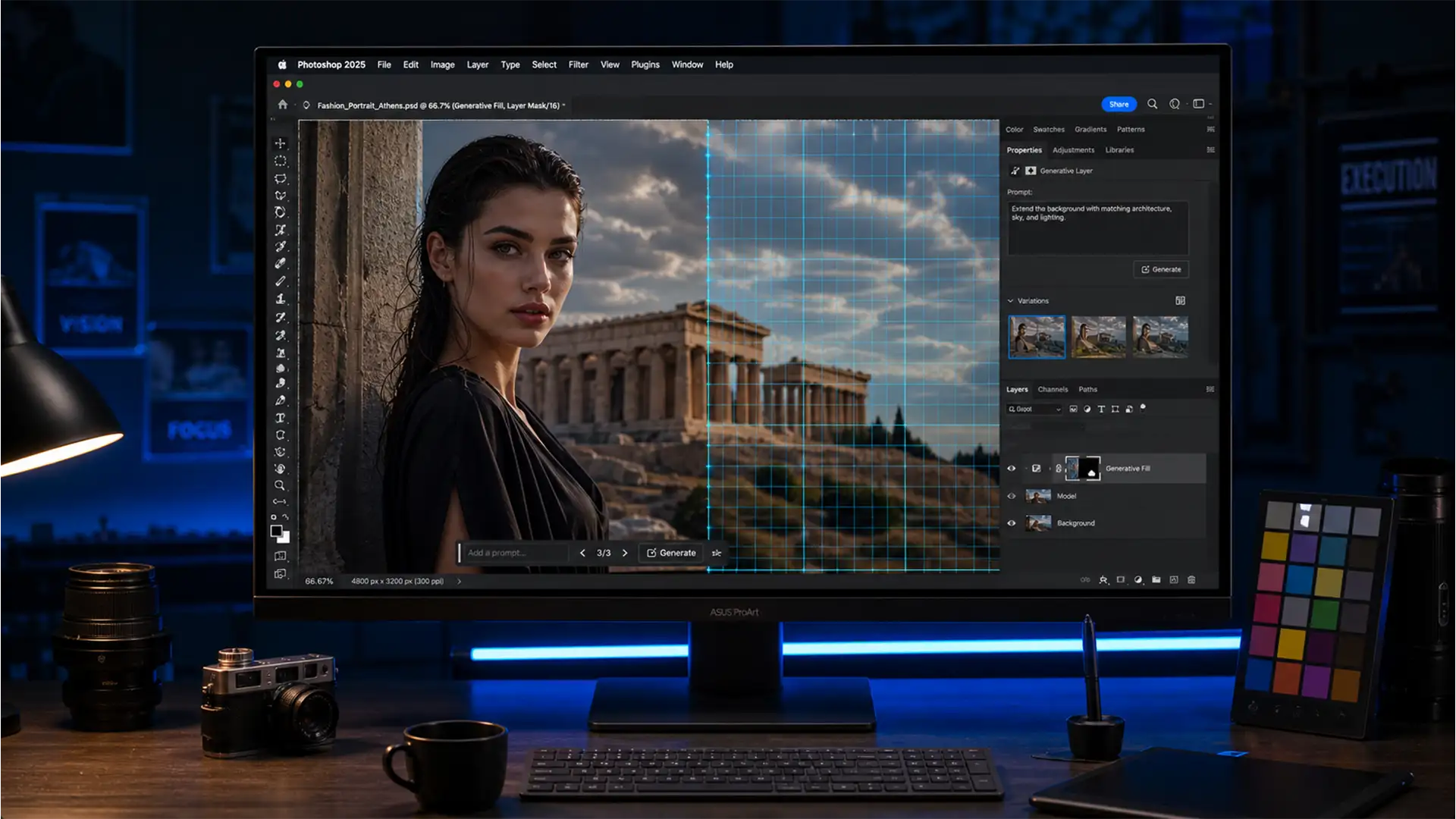
How to Fix Softness in Photoshop Generative Fill: Matching AI to High-Res Photos
You’ve just used Photoshop’s AI to expand a background or remove a massive distraction from a 45-megapixel shot. It looks like magic from a distance. But when you zoom in? The AI-generated area is a blurry, muddy mess. If you...
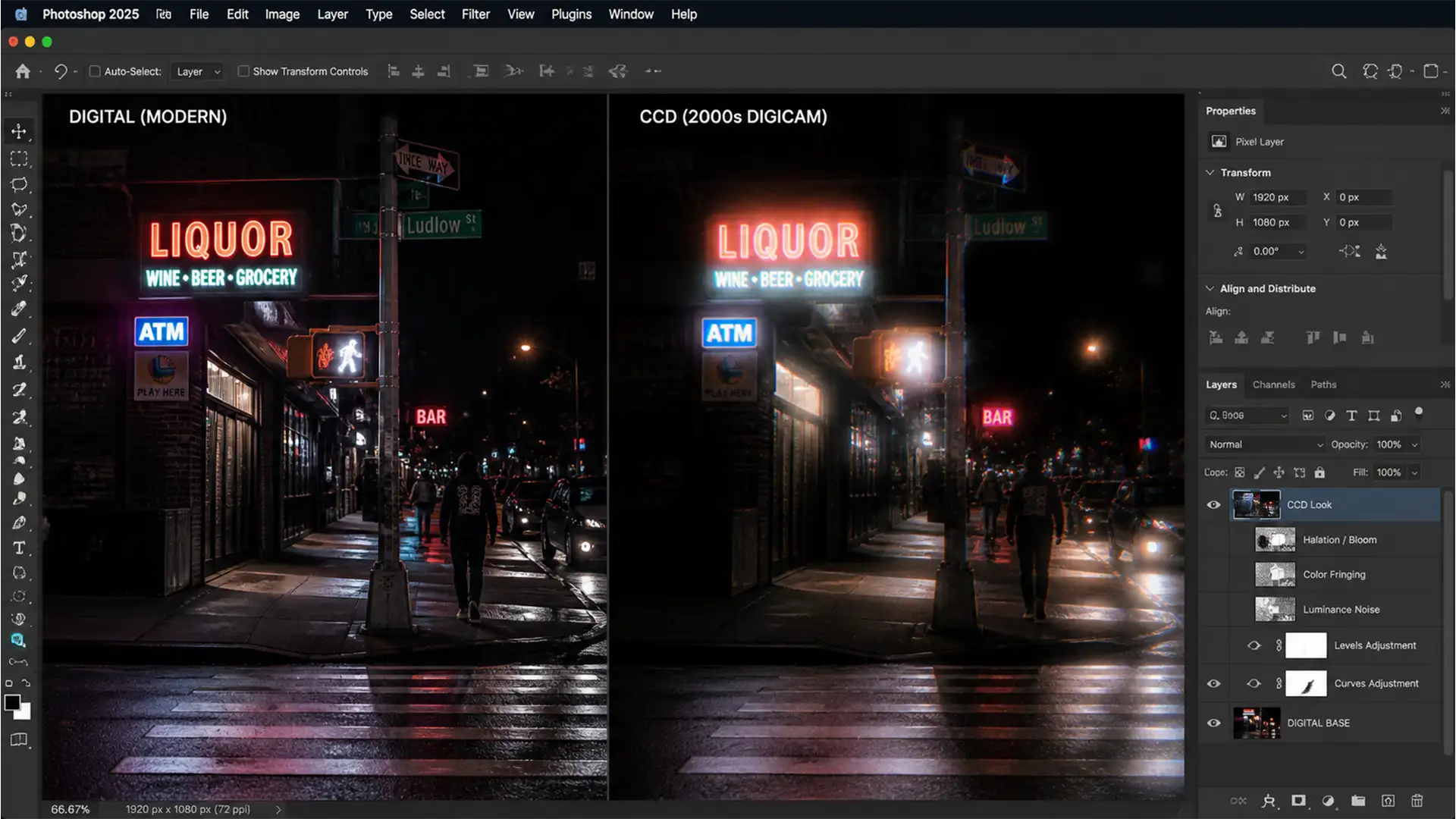
CCD Digital Camera Effect Photoshop Tutorial: Authentic Bloom
You’ve seen it all over TikTok and Instagram—the nostalgic, glowing, slightly gritty aesthetic of early 2000s point-and-shoot cameras. But when you try to recreate this CCD digital camera effect in Photoshop, slapped-on retro filters just look fake. They add generic...
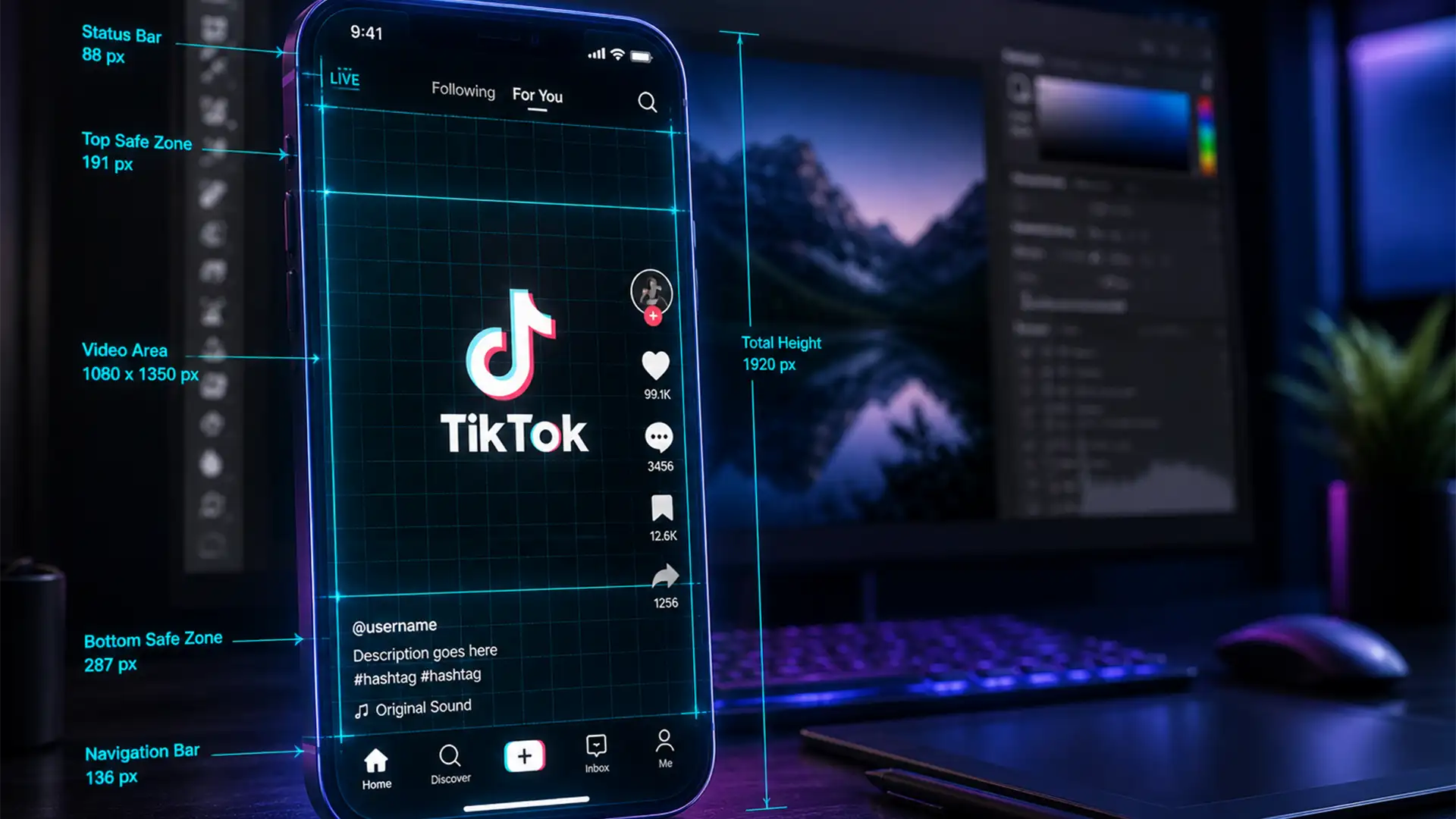
2024 TikTok Safe Zone PSD Template & Shop Banner Guide
You’ve spent hours perfecting your latest short-form video or e-commerce ad, only to upload it and realize TikTok’s new 2024 interface completely covers your call-to-action. Frustrating, right? With the recent introduction of the expanded TikTok Shop banner, anchor links, and...
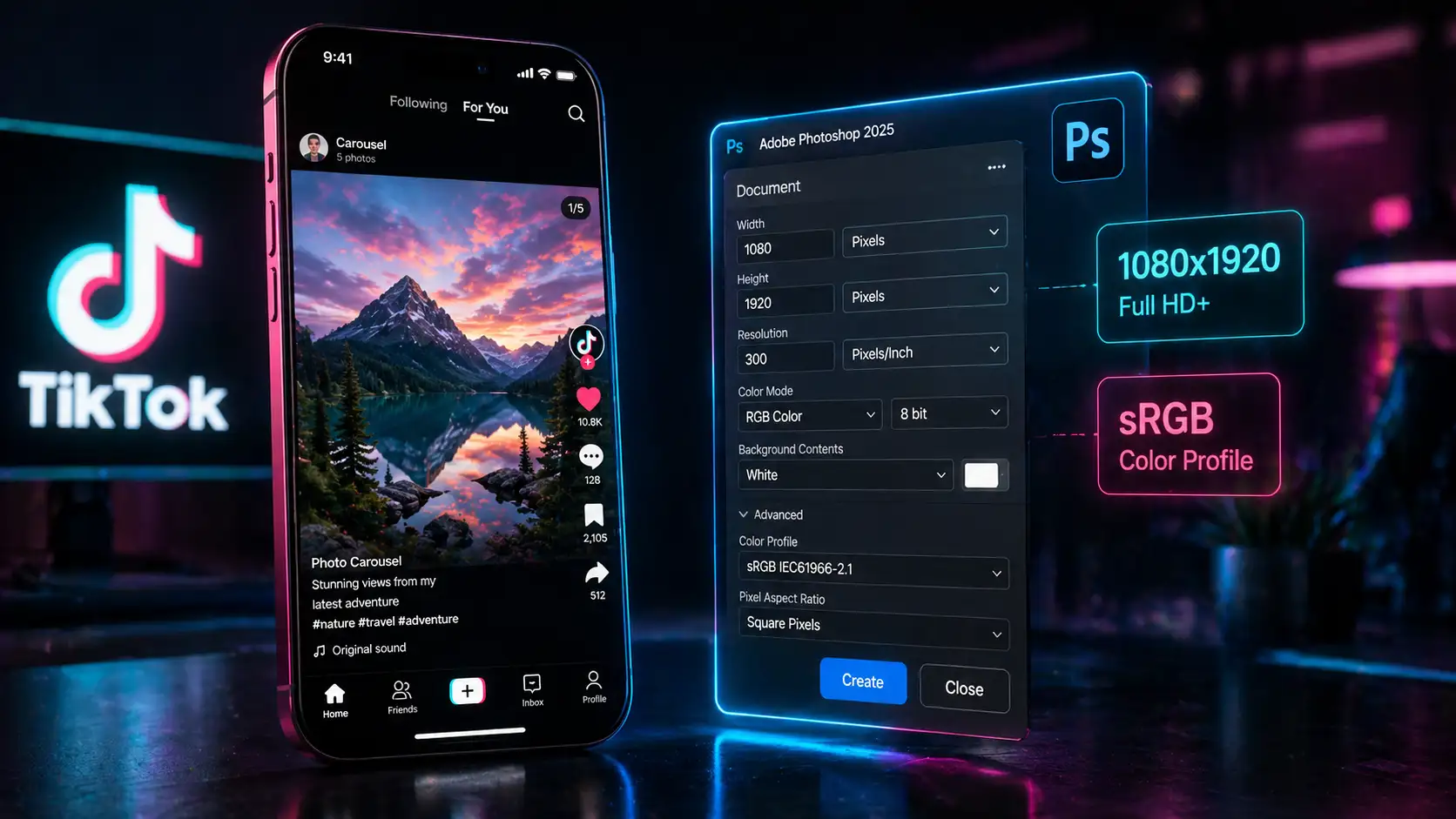
Stop Blurry TikTok Carousels: The 2024 Photoshop Export Settings
You just spent hours color grading the perfect photoshoot in Photoshop. You upload the images to a TikTok photo carousel, hit publish, and immediately notice it—a soft, blurry, pixelated mess. TikTok’s aggressive backend downscaling destroys high-resolution photography. When you upload...
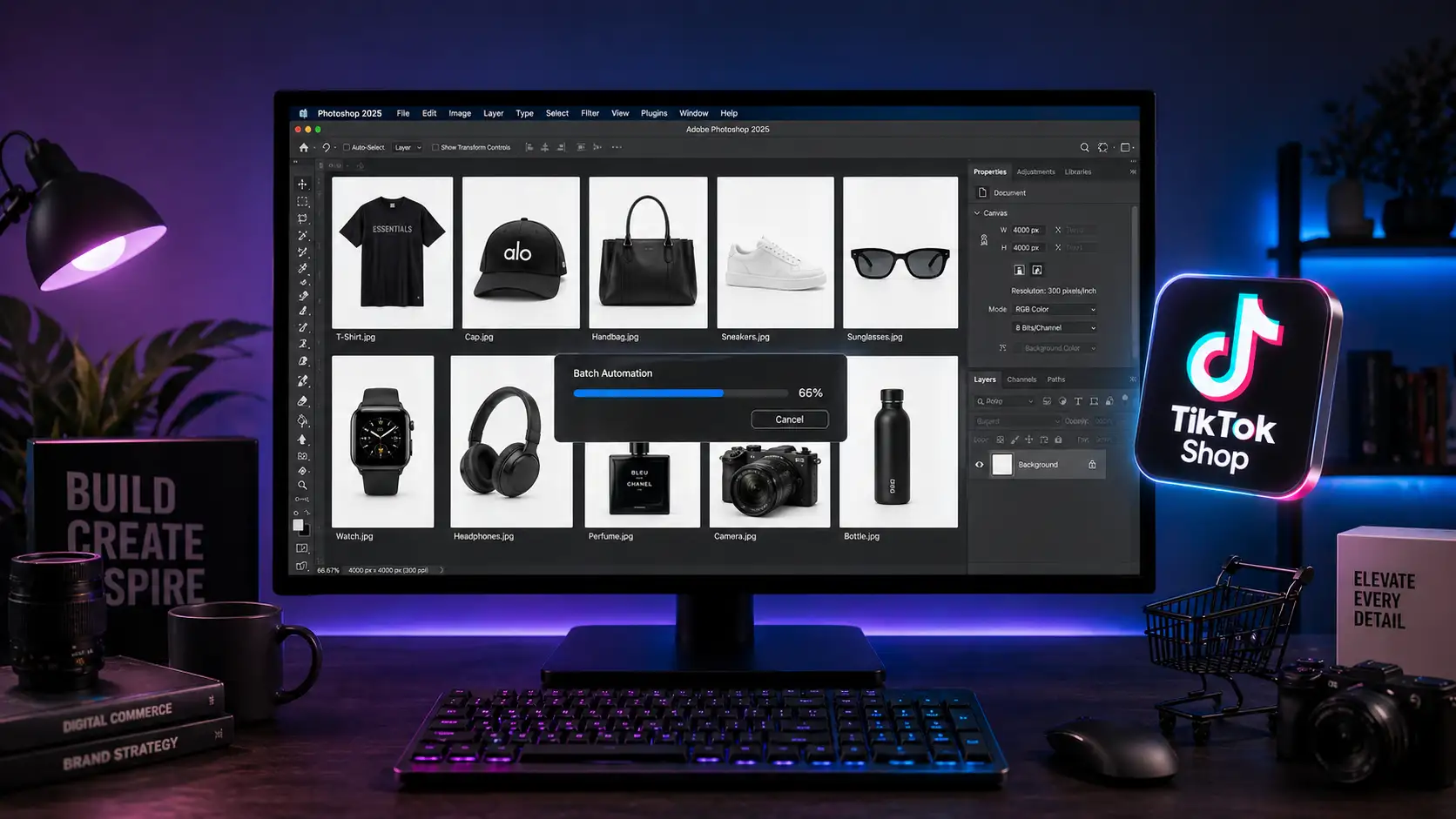
How to Fix TikTok Shop Product Image Rejections in Bulk
Are your product listings getting shadowbanned or outright rejected on TikTok Shop? You are not alone. E-commerce sellers are bleeding revenue daily because their raw photography triggers “Invalid Color Profile” or “Incorrect Dimensions” errors during upload. TikTok Shop’s strict 2024...
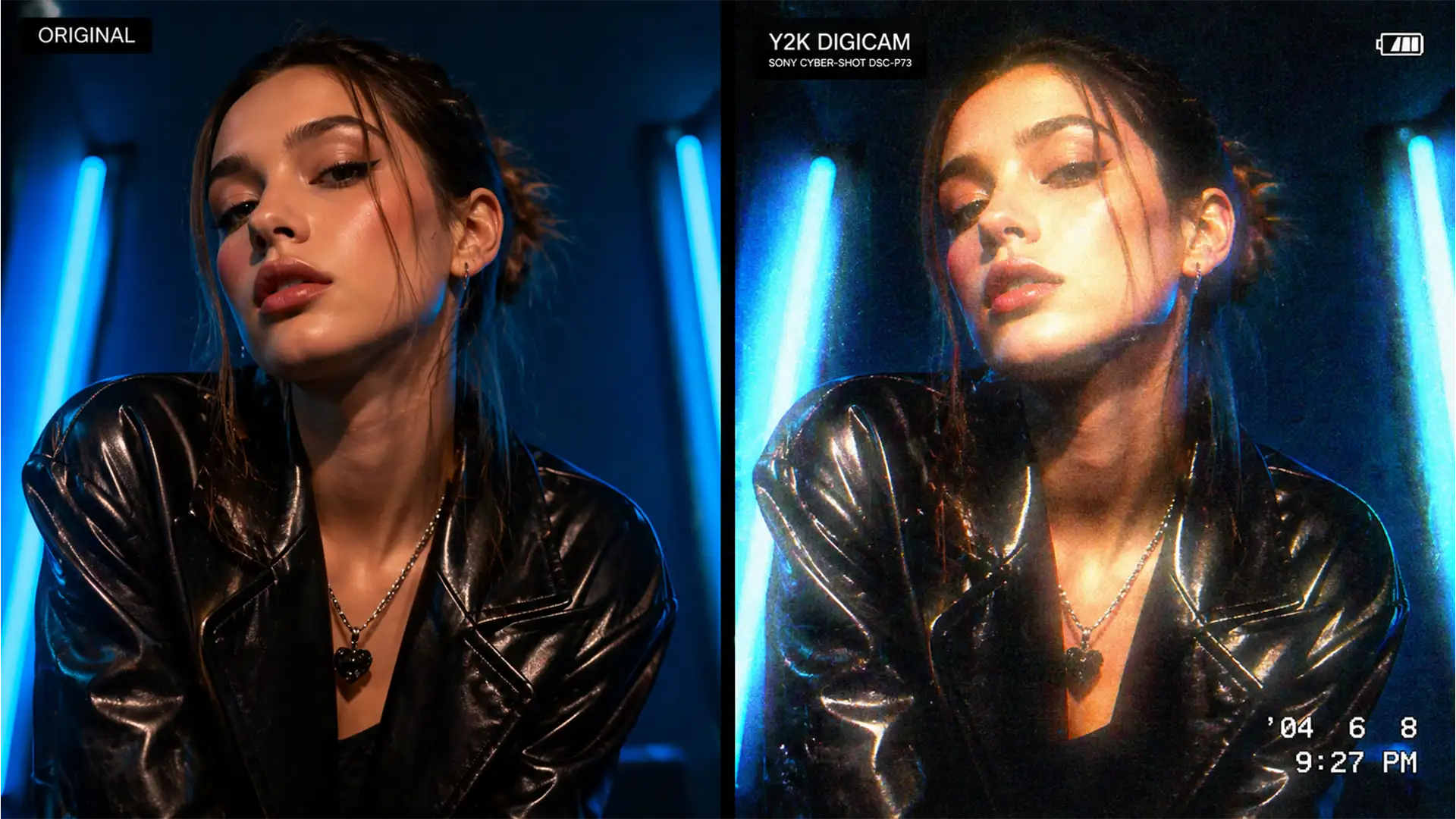
Recreating the Viral 2000s Digicam Glow Professionally in Photoshop
The “2000s digicam glow” is dominating TikTok and high-end fashion campaigns alike. Brands are clamoring for that nostalgic Y2K aesthetic—characterized by harsh highlight bloom, cheap lens halation, and chunky ISO noise. But here is the problem: most designers and photographers...