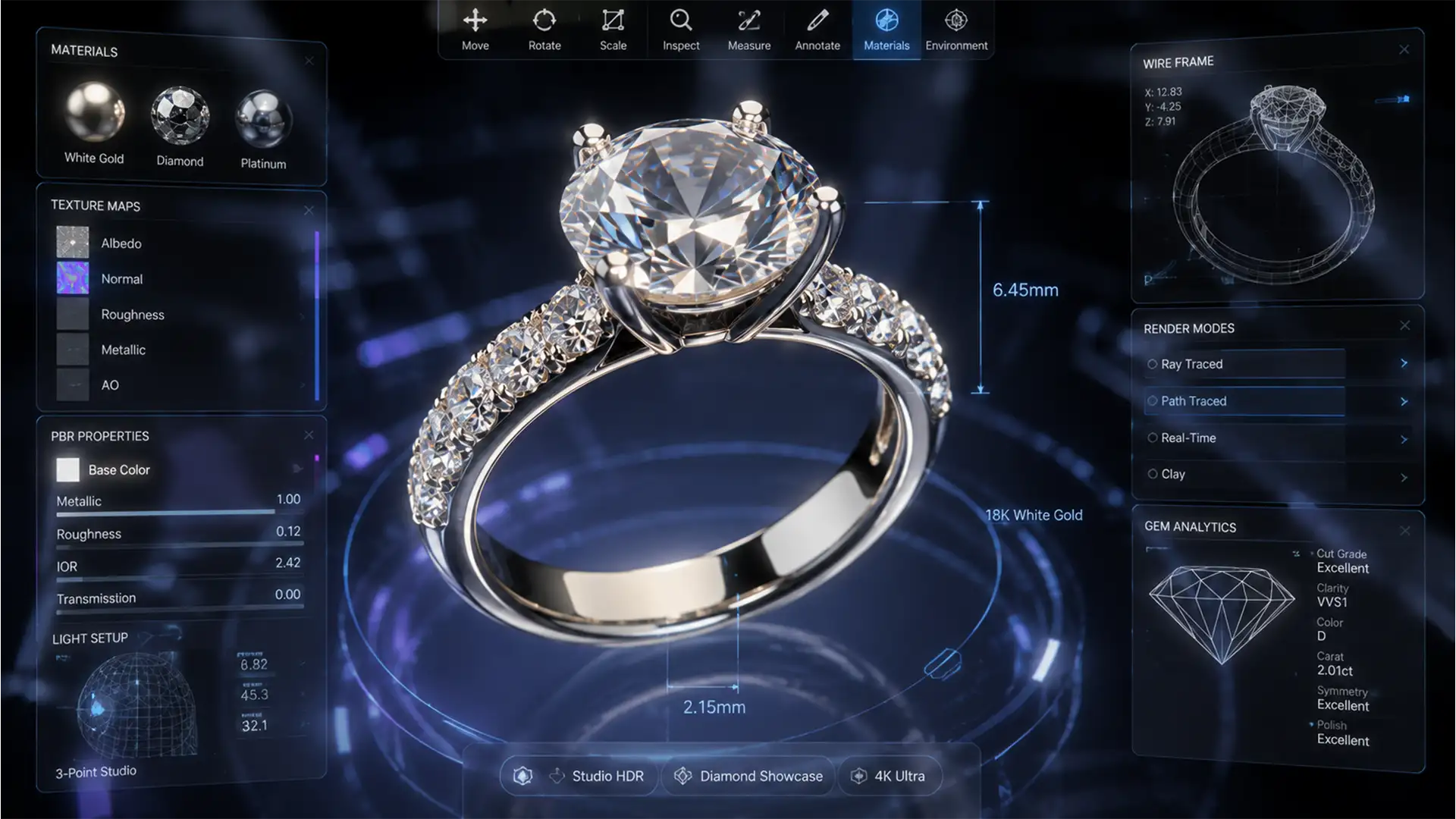

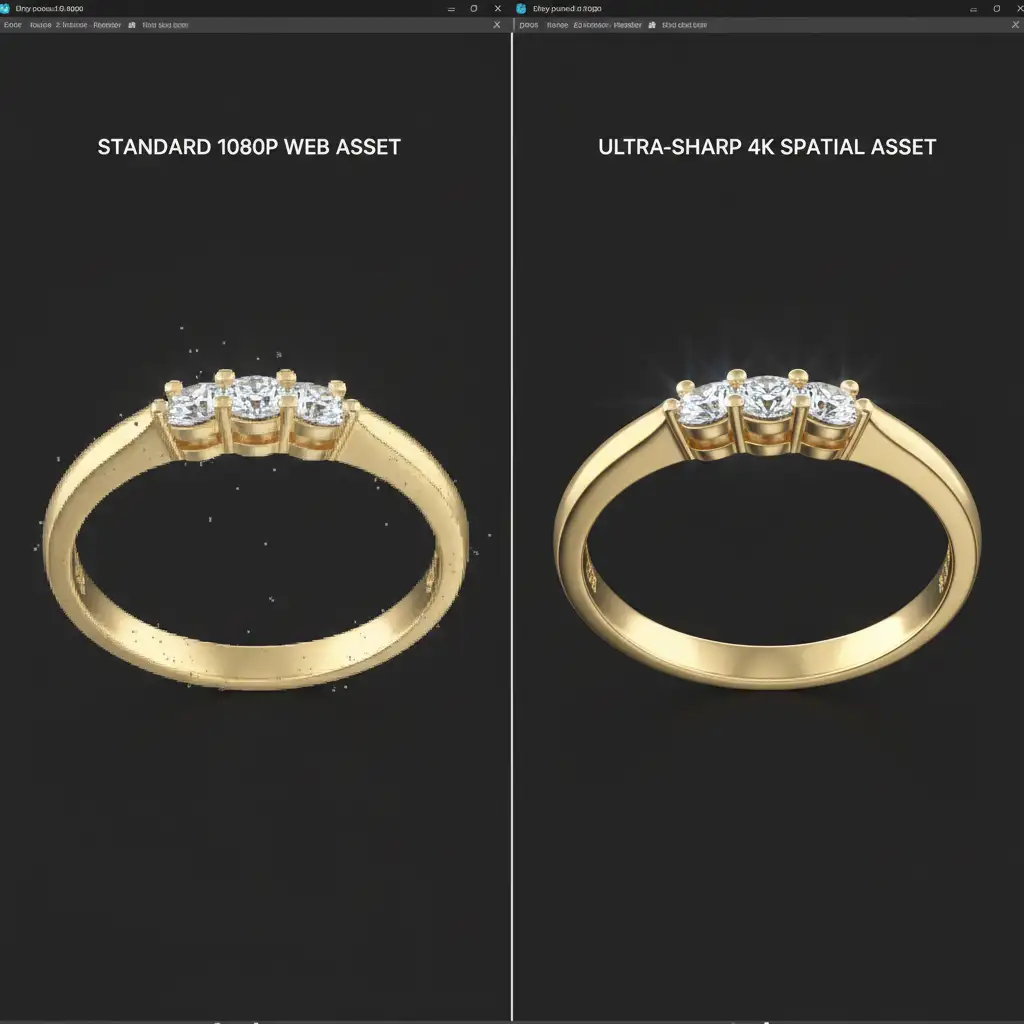
Standard 1080p e-commerce retouching is dead in the water for spatial computing. When a potential buyer views your jewelry in an Apple Vision Pro, they can rotate and zoom infinitely. Suddenly, those “invisible” dust particles, chromatic aberrations, and jagged clipping paths look like boulders and cliffs. Worse, if your product features baked-in studio lighting, the illusion shatters because a flat 2D image cannot react dynamically to the user’s real-world environment.
To survive the transition to AR and VR, your assets must be flawless. Here is the definitive guide to 4K jewelry retouching for spatial commerce, ensuring your catalog is ready for infinite zoom and Physically Based Rendering (PBR).
Why Traditional Retouching Fails in Spatial Computing
In standard web environments, jewelry images are compressed thumbnails. Retouchers can get away with soft masking and painted-on highlights. In spatial commerce, users interact with high-dynamic-range (HDR) 3D assets.
If a ring is projected into a user’s living room via AR, the asset must possess perfect micro-contrast. Every facet of a gemstone must catch the room’s actual ambient light. If the base texture contains baked-in shadows or poor edge refinement, the 3D projection will look cheap and artificial.
The 4K Jewelry Retouching Workflow
Preparing Apple Vision Pro assets requires a hybrid approach: part traditional high-end retouching, part 3D texture preparation using Adobe Photoshop v25.x and Substance 3D Painter.
Method A: Advanced Micro-Dust Removal
Microscopic dust that vanishes on a smartphone screen becomes a glaring defect in 4K AR. However, heavy-handed blurring destroys the natural metal grain required for realistic 3D reflections.
The Fix:
- Open your asset in Photoshop v25+.
- Utilize the AI-powered Remove Tool for larger, distinct debris.
- For micro-dust, apply a localized High-Pass filter set to exactly 1.5px. By blending this over your working layer, you isolate and neutralize microscopic imperfections without destroying the underlying metallic texture.
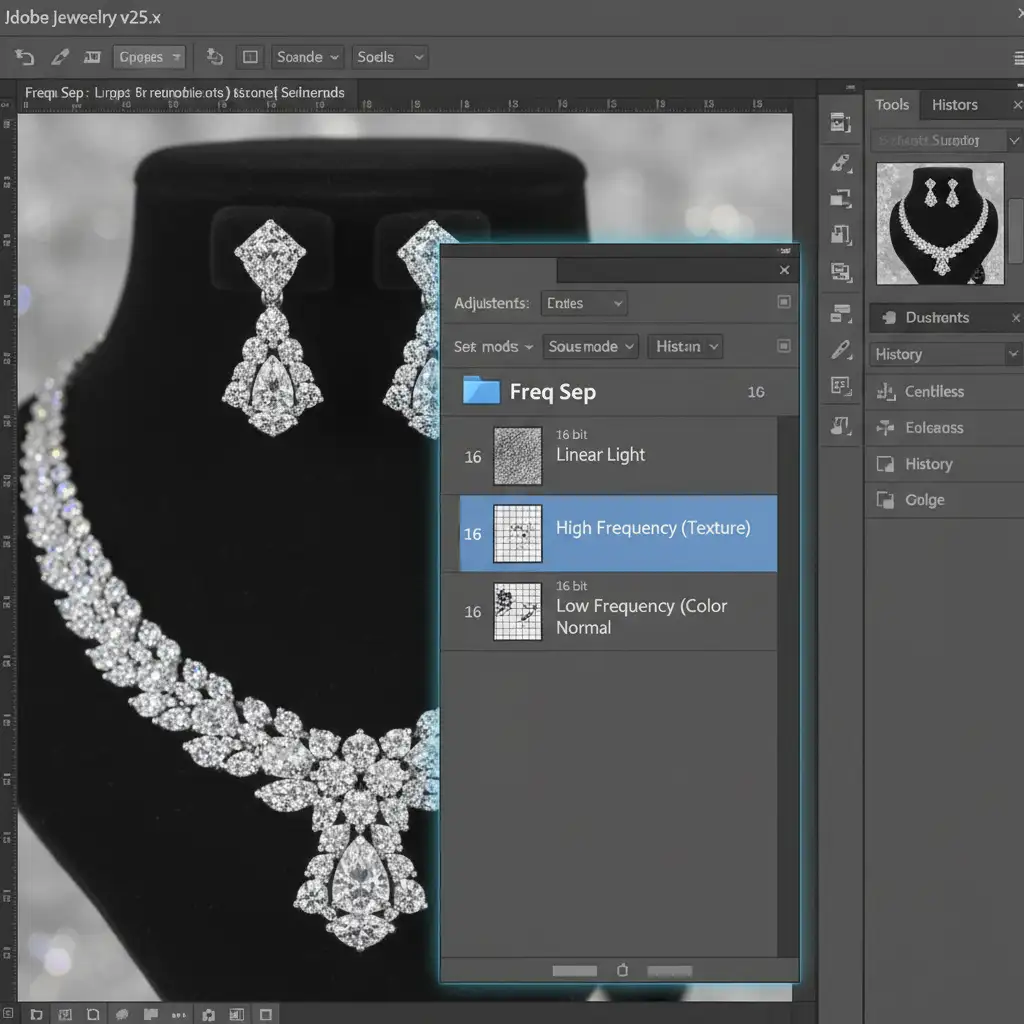
Method B: 16-Bit Frequency Separation for Gemstone Facets
Gemstones require absolute geometric perfection. Discoloration in the metal settings must be smoothed, but the sharp lines of diamond facets must remain razor-sharp for 4K clarity.
The Fix: Set up a proper 16-bit frequency separation workflow. Separate the image into a Low Frequency (color) layer and a High Frequency (texture) layer. Blur the color layer to smooth out metallic discoloration and uneven reflections. Strictly preserve the texture layer to keep the sharp geometric lines and micro-contrast of the gemstone facets intact.
Method C: Absolute Precision Vector Masking
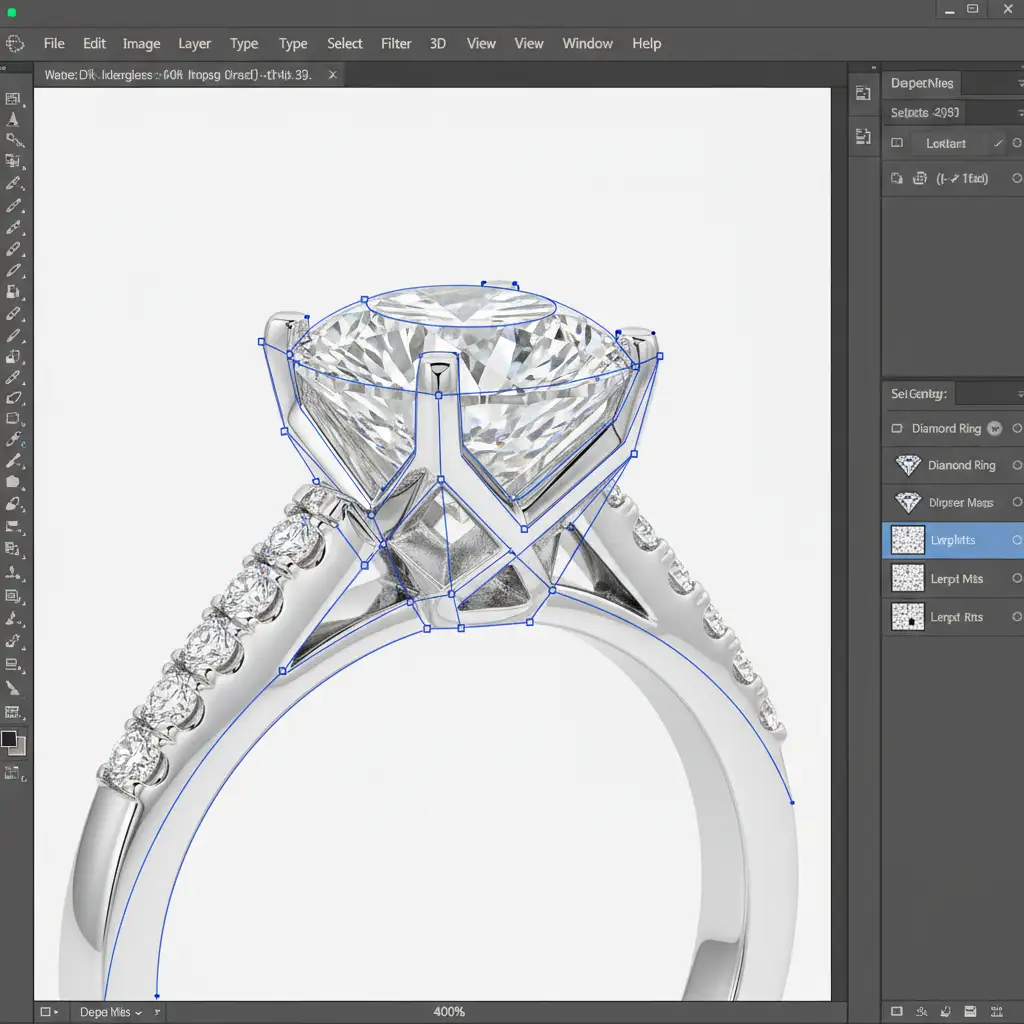
Automated background removal tools leave jagged edges that ruin 3D mapping. Spatial commerce demands absolute precision.
The Fix: Use the Pen Tool for manual vector masking. Zoom in to 400% to ensure the clipping path tightly hugs every complex prong setting and gemstone curve. This guarantees clean edges when the 2D asset is mapped onto a 3D mesh.
Preparing PBR Maps for USDZ and glTF Formats
Flawless retouching is only the first half of the spatial commerce workflow. To function in an AR environment, the retouched image must serve as a pristine base for Physically Based Rendering (PBR) textures.
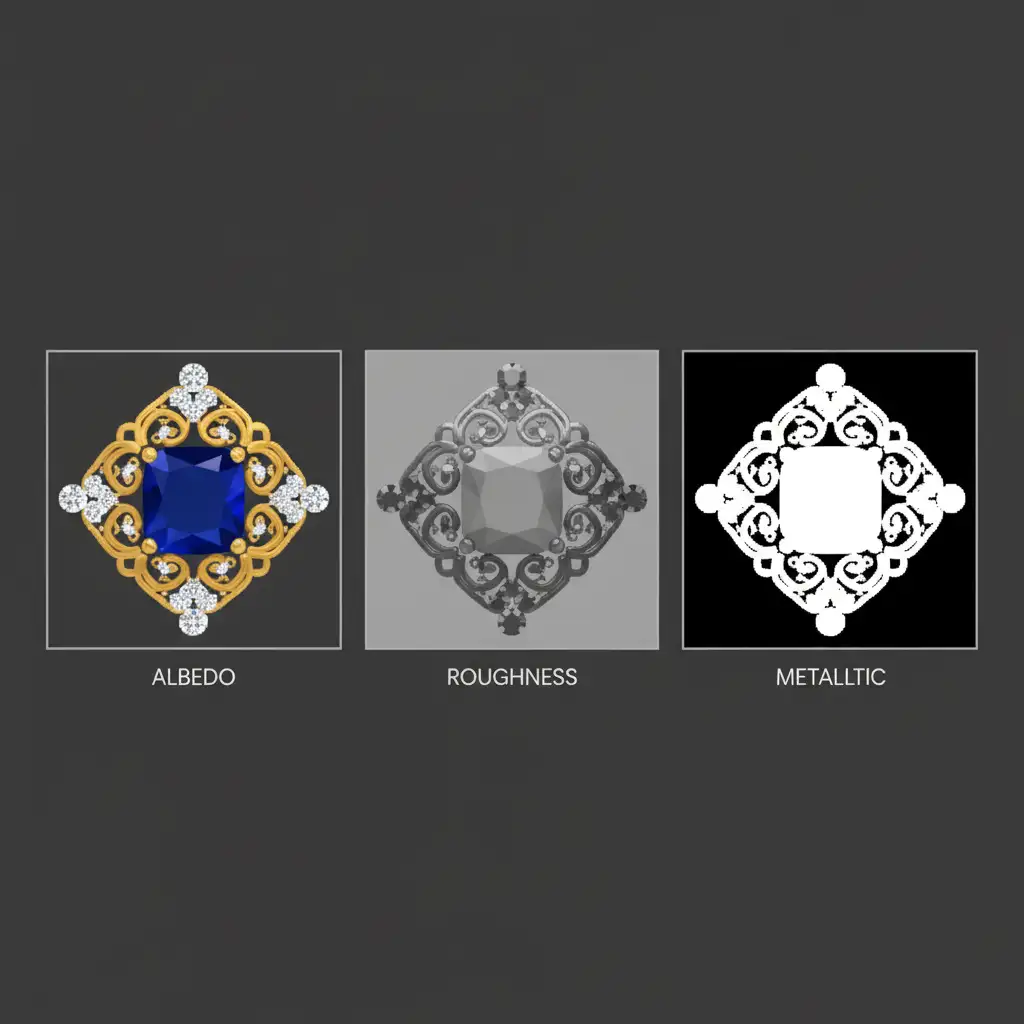
Assets must be prepped for USDZ (Apple’s preferred spatial format) or glTF formats. This means translating your 2D retouching into specific texture maps:
- Albedo Map: This is your base color. The retouching must remove all harsh directional shadows and baked-in highlights. It should look perfectly flat but color-accurate.
- Roughness Map: Using black-and-white gradient mapping in Photoshop, create a grayscale map dictating how matte or glossy the jewelry is. White areas represent rough surfaces (matte), while black areas represent smooth surfaces (highly reflective).
- Metallic Map: A high-contrast black-and-white map that tells the rendering engine which parts of the asset are metal (white) and which are non-metal, like gemstones (black).
Future-Proof Your Catalog with Image Work India
Transitioning to spatial computing requires a massive leap in asset quality. If your current product imagery relies on low-resolution retouching, baked-in lighting, and sloppy masking, those assets will fail in AR environments.
You don’t have to overhaul your internal workflows to meet these rigorous new technical standards. Future-proof your jewelry catalog for spatial commerce by partnering with Image Work India and Cloud Retouch. Our expert retouchers specialize in flawless 4K jewelry retouching, precise vector masking, and 3D-ready asset preparation for USDZ and glTF formats.
Contact us today to ensure your jewelry shines brilliantly in the next generation of e-commerce.




