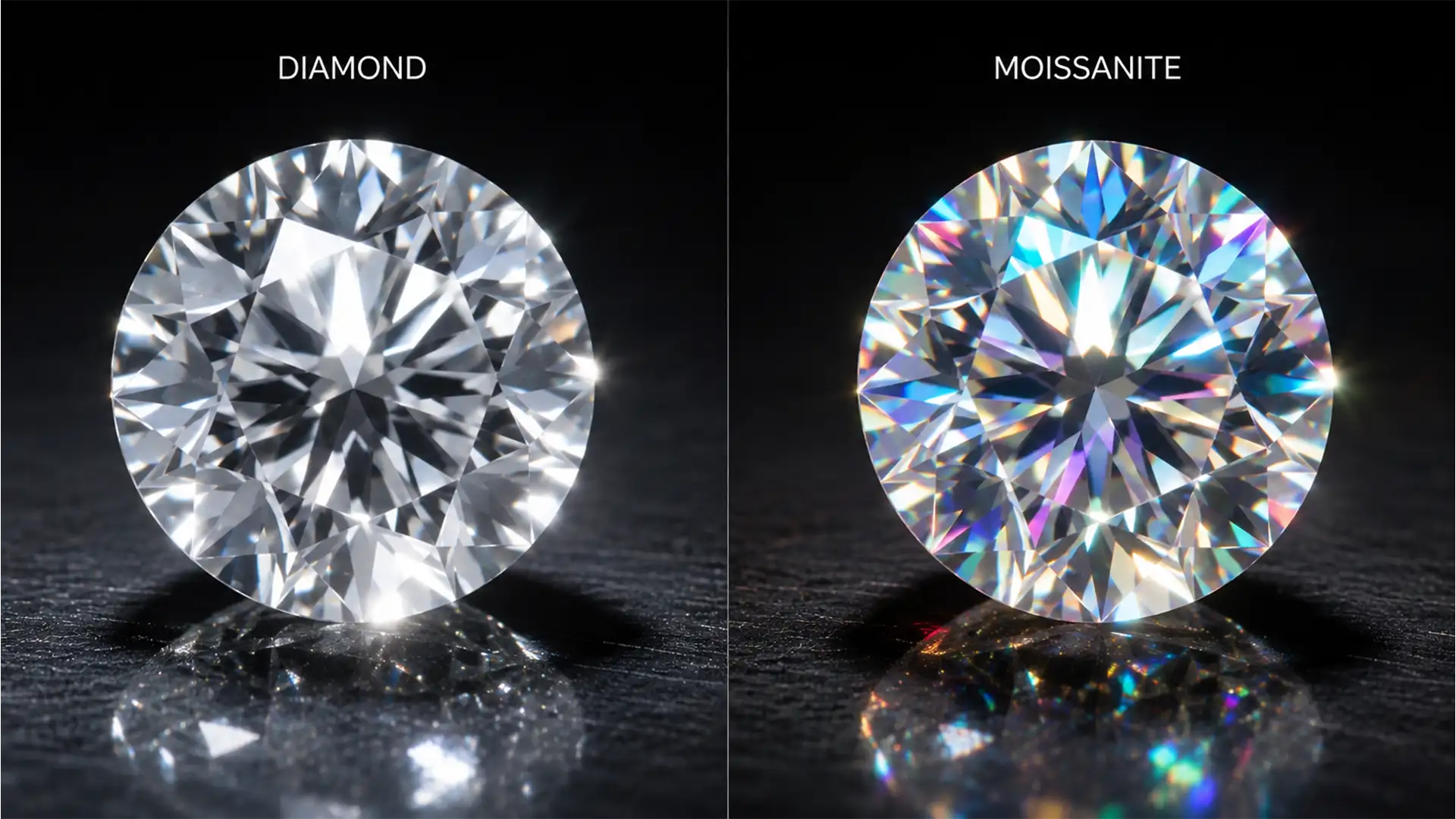

If your standard jewelry retouching workflow involves batch-desaturating gemstones to remove unwanted color casts, you are actively destroying your moissanite sales. While this desaturation technique works perfectly for diamonds—which possess a single refraction and a dispersion rate of 0.044 resulting in brilliant white flashes—it flattens the defining characteristic of moissanite. Moissanite features double refraction and a massive dispersion rate of 0.104. This creates an intense “rainbow” fire that must be preserved.
The primary challenge in modern jewelry eCommerce is selectively enhancing this multi-colored color dispersion without introducing muddy chromatic aberration artifacts into the surrounding metal settings or losing the crisp structural contrast of the stone’s facets.
Here is the definitive guide to retouching moissanite vs diamond fire in Adobe Photoshop v24+ to ensure your inventory looks true to life.
The Science of Sparkle: Why Moissanite Requires a Unique Workflow
Before opening Photoshop, retouchers must understand the physical differences between these stones. Diamonds reflect light in stark, high-contrast white bursts. Moissanite acts like a prism. Because of its unique refractive index, light splits into vibrant spectral colors (reds, blues, and greens) as it bounces through the facets.
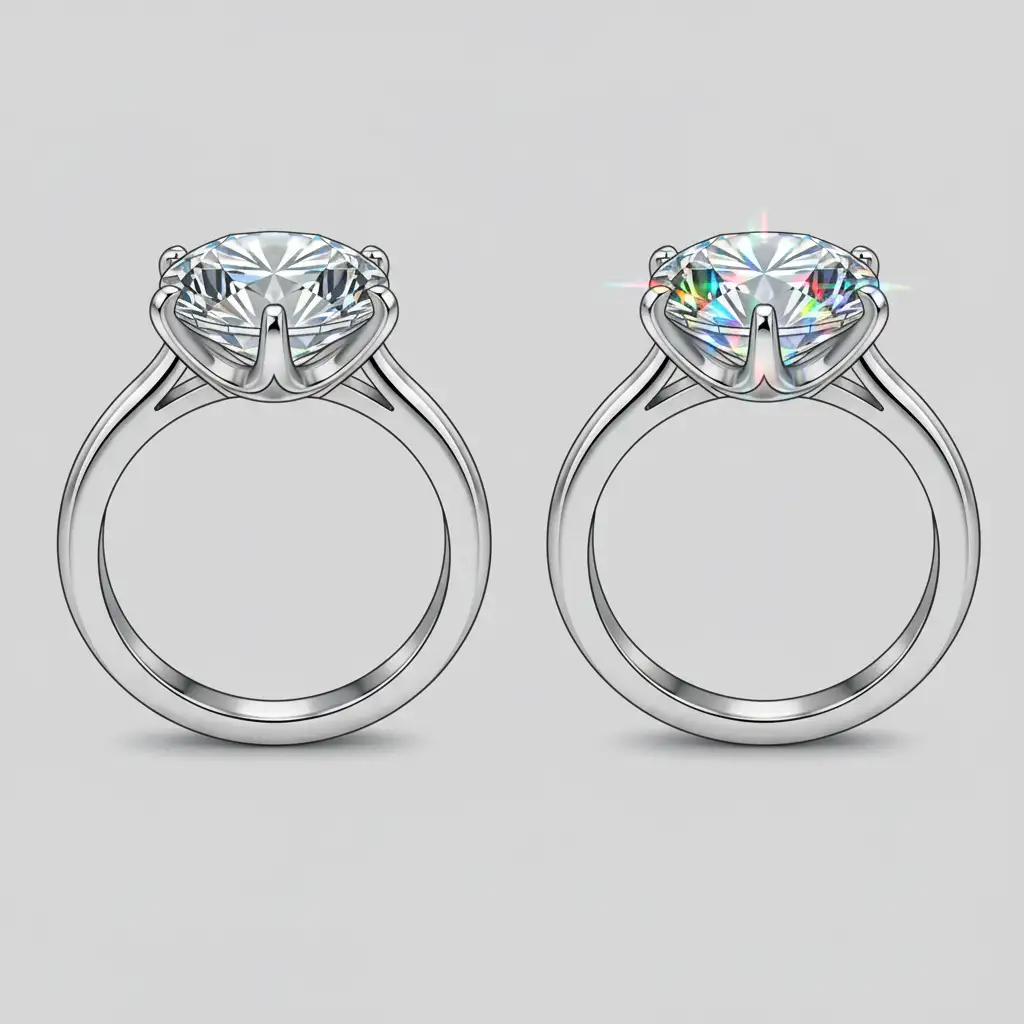
When editors apply a global desaturation layer to a ring to clean up the platinum or white gold band, they inadvertently strip the moissanite of its natural rainbow fire, making it look like a dull, low-quality diamond.
How to Retouch Moissanite Fire in Adobe Photoshop v24+
To accurately represent moissanite, we must isolate the stone and target its color channels without degrading the sharpness of the cut. Here are three professional methods, ranging from a quick fix to a high-end technical deep dive.
Method 1: The Quick Fix (Hue/Saturation Masking)
If you are processing high volumes of eCommerce images, this method offers the best balance of speed and accuracy.
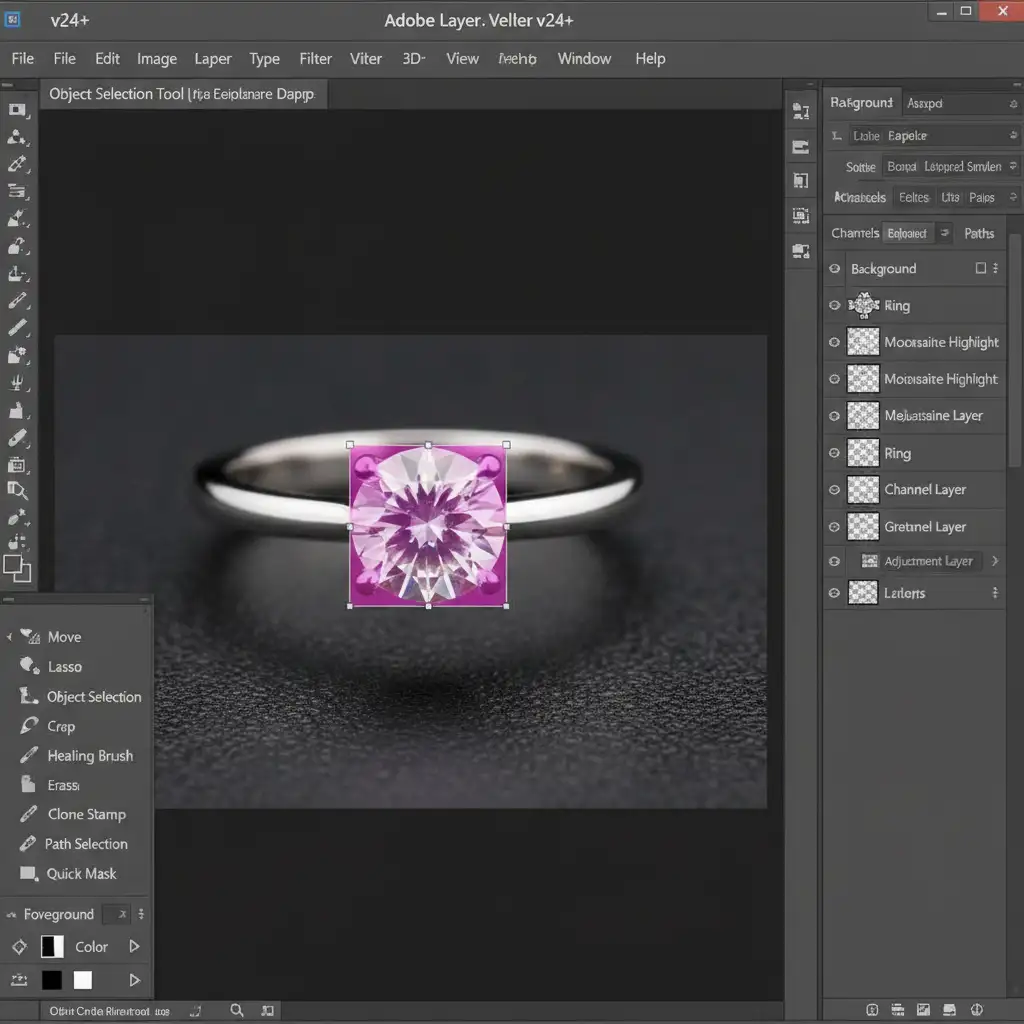
- Select the Object Selection Tool in Photoshop v24+. Hover over the moissanite stone until it highlights, and click to create a precise mask.
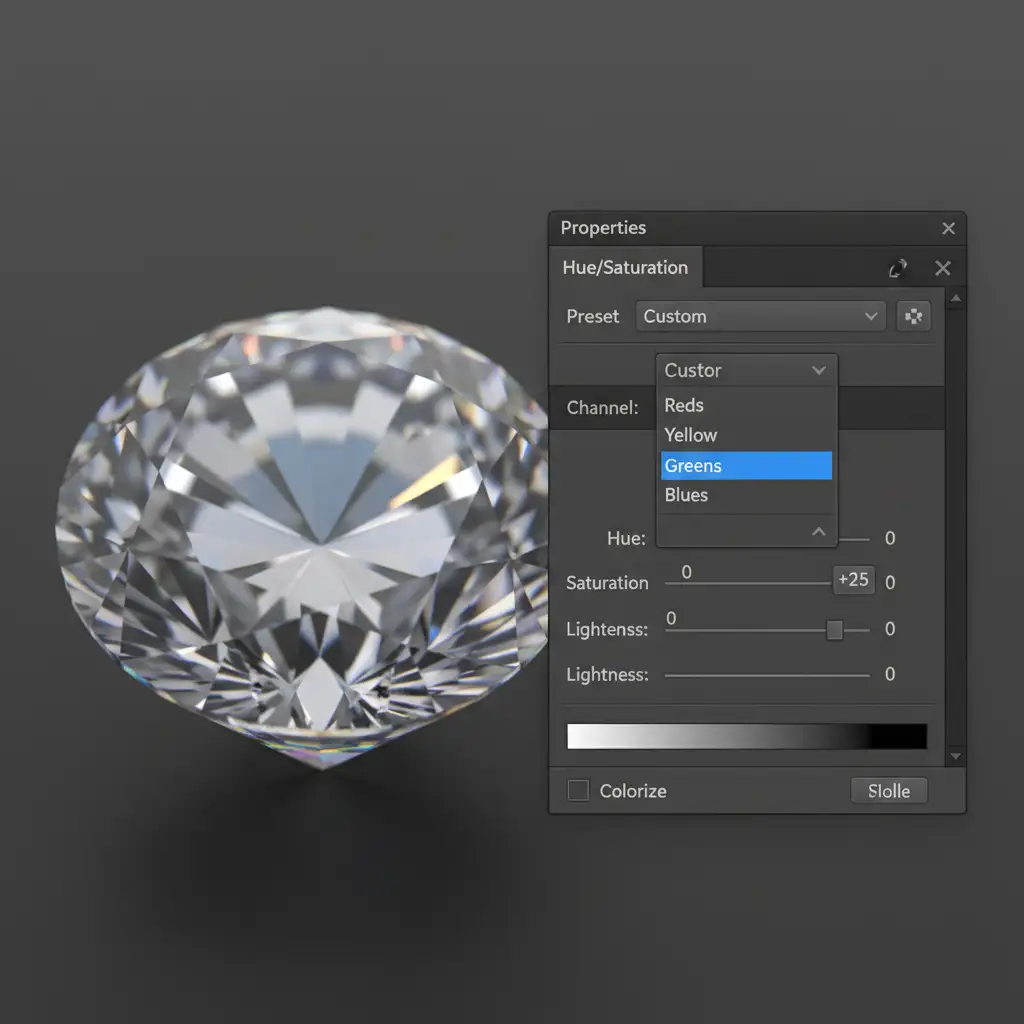
- With the selection active, create a Hue/Saturation Adjustment Layer. This automatically applies your selection as a layer mask.
- Instead of adjusting the Master channel, use the dropdown to select specific color channels (Reds, Blues, and Greens).
- Subtly boost the saturation of these individual channels to revive the rainbow fire that may have been lost during the raw conversion.
Method 2: The Pro Workaround (Frequency Separation)
For hero images or high-end editorial shots, you need ultimate control. Frequency separation allows you to enhance the color dispersion without affecting the sharp lines of the stone.
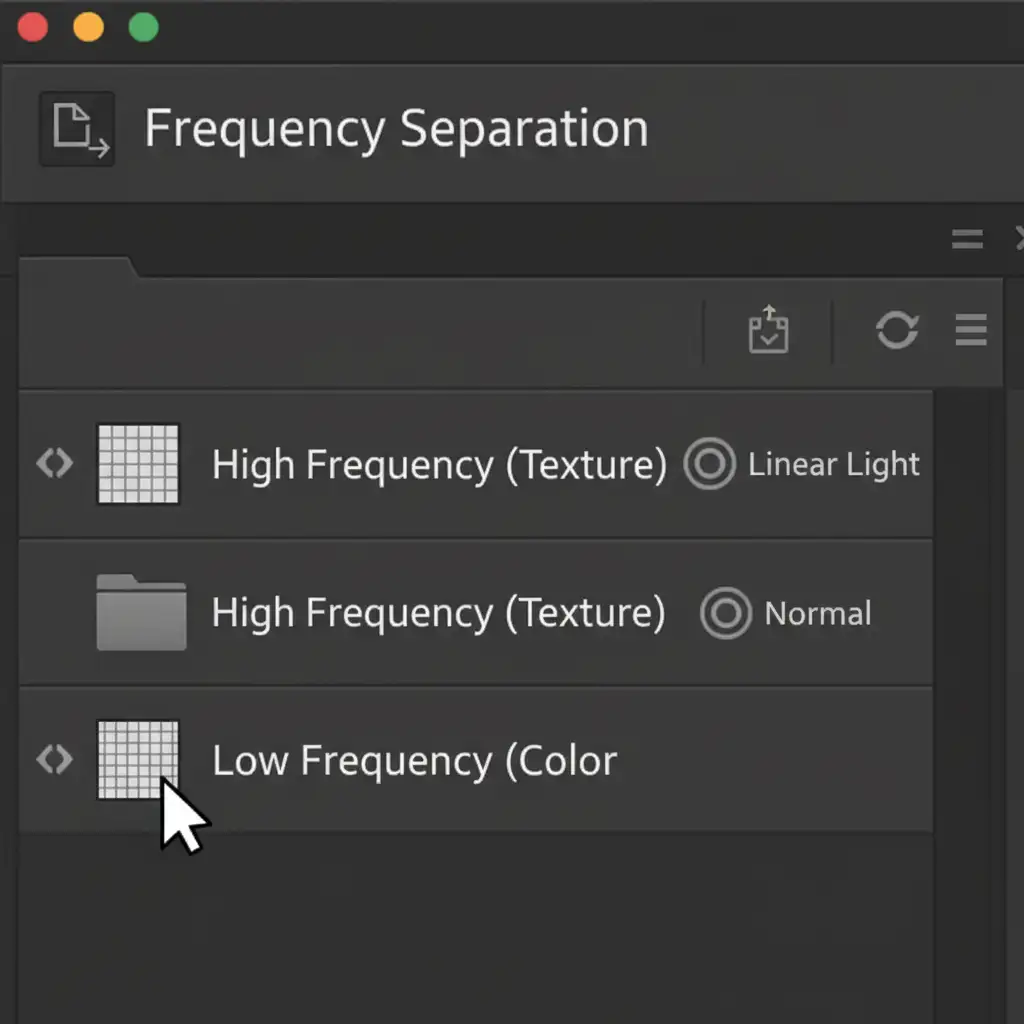
- Set up your standard Frequency Separation layer stack (separating the image into a Low-Frequency layer for color/tone and a High-Frequency layer for texture).
- Select the Low-Frequency layer.
- Select a soft-edged Brush Tool and set the Flow to a very low 2%.
- Sample vibrant rainbow dispersion colors (cyan, magenta, yellow) from existing bright spots in the stone.
- Gently paint these colors into the duller facets.
- Because the High-Frequency layer remains untouched, you maintain perfect facet edge sharpening and structural contrast, while the underlying color blooms naturally.
Method 3: The Technical Deep-Dive (Luminosity Masking & Blend If)
The most advanced way to enhance double refraction without introducing chromatic aberration artifacts into the pure white highlights or deep shadows is by utilizing Luminosity Masking and Blend If sliders.
- Create a Vibrance Adjustment Layer and push the vibrance high enough to make the rainbow fire pop.
- Double-click the Vibrance layer to open the Layer Style dialog box.
- Navigate to the Blend If section at the bottom and ensure it is set to “Gray”.
- Look at the Underlying Layer gradient bar. Hold Alt (or Option on Mac) and click the black and white triangles to split them.
- Drag the split sliders toward the center. This restricts the vibrant color boost strictly to the midtones of the image.
- This technique ensures that the absolute white highlights (the sharp reflections) and the deep black shadows (the structural depth of the cut) remain perfectly neutral, mimicking true optical physics.
Stop Leaving Money on the Table with Bad Retouching
Consumers buy jewelry with their eyes. If your eCommerce catalog misrepresents the brilliant, colorful fire of moissanite by treating it like a standard diamond, you are losing conversions. Perfecting the balance of refractive index, color dispersion, and structural contrast requires a deep understanding of both gemology and advanced Photoshop techniques.
You don’t have to spend hours masking and tweaking Blend If sliders yourself. Ensure your high-end jewelry looks true to life and undeniably brilliant by partnering with the experts. Hire Image Work India & Cloud Retouch for professional jewelry retouching services that perfectly capture the unique fire of every gemstone in your inventory. Contact us today to elevate your visual standards and boost your eCommerce sales.




