
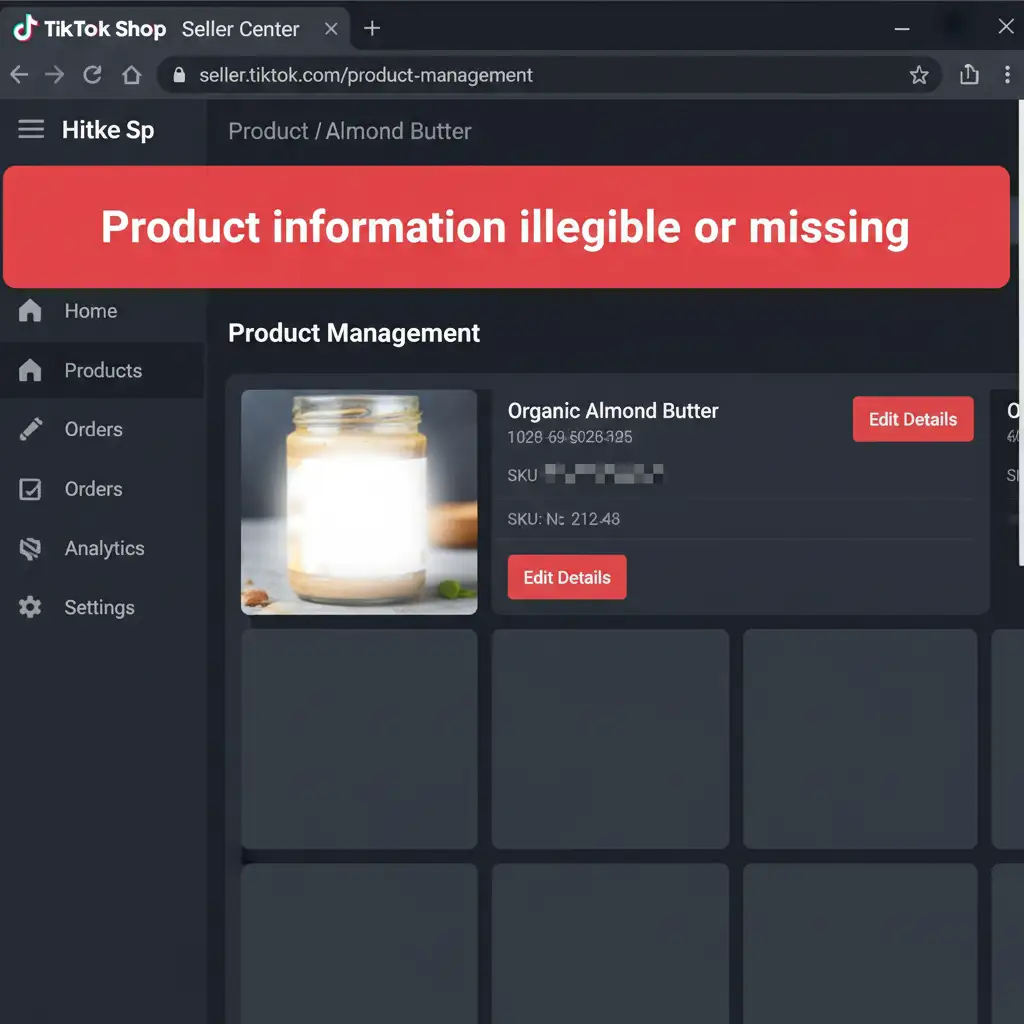
You’ve set up your TikTok Shop, but the dreaded notification hits: “Product information illegible or missing.” If you are stuck in the TikTok Shop F&B approval loop, you aren’t alone. TikTok’s automated compliance bots use strict Optical Character Recognition (OCR) to scan nutritional facts and barcodes. Even a slight flash glare on your packaging or a microscopic blur in your label text will trigger an instant rejection. In this guide, we’ll reveal the exact TikTok Shop F&B image approval hacks used by professional retouchers to beat the bot, fix your labels, and get your listings certified fast.
Understanding the TikTok Shop OCR Bot Rejection
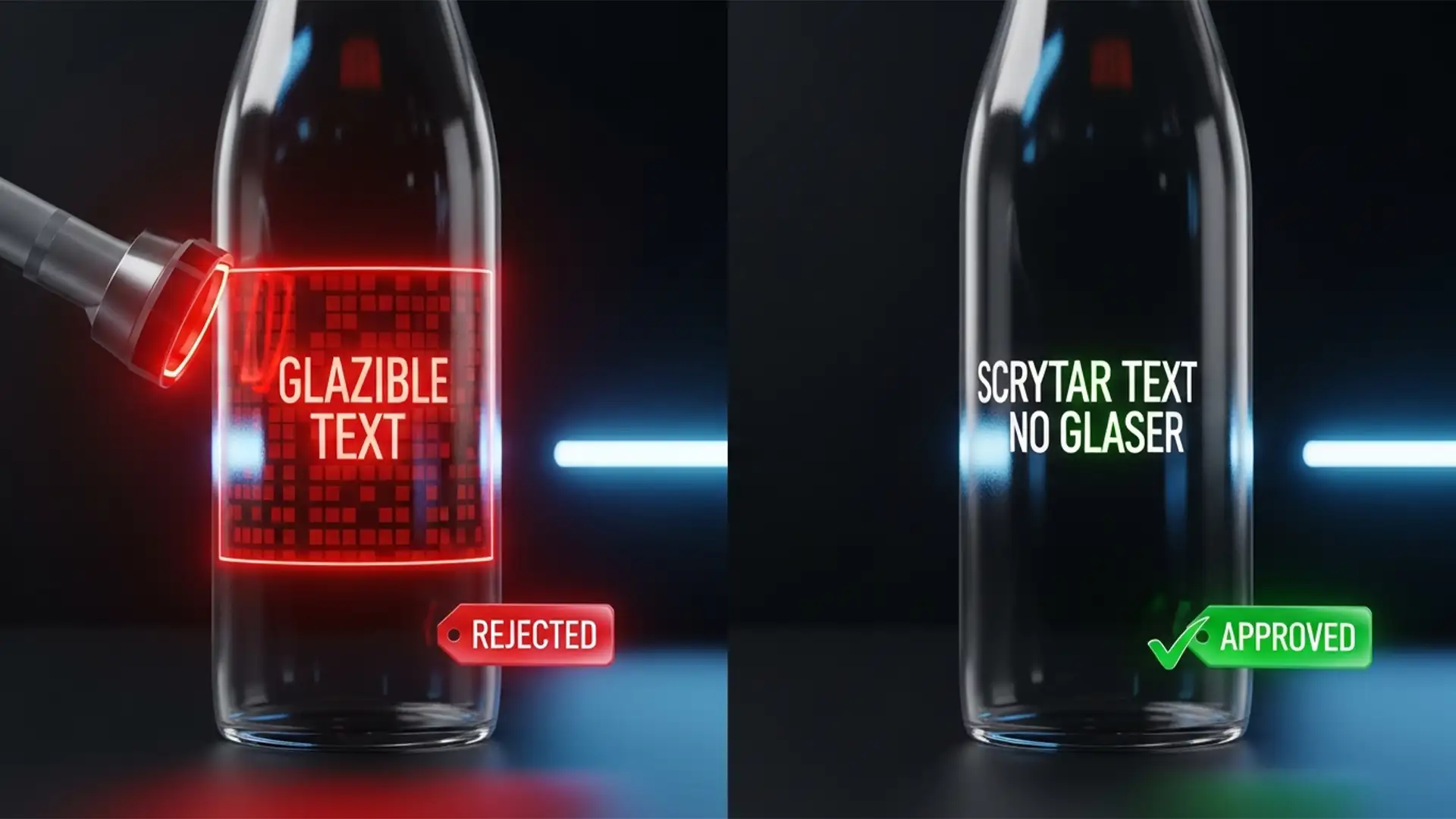
When selling Food and Beverage (F&B) products, TikTok Shop enforces rigorous health and safety compliance. Instead of human reviewers, the platform relies on advanced image recognition and OCR bots to read the ingredients, nutritional facts, and barcodes directly from your product photos.
If your photography has lighting hotspots, low resolution, or distorted typography, the bot cannot read the text. It assumes the product is non-compliant, resulting in the notorious “Product information illegible or missing” error.
To achieve OCR compliance, your images require specific non-destructive editing techniques in Adobe Photoshop v24 or later. Here are the three most effective methods to salvage your F&B product photos.
3 Photoshop Hacks for TikTok Shop F&B Image Approval
Method 1: The Quick Fix – Enhancing OCR Clarity
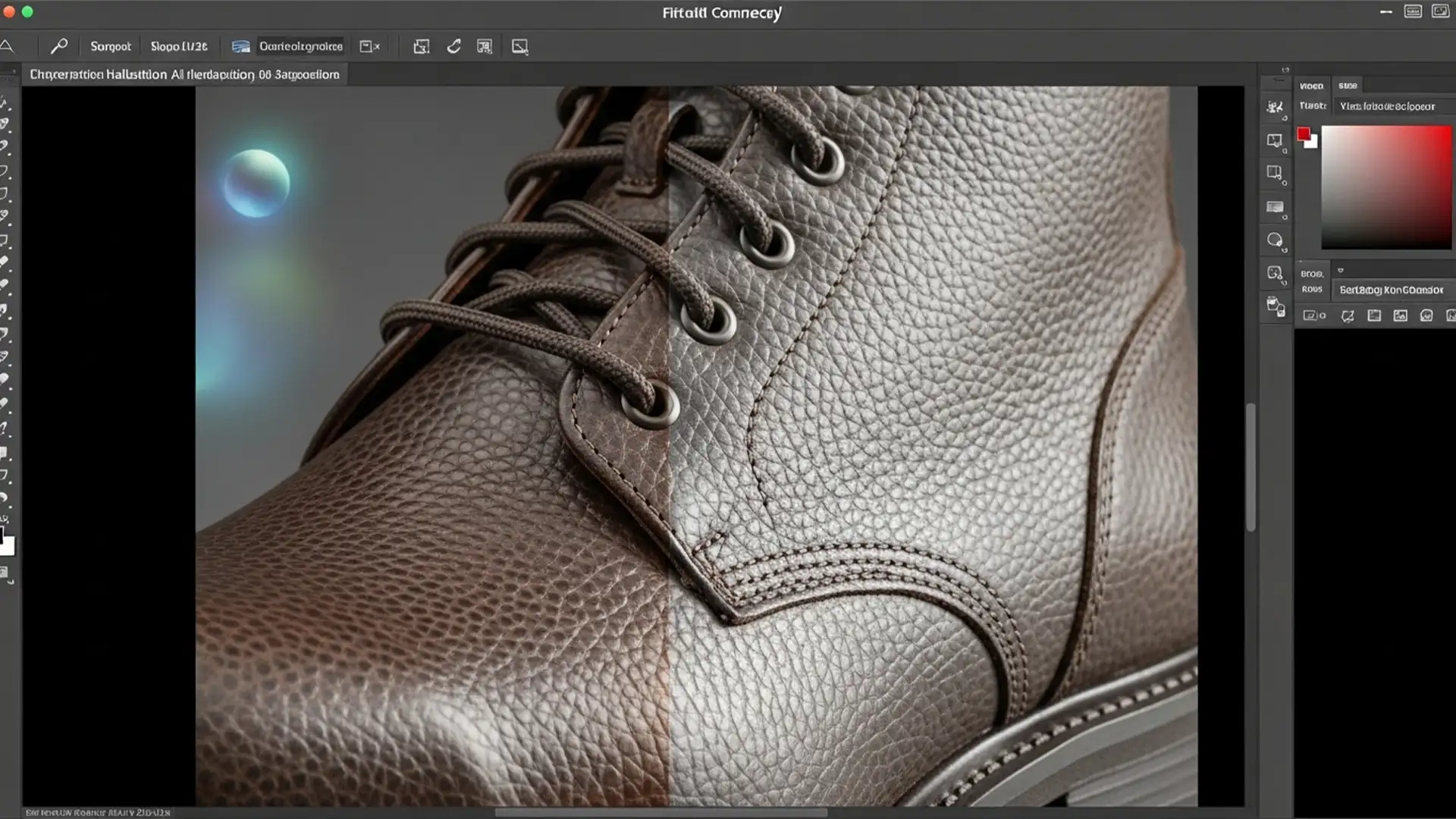
If your label text is slightly soft or lacks contrast, the bot will fail to separate the letters from the background. We can fix this by micro-enhancing the edge contrast of the typography.
- Open your product image in Adobe Photoshop v24.
- Convert your image layer to a Smart Object for non-destructive editing.
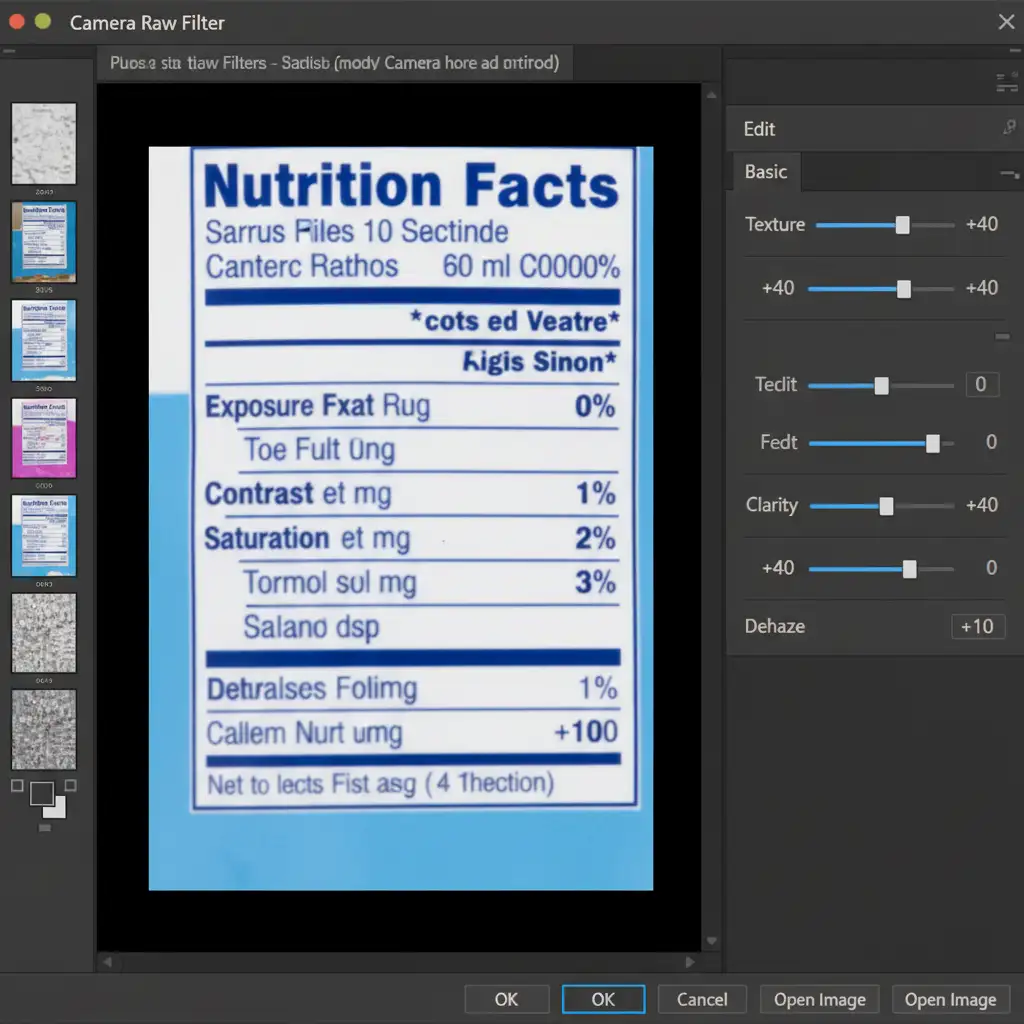
- Navigate to Filter > Camera Raw Filter.
- In the Basic panel, locate the Texture and Clarity sliders.
- Boost Texture to enhance the fine details of the small nutritional text, and increase Clarity to improve mid-tone contrast, making the barcode instantly more readable for TikTok’s algorithms.
Method 2: The Pro Workaround – Eliminating Packaging Glare
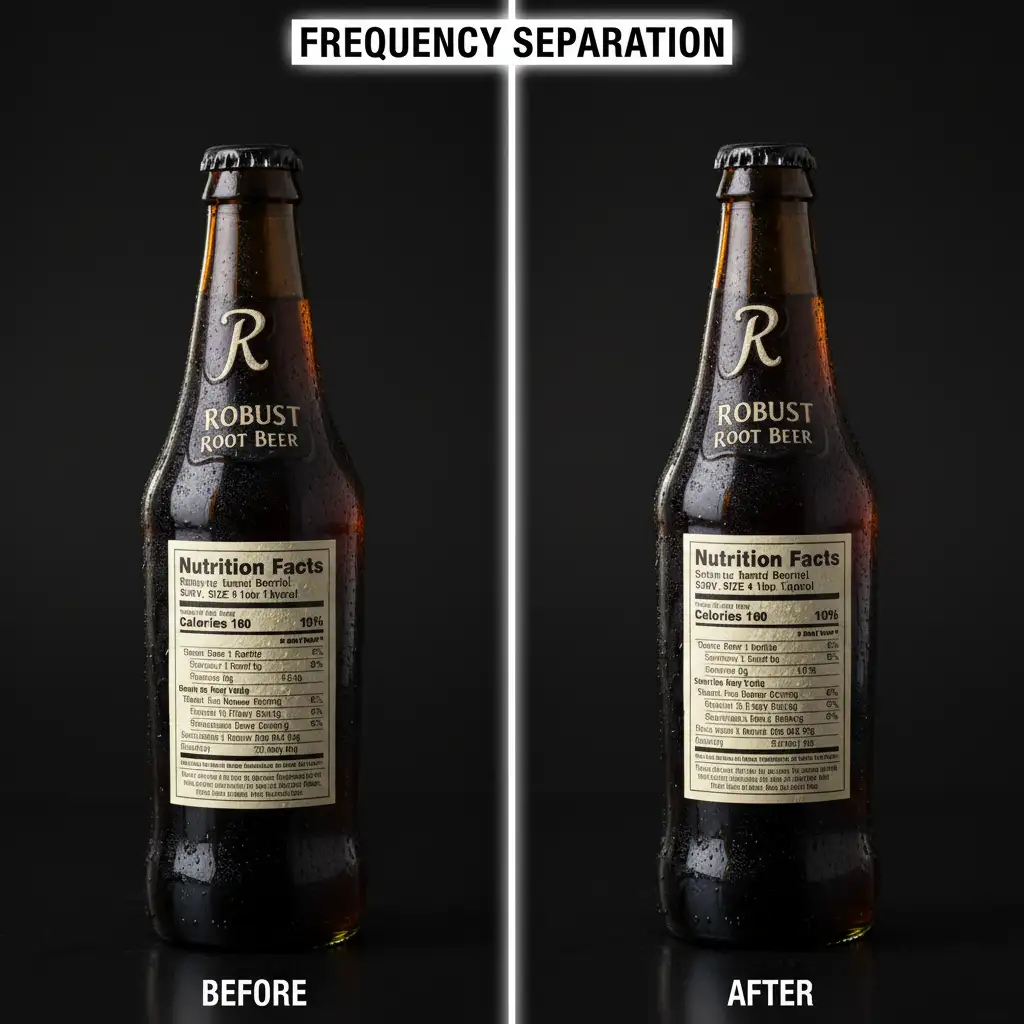
Flash glare is the number one enemy of OCR bots. When a bright white hotspot obscures your ingredients list, a simple contrast adjustment won’t work. You need Frequency Separation.
Frequency Separation splits your image into two distinct layers: a High layer containing the texture (your label text and barcode) and a Low layer containing the color and lighting (the glare).
- Duplicate your image twice. Name the top layer “High Frequency” and the middle layer “Low Frequency”.
- Apply a Gaussian Blur to the Low layer until the text disappears.
- Apply the High Pass Filter to the High layer, and set its blending mode to Linear Light.
- Select the Low Frequency layer and use the Mixer Brush Tool. Carefully paint over the packaging glare, blending the surrounding label colors into the hotspot.
- Because the text lives entirely on the High layer, you successfully remove the glare without destroying the critical nutritional details.
Method 3: The Technical Deep-Dive – Vector Compositing
Sometimes, the physical label on your product sample is too damaged, scratched, or poorly printed to save. In these cases, you must execute a digital label replacement. However, TikTok’s AI will flag unnatural overlays or mismatched mockups as “fake images.”
To pass the bot, you must perfectly map a digital label to the physical contours of the product.
- Import a high-resolution vector PDF of your product label into Photoshop.
- Convert it into a Smart Object.
- Lower the opacity slightly so you can see the original bottle underneath.
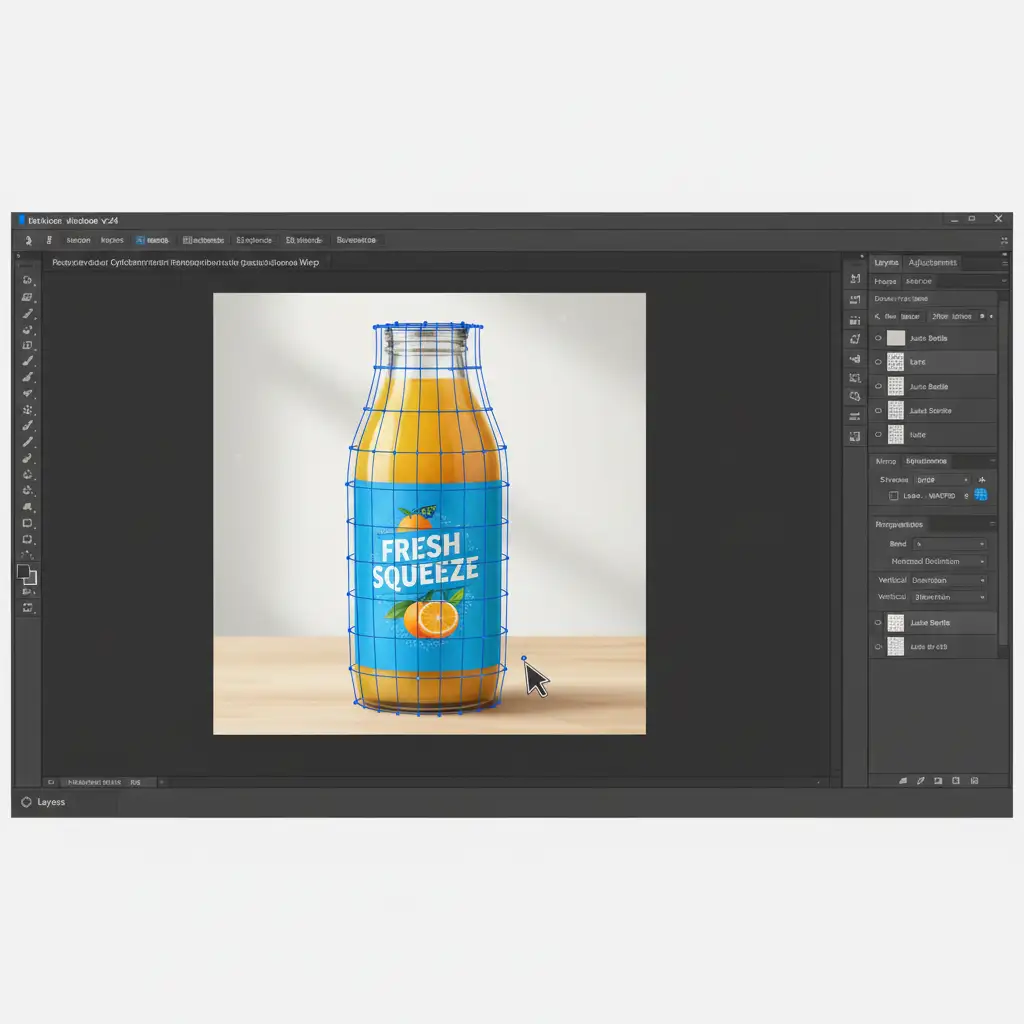
- Go to Edit > Transform > Warp, and select the Cylindrical Transform Warp option from the top toolbar.
- Adjust the grid handles to perfectly map the vector label onto the 3D curvature of the bottle or package.
- The Secret to Beating the AI: Double-click your Smart Object layer to open the Layer Style panel. Use the Blend-If sliders on the “Underlying Layer” to allow the natural highlights and shadows of the original bottle to show through the new digital label. This grounds the vector compositing in reality, preventing the automated system from flagging the image as an unnatural mockup.
Don’t Let Bots Pause Your Sales
Navigating the strict OCR compliance of e-commerce platforms requires a deep understanding of advanced photo manipulation. While these TikTok Shop F&B image approval hacks are highly effective, executing Frequency Separation and precise vector compositing takes time—time you should be spending scaling your brand.
If you are tired of fighting automated rejections and want to guarantee your product listings go live without a hitch, outsource your F&B product retouching to the experts. At Image Work India and Cloud Retouch, our dedicated team of professional retouchers specializes in marketplace compliance. We ensure your labels are pixel-perfect, glare-free, and fully optimized to pass TikTok Shop’s strictest bots on the very first try.
Contact Image Work India and Cloud Retouch today to get your F&B listings approved and start selling!