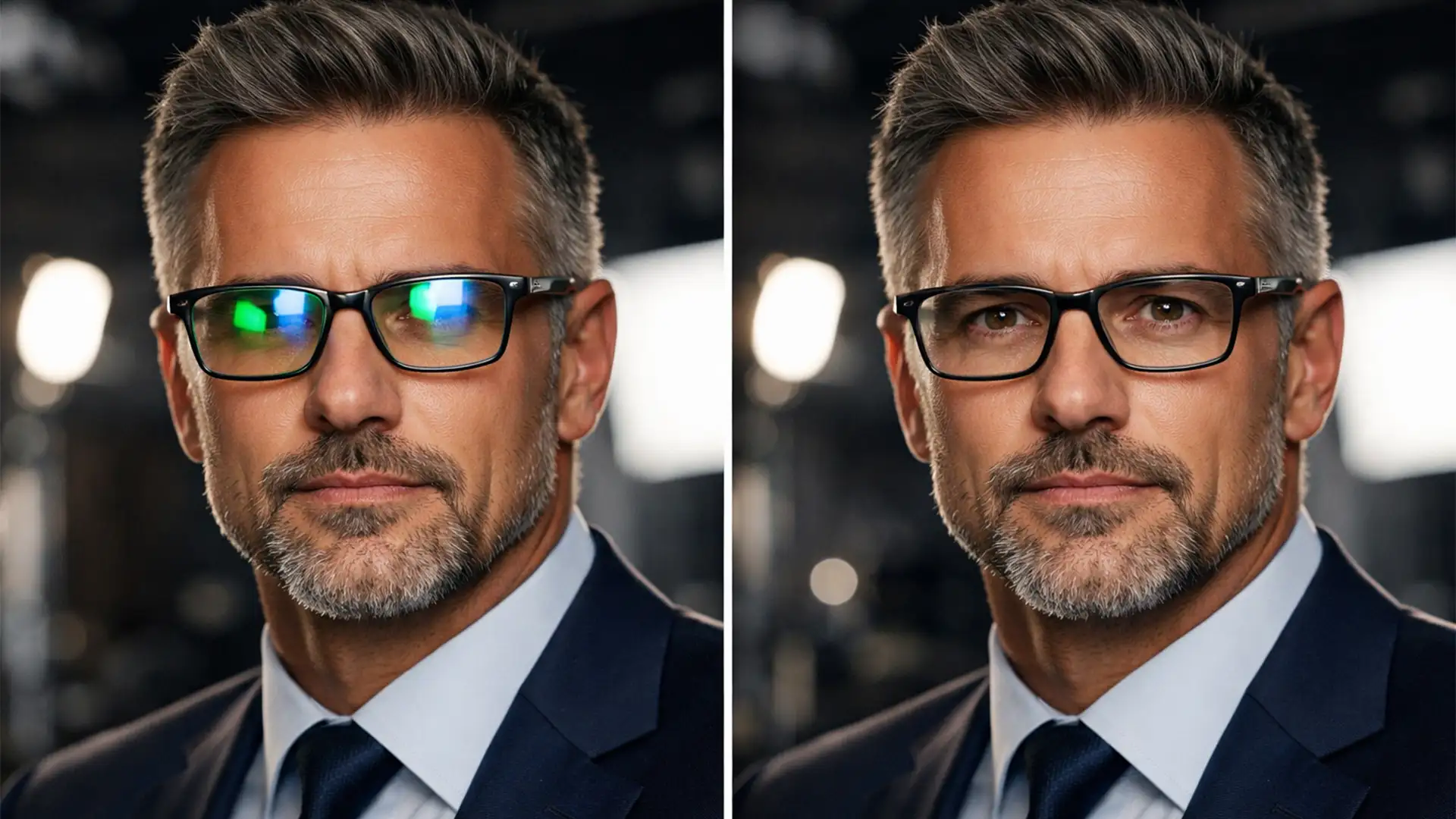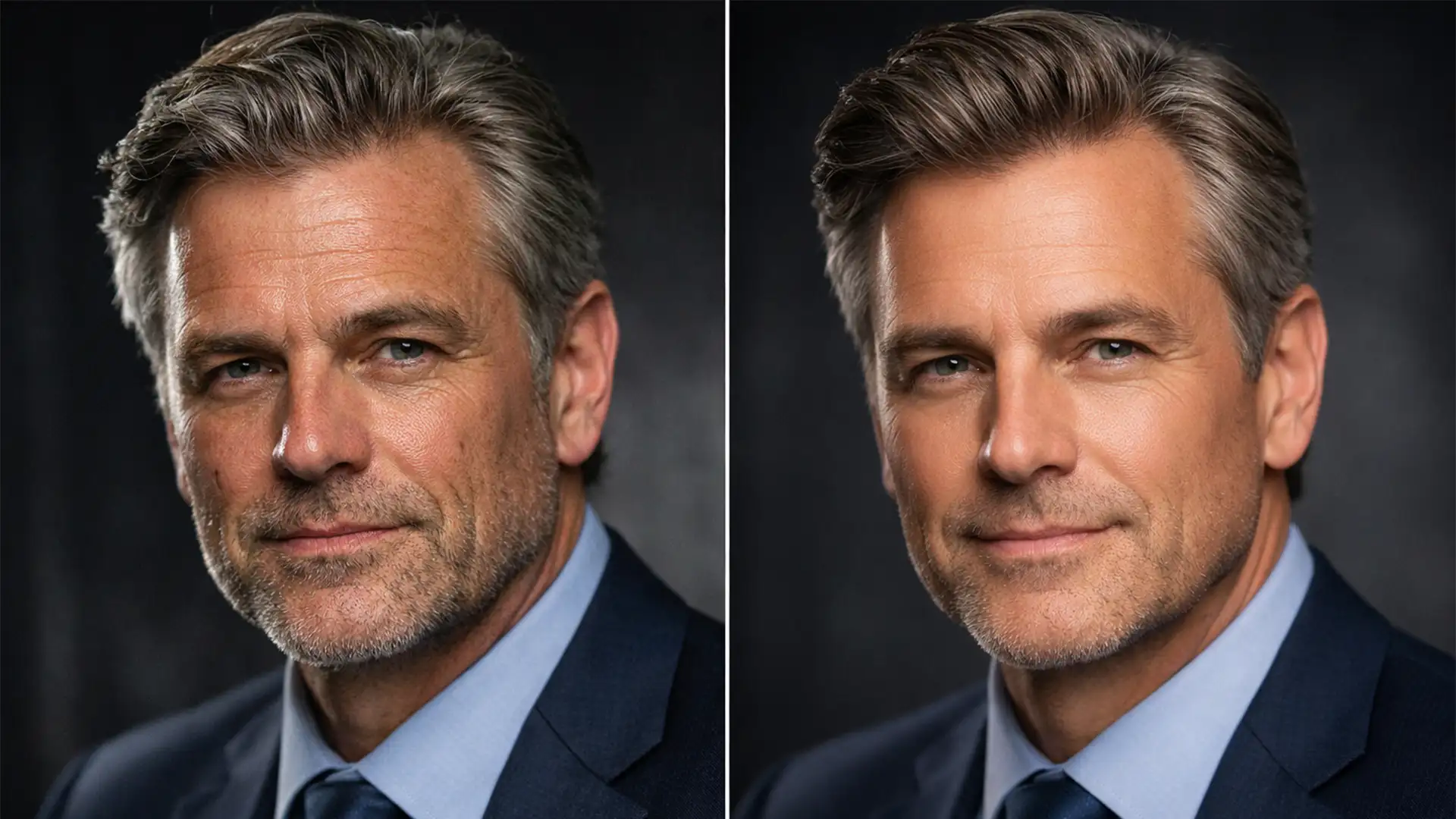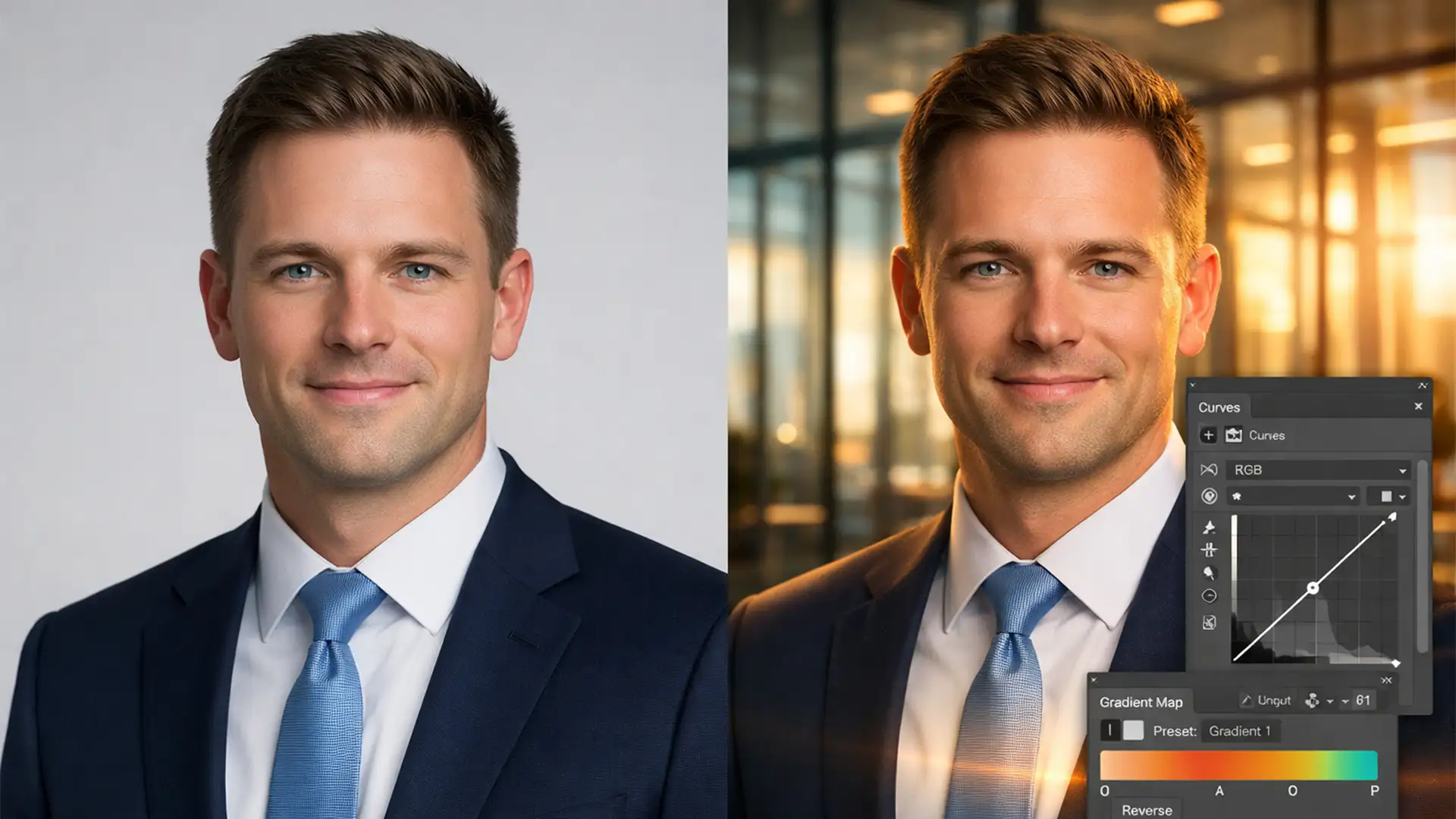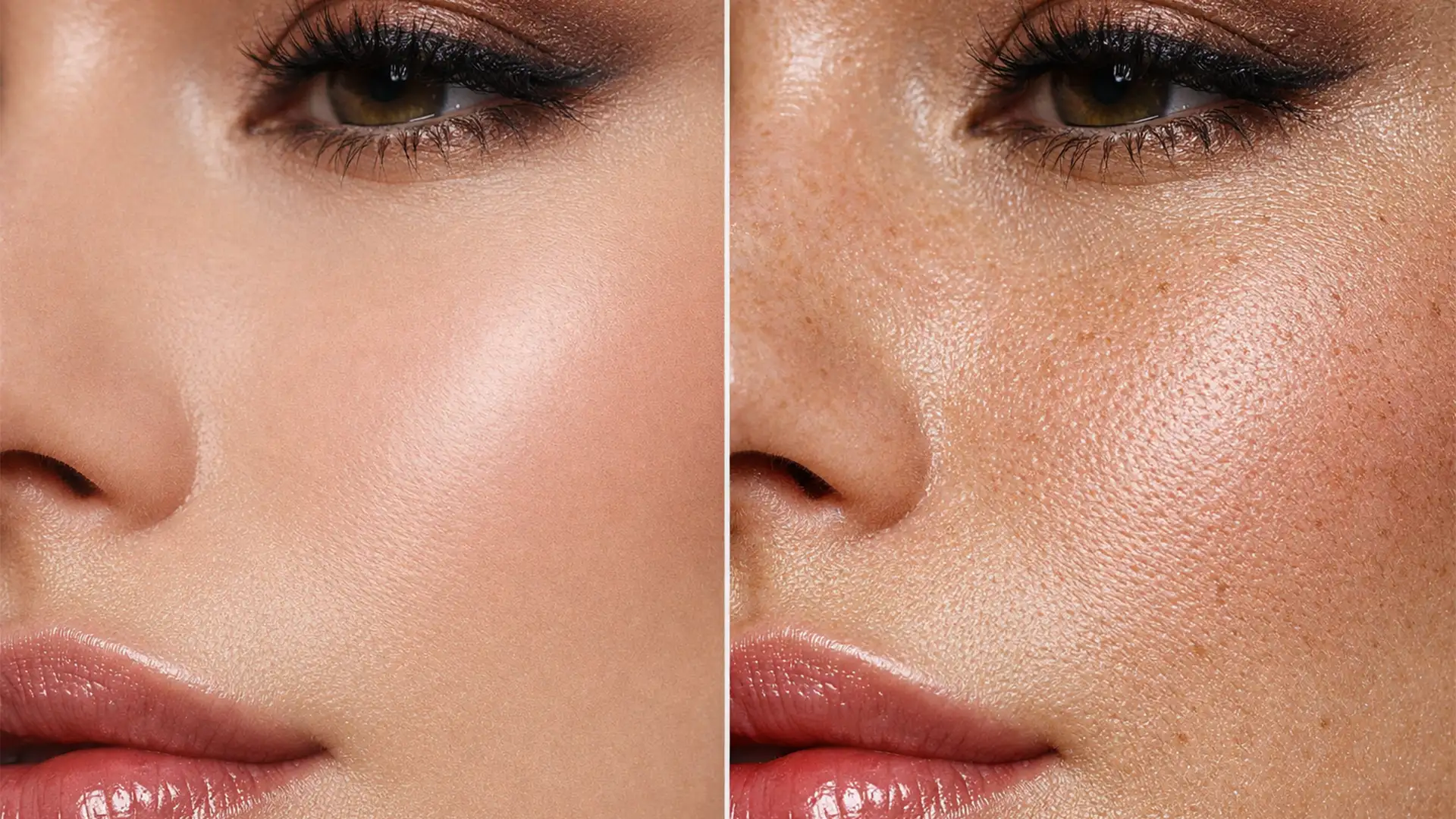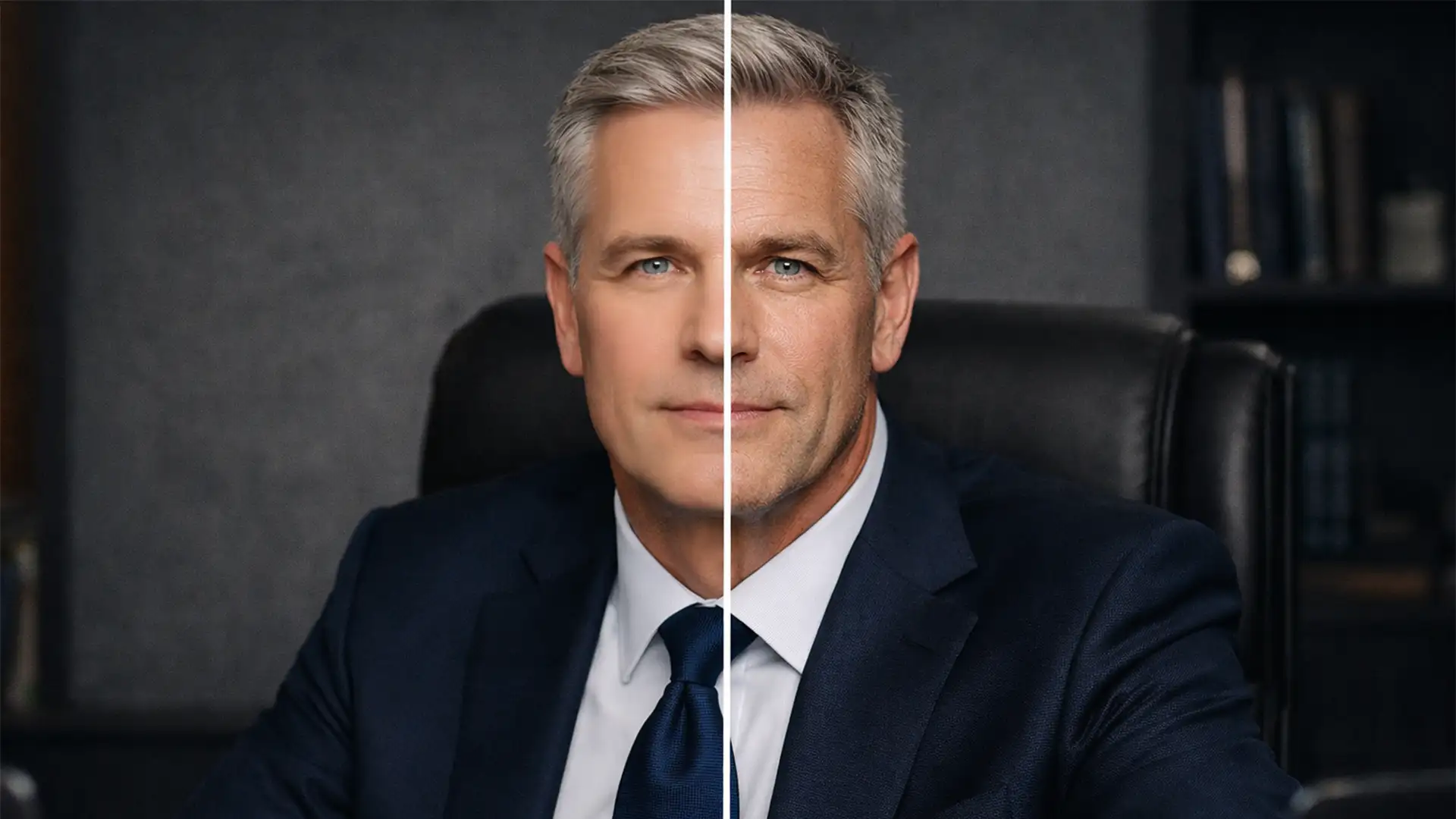

When an executive client aged 40 or above steps in front of your lens, they bring decades of earned authority. Yet, in contemporary portrait workflows using Photoshop v25.x and v26.x, native Neural Filters and third-party AI plugins are stripping that authority away. The core problem? Automated skin smoothing aggressively blurs high-frequency details, triggering an uncanny valley effect that leaves senior leaders looking like plastic dolls. Eliminating wrinkles and pores destroys the subject’s character. High-end corporate clients now demand authentic skin retouching for 40 plus-a non-destructive editing approach that resolves localized micro-contrast without degrading the global texture map.
Here is how to master manual, character-preserving retouching for mature skin.
The Problem with Automated Neural Filters on Mature Skin
Automated retouching algorithms are trained to find contrast variations and blur them. While this might work for a 20-something fashion editorial, applying these same algorithms to a 50-year-old CEO yields disastrous results.
Deep wrinkles and age lines are essentially areas of high local contrast-dark micro-shadows created by the folds of the skin. When AI tools attempt to remove them, they smear the underlying pore structure. The result is a loss of facial volume and an artificial, untrustworthy appearance. To achieve true skin texture preservation, retouchers must abandon global blurring in favor of targeted optical corrections.
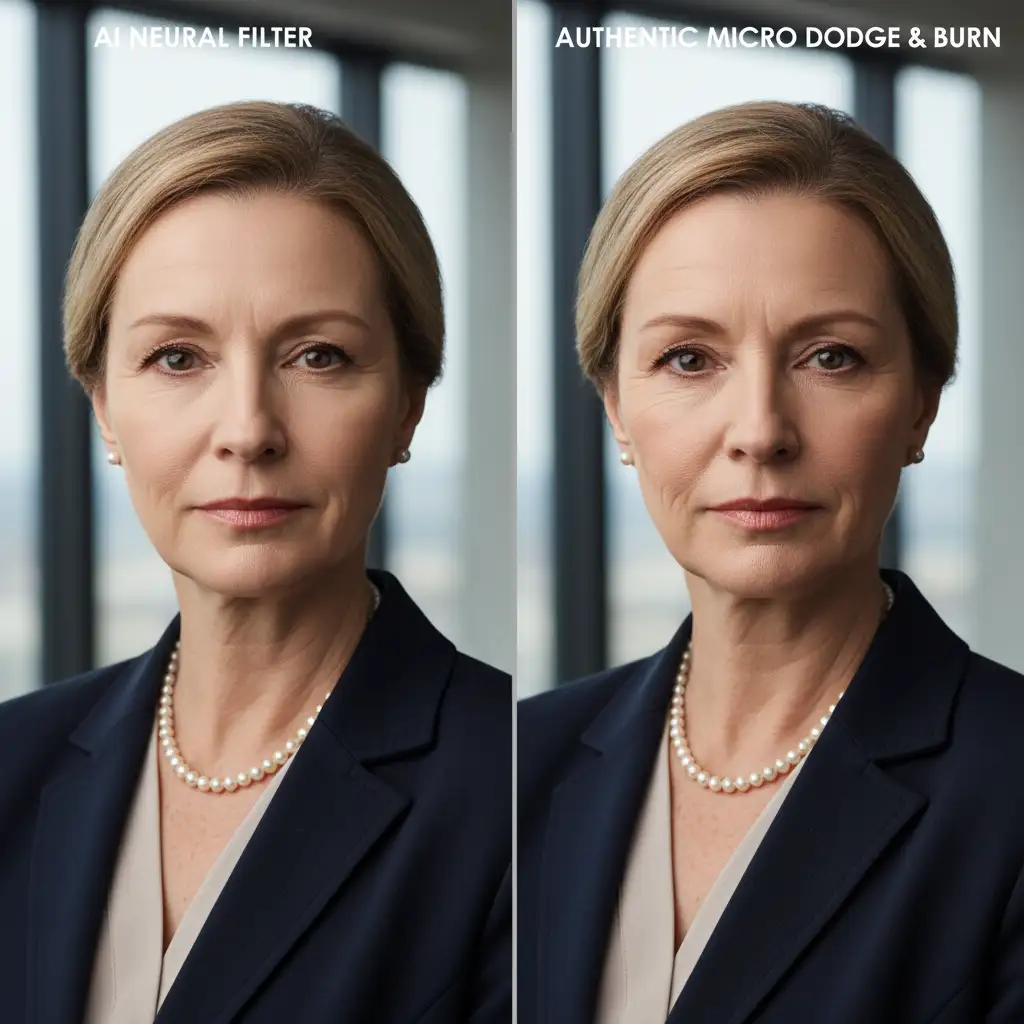
3 Professional Techniques for Authentic Skin Retouching for 40 Plus
To retain a subject’s earned authority while still providing a polished, professional headshot, you must utilize non-destructive editing techniques that require pixel-level manipulation.
Method 1: The Healing Brush Blending Modes Workaround
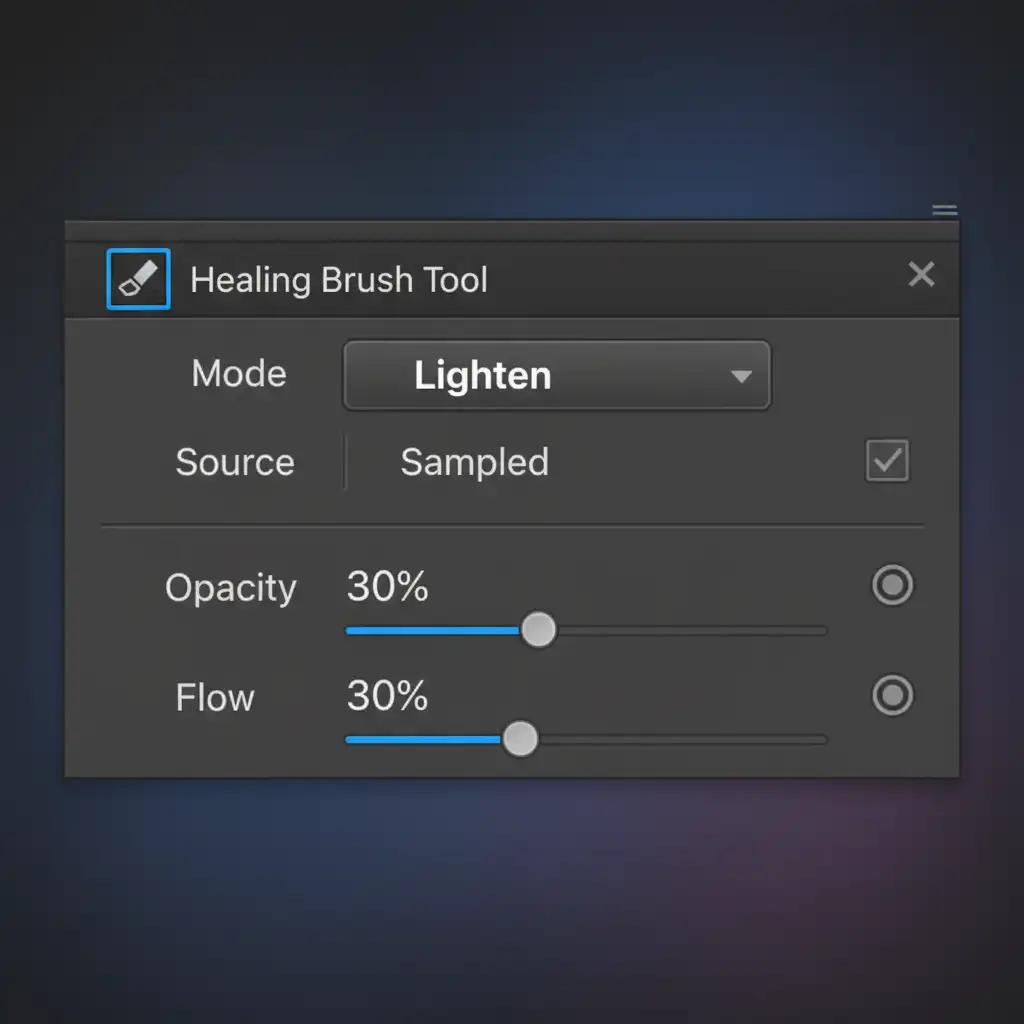
The fastest way to reduce the severity of deep wrinkles without erasing them is by manipulating the Healing Brush blending modes. You must avoid the Spot Healing Brush, as its automated content-aware fill often destroys the underlying texture map.
- Select the standard Healing Brush Tool.
- In the top options bar, change the Blend Mode from Normal to Lighten (to target deep shadows) or Darken (to target bright highlights on the edges of wrinkles).
- Set your brush Opacity to 30 percent.
- Sample a clean area of skin directly adjacent to the wrinkle.
- Paint carefully over the dark shadow inside the deep wrinkle.
This technique specifically targets the dark micro-shadows inside the crease, softening the local contrast reduction without removing the character line entirely.
Method 2: Bespoke Frequency Separation for Mature Skin
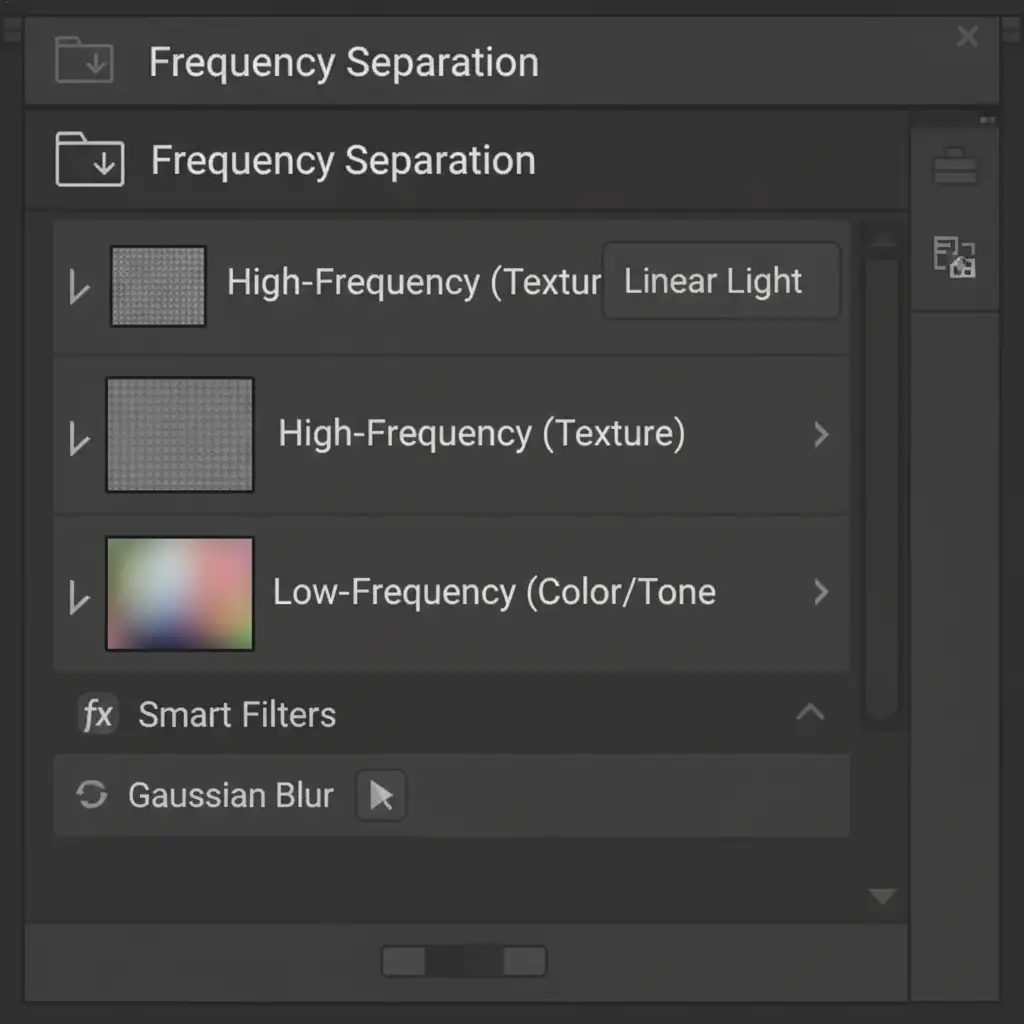
Standard Frequency Separation often results in a flat, lifeless image if applied too aggressively. For authentic skin retouching for 40 plus, you need a bespoke approach that respects facial volume.
- Duplicate your background layer twice to set up your Frequency Separation folder hierarchy.
- On the Low-Frequency (Color/Tone) layer, apply a conservative Gaussian Blur radius. For high-resolution files, stick to 5-7 pixels. This maintains the structural volume of the face.
- On the High-Frequency layer (set to Linear Light), use the Clone Stamp tool to remove only transient blemishes-such as acne, razor burn, or stray hairs.
- Explicitly leave permanent age lines, freckles, and core pore structure intact.
Method 3: Micro Dodge and Burn for Optical Authenticity
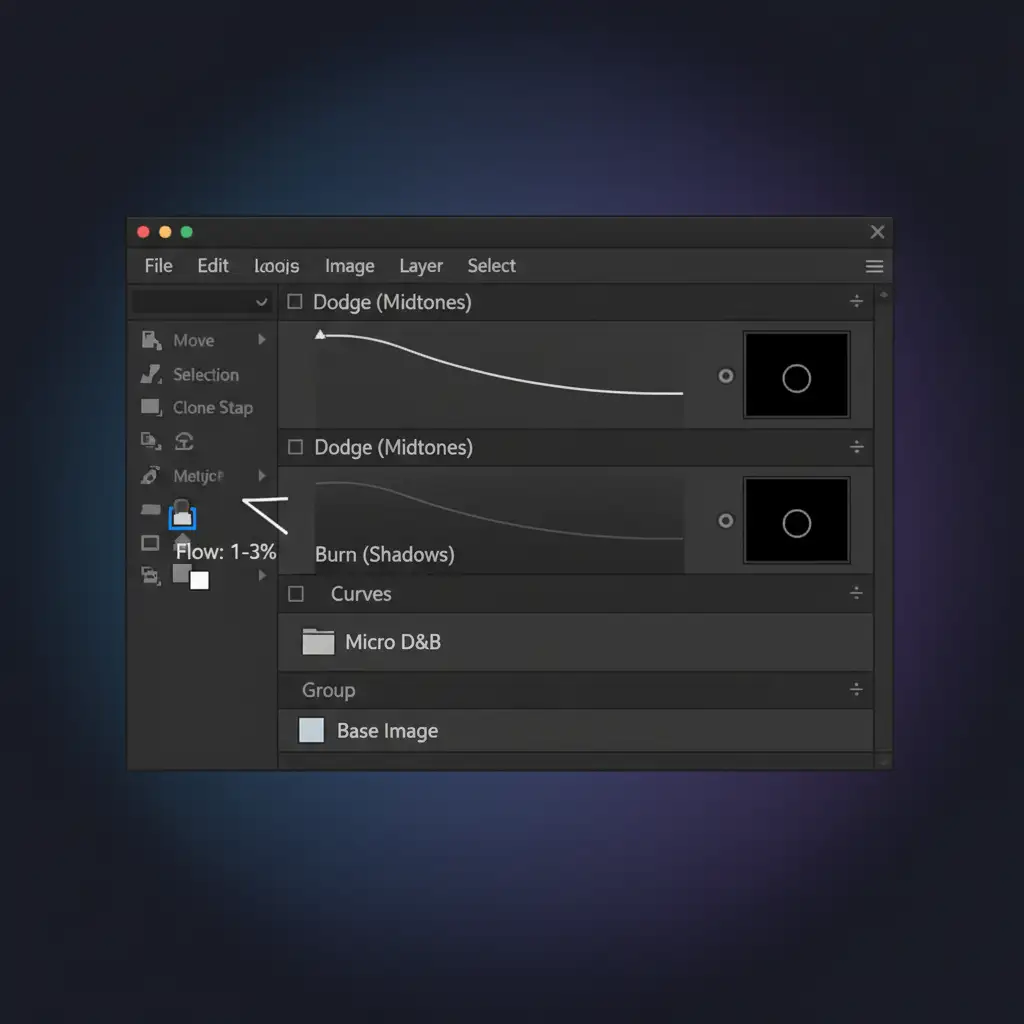
This is the industry gold standard for high-end executive retouching. Micro Dodge and Burn relies entirely on manipulating light and shadow rather than moving or blurring pixels, guaranteeing 100 percent preservation of the original pore structure.
- Create two Curves adjustment layers. Name one “Dodge” (lift the midtones) and the other “Burn” (drop the shadows).
- Invert the masks on both layers to black (Ctrl/Cmd + I).
- Select a soft round brush and set your Flow incredibly low-between 1 to 3 percent.
- Zoom in to 100%. Using the Dodge layer with a white brush, manually paint over the micro-shadows found in nasolabial folds, under-eye bags, and crow’s feet.
- Advanced Tip: Use Luminosity masks to restrict your dodging strictly to the darkest pixels within the wrinkle, preventing haloing on the surrounding skin.
By neutralizing the micro-contrast manually, the wrinkle appears shallower and less distracting, but the optical authenticity of the skin remains flawless.
Scale Your High-End Retouching with Image Work India
Mastering authentic skin retouching for 40 plus requires a meticulous, pixel-level understanding of light, shadow, and anatomy. While Micro Dodge and Burn delivers unparalleled results, it is incredibly time-consuming-especially when processing large volumes of corporate headshots for an entire executive board.
If you need authentic, high-end executive portraits without the plastic AI look, outsource your corporate headshot batches to Image Work India and Cloud Retouch. Our expert retouchers specialize in non-destructive, character-preserving workflows that respect your subjects’ earned authority. We handle the tedious micro-contrast adjustments so you can focus on shooting and scaling your business.
Contact Image Work India today to elevate your corporate portrait workflow.