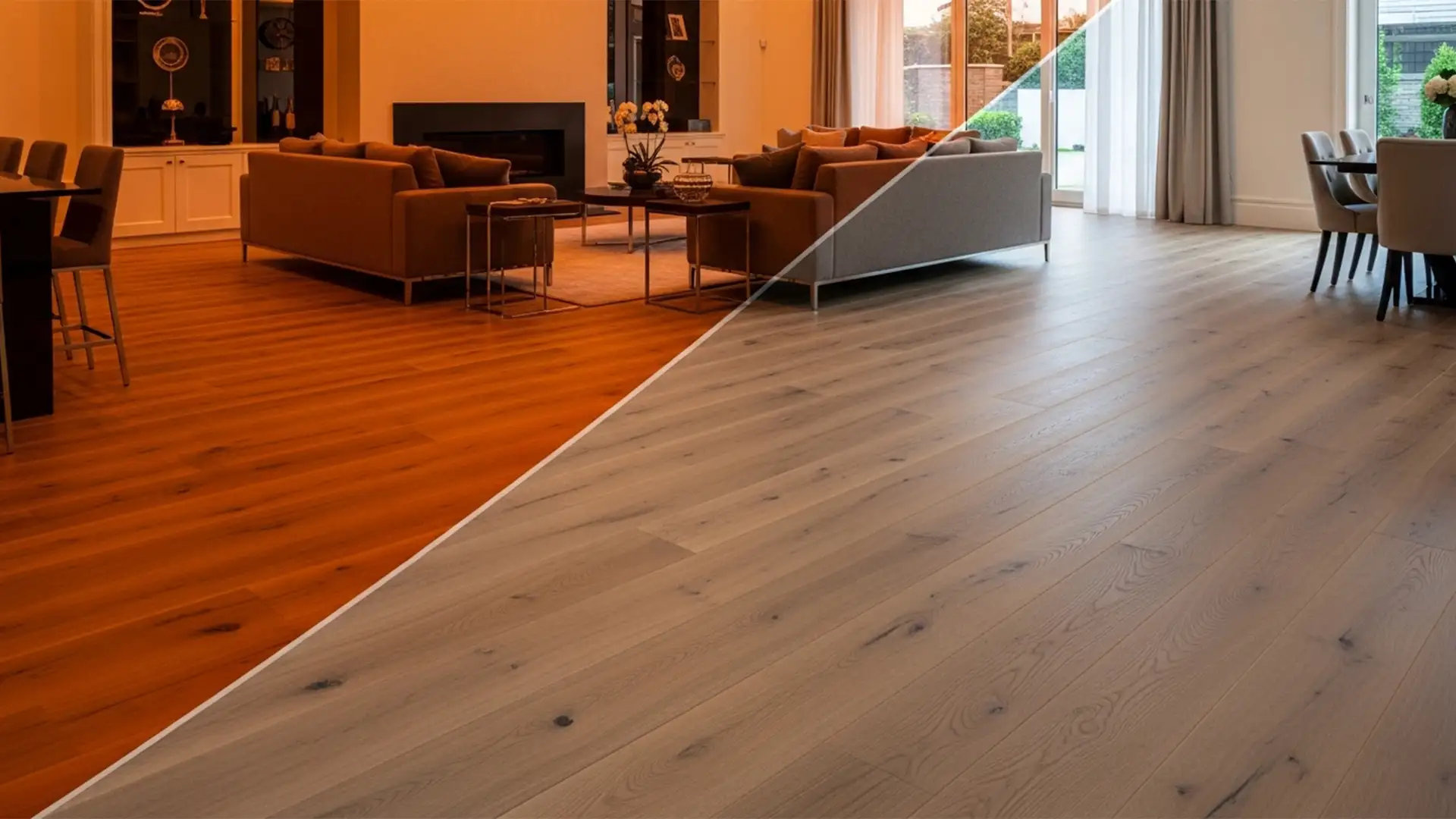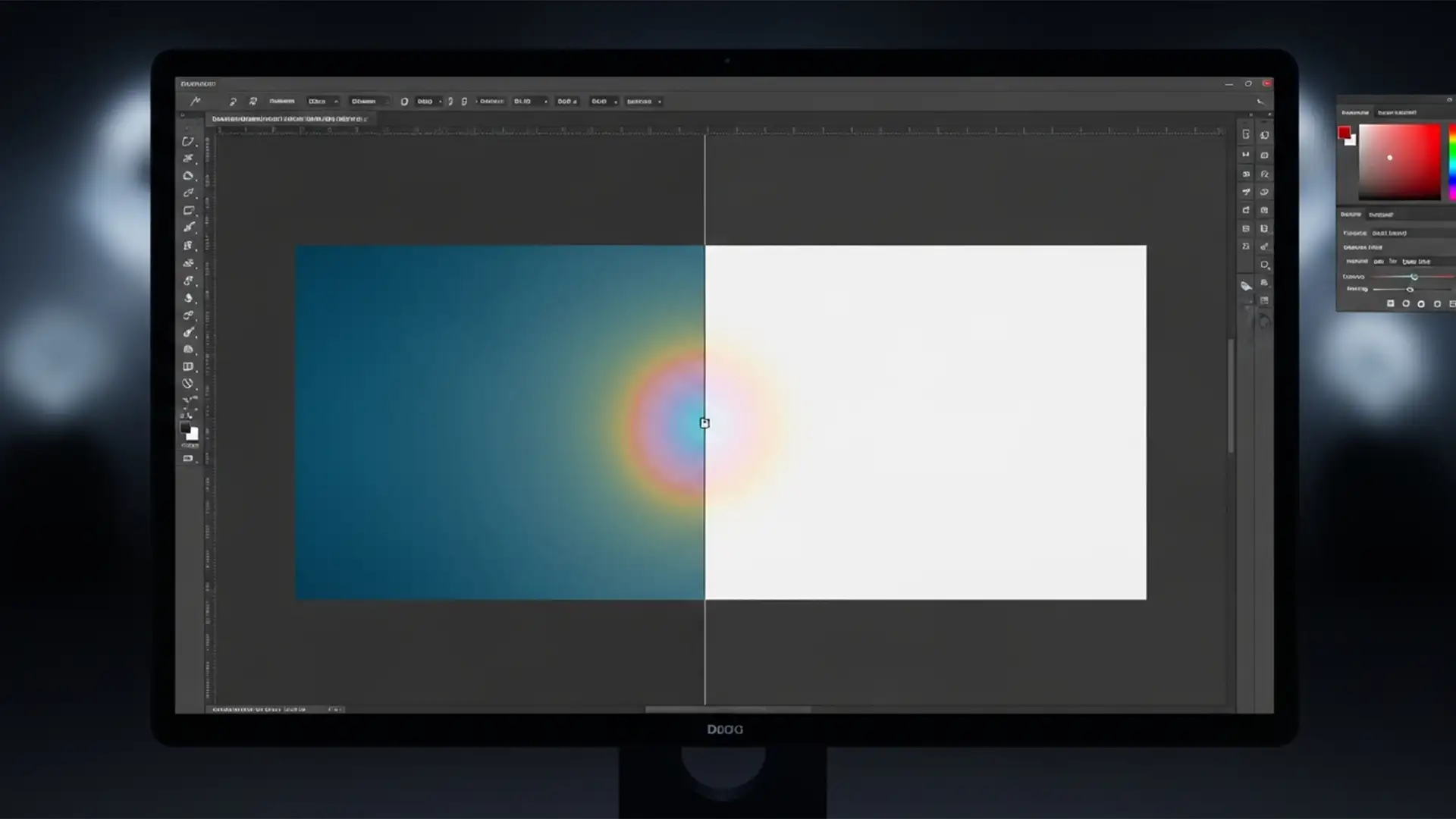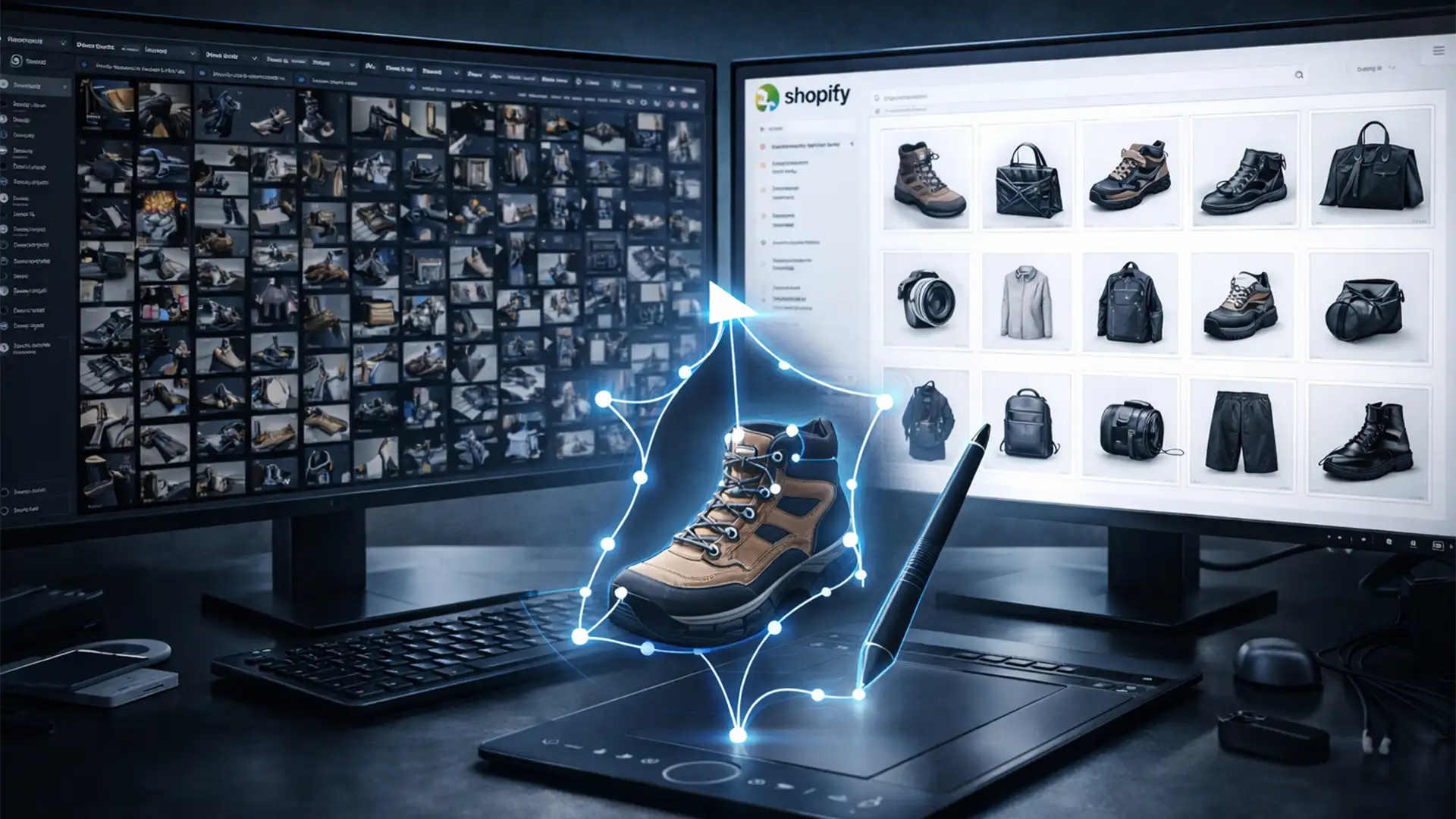

You are staring down a product launch with over 1,000 new SKUs. You run them through an AI background remover, expecting a quick win. Instead, you are left with massive technical debt: jagged edges on transparent plastics, ruined reflective surfaces, and missing chunks from complex shapes like hair and fur. Fixing these AI errors one by one in Photoshop is draining your time and delaying your Shopify launch. If you are spending hours refining an alpha channel instead of driving sales, it is time to rethink your strategy. Here is exactly how to fix this bottleneck and scale your catalog flawlessly.
The Hidden Cost of AI Background Removal in Bulk Shopify Catalogs
Shopify store owners frequently face severe bottlenecks when uploading bulk catalogs. While built-in AI background removers or Photoshop’s “Select Subject” feature (versions v24.x through v27.x) offer immediate results, they lack the contextual awareness required for high-end eCommerce optimization.
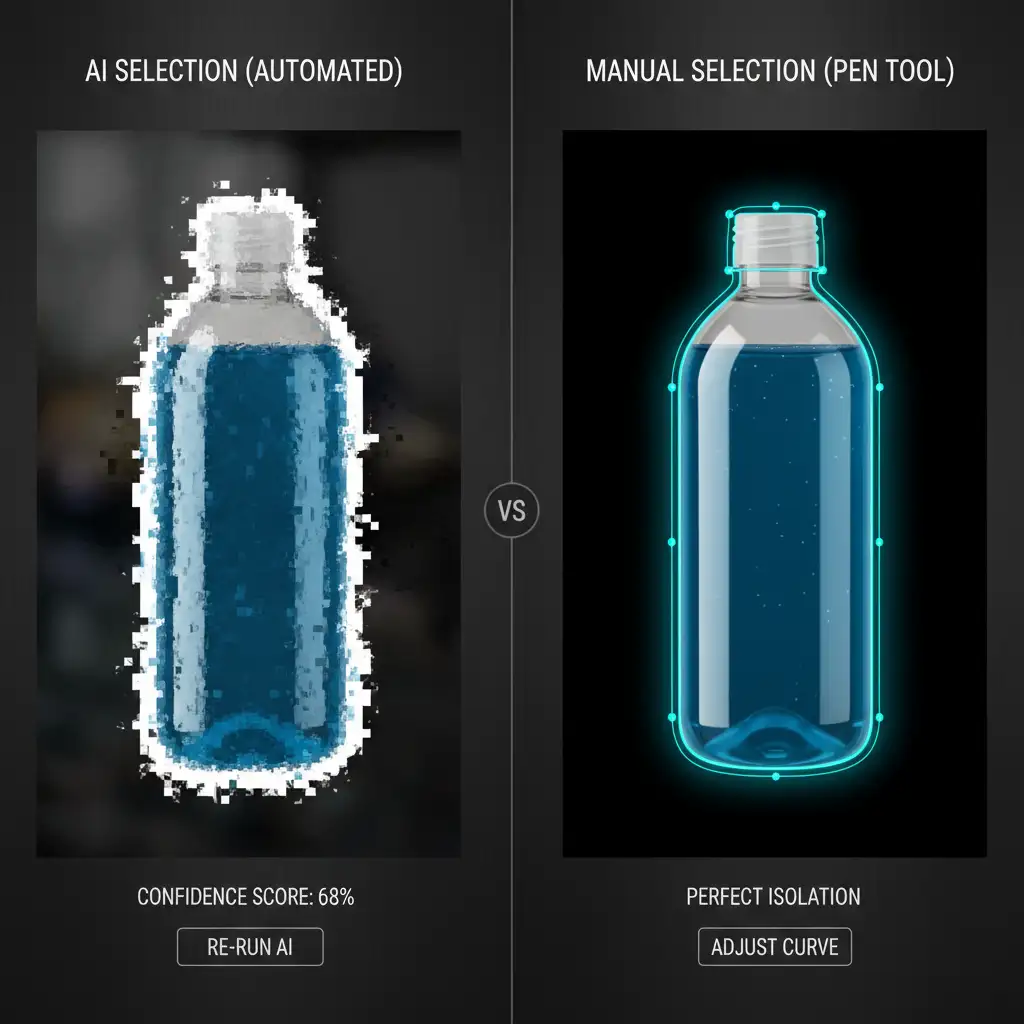
When AI encounters complex edges, it guesses. This results in poor anti-aliasing, halos around products, and a lack of pixel-perfect precision. For a store with 1,000+ items, spending even three minutes manually correcting an AI-generated mask equates to 50 hours of lost productivity. To meet strict Shopify image guidelines, you need non-destructive editing techniques utilizing a precise vector path.
How to Fix Jagged Edges and Automate Your Workflow
Depending on the complexity of your products and the size of your catalog, there are three distinct ways to handle bulk processing for your Shopify store.
Method A: The Quick Fix – Photoshop Batch Automation
If your product catalog consists entirely of simple, geometric shapes with high-contrast backgrounds (like solid black boxes on a pure white backdrop), you can leverage Photoshop’s built-in batch automation.
- Open Photoshop and record a new Action that utilizes the “Remove Background” tool.
- Navigate to File > Scripts > Image Processor.
- Select your source folder containing the raw bulk images.
- Select your destination folder.
- Check “Run Action” at the bottom of the dialog box and select your newly created background removal action.
- Click Run.
Note: This method will still fail on complex edges, requiring manual review.

Method B: The Pro Workaround – Semi-Automated Droplets
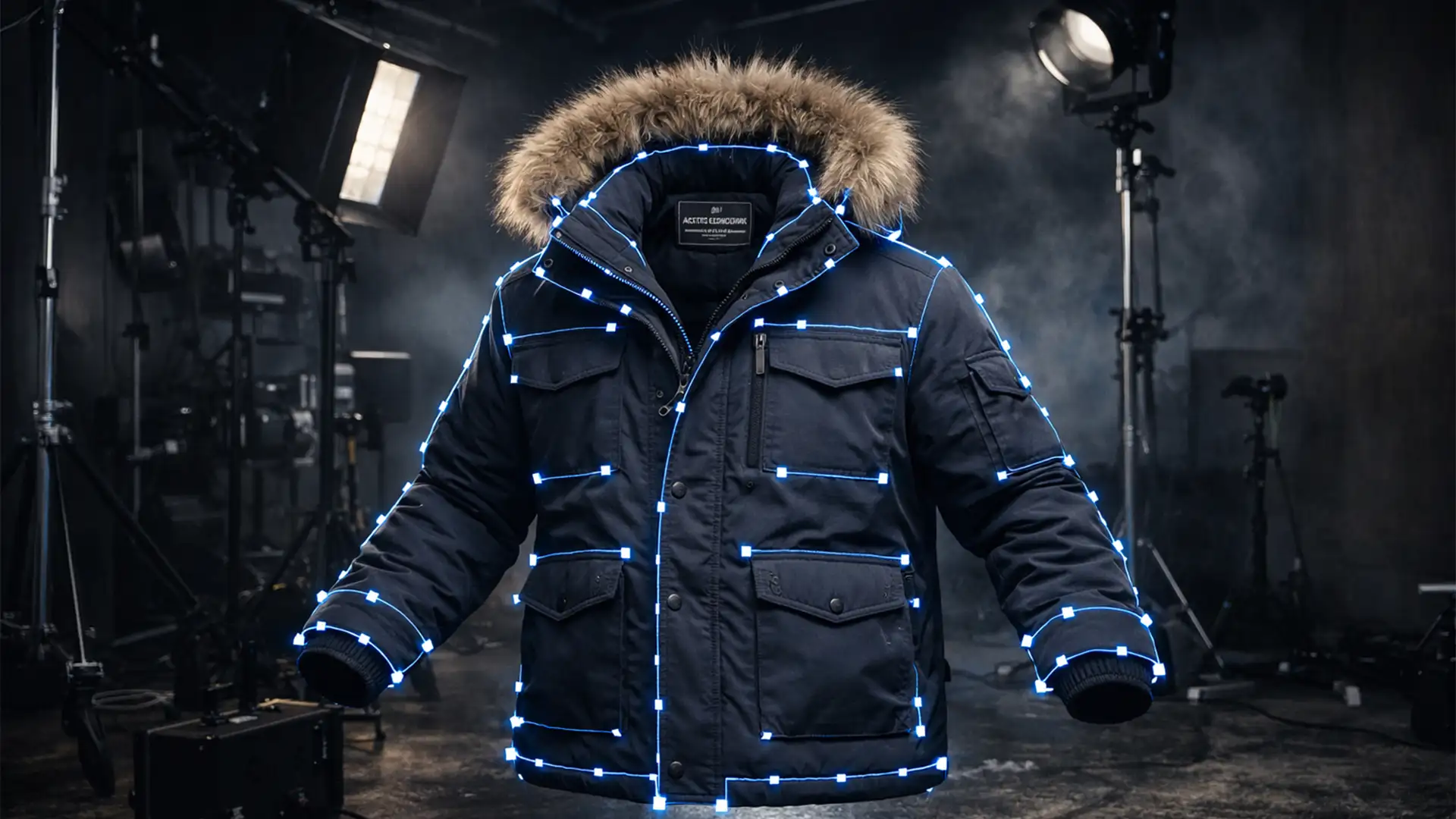
To bridge the gap between quality and speed, professional retouchers often use semi-automated workflows. This involves manually drawing a Bezier curve using the Pen Tool, but automating the repetitive finishing steps.
- Manually draw your clipping path around the product using the Pen Tool.
- Save the path.
- Create a Photoshop Action that converts the active path to a selection, applies a layer mask, crops the image to a specific 1:1 ratio, adds a subtle drop-shadow, and saves the file as a web-optimized PNG.
- Go to File > Automate > Create Droplet and save this action to your desktop.
- You can now drag and drop your manually path-drawn files onto this droplet to instantly format them for Shopify.
Method C: The Technical Deep-Dive – Outsourcing Clipping Path Service for Bulk Shopify Catalogs
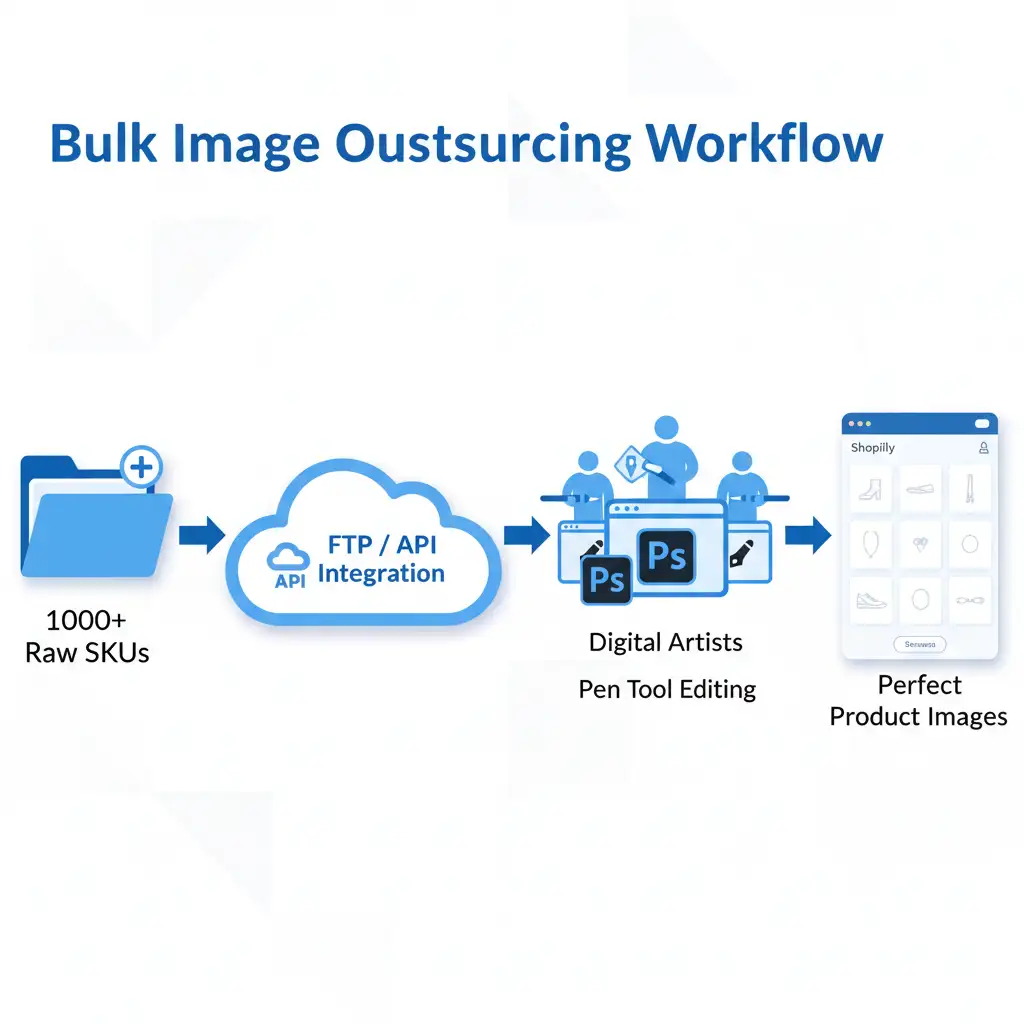
The most efficient way to eliminate this technical debt entirely is by establishing a seamless outsourcing pipeline. By outsourcing clipping path service for bulk Shopify catalogs, you remove the editing bottleneck from your internal team entirely.
Professional retouchers use manual Pen Tool techniques to ensure the pixel-perfect precision required by top-tier eCommerce brands.
The Ideal Outsourcing Workflow:
- Integration: Connect your raw image database via FTP/API or secure Dropbox integration directly to an agency like Cloud Retouch.
- Processing: A team of professional retouchers manually draw vector paths for hundreds of images simultaneously.
- Delivery: You receive print-ready, Shopify-optimized JPEGs or transparent PNGs within 24 hours.
Why Hand-Drawn Bezier Curves Beat Automation for eCommerce Optimization
When a customer lands on your Shopify store, visual consistency builds immediate trust. A pristine collection grid where every product shares the exact same margins, alignment, and pure white background directly increases conversion rates.
AI masking struggles with the nuances of physical products. A hand-drawn clipping path ensures that the exact physical boundaries of the item are respected. By utilizing non-destructive editing, these vector paths are saved inside the image file (usually as a JPEG or TIFF), allowing your web team to easily call up the alpha channel whenever they need to place the product on a new promotional banner or colored background.

Stop Wasting Time on Pixel-Pushing
Scaling your eCommerce business requires you to focus on marketing, inventory, and customer experience-not spending your nights fixing jagged AI edges on product photos.
If you want to completely eliminate your image masking bottlenecks, Image Work India and Cloud Retouch are your ultimate partners. We specialize in outsourcing clipping path service for bulk Shopify catalogs. Our team of expert retouchers delivers pixel-perfect, hand-drawn vector paths at scale. Simply drop your raw files into our secure servers, and we will deliver flawless, Shopify-optimized images back to you within 24 hours-with zero manual masking required on your end.
[Contact Cloud Retouch today] to set up your bulk processing pipeline and launch your next Shopify collection flawlessly.