
If you are prepping your winter catalog in Adobe Photoshop v25.x, you already know the nightmare: automated AI background removers absolutely butcher heavy winter apparel. One click, and your premium parka’s fur-lined hood looks like a jagged plastic toy. Worse, AI fails to seamlessly blend the inner neck label shot with the front outer garment, destroying the premium, hollow 3D look your clients expect. Stop relying on one-click magic. For thick wool sweaters and heavy coats, you need a complex clipping path for ghost mannequin apparel. Here is the exact technical workflow to composite flawless neck joints and save your winter catalog.
Why Automated AI Fails on Winter Fashion Photography
Thick winter garments present unique challenges for e-commerce editors. AI selection tools rely on high-contrast edges to separate subjects from their backgrounds. When dealing with heavy apparel like parkas, wool sweaters, or fleece jackets, these tools fail because they lack the edge definition required to navigate fur, fuzz, and intricate collar overlaps.
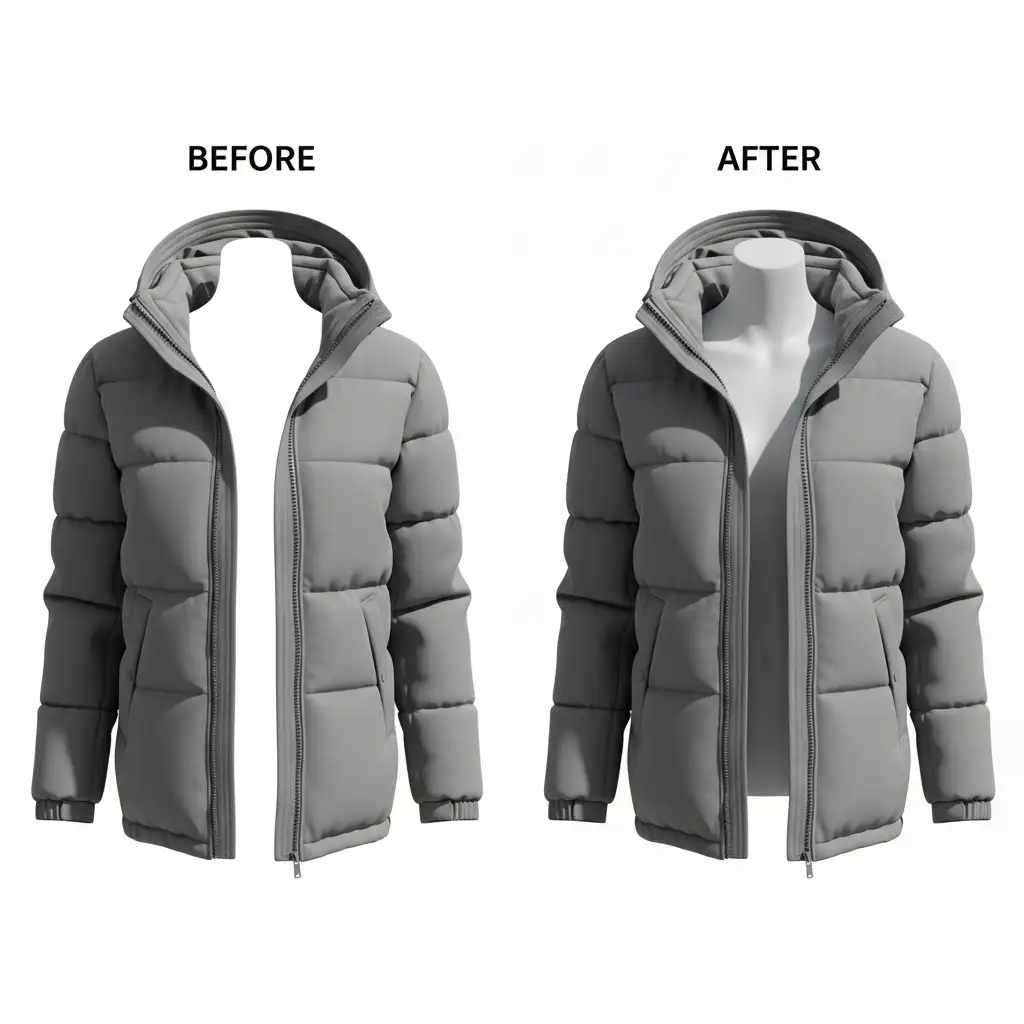
To achieve a true 3D ghost mannequin effect, editors must execute precise image compositing—joining a front garment image with an inner neck or tag image. Automated tools simply cannot reconstruct the missing inner shadows or handle the complex layering required without destroying the natural texture of thick fabrics.
The 3-Step Workflow for Flawless Neck Joints
To build a professional hollow effect, you need to combine manual pathing with advanced blending techniques. Here are three methods, ranging from quick salvages to professional deep-dives.
Method A: The Quick Fix (AI + Manual Refinement)
If you are on a strict deadline and dealing with slightly less complex garments, you can leverage cloud processing as a baseline, but manual intervention is mandatory.
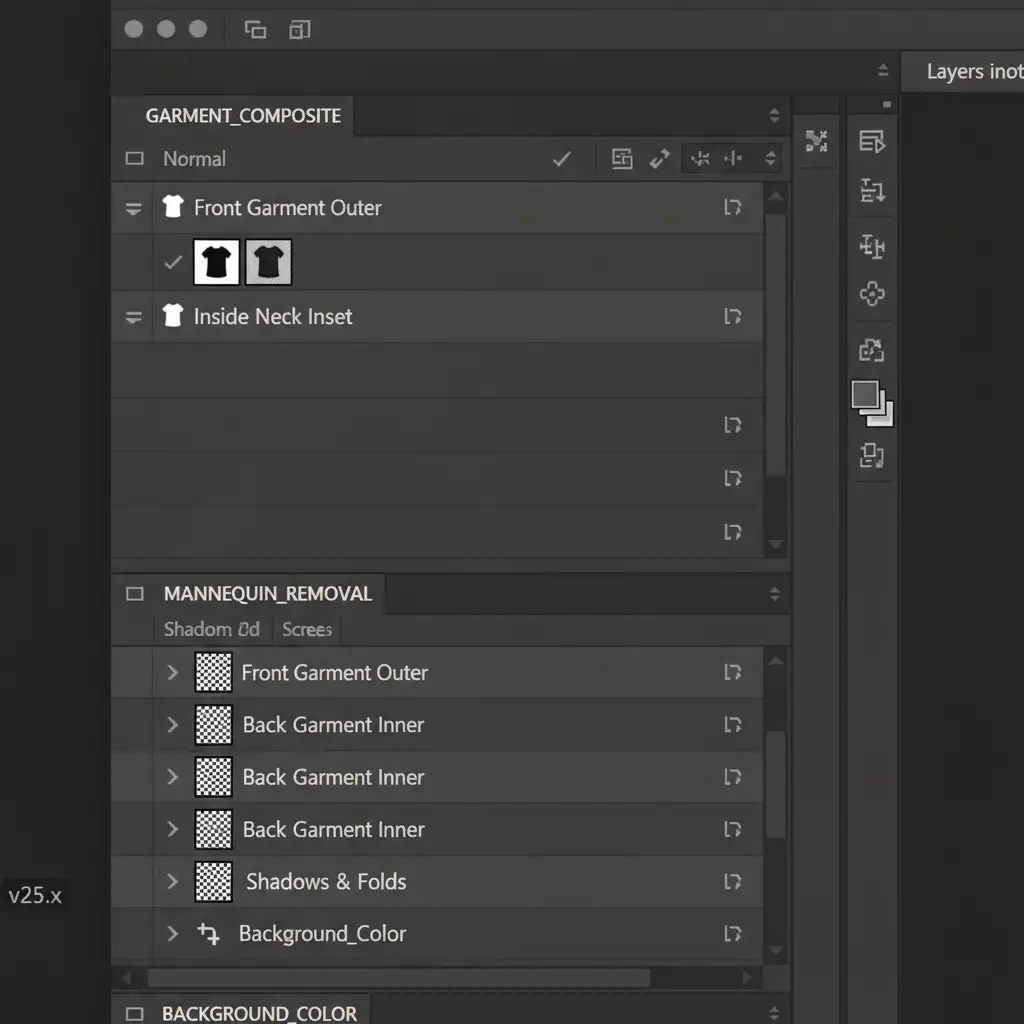
- Use the Object Selection Tool (set to Cloud processing for better accuracy) to make the initial cutout of the front garment.
- Immediately open the Select and Mask workspace.
- Use the Refine Hair brush aggressively around furry winter hoods and fuzzy edges to salvage the natural texture that the initial AI selection missed.
- Output to a new Layer Mask to ensure non-destructive editing.
Method B: The Pro Workaround (Complex Clipping Paths)
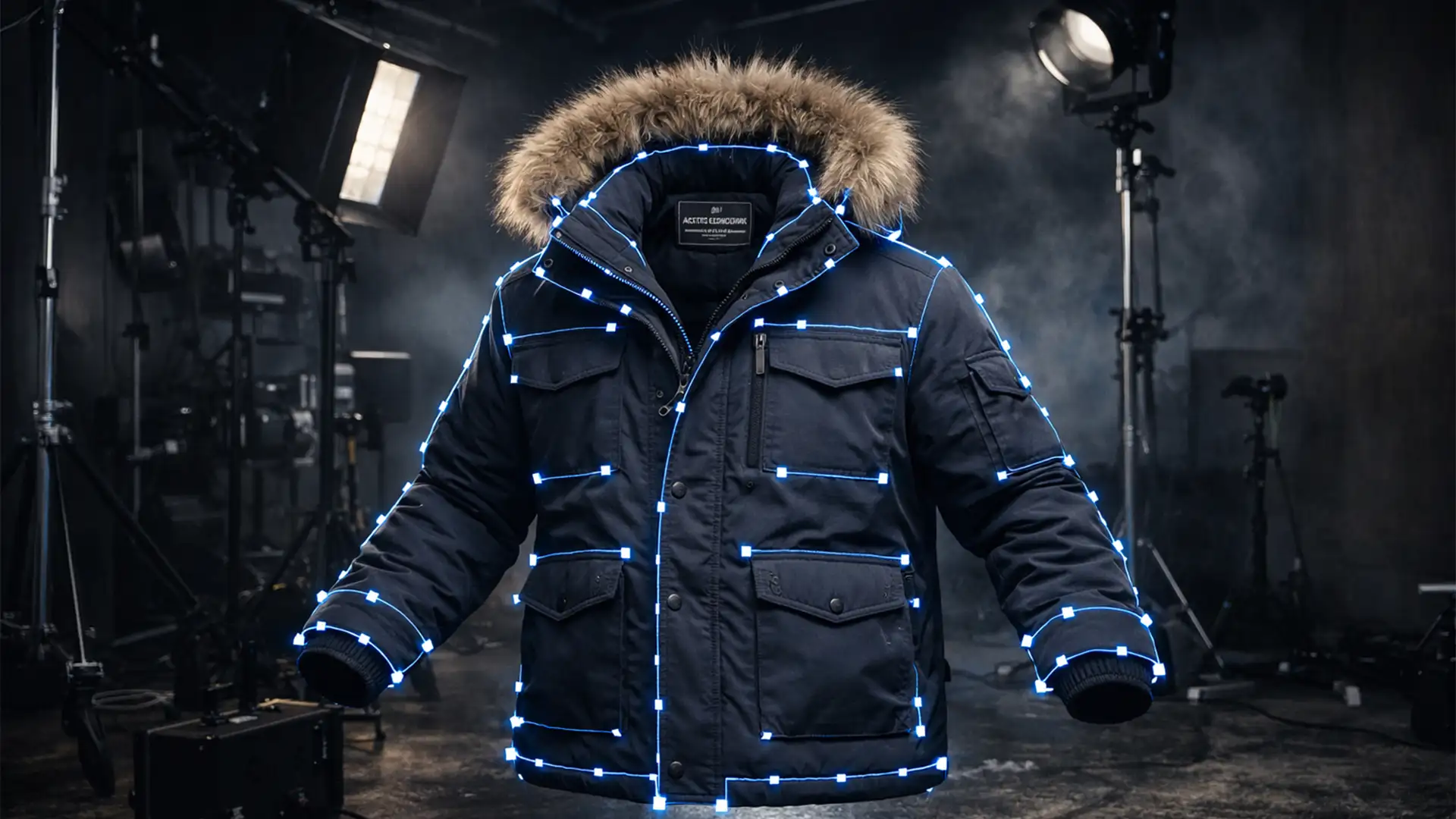
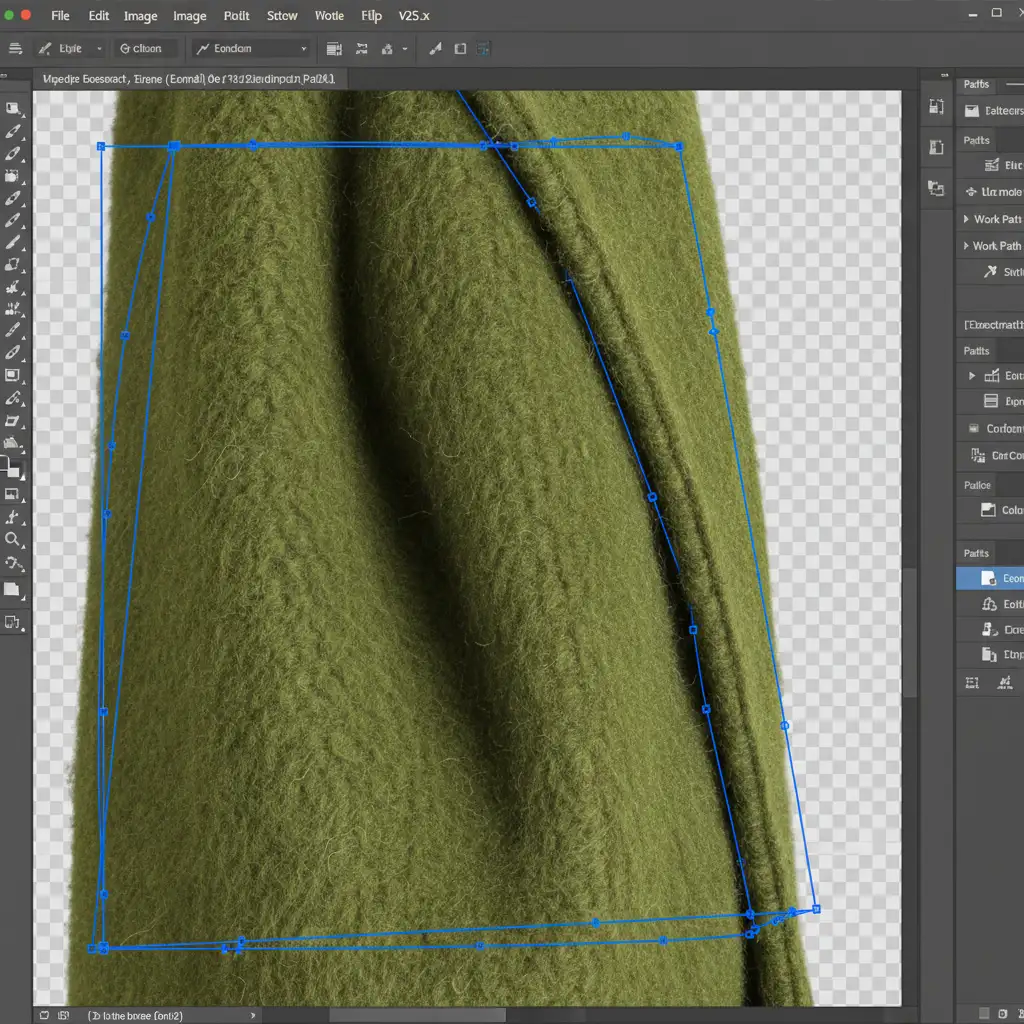
For true professional results, you must bypass AI entirely and rely on manual precision. This is where mastering the Pen Tool becomes critical.
- Create a complex clipping path around the outer garment. Place your anchor points exactly 1 to 2 pixels inside the edge of the fabric. This inside margin is crucial to avoid background color bleed, which ruins the realism of the final image.
- Save your path in the Paths panel, then load it as an active selection to cut out the front garment.
- Bring in your inner neck inset on a separate layer beneath the front garment.
- Temporarily lower the opacity of the front garment layer to 50% to perfectly align the shoulders of the neck inset.
- Restore opacity to 100%, and use a soft-edged brush with slight feathering on the layer mask to seamlessly blend the overlapping areas.
Method C: The Technical Deep-Dive (Advanced Compositing)
Even with perfect alignment, the neck joint will look fake if the lighting and perspective don’t match.
- Warp Transform: Select the inner neck layer. Navigate to Edit > Transform > Warp. Carefully adjust the grid handles to match the curvature of the front collar with the back neck inset. The fabric must look like it is wrapping around an invisible human neck.
- Texture Matching: Create a blank layer above the neck joint and set it as a clipping mask. Use the Clone Stamp and Healing Brush to blend any mismatched fabric grains.
- Inner Shadows: To finalize the 3D depth, paint manual shadows on a new layer set to ‘Multiply’ blend mode, or apply a carefully angled Drop Shadow layer style to replicate the studio lighting hitting the inside of the hollow garment.
Scale Your Winter Catalog with Image Work India & Cloud Retouch
Winter fashion editing requires a level of precision that AI simply cannot deliver. When dealing with hundreds of SKUs featuring fuzzy textures, complex collars, and intricate inner labels, manual pathing becomes incredibly time-consuming.
You don’t have to spend hours wrestling with the Pen Tool. At Image Work India and Cloud Retouch, our expert retouchers specialize in drawing pixel-perfect, hand-drawn complex clipping paths. We deliver flawless neck-joint compositing, advanced texture matching, and realistic 3D shadow creation to ensure your heavy apparel looks premium and ready to sell.
Stop fighting with automated background removers. Focus on shooting your winter catalog, and let us handle the complex post-production. Contact Image Work India and Cloud Retouch today for a free trial and see the difference a professional ghost mannequin service makes.