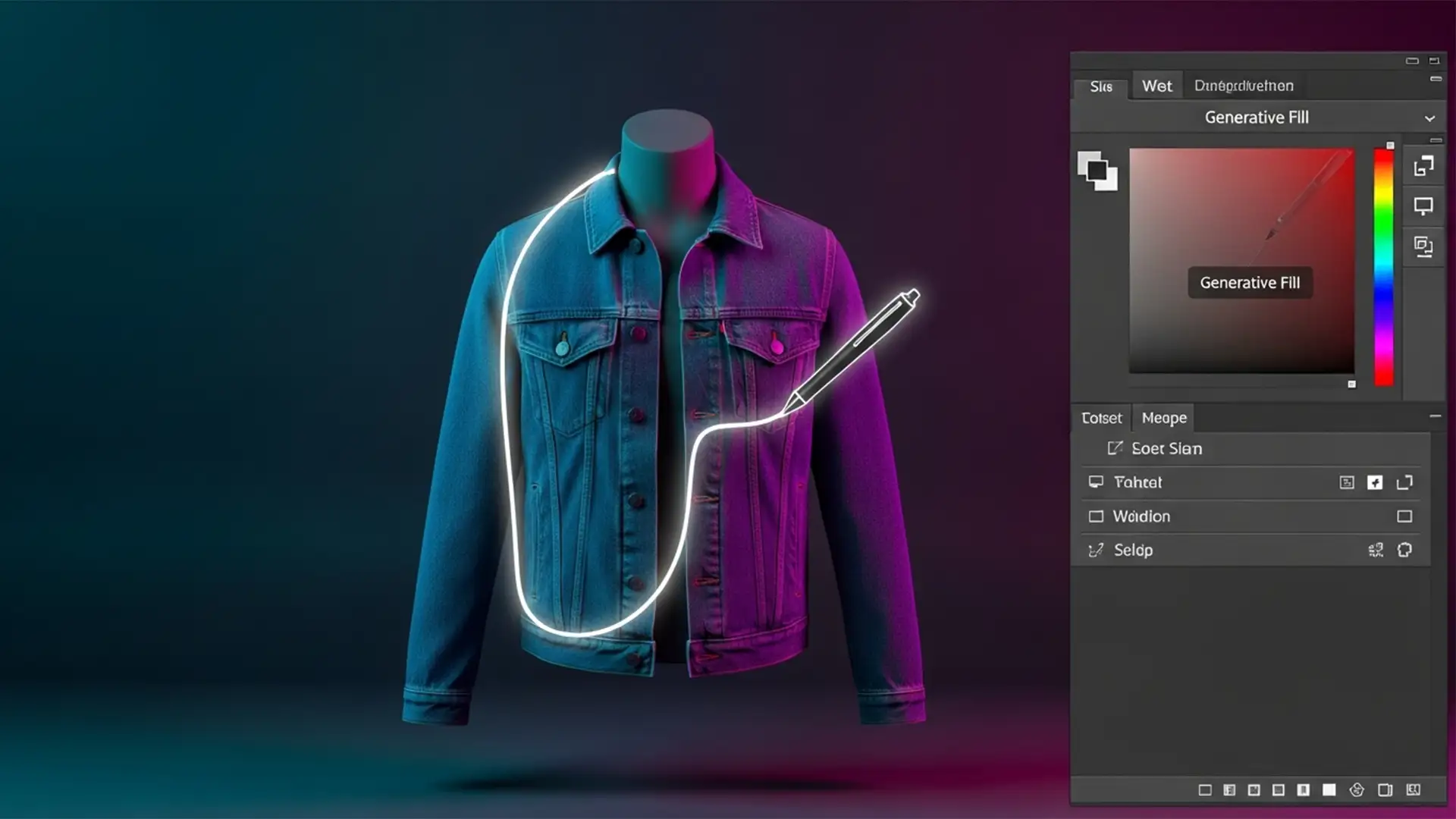

Beyond Generative Fill: The Professional 2026 Hybrid AI Ghost Mannequin Workflow
Are you tired of Photoshop’s Generative Fill turning the inside of your garments into anatomical blobs? When you are editing high-volume eCommerce photography, relying purely on AI to create a ghost mannequin effect is a recipe for disaster. Fully automated...
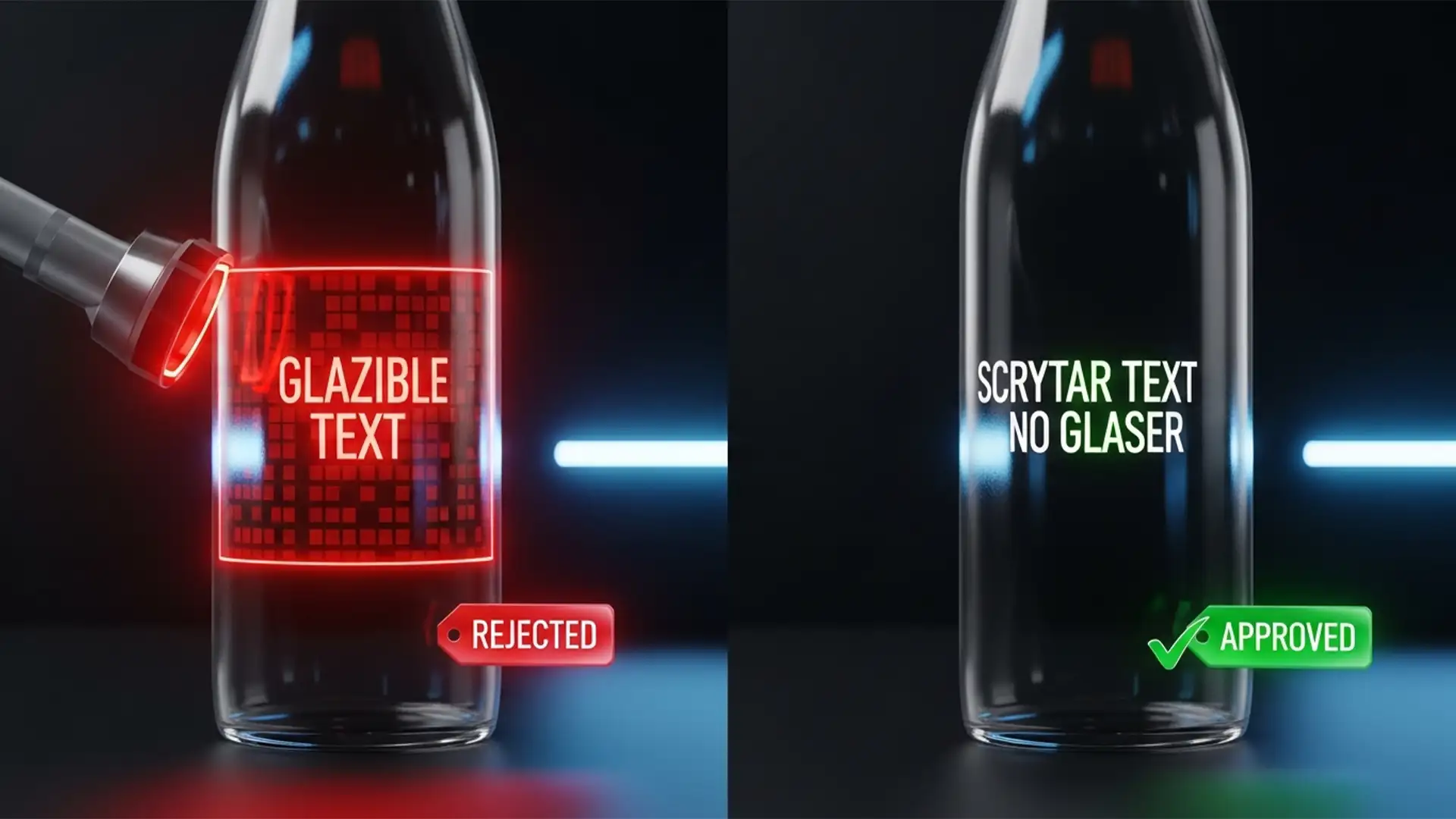
Beating the Bot: Edit F&B Labels for TikTok Shop
You’ve set up your TikTok Shop, but the dreaded notification hits: “Product information illegible or missing.” If you are stuck in the TikTok Shop F&B approval loop, you aren’t alone. TikTok’s automated compliance bots use strict Optical Character Recognition (OCR)...
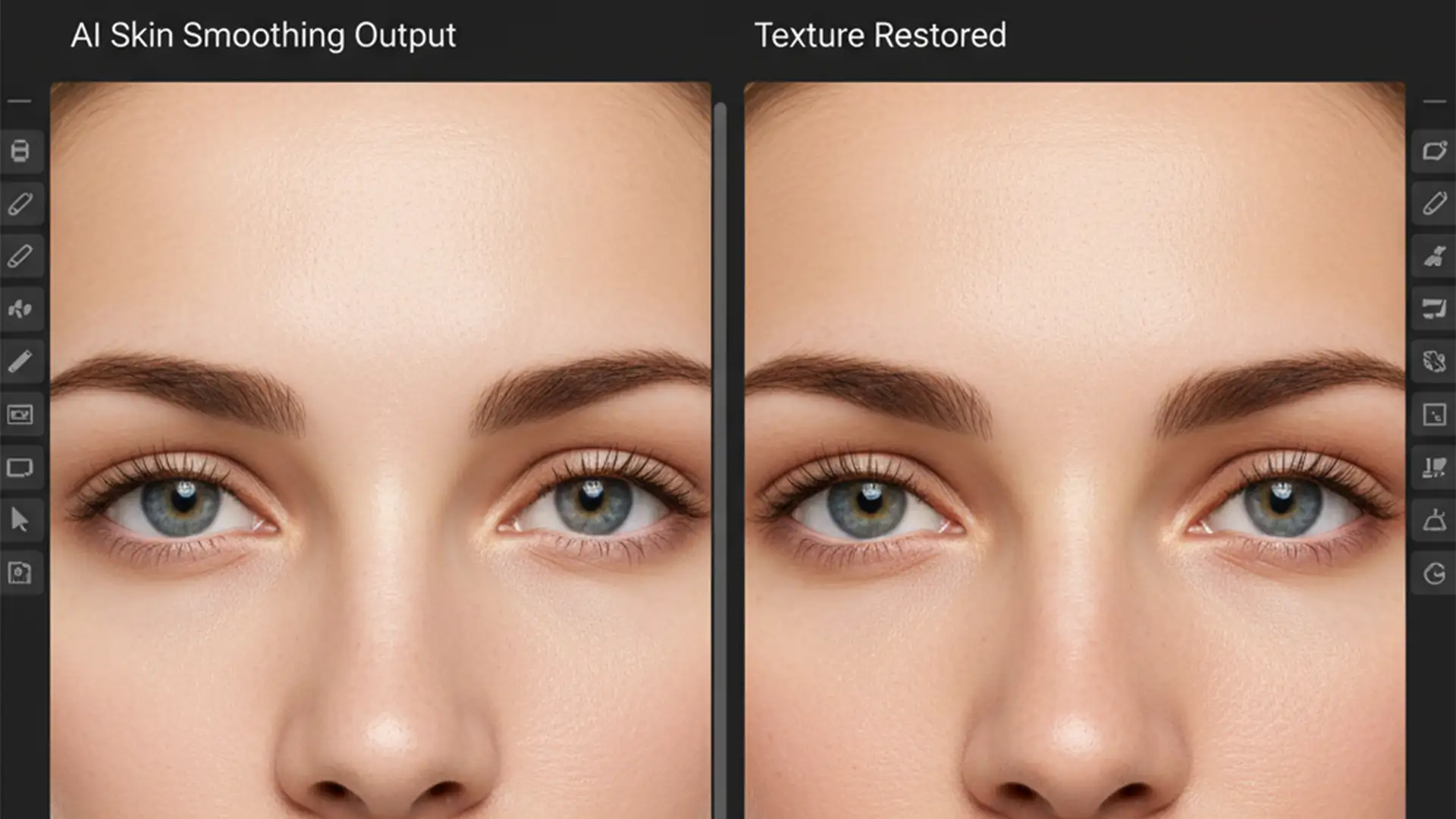
Remove AI Plastic Skin Look in Photoshop: Restore Texture
You just ran your latest portrait through Photoshop’s Neural Filters, hoping to save hours on manual skin retouching. But instead of a polished professional image, your subject looks like a wax mannequin. If you are struggling to remove the AI...
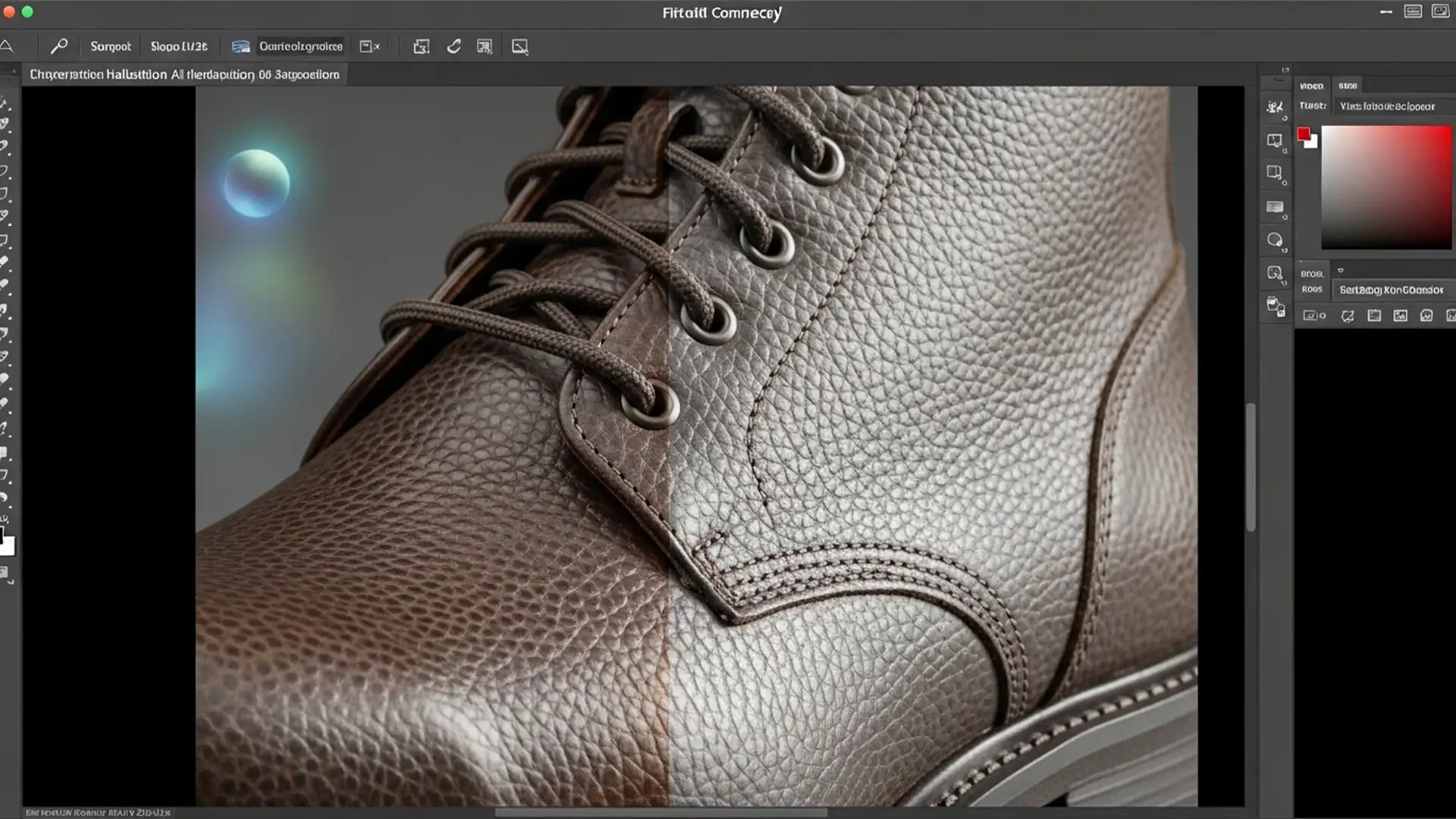
Preserve Product Textures in Photoshop Generative Fill
E-commerce requires absolute visual perfection, but if you have used Adobe Photoshop v25.x’s Generative Fill for background swaps, you already know the nightmare. You type in a prompt, hit generate, and while the new background looks stunning, the AI has...
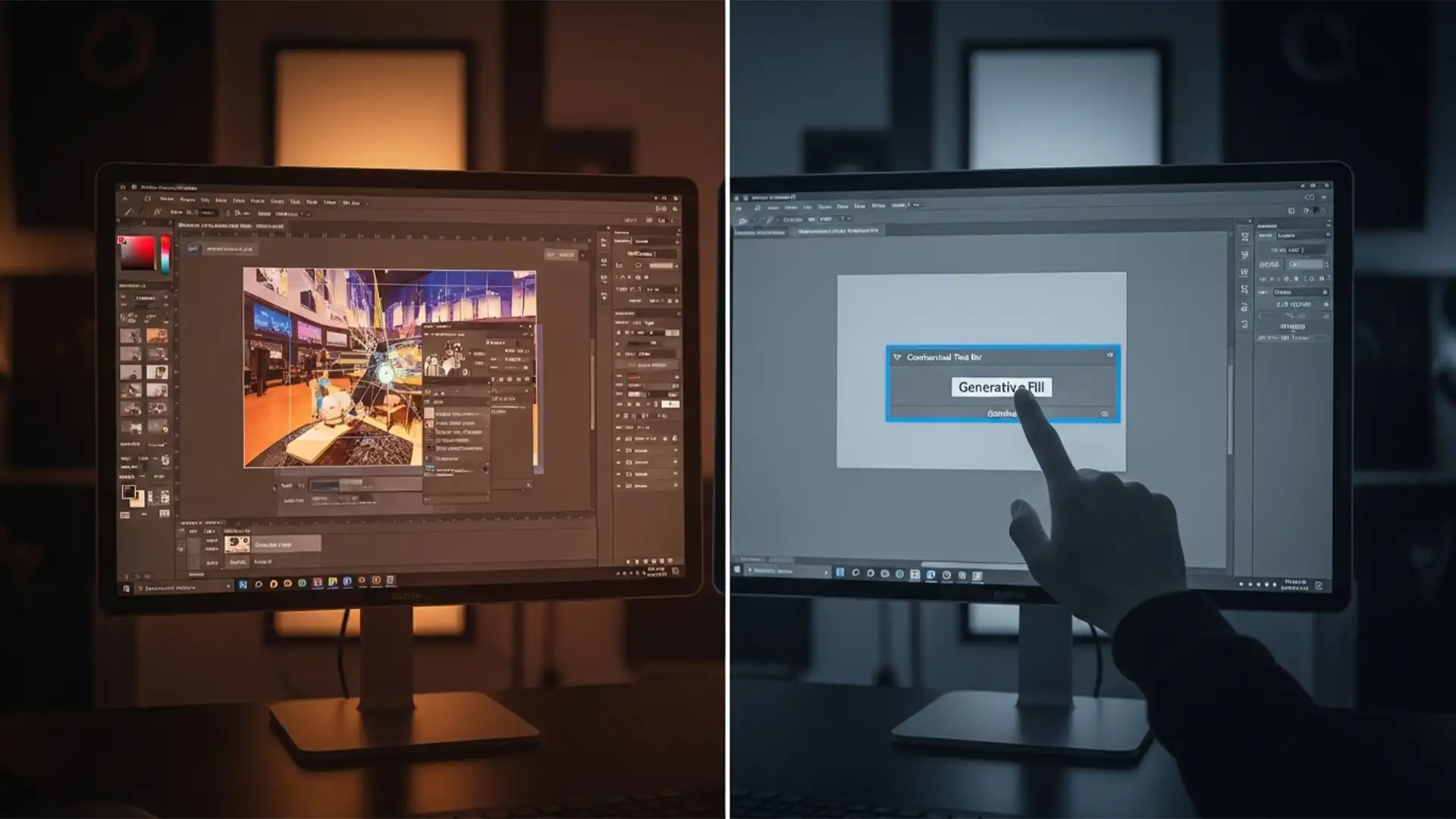
Photoshop Generative Fill Grayed Out? 5 Solutions for the March 2024 Update
You just updated to Photoshop v25.5 or v25.6, ready to speed up your retouching workflow, only to hit a wall: the Generative Fill button on your Contextual Task Bar is completely disabled. If you are actively searching for a reliable...
Photoshop 2025 Update Lagging & Pop-Up Removal Guide
Are you experiencing severe UI input lag or frustrating 3-second tool selection delays after the latest Adobe release? You aren’t alone. For many professional editors, Photoshop 2025 update lagging and pop-up removal has become a daily battle. Instead of a...
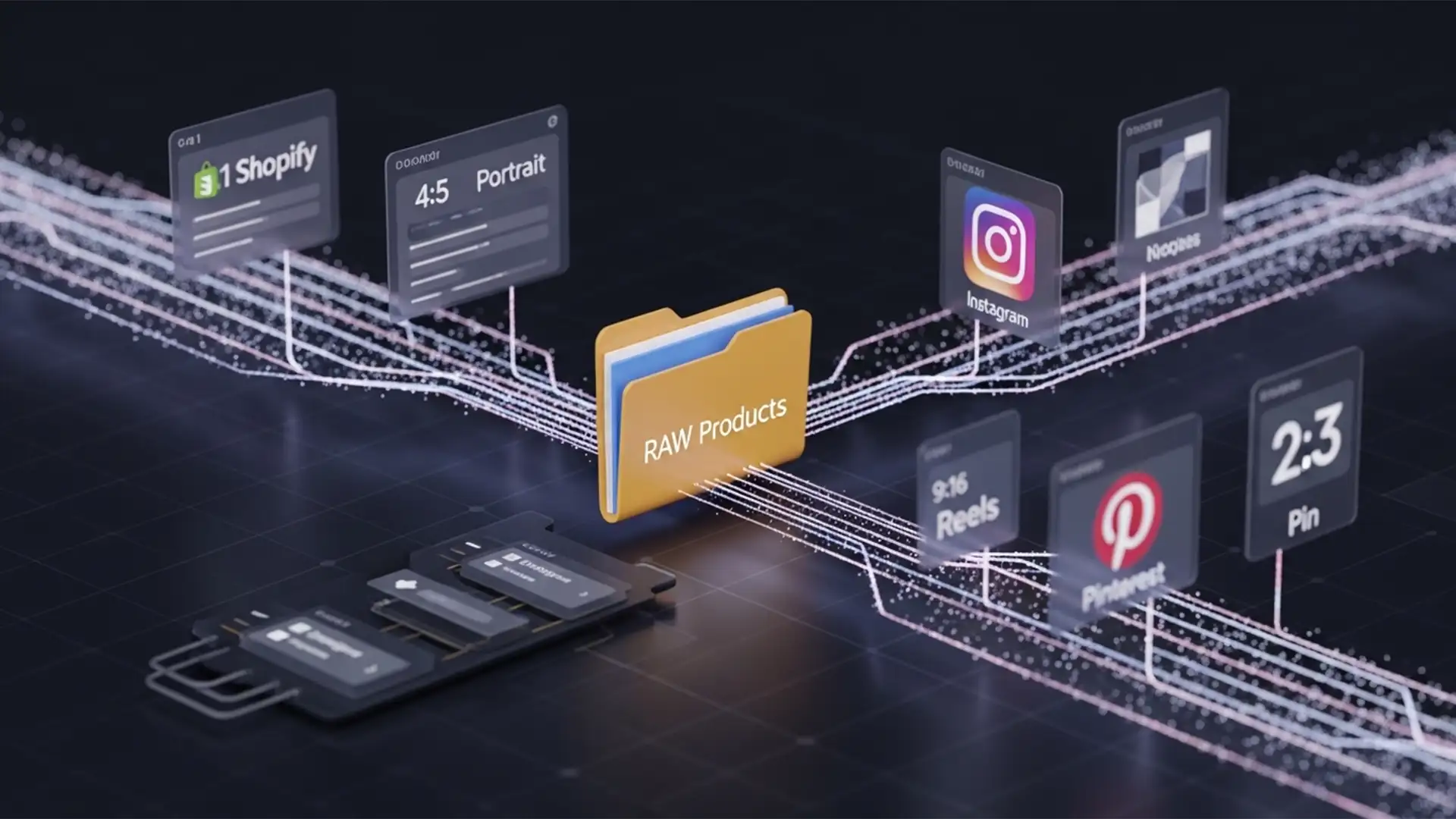
Launch Products Faster: One-Click Photoshop Batching for 4+ Social Platforms
You just finished a flawless product photoshoot. Now comes the nightmare: spending the next six hours manually resizing hundreds of high-resolution images into 1:1 for Shopify, 4:5 for Instagram, 9:16 for Reels, and 2:3 for Pinterest. Manual cropping doesn’t just...
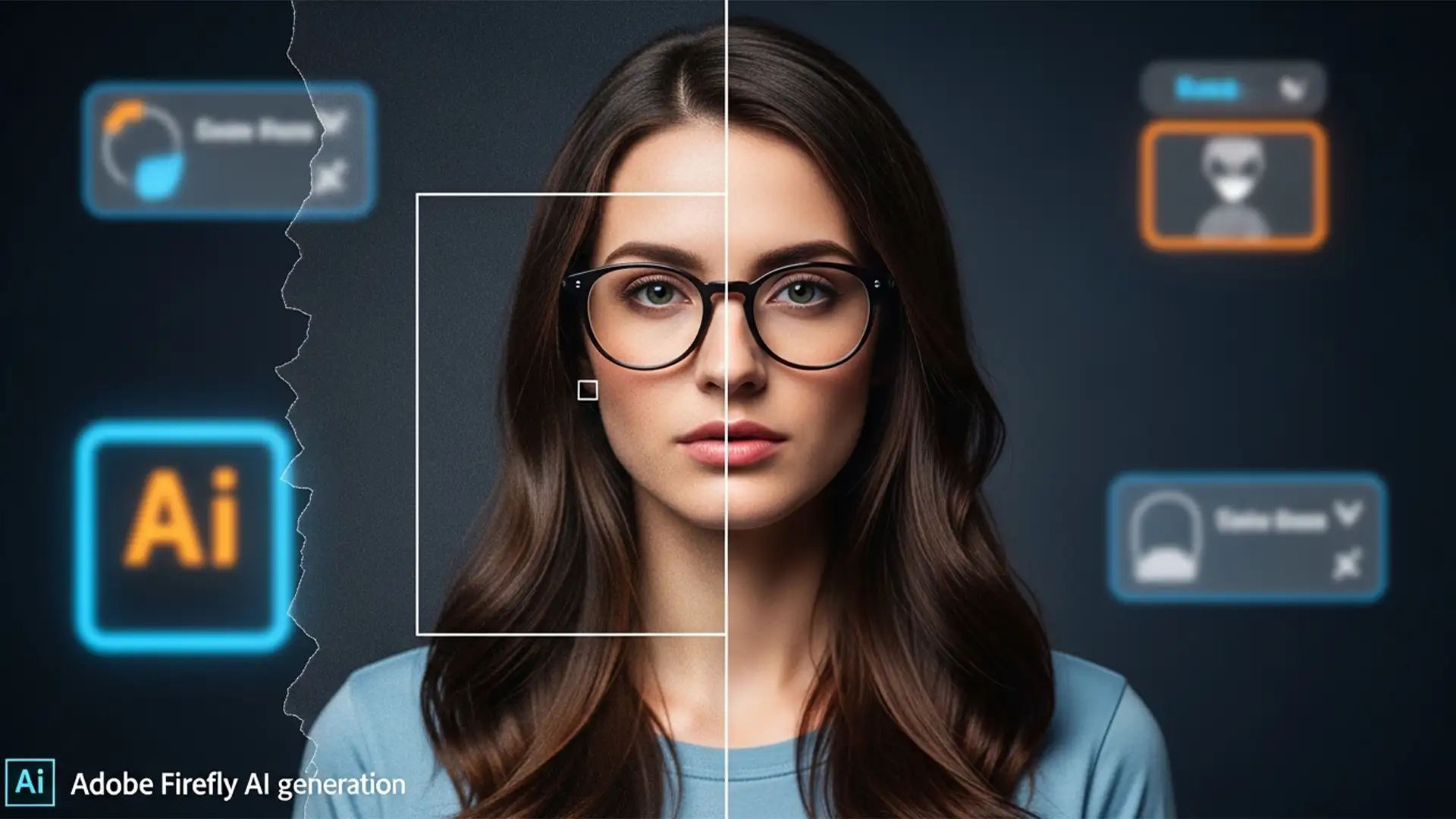
How to Remove Generative Fill Dividing Lines and Seams
You’ve just used Photoshop’s Generative Fill to extend a background or remove a complex object. It feels like magic-until you zoom in. Suddenly, you see them: harsh bounding box seams, distinct dividing lines, and plastic-looking patches that completely lack your...
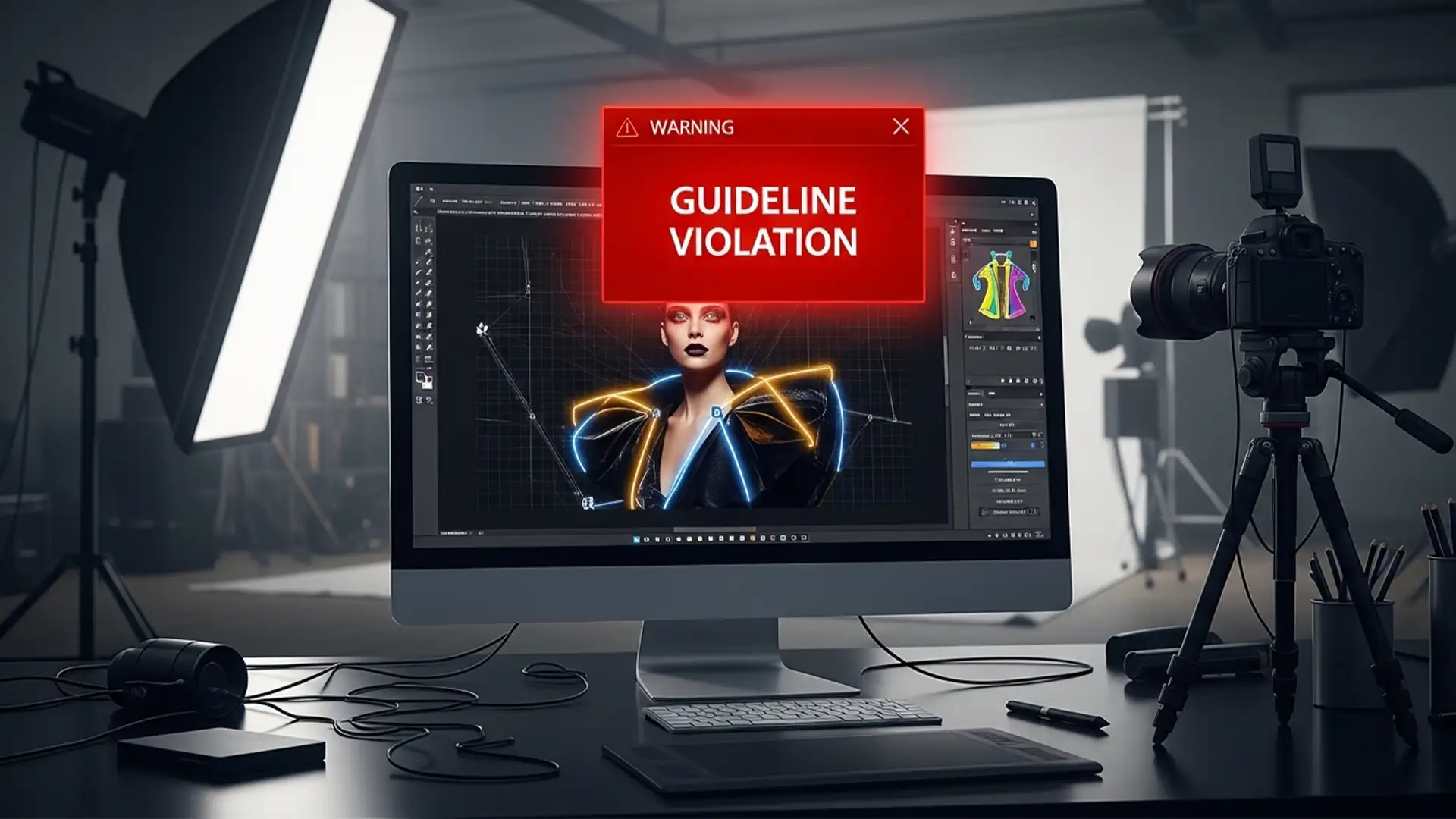
How to Fix Photoshop Generative Fill Guideline Violations
You are on a tight deadline editing a high-fashion editorial, swimwear, or lingerie shoot. You make a quick selection, click Generative Fill, and instead of a seamless repair, you are hit with a glaring red error: “The generated images were...
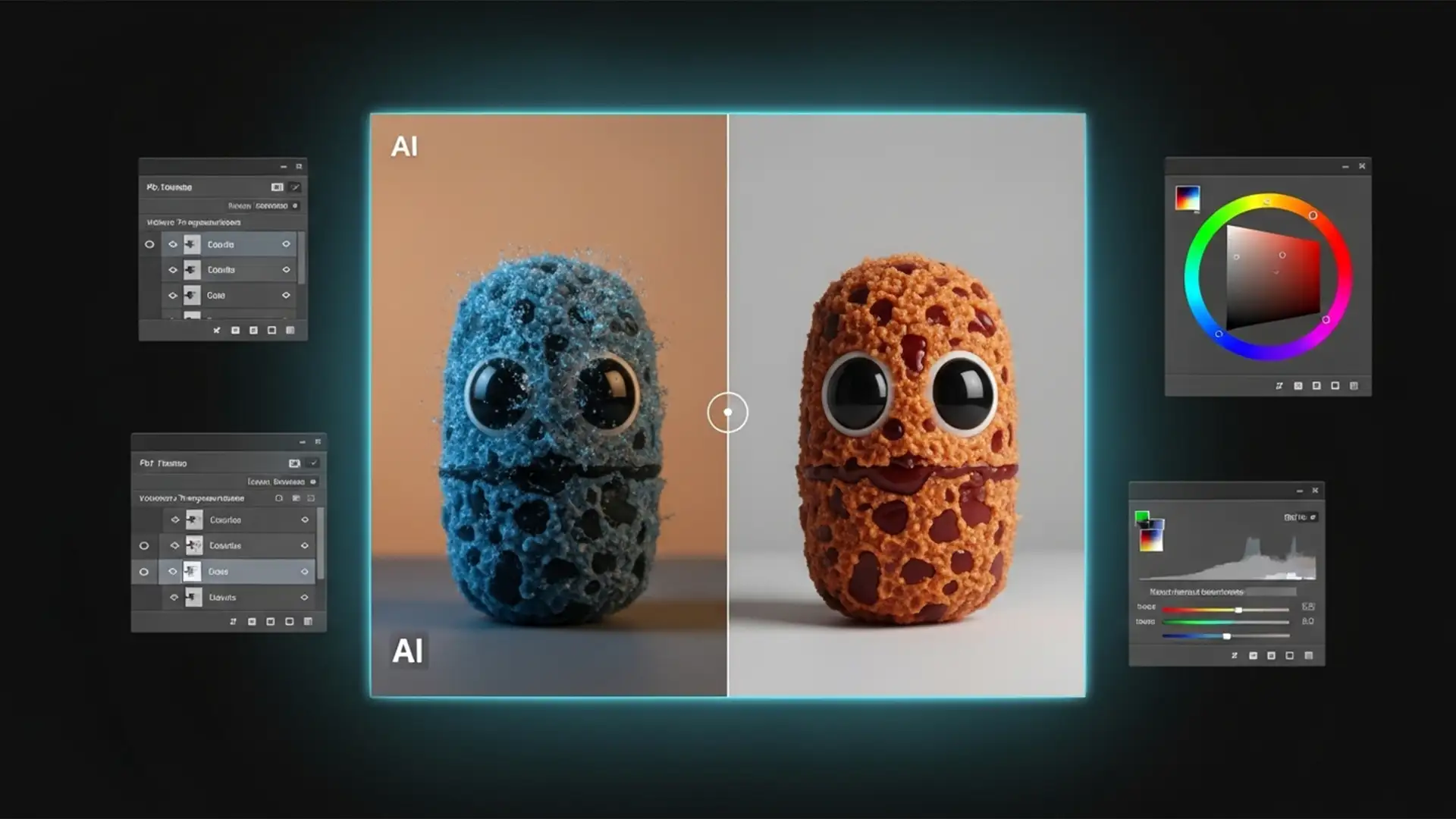
How to Fix Generative Fill Color Mismatch in Photoshop
You wait for the loading bar to finish, thrilled that the Firefly AI engine has synthesized the exact pixels you requested. But there is a glaring problem: the generated addition looks like a cheap sticker. The color temperature is completely...