
Are you preparing a commercial catalog, only to find your perfectly edited product images look soft, blurry, and pixelated when sent to the printer? If you recently used Adobe Photoshop v25.0’s new AI features to mask or extend your backgrounds, you are not alone.
While AI tools are revolutionizing digital workflows, a massive hidden flaw is ruining large-format print projects: resolution limits. When it comes to clipping path vs generative fill for high-res print, understanding the technical boundaries of Adobe Firefly is the difference between a flawless packaging design and a costly printing disaster.
Let’s break down exactly why AI struggles with commercial print resolution, and how you can combine modern AI backgrounds with traditional manual masking to guarantee perfect edge precision.
The 1024px Problem: Why Generative Fill Fails in Print
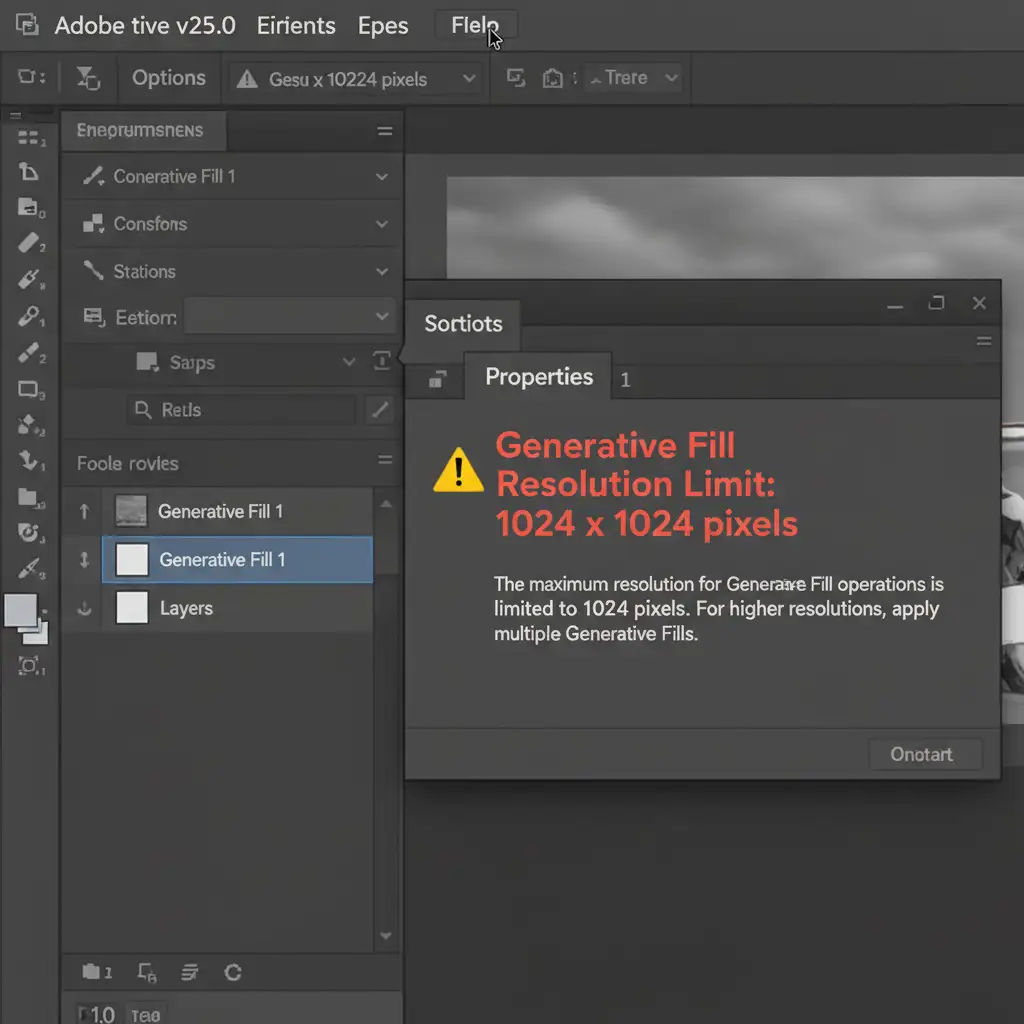
In recent updates to Photoshop, Generative Fill utilizes Adobe Firefly AI to manipulate images, remove backgrounds, and execute Generative Expand commands. For web designers, this is magic. For print designers, it is a nightmare.
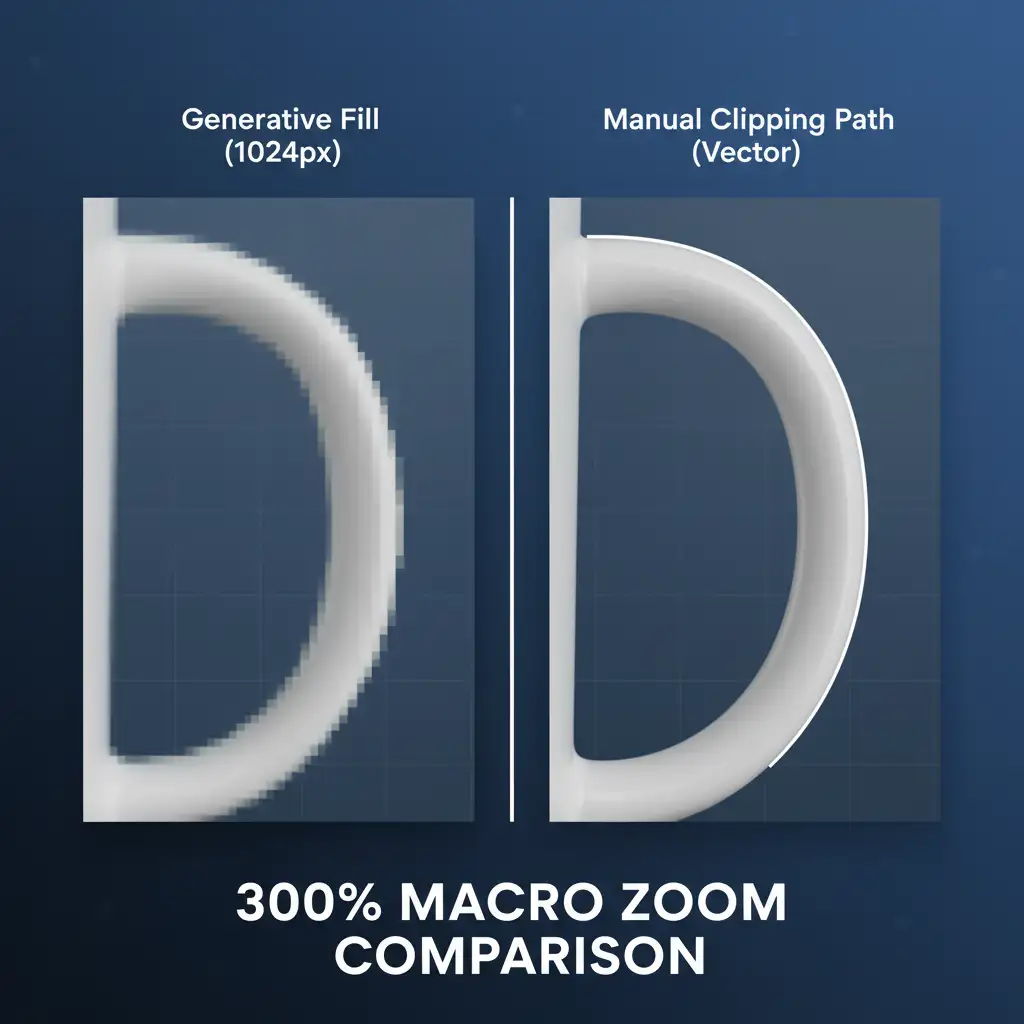
Currently, Generative Fill outputs at a maximum resolution of 1024×1024 pixels per generation. When you attempt to upscale these 1024px patches for a standard 300 DPI high-res print document, the software is forced to rasterize and stretch the low-resolution data. The result? Severe pixelation, compression artifacting, and incredibly soft edges that look unprofessional in a physical CMYK color space.
Why Manual Clipping Paths Reign Supreme for Edge Precision
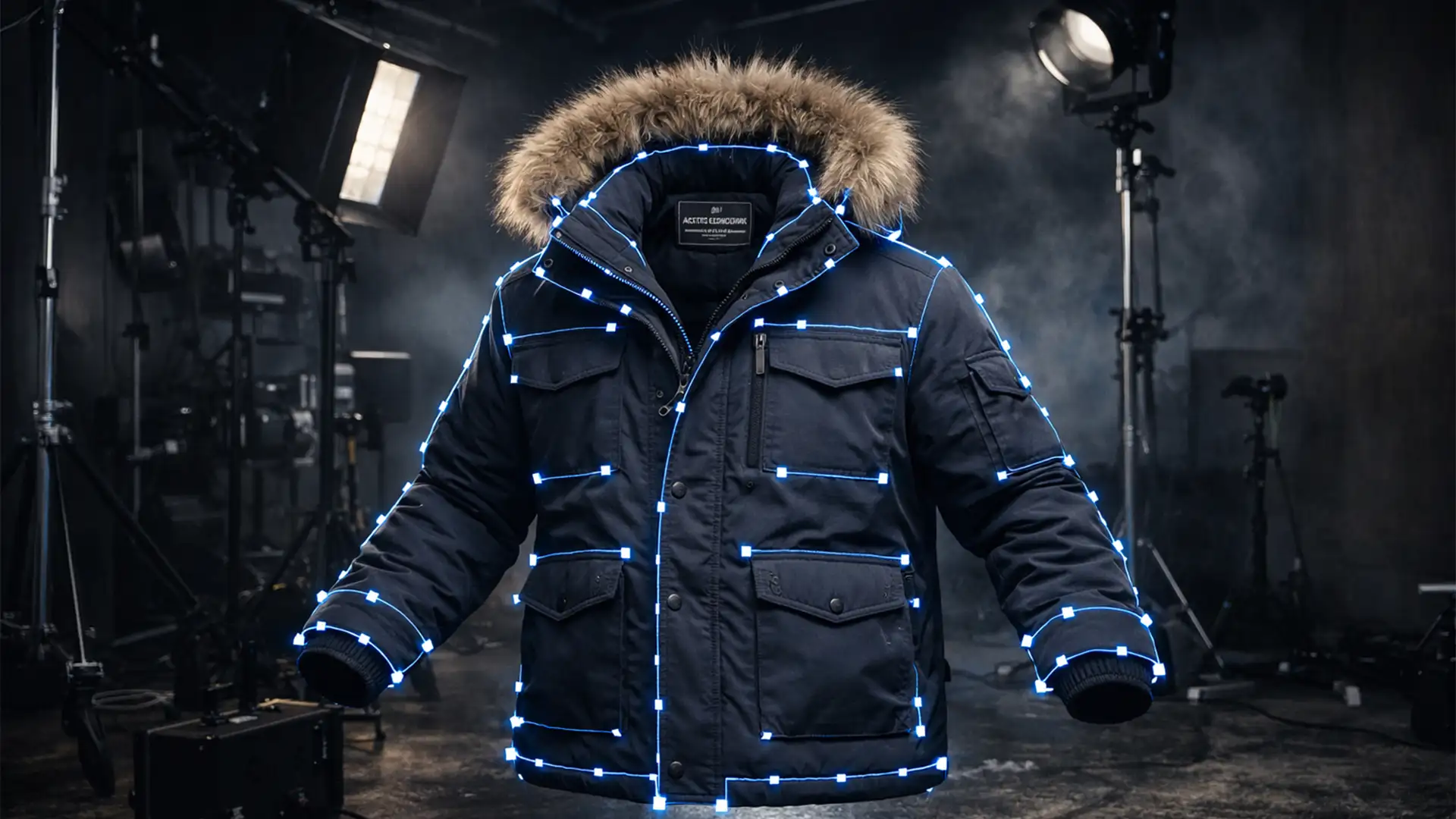
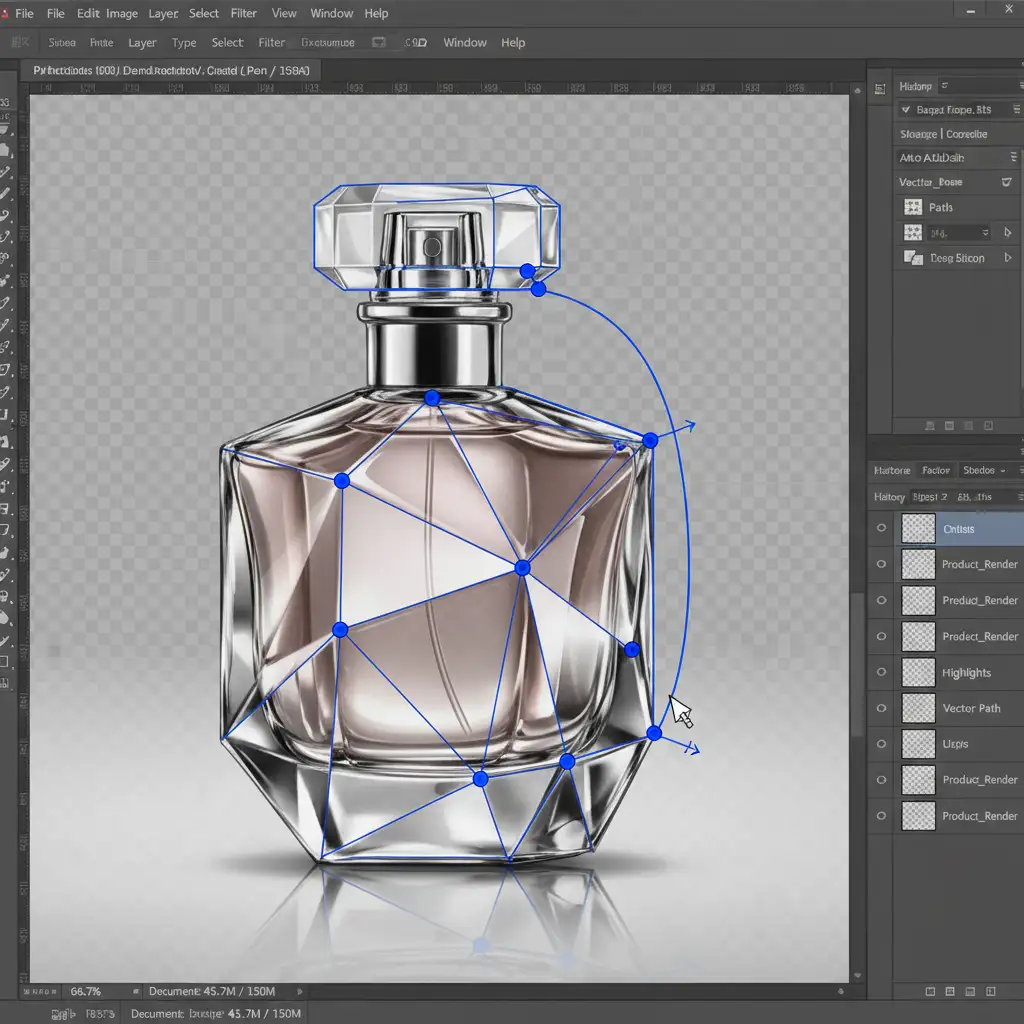
Conversely, traditional manual clipping paths created using the Pen Tool do not rely on pixel-based generation. Instead, they create infinitely scalable vector paths.
When a professional editor draws a clipping path by hand, they dictate the exact mathematical curve of the product’s edge. Because vector paths are resolution-independent, they guarantee exact, razor-sharp edge precision whether the image is printed on a small postcard or a massive commercial billboard. For high-end product photography, jewelry, and fashion catalogs, this level of exactness simply cannot be replicated by current AI models.
How to Combine AI Backgrounds with Vector Precision
You don’t have to abandon AI entirely. By combining the speed of AI backgrounds with the precision of hand-drawn clipping paths, you can create print-ready files efficiently. Here are three workflows to handle the limitations.
Method A: The Quick Fix (Web-Only)
If you are only creating digital mockups, you can select the subject using the Object Selection tool and apply Generative Fill for rapid background removal or extension. Accept the AI limitations, knowing this file is strictly for screen viewing and will never be sent to a commercial printer.
Method B: The Pro Workaround (Hybrid Approach)
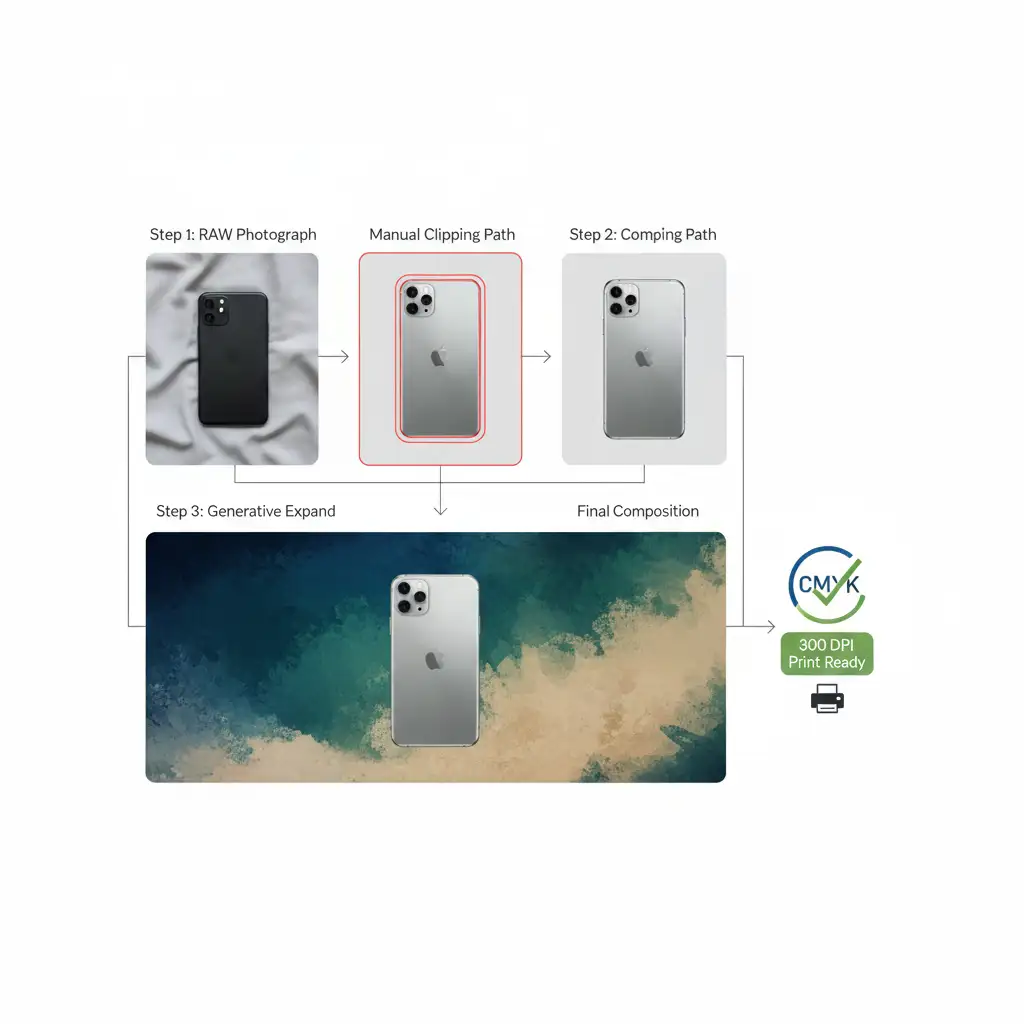
This is the industry-standard method for modern commercial print.
- Create a manual clipping path using the Pen Tool for your main product. This ensures crisp, scalable vector edges.
- Isolate the product on its own layer.
- Apply Generative Fill or Generative Expand strictly on a separate background layer to expand the canvas.
- Because the product is masked by a perfect vector path, the print quality of the subject remains flawless, while the background handles the AI expansion.
Method C: The Technical Deep-Dive (Upscaling AI for Print)
If you absolutely must use AI-generated elements that interact with your primary subject for print, you must force a higher resolution.
- Generate the fill in multiple overlapping 1024×1024 patches rather than one large generation.
- Merge the AI layers and convert them into Smart Objects.
- Run the Smart Object through Adobe Camera Raw’s Super Resolution feature to artificially upscale the DPI to 300.
- Finally, apply a precise vector mask using a manual clipping path to clean up the edge transitions where the AI meets the original photography.
Conclusion: Don’t Risk Your Print Run on AI
When comparing clipping path vs generative fill for high-res print, the verdict is clear. Generative Fill is an incredible tool for ideation and background expansion, but its 1024px resolution limit makes it a liability for critical product edges. For commercial catalogs, packaging, and large-format displays, manual clipping paths remain the undisputed champion for guaranteed edge precision.
Need guaranteed high-resolution results for your next print catalog? Don’t risk pixelated edges on an expensive print run. Outsource your complex masking and edge-work to the professionals at Image Work India and Cloud Retouch. Our expert retouchers provide pixel-perfect, hand-drawn clipping paths that ensure your products are 100% print-ready, every single time. Contact us today to secure flawless vector precision for your commercial imagery.