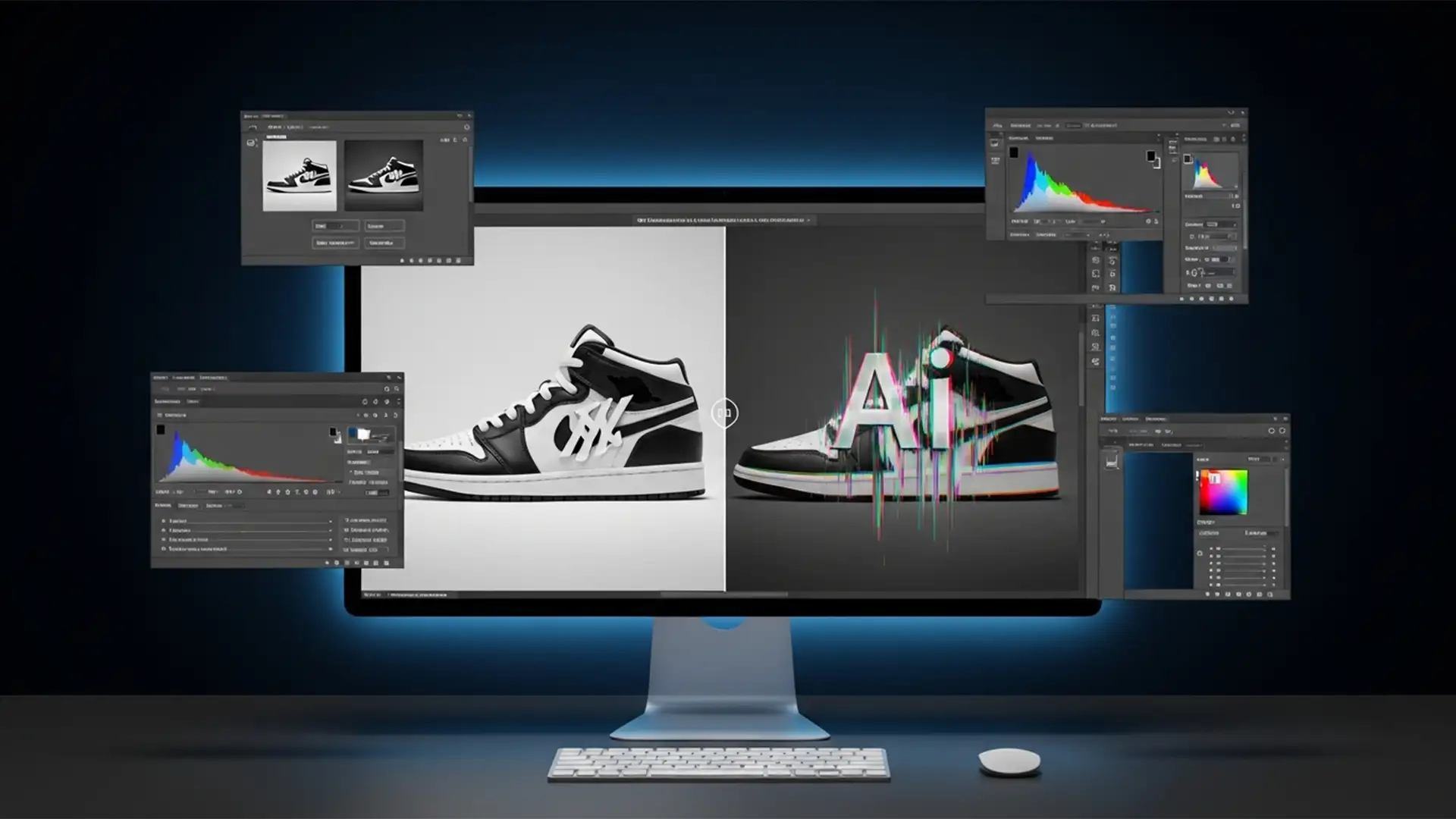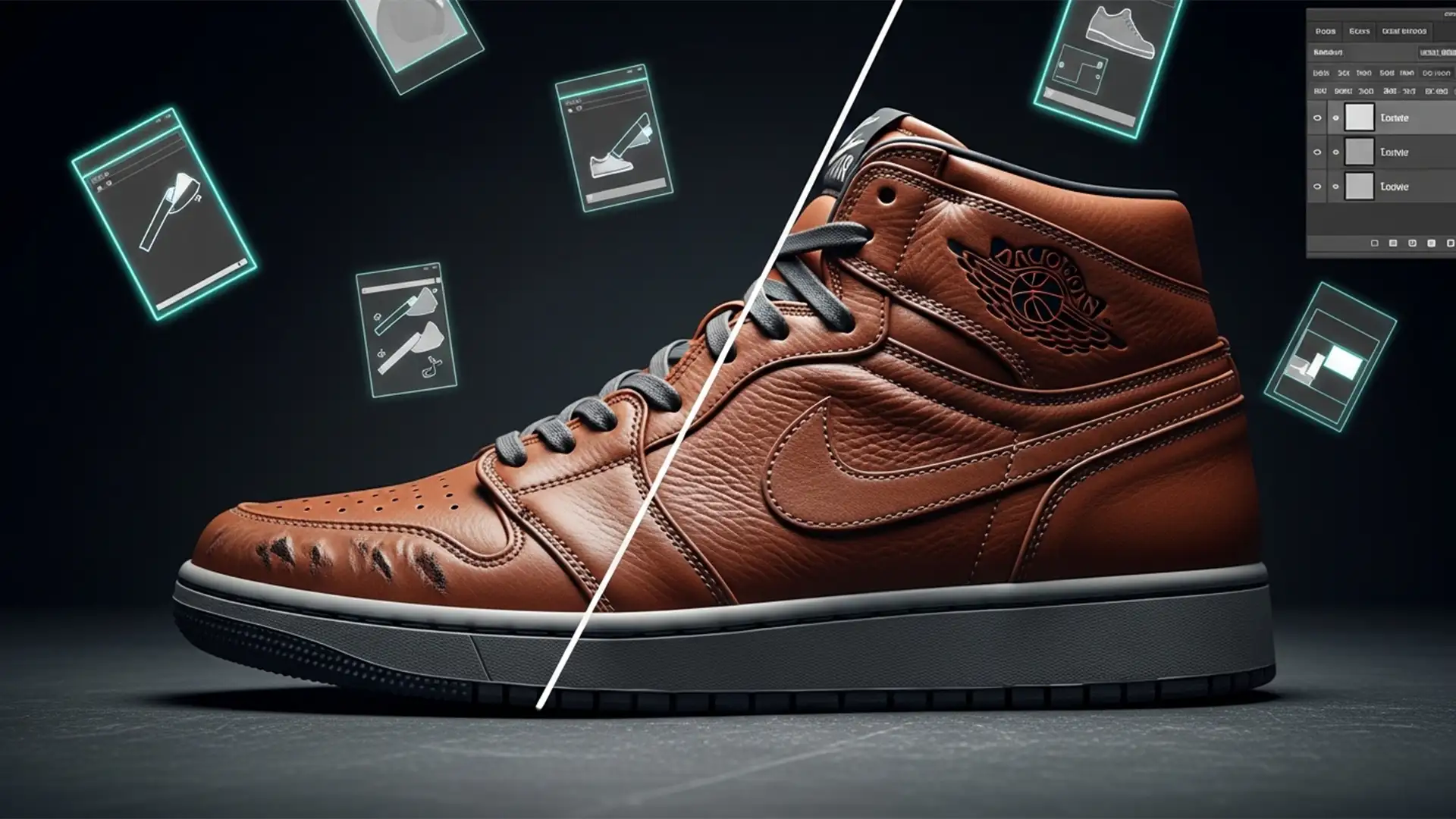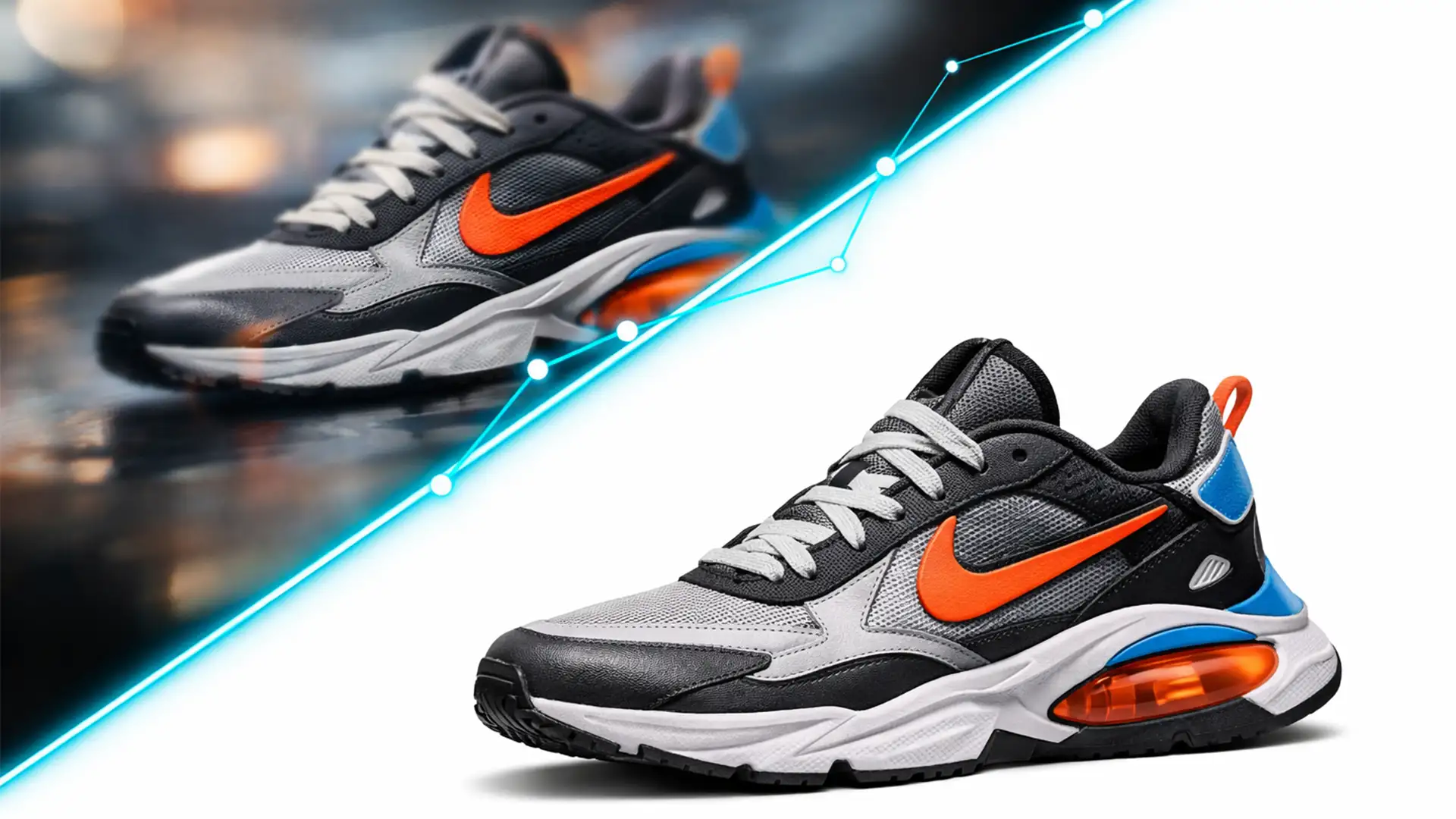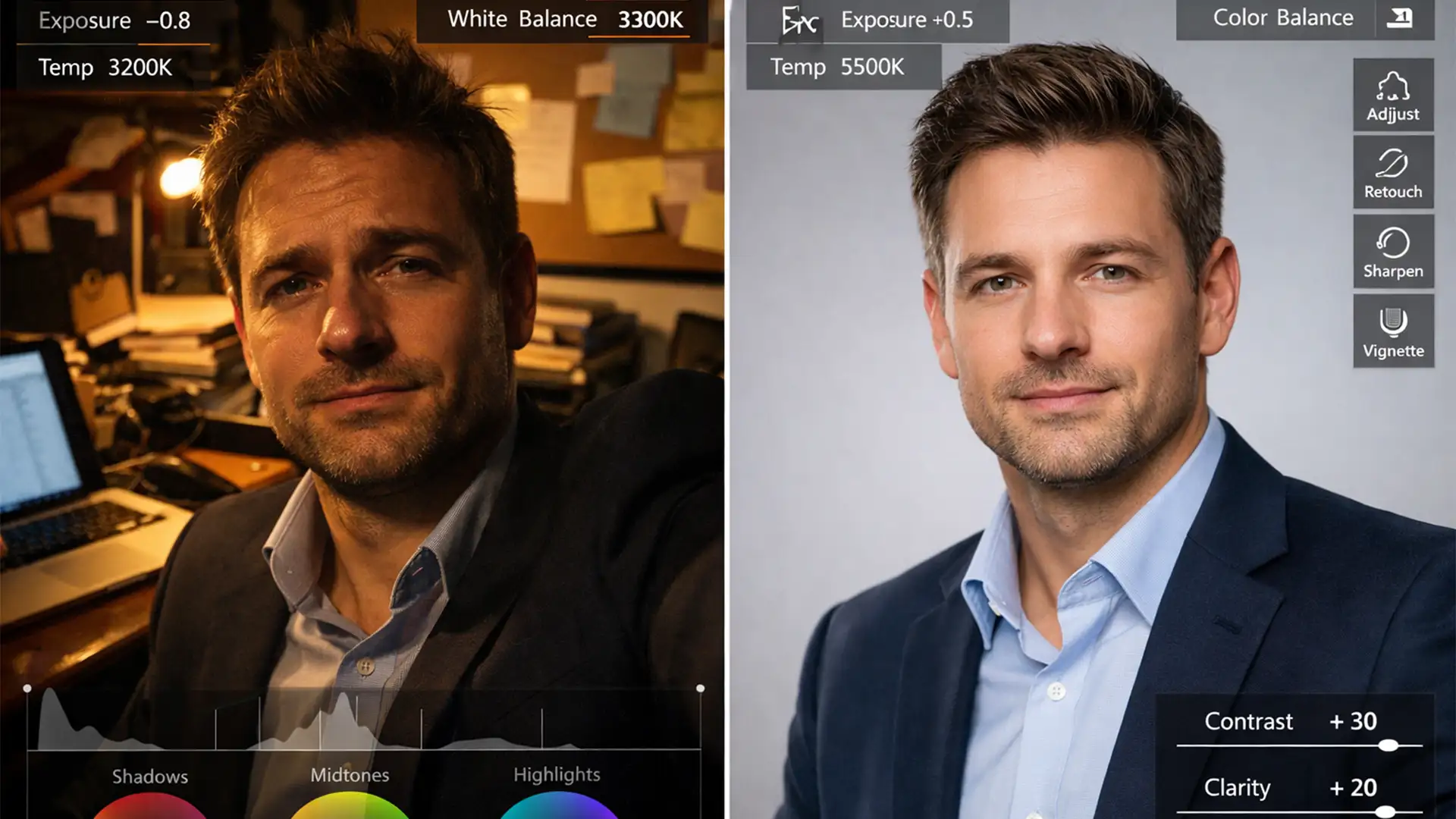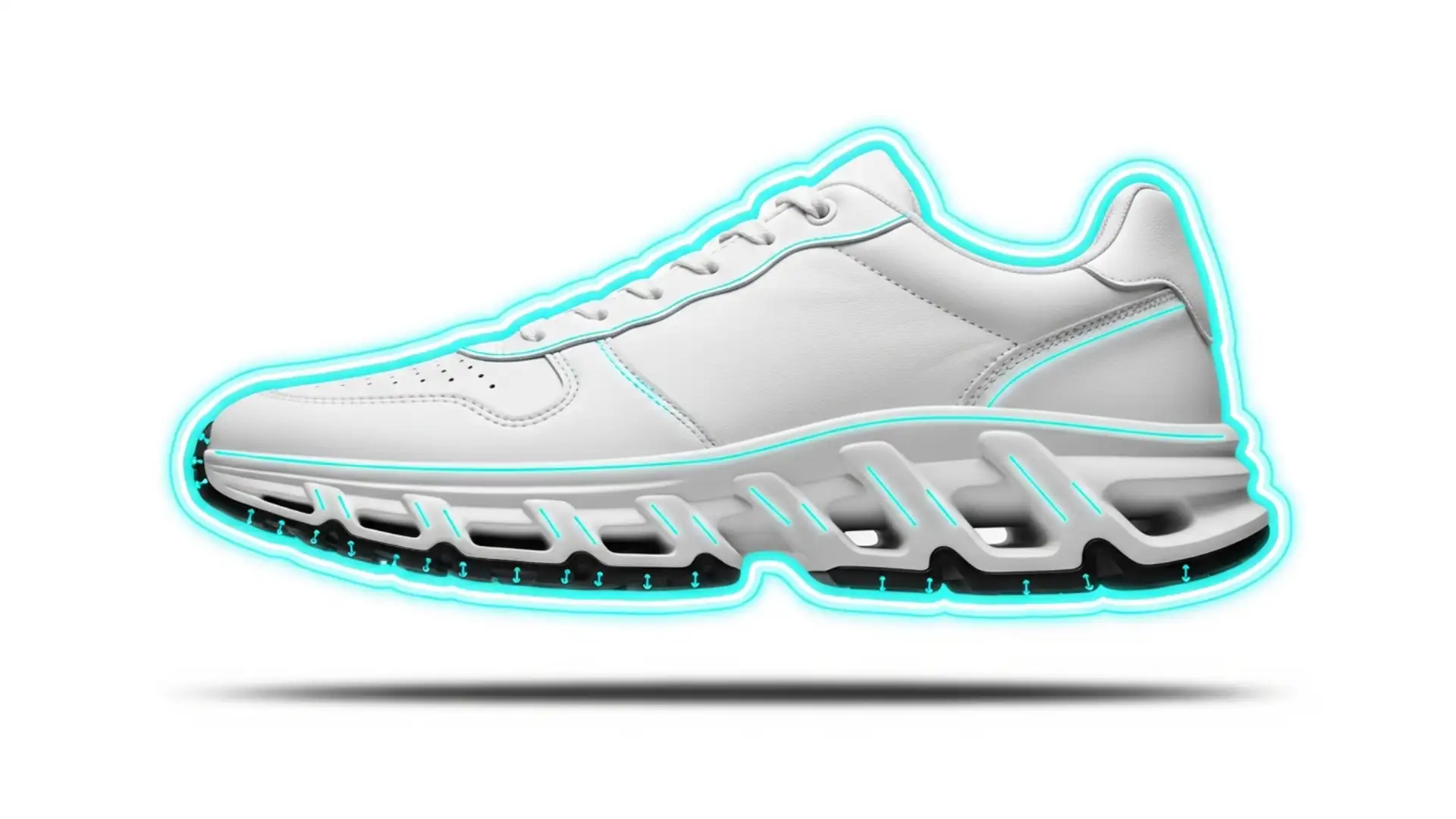

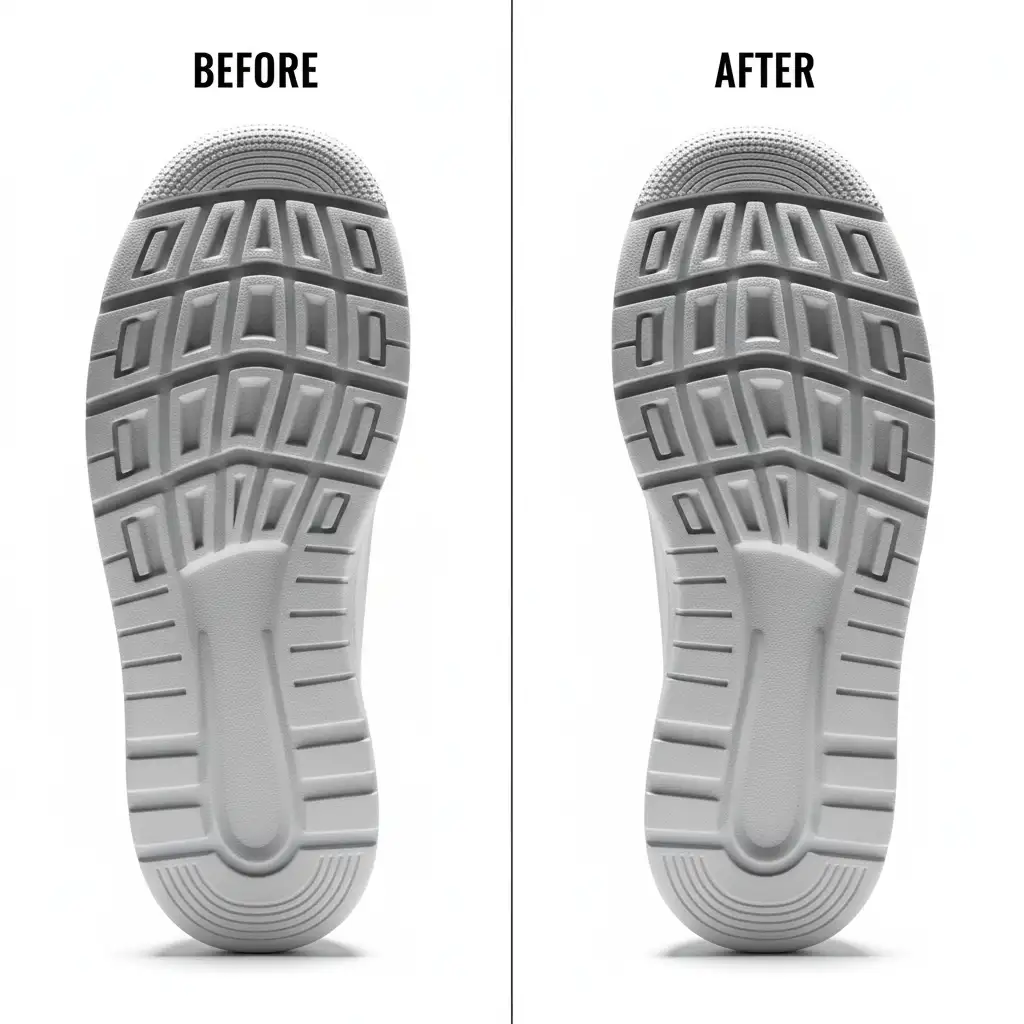
Photographing white sneakers on a high-key white background is the ultimate e-commerce retouching nightmare. Your lighting is perfect, but the shoe’s sole completely blends into the backdrop. The highlights blow out, the micro-contrast disappears, and that expensive, textured rubber tread looks like a flat, 2D blob.
If you are struggling to separate white soles from white backgrounds without making the shoe look unnaturally cut out, you are not alone. In Photoshop v25.x and newer, resolving this requires a strategic approach to shoe tread masking and contouring.
Here is exactly how to recover lost highlight detail, restore texture, and sculpt depth back into your sneaker photography.
The White-on-White Sneaker Dilemma
When shooting high-key e-commerce imagery, the exposure required to achieve a pure white background often destroys the delicate tonal values of a white shoe sole. The rubber treads lose their dimensional shadows, resulting in a loss of shape. To fix this, we must rely on advanced isolation and selective tonal contouring through non-destructive editing techniques.
Depending on your volume and quality requirements, there are three distinct ways to tackle this issue in Photoshop.
Method 1: The Quick Fix (For High-Volume Catalogs)
When you have hundreds of SKUs to process and need a fast, acceptable result, this method utilizes Photoshop’s automated tools to quickly recover lost shadows.
- Isolate the Sole: Select the Object Selection Tool and drag a box around the sneaker’s sole. Photoshop’s AI will snap to the edges.
- Duplicate and Blend: Press Ctrl/Cmd + J to duplicate the isolated sole onto a new layer.
- Recover Shadows: Change the layer’s blend mode to Multiply.
- Adjust Opacity: Drop the layer opacity to around 30 percent. This immediately darkens the recessed areas of the tread, bringing back basic depth without affecting the pure white background.
Note: While fast, this method lacks the precision required for flagship product imagery.
Method 2: The Pro Workaround (Sculpting with Dodge and Burn)
For hero images and high-end e-commerce retouching, automated selections won’t cut it. You need absolute control over the edge transitions and the internal lighting of the sole.
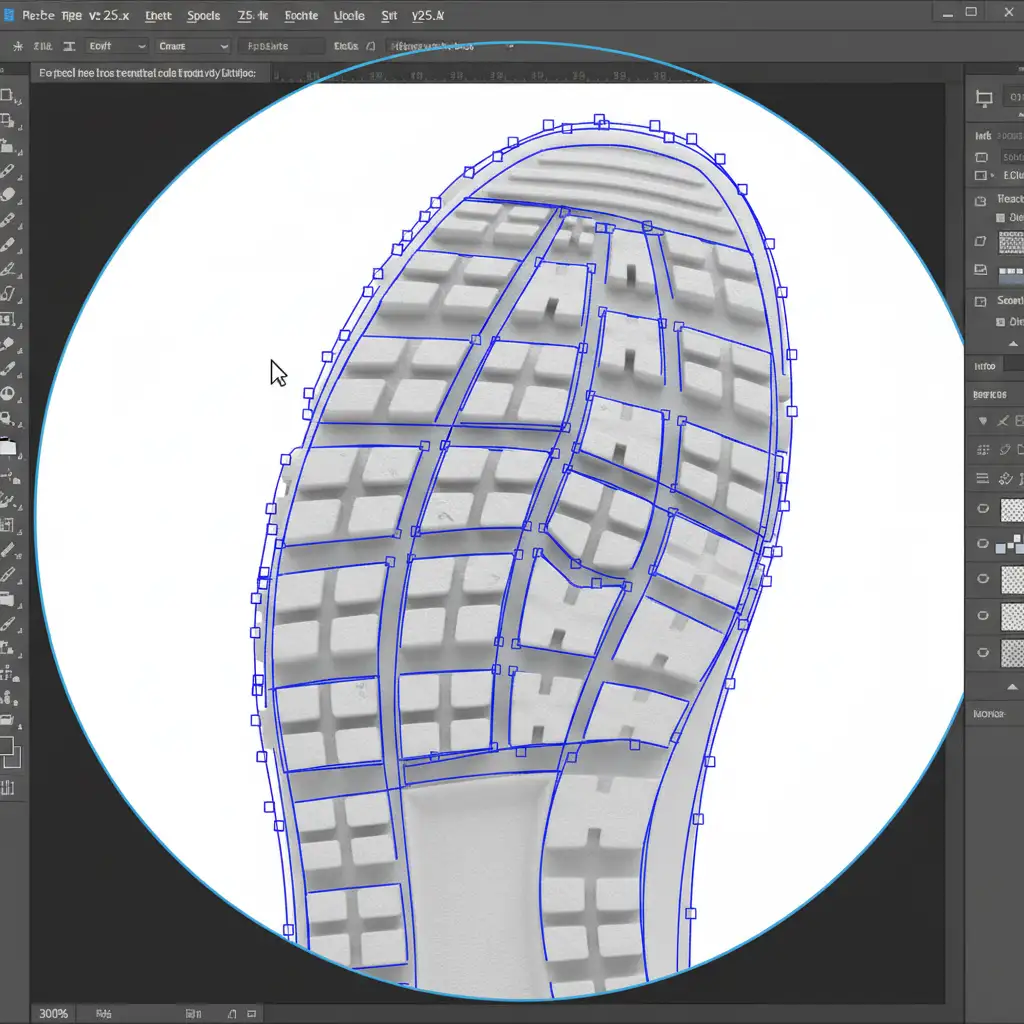
Step 1: Precision Isolation
Instead of relying on AI, use the Pen Tool to create a precise clipping path around the intricate ridges of the tread. Convert this path into a vector mask to isolate the sole perfectly.
Step 2: Non-Destructive Contouring
Now, we manually sculpt the light.
- Create a new layer above your isolated sole.
- Fill it with a 50 percent gray layer (
Edit > Fill > 50% Gray). - Set the layer’s blend mode to Overlay.
- Use the Dodge and Burn tools (set to midtones, low exposure) to manually paint in highlights on the raised rubber and deepen the shadows in the recesses.
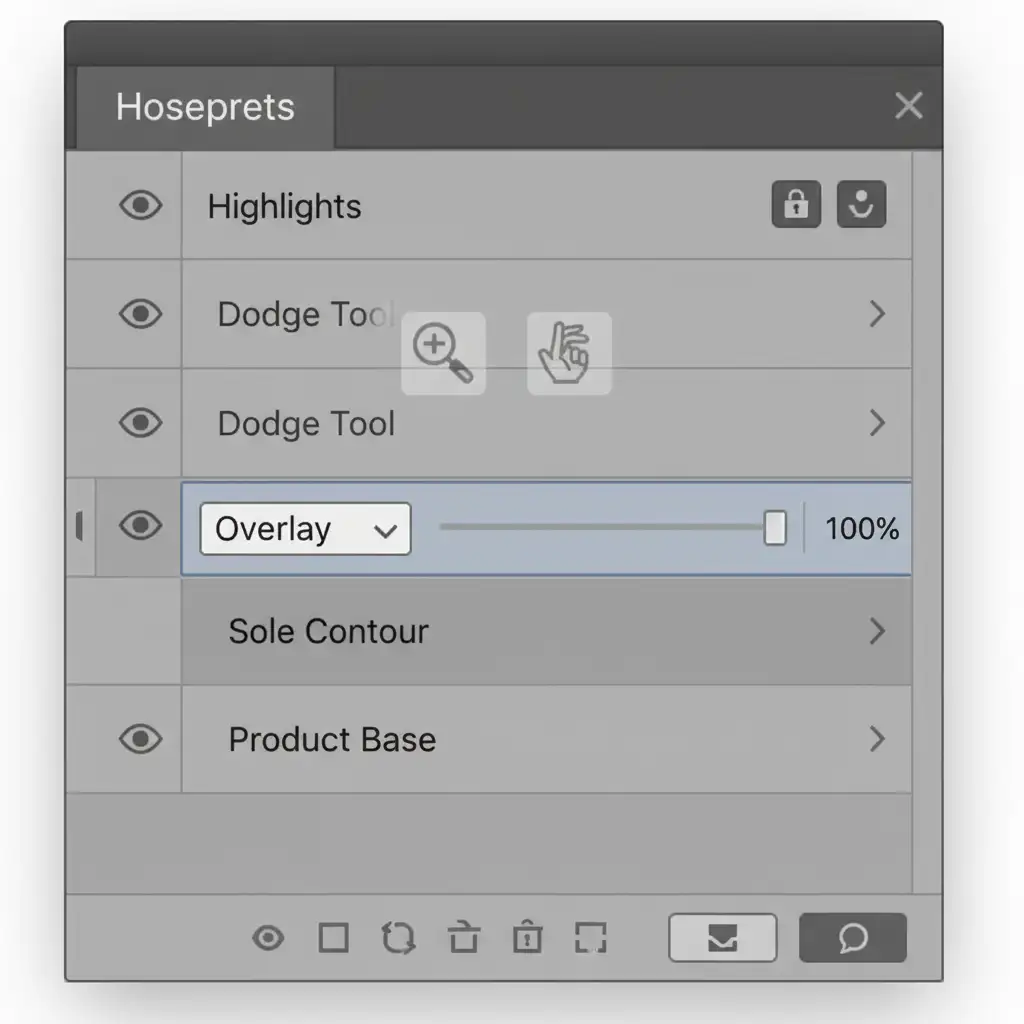
This manual contouring technique breathes 3D life back into the shoe, much like how frequency separation refines skin texture without destroying the underlying shape.
Method 3: The Technical Deep-Dive (Luminosity Masking)
When the highlights are severely blown out and manual painting isn’t restoring the actual rubber texture, we must extract the mathematical data directly from the image channels using luminosity masking.
Step 1: Target the Highlights
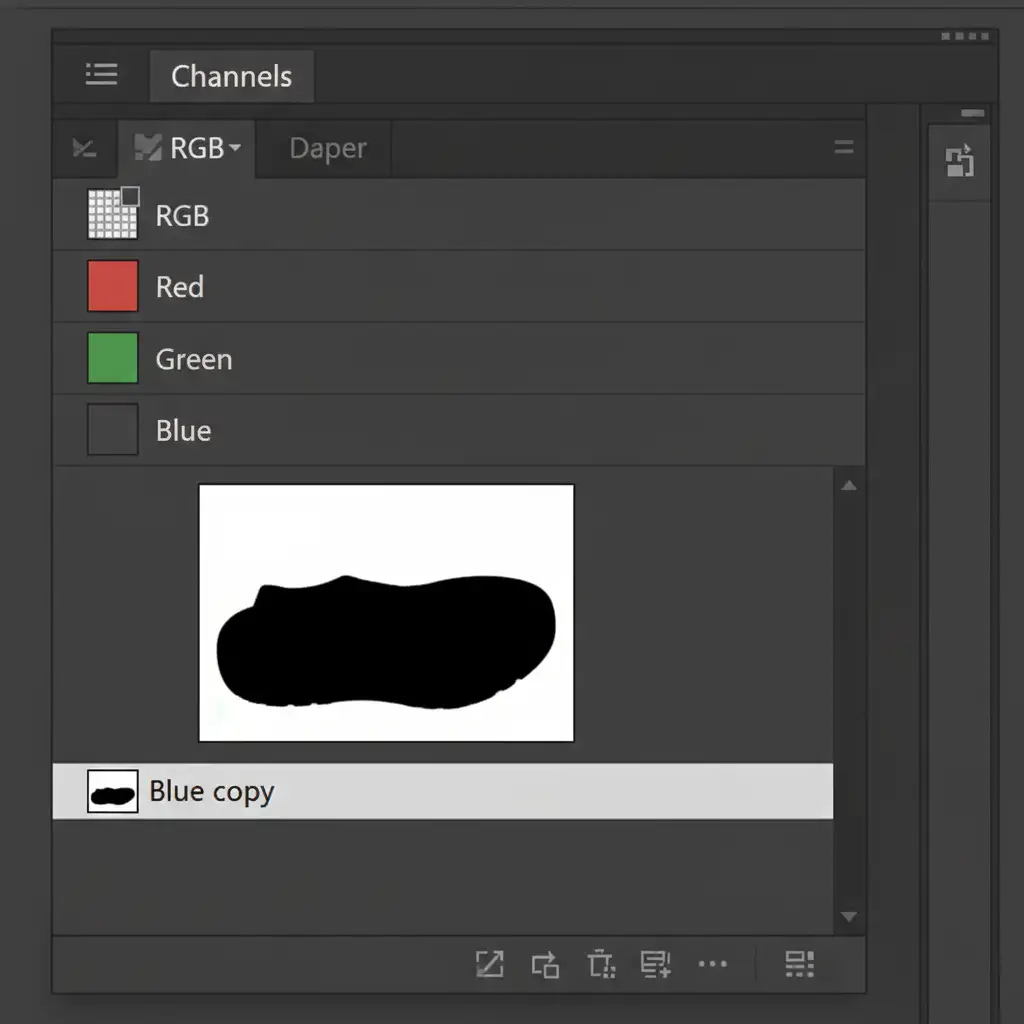
Navigate to your Channels panel. In white-on-white photography, the Blue channel often holds the most contrast.
- Drag the Blue Channel to the “New Channel” icon to duplicate it.
- Use Ctrl/Cmd + L (Levels) on this duplicated channel to crush the blacks and boost the whites, isolating only the brightest highlight values on the tread.
- Ctrl/Cmd + Click the channel thumbnail to load it as a selection.
Step 2: Recover Micro-Contrast
- With your highlight selection active, go back to your Layers panel and add a Curves adjustment layer. The selection automatically becomes a mask.
- Pull the highlight curve down slightly to recover the overexposed treads.
- To finish, stamp visible layers (Ctrl/Cmd + Shift + Alt + E), apply a High Pass filter (Radius ~2.0px), and set this layer to Soft Light. This final step injects crisp micro-contrast directly into the rubber texture, making it pop off the screen.
Let the Experts Handle Your Complex Retouching
Mastering shoe tread masking and contouring is a game-changer for your portfolio, but executing clipping paths, luminosity masks, and non-destructive dodging and burning takes an immense amount of time. When you are dealing with hundreds or thousands of product images, doing this manually will bottleneck your entire production pipeline.
You don’t have to do it alone. At Image Work India and Cloud Retouch, our dedicated teams of professional retouchers specialize in high-volume, high-end e-commerce retouching. Whether you need precise vector masking, complex sole contouring, or flawless white-on-white isolation, we deliver pixel-perfect results that convert browsers into buyers.
Stop wrestling with blown-out highlights. Let Image Work India and Cloud Retouch handle the heavy lifting so you can focus on shooting. Contact us today for a custom quote on your next e-commerce catalog!