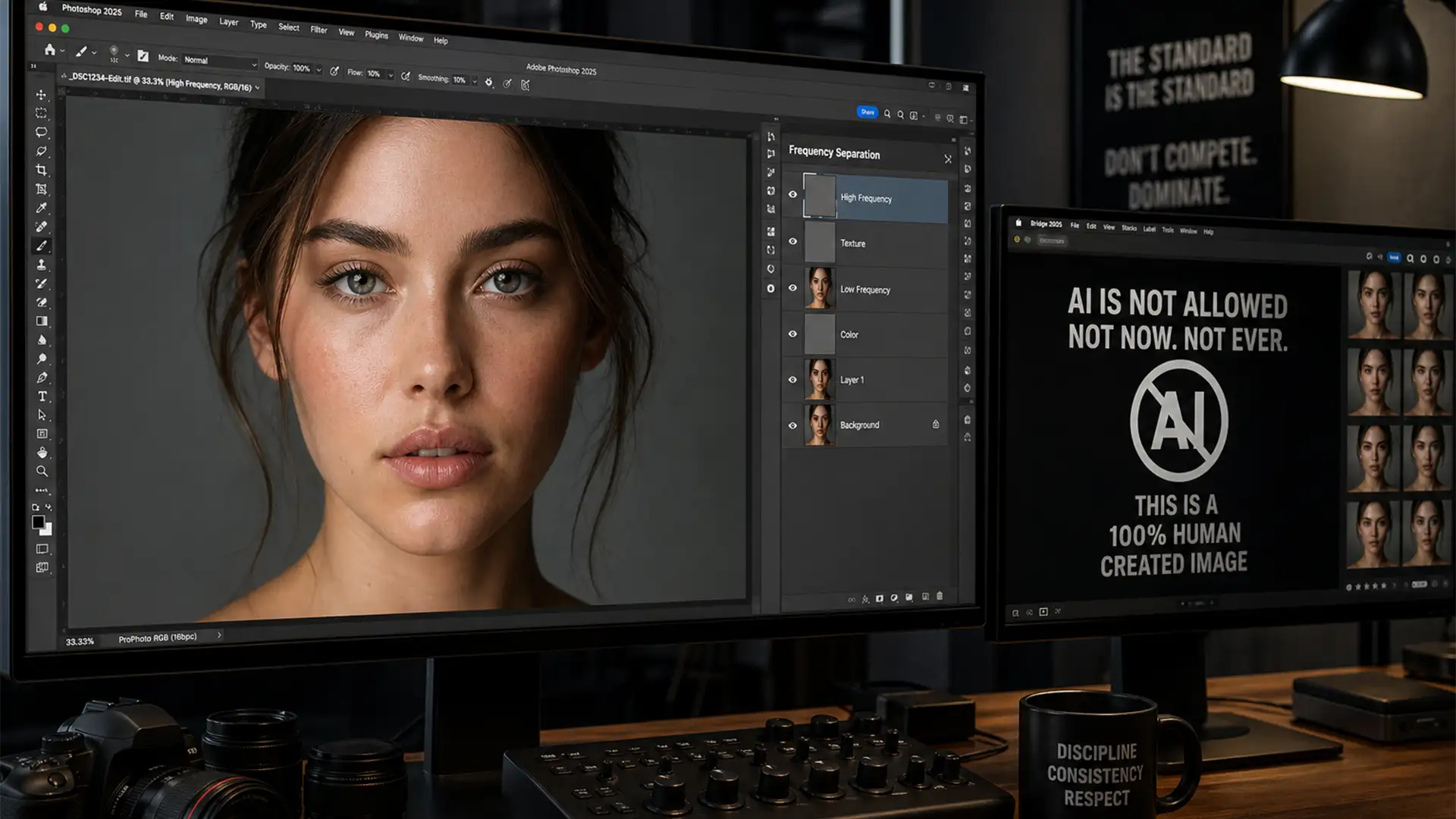

Imagine spending weeks capturing the perfect shot, meticulously editing it, and submitting it to a prestigious photography competition—only to be instantly disqualified. The culprit? Accidental AI contamination.
With recent updates to Adobe Photoshop (v25.0+), tools like the AI-powered Remove Tool and Generative Fill automatically embed C2PA Content Credentials and alter your EXIF data. Major competitions now strictly prohibit AI-generated pixels. If you want to stay in the running, you need a bulletproof workflow for manual photo retouching for photography competitions.
Here is exactly how to keep your edits 100% compliant, avoid metadata flags, and eliminate hallucinated pixels.
Why Modern Photo Editors Fail Competition Standards
The photography industry is currently battling a massive influx of AI-generated imagery. To combat this, competitions like the World Press Photo, Sony World Photography Awards, and National Geographic strictly enforce rules against generative AI.
The core technical issue lies in how modern software handles metadata. Using automated features in Photoshop v25+ triggers the inclusion of C2PA (Coalition for Content Provenance and Authenticity) tags in your file header. Even a minor blemish removal using the wrong tool can flag your image as “AI-Generated.” To stay compliant, editors must rely solely on pure pixel-level manipulation and legacy rendering algorithms.
The 100% AI-Free Manual Retouching Workflow
To ensure your images pass the strictest AI detectors and competition guidelines, you must adopt a non-destructive editing workflow that relies strictly on manual techniques.
Method 1: The Classic Tool Approach (Quick Fix)
The easiest way to introduce AI artifacts into your image is by using the modern Remove Tool or Generative Fill. To avoid this, you must revert to classic, pixel-copying tools.
- Select the Clone Stamp Tool (S) or the standard Healing Brush (J).
- Create a blank new layer above your image to ensure non-destructive editing.
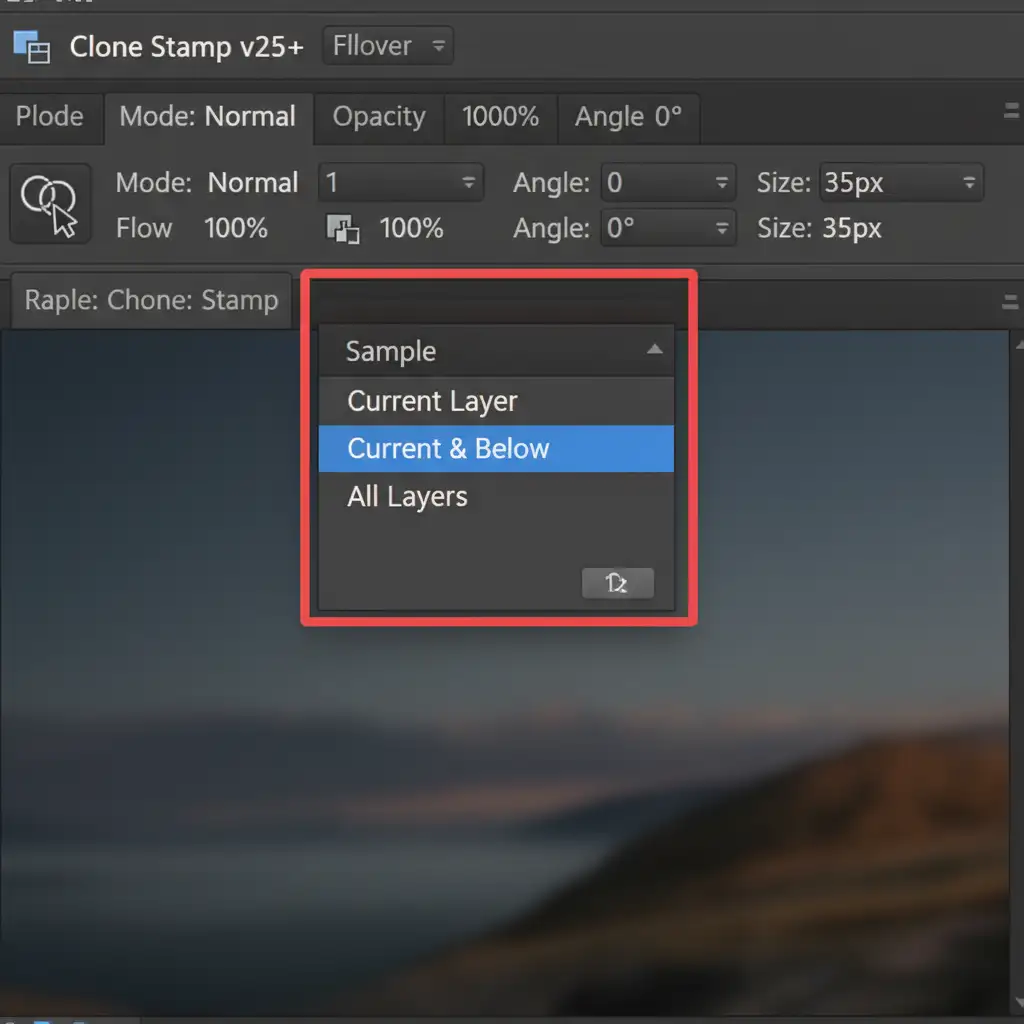
- In the top options bar, ensure the ‘Sample’ dropdown is set to ‘Current & Below’.
Method 2: The Pro Workaround (Frequency Separation)
For high-end portrait and macro photography, simple cloning isn’t enough. You need to separate your image’s texture from its underlying color and tone. Frequency Separation combined with Dodge and Burn allows you to perform flawless, competition-safe retouching.
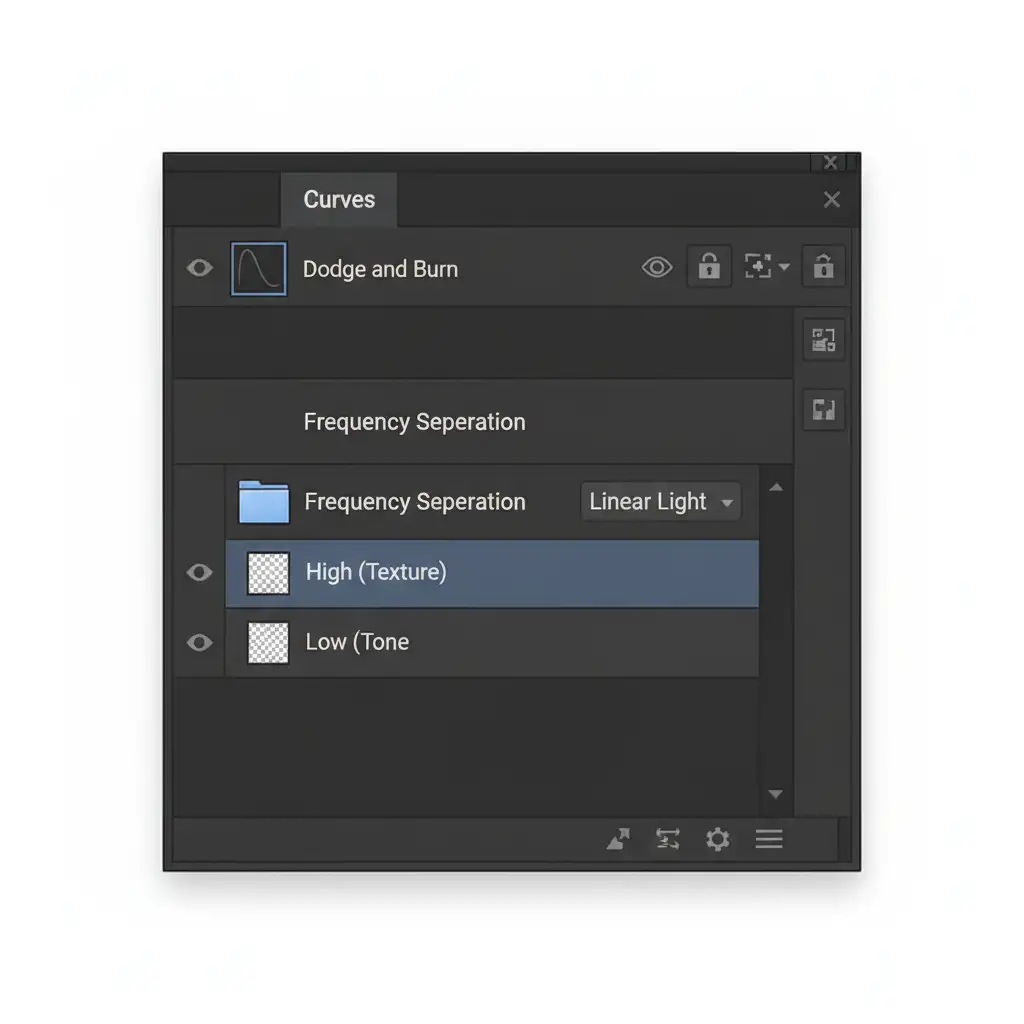
- Duplicate your background layer twice. Name the bottom duplicate “Low” (Tone) and the top duplicate “High” (Texture).
- Apply a Gaussian Blur to the “Low” layer until the fine details disappear.
- Select the “High” layer, go to Image > Apply Image, and subtract the “Low” layer (Scale 2, Offset 128 for 8-bit images). Change the blending mode of the “High” layer to Linear Light.
- Group these layers.
- You can now manually clone blemishes on the High layer and smooth color transitions on the Low layer using the Mixer Brush.
Method 3: The Technical Deep-Dive (Metadata Management)
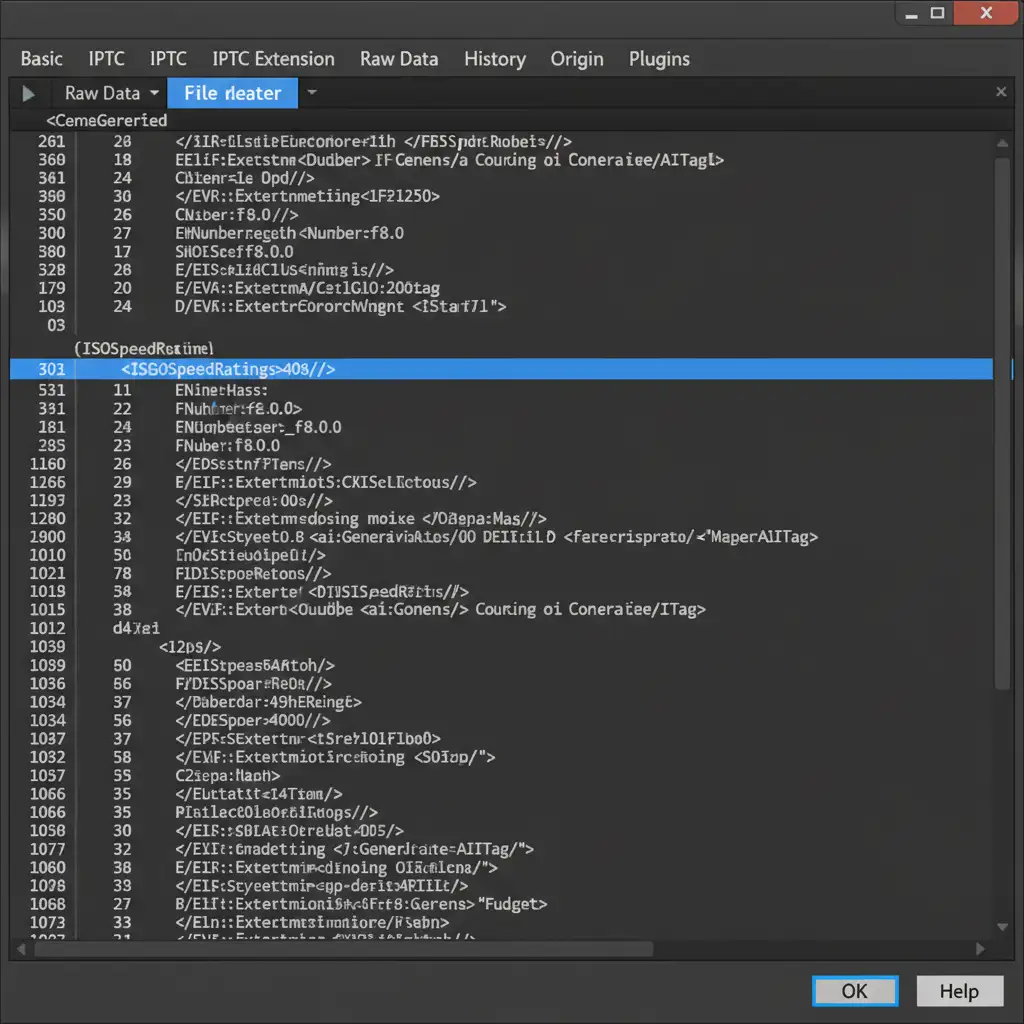
Even if your pixel-level manipulation is flawless, your EXIF data can betray you. Photoshop v25.x+ actively tries to embed Content Credentials. You must manually scrub this metadata before exporting.
Disabling Content Credentials
First, prevent Photoshop from tracking your edits.
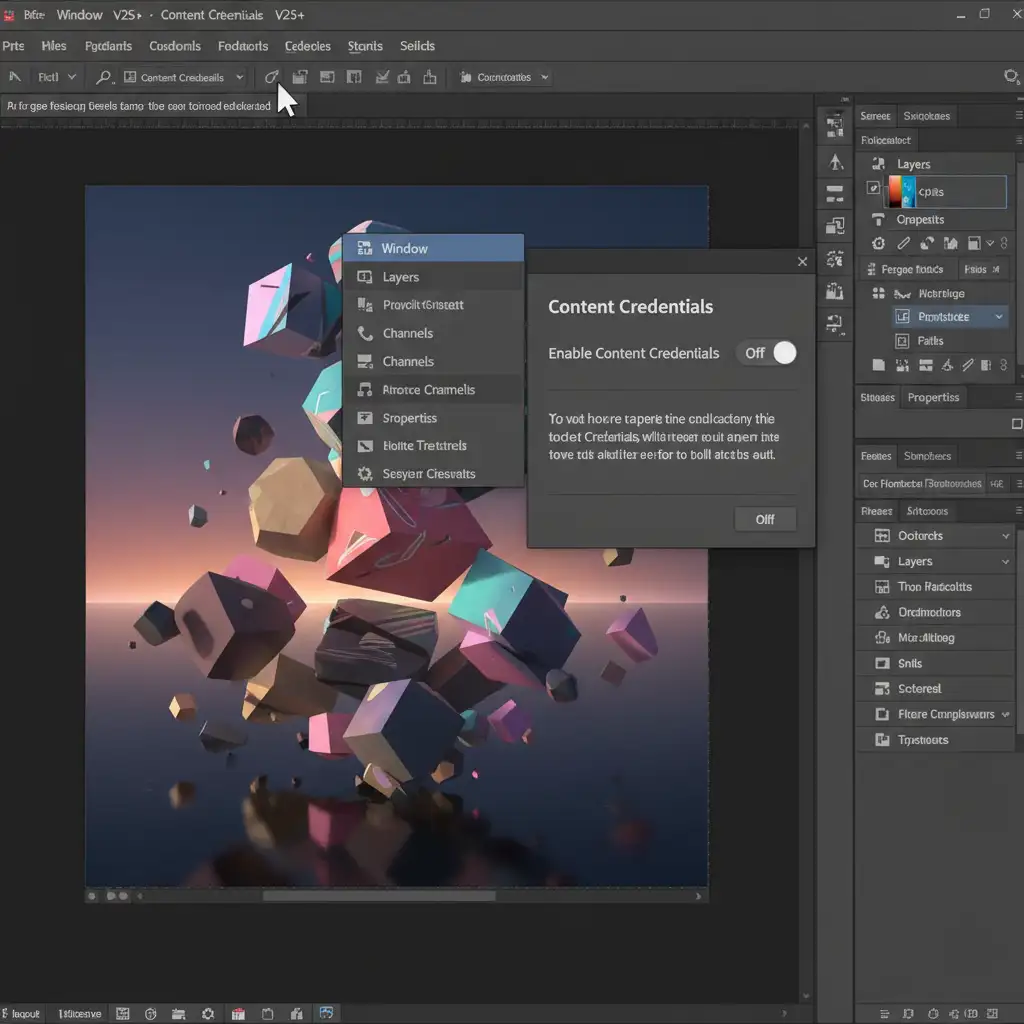
- Navigate to Window > Content Credentials.
- In the panel that opens, ensure the feature is completely toggled off.
Safe Exporting for Clean EXIF Data
Do not use “Export As” or “Save a Copy,” as these can sometimes carry over unwanted XMP data or C2PA tags.
- Go to File > Export > Save for Web (Legacy).
- Choose your JPEG settings.
- In the Metadata dropdown, select ‘None’ or ‘Copyright and Contact Info’ only.
- Export the file. This ensures no ‘Generative AI’ tags remain in the file header.
Ensure Your Entries Are 100% Compliant with Image Work India
Navigating the strict rules of modern photography competitions can be incredibly stressful. A single slip-up with a modern editing tool can result in your hard work being disqualified.
You don’t have to risk it. At Image Work India and Cloud Retouch, our team of professional retouchers specializes in 100% manual photo retouching for photography competitions. We guarantee pixel-perfect, competition-safe photo editing using advanced Frequency Separation, meticulous Dodge and Burn, and strict EXIF data scrubbing. We never use generative pixels or AI tools that could jeopardize your entry.
Focus on capturing award-winning shots, and let us handle the technical precision of your post-production. Contact Image Work India and Cloud Retouch today to ensure your next competition entry is flawless, compliant, and ready to win.




