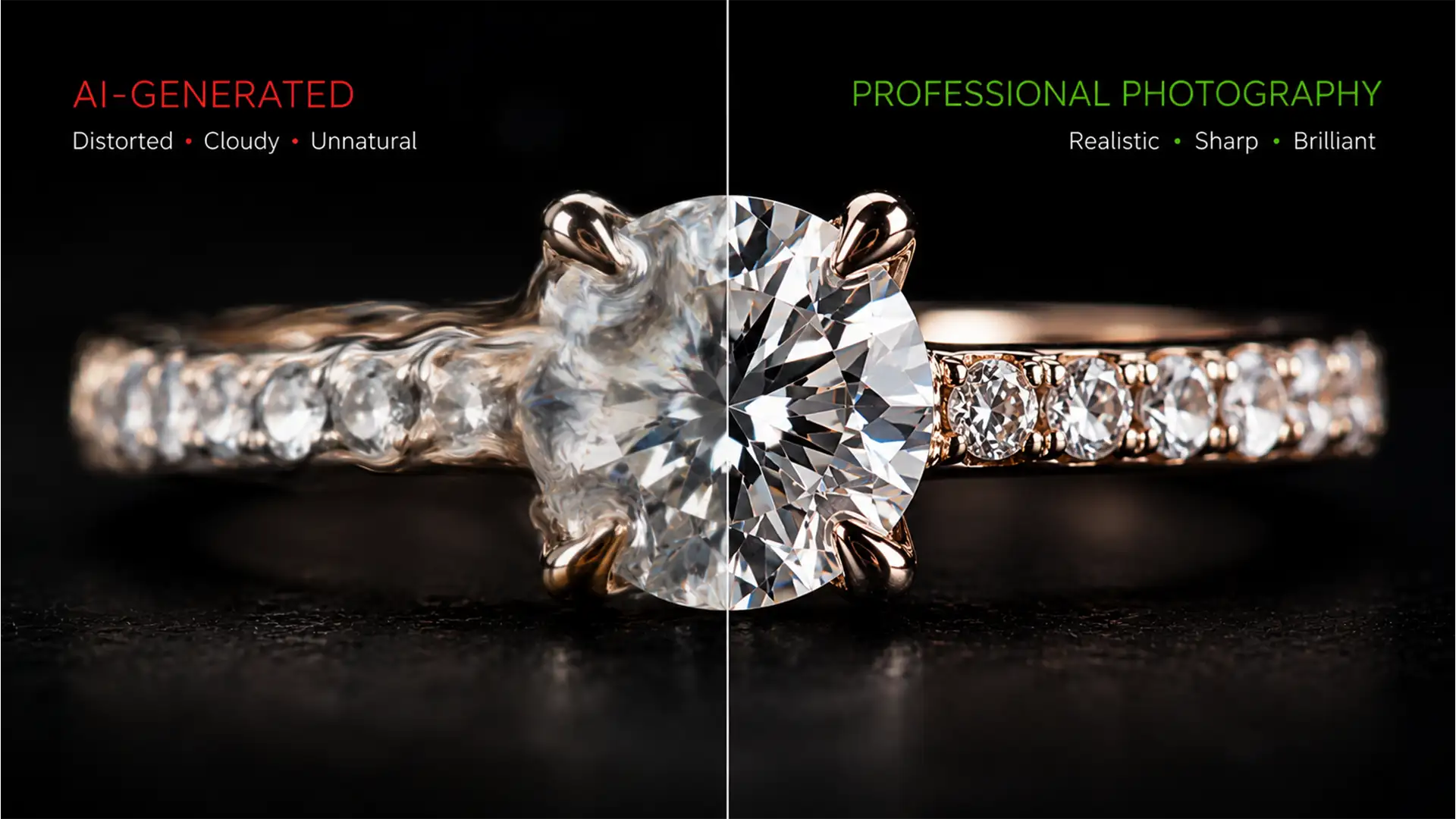

You just used Photoshop’s Generative Fill to seamlessly extend a background on a luxury jewelry shoot. The setting looks perfect, but there’s a massive problem: your hero diamond now looks like a melted, cloudy piece of glass.
While AI is incredible at synthesizing backgrounds, Photoshop v25.0 and newer models completely fail at interpreting microscopic, highly structured geometric details. The AI destroys the natural refraction and turns razor-sharp edges to mush. If you are struggling with restoring diamond facets in AI generative fill, you aren’t alone. Pure AI cannot handle commercial jewelry standards yet.
Here is the exact hybrid retouching workflow to recover your brilliant sparkle and save your high-end jewelry images.
Why Generative Fill Ruins Diamond Refraction
AI image generation models work by predicting pixel patterns based on vast training data. When dealing with organic textures like skin or fabric, this works beautifully. However, diamonds rely on precise physics. The refraction of light bouncing through geometric facets creates sharp, contrasting lines and brilliant highlights.
Generative Fill tends to average out these pixels, resulting in a loss of high-frequency details. The gemstone loses its structural integrity, requiring a hybrid manual-AI approach to bring the original clarity back into the AI-generated composition.
3 Methods for Restoring Diamond Facets in AI Generative Fill
To fix this, we must combine the flawless background generation of the AI with the razor-sharp reality of the original photograph. Here are three professional techniques to achieve this, ranging from a quick fix to a technical deep-dive.
Method 1: The Luminosity Blend Mode Quick Fix
If you are on a tight deadline, utilizing Blend Modes is the fastest way to recover structural contrast without manually painting masks.
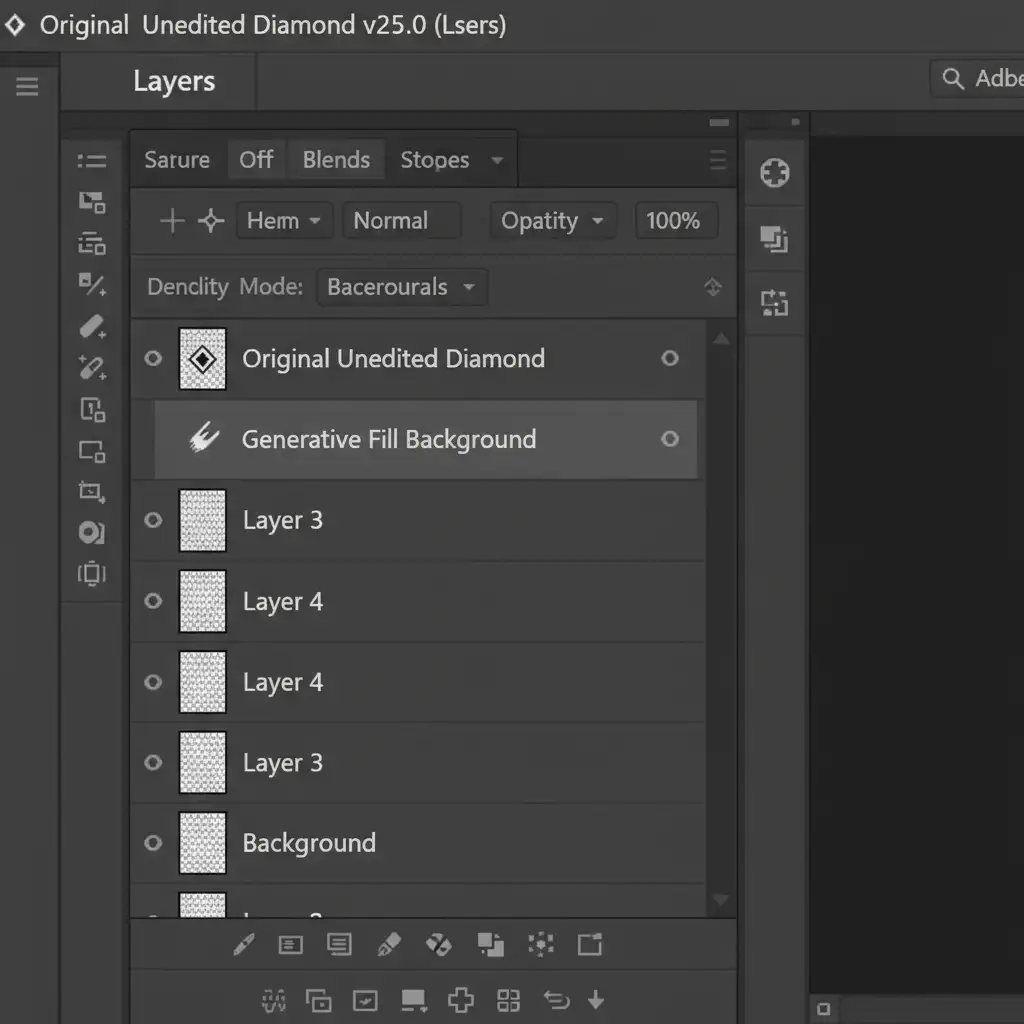
- Duplicate your original, unedited diamond image layer.
- Drag this duplicated layer to the top of your layers panel, directly above the Generative Fill layer.
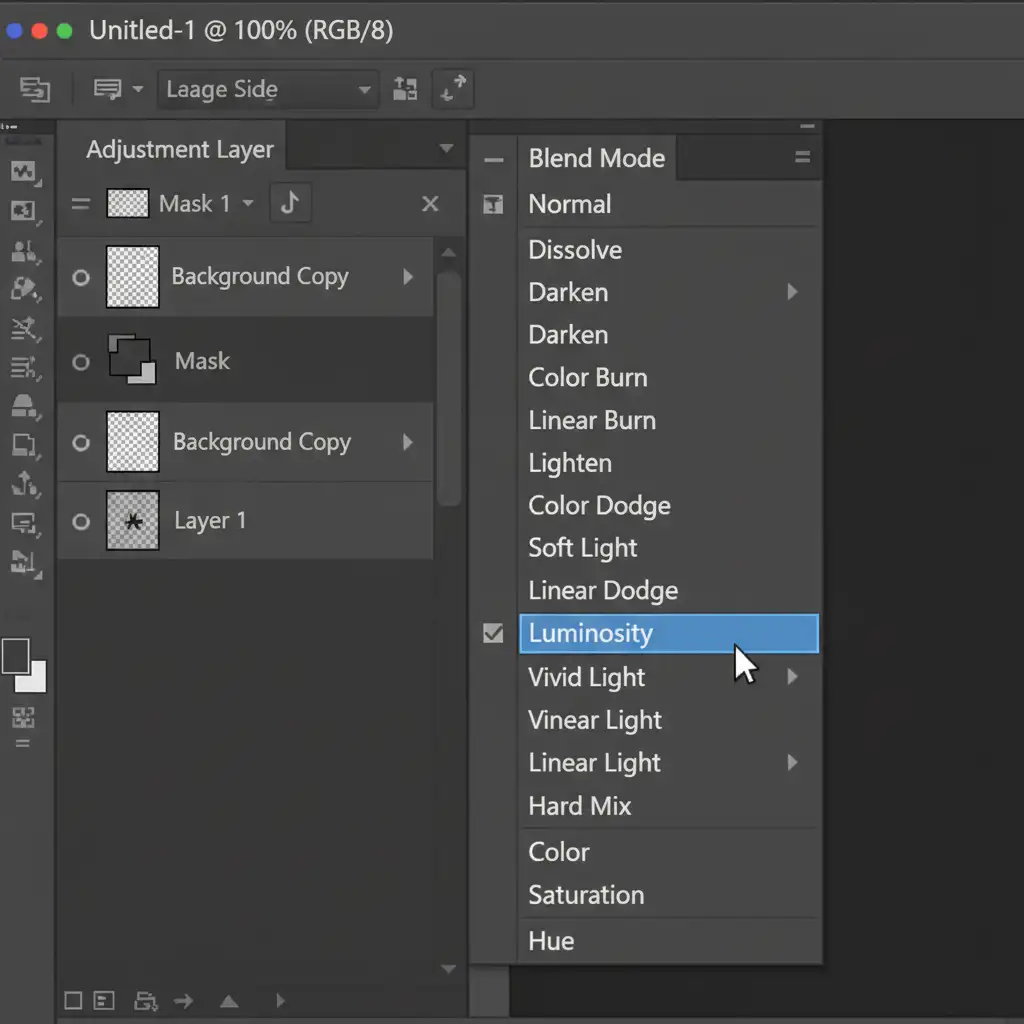
- Change the Blend Mode of this top layer to Luminosity (or Hard Light, depending on the background contrast).
- Adjust the opacity slider until the original facets blend naturally with the AI-generated environment.
Method 2: Vector Masks & Smart Objects for Pro Precision
For high-end e-commerce and editorial work, you need exact control over the crown and pavilion of the gemstone without letting the original background bleed into the new AI setting.
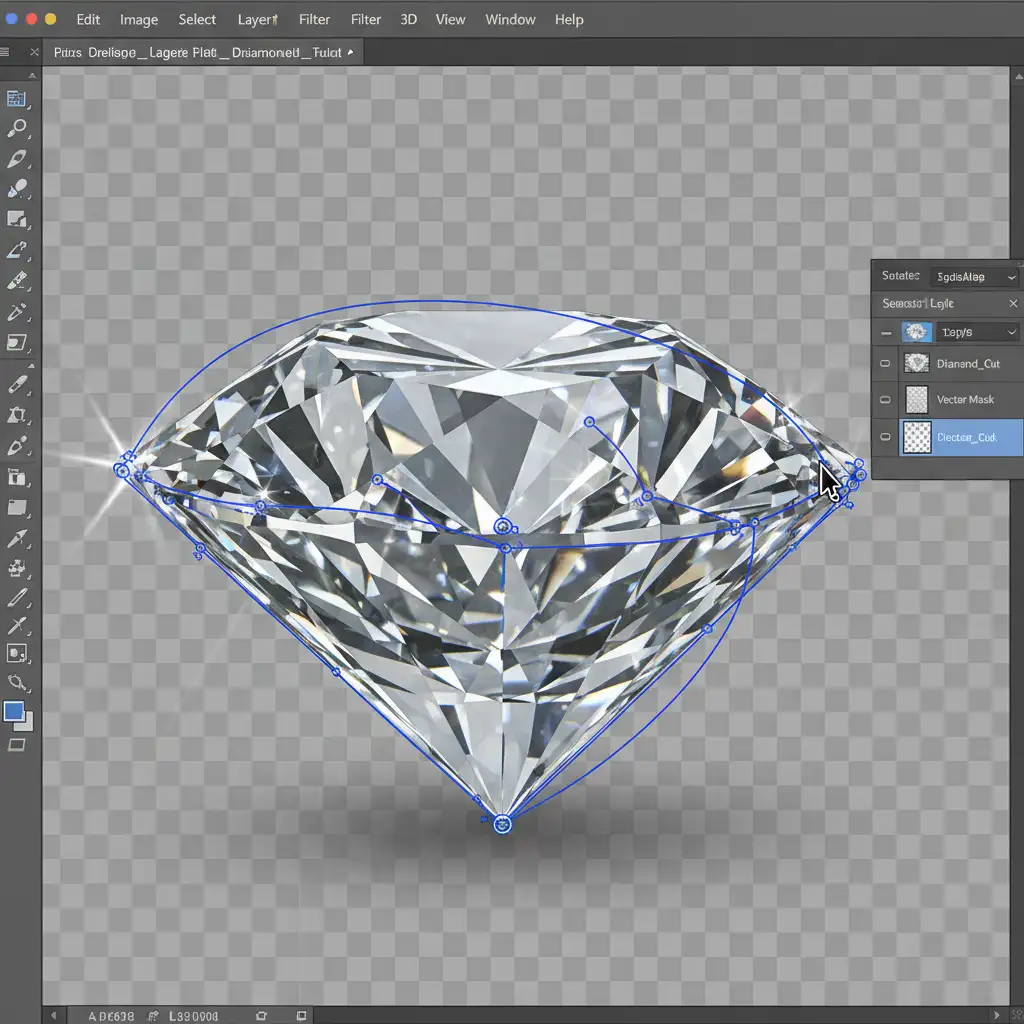
- Convert your original diamond layer into a Smart Object. This protects the pixel data for non-destructive editing.
- Select the Pen Tool and draw a precise path outlining the geometric edges of the diamond.
- Convert the path to a Vector Mask to isolate the gemstone perfectly.
- Apply an Unsharp Mask filter to the Smart Object to enhance edge contrast, ensuring the diamond pops against the softer AI background.
Method 3: The Technical Deep-Dive Using Frequency Separation
When the AI Generative Fill has created beautiful color reflections that you want to keep, but destroyed the physical texture of the stone, Frequency Separation is the ultimate solution.
- Set up your standard Frequency Separation action to split your image into low-frequency (color/tone) and high-frequency (texture/detail) layers.
- Keep the low-frequency color data from the AI Generative Fill layer. This ensures the diamond reflects the environmental colors of your new background.
- Replace the high-frequency texture layer with the high-frequency data extracted from the original diamond image.
- This hybrid stack merges the AI’s environmental lighting with the original, razor-sharp edges of the real diamond.
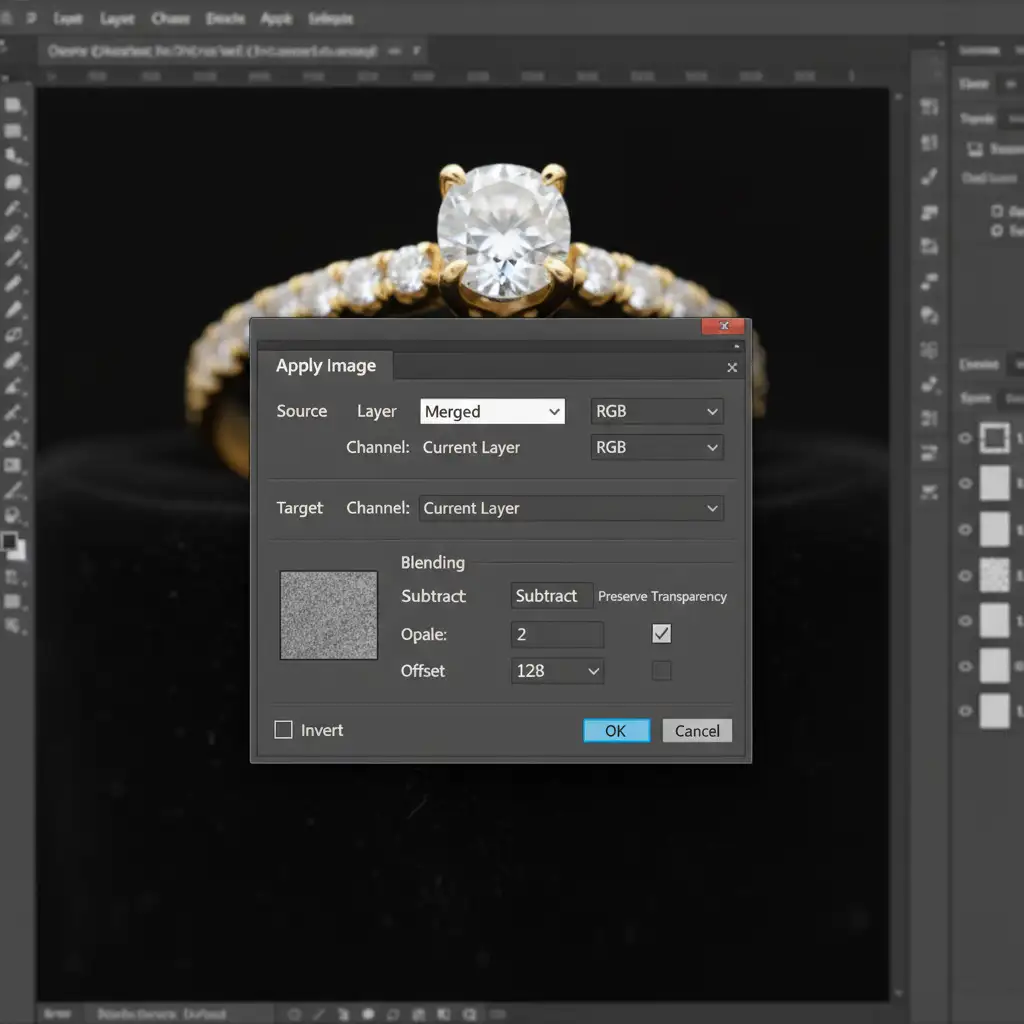
Flawless Jewelry Retouching at Scale
Restoring diamond facets in AI generative fill requires patience, technical skill, and an eagle eye for detail. While these hybrid workflows yield incredible results, they add significant time to your post-production process. When you are managing hundreds of SKUs for a new luxury collection, manual masking and frequency separation can bottleneck your entire pipeline.
For high-volume luxury jewelry editing where AI falls short, trust the expert retouchers at Image Work India and Cloud Retouch. Our specialized team understands the complex physics of gemstone refraction and metal reflections. We deliver pixel-perfect, commercial-grade jewelry retouching that highlights the true brilliance of your products—saving you hours of frustrating software troubleshooting.
Ready to make your diamonds sparkle? [Contact Image Work India today] to discuss your jewelry retouching needs.




