

Launch Products Faster: One-Click Photoshop Batching for 4+ Social Platforms
You just finished a flawless product photoshoot. Now comes the nightmare: spending the next six hours manually resizing hundreds of high-resolution images into 1:1 for Shopify, 4:5 for Instagram, 9:16 for Reels, and 2:3 for Pinterest. Manual cropping doesn’t just...
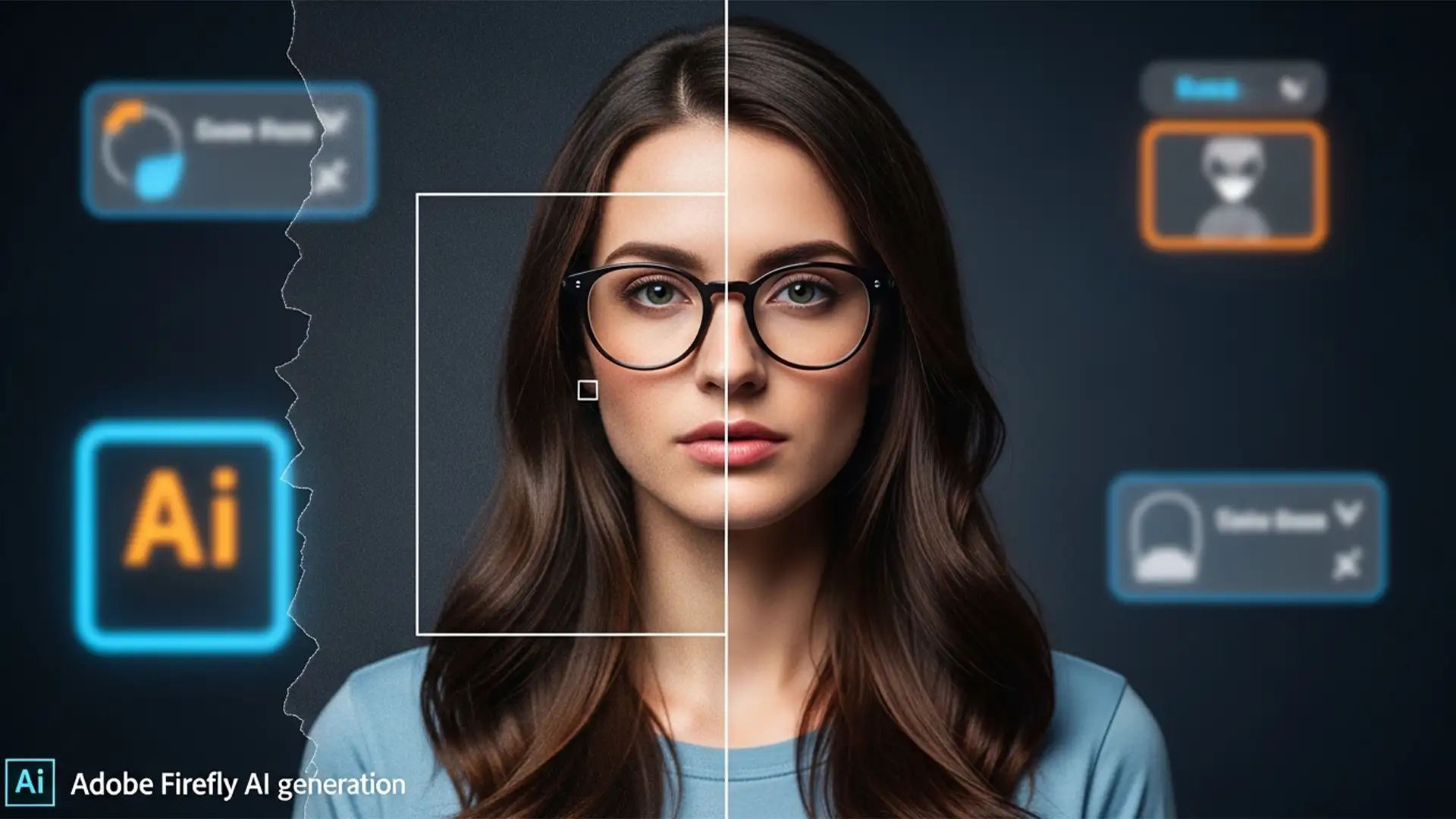
How to Remove Generative Fill Dividing Lines and Seams
You’ve just used Photoshop’s Generative Fill to extend a background or remove a complex object. It feels like magic-until you zoom in. Suddenly, you see them: harsh bounding box seams, distinct dividing lines, and plastic-looking patches that completely lack your...
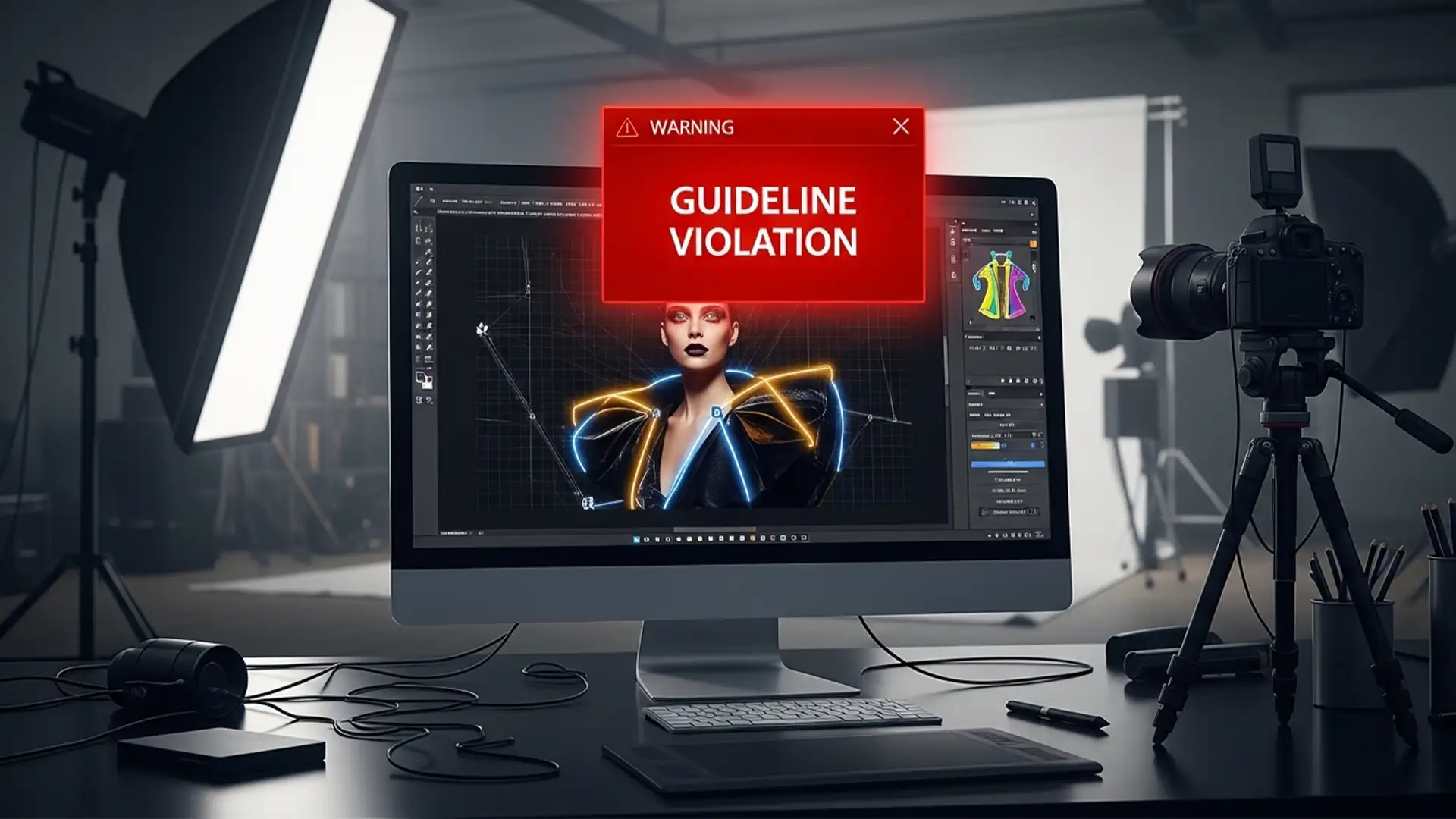
How to Fix Photoshop Generative Fill Guideline Violations
You are on a tight deadline editing a high-fashion editorial, swimwear, or lingerie shoot. You make a quick selection, click Generative Fill, and instead of a seamless repair, you are hit with a glaring red error: “The generated images were...
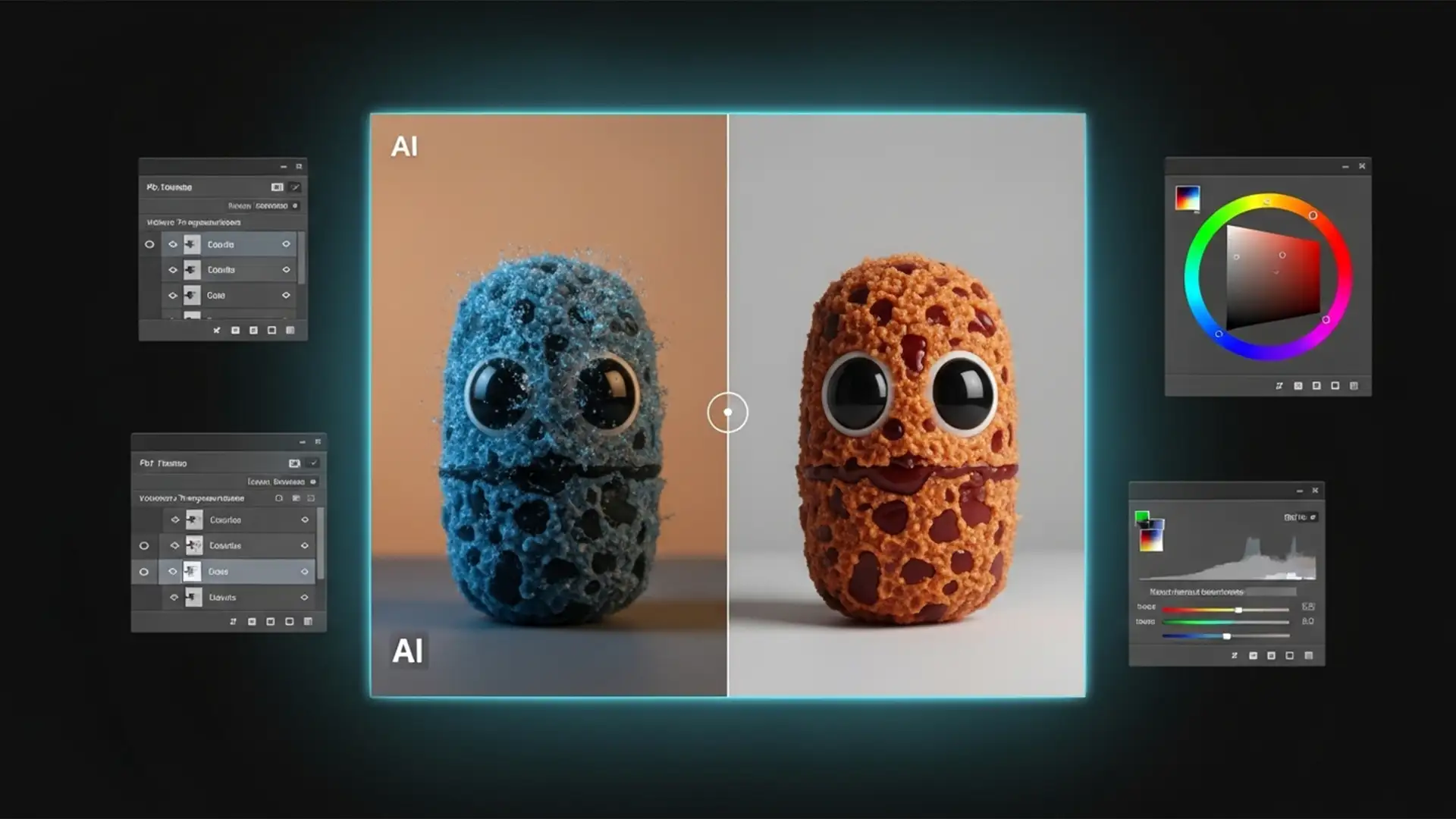
How to Fix Generative Fill Color Mismatch in Photoshop
You wait for the loading bar to finish, thrilled that the Firefly AI engine has synthesized the exact pixels you requested. But there is a glaring problem: the generated addition looks like a cheap sticker. The color temperature is completely...
High-End Fashion Retouching: Preserving Fabric Texture in Generative Expand
You’ve just executed the perfect editorial fashion shoot, but the client needs the canvas extended for a wide banner layout. You fire up Photoshop v25.0, drag the Crop Tool, and hit Generative Expand. The structure looks fine, but upon closer...
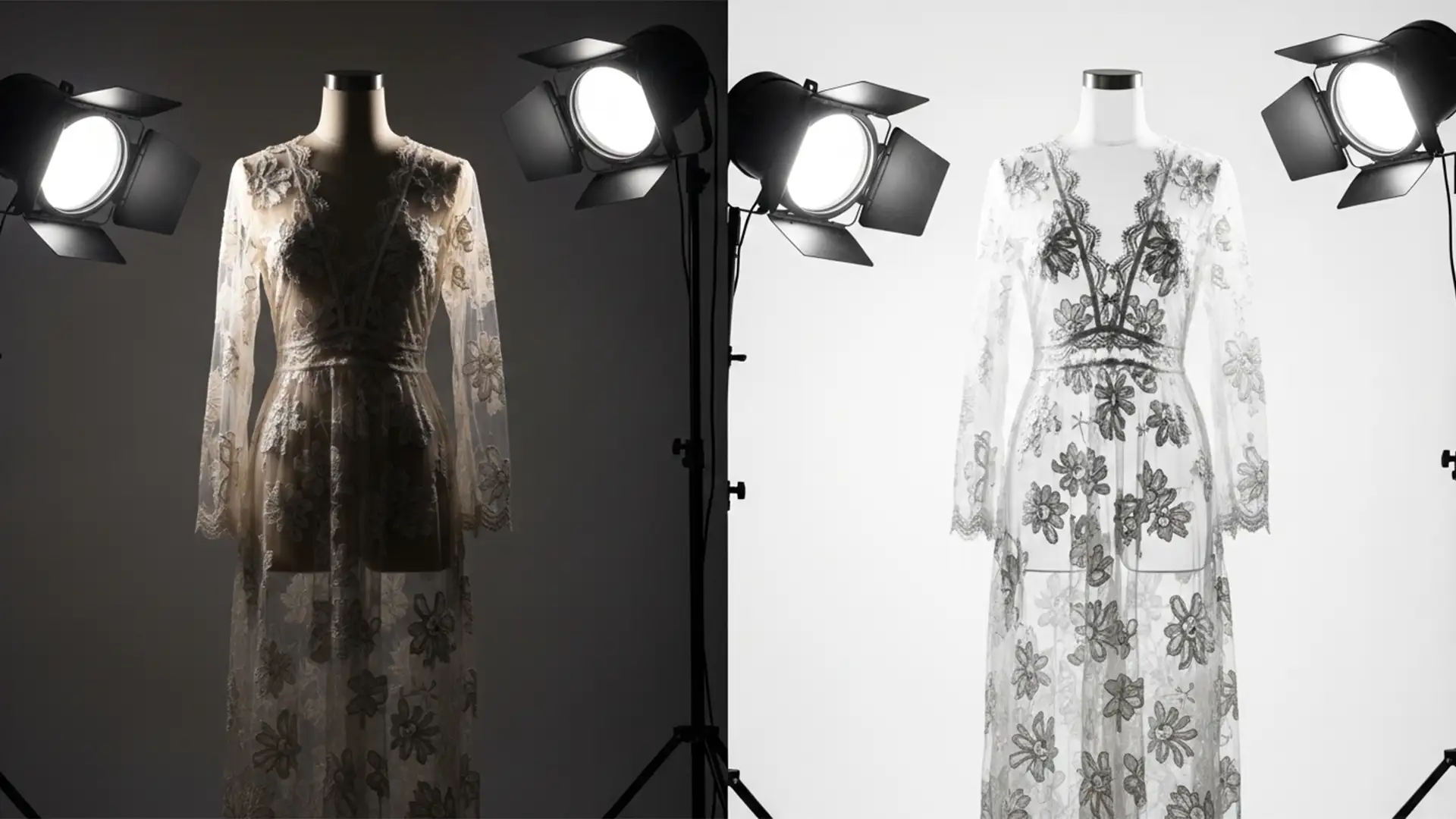
Ghost Mannequin for Sheer and Lace Clothing: Expert Guide
Standard ghost mannequin techniques ruin sheer and lace clothing. When editing translucent fabrics like chiffon or delicate mesh, standard methods either make the material look completely solid or awkwardly leave parts of the plastic mannequin visible beneath the weave. If...
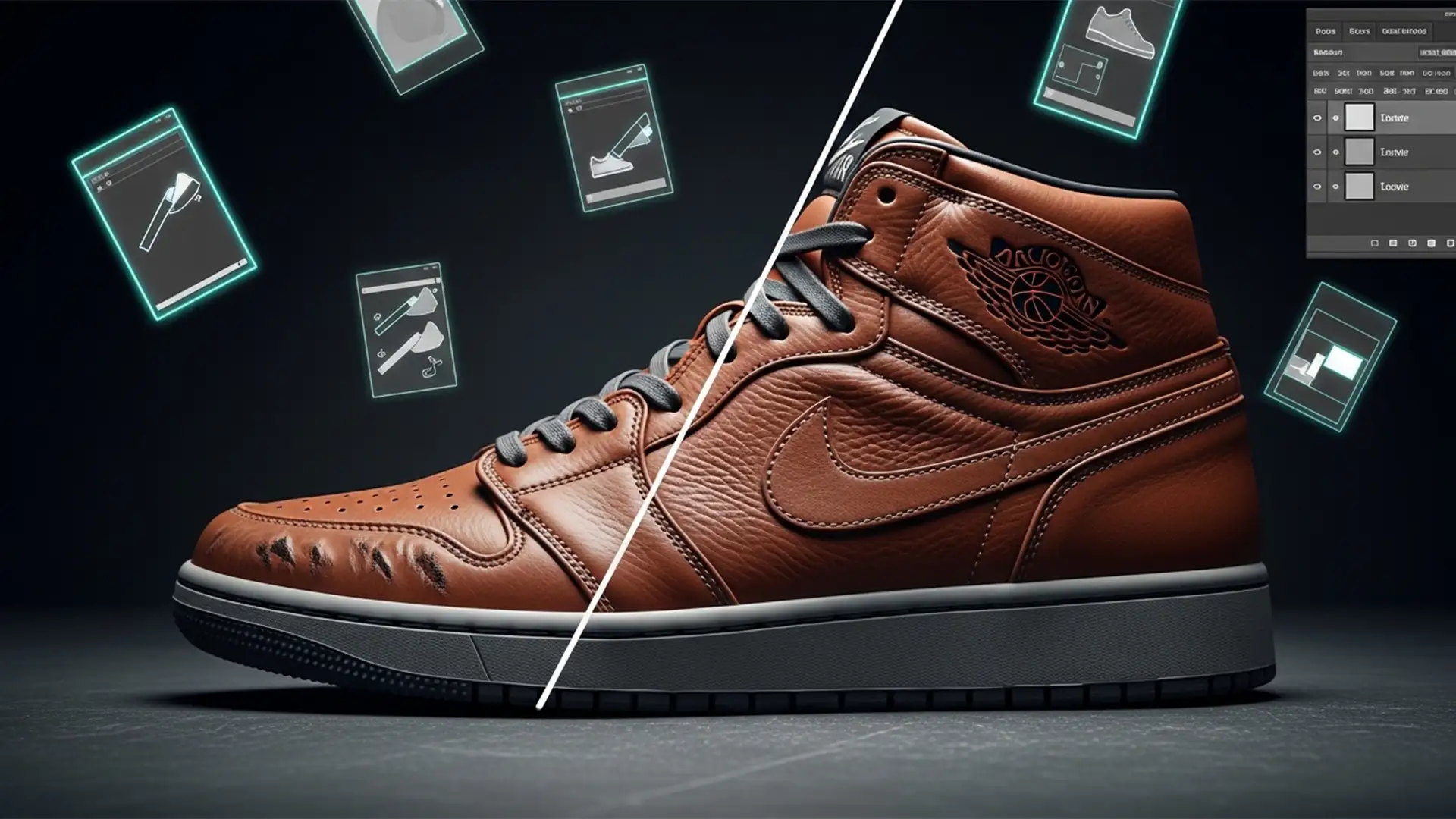
Stop Blurring Leather: How to Remove Shoe Creases in Photoshop While Preserving 100% Texture
Have you ever tried to remove shoe creases in Photoshop without losing texture, only to end up with footwear that looks like it’s made of cheap, melted plastic? You’re not alone. Amateur retouchers often rely on the basic Spot Healing...
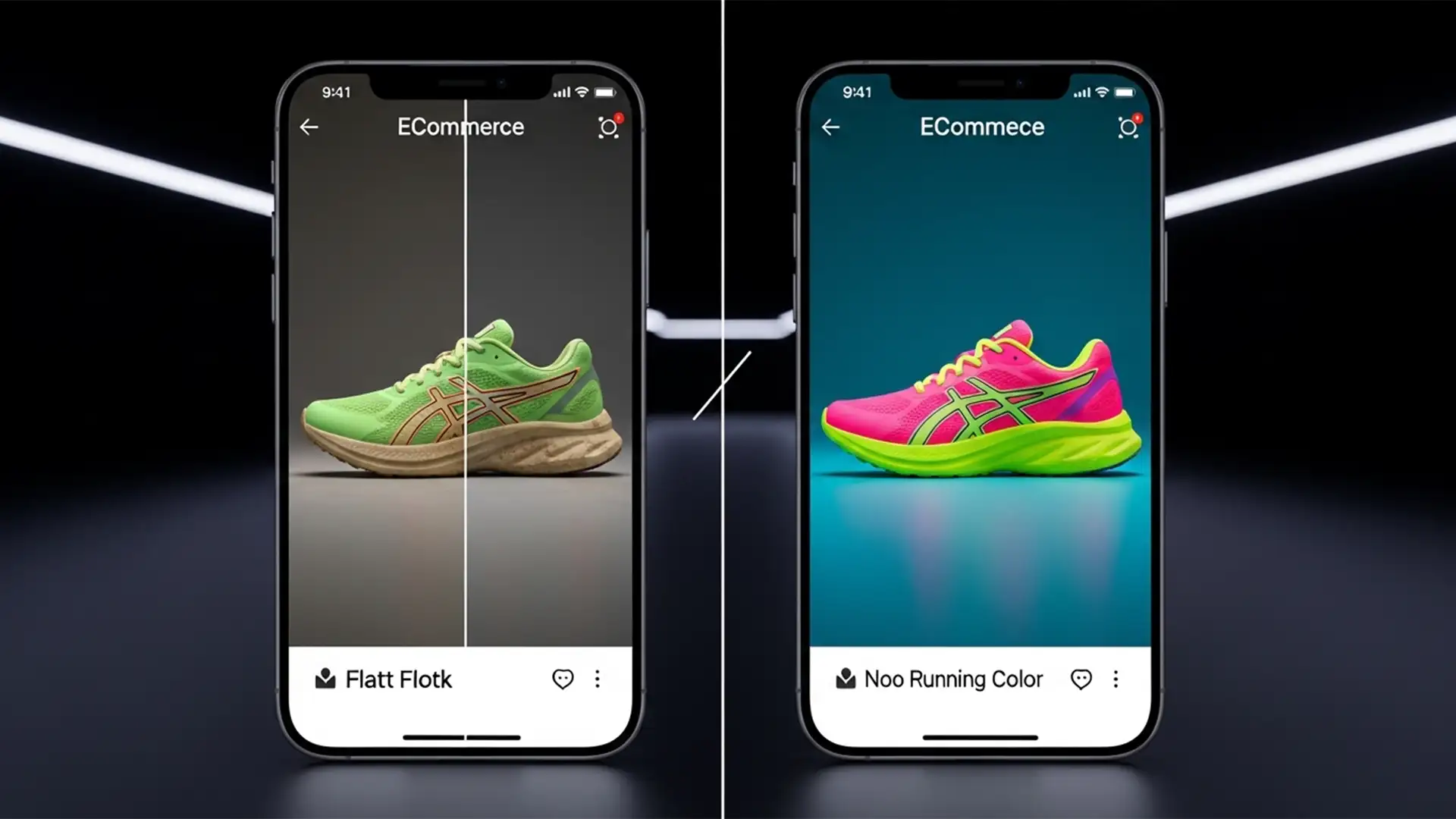
Why Your Product Colors Look Dull on iPhone: Fixing sRGB vs Display P3 for Ecommerce
You just spent hours perfectly retouching a highly vibrant, neon product for your ecommerce store. It looks stunning on your calibrated professional monitor. But the moment you upload it and check it on an iPhone, the colors collapse. The vibrant...
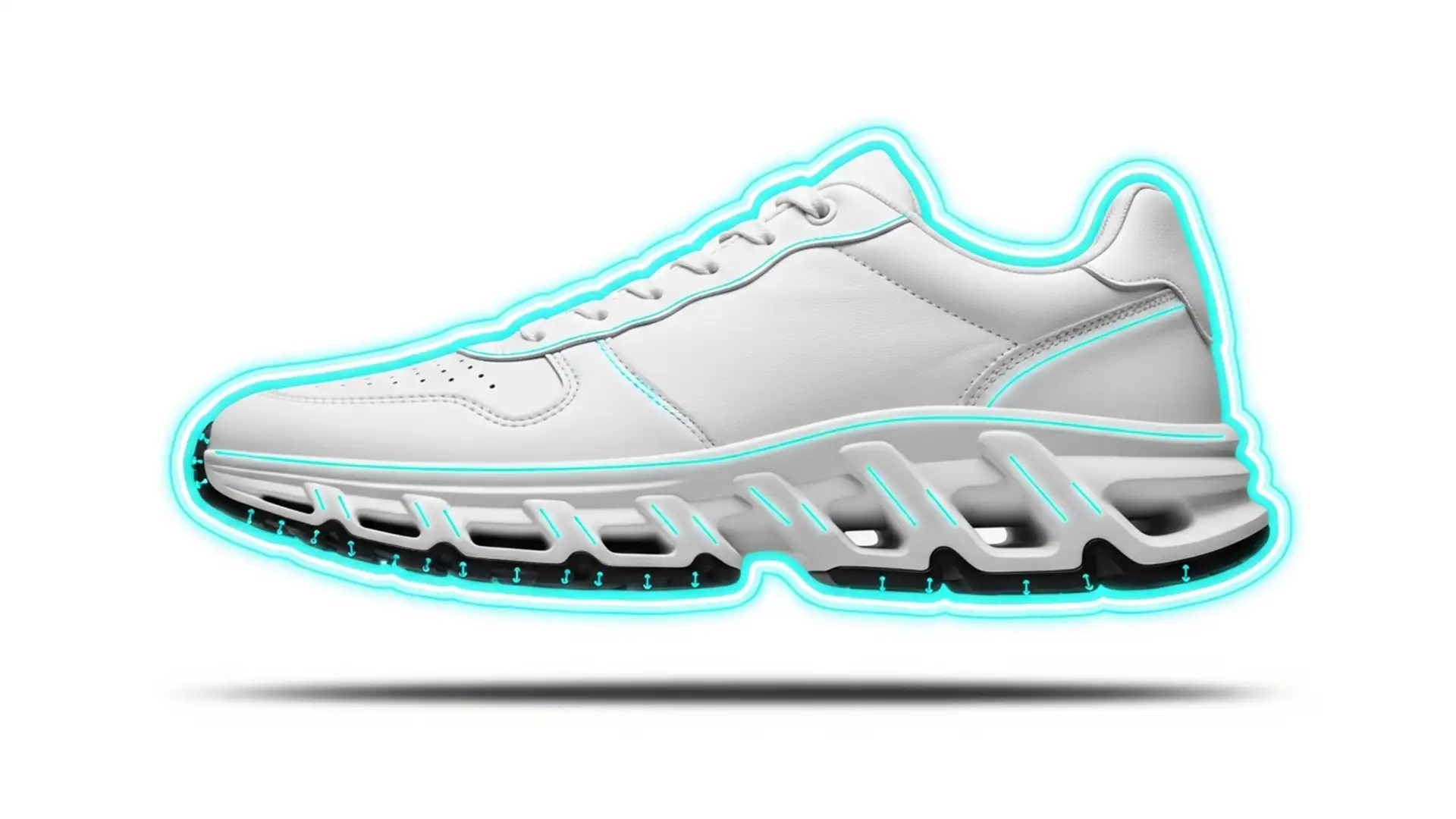
Sneaker Sole Secret: Shoe Tread Masking & Contouring
Photographing white sneakers on a high-key white background is the ultimate e-commerce retouching nightmare. Your lighting is perfect, but the shoe’s sole completely blends into the backdrop. The highlights blow out, the micro-contrast disappears, and that expensive, textured rubber tread...
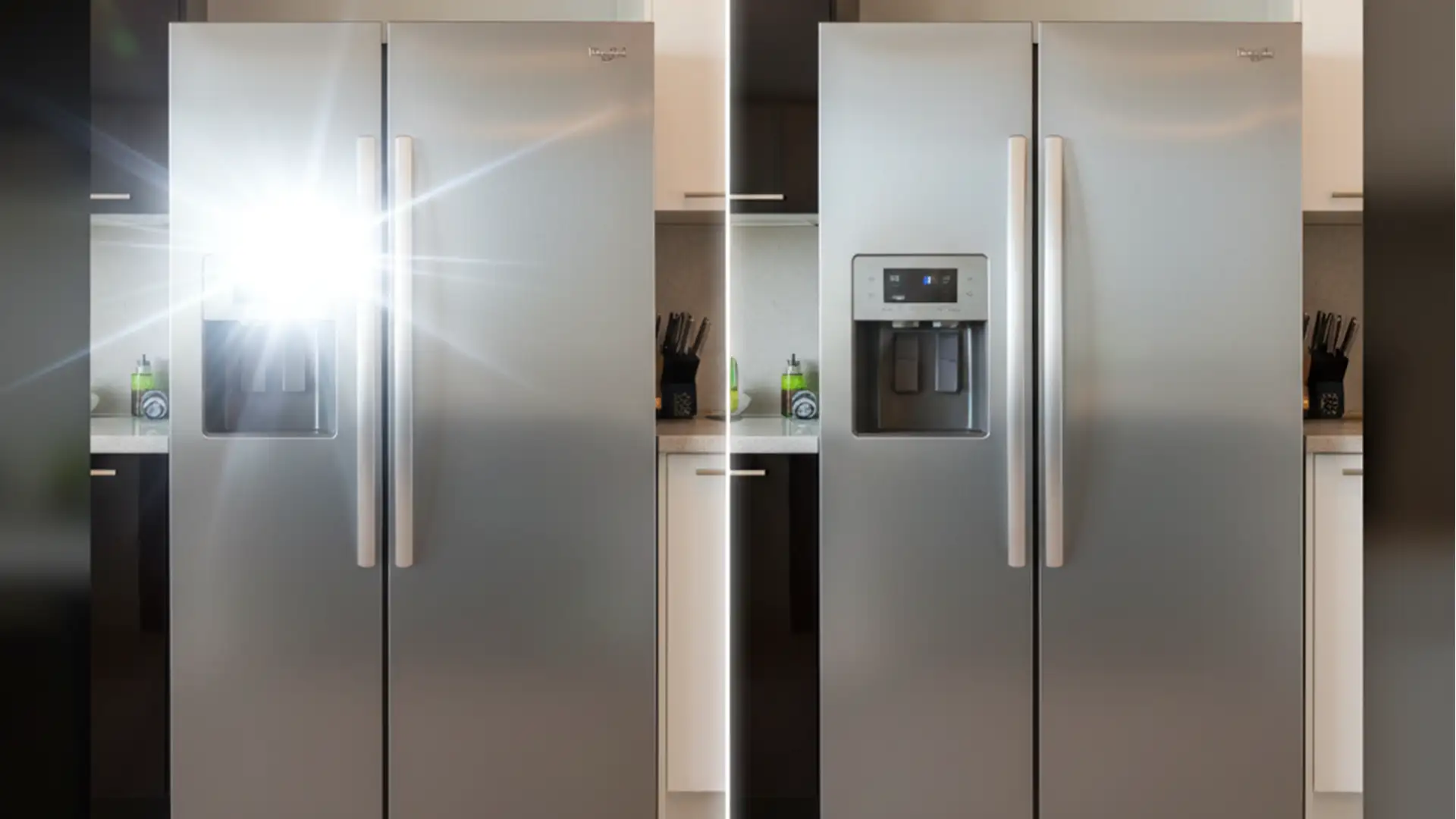
Retouch Reflective Surfaces in Real Estate Photography
Nothing ruins a high-end property listing faster than a massive flash hotspot on a stainless steel refrigerator or the photographer’s reflection caught in a bathroom mirror. If you’ve ever tried to fix these glaring errors using the Clone Stamp tool,...