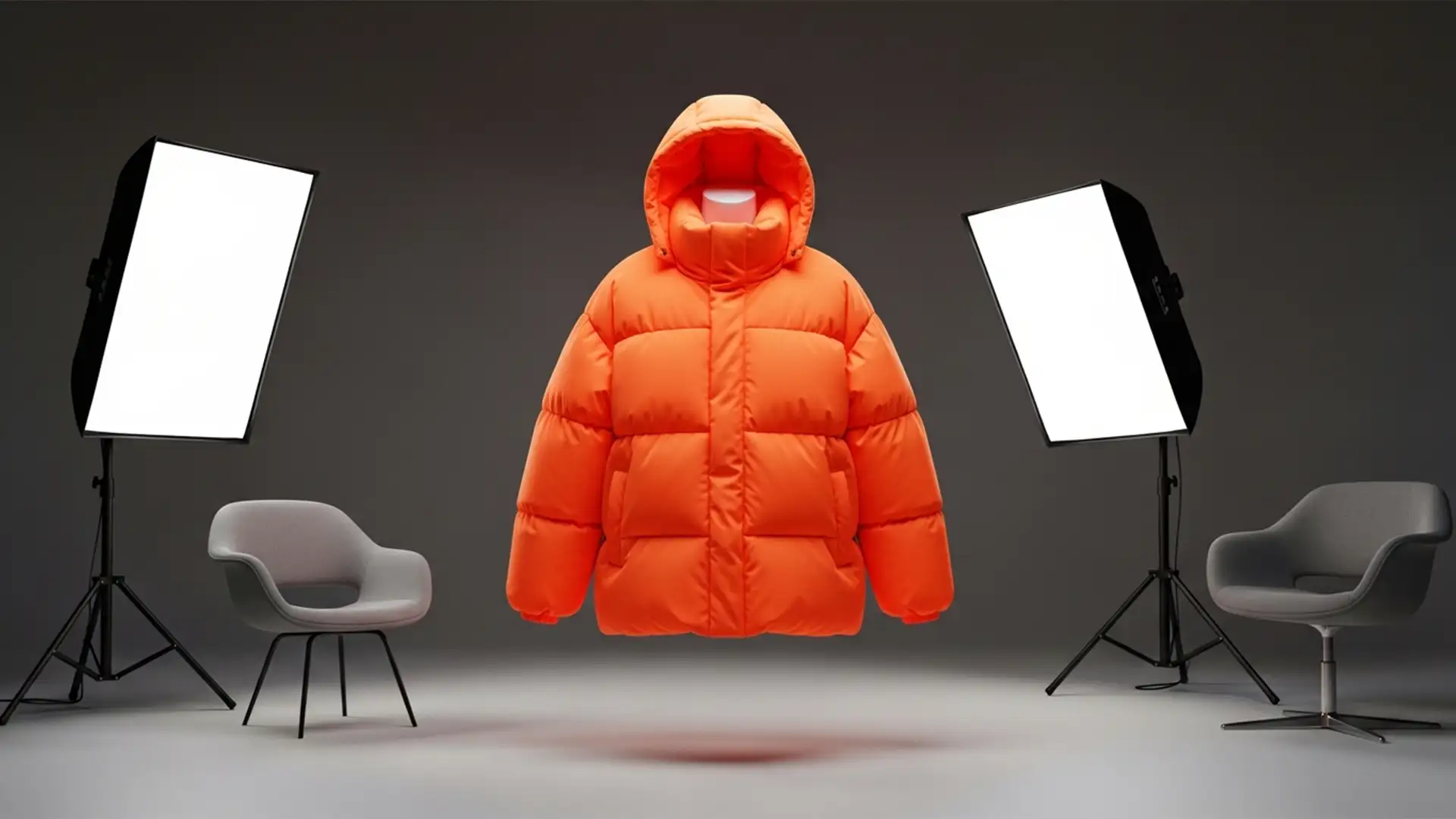

Fix Oversized Puffer Jacket Neck Joint Alignment
E-commerce photo editors know the struggle: you finish a flawless clipping path on a heavy winter coat, drop in the inner collar, and suddenly, the garment looks completely flat. Standard ghost mannequin techniques destroy the volumetric depth of padded down...
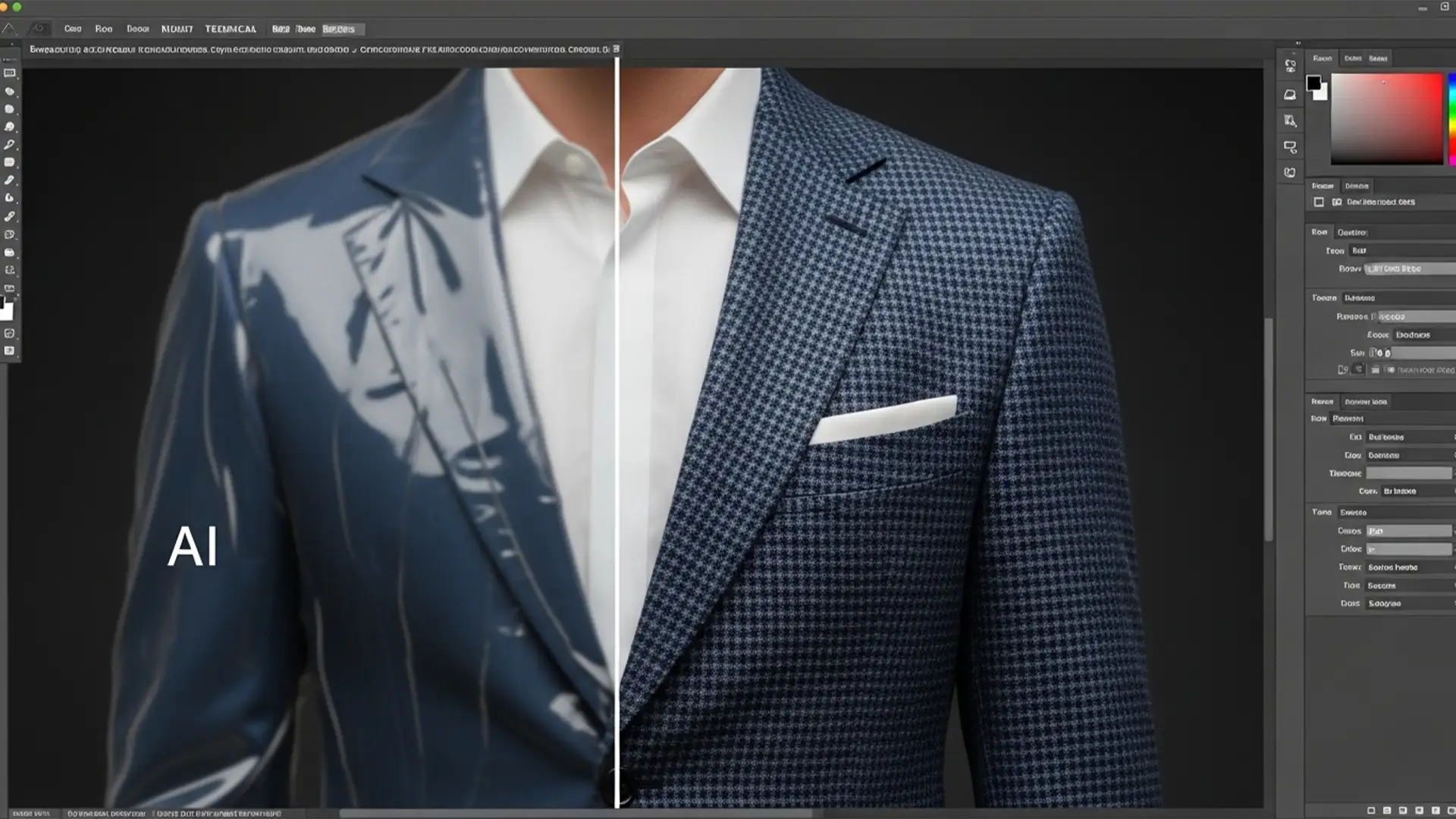
Fix Generative Fill Clothing Texture Loss
You are editing a stunning fashion editorial in Photoshop v25.x. You need to extend a tailored tweed jacket or remove a distraction from a knit sweater. You lasso the area, hit Generative Fill, and wait for the magic. But instead...
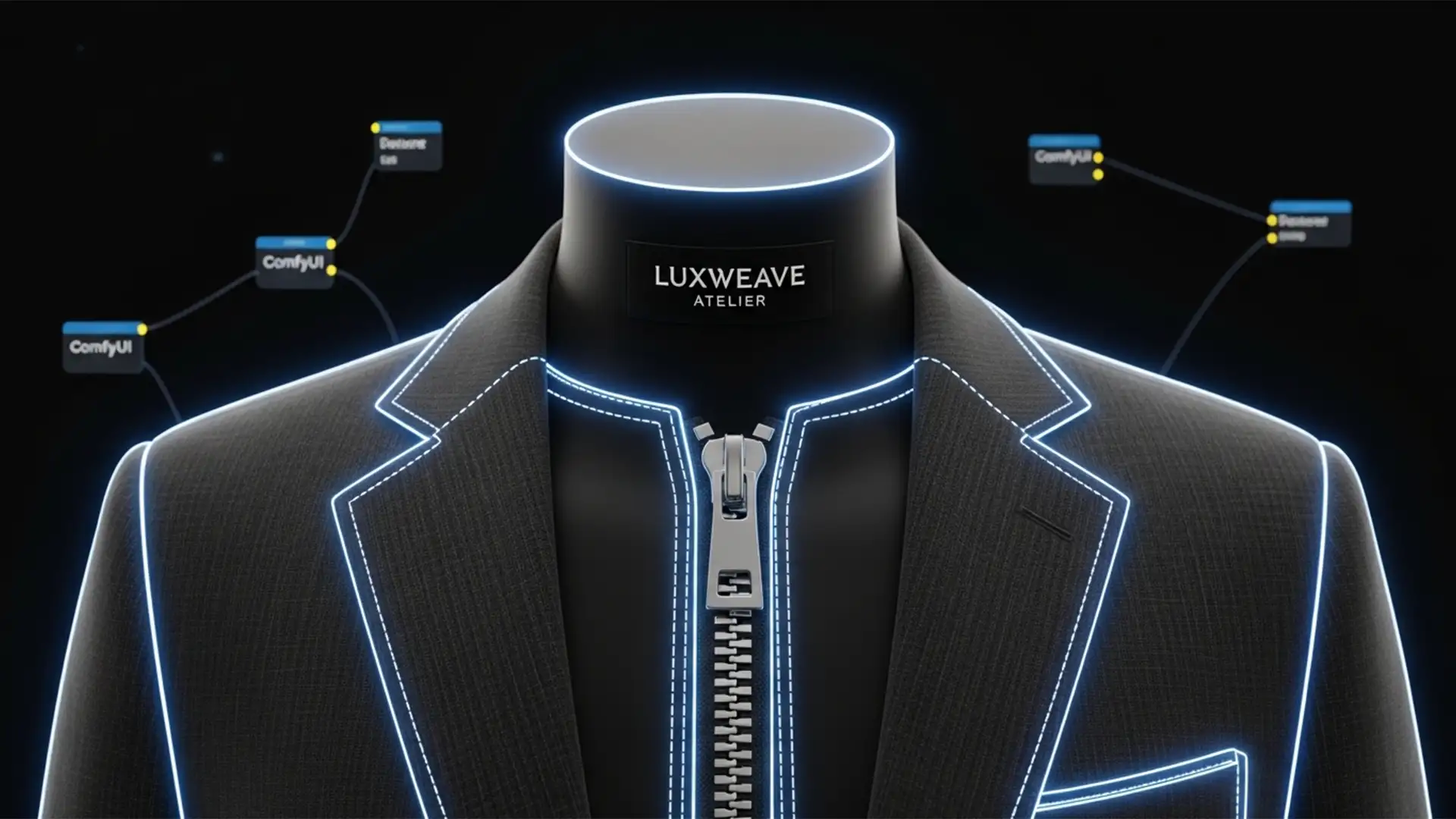
Fix ComfyUI Ghost Mannequin Segmentation Errors
You have spent hours configuring your automated apparel workflow, but the output is unusable. The AI keeps deleting your brand labels, melting metallic zippers, and distorting buttons. These ComfyUI ghost mannequin segmentation errors occur when models like GroundingDINO and the...
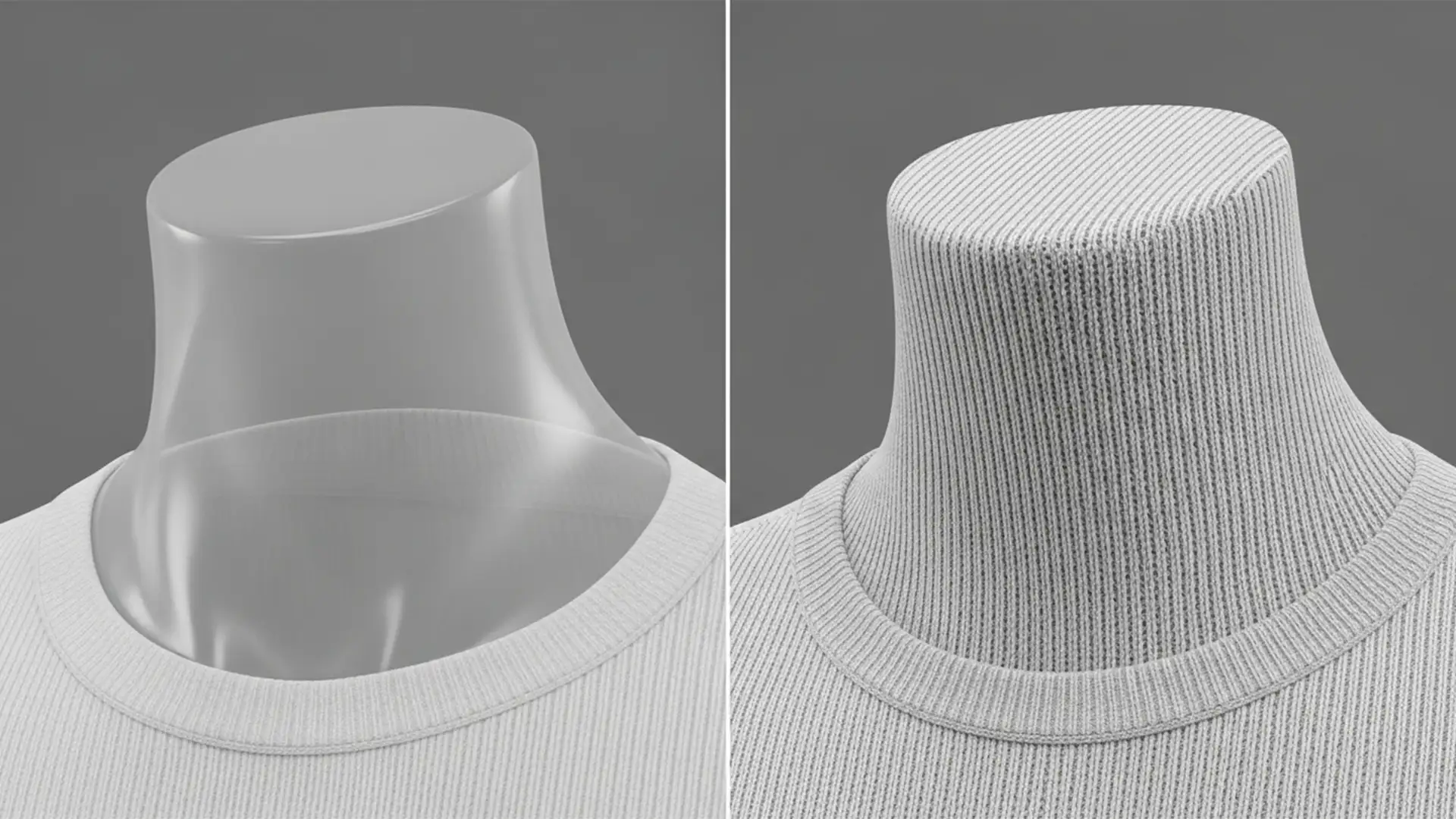
Fix AI Ghost Mannequin Texture Mismatch in Photoshop
E-commerce retouching is evolving, but if you rely on Photoshop v25.0+ Generative Fill for ghost mannequin edits, you have likely hit a frustrating wall. The AI is incredible at hallucinating lighting and structure, but it completely drops the ball on...
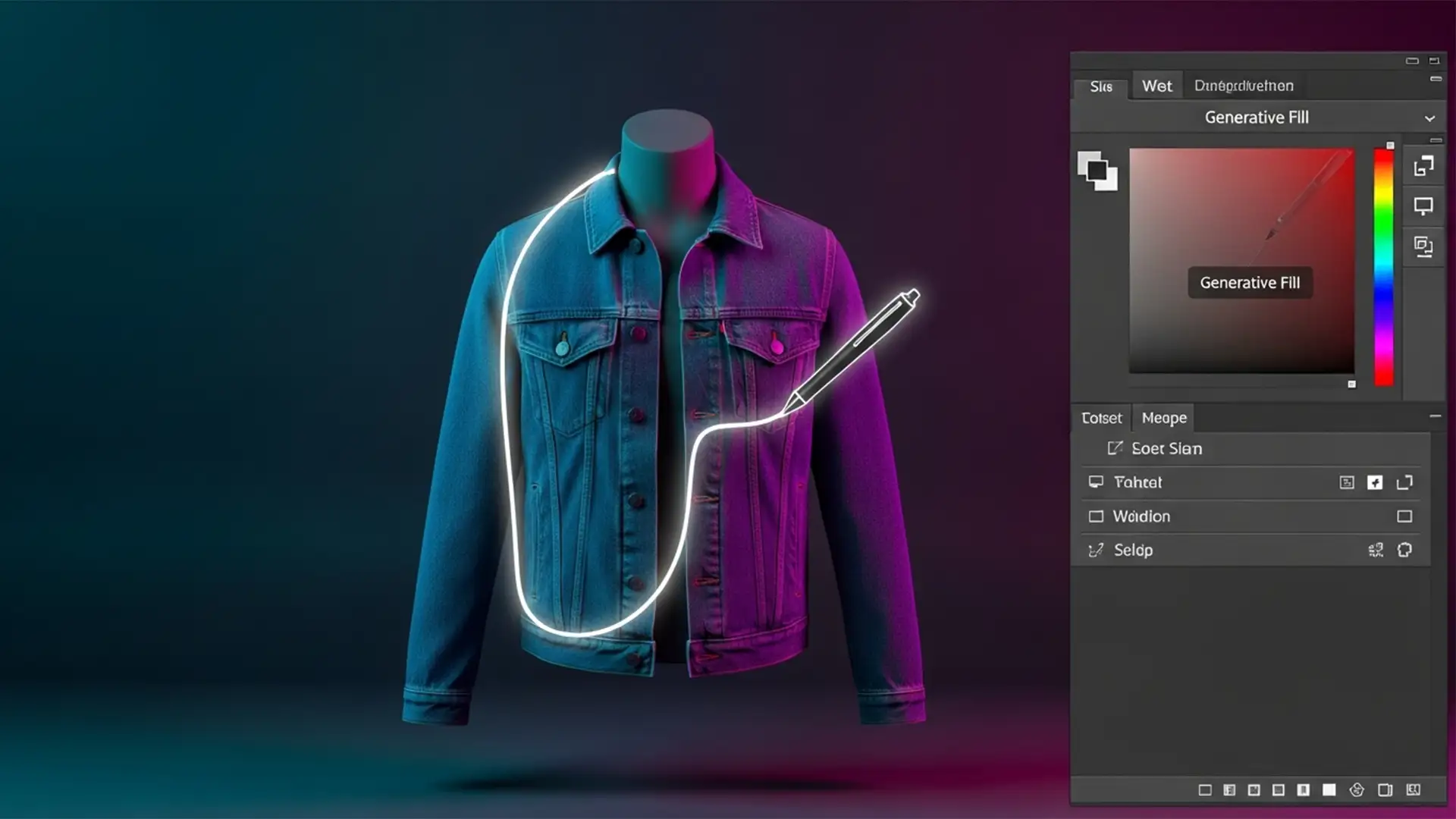
Beyond Generative Fill: The Professional 2026 Hybrid AI Ghost Mannequin Workflow
Are you tired of Photoshop’s Generative Fill turning the inside of your garments into anatomical blobs? When you are editing high-volume eCommerce photography, relying purely on AI to create a ghost mannequin effect is a recipe for disaster. Fully automated...
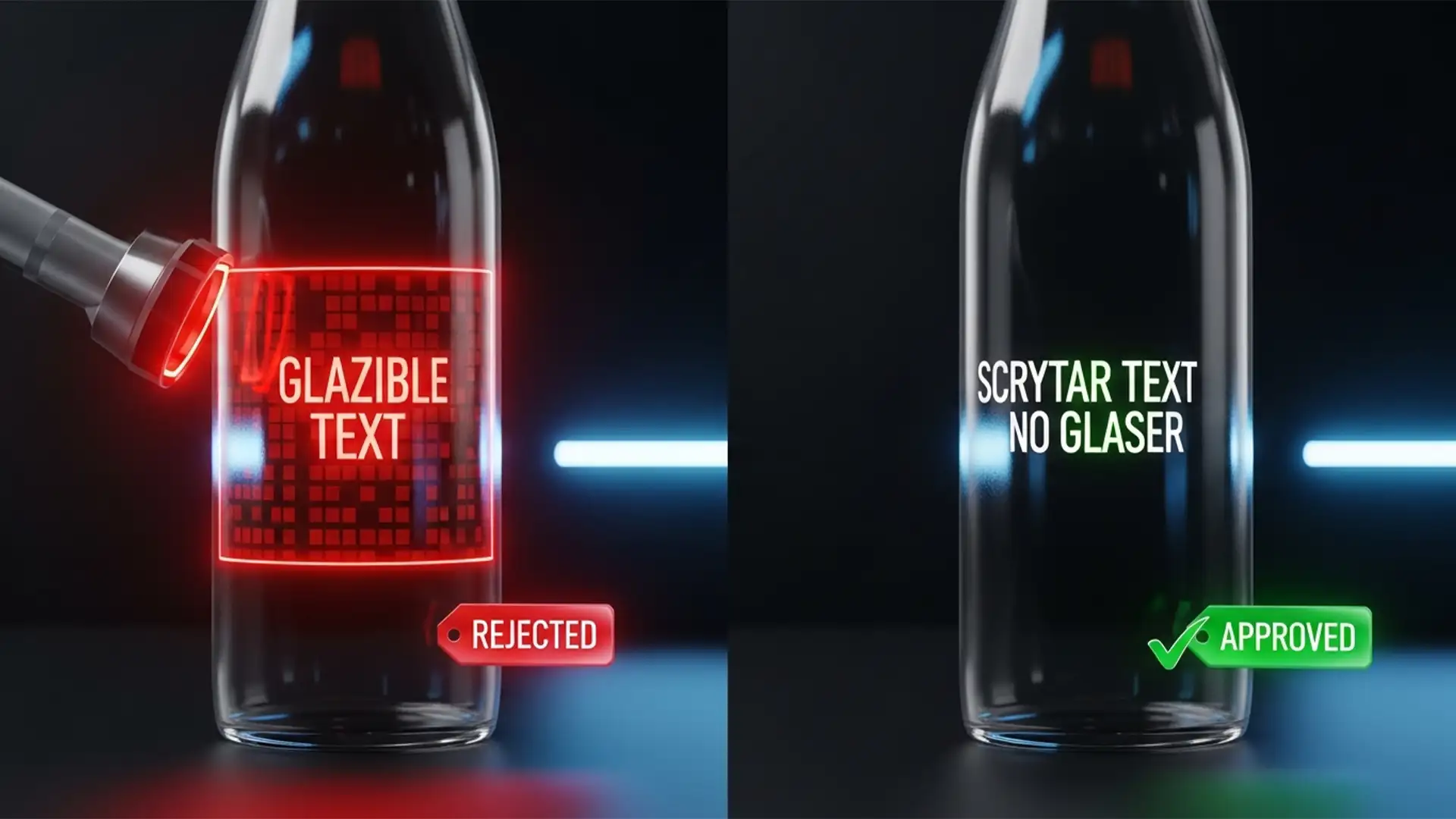
Beating the Bot: Edit F&B Labels for TikTok Shop
You’ve set up your TikTok Shop, but the dreaded notification hits: “Product information illegible or missing.” If you are stuck in the TikTok Shop F&B approval loop, you aren’t alone. TikTok’s automated compliance bots use strict Optical Character Recognition (OCR)...
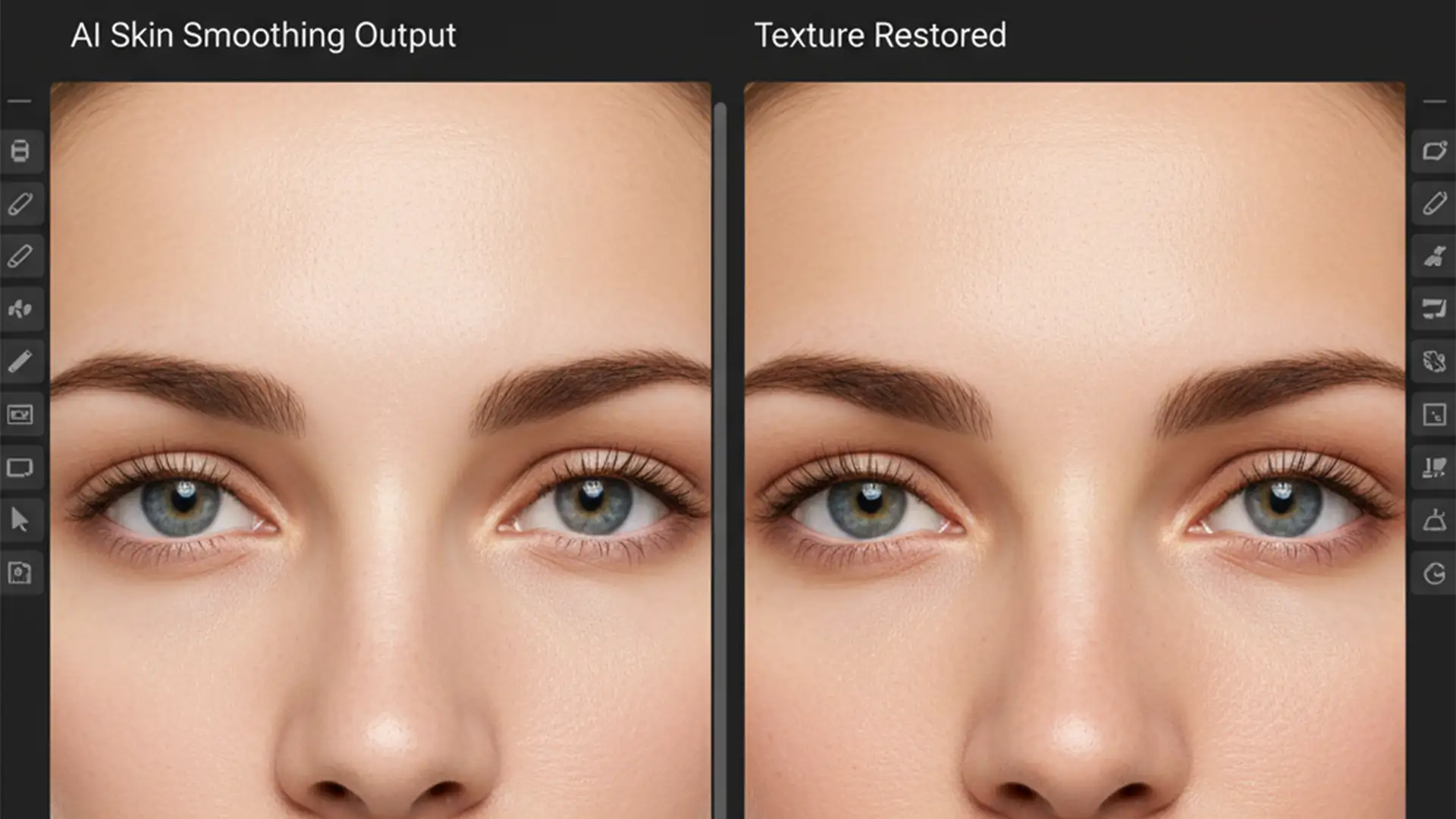
Remove AI Plastic Skin Look in Photoshop: Restore Texture
You just ran your latest portrait through Photoshop’s Neural Filters, hoping to save hours on manual skin retouching. But instead of a polished professional image, your subject looks like a wax mannequin. If you are struggling to remove the AI...
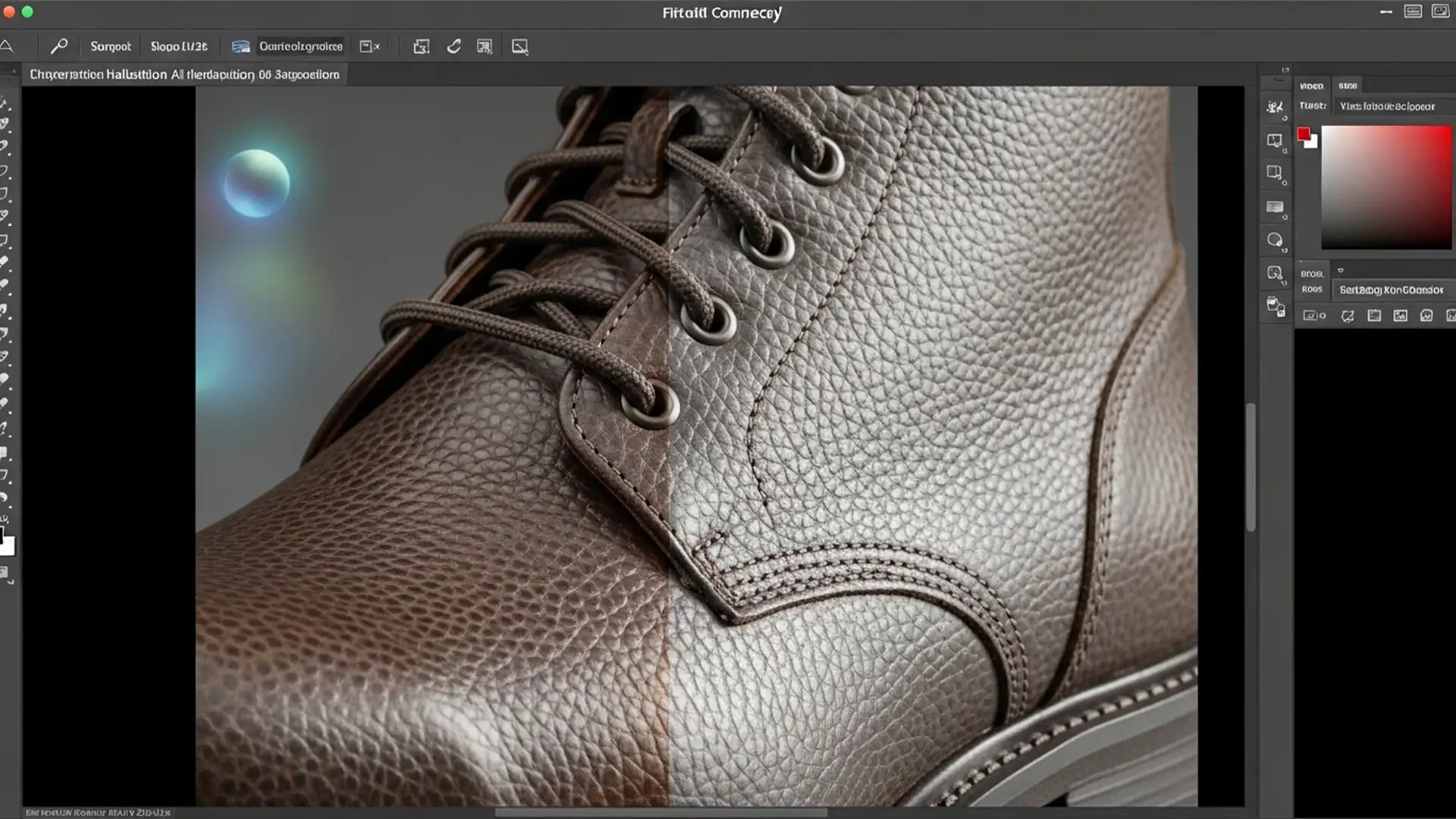
Preserve Product Textures in Photoshop Generative Fill
E-commerce requires absolute visual perfection, but if you have used Adobe Photoshop v25.x’s Generative Fill for background swaps, you already know the nightmare. You type in a prompt, hit generate, and while the new background looks stunning, the AI has...
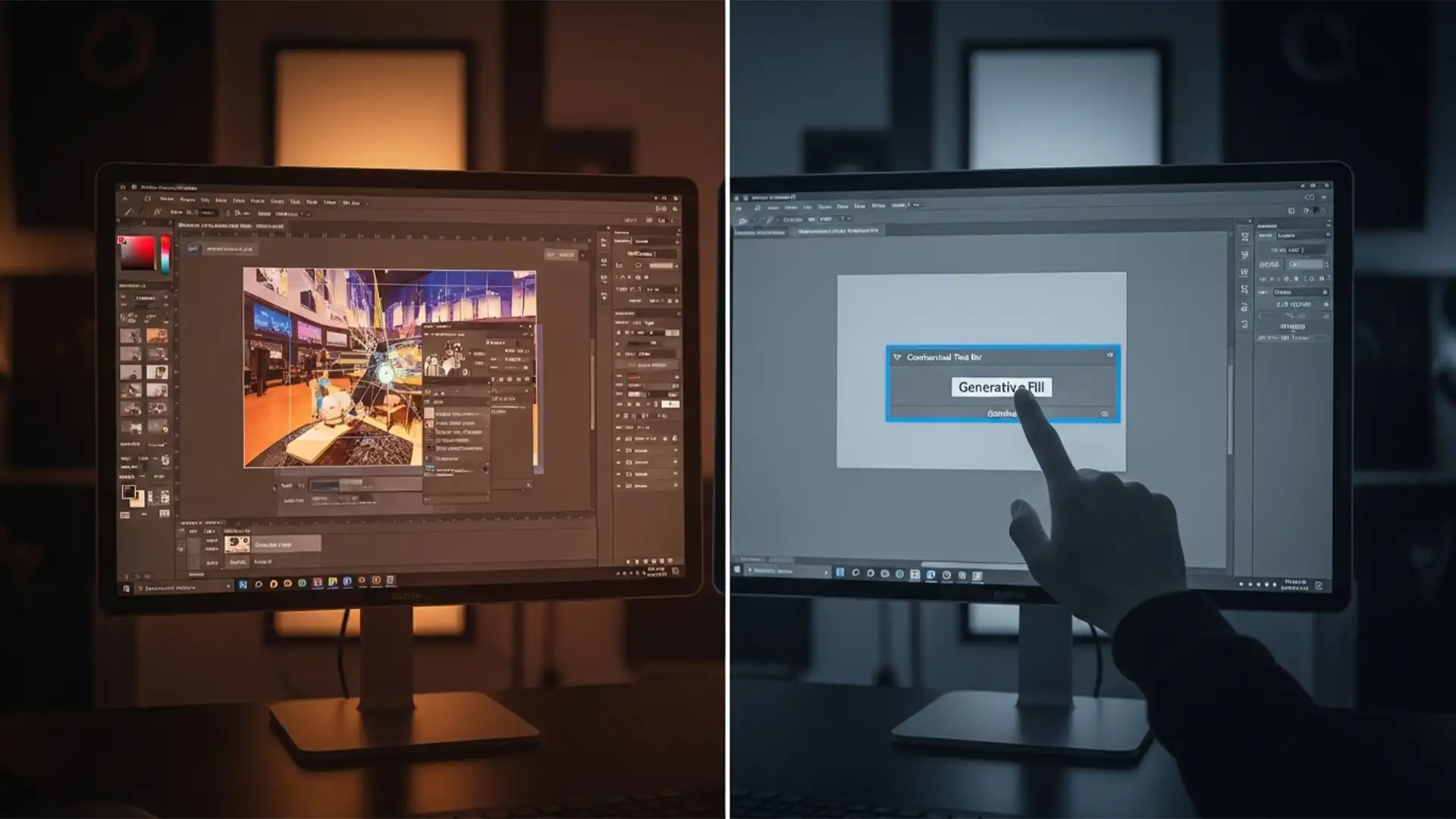
Photoshop Generative Fill Grayed Out? 5 Solutions for the March 2024 Update
You just updated to Photoshop v25.5 or v25.6, ready to speed up your retouching workflow, only to hit a wall: the Generative Fill button on your Contextual Task Bar is completely disabled. If you are actively searching for a reliable...
Photoshop 2025 Update Lagging & Pop-Up Removal Guide
Are you experiencing severe UI input lag or frustrating 3-second tool selection delays after the latest Adobe release? You aren’t alone. For many professional editors, Photoshop 2025 update lagging and pop-up removal has become a daily battle. Instead of a...