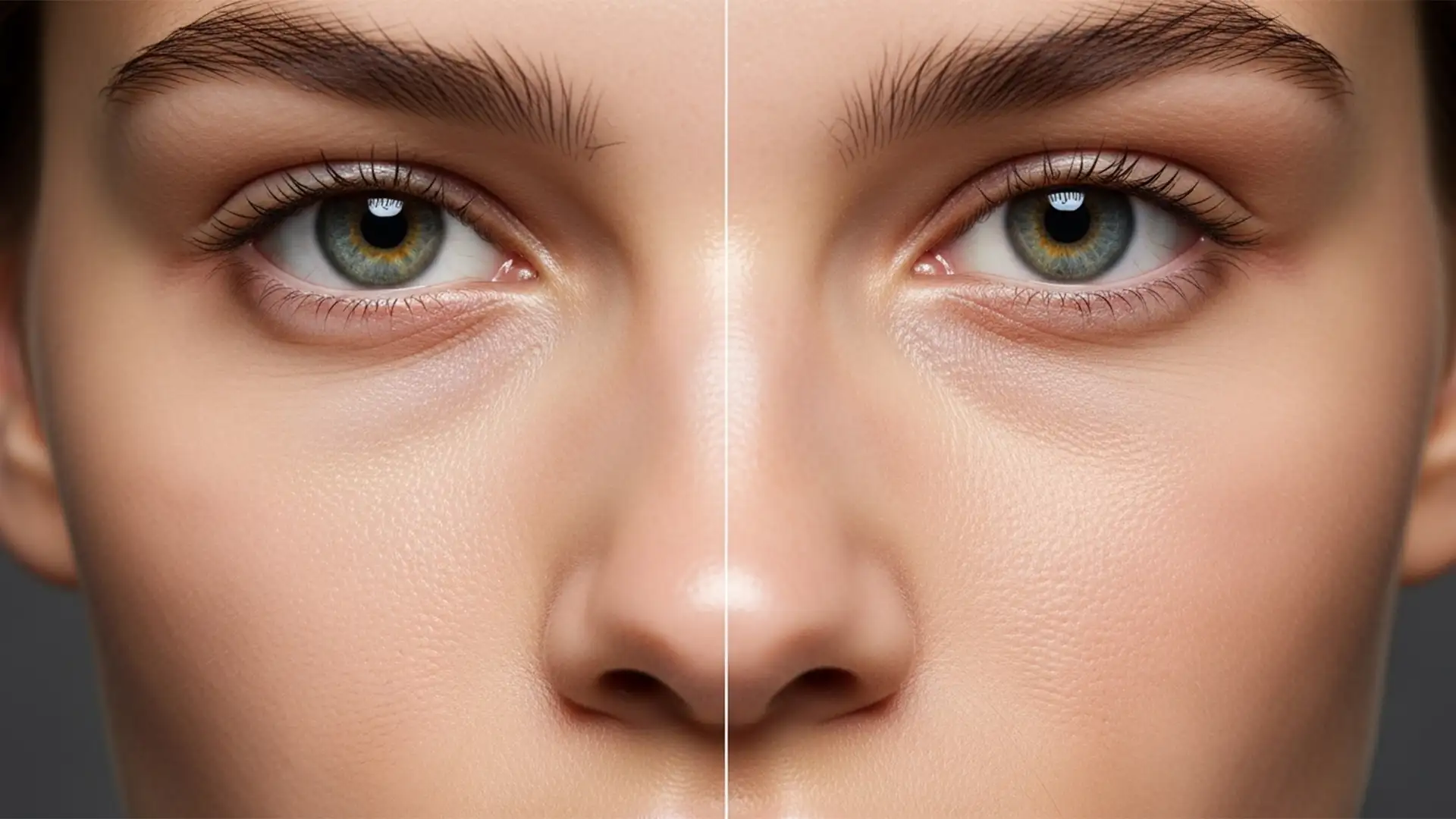

Fix Blurry Skin: Restore Texture After Generative Fill
If you are using Adobe Photoshop v25.0 or later, you already know the frustration. You use Firefly AI to remove blurry skin a stray hair, delete a blemish, or expand a portrait canvas, and the result is disastrously smooth. The...
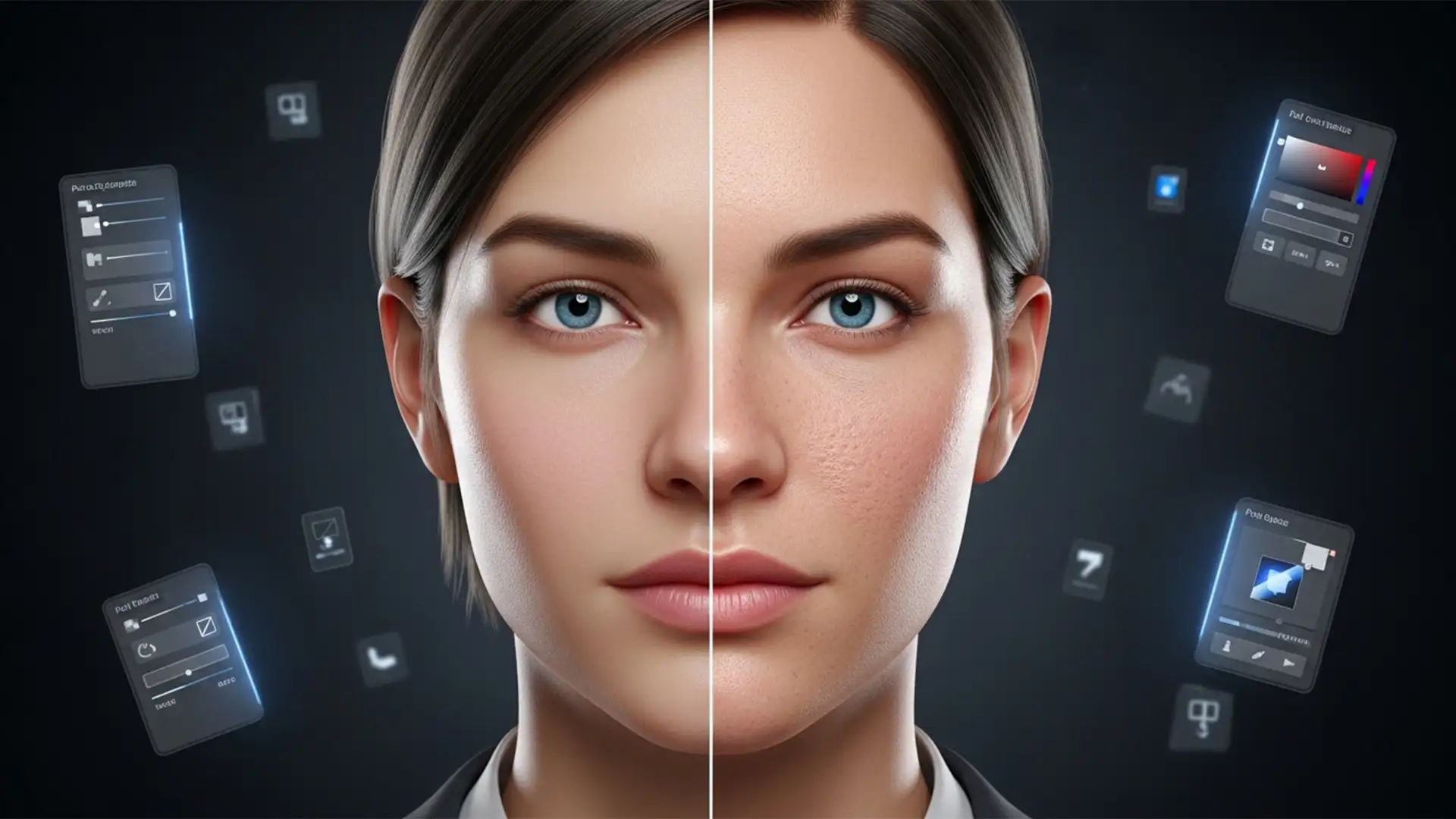
Fix Plastic Skin in AI Headshots: Photoshop Techniques to Restore Realism
You just generated the perfect corporate ai headshot using Midjourney v6 or Stable Diffusion. The lighting is cinematic, the composition is flawless, but there is a glaring issue: your subject looks like a mannequin. This artificial, plastic appearance is a...
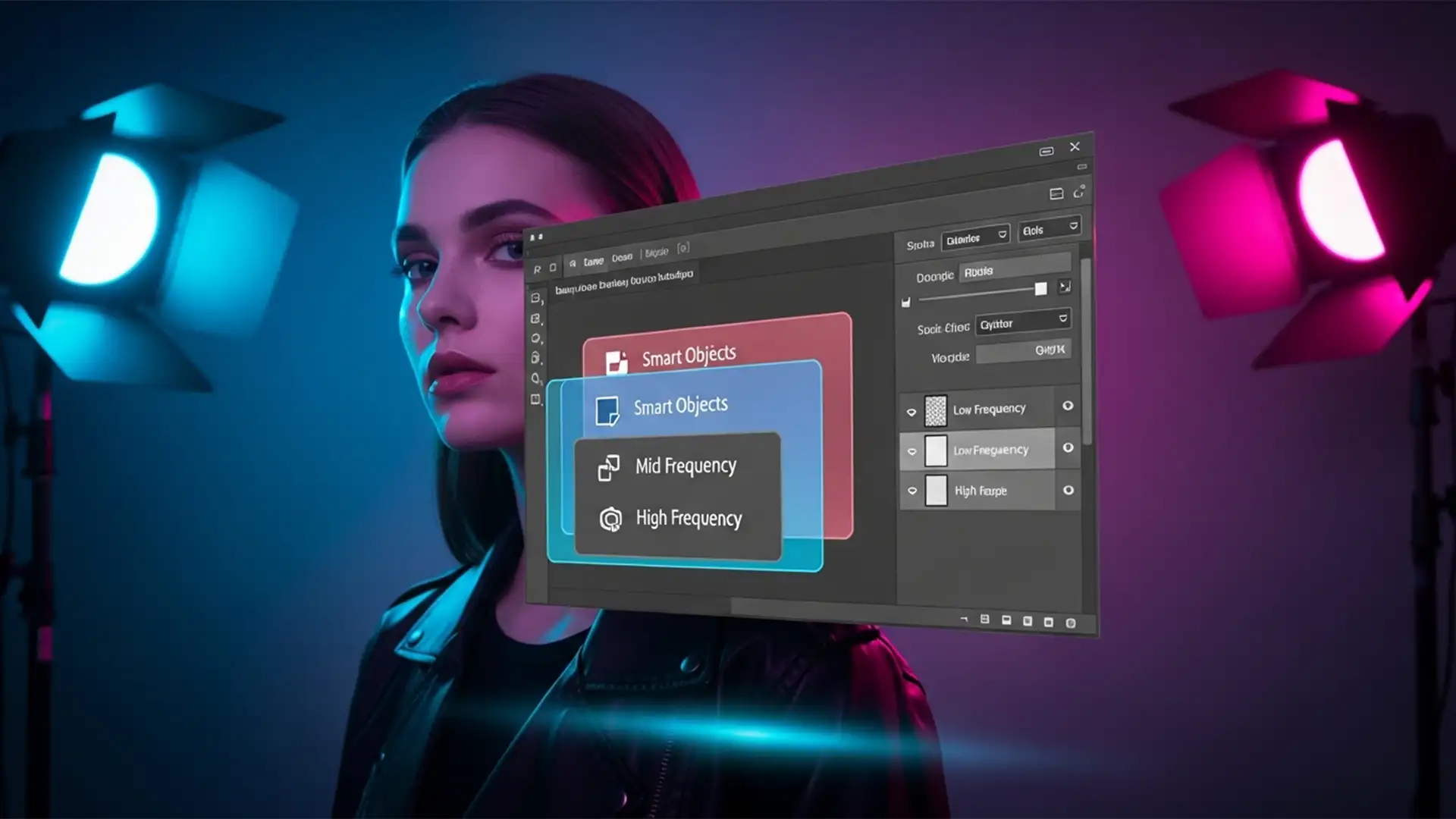
The ‘Unicorn’ Workflow: Master Non-Destructive Multi-Radius Frequency Separation
We’ve all been there: you are an hour deep into meticulous high-end skin retouching using your trusty frequency separation action, only to realize your initial blur radius was slightly off. Because standard frequency separation forces you to flatten image layers...
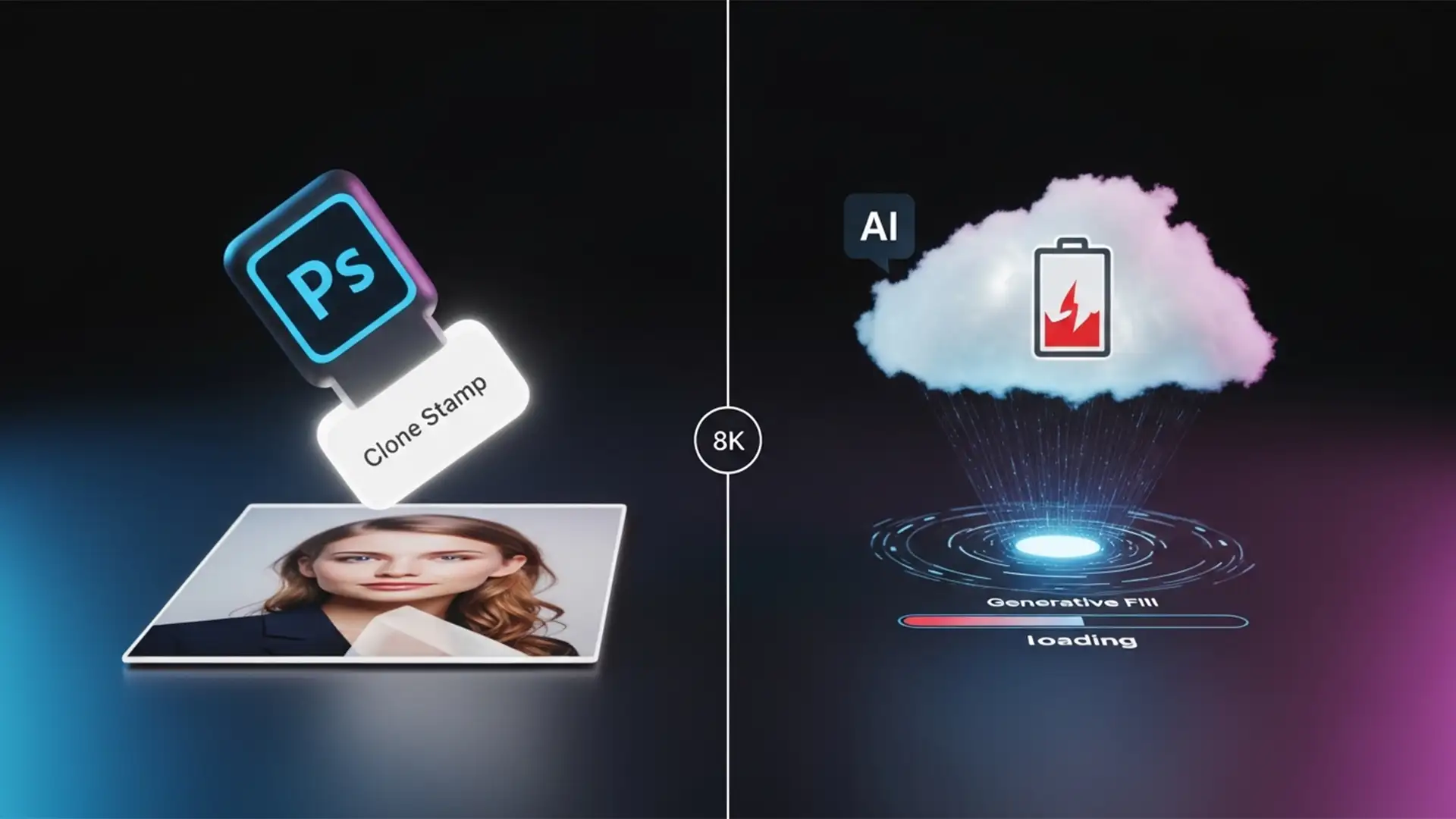
Save AI Credits: Traditional Retouching vs Generative Fill
Are you mindlessly lassoing every tiny dust spot and hitting “Generate”? If you are editing a batch of portraits in Photoshop v25.0 or newer, you might be draining your monthly allocation faster than you realize. Every time you use cloud-based...
Photoshop 2025 Generative Fill Problems? Stop AI Object Adding
You highlight a stray trash can in the background of your perfect commercial shot, leave the prompt blank, and hit “Generate.” Instead of a clean background, Photoshop 2025 replaces the trash can with a distorted, three-legged chair. If you are...
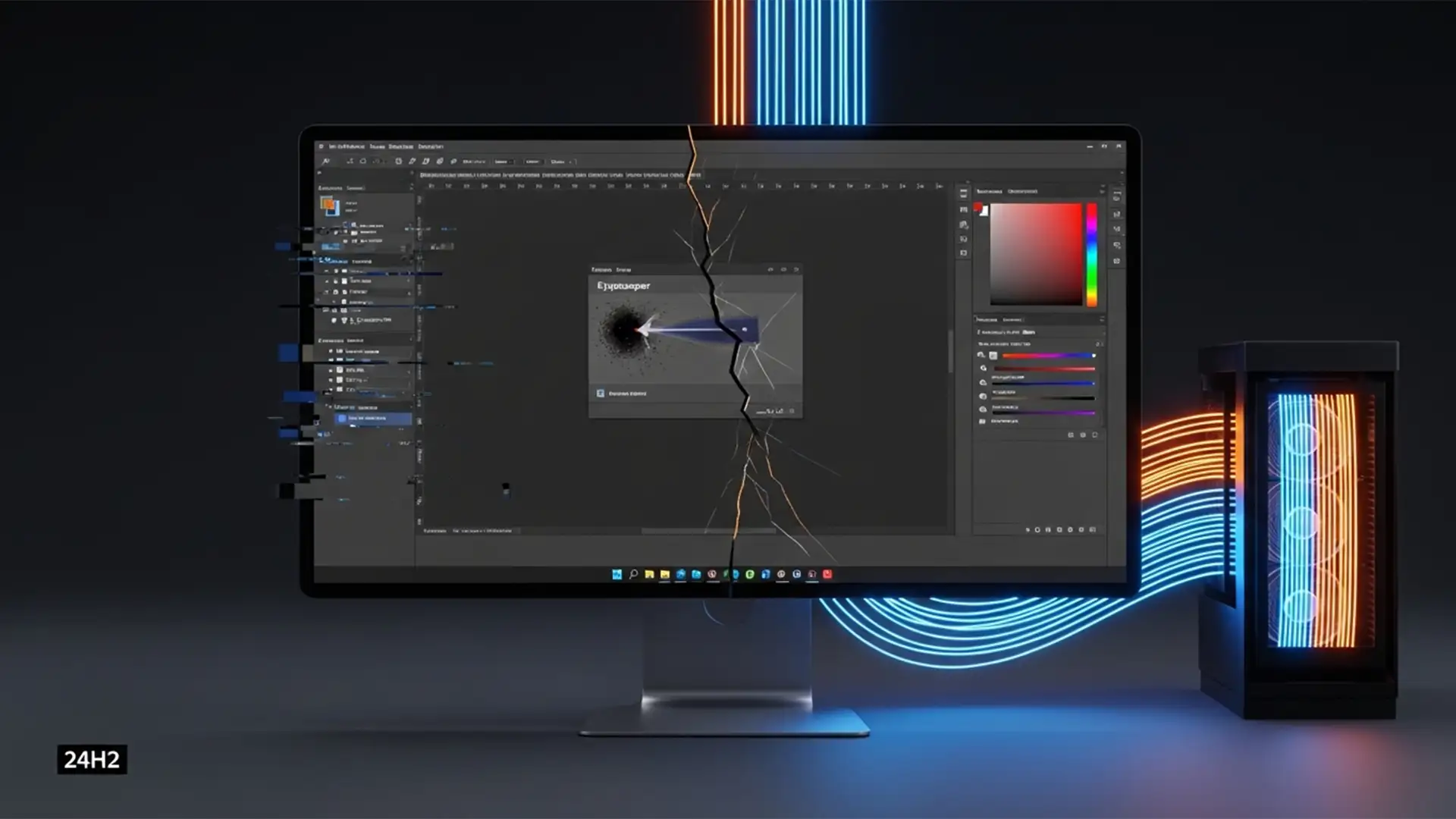
How to Fix Photoshop 2025 UI Scaling & Eyedropper Bugs on Win 11 24H2
You just updated your workstation to Windows 11 24H2, fired up Photoshop 2025 (v26.x), and immediately noticed something was wrong. Dialog boxes are inexplicably cropped. Your cursor alignment is completely off. Worst of all, the Eyedropper tool is picking up...
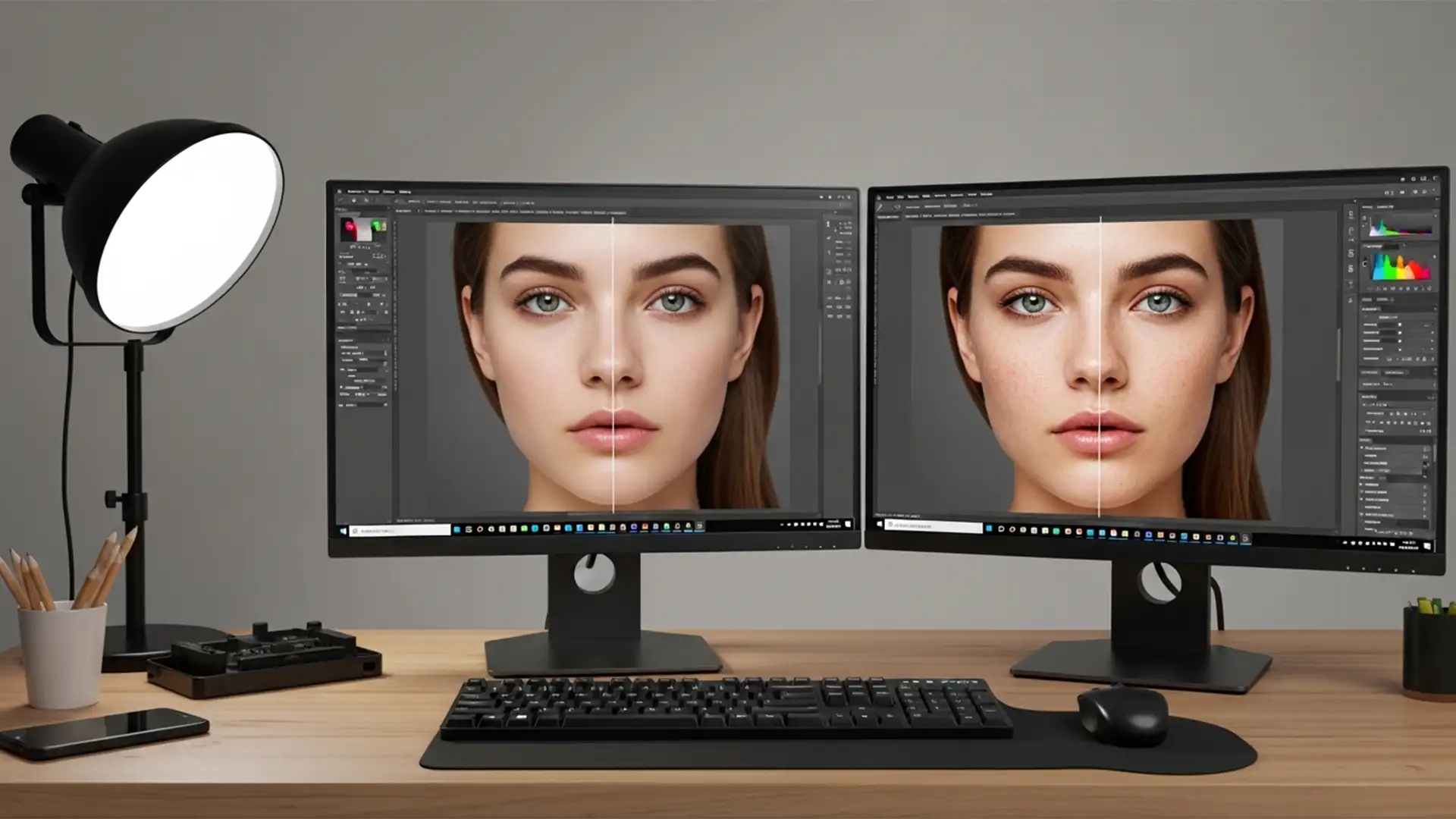
Fix Photoshop 2025 Generative Fill Skin Texture Smudging
You just ran the latest AI update on a high-resolution portrait, and the result is a glowing, plastic patch of skin. The underlying edit might be spatially accurate, but the area completely lacks pores, natural blemishes, and fine hairs. If...
8K Retouching: Evolve Your High-End Workflow for Ultra-HD
You have just spent hours perfecting a high-end beauty campaign. On your 4K studio monitor, the skin transitions look buttery smooth. But the moment your client views that same file on a new 8K display (7680×4320 pixels), the illusion shatters....
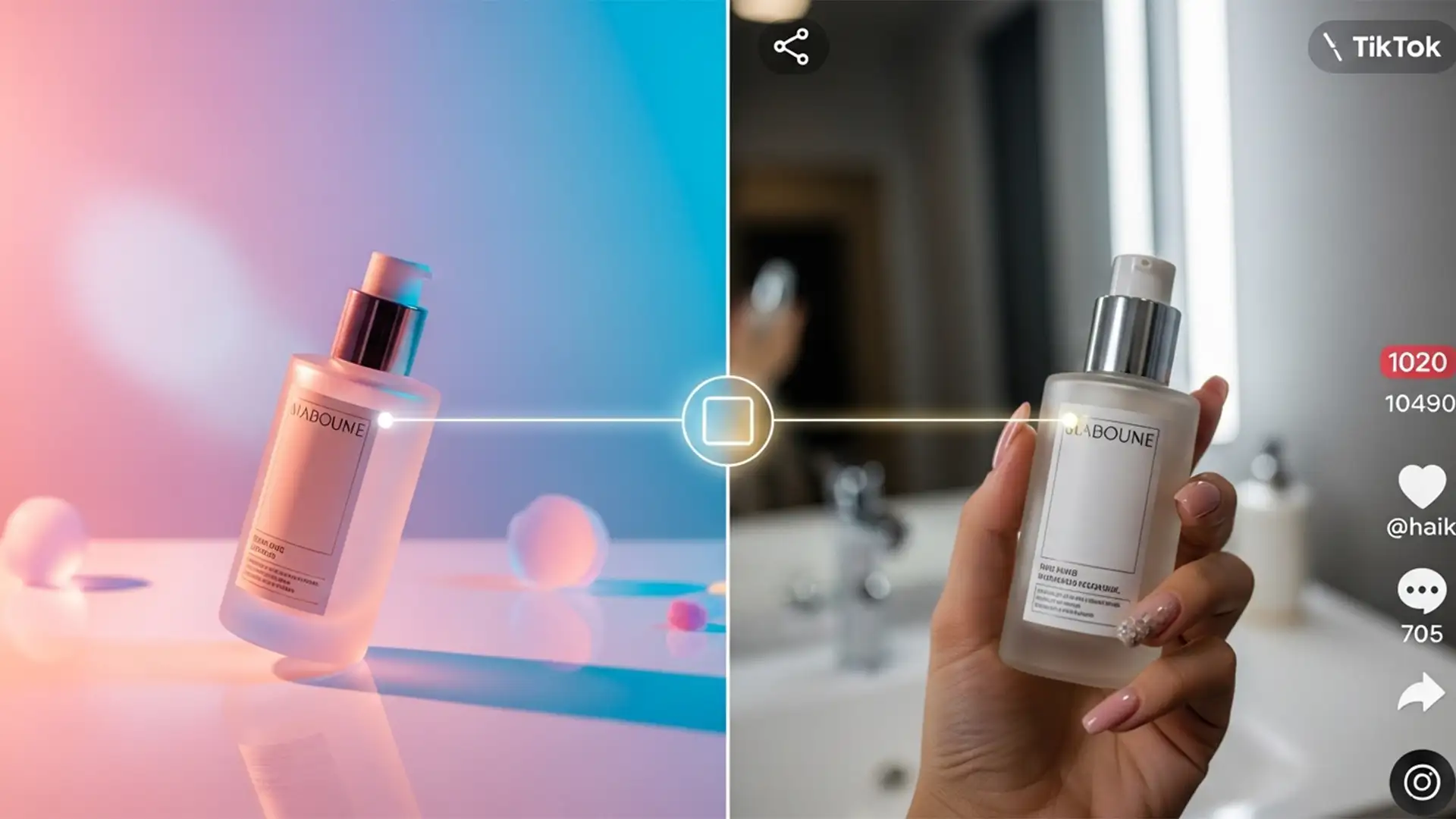
Color Match Product Photos to TikTok and Reel Video Stills
You spent thousands on crisp, high-dynamic-range studio product photography. But when you launch your social commerce campaign, your pristine images look completely disconnected from your trendy user-generated content (UGC) and native video marketing. Why? TikTok and Instagram Reels video compression...
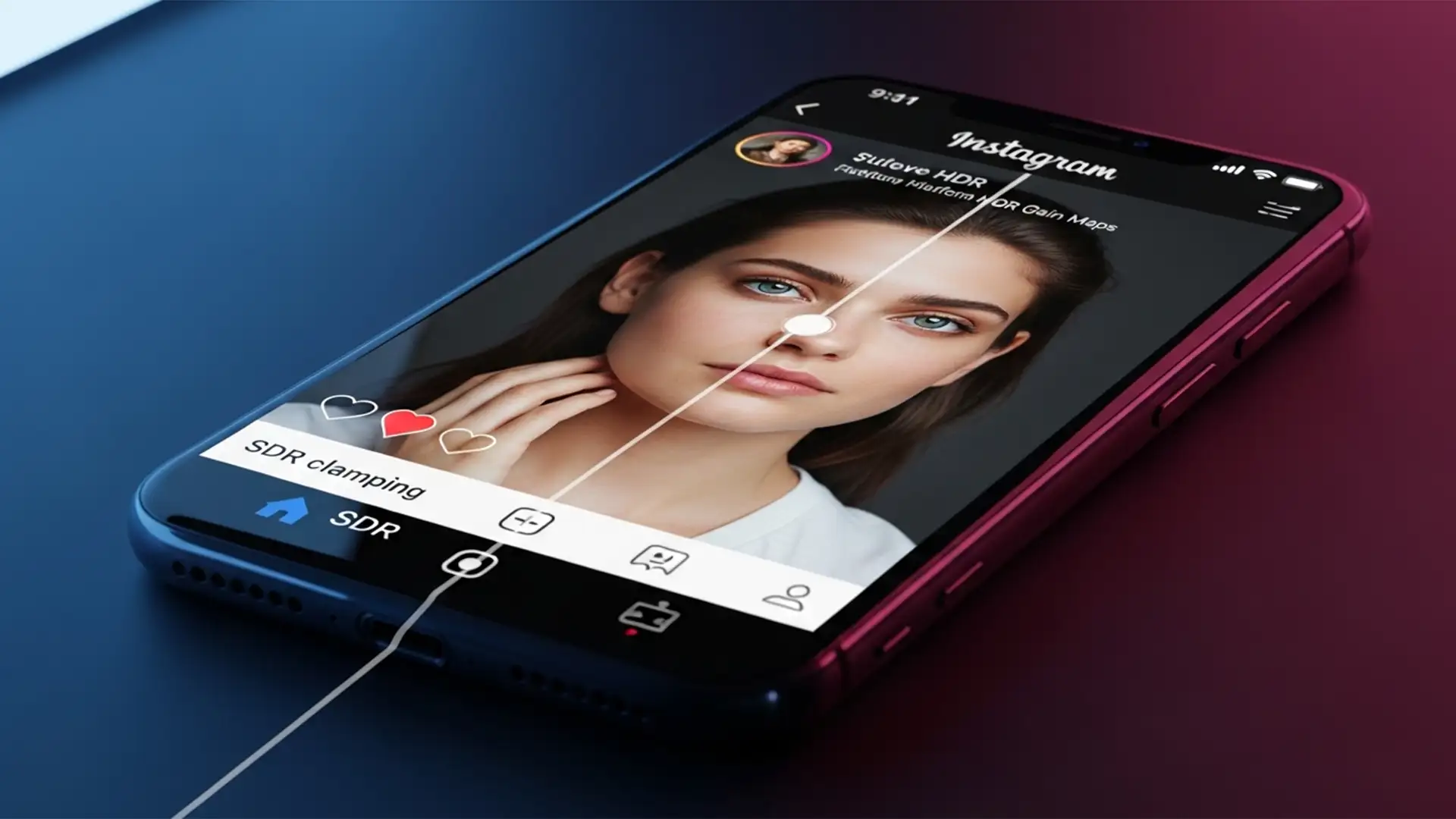
Instagram HDR Fix: How to Stop Your Photos Looking Neon and Blown Out
You spend hours perfecting a color grade in Photoshop, export it to your phone, and upload it to Instagram. Suddenly, your subtle highlights are glowing like a neon sign, and the skin tones look completely overexposed. If this sounds familiar,...