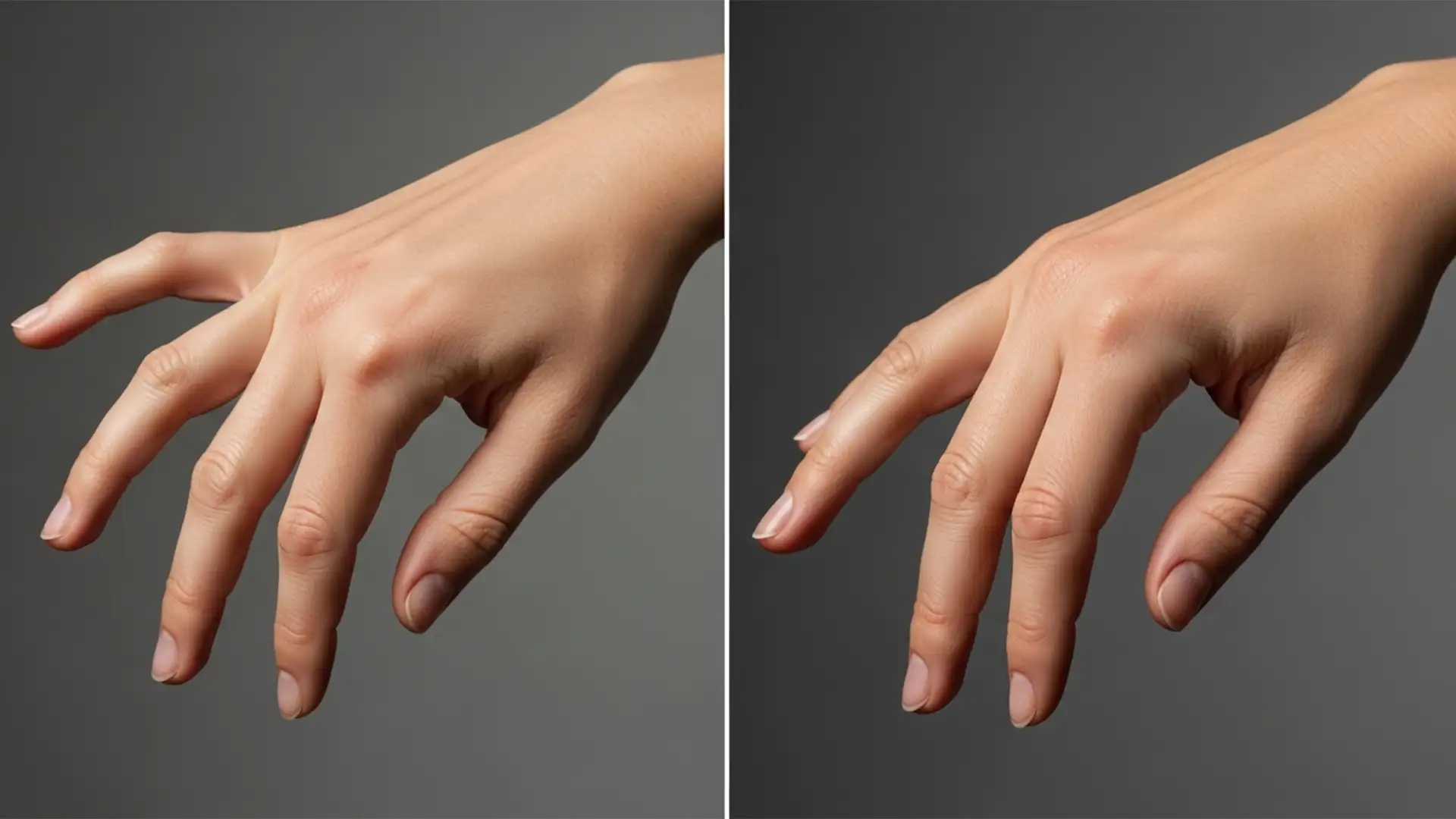

How to Fix AI Distorted Hands in Model Photography
You finally generate the perfect commercial portrait. The lighting is dramatic, the styling is flawless, and the facial details are hyper-realistic. Then, you zoom in on the extremities. Instead of elegant fingers, you are staring at melted knuckles, unnatural bends,...
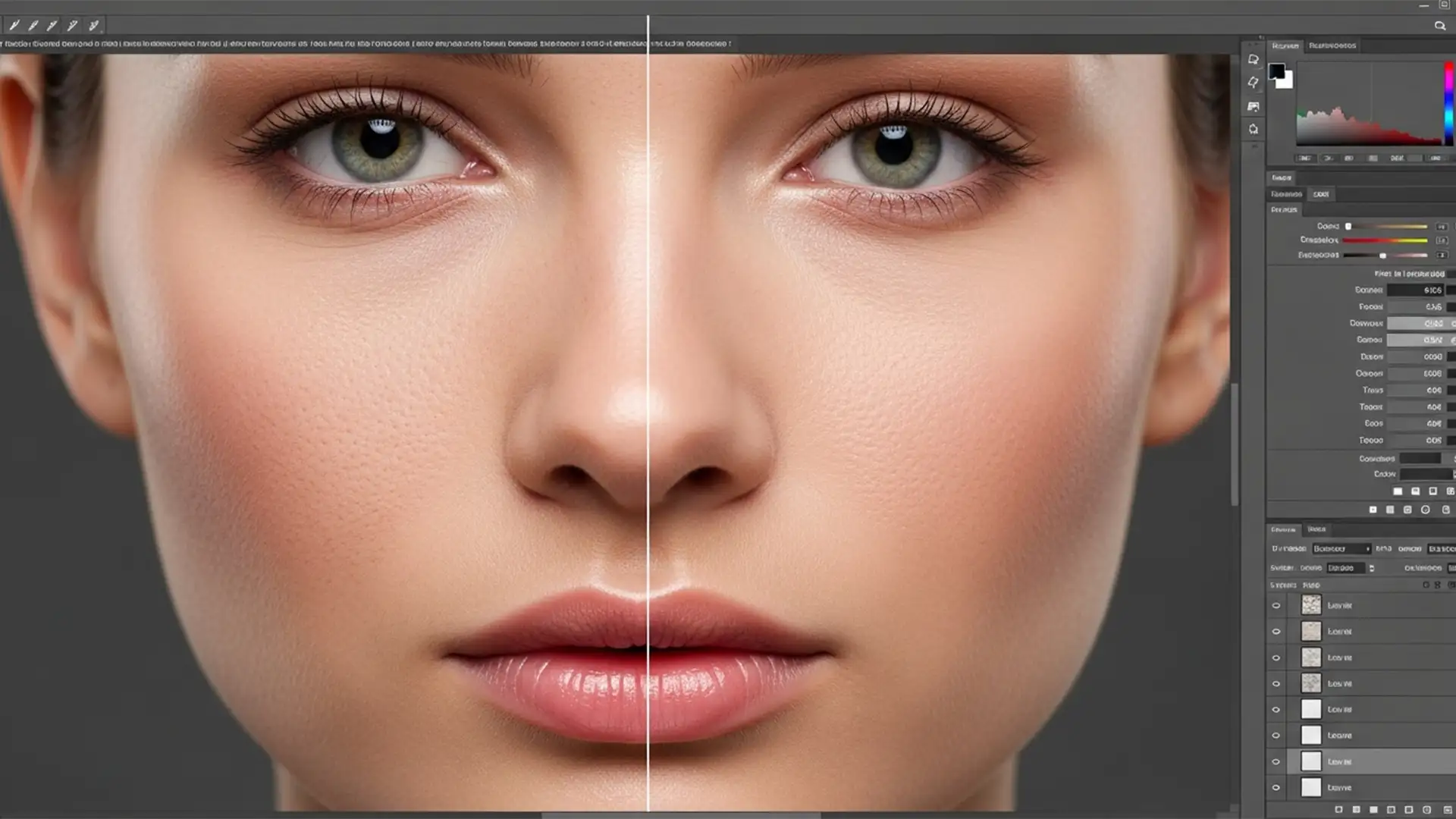
How to Fix ‘Plastic Skin’: Restoring Natural Texture to AI-Retouched Models
You’ve just used Photoshop’s Generative Fill to extend a background or remove a stray hair across a model’s face. The composition looks flawless from a distance, but as you zoom in to 100%, panic sets in. The AI has replaced...
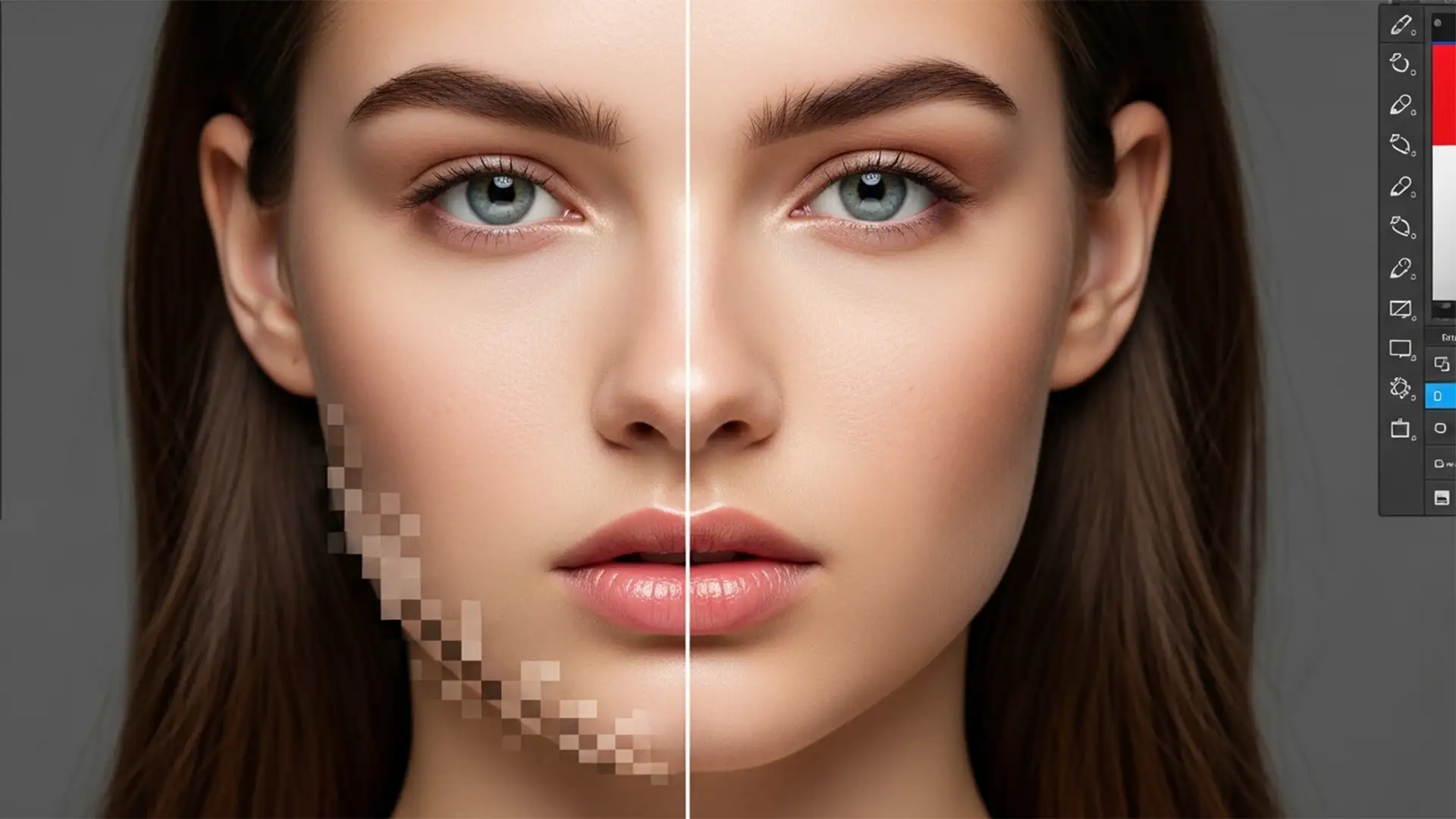
AI Skin Artifact Removal in Photoshop 2024: Pro Guide
You applied Photoshop 2024’s Ai Skin Smoothing Neural Filter to save time, but instead of magazine-quality skin, you are left with a plastic, over-blurred mess. Blocky pixelation and harsh color banding now plague the jawline, nose bridge, and hairline. Sound...
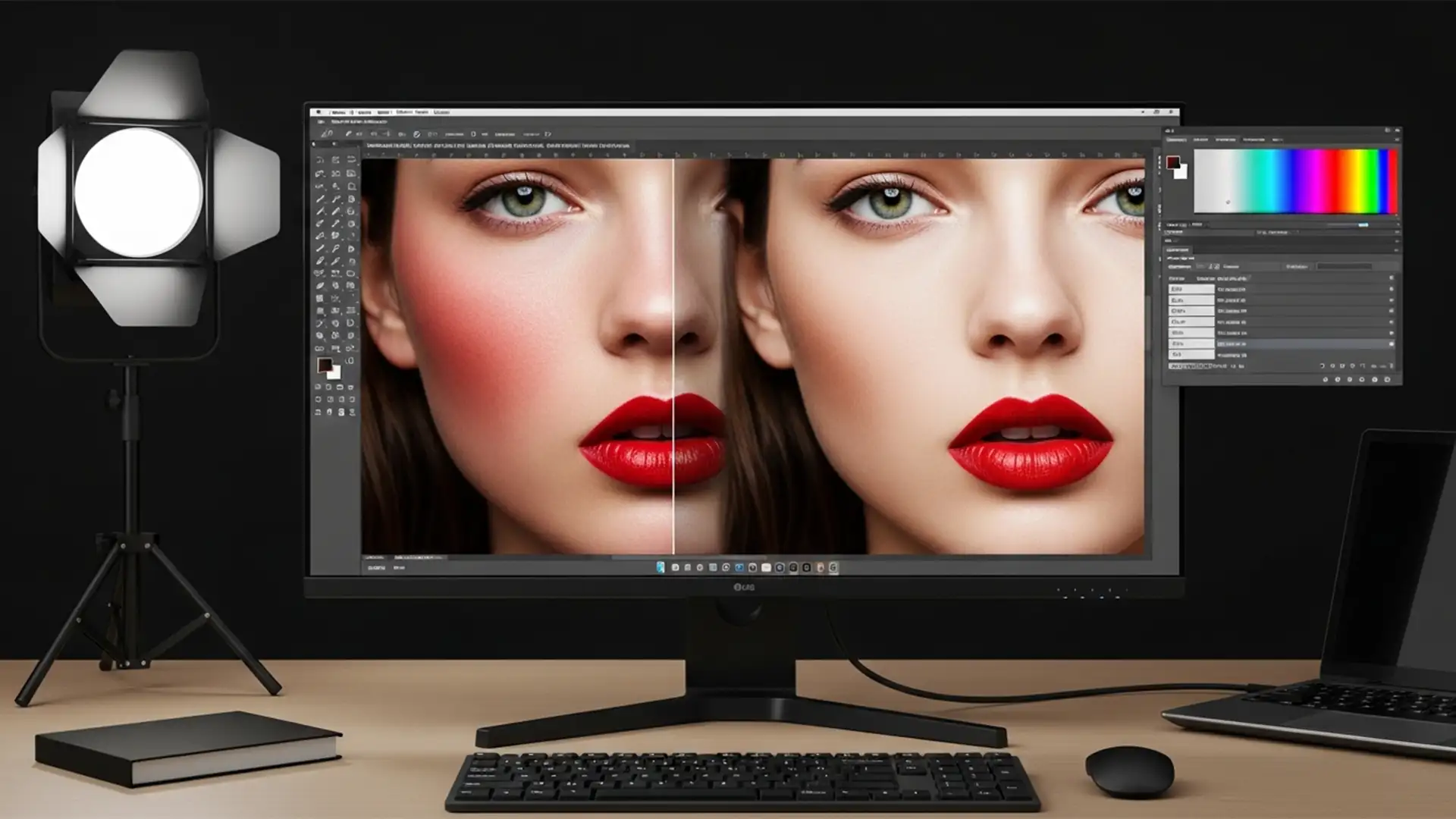
Neutralize Skin Redness Correction: Save the Makeup, Fix the Flush
You’ve just received a stunning beauty editorial, but the model’s skin is flushed. Your first instinct? Drop a global Hue/Saturation adjustment or tweak the Camera Raw Color Mixer to dial back the reds. But there’s a massive problem: the moment...
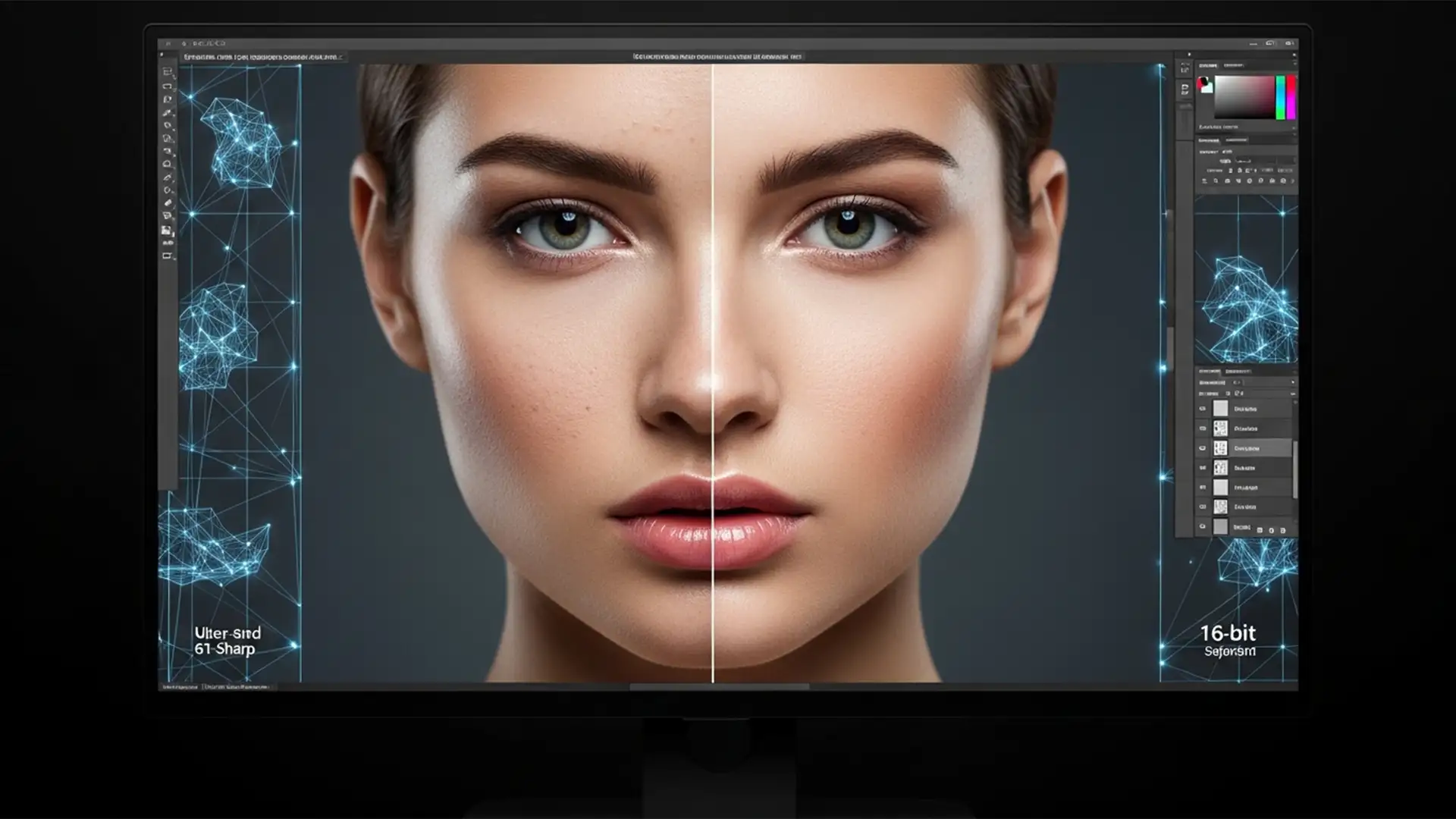
Advanced Frequency Separation for 8K Portraits
If you are editing 61-megapixel files in Photoshop CC v24.x or v25.x, you already know the nightmare: standard 8-bit frequency separation actions absolutely destroy your images. When you run a typical macro using a 4 to 6 pixel blur radius...
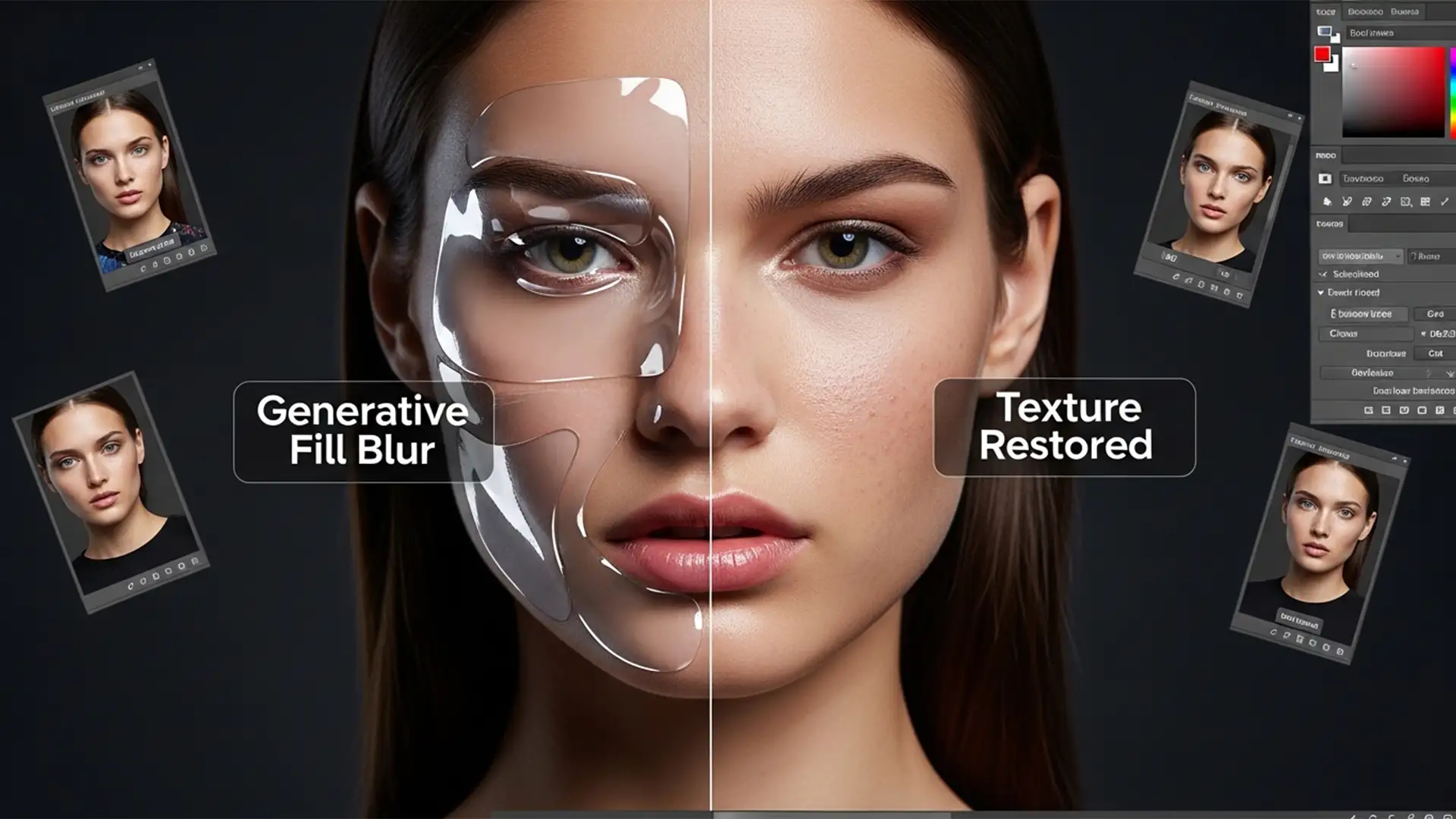
How to Fix Blurry Skin Patches from Photoshop Generative Fill
You’ve just used Photoshop’s Generative Fill to remove a stray hair or extend a background on a high-resolution portrait. It looks great from afar, but zoom in, and disaster strikes. The AI-generated patch is a soft, blurry, plastic-looking mess that...
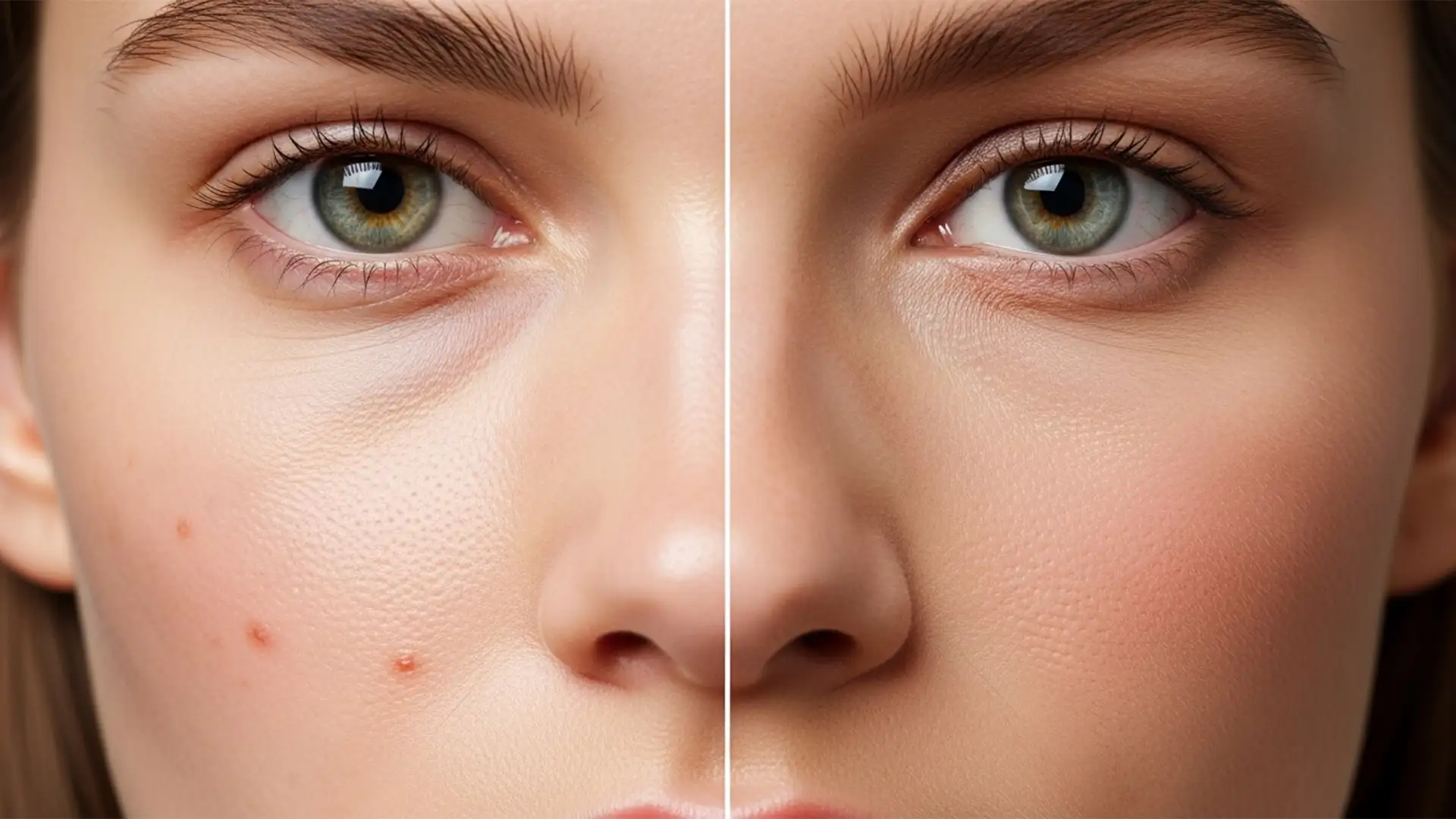
Minimalist Retouching: How to Edit Shopify Model Photos to Meet 2026 Disclosure Standards
The e-commerce landscape is shifting rapidly. By 2026, new AI disclosure mandates and the C2PA standard will force Shopify merchants to label images edited with generative AI. If your current workflow relies heavily on Photoshop’s Generative Fill or Neural Filters...
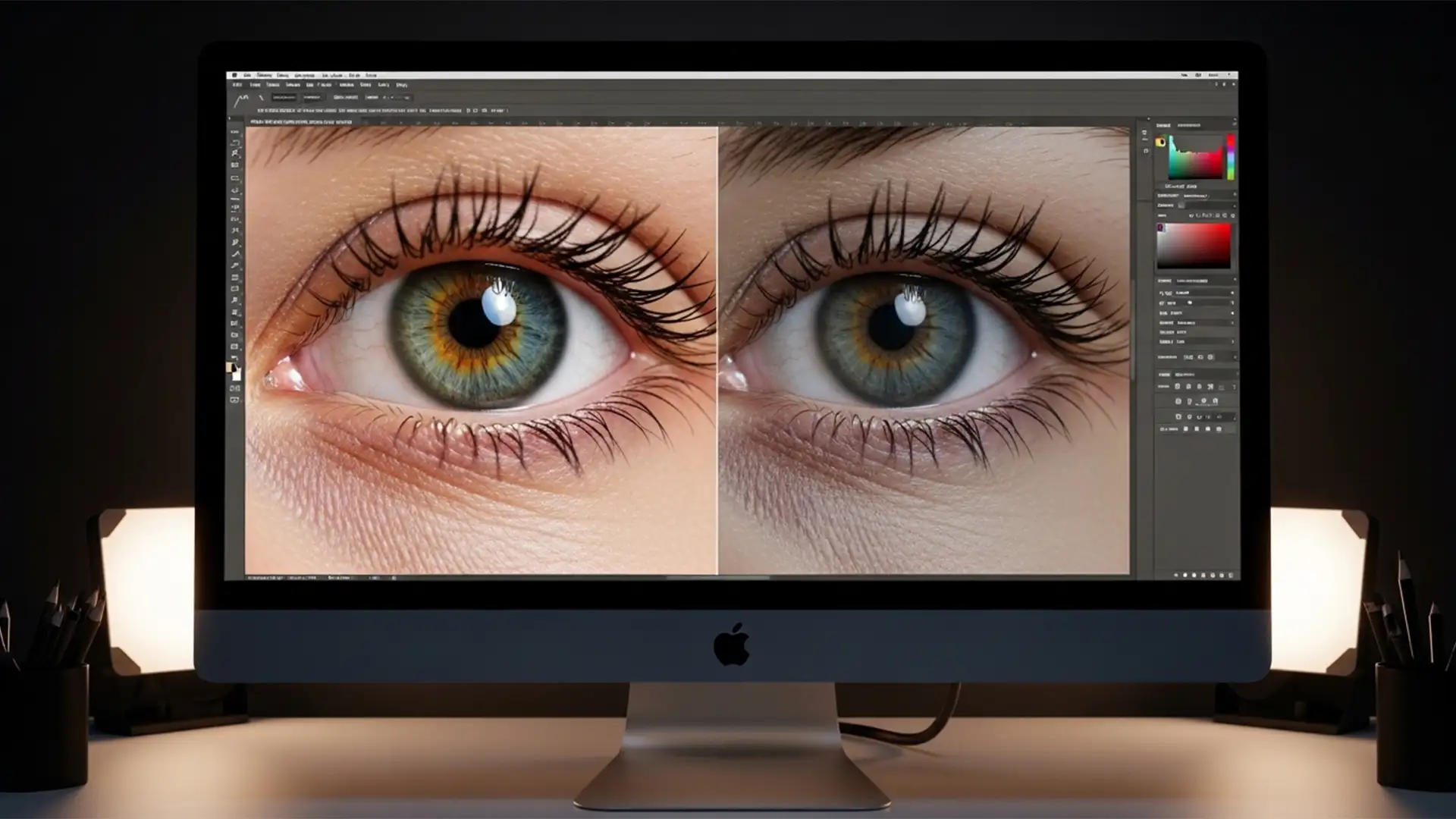
Troubleshooting AI Eye Gaze: How to Fix ‘Dead Eye’ Artifacts in Portrait Retouching
You’ve spent hours perfecting the skin tones and grading on a high-end portrait, only to realize the subject’s eyes are looking slightly off-camera. You fire up Photoshop’s new AI eye gaze correction, hit apply, and suddenly—your model looks lifeless. The...
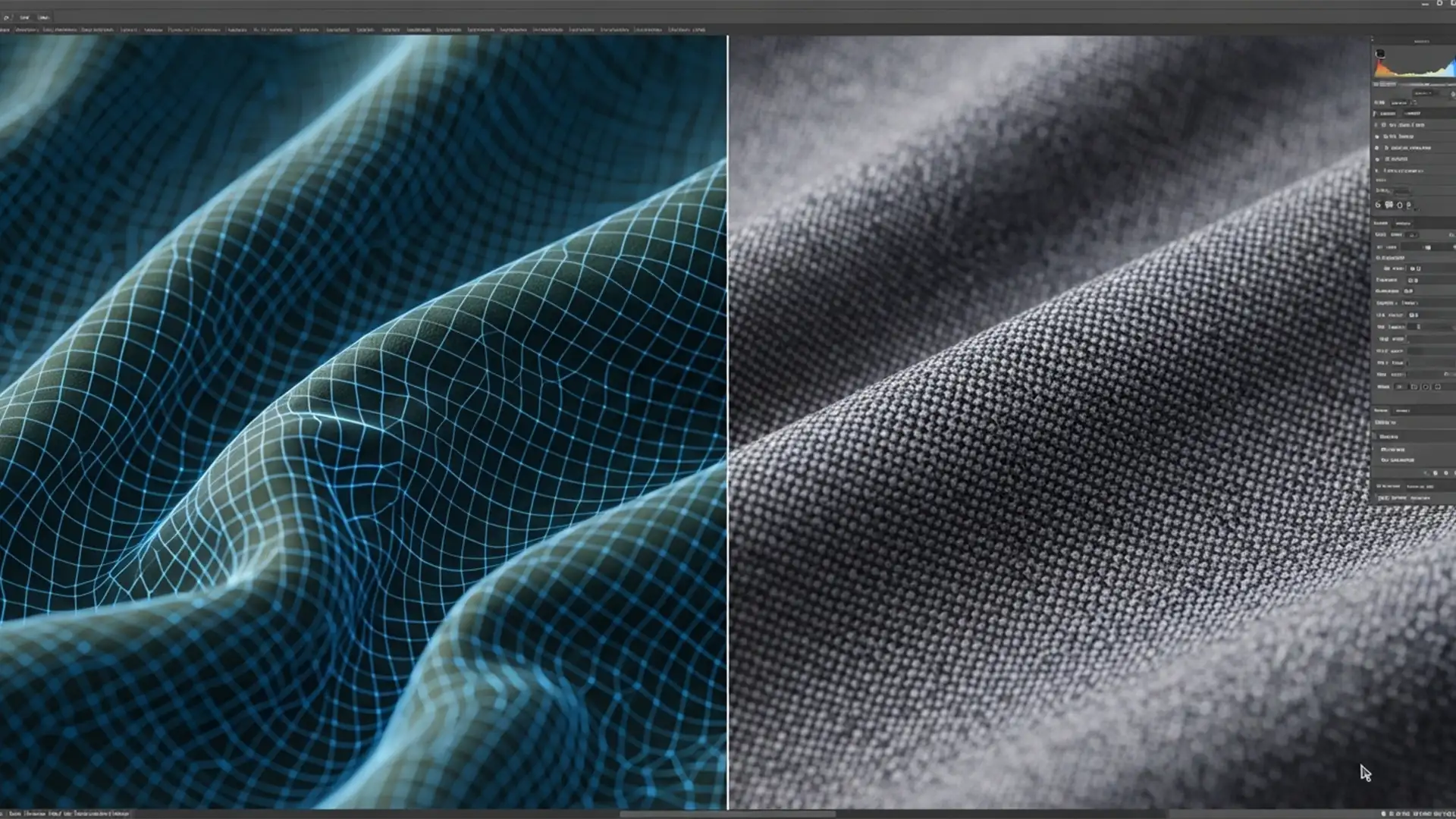
Fixing Blurry AI Artifacts: Professional Guide to Model Clothing Retouching in 2026
You’ve just used Adobe’s latest AI tools to smooth out a distracting crease on a high-end fashion shoot, but instead of a flawless garment, you are left with a muddy, plastic-looking blur. If you are struggling with Generative Fill clothing...
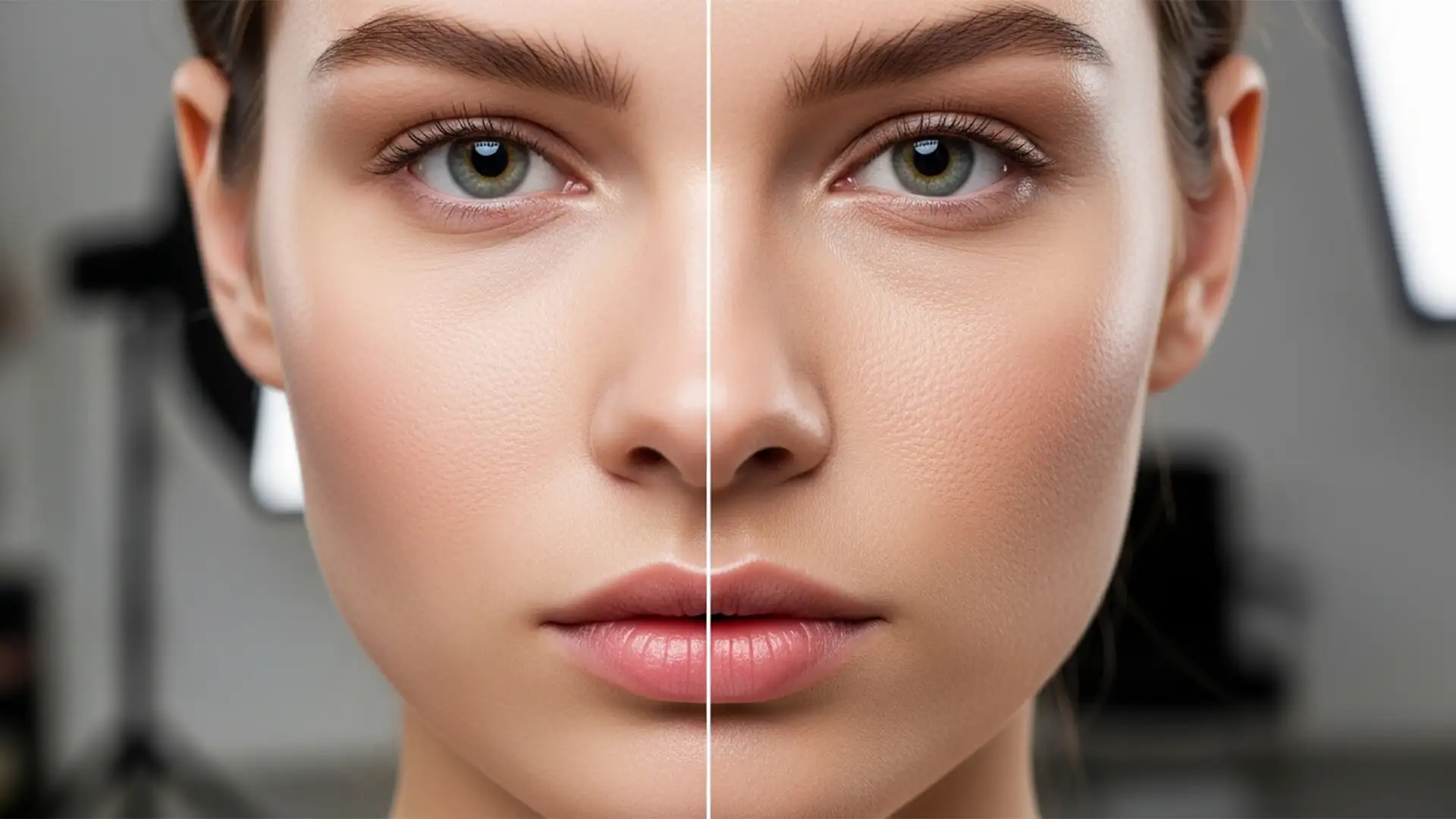
How to Restore Natural Skin Texture After Photoshop 2026 Neural Filter Smoothing
You just updated to Photoshop v27.x (2026), excited to speed up your portrait retouching with the new Adobe Sensei-powered Skin Smoothing Neural Filter. You apply it, and your subject instantly looks like a plastic mannequin. The AI successfully maps the...