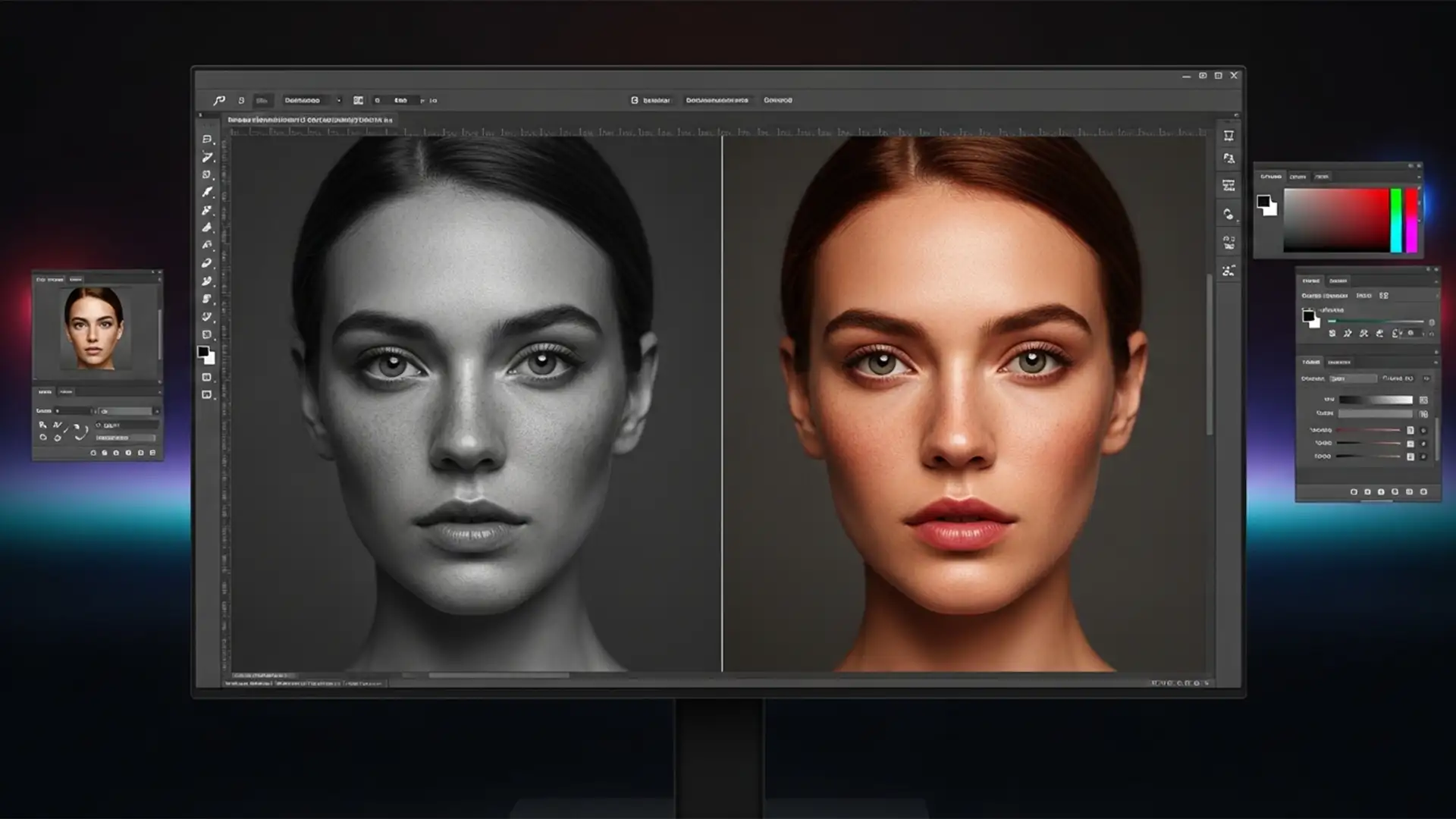

Beyond Match Color: Fixing Muddy Skin Tones in Photoshop Generative Fill
You just generated the perfect extension for a portrait using Adobe Photoshop v25.x, but there’s a glaring problem: the AI-generated skin looks dead. If you are struggling to fix Photoshop Generative Fill skin tone mismatch, you aren’t alone. While the...
Beyond 2D: The Professional Workflow for Retouching Spatial Photos for Apple Vision Pro
You just captured a stunning spatial photo for the Apple Vision Pro, but after a quick blemish removal in Photoshop, the 3D effect is ruined. Instead of a crisp, immersive scene, you’re looking at warped edges and bizarre AI background...
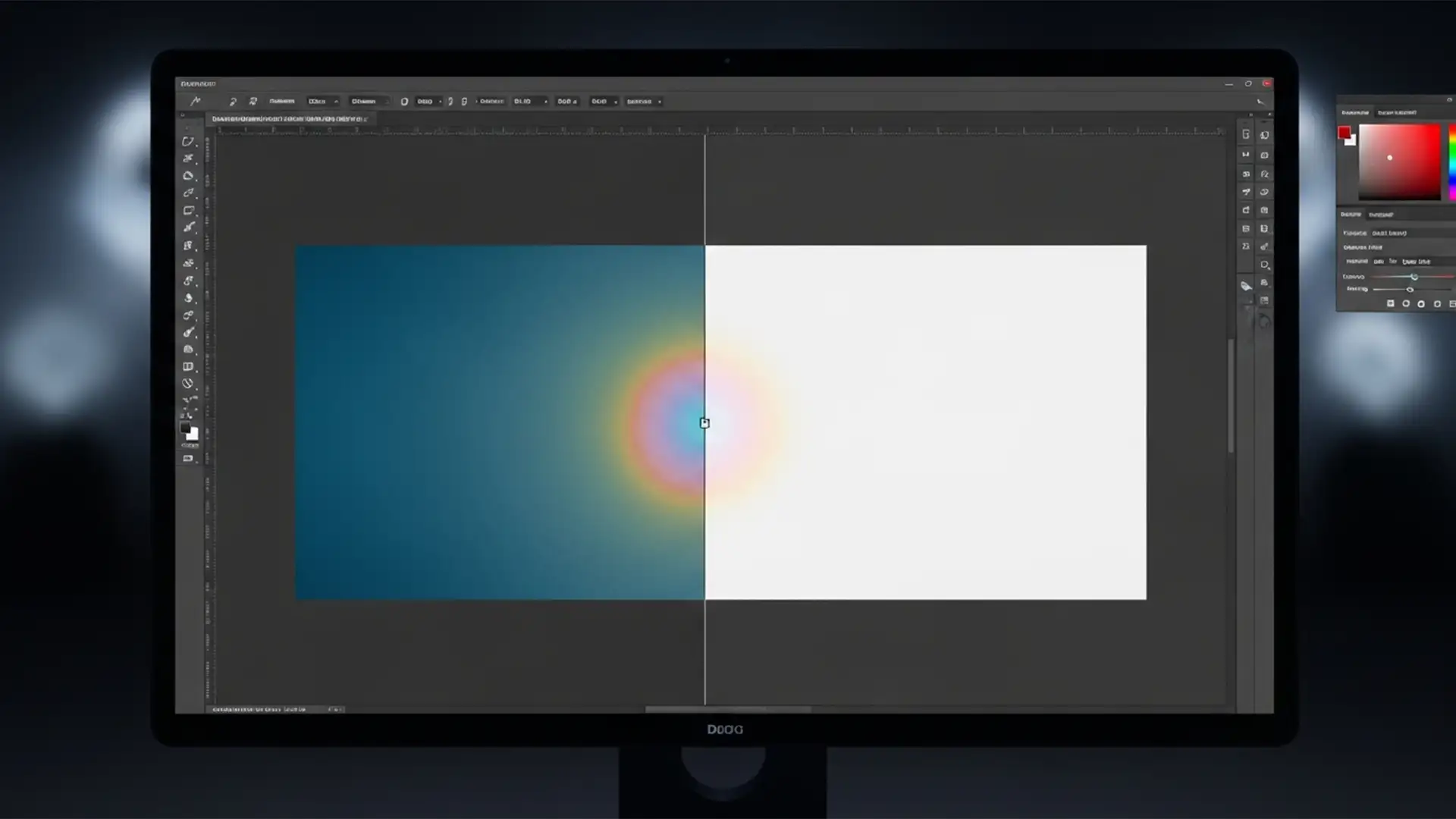
How to Fix Generative Fill Edge Color Mismatch in Photoshop 2026
You carefully trace your marching ants, type your prompt, and hit generate. But instead of a seamless edit, you are left with a glaring, desaturated halo, a visible seam, or a bizarre grid-pattern artifact around your new pixels. If you...
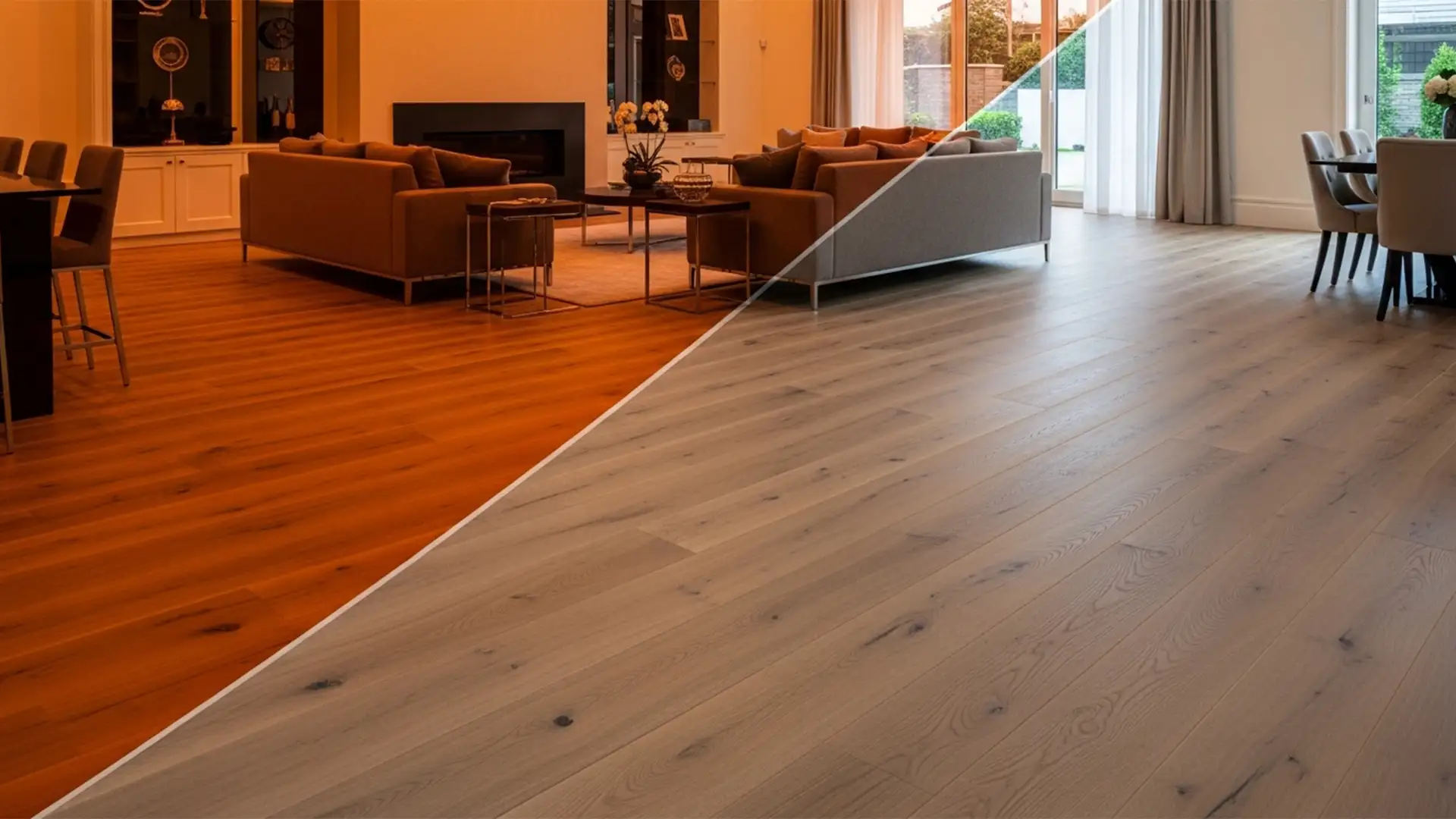
Hardwood Floor Color Accuracy in Photoshop Real Estate
Imagine a buyer walking into a property they fell in love with online, only to realize the rich, dark oak floors they saw in the listing are actually a bright, orange-tinted maple. This isn’t just an aesthetic mistake; misrepresenting a...
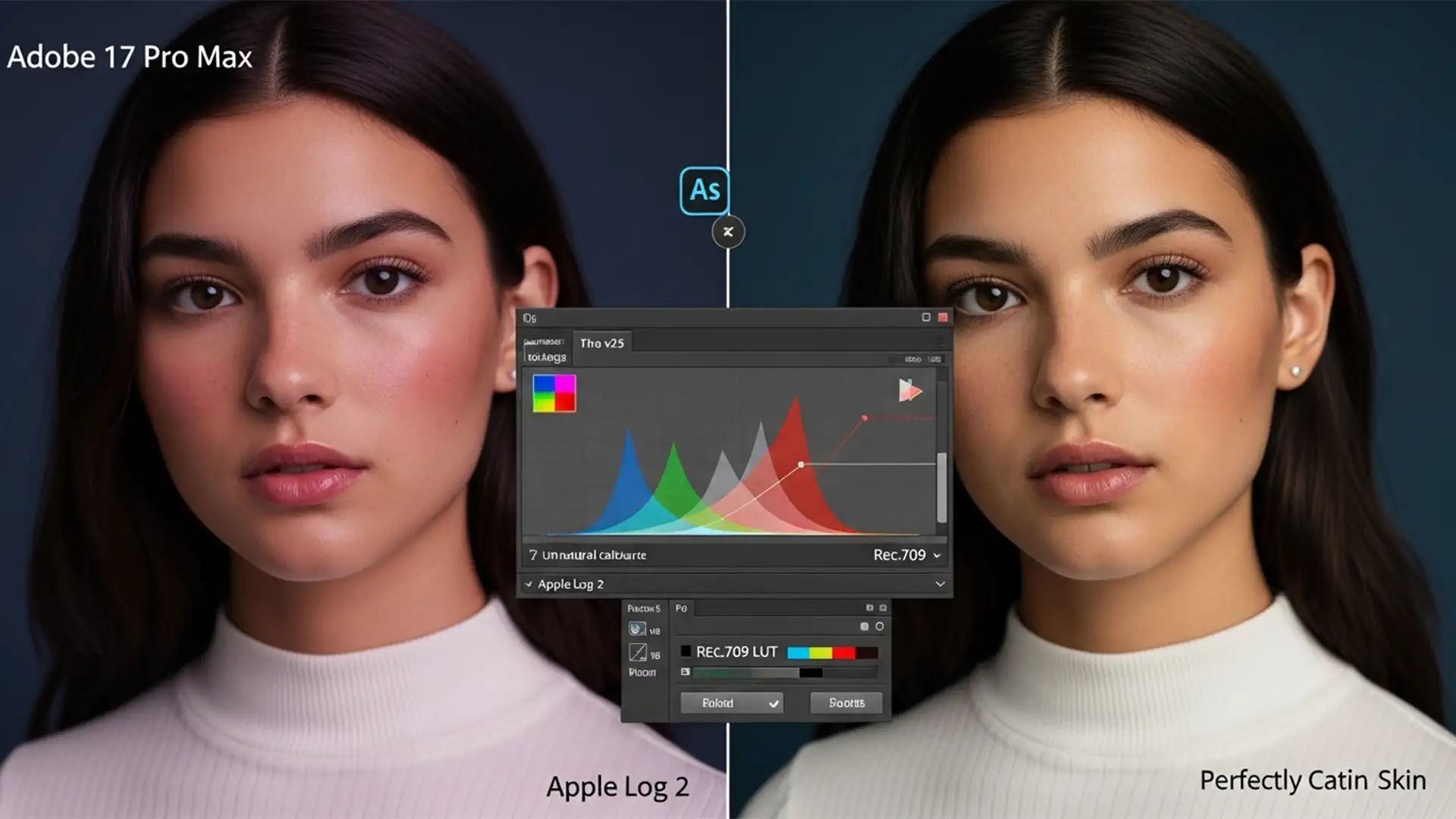
Fix iPhone 17 Pro Apple Log 2 Skin Tone Correction in PS
You just wrapped a stunning portrait shoot using the new iPhone 17 Pro, excited to push the limits of its massive dynamic range. But when you import that 10-bit ProRes Log or ProRAW file into Adobe Photoshop v25.x, disaster strikes....
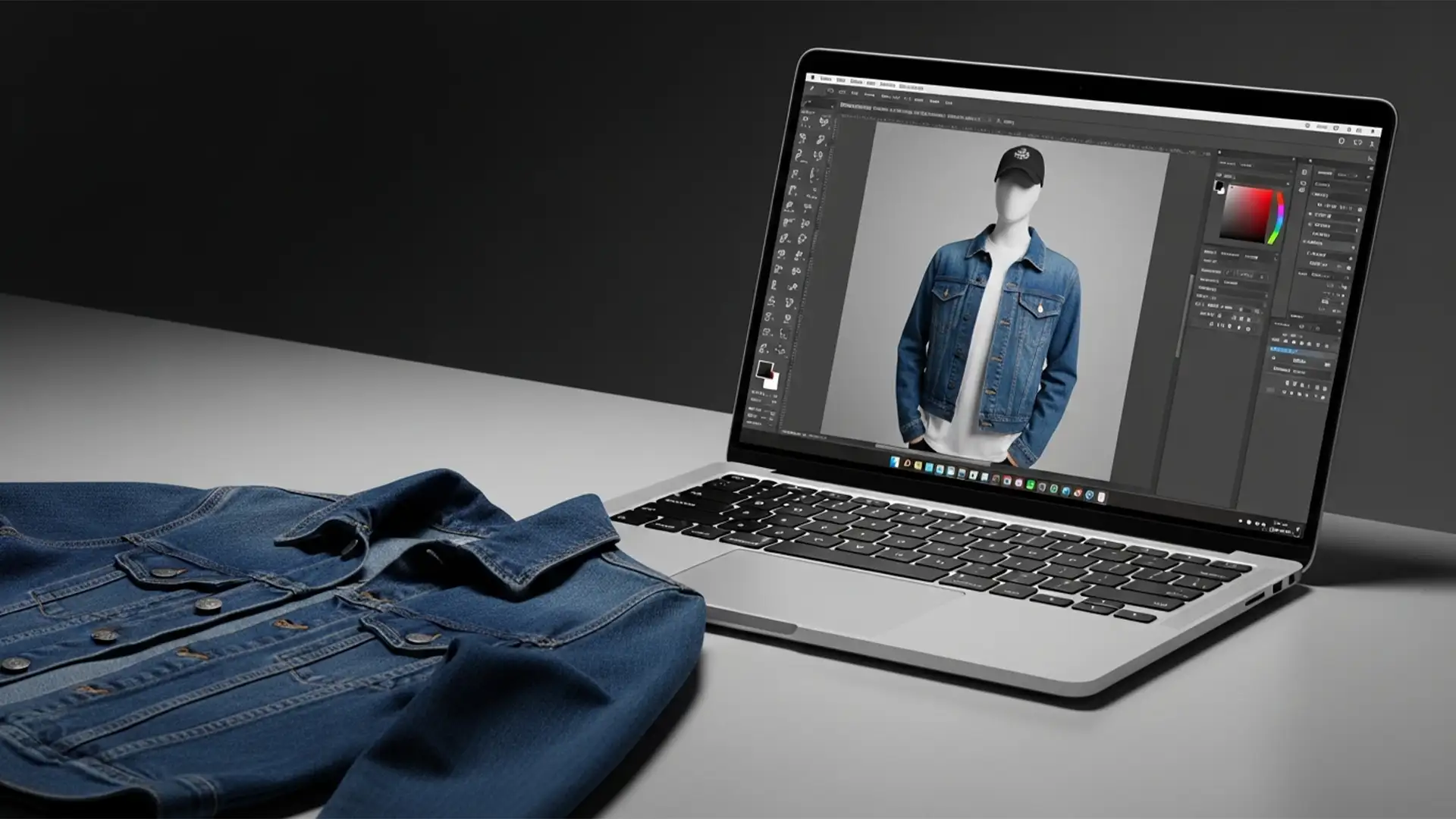
Ghost Mannequin Effect Without the Invisible Form: A Step-by-Step DIY Guide
You know the struggle. You want your apparel to look premium, 3D, and retail-ready, but those modular invisible mannequins cost a small fortune. Standard flat-lay photography just doesn’t deliver that same high-end structural form, leaving your product pages looking flat...
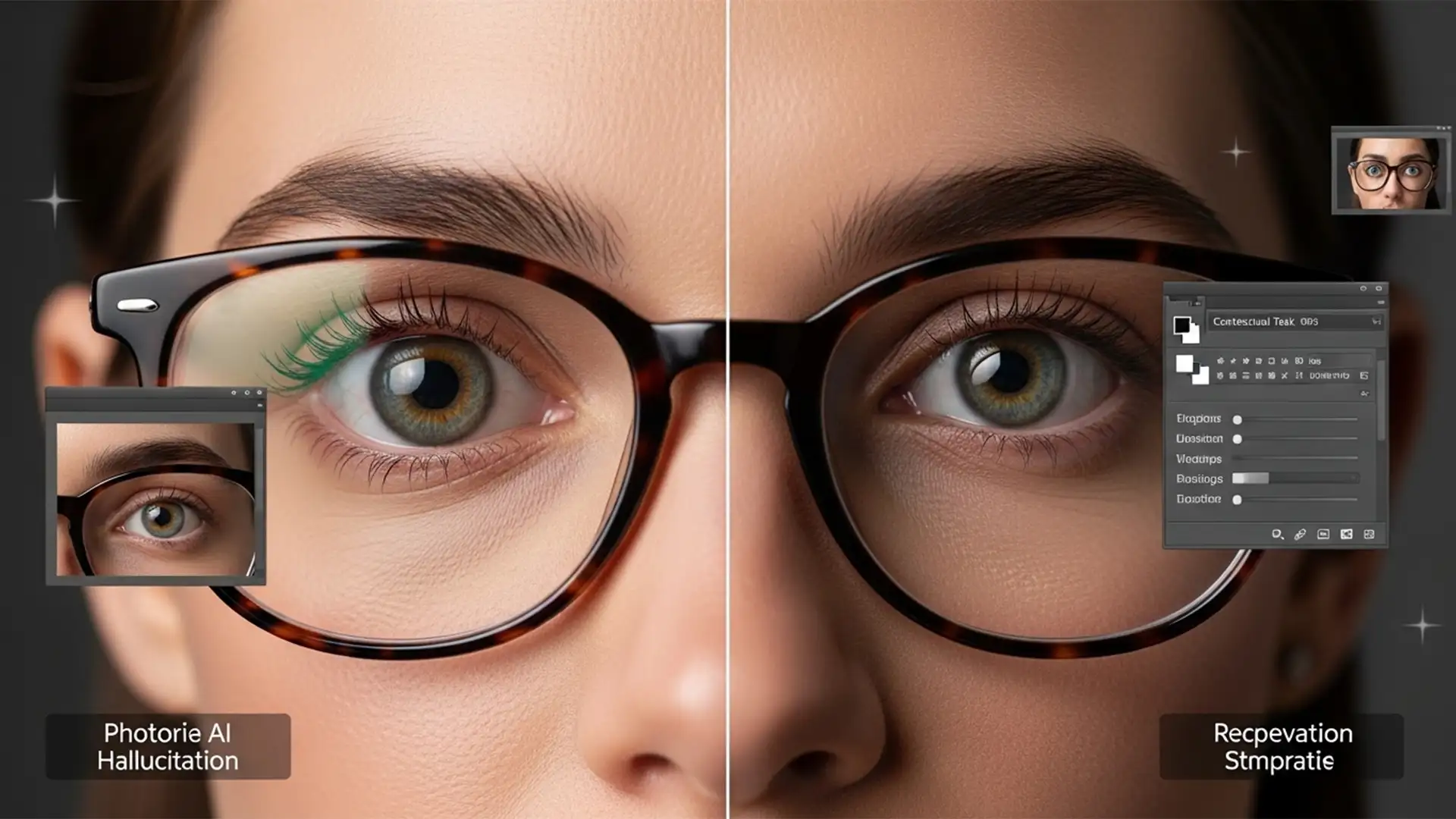
Fixing ‘AI Eyes’: How to Stop Photoshop from Distorting Eyes Behind Glasses
You prompt Photoshop to “remove glare,” hit enter, and wait. But instead of a clean portrait, your subject now has mismatched pupils, a warped iris, and a lifeless, robotic gaze. If you are dealing with this exact nightmare, you aren’t...
Fix Photoshop Select Subject Missing Glasses
You click “Select Subject” expecting instant magic. The silhouette is perfect, the hair looks decent, but then you notice the problem: the glasses are completely ignored. The marching ants cut directly through the lenses, leaving your subject looking like they...
![Fix Photoshop M3 Max Batch Export Crash [2024 Guide]](https://imageworkindia.com/wp-content/uploads/2026/04/Fix-Photoshop-M3-Max-Batch-Export-Crash-2024-Guide-Featured-Image.webp)
Fix Photoshop M3 Max Batch Export Crash [2024 Guide]
You just invested heavily in the Apple Silicon M3 Max, expecting unparalleled speeds for your high-volume retouching workflow. Instead, you’re staring at a frozen progress bar. Experiencing a Photoshop M3 Max batch export crash is one of the most frustrating...
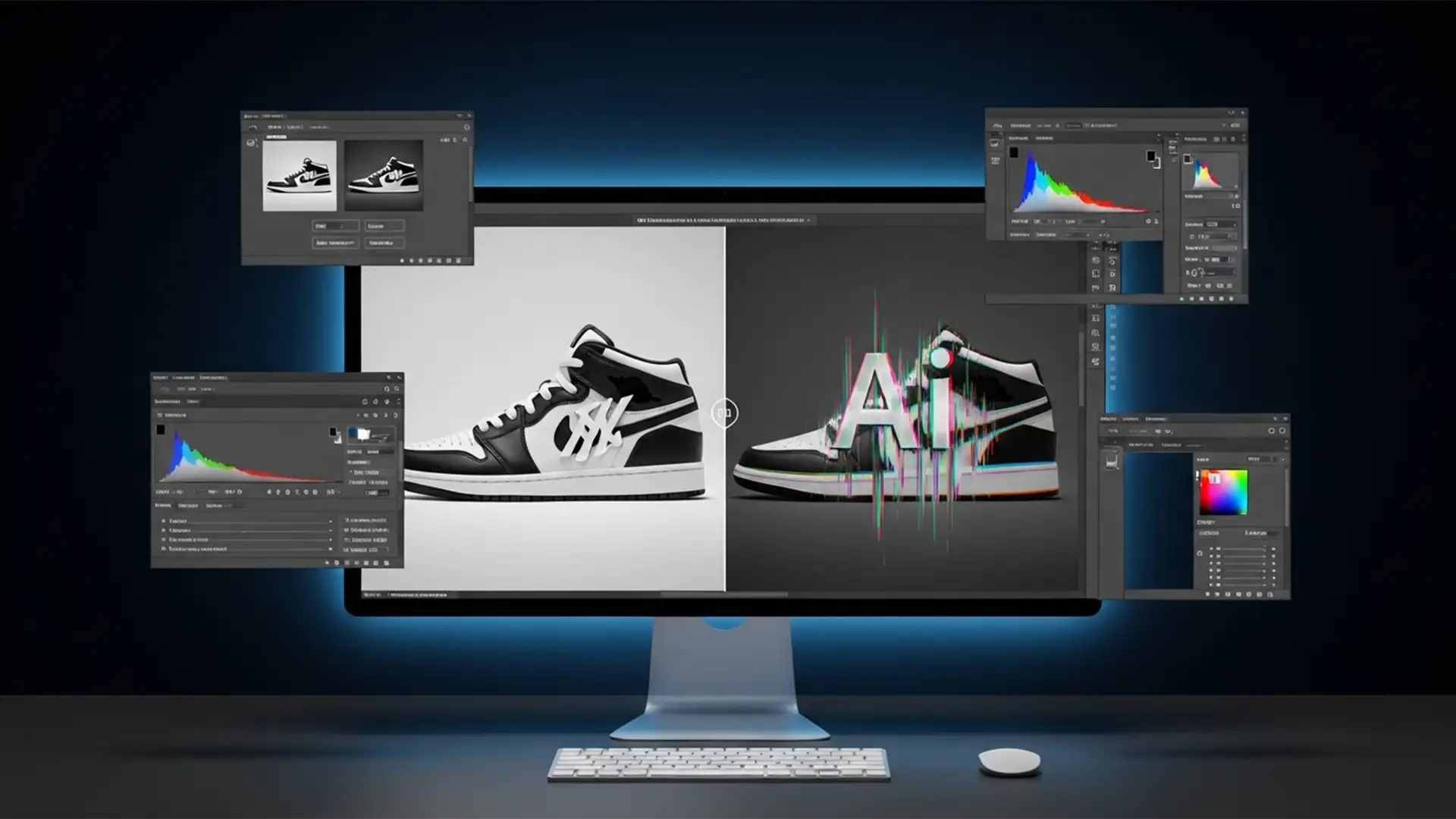
Fix Photoshop Generative Fill Brand Logo Distortion
You just isolated a stunning product shot of a sneaker and used Photoshop’s AI tools to create a sleek, lifestyle background. The environment looks incredible, but there’s a massive problem: the AI completely butchered the brand logo. Instead of a...