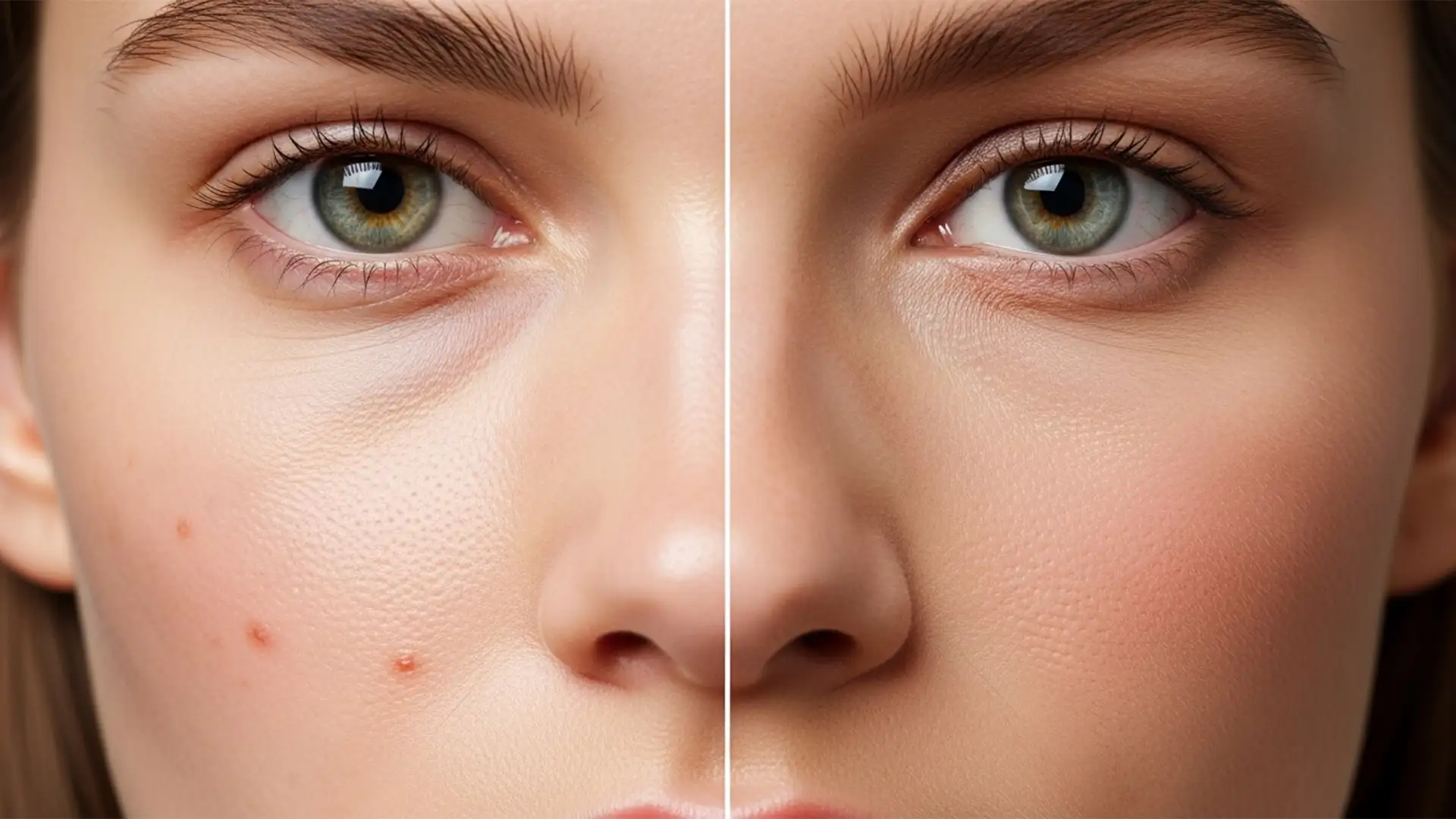

The e-commerce landscape is shifting rapidly. By 2026, new AI disclosure mandates and the C2PA standard will force Shopify merchants to label images edited with generative AI. If your current workflow relies heavily on Photoshop’s Generative Fill or Neural Filters to smooth skin or remove stray hairs, you risk metadata flags that slap an “AI-Generated” warning directly on your product pages. Customers crave authenticity, and platforms are enforcing it. How do you maintain flawless, high-end e-commerce visuals without triggering these penalties? The secret lies in mastering authentic skin retouching for Shopify models using a strictly raster-based, non-destructive workflow.
The 2026 E-commerce Mandate: Why Generative AI is a Liability
Shopify and other major e-commerce platforms are adopting strict authenticity guidelines. As consumers demand transparency, the industry is standardizing around the C2PA standard (Coalition for Content Provenance and Authenticity).
When retouchers use cloud-based AI tools in Photoshop v25.0 to v27.x, the software automatically embeds Generative AI metadata into the file. While these tools offer speed, they jeopardize the commercial viability of the image. A flagged image can reduce buyer trust and lower conversion rates. To survive this shift, commercial editors must return to fundamental, raster-based techniques that guarantee skin texture preservation while delivering the polished look brands expect.
The “No-Edit Edit”: Authentic Skin Retouching for Shopify Models
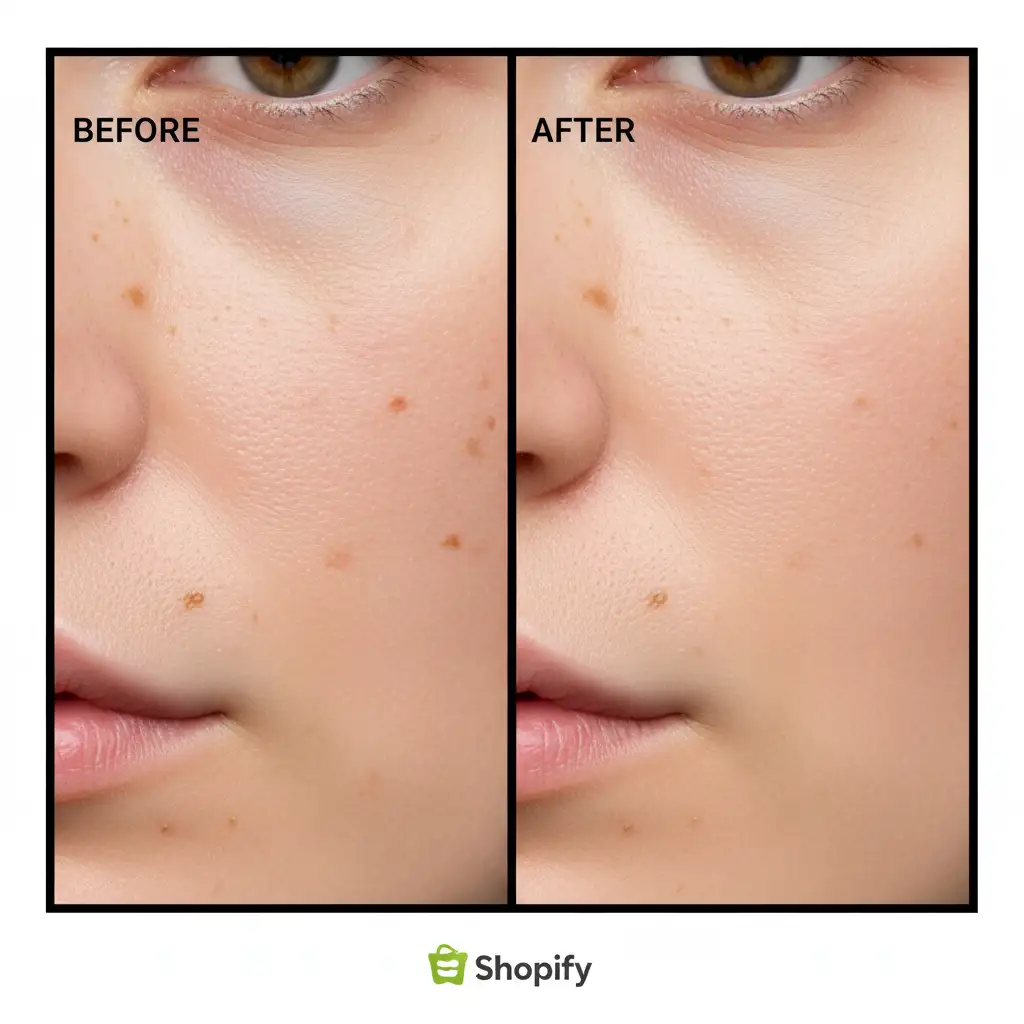
Achieving a flawless yet natural look requires a non-destructive workflow that separates temporary blemishes (like acne, lint, or stray hairs) from permanent human features (like freckles, moles, and natural pores). Here is the technical breakdown of how to achieve this without triggering AI flags.
Method A: The Quick Fix – Manual Healing (Minus the AI)
The most direct way to clean up an image without contaminating your metadata is by utilizing traditional spot-correction tools.
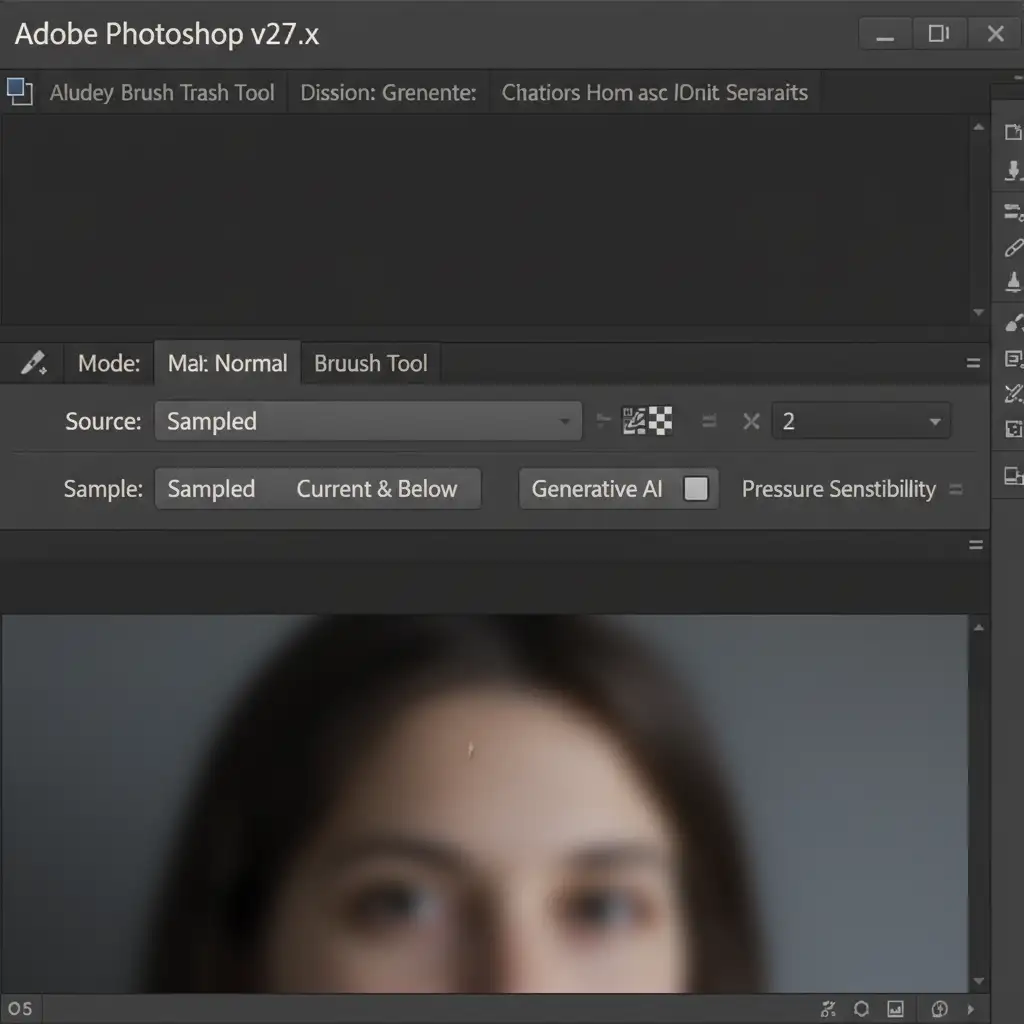
- Select the standard Healing Brush Tool (shortcut: J).
- Look at the top options bar and ensure that any Generative AI assistance is explicitly disabled.
- Set your sample source to Current & Below.
- Create a blank layer above your base image.
- Manually target and stamp out non-permanent blemishes.
Because this relies on localized pixel-cloning algorithms rather than cloud-based generation, your image remains perfectly compliant.
Method B: The Pro Workaround – Micro-Frequency Separation
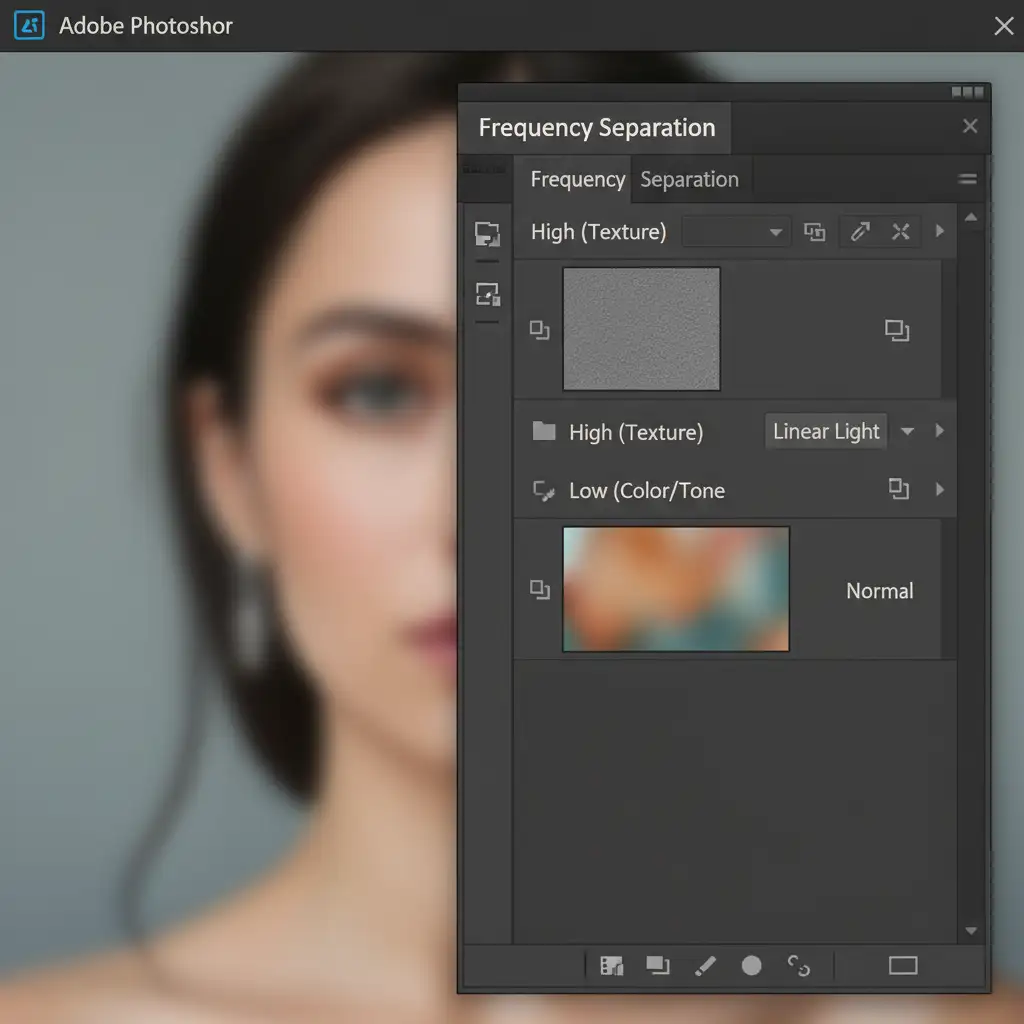
When dealing with uneven skin tones, traditional blurring destroys texture, and AI smoothing triggers metadata flags. The professional solution is Micro-Frequency Separation. This technique splits your image data into two distinct layers, allowing you to edit color independently of texture.
- Duplicate your base layer twice. Name the bottom duplicate “Low (Color/Tone)” and the top duplicate “High (Texture)”.
- Select the Low layer. Apply a Gaussian Blur of 4-6px (just enough to blur the pores).
- Select the High layer. Apply Image > Apply Image (or use a High-pass filter depending on your bit-depth setup) to extract the texture. Change the blending mode to Linear Light.
- Select the Low layer again. Use a soft Mixer Brush Tool with a low flow to gently blend the underlying skin tones.
Because the High layer remains untouched, you achieve 100% pore authenticity. For the most high-end results, combine this with Micro-dodging and burning on a separate 50% gray layer to shape the face naturally.
Method C: The Technical Deep-Dive – Metadata Management
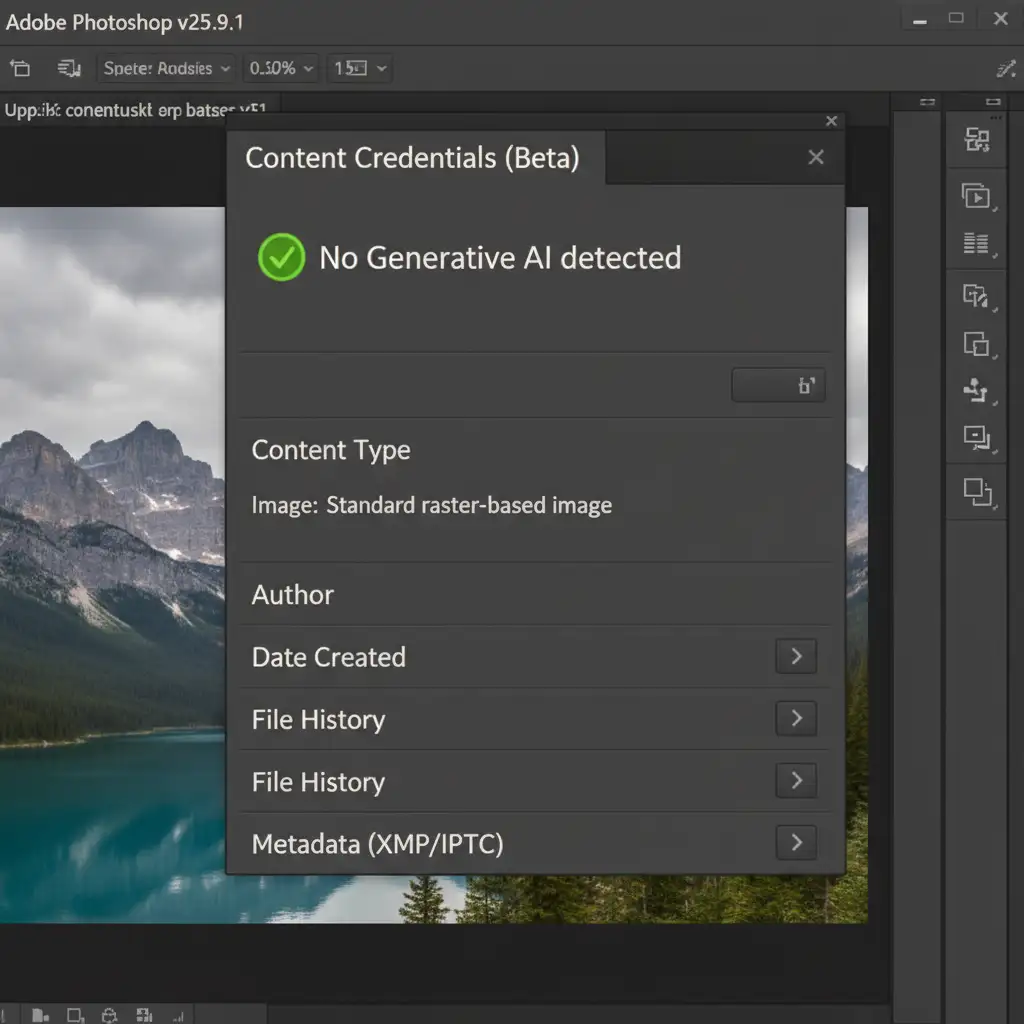
Even if you avoid generative tools, you must verify your file’s metadata status before exporting it for Shopify.
- In Photoshop v25+, navigate to Window > Content Credentials.
- Inspect the panel to ensure the status is unflagged and free of generative C2PA tags.
- To export the final asset, use Save for Web (Legacy) or Export As. These legacy export modules help strip unnecessary metadata, ensuring you are relying solely on your raster-based clone/heal algorithms.
Scale Your E-Commerce Retouching Safely
Navigating the technical requirements of the upcoming 2026 C2PA mandates while maintaining high visual standards is a time-consuming challenge. If your team is struggling to balance high-volume output with strict metadata compliance, you don’t have to tackle it alone.
Don’t risk AI-disclosure penalties on your Shopify store. Hire Image Work India and Cloud Retouch for compliant, authentic, high-volume e-commerce model retouching. Our dedicated teams specialize in 100% raster-based, non-destructive workflows that guarantee flawless visuals and pristine Content Credentials. Contact us today to future-proof your product photography.




