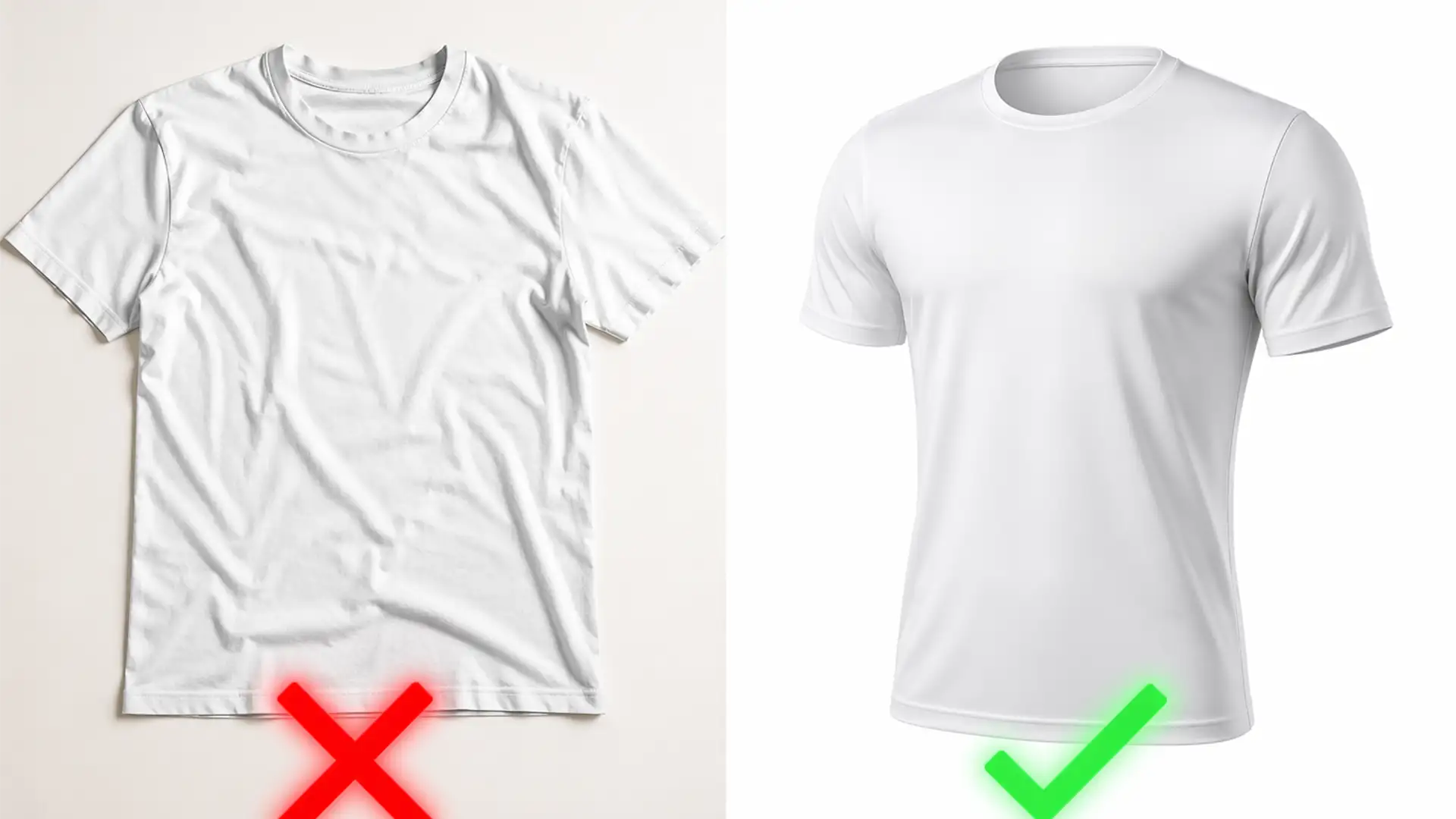

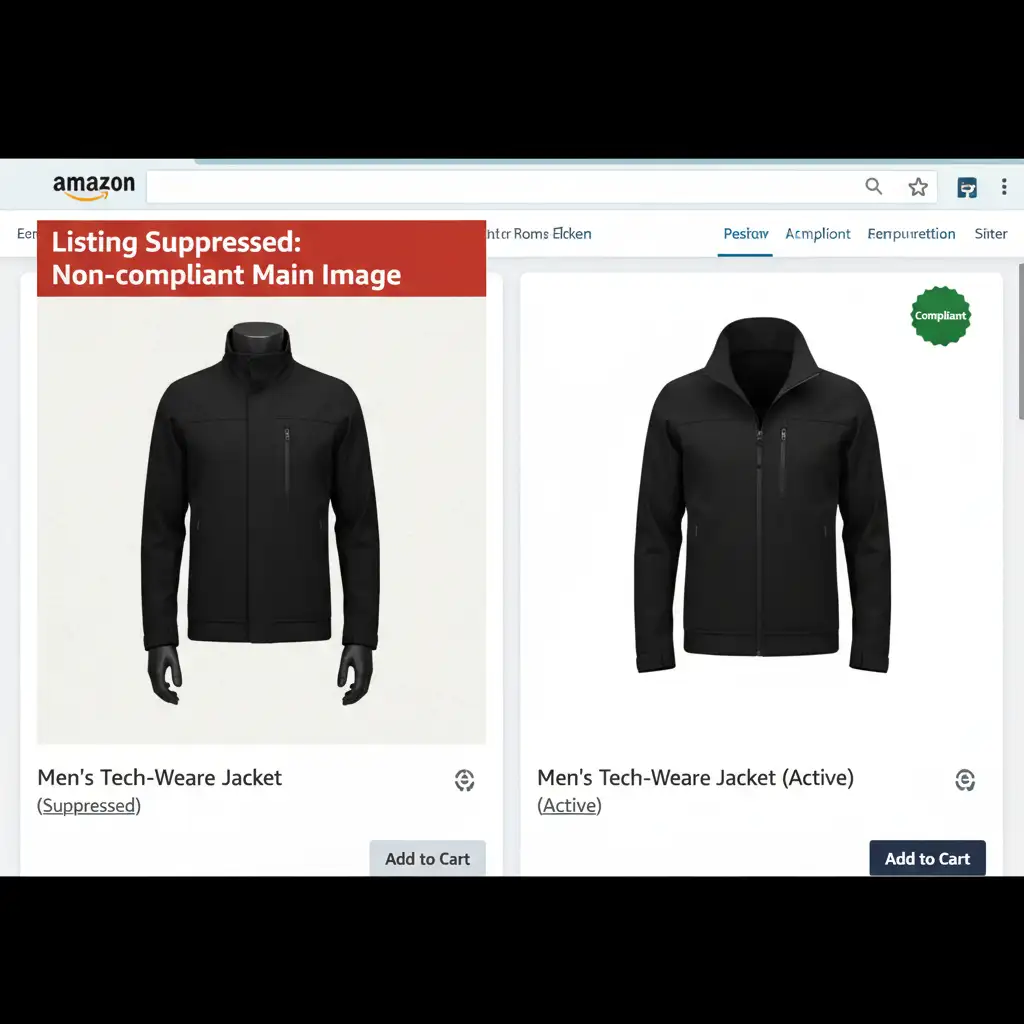
There is nothing worse for an apparel seller than waking up to an ASIN suppression notification. In 2025, Amazon’s A9 algorithm is ruthlessly enforcing its Main Image guidelines, instantly penalizing listings with non-compliant backgrounds, visible props, or mannequins in the primary image slot.
If your clothing looks flat, lifeless, or violates these strict technical parameters, your conversion rates will plummet—if shoppers are even allowed to see your listing at all. This brings us to the ultimate e-commerce debate: Ghost mannequin vs flat lay for Amazon 2025.
Which method guarantees compliance, maximizes your frame fill percentage, and drives the highest sales? Let’s break down the technical differences and show you exactly how to edit your images to perfection using Adobe Photoshop.
The 2025 Amazon Main Image Guidelines: Why Apparel ASIN Suppression is Rising
Amazon’s automated bots scan millions of images daily. For apparel sellers, the margin for error is zero. To survive the 2025 updates, your main image must adhere to three critical rules:
- No Visible Mannequins: Real models are allowed in some categories, but visible mannequins are strictly prohibited in the main image slot.
- Pure White Background RGB 255: The background cannot be off-white, light gray, or transparent. It must register exactly at Hex #FFFFFF (RGB 255, 255, 255).
- Optimized Sizing: The product must utilize an 85 percent frame fill percentage, and the image must be saved with an sRGB color profile to prevent mobile color shifting.
Ghost Mannequin vs Flat Lay for Amazon 2025: The Ultimate Comparison
When deciding how to shoot and edit your apparel, you generally have two choices. Here is how they stack up against Amazon’s strict requirements.
Flat Lay Photography: Quick but Flawed
Flat lay photography involves laying the garment flat on a surface and shooting it from above.
- The Pros: It is incredibly easy to shoot in bulk. You don’t need a mannequin or complex studio lighting setups.
- The Cons: Flat lay apparel often looks lifeless. It suffers from unnatural wrinkles, lacks dimension, and makes it difficult for buyers to visualize the fit. While achieving a pure white background is easy, flat lays generally result in lower conversion rates compared to 3D presentations.
The Ghost Mannequin Effect: High-Converting 3D Realism
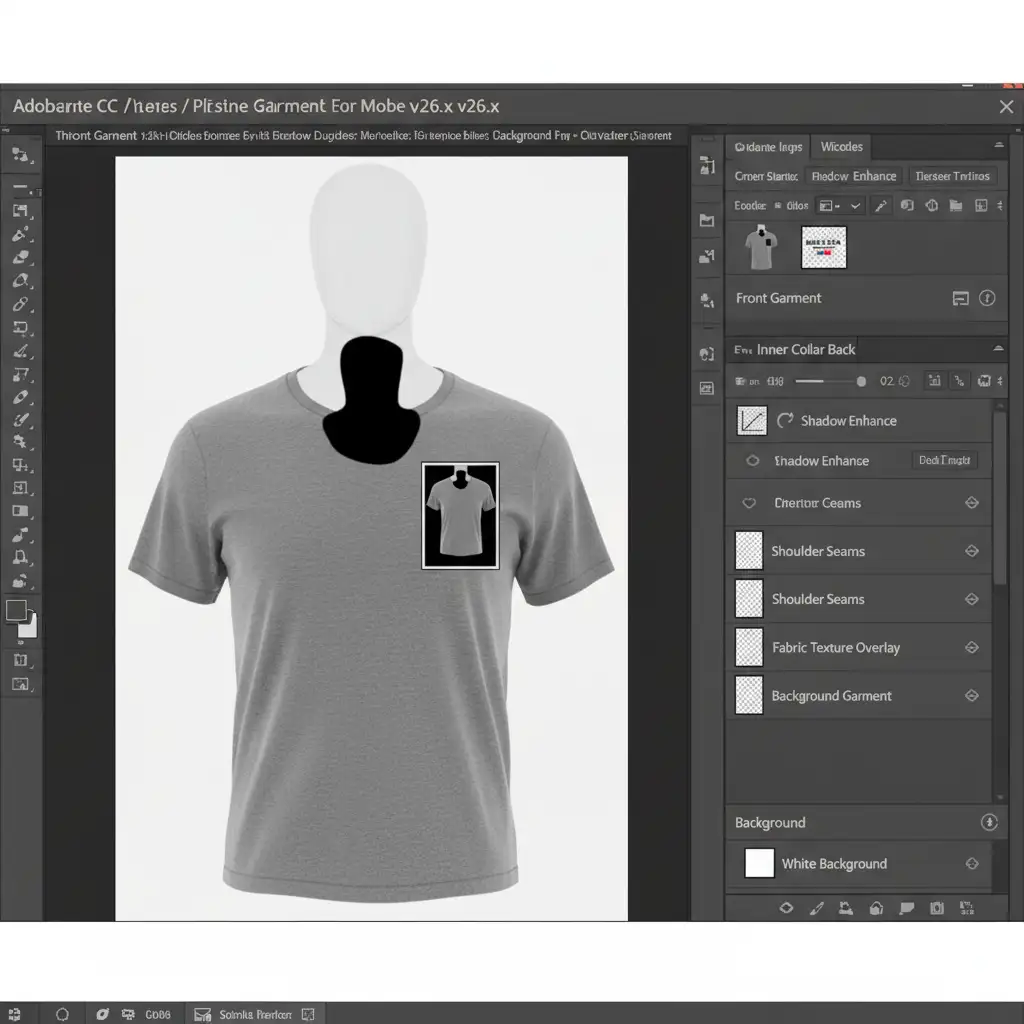
The ghost mannequin effect (often referred to as a neck joint service) involves shooting the garment on a mannequin, then shooting the inside collar separately, and compositing them in Photoshop to make the mannequin “disappear.”
- The Pros: It provides a realistic, high-converting 3D hollow effect. It perfectly showcases the fit and drape of the fabric while strictly adhering to Amazon main image guidelines by removing the prohibited mannequin.
- The Cons: It requires advanced apparel retouching skills, exact clipping paths, and time-consuming Photoshop work.
How to Achieve 100% Amazon Main Image Compliance in Photoshop CC (v25.x/v26.x)
Whether you choose flat lay or the ghost mannequin effect, execution is everything. Here is how to ensure your images pass Amazon’s automated QA checks using Adobe Photoshop.
Method A: The Quick Fix (Flat Lay Compliance)
If you are sticking with flat lay photography, your primary goal is isolating the garment and fixing the background.
- Open your flat lay image in Photoshop CC.
- Select the Object Selection Tool or click Select Subject to isolate the garment.
- Refine the edges, then click the Add Layer Mask icon at the bottom of the Layers panel.
- Create a new Solid Color adjustment layer, set the hex code to exactly #FFFFFF, and drag it below your garment layer. This instantly guarantees your background meets the pure white background RGB 255 requirement.
Method B: The Pro Workaround (Ghost Mannequin Composite)
To achieve the high-converting 3D hollow effect without triggering ASIN suppression, you need to execute a flawless neck joint.
- Open your front-facing mannequin shot and your inside-collar shot.
- Use the Pen Tool to draw precise clipping paths around both garments. Avoid using automated selection tools here, as apparel edges require pixel-perfect accuracy.
- Bring the isolated inner collar into your front-facing document. Position it behind the front piece layer.
- Use Layer Masks to erase the visible mannequin from the front layer, revealing the inner collar behind it.
- Select the Burn Tool (set to Midtones, 15% Exposure) and gently paint along the inside edge of the collar on the back layer to create natural drop shadows. This gives the garment realistic depth.
Method C: The Technical Deep-Dive (Amazon QA Automation)
Before exporting, you must verify the technical parameters to ensure the bot won’t flag your file.
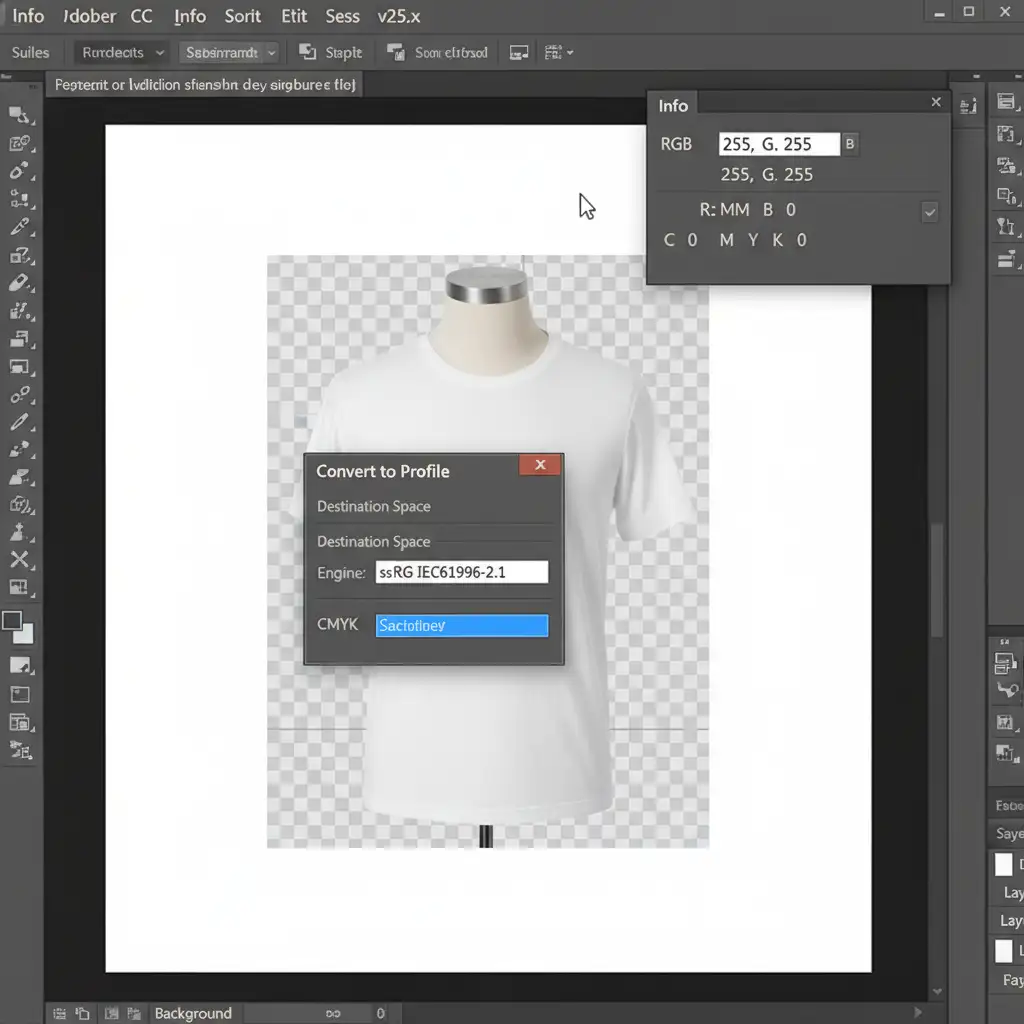
- Verify RGB Values: Press F8 to open the Photoshop Info Panel. Hover your cursor over the white background. Ensure the RGB values read exactly R: 255, G: 255, B: 255. Even a value of 254 will trigger a suppression flag over time.
- Lock in the Color Profile: Navigate to Edit > Convert to Profile. Ensure the destination space is set to sRGB IEC61966-2.1. This prevents your apparel’s colors from looking washed out on the Amazon mobile app.
- Optimize Frame Fill: Set your canvas dimensions to 2500x2500px (ideal for Amazon’s zoom feature). Use the Free Transform tool (Ctrl/Cmd + T) to scale the garment so it occupies exactly an 85 percent frame fill percentage, leaving just enough breathing room at the edges.
Stop Risking Your Rankings: Outsource Your Apparel Retouching
Mastering the debate between ghost mannequin vs flat lay for Amazon 2025 comes down to one truth: Ghost mannequins sell more clothes, but they require expert-level editing.
Spending hours drawing clipping paths with the Pen Tool, executing complex neck joint composites, and obsessing over pure white background RGB 255 values is not the best use of your time as an e-commerce business owner. One slight mistake with your sRGB color profile or frame fill percentage, and the Amazon A9 algorithm will suppress your best-selling ASIN.
Don’t risk your organic rankings or waste your ad spend on non-compliant images.
At Image Work India and Cloud Retouch, our dedicated team of apparel retouching experts specializes in high-volume, Amazon-compliant photo editing. From flawless ghost mannequin effects and precise clipping paths to advanced color correction, we guarantee your images will meet Amazon’s strictest guidelines while drastically boosting your conversion rates.
Ready to dominate your category in 2025? [Contact Image Work India & Cloud Retouch today] to get a free trial and see how our expert neck-joint service can transform your e-commerce catalog.




