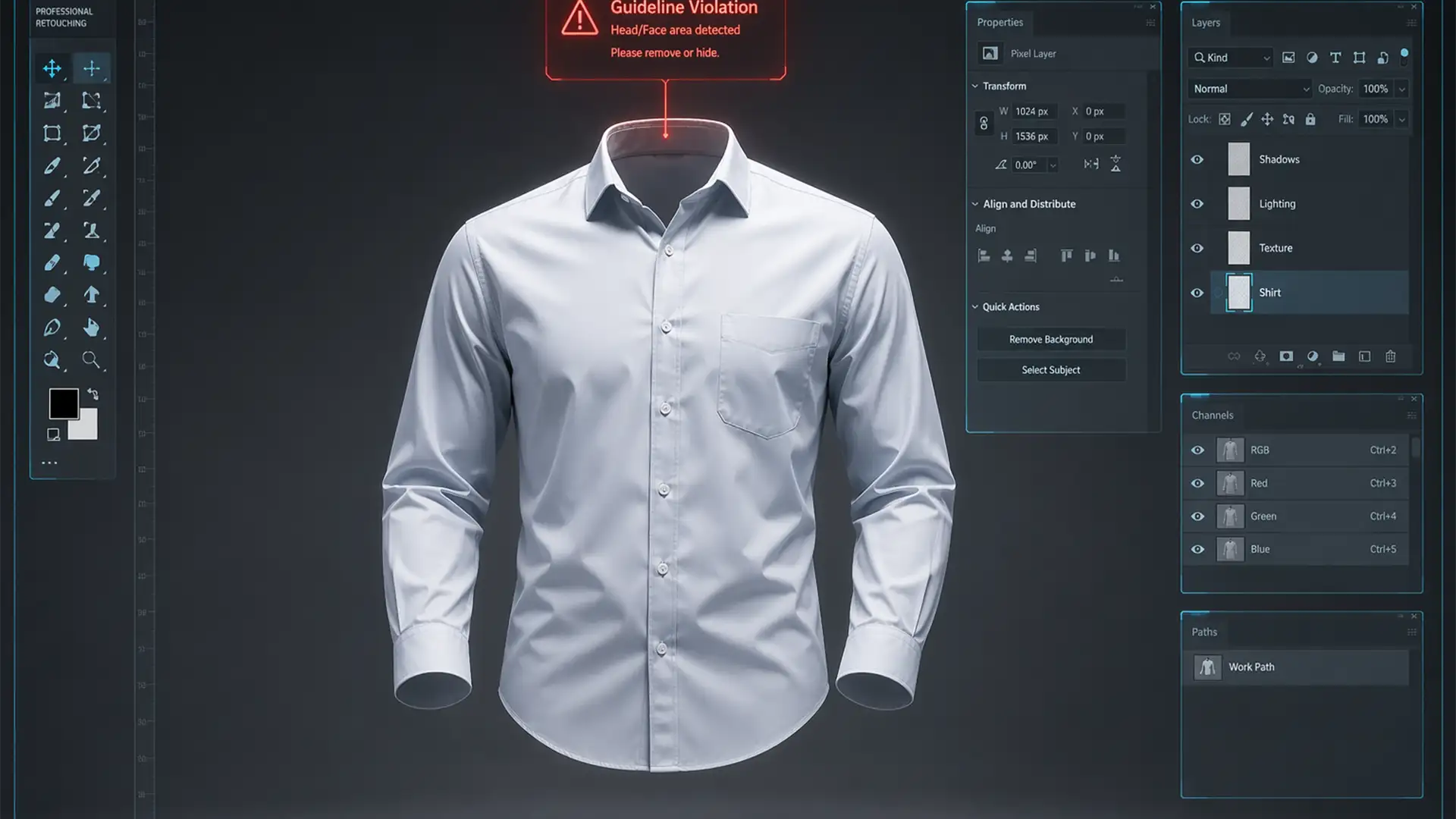

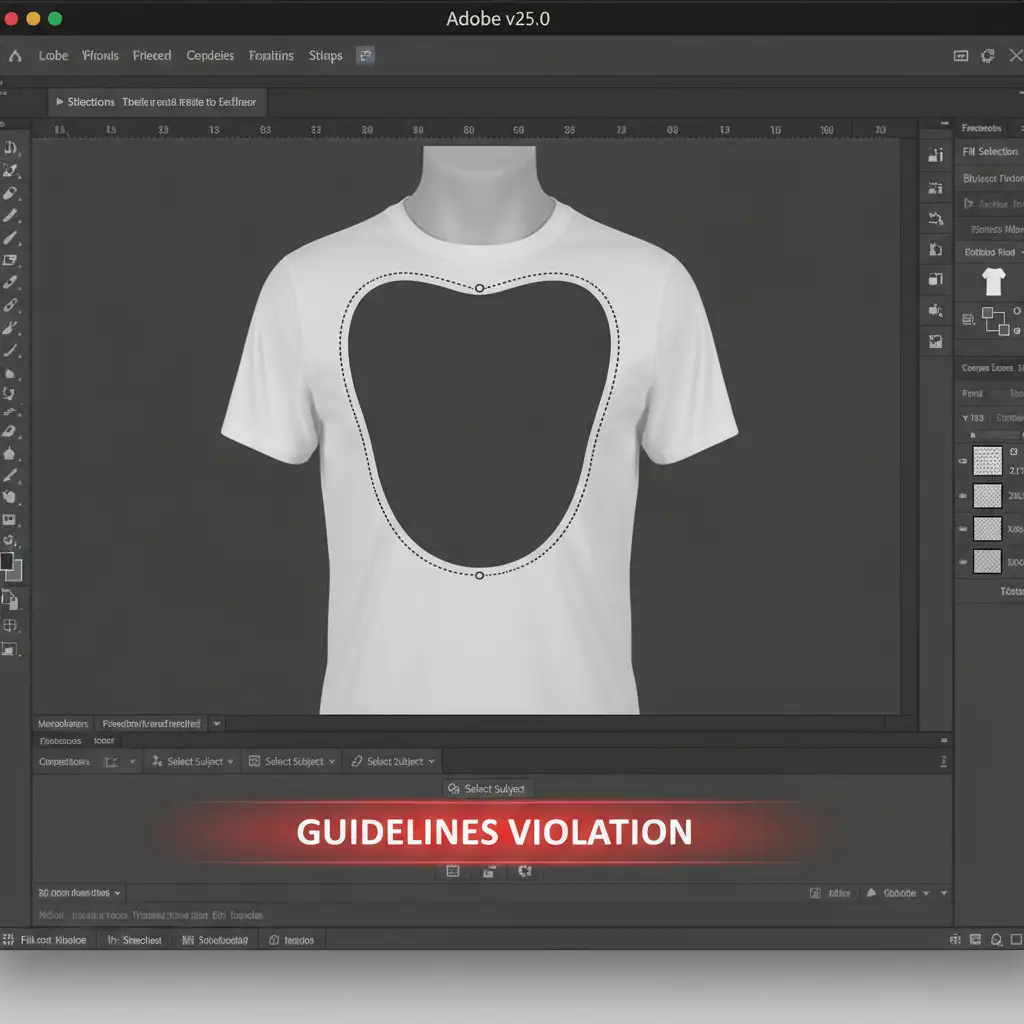
You are in the middle of a massive e-commerce batch, editing ghost mannequin apparel. You select the neck cavity, hit generate, and immediately get slapped with a red error: “Guidelines Violation.” Your workflow grinds to an absolute halt.
In Adobe Photoshop v25.0 and later, Adobe Firefly’s strict safety filters frequently misinterpret the invisible neck area or flesh-toned inner fabrics as restricted anatomical content. This false-positive trigger is incredibly frustrating for professional retouchers trying to meet tight deadlines.
In this guide, we will show you exactly how to execute a Generative Fill guideline violation apparel fix to bypass these AI roadblocks and get your production back on track.
Why Does Adobe Firefly Flag Ghost Mannequin Edits?
To understand the fix, you need to understand the flaw. The AI powering Photoshop’s Generative Fill is trained with strict AI Safety Guidelines designed to block violent or NSFW (Not Safe For Work) imagery.
Unfortunately, the AI lacks the contextual awareness to recognize a ghost mannequin. When editors select the collar or transparent neck area of a garment, the NSFW filter often misinterprets:
- Flesh-toned inner fabrics (like beige linings) as exposed skin.
- Shadows inside the garment as inappropriate anatomical shapes.
- The literal concept of an “invisible body” as something gruesome or restricted.
The result? An instant block. Fortunately, you can outsmart the system using three proven techniques.
3 Proven Methods to Fix the Generative Fill Guideline Violation
Method 1: The Quick Fix (Structural Prompt Engineering)
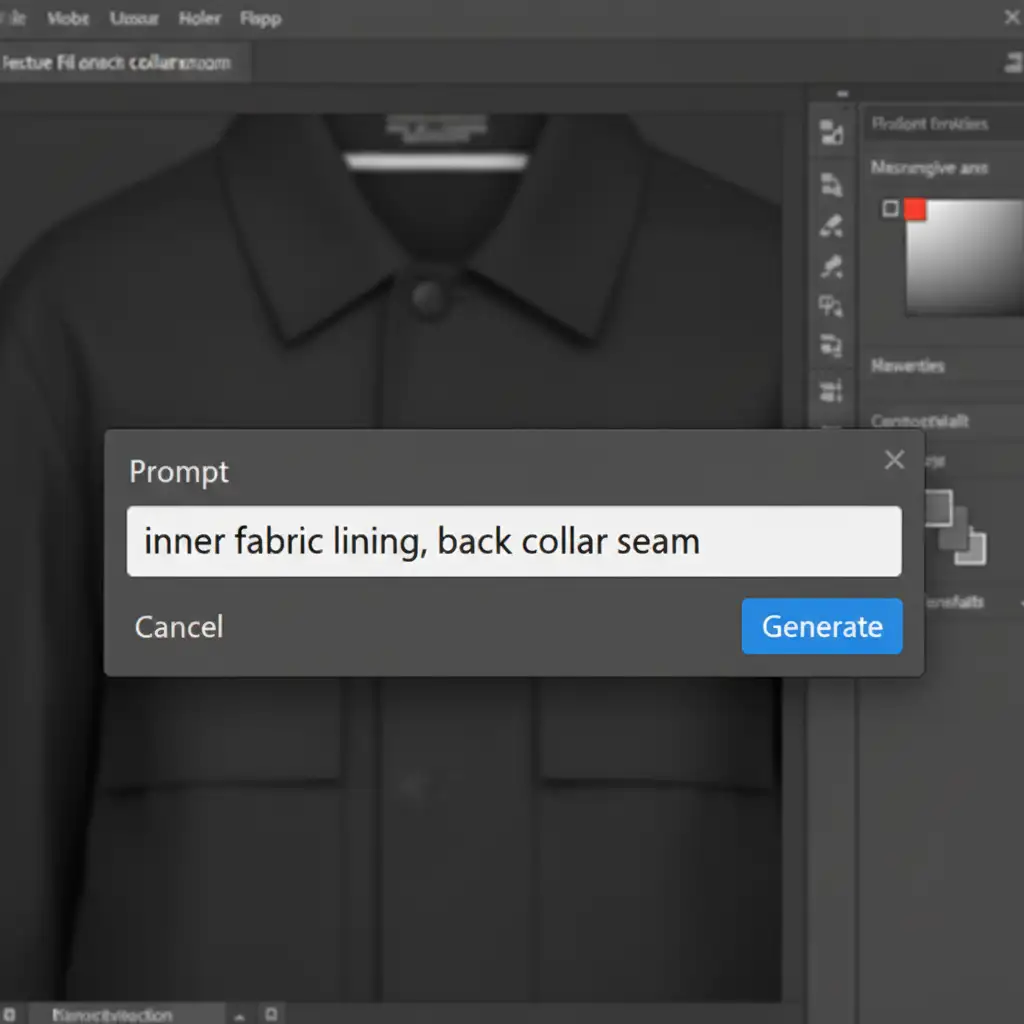
The most common reason for a guideline violation is the use of human-centric keywords. If you type words like “neck,” “skin,” “body,” or “mannequin,” the AI immediately flags the prompt.
The solution is structural Prompt Engineering. You must force the AI to think about textiles, not anatomy.
- Avoid: “Fill in missing neck,” “add skin,” “remove mannequin.”
- Use: “Fabric inner lining,” “grey cotton background,” “back collar seam,” or “woven textile structure.”
By shifting the semantic focus to purely structural and textile terms, you bypass the text-based safety filters entirely.
Method 2: The Pro Workaround (Blank Prompts & Micro-Selections)
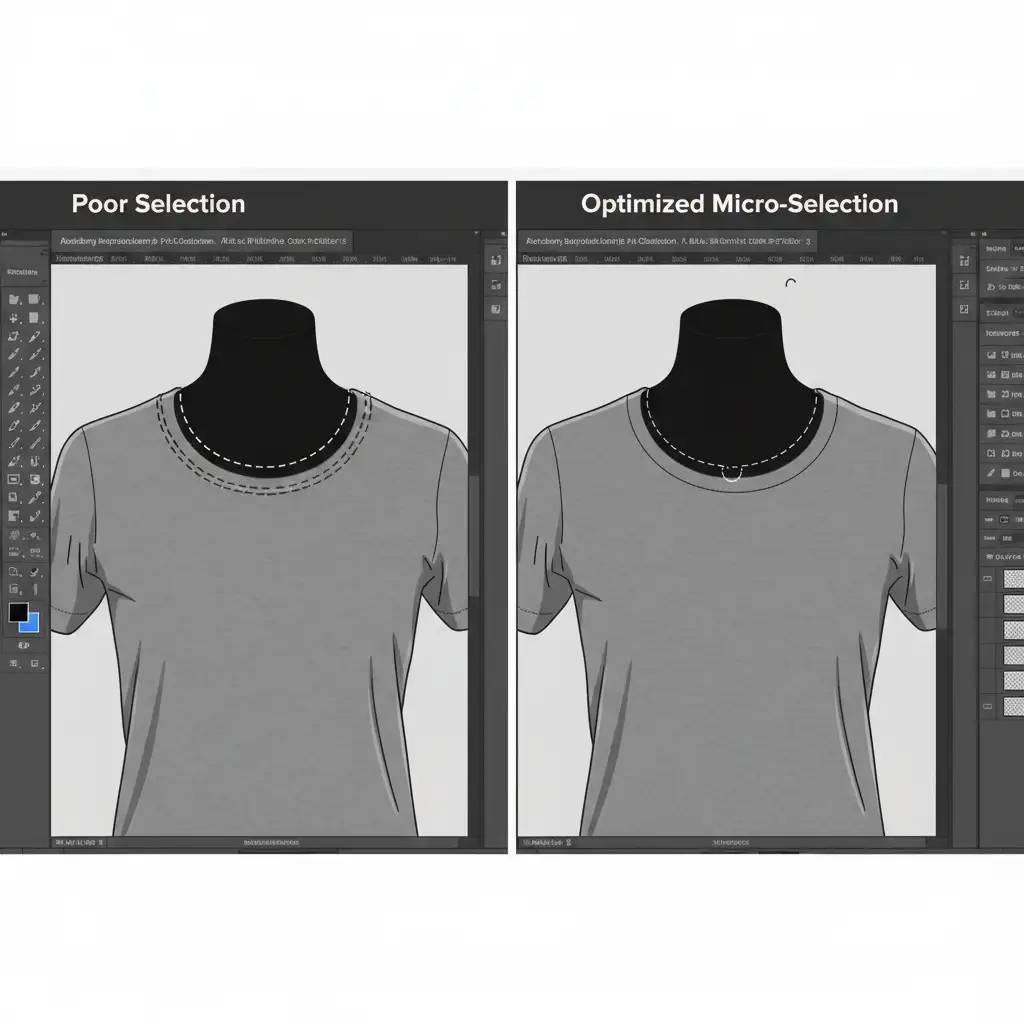
If prompt engineering fails, the next step is to remove text from the equation entirely and change how you select your editing zones. Selecting the entire neck cavity at once often confuses the AI into thinking a large body part is missing.
Instead, use the Lasso Tool to make smaller, localized micro-selections.
- Select only a small portion of the missing collar seam rather than the entire neck hole.
- Leave the Generative Fill text box completely blank.
- Hit Generate.
By leaving the prompt blank, you force the AI to rely strictly on surrounding pixel data rather than text semantics. The micro-selection ensures the AI only sees fabric patterns, effectively neutralizing the false-positive flag.
Method 3: The Technical Deep-Dive (Hybrid Content-Aware Masking)
When Generative Fill stubbornly refuses to cooperate on complex garments, you need to revert to a hybrid workflow. This method combines legacy tools with modern AI for a flawless finish.
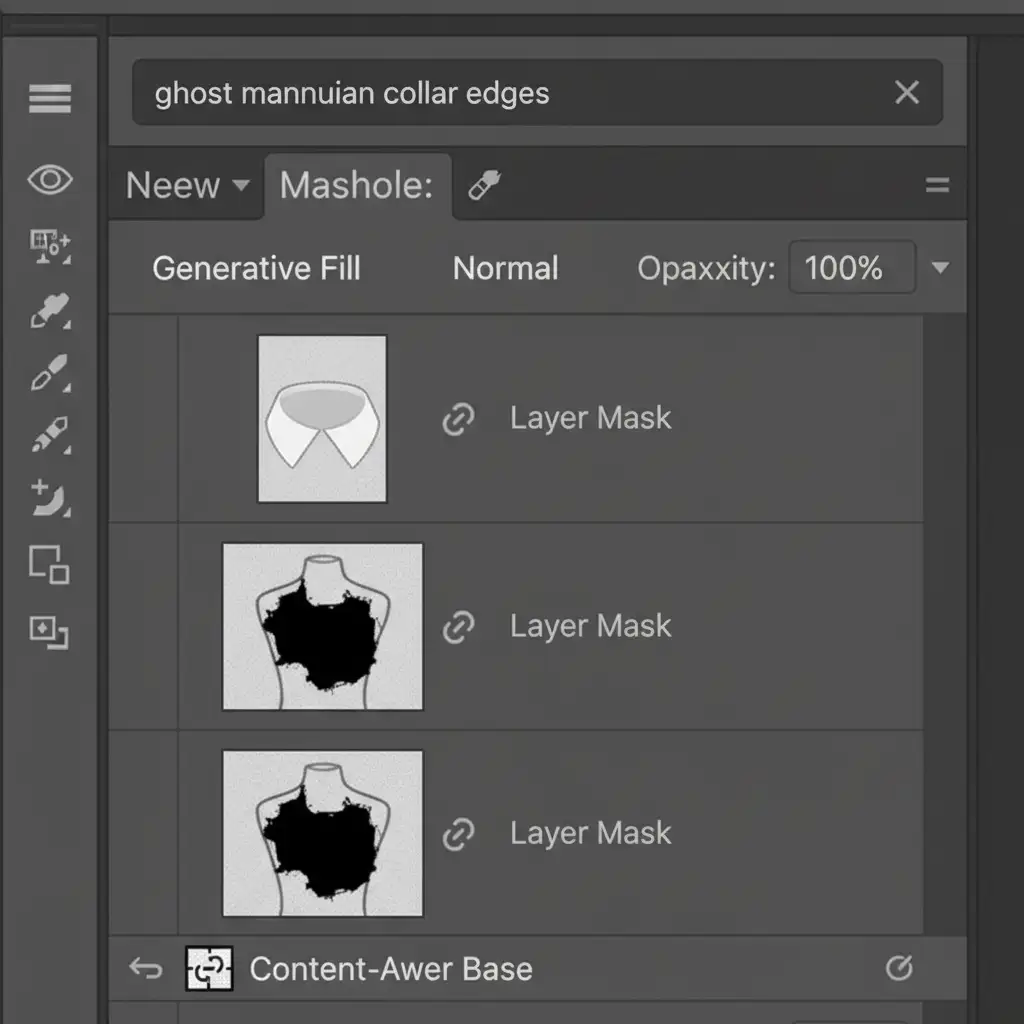
- Establish the Base: Use the traditional Content-Aware Fill to establish the base fabric structure of the inner neck. This tool does not use Firefly AI and will never trigger a guideline violation.
- Convert and Mask: Convert that new layer into Smart Objects. Apply Layer Masking to smoothly blend the inner fabric with the front collar.
- Refine with AI: Finally, make a tiny selection only on the outermost anti-aliased edges where the front and back collar meet. Use Generative Fill (with a blank prompt) to perfect the composite.
This hybrid approach ensures you get the structural accuracy of traditional tools with the pixel-perfect blending of AI, completely avoiding structural AI flags.
Scale Your E-Commerce Retouching with Image Work India
Dealing with a Generative Fill guideline violation apparel fix on a single image is annoying. Dealing with it across a catalog of 5,000 seasonal SKUs is a logistical nightmare. AI bottlenecks should not dictate your e-commerce pipeline.
If you want to skip the troubleshooting and ensure flawless, high-volume image editing, partner with the experts. At Image Work India and Cloud Retouch, our seasoned Photoshop professionals specialize in high-end ghost mannequin editing. We navigate the technical hurdles so you don’t have to, delivering pixel-perfect, retail-ready imagery on time, every time.
Contact us today to streamline your post-production workflow and scale your e-commerce visuals without the AI headaches.




