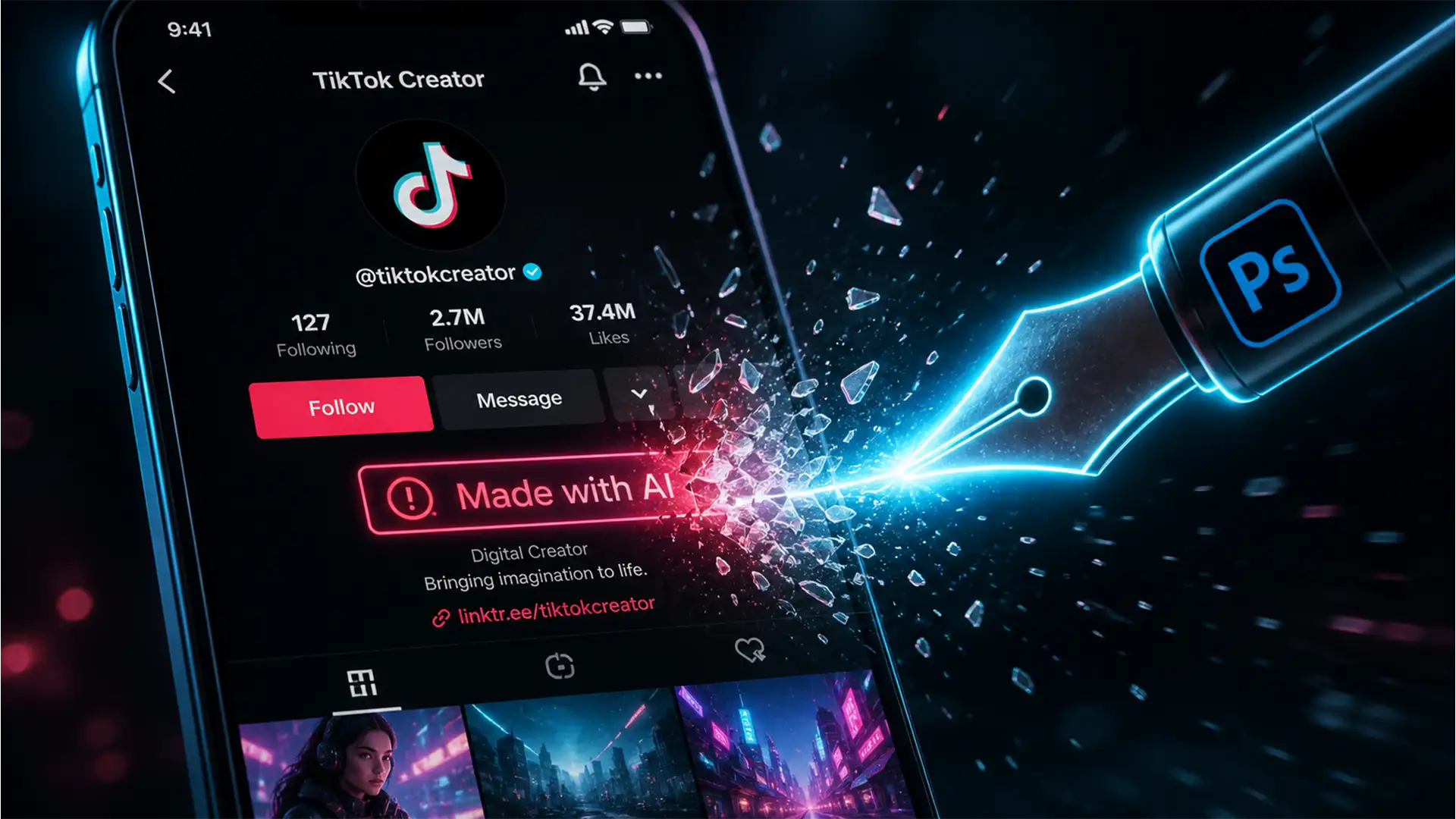

You just spent hours perfecting your latest photo shoot in Photoshop. You transfer the images to your phone, upload them to TikTok, and instantly see it: the dreaded “Made with AI” label. Even if you only used a basic healing brush to remove a blemish, TikTok’s algorithm flags your genuine work as artificial, tanking your reach and making followers question your authenticity.
Why is this happening? It all comes down to hidden tracking codes in the latest Adobe updates. If you are desperately searching for a working photoshop ai label tiktok fix 2026, you are in the right place. Let’s fix your export settings, strip the hidden metadata, and get your engagement back to normal.
Why is TikTok Flagging My Real Photos as AI-Generated?
Starting with Photoshop v27.x (the 2025/2026 updates), Adobe heavily integrated Content Credentials into its default export pipeline. This system is built on the C2PA standard, a global initiative designed to track the origin of digital media.
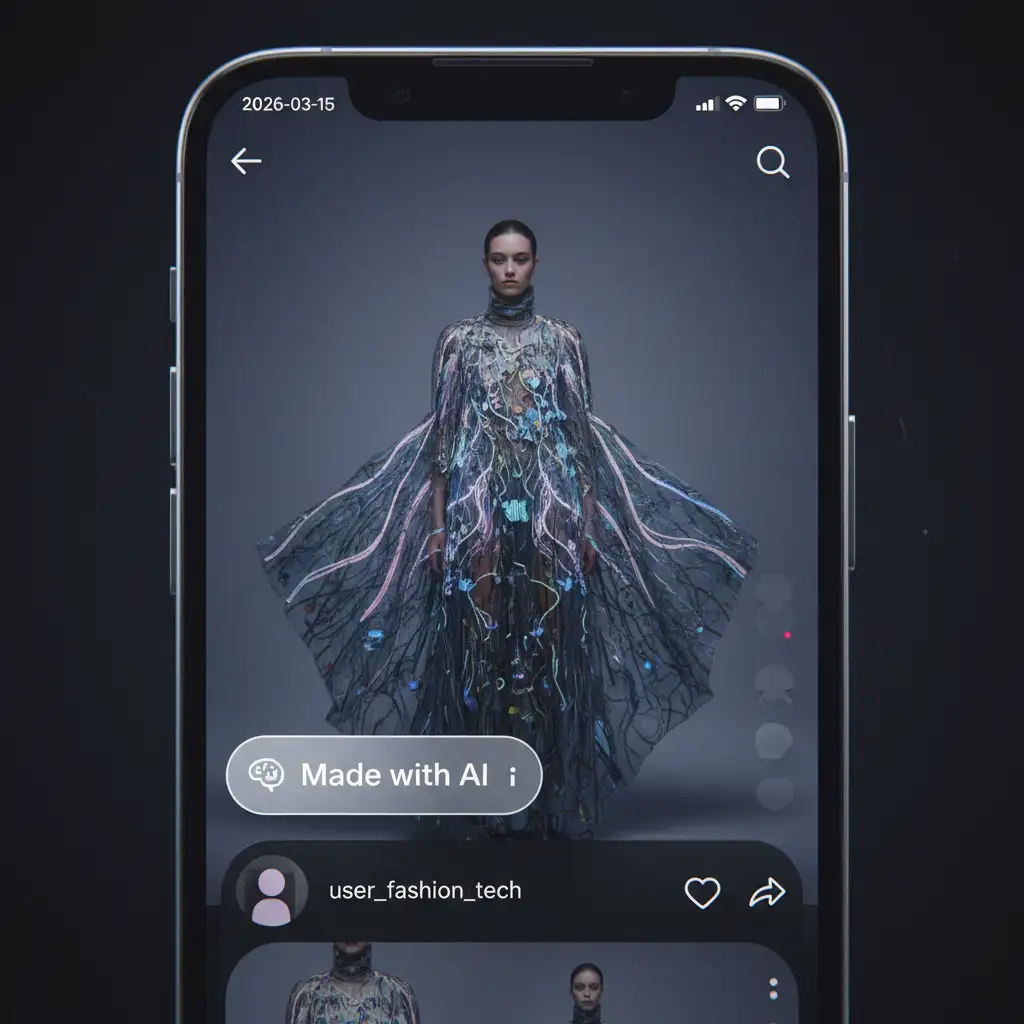
Whenever you use tools like Generative Fill, or even standard features like the spot healing brush, Photoshop automatically embeds Generative Fill metadata into your file. TikTok’s 2026 algorithm is designed to aggressively scan for this C2PA metadata upon upload. If it detects it, it automatically slaps an AI disclosure label on your post as an authenticity watermark. Unfortunately, the algorithm lacks nuance, punishing lightly retouched photos with the exact same penalty as 100% AI-generated slop.
How to Remove Content Credentials and Avoid the Algorithm Flag
To stop TikTok from tagging your work, you need to ensure your images are completely free of C2PA tracking before they ever reach your phone. Here are the three most effective methods to achieve this in Photoshop v27.x.
Method 1: The Quick Fix (Modify Export Settings)
The easiest way to bypass the algorithm flag is to change how you save your files. By default, Photoshop’s modern export window tries to attach your editing history to the image.
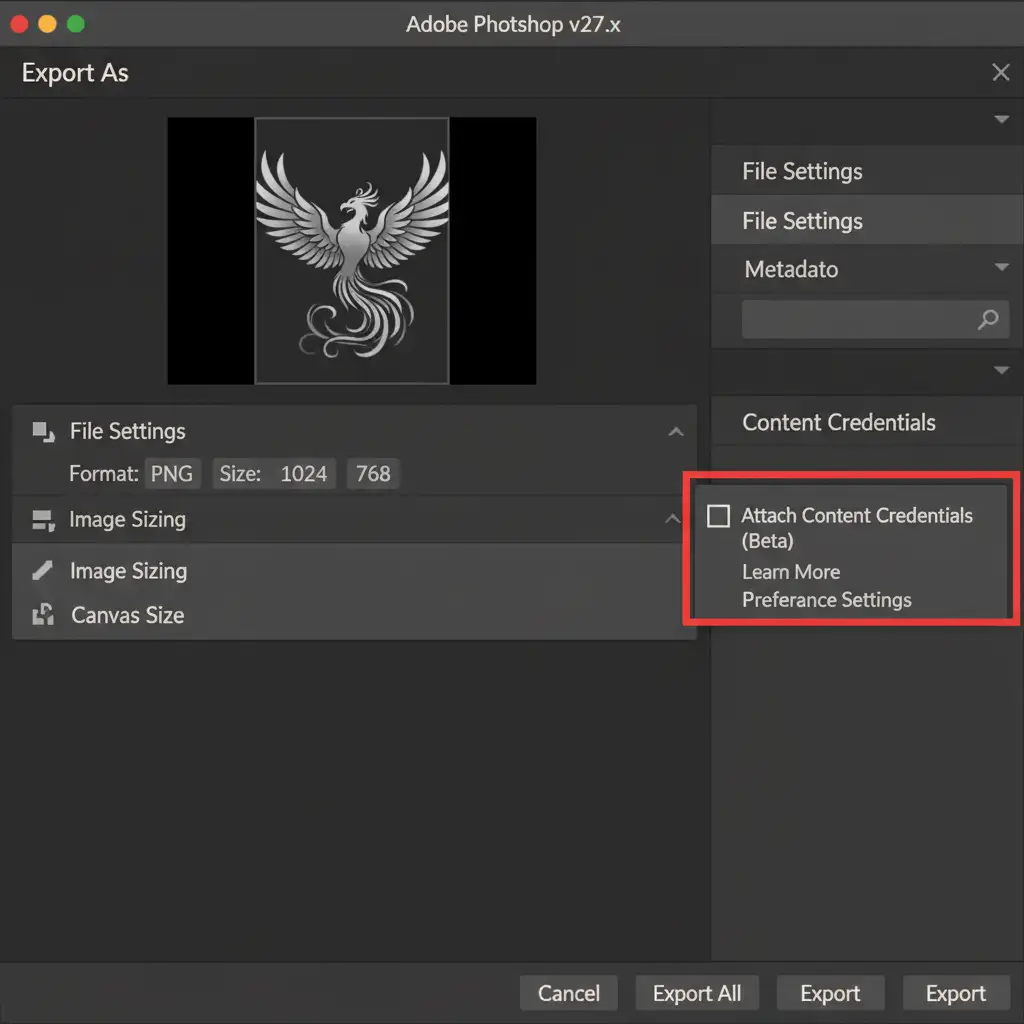
- Go to File > Export > Export As.
- Look at the right-hand panel under your file format settings.
- Find the section labeled Content Credentials.
- Uncheck the box to ensure no tracking data is attached to the final JPEG or PNG.
Pro Tip: If you want an absolutely foolproof alternative, use Save for Web (Legacy) (Ctrl+Shift+Alt+S or Cmd+Shift+Opt+S). This older export engine predates the C2PA standard and naturally strips all modern AI metadata from the file.
Method 2: The Pro Workaround (Exif Data Stripping)
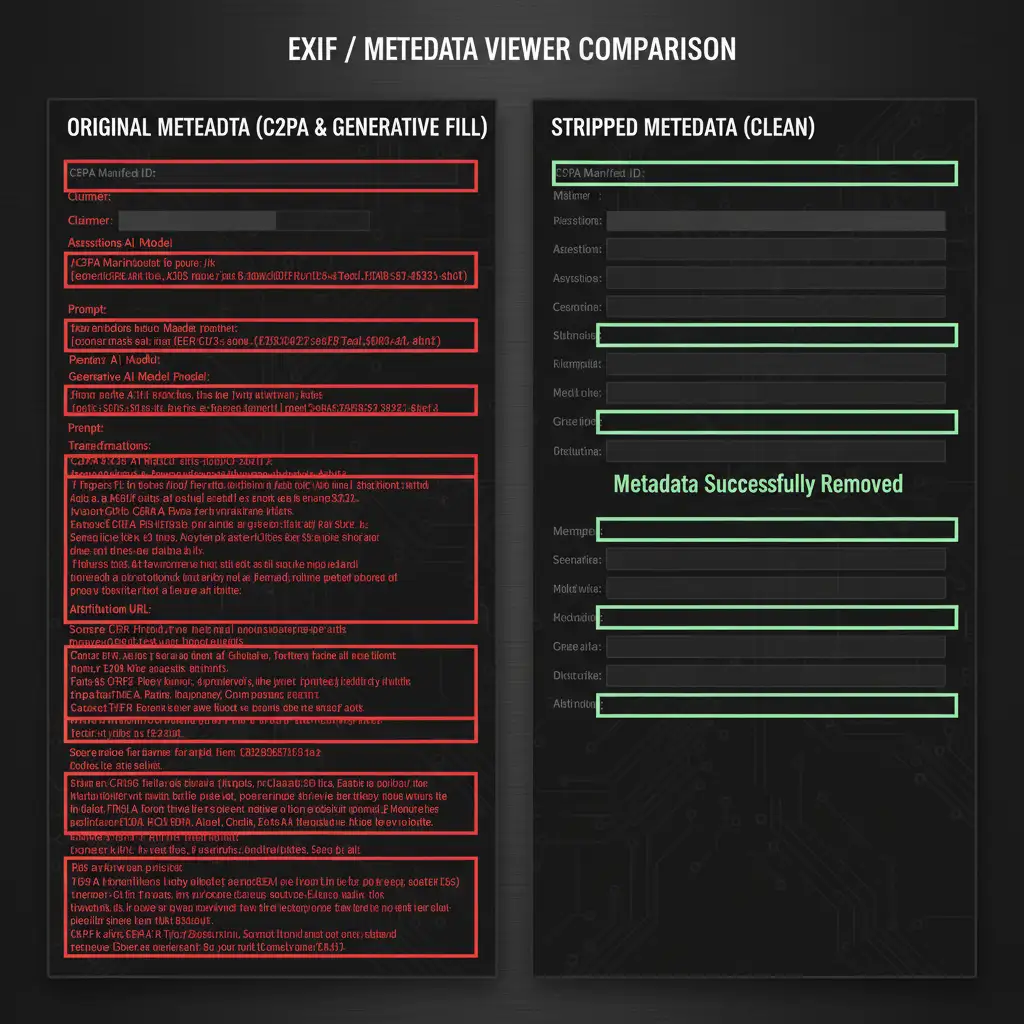
If you have already exported a massive batch of photos and don’t want to re-export them all from Photoshop, you can use Exif data stripping to clean the files.
- Export your images normally.
- Run the files through a metadata scrubber tool. ExifTool is the industry standard for professionals, but free online Exif removers work just as well for quick fixes.
- This process performs complete metadata scrubbing, erasing the C2PA tags while keeping your image quality intact.
- Transfer the clean files to your phone for upload.
Method 3: The Permanent Solution (Disable C2PA System-Wide)
If you never want to deal with this issue again, you can force Photoshop to stop tracking your edits entirely. This prevents the metadata from forming inside your working PSD files in the first place.
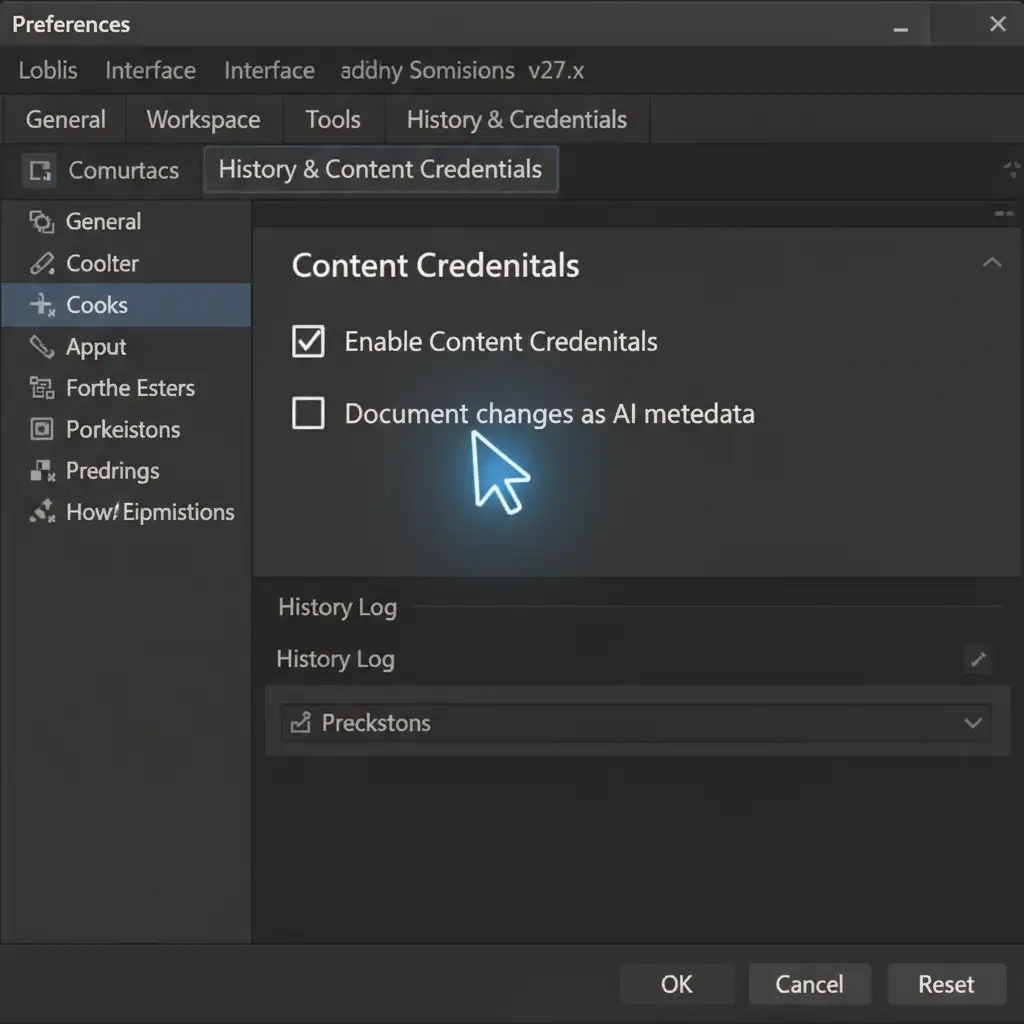
- Navigate to Edit > Preferences > History & Content Credentials (on Mac, go to Photoshop > Settings).
- Locate the Content Credentials section.
- Disable Enable Content Credentials.
- Uncheck Document changes as AI metadata.
- Restart Photoshop to apply the changes system-wide.
Stop Fighting the Algorithm: Let the Professionals Handle It
Managing metadata, fighting platform algorithms, and navigating constant Adobe updates is exhausting—especially when you are trying to scale a brand or manage a high-volume e-commerce store. You shouldn’t have to worry about a random software update tanking your social media reach.
Struggling with algorithm penalties on your e-commerce or social media imagery? Let Cloud Retouch and Image Work India handle your bulk editing. Our team provides 100% human-touch retouching with metadata-clean results that platforms love. We deliver pixel-perfect, platform-ready images that protect your brand’s authenticity and keep your reach exactly where it belongs. Contact Image Work India today to streamline your post-production workflow.




