
Imagine waking up to an email stating your flagship property listing has been pulled from the MLS-and you’ve been hit with a hefty fine.
As multiple listing services increasingly deploy automated scanners to detect deceptive photo manipulation, photographers and real estate agents are facing unprecedented scrutiny. Removing an ugly power line or digitally painting a permanent wall a different color might make a property look better, but it crosses the line from enhancement into misrepresentation.
To protect your listings and your reputation, you must master ethical real estate photo editing standards. This guide breaks down exactly how to navigate the strict new MLS rules using Adobe Lightroom Classic v15.x and Photoshop v27.x, ensuring your images remain stunning, honest, and 100% compliant.
The Thin Line Between Enhancement and Deception
The core philosophy of ethical real estate photography is simple: you can correct the camera’s limitations, but you cannot alter physical reality.
Correcting a lens’s inability to capture a dynamic range is acceptable; using the clone stamp tool to erase a water tower in the background is not. If a buyer walks into the property and feels deceived by the photos, the edits have gone too far.
Here are three professional, non-destructive workflows to elevate your images while maintaining strict MLS compliance.
Method A: The Quick Fix (Lightroom Classic v15.x)
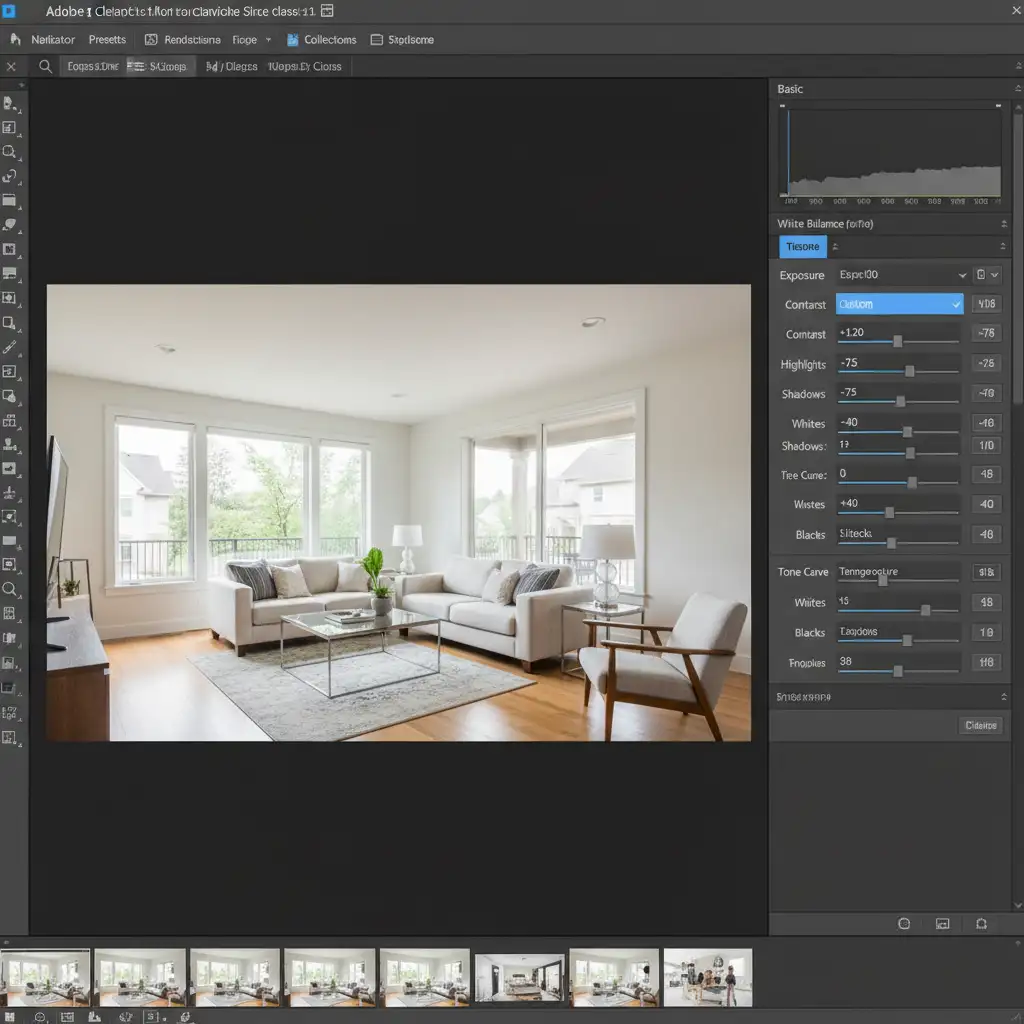
When dealing with a high volume of listings, your first line of defense is the Basic Panel in Lightroom Classic v15.x. This method focuses purely on recovering data that the camera captured but failed to display accurately.
- Exposure and Contrast: Use the exposure sliders to recover severely underexposed interiors.
- Highlight Recovery: Pull down the highlights to bring back details in bright windows.
- White Balance Adjustment: Correct the mixed lighting (e.g., tungsten interior lights clashing with daylight from windows) to reflect the true color of the room.
- Lens Distortion Correction: Apply profile corrections to fix bowing walls or unnatural perspectives caused by wide-angle lenses.
Because these adjustments apply globally and only manipulate light data, they are universally accepted under ethical real estate photo editing standards.
Method B: The Pro Workaround (Photoshop v27.x)
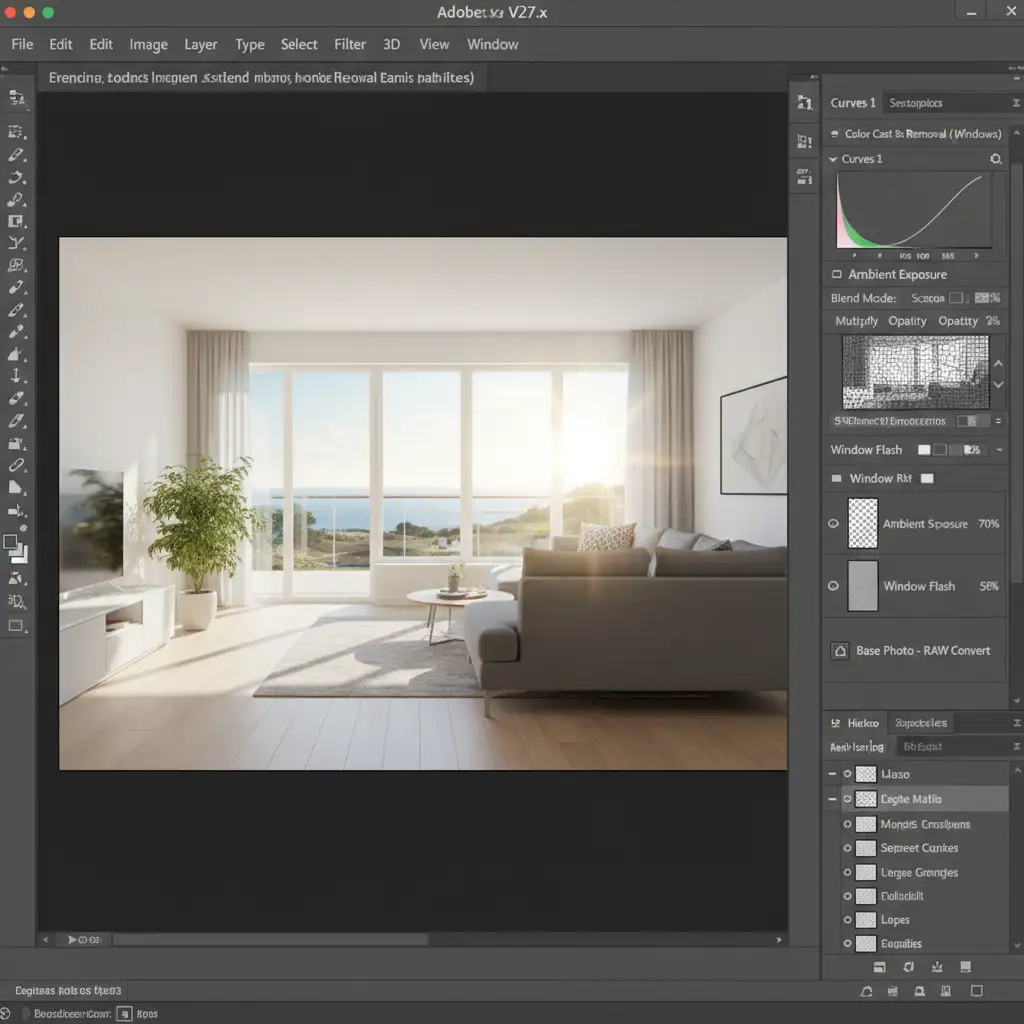
When Lightroom isn’t enough-especially for complex lighting scenarios-you need to move into Adobe Photoshop v27.x. The key here is non-destructive editing. By utilizing Layer Masks, you can make localized adjustments without permanently altering the original pixels.
- HDR Blending: Instead of faking a view, bracket your shots (taking multiple exposures of the same scene) and blend them manually. This allows you to mask in the correct exposure for the windows while keeping the interior bright, preserving the actual view outside.
- Color Cast Removal: Use adjustment layers to selectively remove harsh yellow or blue color casts bouncing off adjacent walls or floors.
- Dodging and Burning: Subtly lighten or darken specific areas to guide the viewer’s eye, provided you aren’t hiding physical defects like water damage.
Note on Sky Replacement: While Adobe’s automated sky replacement tools are powerful, use them with extreme caution. MLS guidelines generally permit swapping a blown-out white sky for a realistic blue one, provided the time of day and weather accurately reflect the property’s typical environment. Dropping a dramatic sunset into a midday shot is considered deceptive.
Method C: The Technical Deep-Dive (EXIF Metadata Workflow)
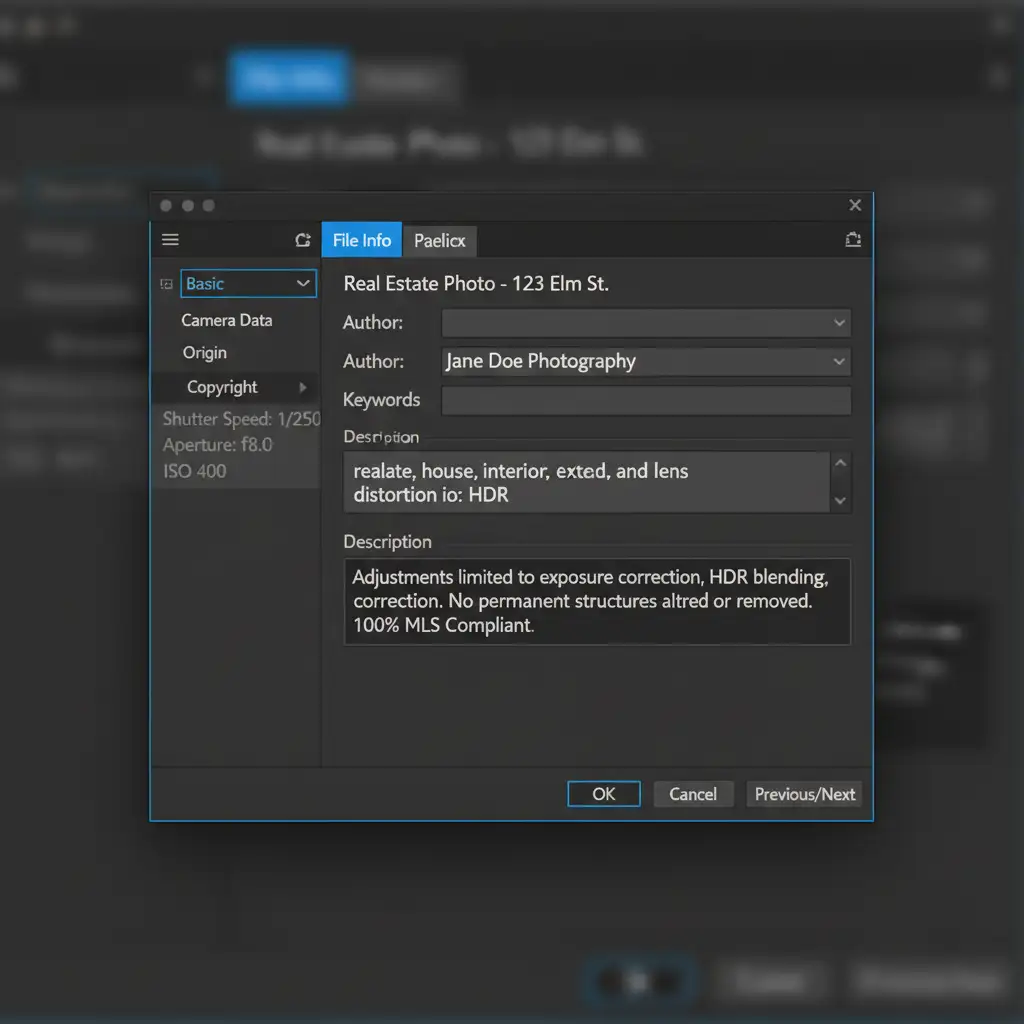
As automated MLS scanners become more advanced, proving your edits are ethical is just as important as the edits themselves. Implementing an EXIF metadata workflow in Photoshop v27.x acts as a digital certificate of authenticity.
- Open your final image in Photoshop.
- Navigate to File > File Info.
- In the Description or IPTC fields, embed your original capture data.
- Add a compliance note detailing the specific edits performed (e.g., “Adjustments limited to exposure correction, HDR blending, and lens distortion correction. No permanent structures altered or removed.”).
By hardcoding this data into the file, you provide immediate transparency to listing platforms, drastically reducing the risk of automated flags.
Unacceptable Practices: What to Avoid
To ensure you stay on the right side of ethical real estate photo editing standards, strictly avoid the following:
- Erasing Permanent Fixtures: Never use the clone stamp tool to remove power lines, fire hydrants, neighboring houses, or permanent street signs.
- Hiding Damage: Cloning out cracks in the driveway, water stains on the ceiling, or dead patches in the lawn is strictly prohibited.
- Altering Proportions: Stretching an image to make a room look wider or a ceiling look higher is deceptive.
Need Bulletproof, MLS-Compliant Edits?
Navigating the fine line between a beautifully enhanced property and a deceptive, MLS-violating image takes time, skill, and a deep understanding of platform guidelines. If you want to focus on shooting properties and closing deals rather than stressing over EXIF data and layer masks, we can help.
At Image Work India and Cloud Retouch, our specialized team of editors strictly adheres to the latest ethical real estate photo editing standards. We provide stunning, non-destructive enhancements-from perfect HDR blending to accurate color cast removal-guaranteeing your images are 100% MLS compliant.
Don’t risk your listings or your reputation. Contact Image Work India and Cloud Retouch today to outsource your real estate editing to the ethical experts.




