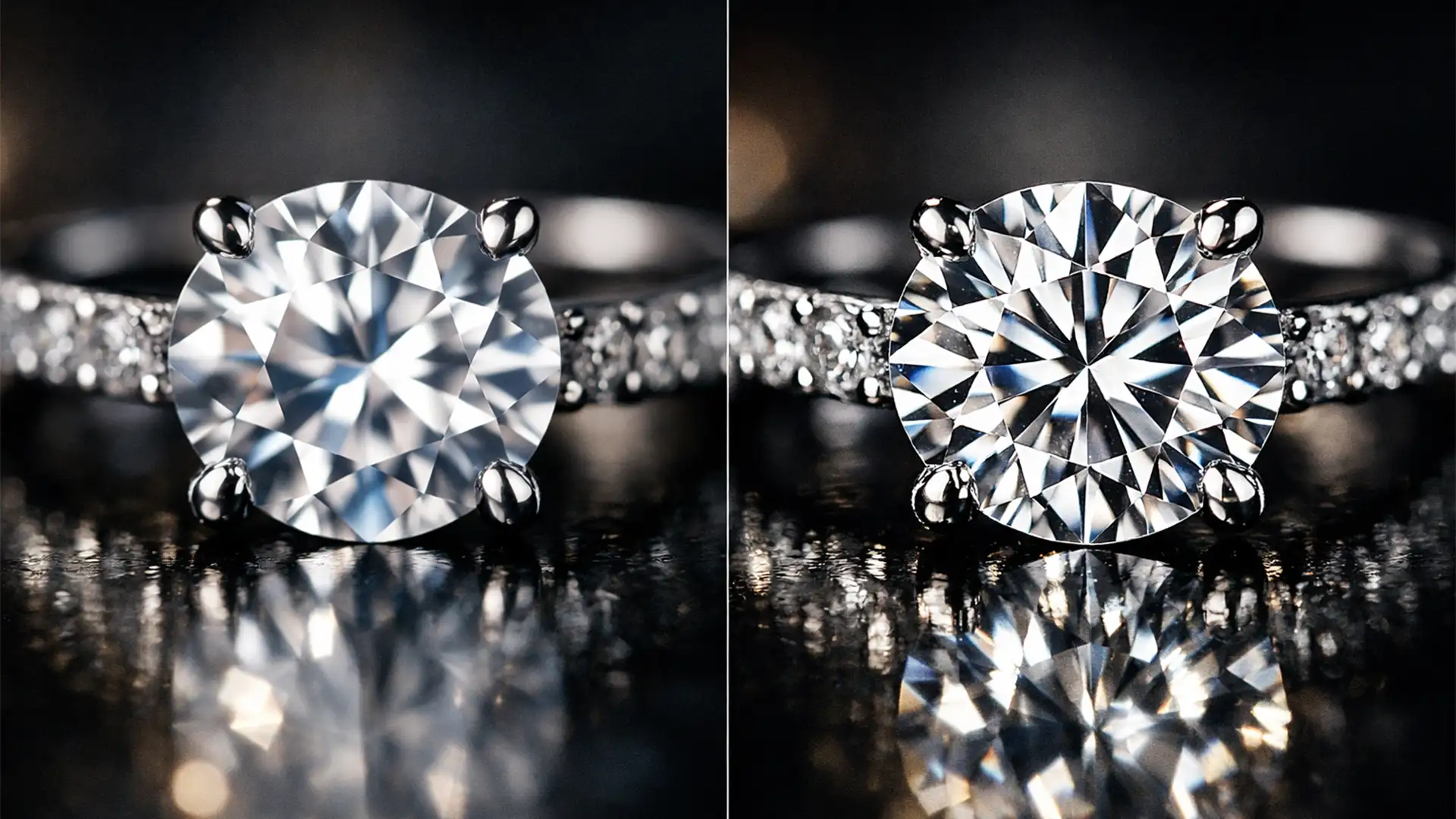

Are you tired of Photoshop’s AI turning your brilliant diamonds into cheap plastic? If you edit luxury product photos, you’ve likely noticed a frustrating trend in Photoshop v25.x+: tools like Generative Fill frequently destroy the high-frequency details in jewelry macro photography. Instead of crisp facet sharpness and natural reflections, you get warped lines, chromatic aberration, and aggressive AI smoothing. This pixel degradation kills the commercial value of your images. Fortunately, you don’t have to abandon AI completely. Here is the ultimate technical guide to help you remove AI artifacts from jewelry macro shots while preserving the flawless luxury appeal of your products.
Why AI Fails at High-End Jewelry Photo Editing
In recent updates, AI tools like Generative Fill and Neural Filters have revolutionized general photo editing. However, they consistently struggle with the complex geometry found in macro photography.
When AI attempts to reconstruct or clean up a jewelry image, it misinterprets micro-pave diamonds, gemstone facets, and polished metal reflections. The algorithm tends to “guess” textures by blending pixels, resulting in an unnatural, plastic-like finish. This artifacting destroys the structural integrity of the piece, requiring precise human intervention to restore geometric accuracy.
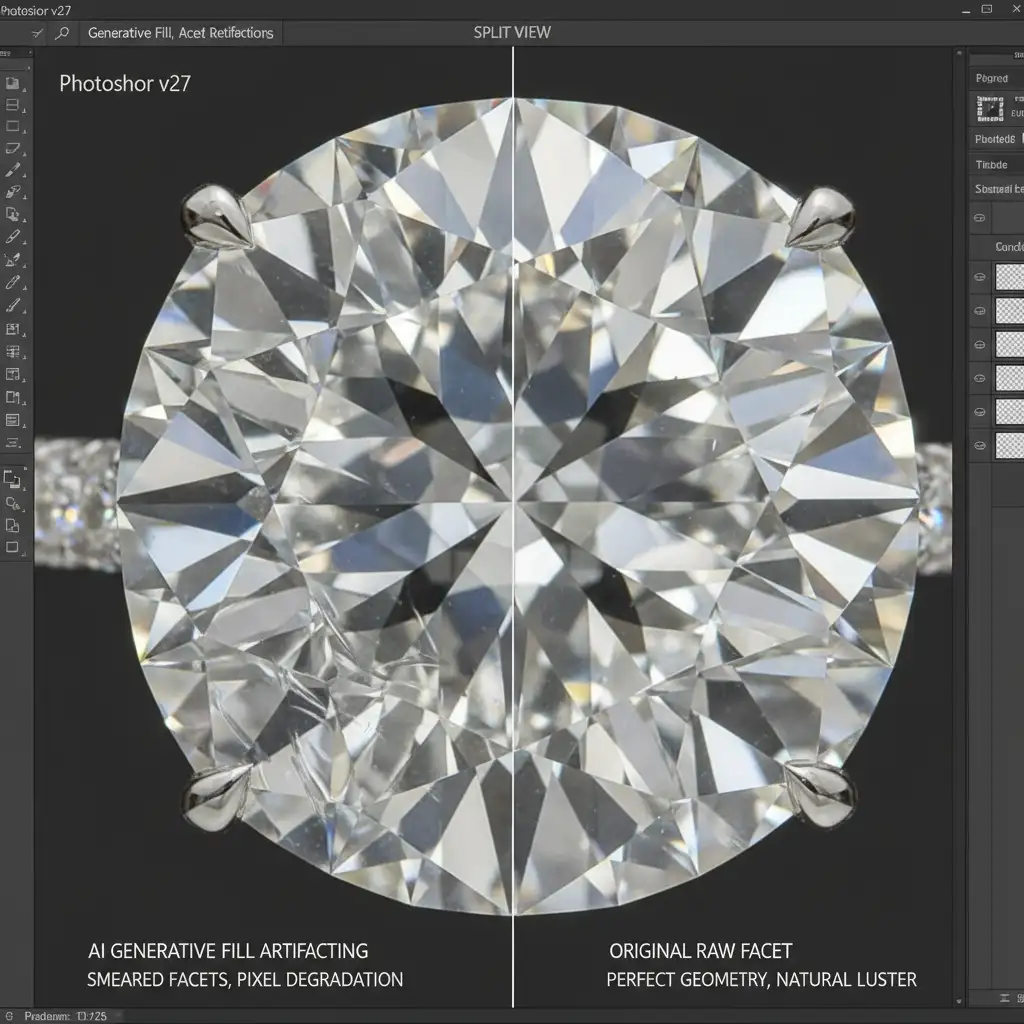
How to Remove AI Artifacts from Jewelry Macro Shots
To save your high-end edits, you must isolate AI structural corrections from the original raw textures. Here are three professional techniques to achieve flawless results.
Method 1: The Quick Fix (Opacity & Blending Modes)
If you only need minor clean-up and notice immediate pixel degradation after using Generative Fill, you can quickly dial back the damage.
- Immediately after generating the AI fix, use the Fade command (Edit > Fade Generative Fill) to reduce the intensity.
- Alternatively, select your AI-generated layer and reduce the Opacity to 50-70 percent.
- Change the layer’s Blending Mode to Luminosity. This allows the AI to correct the lighting and structural tones while bringing back the original micro-textures and facet sharpness from the base layer.
Method 2: The Pro Workaround (Frequency Separation)
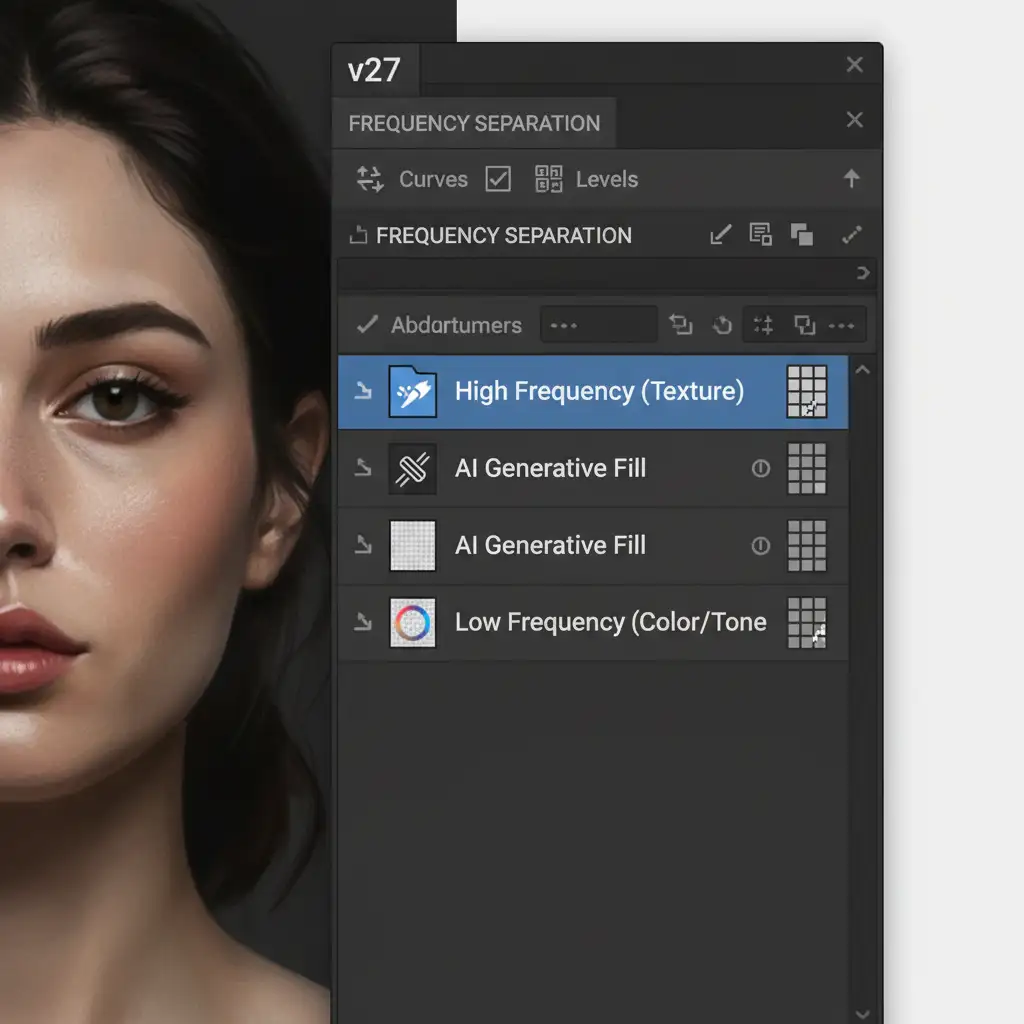
For commercial jewelry editing, Frequency Separation is the industry standard. It allows you to separate the texture (high frequency) from the color and tone (low frequency).
- Set up your standard Frequency Separation layer stack.
- Place your AI-generated layer below your high-frequency texture layer, nesting it within the low-frequency group.
- This workflow ensures that the AI handles structural and tonal corrections, while the raw macro shot’s crisp edges and facet micro-textures remain untouched on top.
Method 3: The Technical Deep-Dive (Smart Objects & Luminosity Masks)
When dealing with severe chromatic aberration or when you need to protect specific gemstones while allowing AI to clean up the metal band, you need ultimate control.
- Convert your base image into Smart Objects. This ensures all adjustments remain non-destructive.
- Apply targeted Unsharp Mask or High Pass filters to isolate the crisp edges of the gemstone.
- Create a precise Luminosity Mask. Use this mask to restrict AI modifications strictly to the flat metal surfaces.
- By masking out the highlights of the diamond, you entirely protect the high-frequency gemstone areas from AI artifacting.
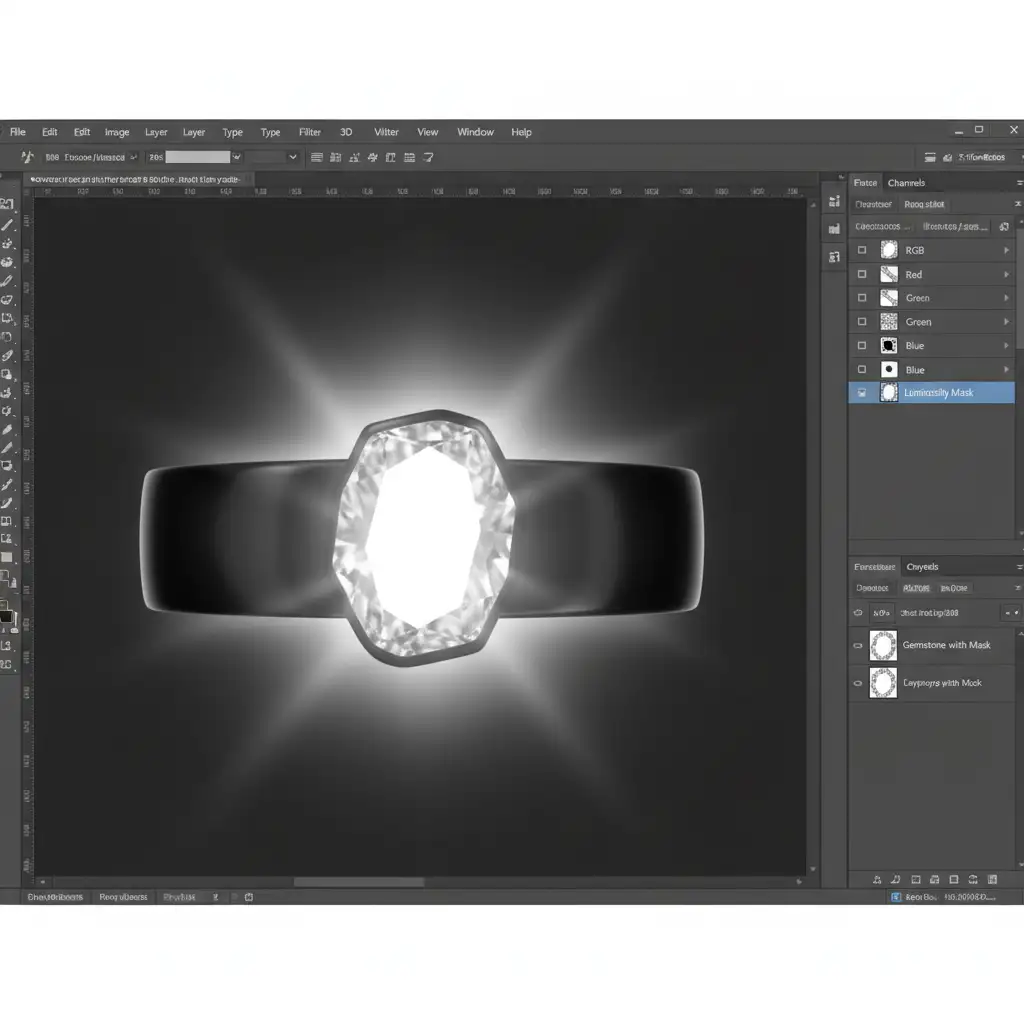
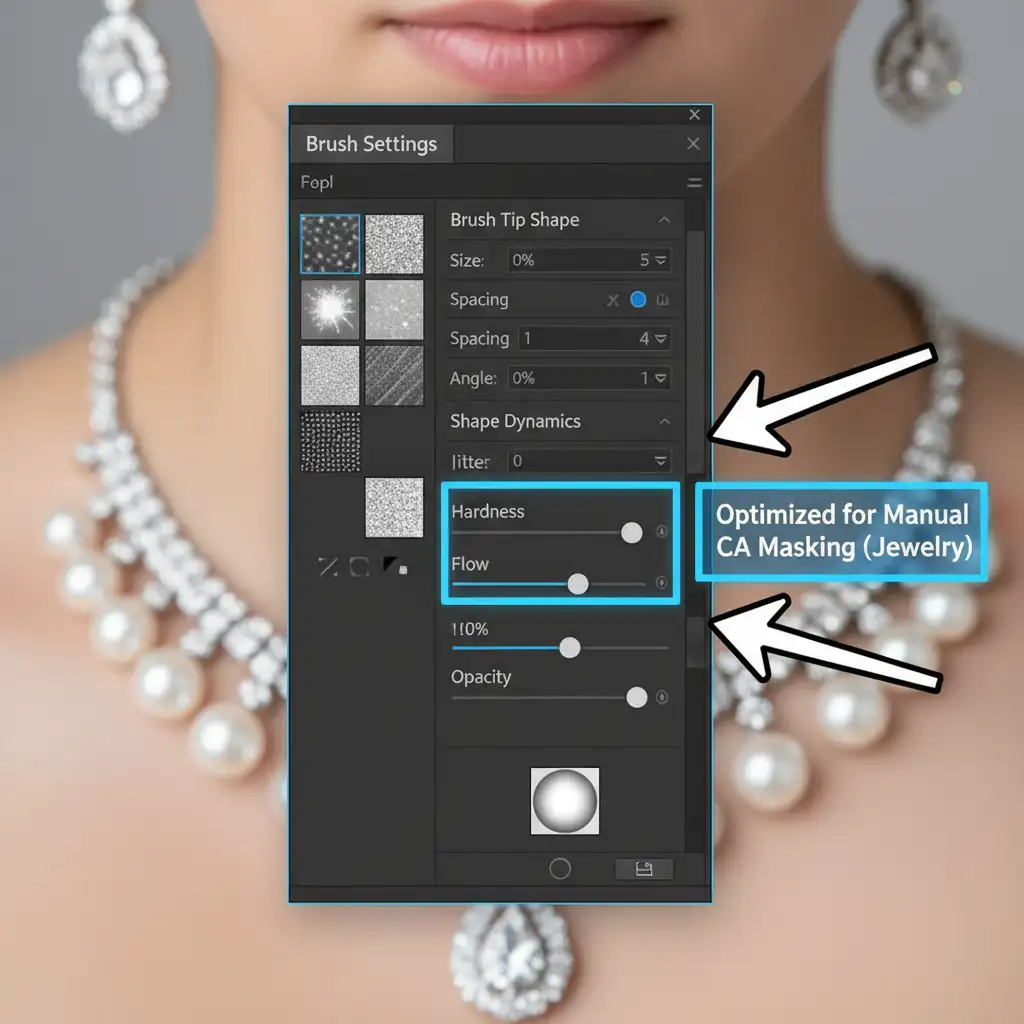
When manually refining these masks, brush settings are critical. You want a soft transition to avoid harsh halos around the prongs and facets.
The Ultimate Solution: Partner with Expert Jewelry Retouchers
While Photoshop’s AI features are powerful, jewelry editing requires a level of human precision and technical understanding that algorithms simply cannot match. Fixing AI smoothing, rebuilding facet lines, and managing complex luminosity masks takes hours of meticulous work-time you could spend scaling your photography business.
Don’t let pixel degradation ruin your luxury product catalog. Hire the expert retouchers at Image Work India and Cloud Retouch. Our dedicated team specializes in high-end jewelry photo editing, combining advanced manual techniques with industry-leading software to preserve the flawless sparkle and luxury appeal of your macro product shots.
Contact Image Work India and Cloud Retouch today to elevate your jewelry imagery to the highest commercial standards.




