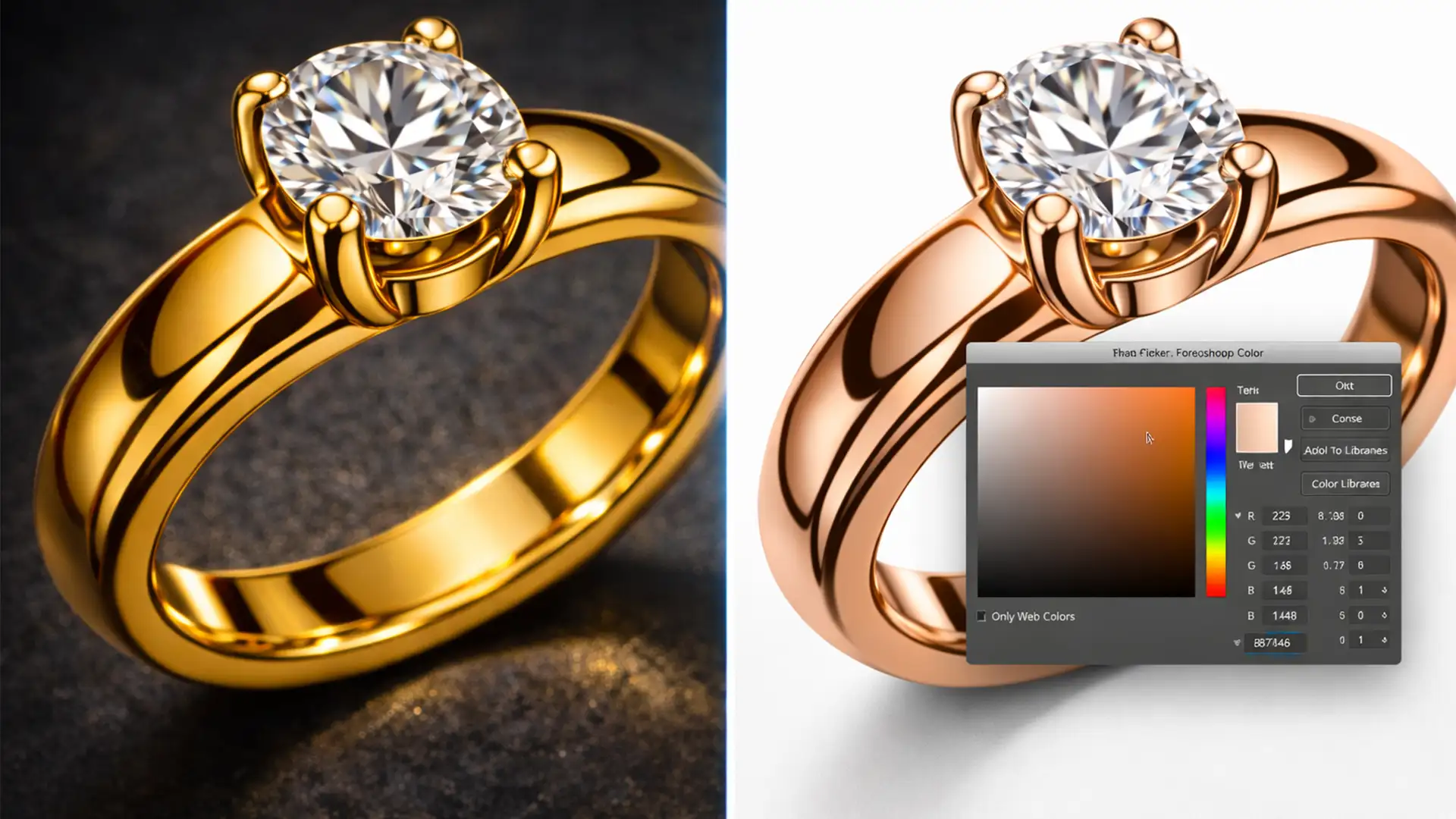

“Item returned: Color not as described.” If you manage an online jewelry store, this specific return reason is likely eating into your profit margins. Rose gold is notoriously difficult to photograph accurately. Under mixed studio strobes, it suffers a severe hue shift, often appearing like cheap copper (too red) or brass (too yellow) on your product pages.
When high-ticket customers expect premium 14K or 18K rose gold and receive something that looks completely different from the website, you lose the sale and the client’s trust. Achieving absolute rose gold color consistency for e-commerce isn’t just an aesthetic preference—it is a critical revenue-saving metric.
Here is the exact technical workflow to lock in perfect rose gold RGB values in Photoshop CC v25+ and eliminate color-based returns for good.
Why Rose Gold Photographs So Poorly
The core issue with rose gold stems from a combination of mixed lighting temperatures, improper white balance during capture, and sensor limitations. Because rose gold is an alloy of gold, copper, and silver, its reflective surface acts like a mirror to its environment.
Furthermore, when raw files are processed without a strict ICC Profile workflow, the conversion to web-standard color spaces often strips the subtle pink-gold tones, replacing them with harsh oranges or flat yellows. To combat this, professional retouchers rely on strict color calibration and advanced Photoshop techniques.
3 Workflows for Rose Gold Color Consistency for E-Commerce
Depending on the severity of the color cast, you can utilize one of three methods in Photoshop CC v25+ to restore true rose gold luminance.
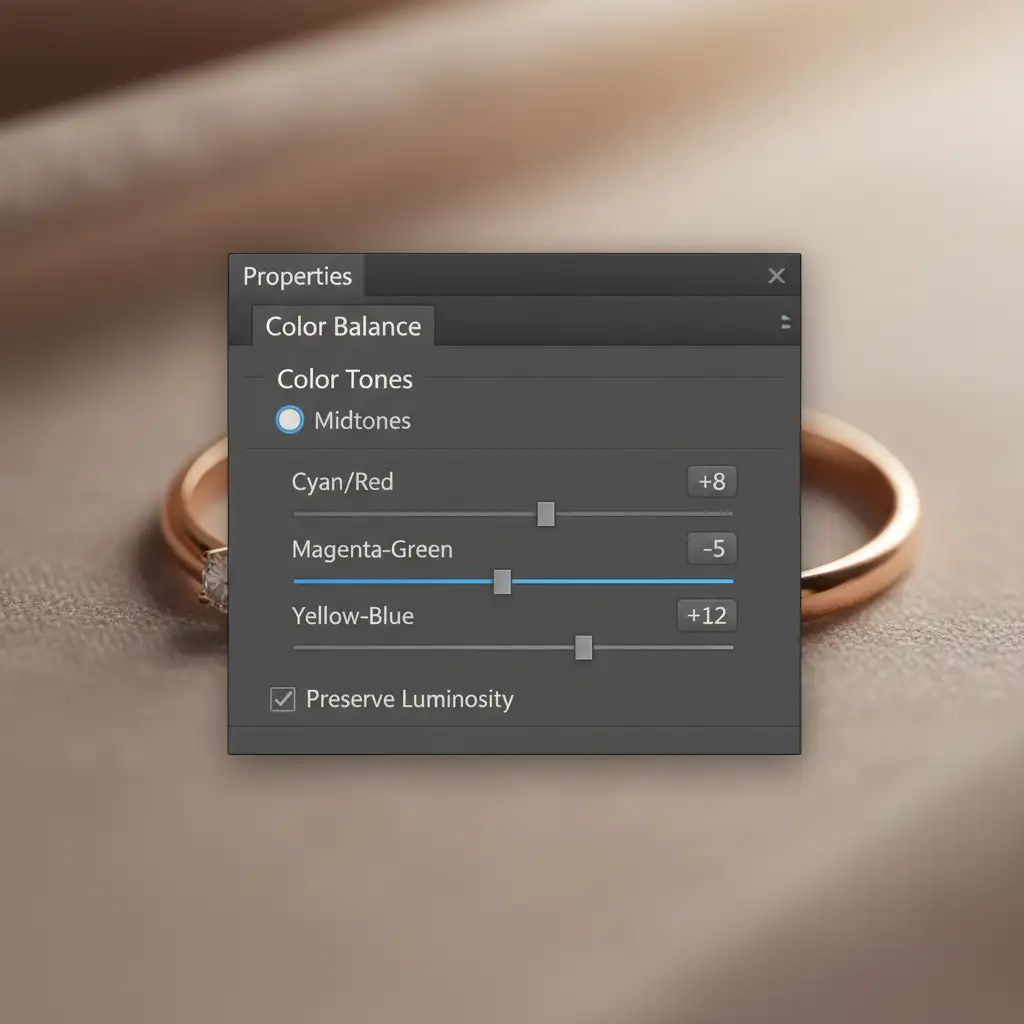
Method 1: The Quick Fix Using Color Balance
If your image is only slightly off due to minor studio lighting variations, a targeted adjustment layer can neutralize unwanted casts.
- Open your image in Photoshop.
- Create a Color Balance Adjustment layer.
- In the properties panel, ensure “Preserve Luminosity” is checked.
- Target the Midtones. Carefully adjust the sliders away from Yellow/Green and slightly toward Red/Magenta until the 18K or 14K RGB values look authentic.
Method 2: The Pro Workaround Utilizing LAB Color Space
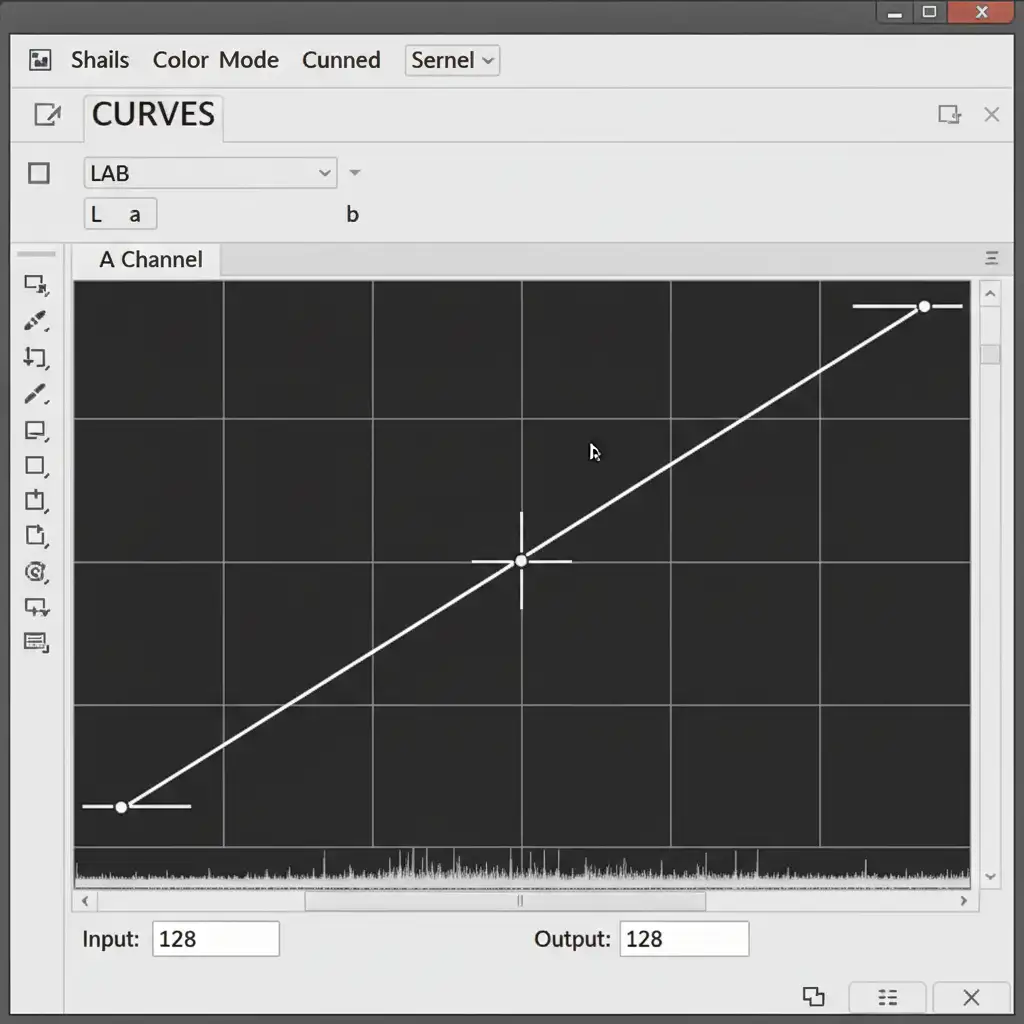
When RGB adjustments muddy the image or blow out highlights, the LAB Color Space is the industry-standard secret for jewelry retouching. LAB separates the image’s lightness (L) from its color channels (A and B), allowing you to boost the true rose gold color without affecting the exposure.
- Navigate to Image > Mode > Lab Color.
- Add a Curves Adjustment layer.
- Select the A channel (Green-Red axis) and steepen the curve by bringing the top and bottom points inward equally, ensuring the line crosses exactly through the center point.
- Repeat this exact steepening process on the B channel (Blue-Yellow axis).
- Convert back to your target e-commerce profile (sRGB).
This method boosts the inherent rose gold hues perfectly without creating artificial color bands.
Method 3: The Technical Deep-Dive (Gray Card Calibration)
For high-volume e-commerce catalogs, fixing images one by one is inefficient. You must establish a bulletproof Color Calibration workflow starting from the raw file.
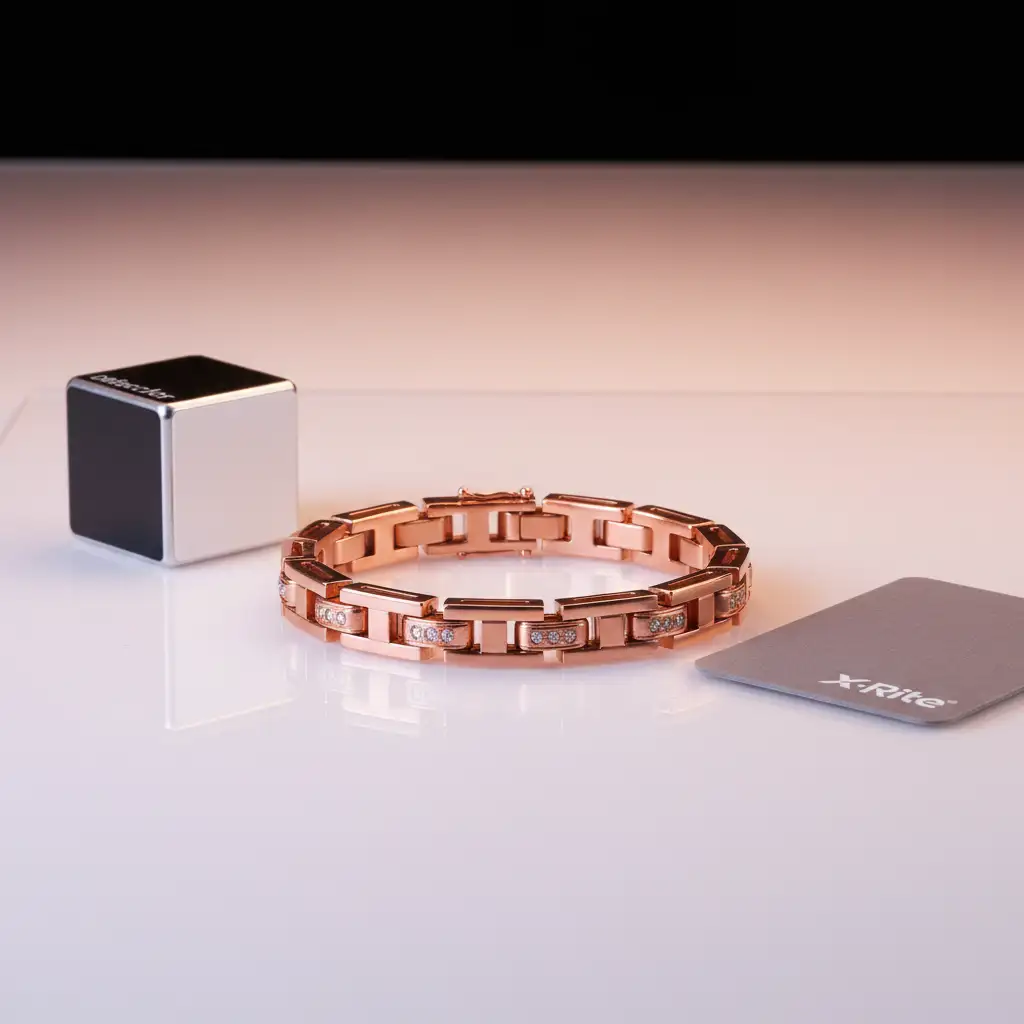
- Shoot a Reference Frame: During the photoshoot, place a Datacolor SpyderCube or an 18% Gray Card next to the rose gold jewelry under your final lighting setup.
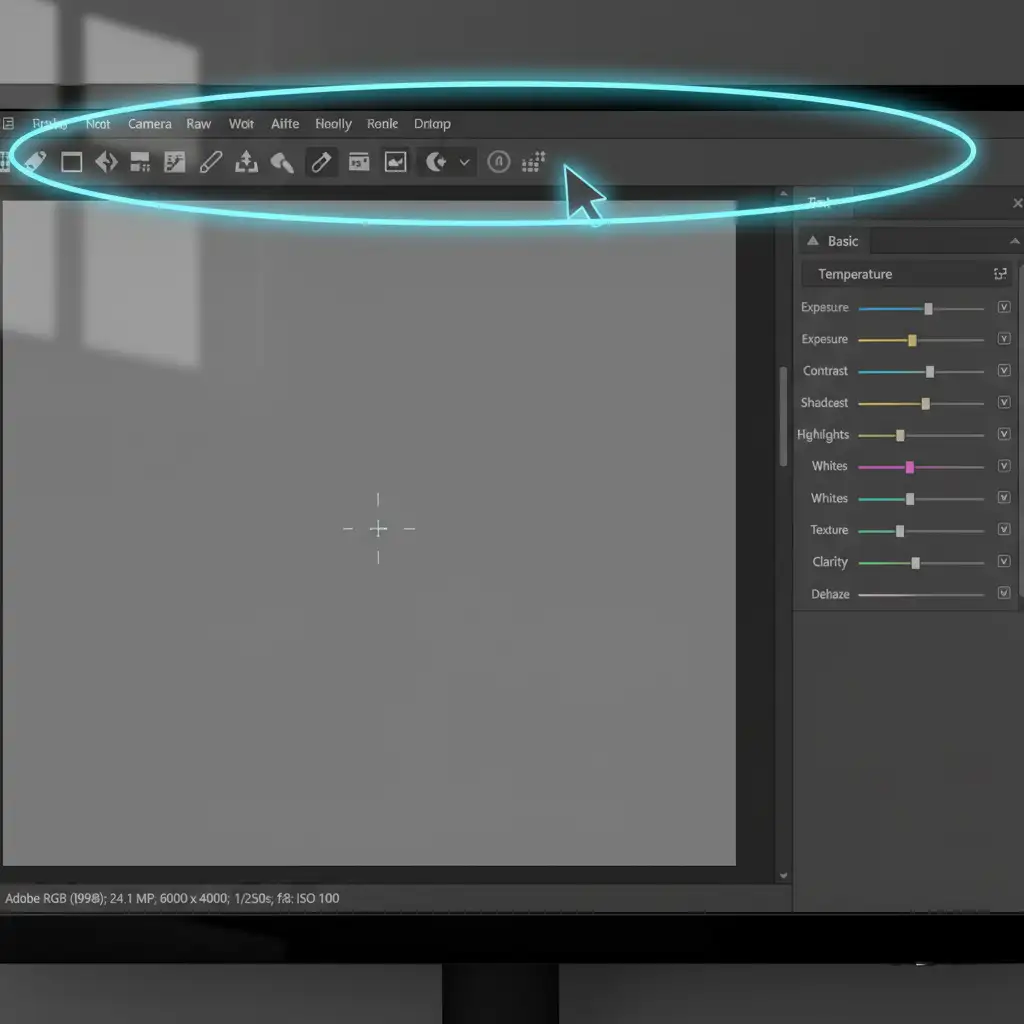
- Camera Raw Synchronization: Open the batch of raw images in Adobe Camera Raw.
- Select the White Balance Dropper tool.
- Click directly on the 18% gray patch of your reference frame. This instantly neutralizes ambient color casts.
- Select all images in the batch and click “Sync Settings” to apply this perfect white balance across the entire shoot.
- Export with the Correct Profile: Save your batch using the sRGB IEC61966-2.1 color profile to ensure the colors look identical on web browsers as they do in your calibrated workspace.
Stop Losing Sales to Color Returns
Mastering rose gold color consistency for e-commerce requires a deep understanding of color theory, LAB curves, and strict ICC profile management. While setting up a gray card workflow is highly effective, applying these technical adjustments across thousands of SKUs requires immense time and specialized skill.
If you need absolute color perfection for your high-end jewelry catalog without the tedious manual labor, let the experts handle it. The professional jewelry retouchers at Image Work India and Cloud Retouch specialize in high-volume, pixel-perfect batch color correction. We guarantee e-commerce consistency across all your gold, silver, and rose gold pieces, ensuring what your customers see online is exactly what arrives in the box.
Contact Image Work India and Cloud Retouch today to streamline your jewelry retouching workflow and eliminate color-based returns permanently.




