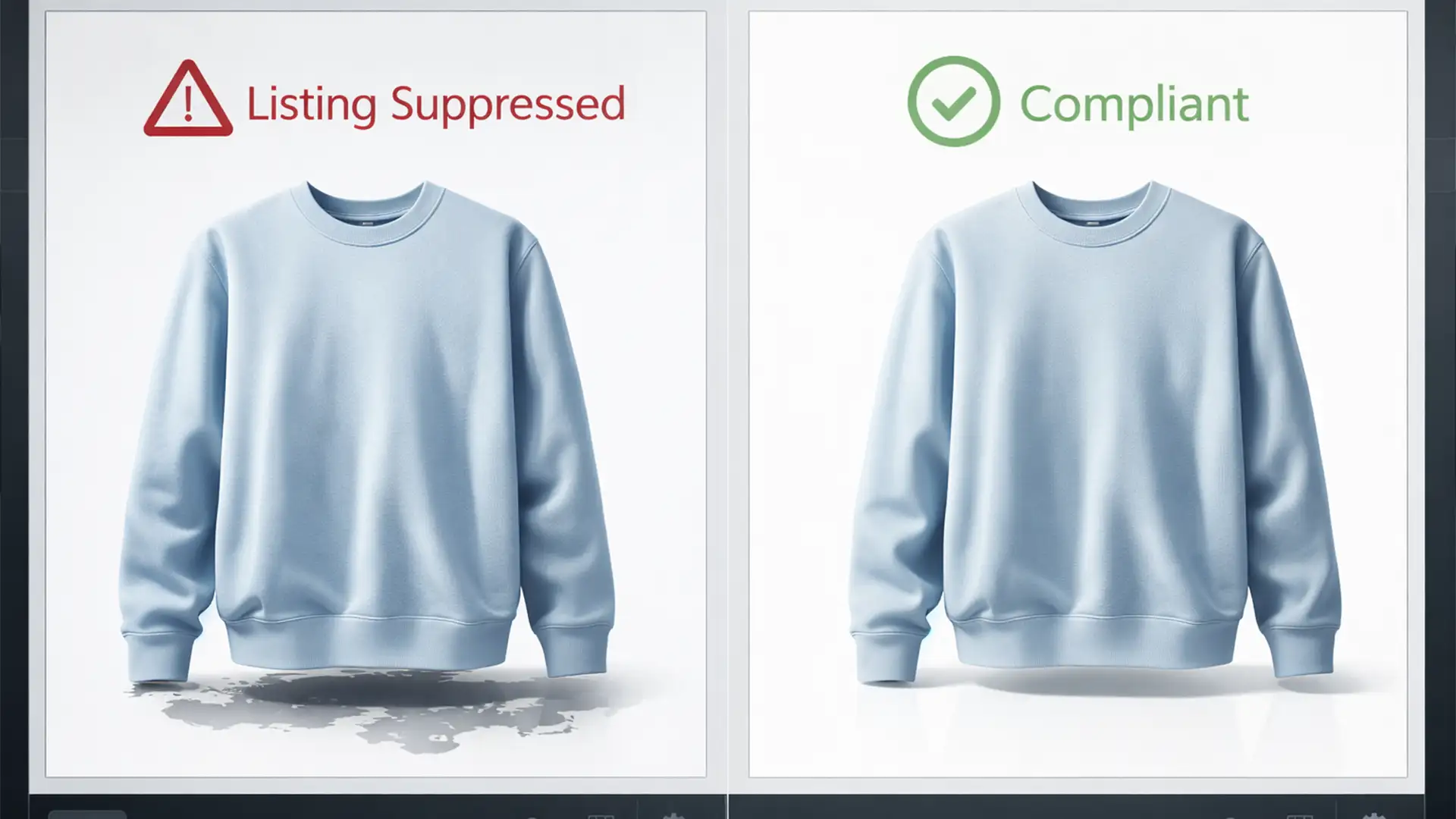

Woke up to a dreaded “Image Suppressed” notification on your Amazon Seller Central dashboard? You aren’t alone. In 2024, Amazon aggressively updated its A9 algorithm and image compliance bots to hunt down AI-generated images that violate their strict Main Image guidelines.
If you rely heavily on automated AI background removal tools-like Photoshop v25.x Contextual Task Bar or third-party clipping apps-you are leaving your listings vulnerable. These tools frequently leave behind generative AI artifacts, jagged anti-aliasing, and floating shadows. Worse, they often fail to achieve the mandatory pure white RGB 255 background.
In this guide, we will show you exactly how to navigate the amazon ai image policy compliance background removal rules, fix sloppy AI edits, and keep your products active and ranking.
Why Amazon’s 2024 Compliance Bots Flag AI Images
Amazon’s primary goal is a seamless, uniform shopping experience. When sellers use automated AI to strip backgrounds, the software often hallucinates or miscalculates edge pixels. This results in morphological distortions that Amazon’s bots instantly detect.
To avoid listing suppression, your main product image must meet two critical, non-negotiable criteria:
- Pure White Background: The background must be exactly RGB 255,255,255. Even a faint off-white (like RGB 253) or a leftover AI shadow will trigger a flag.
- Frame Fill Ratio: The product must fill 85% or more of the image frame without stretching or distortion.
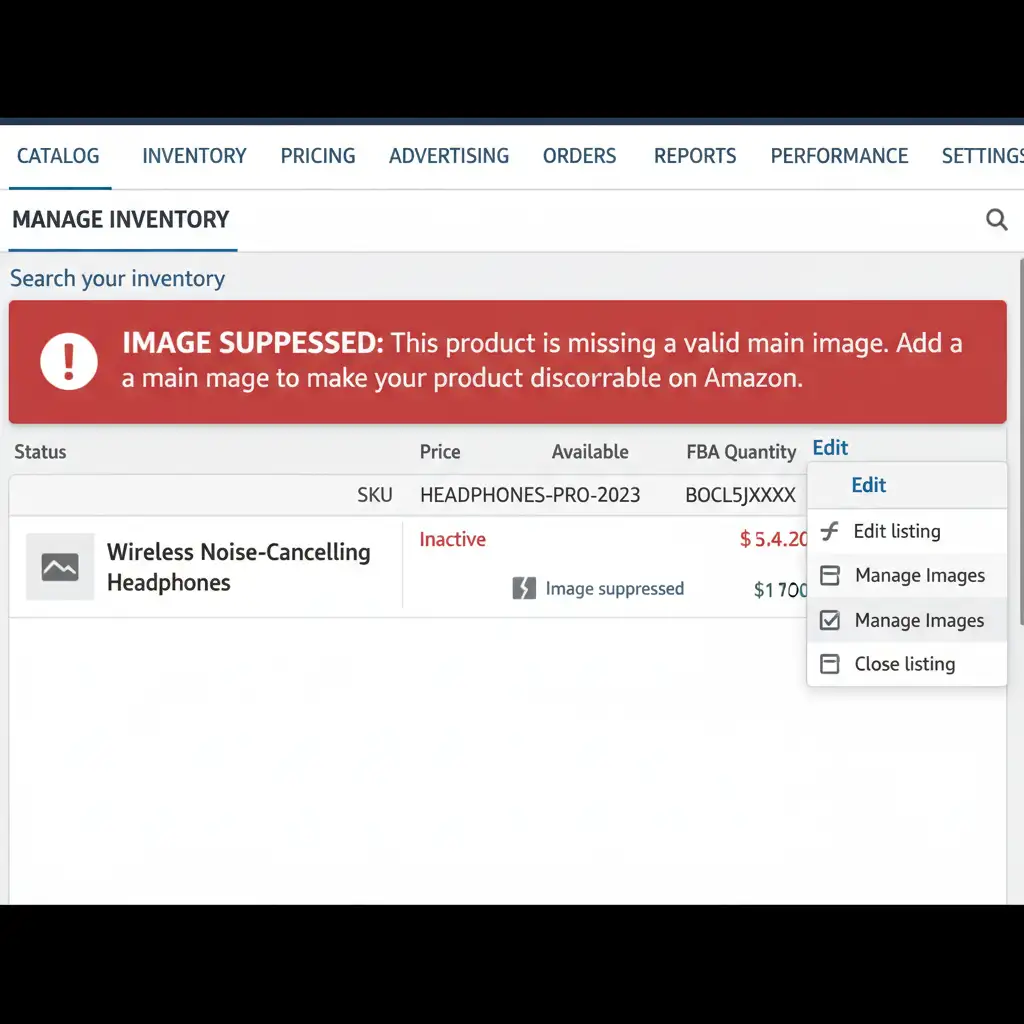
3 Methods to Ensure Amazon AI Image Policy Compliance
If you want to speed up your workflow using AI without risking your seller account, you must combine automation with manual quality control. Here are three methods to achieve perfect compliance.
Method A: The Quick Fix (Safe Native Automation)
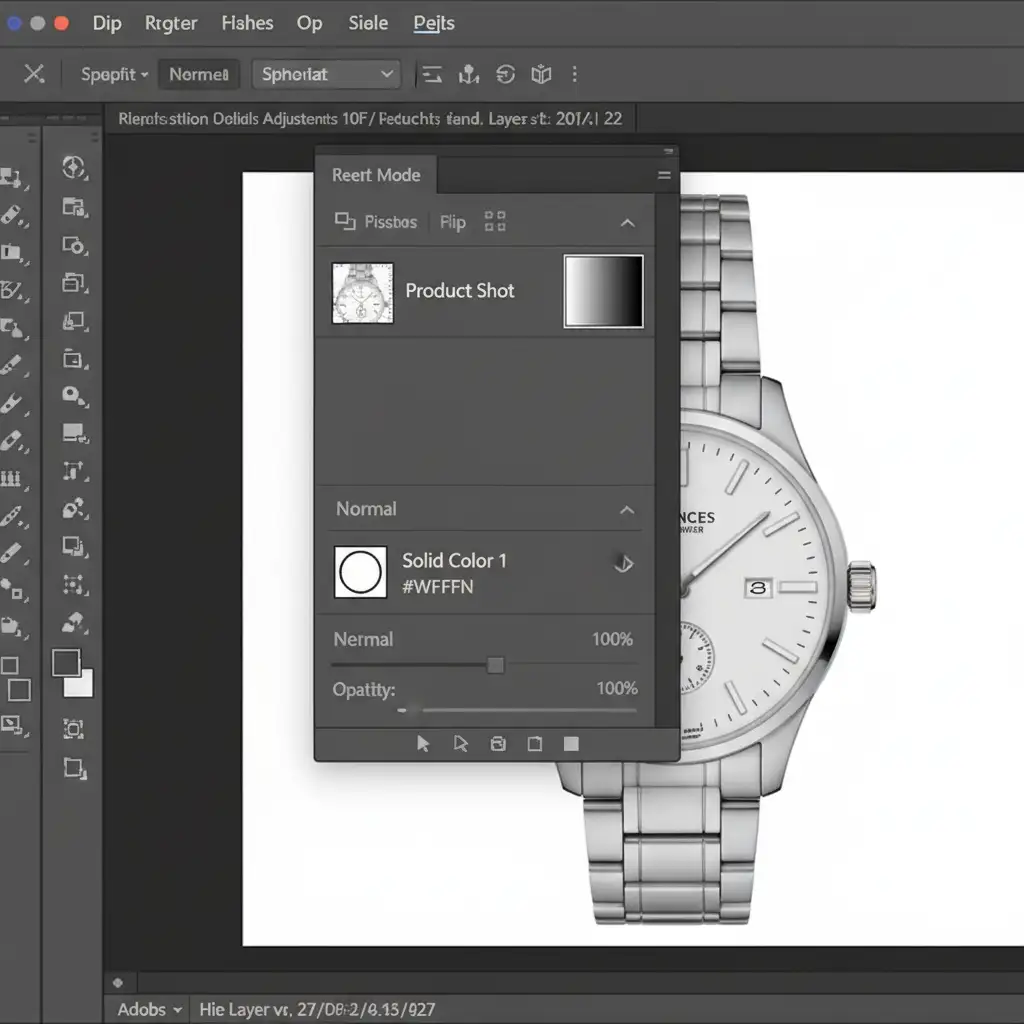
If you are using Photoshop’s native AI tools, you cannot rely on them to generate the white background automatically. You must force compliance manually.
- Open your product image in Photoshop and use the native Remove Background quick action.
- Immediately create a Solid Color adjustment layer and drag it beneath your subject layer.
- Set the hex code of the solid color to #FFFFFF (which guarantees Pure White RGB 255).
- Select the layer mask attached to your product layer. Use a soft Brush Tool (B) painted black or white to manually clean up obvious AI miscalculations, jagged edges, or floating pixels that the AI missed.
Method B: The Pro Workaround (Zero AI Flags)
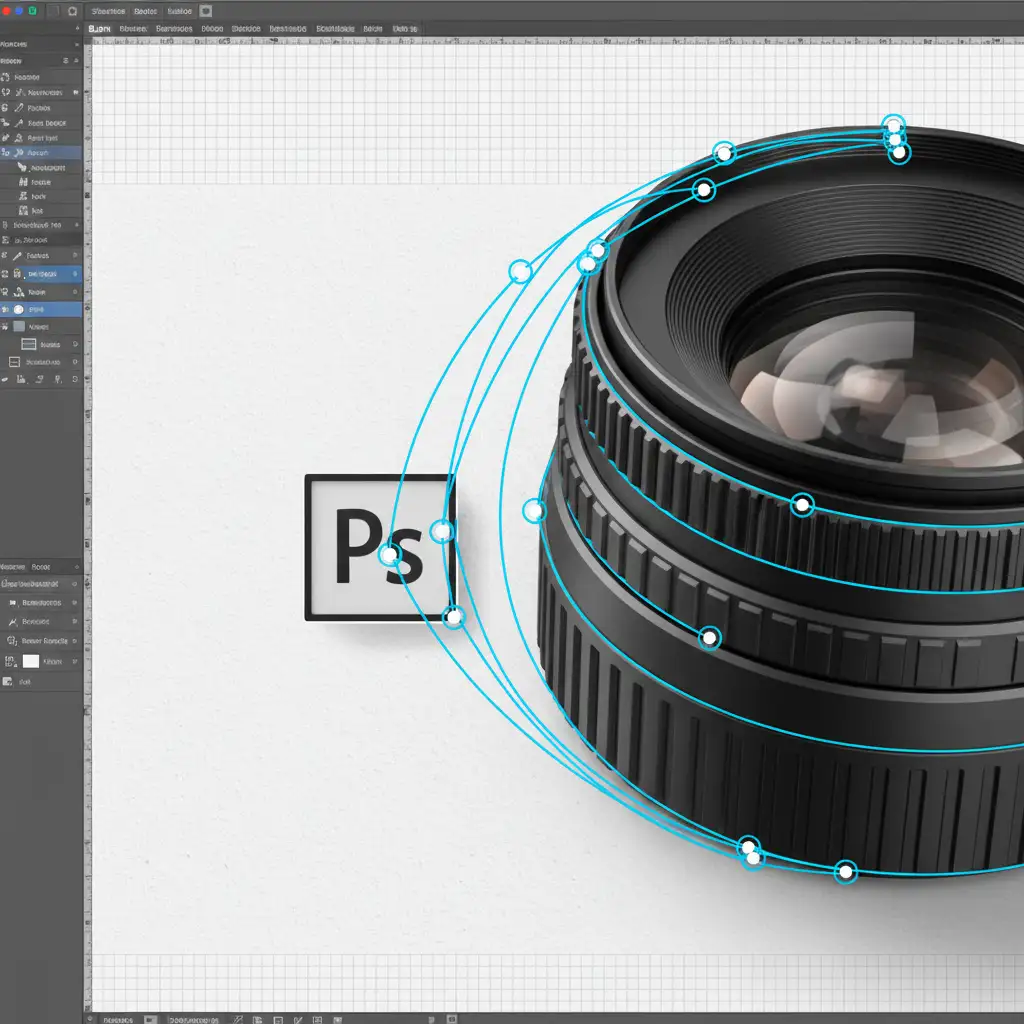
To bypass AI detection flags entirely, rely on the industry-standard manual method. This guarantees zero generative AI artifacts and perfect edge precision.
- Select the Pen Tool (P) and carefully draw a manual Clipping Path around the exact perimeter of your product.
- Right-click and choose “Make Selection” (keep feathering at 0 to avoid blurry edges).
- Apply a Layer Masking technique by clicking the mask icon in the Layers panel.
- For products with complex textures (like fur or frayed fabric), open the Select and Mask workspace specifically for Edge Refinement, ensuring no background color spills over into the product.
Method C: The Technical Deep-Dive (Pre-Upload Audit)
Before you upload any image to Seller Central, run this technical audit to ensure absolute compliance with the Main Image guidelines.
- Check Color Profile: Go to Edit > Convert to Profile and ensure your image is set to the sRGB Color Profile (specifically sRGB IEC61966-2.1). This prevents color shifting when Amazon compresses the image.
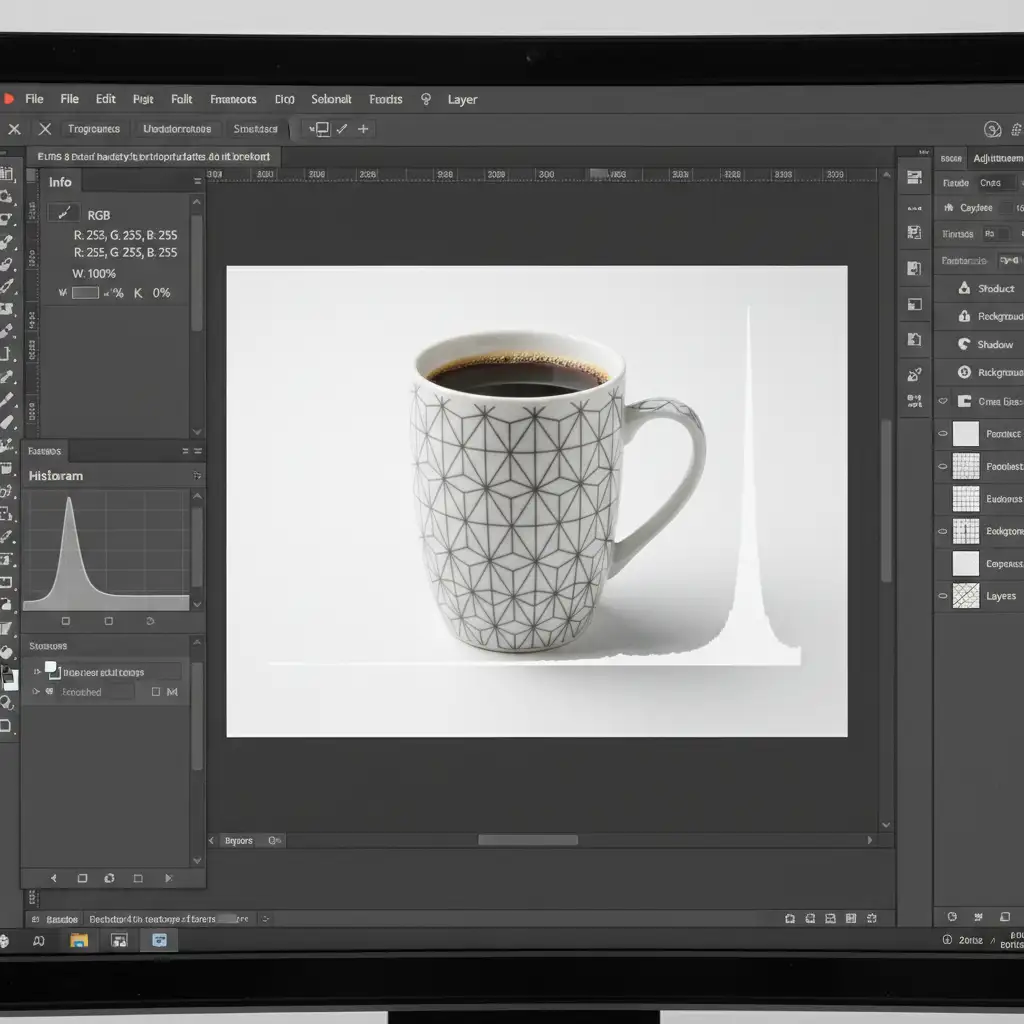
- Verify Pure White: Open the Info Panel (F8). Hover your cursor over the background. The RGB values must read exactly 255, 255, 255. Alternatively, use a Threshold Adjustment Layer pushed to the extreme right to spot hidden off-white pixels.
- Check the Histogram: Look at the Histogram panel to ensure no clipping occurs on the product itself (meaning the product isn’t blown out to pure white along with the background).
- Enforce the Frame Fill Ratio: Use the Crop Tool (C) to trim excess white space, ensuring the product takes up exactly 85% of the canvas.
Stop Risking Listing Suppression: The Ultimate Solution
Navigating the strict amazon ai image policy compliance background removal guidelines is tedious, time-consuming, and technically demanding. One missed pixel of anti-aliasing or a slight shadow can result in devastating listing suppression, halting your sales instantly.
You shouldn’t have to spend hours auditing histograms and drawing manual clipping paths. Let the experts handle it.
At Image Work India and Cloud Retouch, we specialize in pixel-perfect, 100% Amazon-compliant image editing. Our team of professional retouchers bypasses sloppy AI tools, delivering meticulous manual clipping paths, flawless edge refinement, and guaranteed pure white RGB 255 backgrounds that meet the 85% frame fill ratio every single time.
Stop risking your Amazon revenue. Contact Image Work India and Cloud Retouch today for professional product image editing that converts browsers into buyers.




