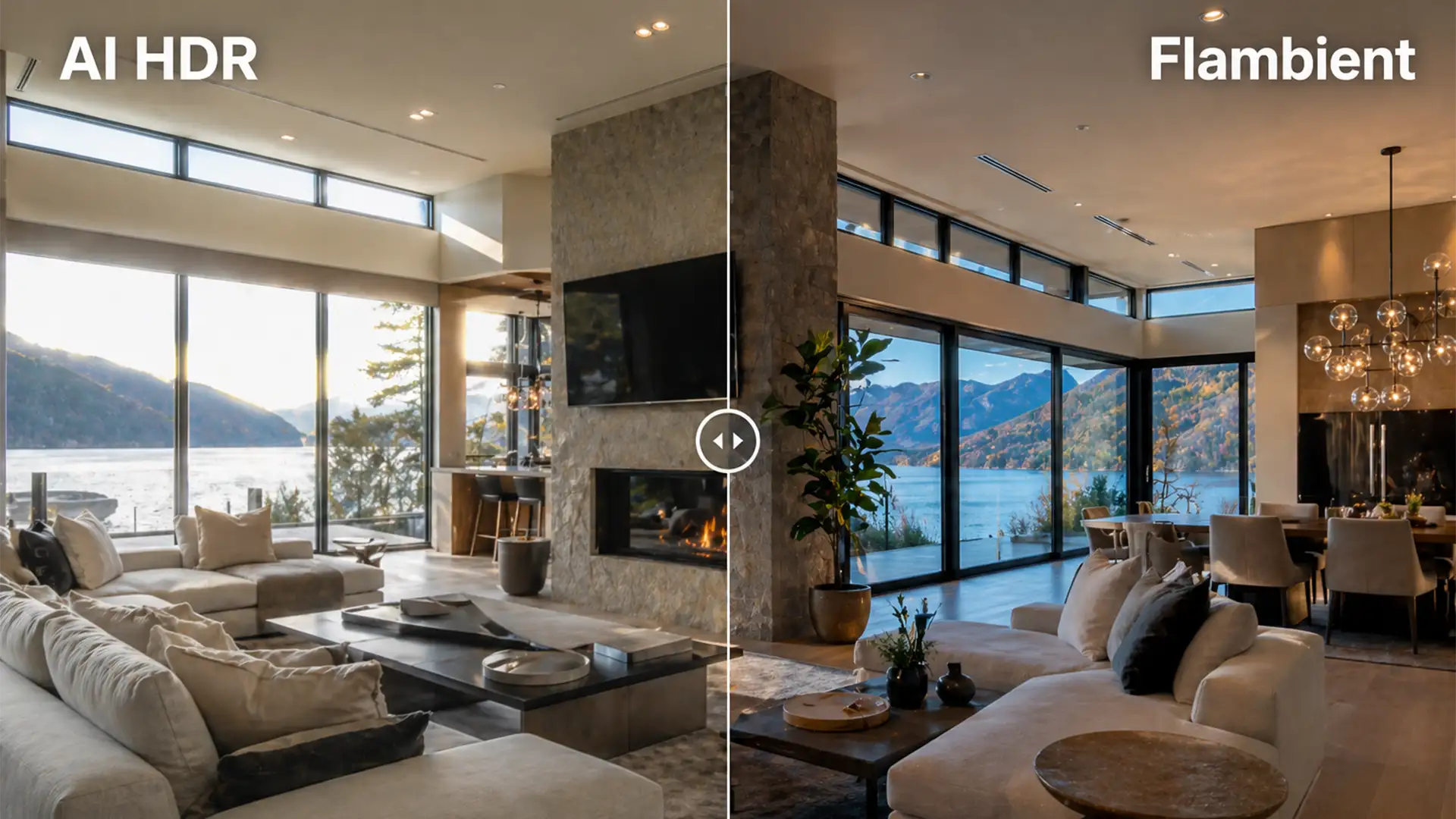

Are you losing premium real estate clients because your interior shots look flat and artificial? You are not alone. Real estate photographers love the speed of automated editing, but when it comes to luxury listings, relying solely on software algorithms is a costly mistake. Automated tools often produce muddy colors, unnatural halation around glowing window frames, and a complete loss of natural room depth.
If you are struggling to transition from automated merging to precise, magazine-quality results, you need to understand the technical divide between Flambient real estate editing vs AI HDR. In this guide, we break down why automated software fails high-end geometry, how to master manual blending, and why top-tier photographers trust professional retouching services to scale their business.
The Core Problem: Why AI HDR Fails Luxury Real Estate
When shooting a challenging interior with bright windows and dark shadows, the instinct is to shoot a bracketed sequence and let Adobe Lightroom handle the rest.
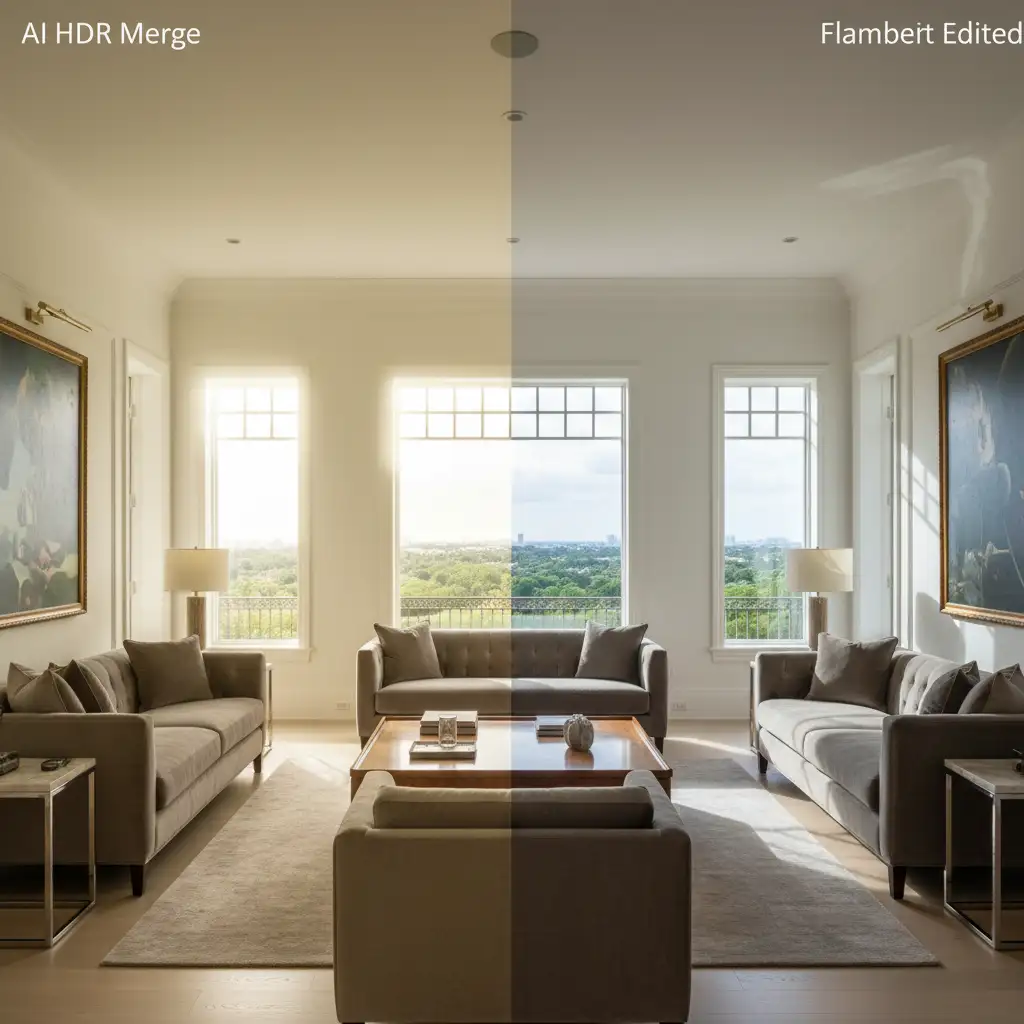
However, an AI HDR Merge mathematically averages pixels. It lacks the semantic understanding of room geometry required to know what should be illuminated and what should remain in shadow. This automated averaging frequently introduces a severe color cast (often yellow or green from mixed lighting), ghosting artifacts from moving elements outside, and unnatural halation (glowing edges) where the dark interior meets the bright exterior.
The Solution: Flambient Blending
Flambient (Flash + Ambient) editing solves these technical flaws. By capturing one frame using ambient light to retain natural shadows and depth, and another frame using flash to lock in 100% accurate colors, you get the best of both worlds. The challenge? It requires precise layer masking and a deep understanding of Photoshop.
Flambient vs AI HDR: Step-by-Step Technical Workflows
Let’s break down the exact workflows, from the automated quick-fix to the advanced manual techniques used by high-end retouchers.
Method A: The ‘Quick Fix’ (Automated AI HDR)
This method is strictly for low-budget, high-volume listings where speed is prioritized over quality.
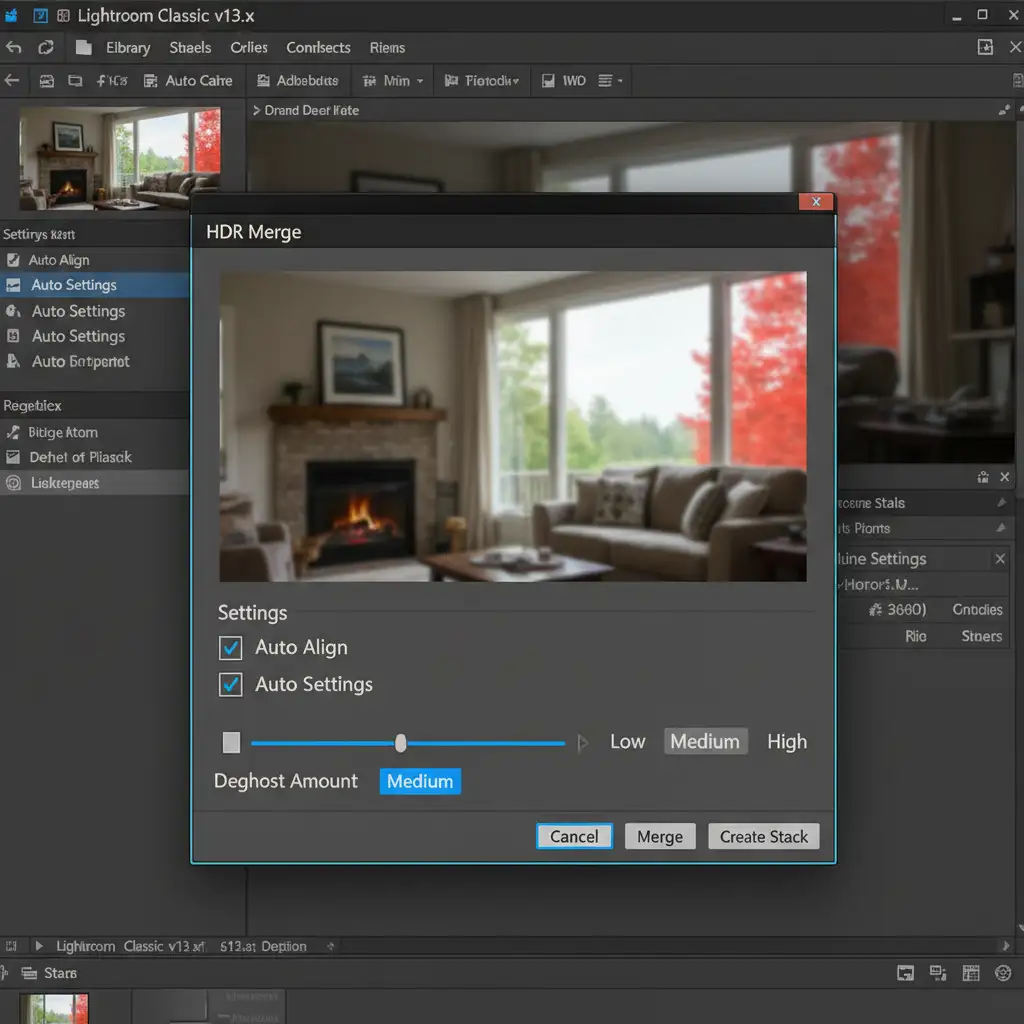
- Select 3 to 5 bracketed exposures in Lightroom Classic v13.x.
- Right-click and navigate to Photo Merge > HDR.
- Check Auto Align and Auto Settings.
- Adjust the Ghosting Artifacts overlay if movement occurred outside the windows.
Method B: The ‘Pro Workaround’ (Basic Flambient Blending)
When you need to eliminate color casts but don’t have time for complex selections, basic Flambient blending in Photoshop v25.x/v26.x is the next step up.
- Import your ambient light frame and your flash frame into Photoshop as layers.
- Stack the Ambient layer on the bottom and the Flash layer on top.
- Set the Flash layer to 50% opacity, or change the blend mode to Luminosity.
- Apply a black layer mask to the Flash layer.
- Select a soft round white brush, set the flow to 30%, and carefully paint in the flash layer’s accurate colors only where needed, intentionally avoiding flash shadows.
Method C: The ‘Technical Deep-Dive’ (Advanced Flambient & Window Pulls)
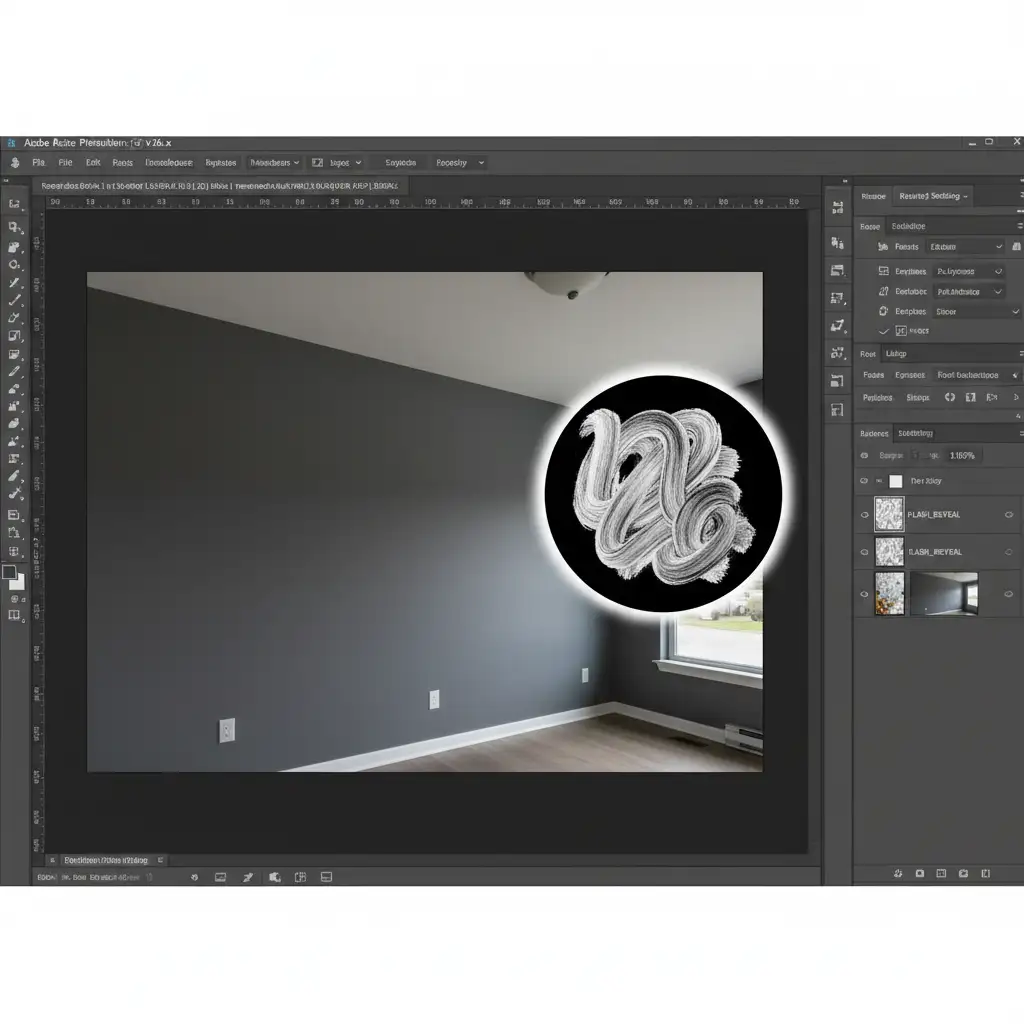
For magazine-quality luxury real estate, editors use advanced luminosity masking and dedicated window pull layers to achieve perfection.
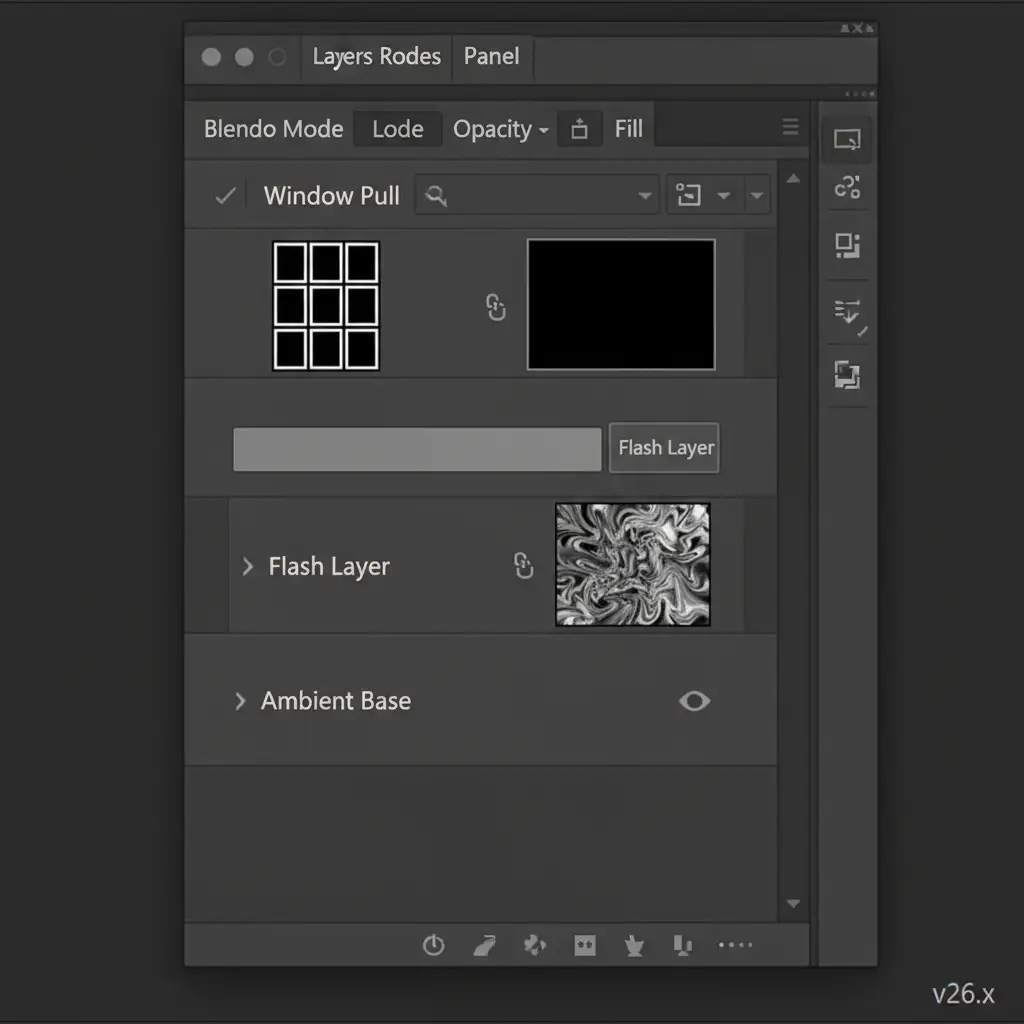
- Place the Ambient layer as the base, with the Flash layer directly above it.
- Add a dedicated Window Pull layer (a specific flash frame aimed directly at the windows to expose the exterior) at the very top of the stack.
- Open the Channels panel to create a Luminosity Mask targeting only the blown-out highlights of the Ambient layer.
- Apply this luminosity mask to the Flash layer. This perfectly blends the natural ambient shadows with the flash-lit, color-accurate midtones.
- Finally, manually mask the Window Pull layer using the Pen Tool or Object Selection Tool. This reveals crisp outdoor views without interior glare or halation.
Stop Sacrificing Quality for Speed: Outsource to the Experts
Mastering the debate of Flambient real estate editing vs AI HDR ultimately comes down to time. As a real estate photographer, your time is best spent behind the camera, shooting more properties and networking with high-end realtors—not spending hours meticulously painting layer masks and fixing window pulls in Photoshop.
Don’t let automated AI ruin your luxury property colors. At Image Work India and Cloud Retouch, our team of senior retouchers specializes in advanced Flambient blending. We manually blend your ambient and flash brackets, execute flawless window pulls, and eliminate every color cast to ensure premium, magazine-quality results.
Ready to win higher-paying clients with flawless imagery? Contact Image Work India and Cloud Retouch today to outsource your real estate photo editing and elevate your portfolio.




