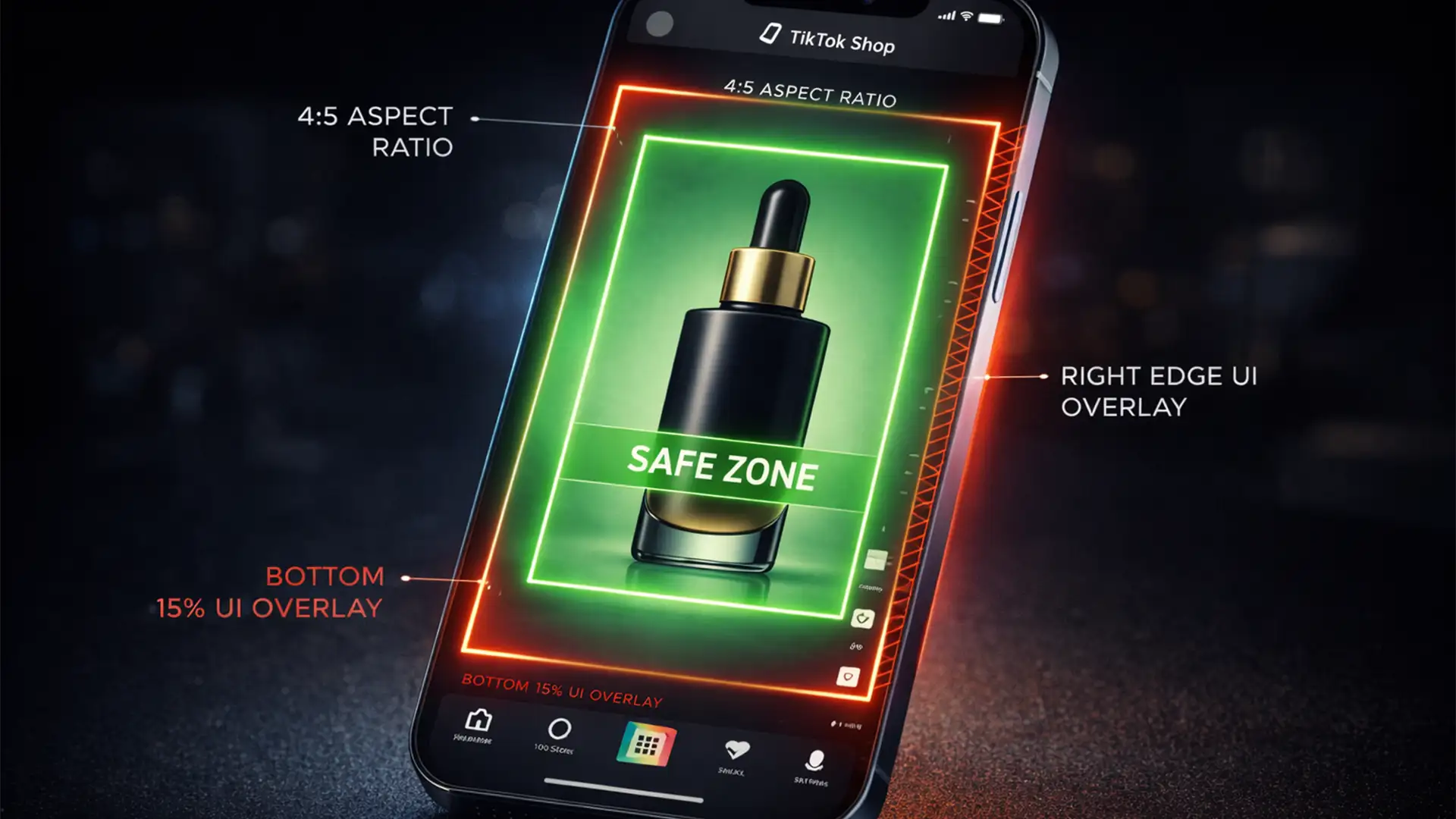

TikTok Shop 4:5 Image Safe Zones for Max CTR
Migrating your successful e-commerce store from Shopify to TikTok Shop? You have probably already hit the most frustrating visual roadblock: your perfect 1:1 square product images look terrible. TikTok’s vertical-first platform demands a 4:5 aspect ratio. When you upload standard...
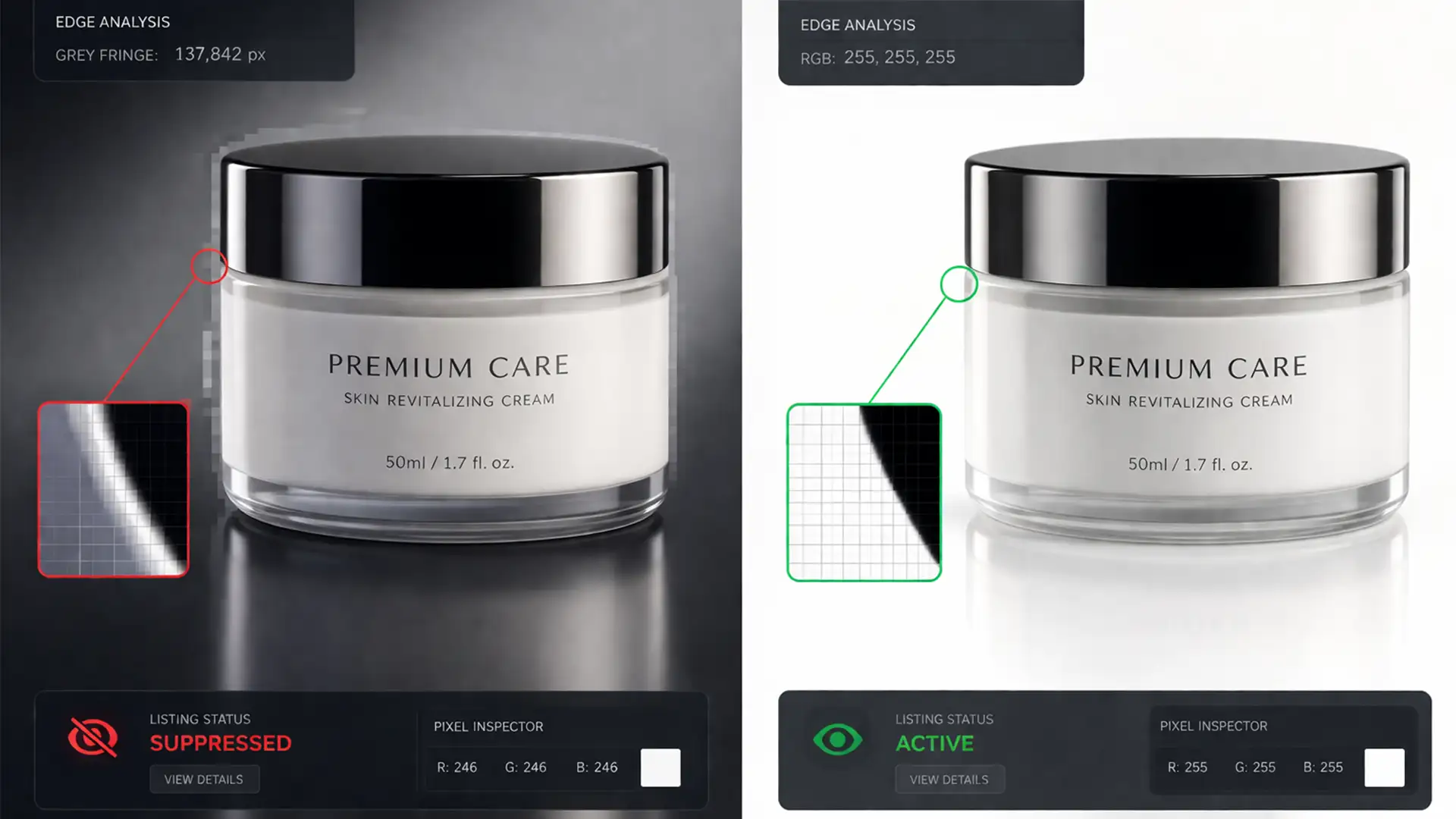
How to Fix Amazon Image Suppression: Removing AI Background Halos
You launch a new product, optimize your listing, and run your PPC campaigns—only to suddenly see your sales flatline. You check Seller Central and find the dreaded “Search Suppressed” warning. The culprit? Your main product image. While automated background removal...
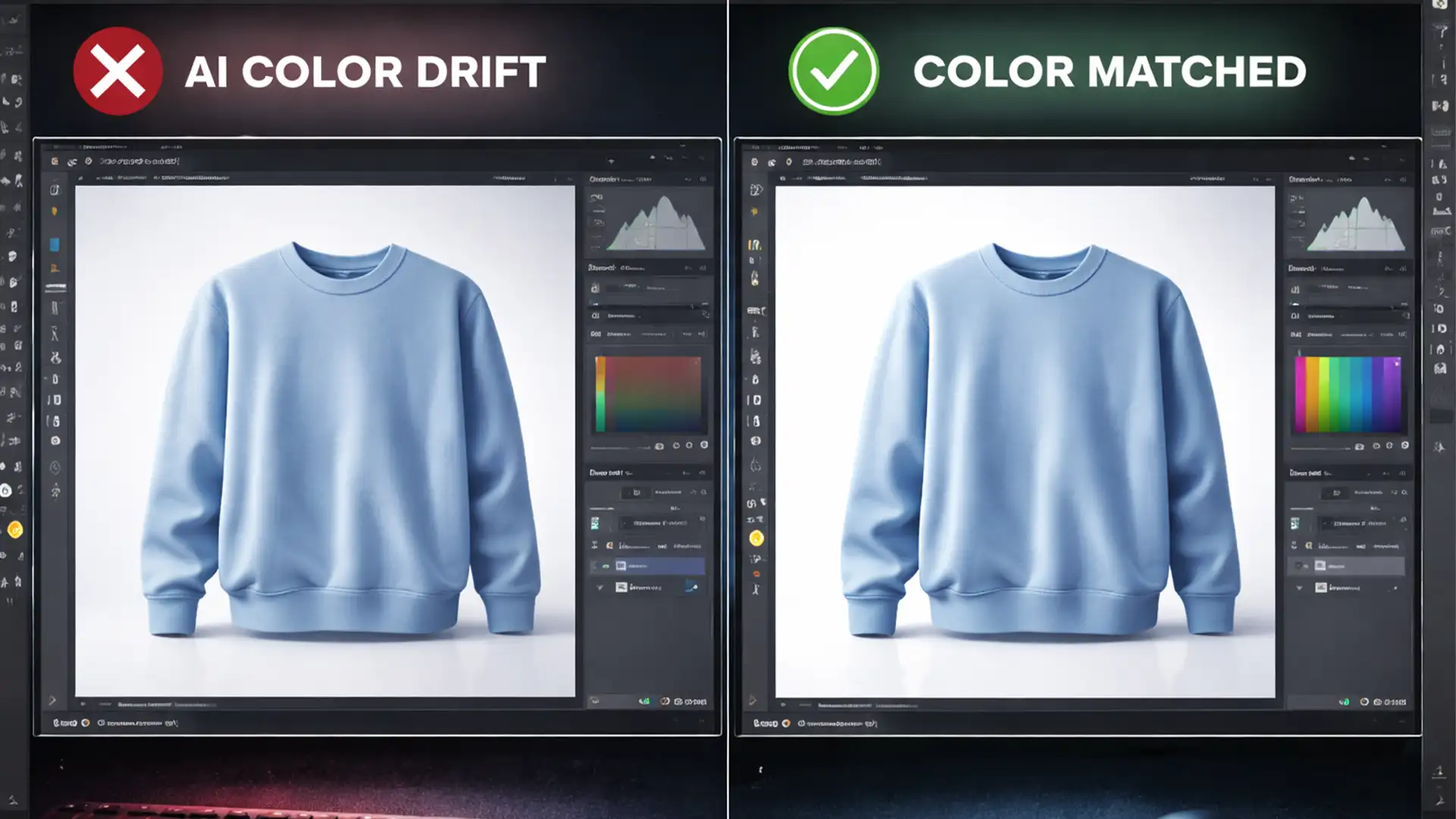
Fix Photoshop Generative Fill Color Accuracy for E-Commerce
E-commerce brands are quietly bleeding revenue from “item not as described” returns. The culprit? You recently started using AI to extend backgrounds or create product variants, but the colors are suddenly wrong. When generating backgrounds or altering scenes, AI models...
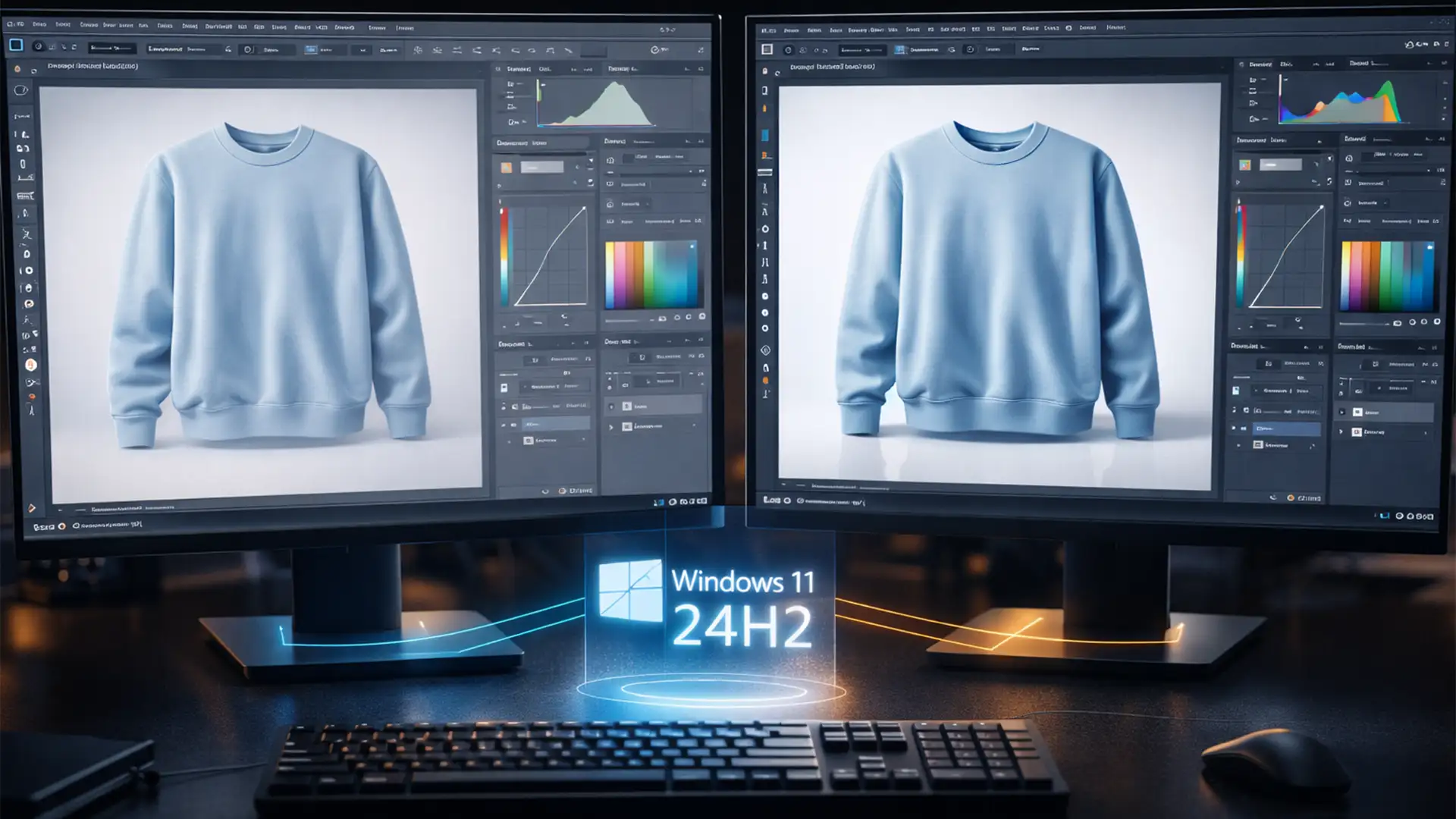
Fix Photoshop 2025 UI Scale & Color Bugs in Windows 24H2
There is nothing worse than booting up Adobe Photoshop v26.x or v27.x on a tight deadline, only to find your workspace completely broken. Following the recent Windows 11 24H2 update, thousands of retouchers have been hit with massive, oversized panels,...
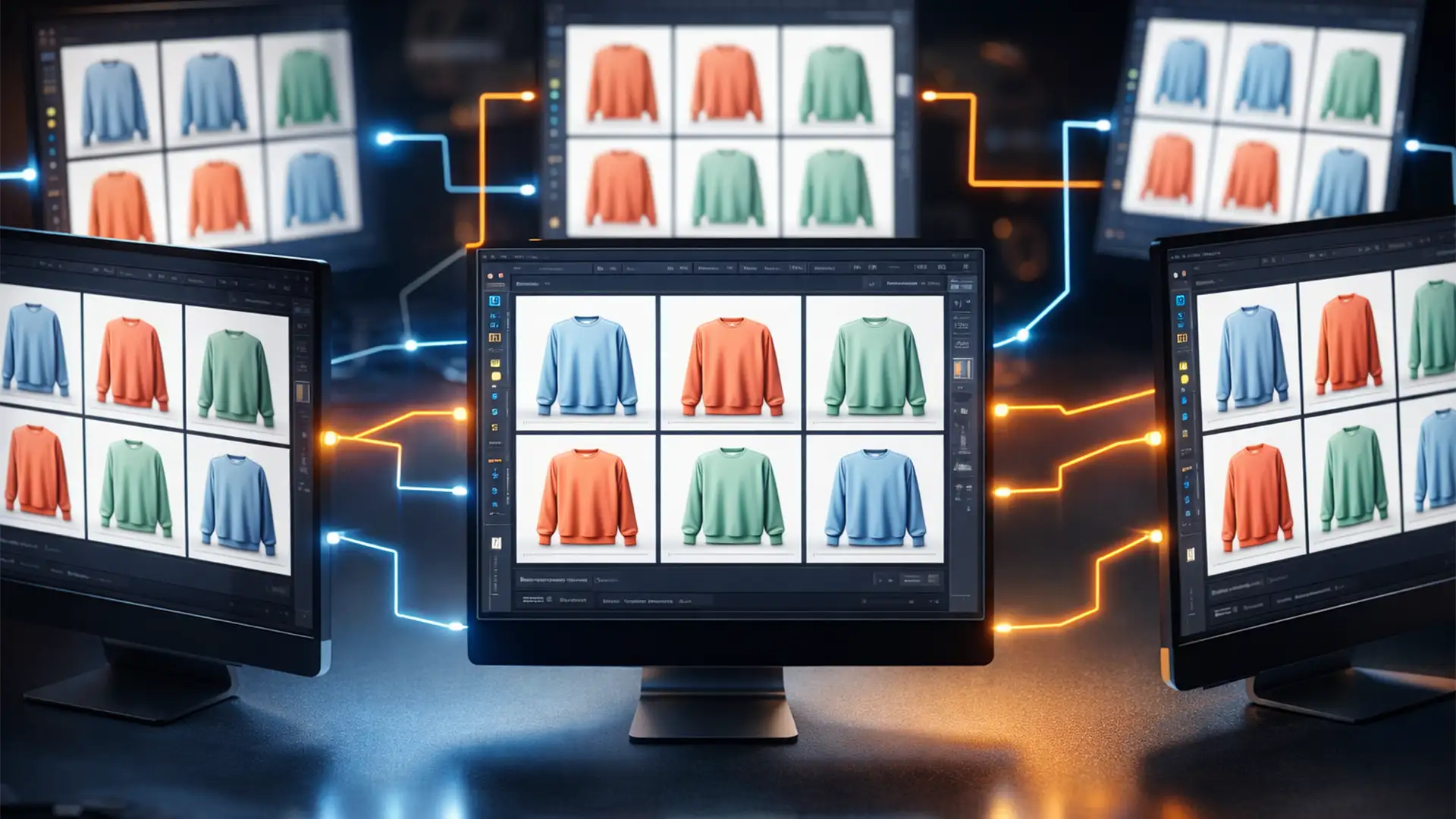
Batch Editing: 100% E-commerce Color Consistency
Imagine launching a highly anticipated seasonal collection on your e-commerce store, only to realize your flagship product looks navy blue in the hero shot, charcoal grey in the gallery, and washed out in the thumbnails. For high-volume retailers, achieving automated...
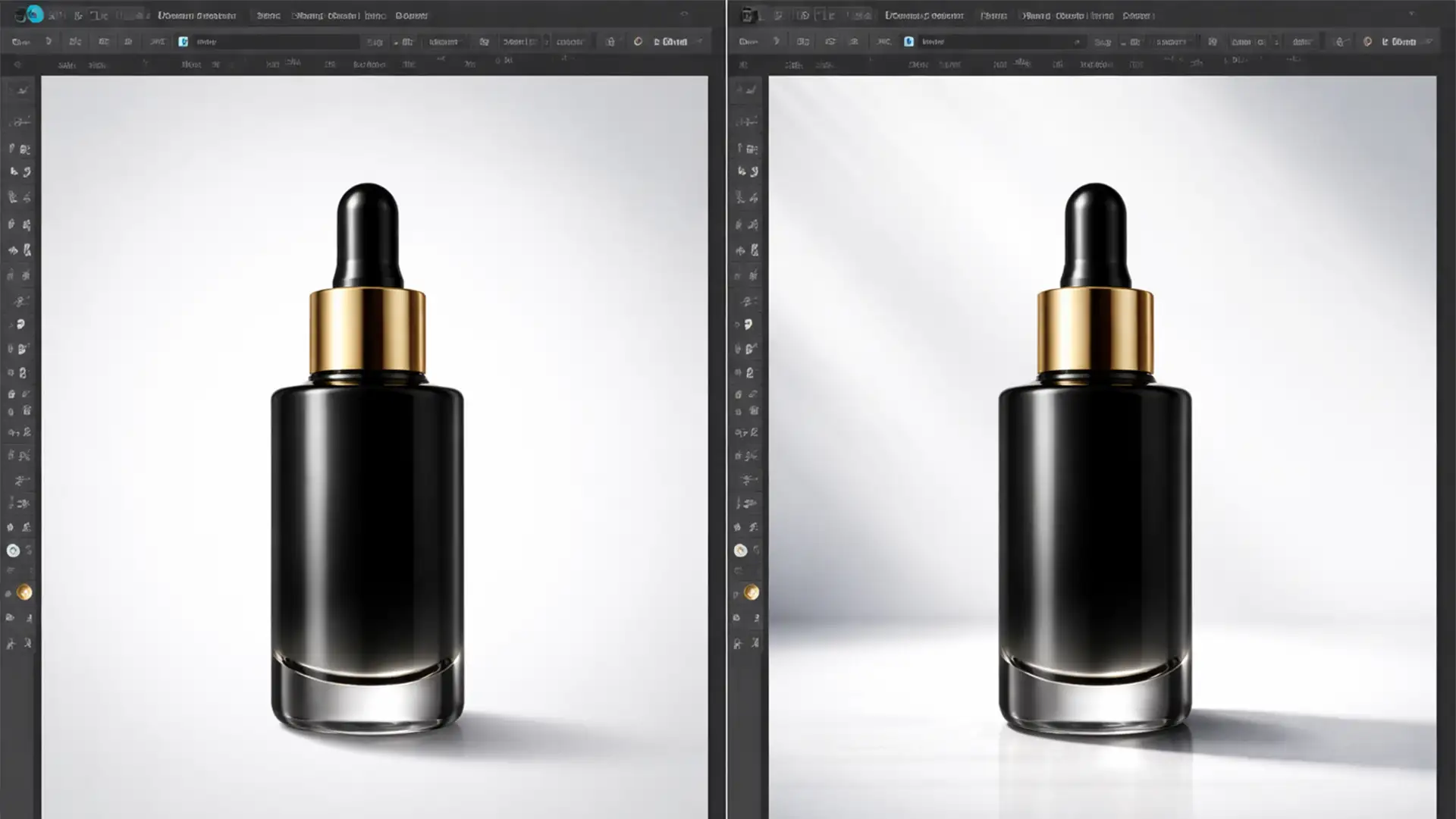
Realistic Shadow Matching for AI Product Backgrounds
You’ve just generated a stunning lifestyle background using Adobe Firefly or Photoshop’s Generative Fill. You drop your studio-lit ecommerce product onto the canvas, and… it looks terrible. It looks like a cheap sticker floating in mid-air. This “floating product” syndrome...
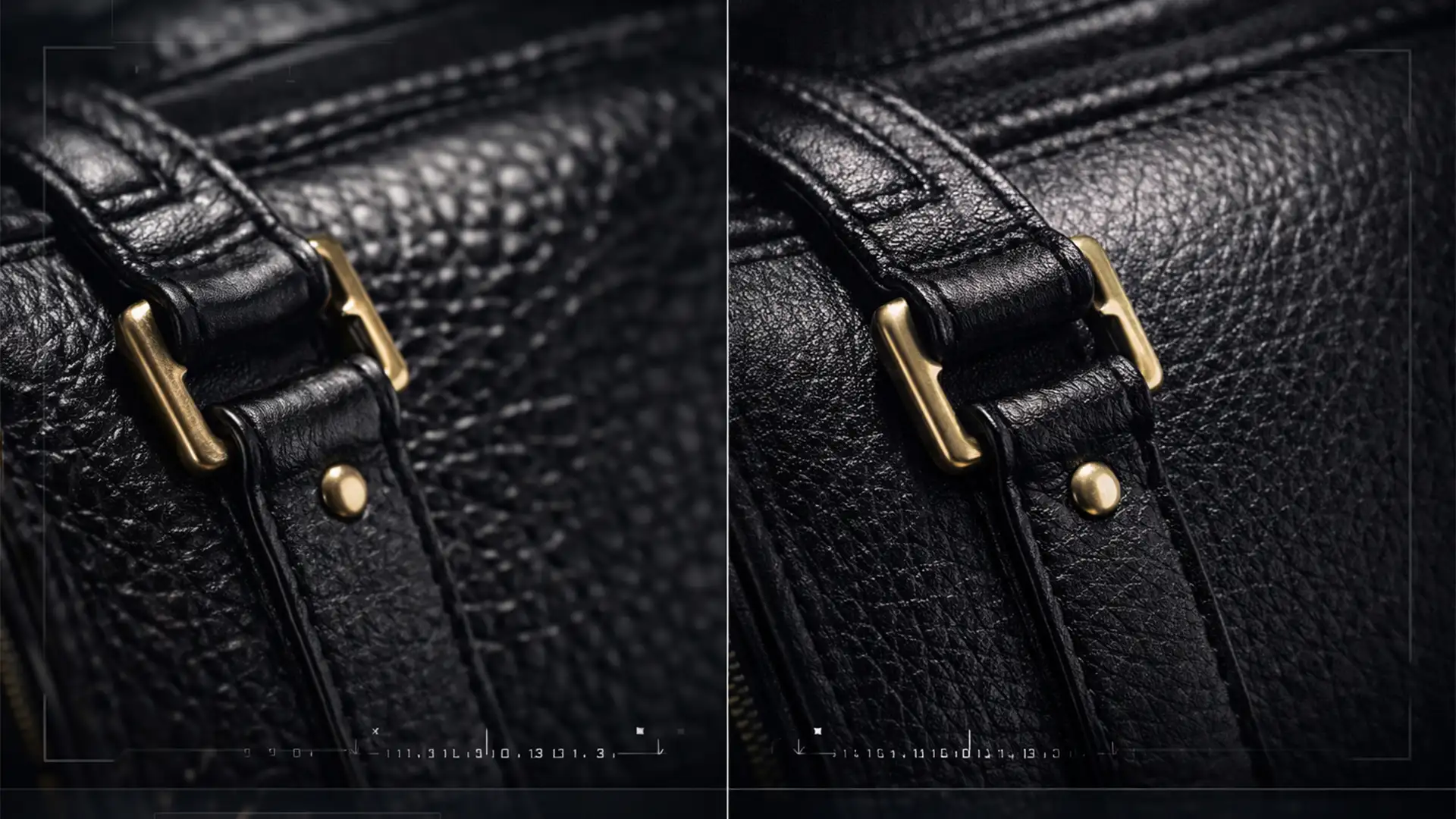
Fix AI Artifacts in Product Photos: A Retouching Guide
You just used Generative Fill in Photoshop v25.0 to extend a background or remove a prop from a high-end product photo. Zoomed out, it looks like magic. But zoom in to 100%, and the illusion shatters. The AI model has...
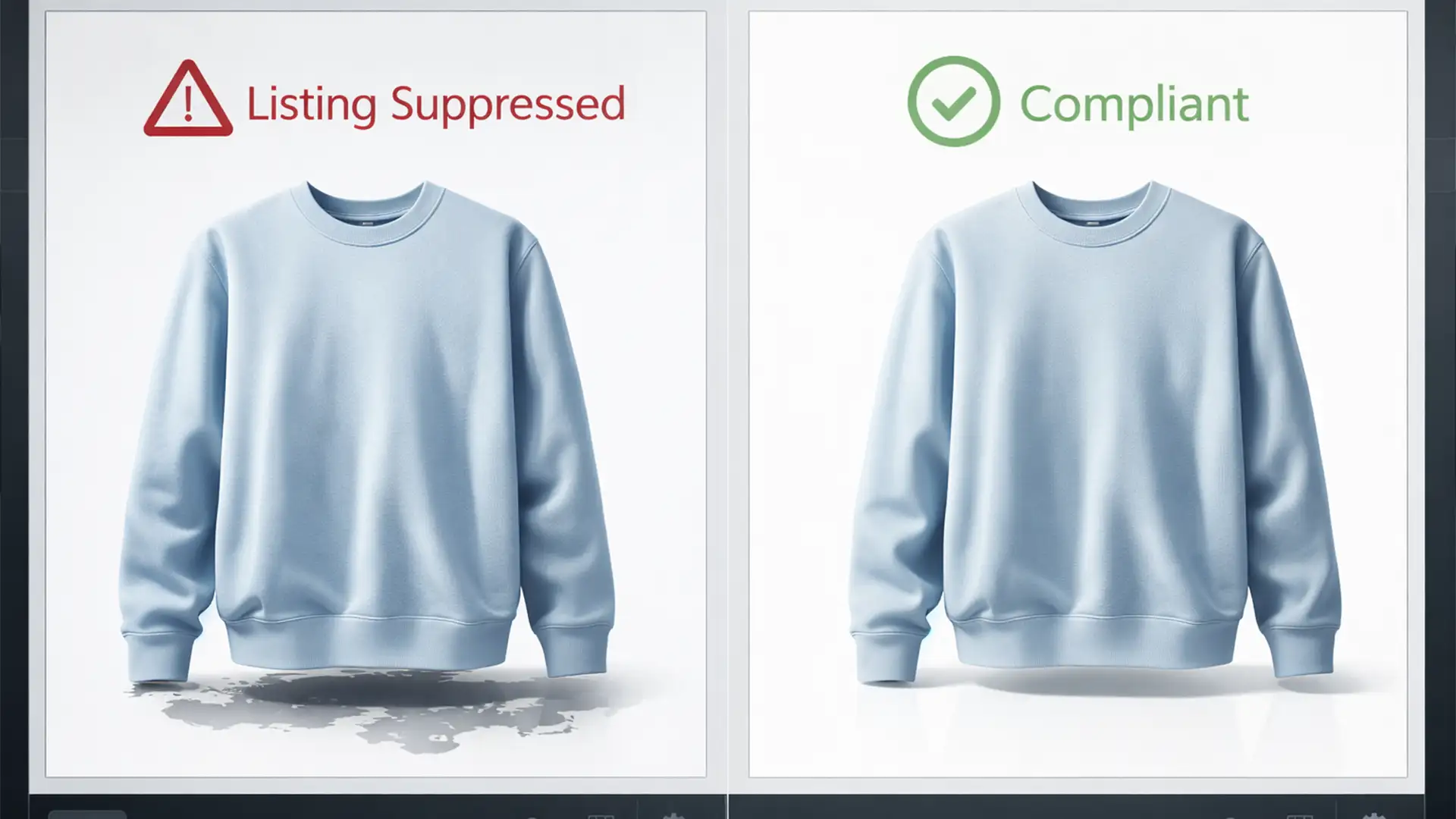
Amazon Image Compliance 2024: Safe AI Background Removal
Woke up to a dreaded “Image Suppressed” notification on your Amazon Seller Central dashboard? You aren’t alone. In 2024, Amazon aggressively updated its A9 algorithm and image compliance bots to hunt down AI-generated images that violate their strict Main Image...
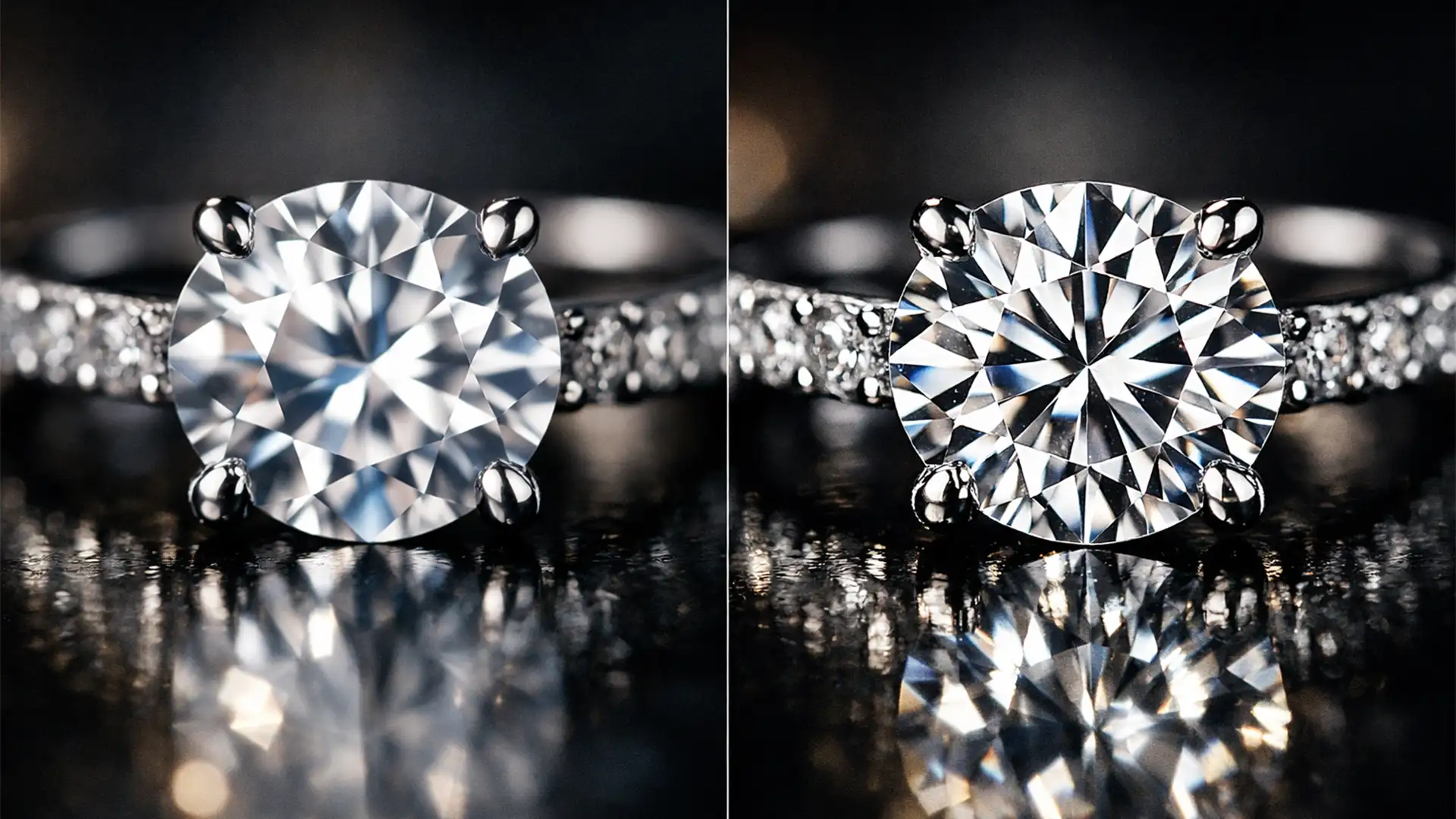
Fix AI Artifacts in Jewelry Macro Shots Fast
Are you tired of Photoshop’s AI turning your brilliant diamonds into cheap plastic? If you edit luxury product photos, you’ve likely noticed a frustrating trend in Photoshop v25.x+: tools like Generative Fill frequently destroy the high-frequency details in jewelry macro...
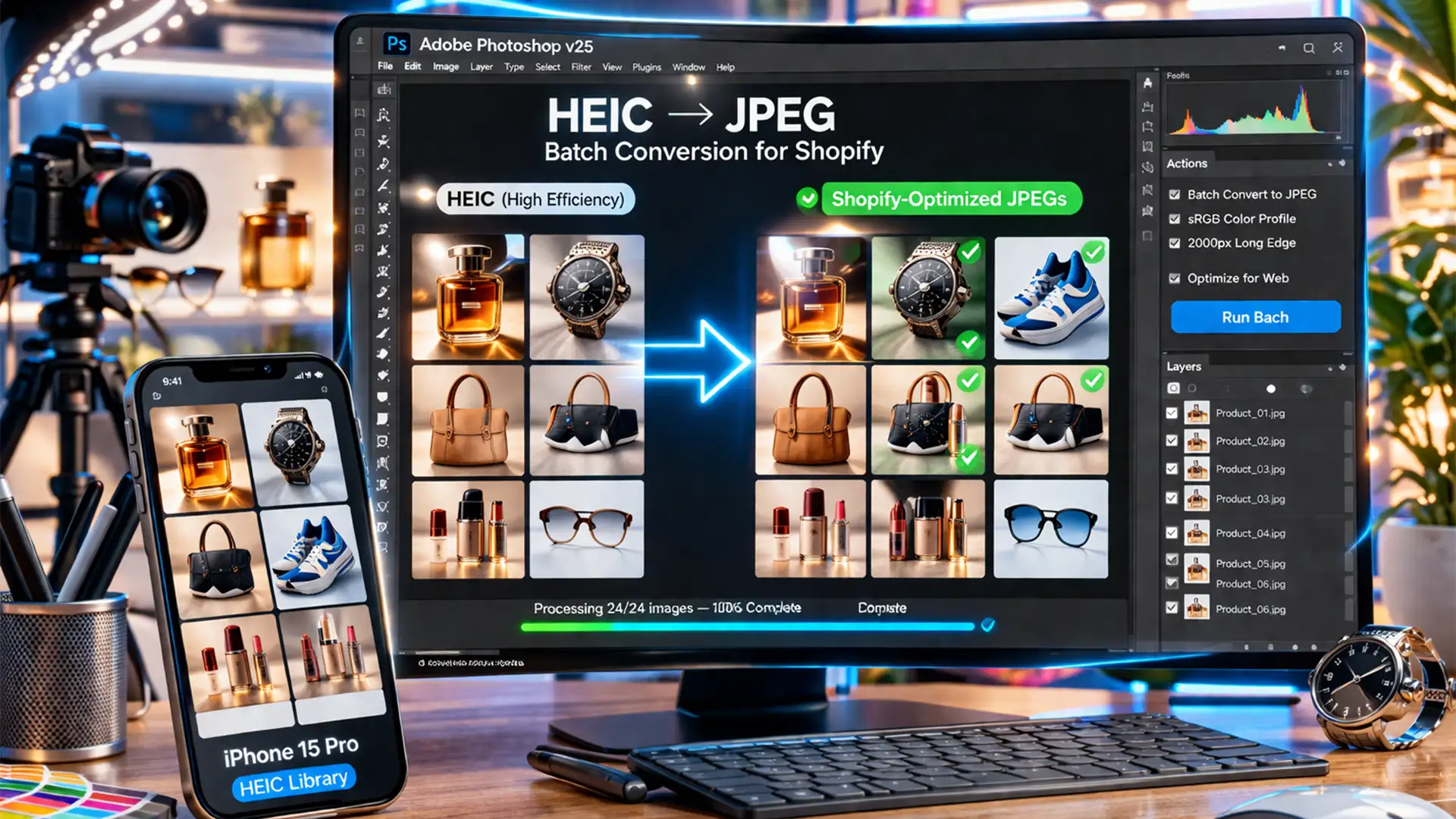
Lossless Workflow: Batch Editing iPhone HEIC Product Photos for Shopify
You just shot a stunning new product catalog on your iPhone, but the moment you upload those photos to your Shopify store, disaster strikes. The vibrant colors look dull, the edges are muddy, and the crisp details are gone. This...