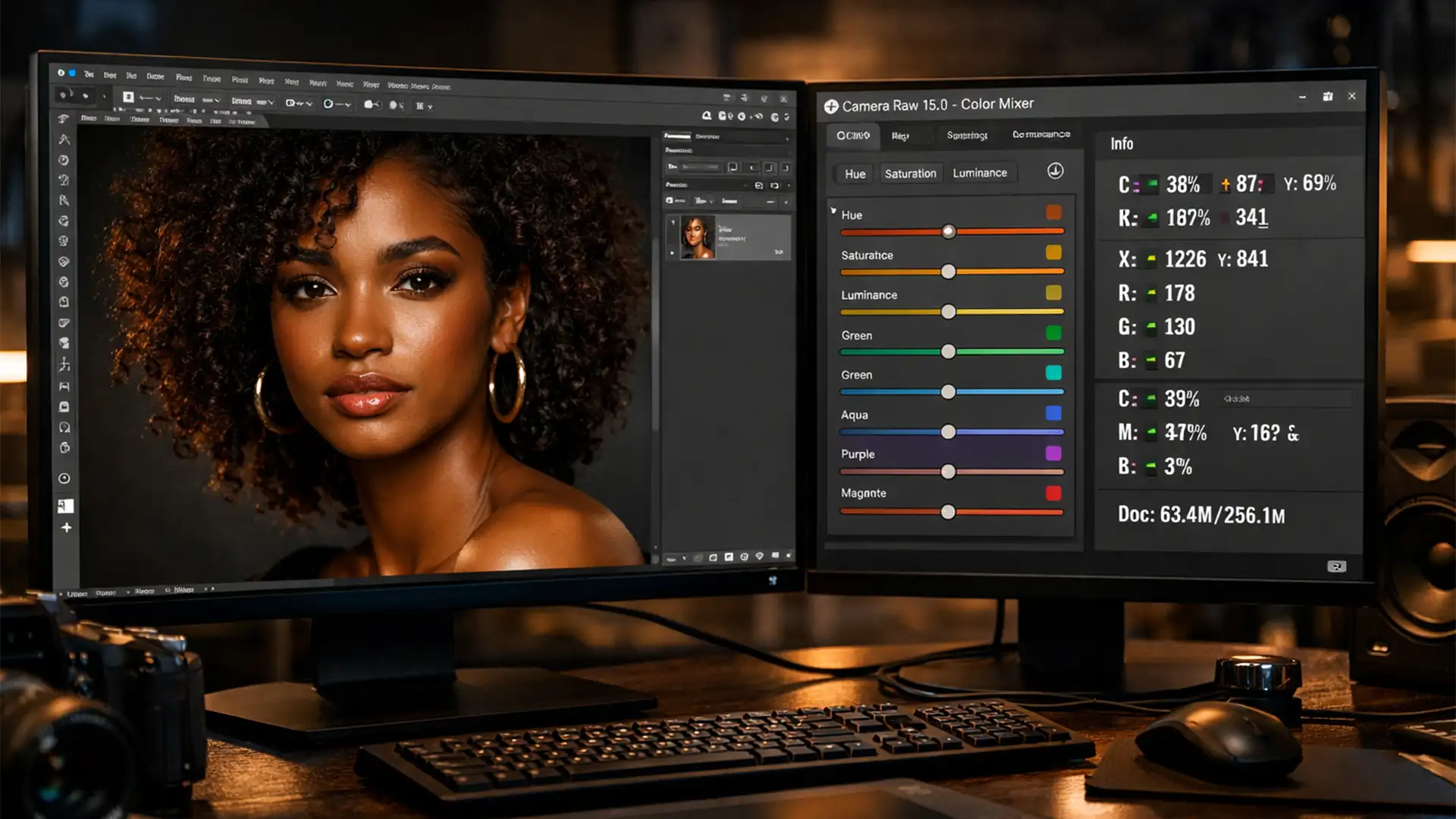

Authentic Retouching for Biracial Skin Tones Photoshop
If you are relying on Photoshop’s auto-adjustments for diverse portraits, you are likely running into a major issue: whitewashing. In recent versions of Adobe Photoshop (v24.x – v25.x+), AI-based quick actions default to algorithms trained heavily on Caucasian skin. The...
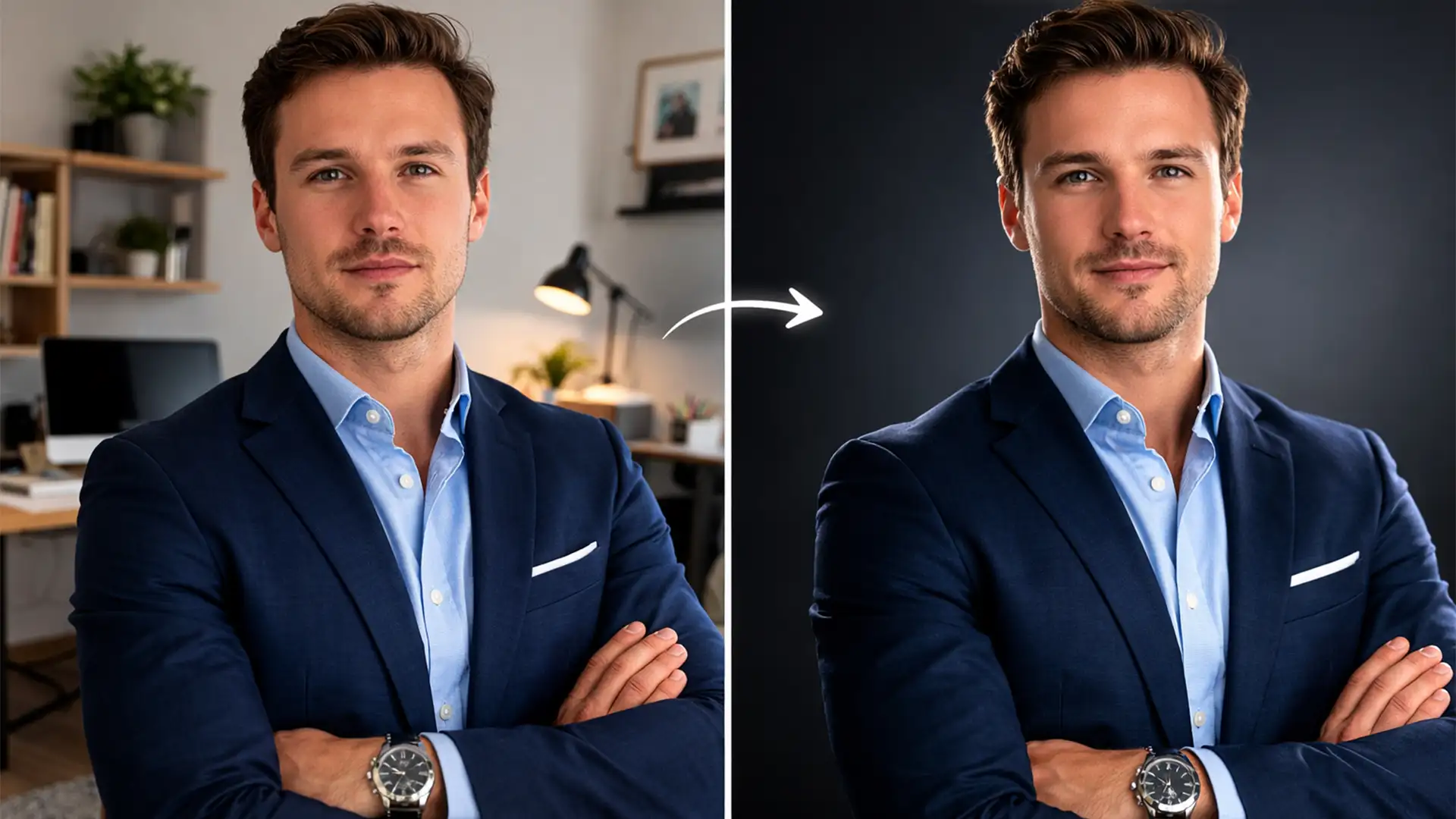
Match Home Headshots to Corporate Studio Backgrounds
Managing a remote team is great for productivity, but it is a logistical nightmare for your company directory. When remote employees submit headshots taken in flat, mixed ambient lighting, pasting them onto a professional corporate studio background often results in...
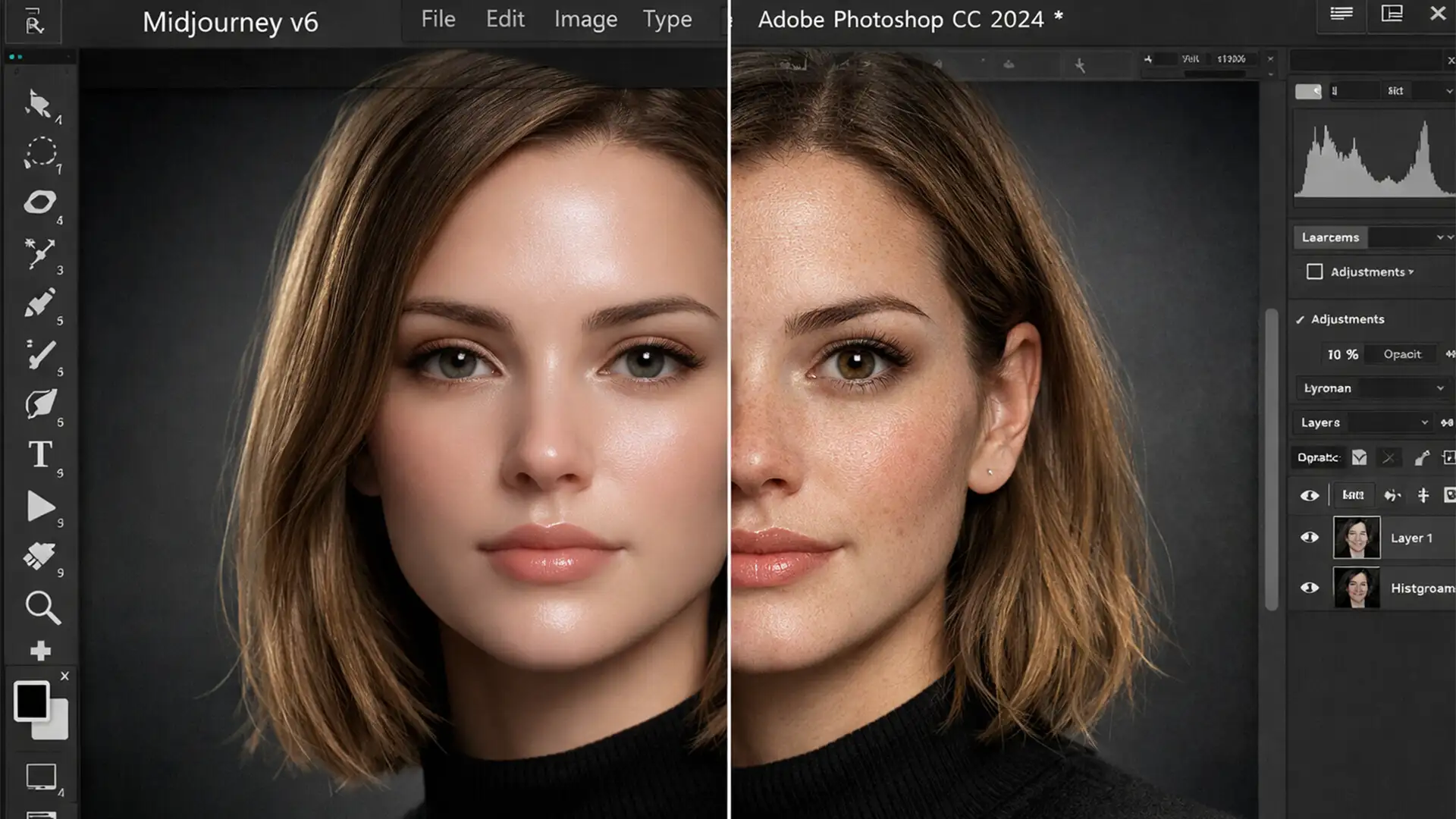
Beyond the Uncanny Valley: How to Humanize AI Generated Headshots
You generated the perfect corporate portrait in Midjourney, but there is a glaring problem: it looks like a digital mannequin. The skin is impossibly smooth, the eyes are lifeless, and the flawless symmetry screams “fake.” This phenomenon is known as...
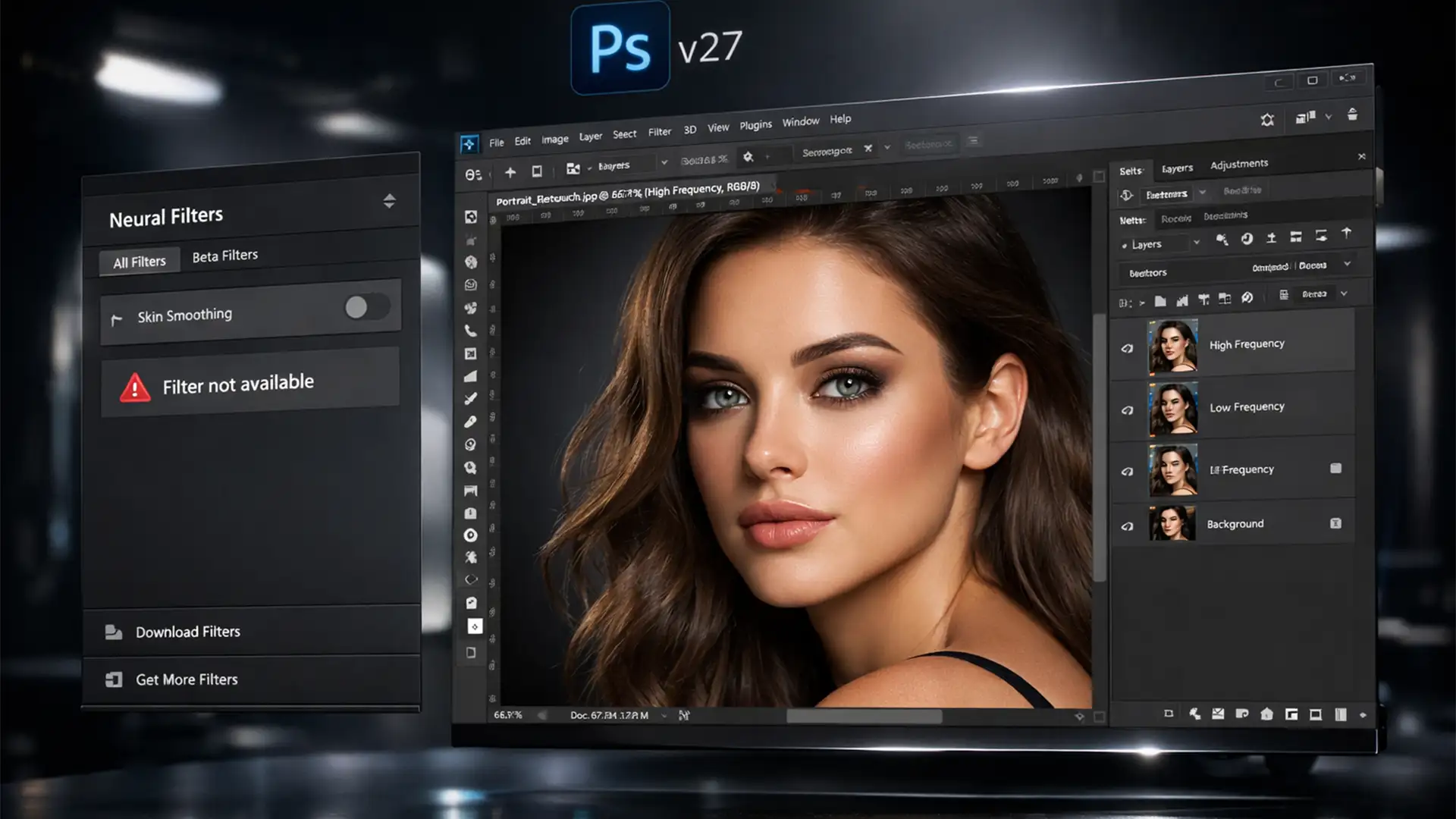
Fix Photoshop Neural Filter Skin Smoothing Disabled Error
You are on a tight deadline, ready to retouch a portrait in Photoshop CC v27, but when you open the Neural Filters gallery, the Skin Smoothing option is completely grayed out. Or worse, it is stuck in an endless loading...
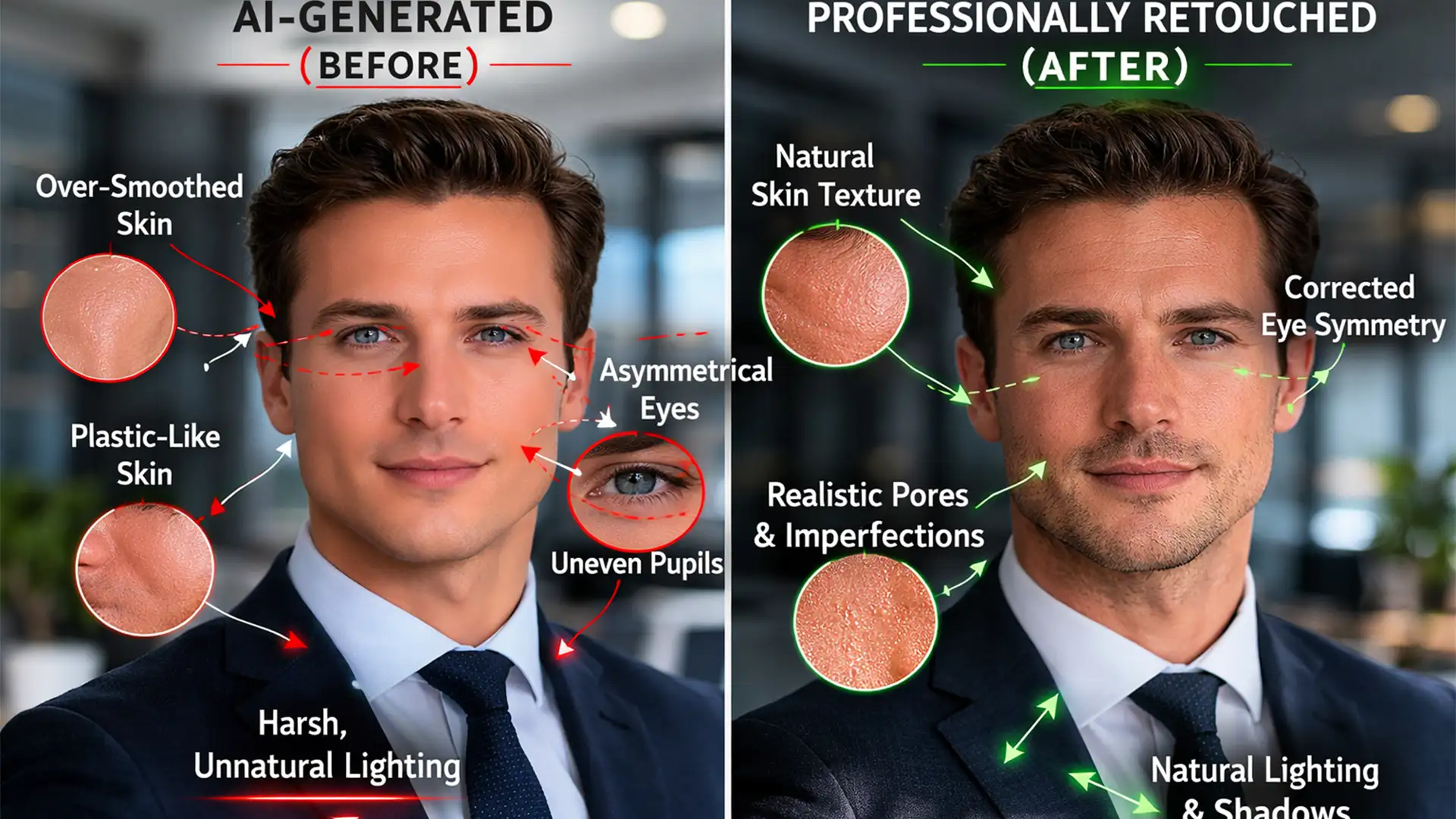
Fix AI Headshot Artifacts & Remove Uncanny Valley
You generated the ideal corporate portrait using Midjourney or Stable Diffusion. The lighting is great, the composition is solid, but something feels deeply wrong. The subject has hyper-smoothed plastic skin, asymmetrical pupils, and hair strands melting into their collar. These...
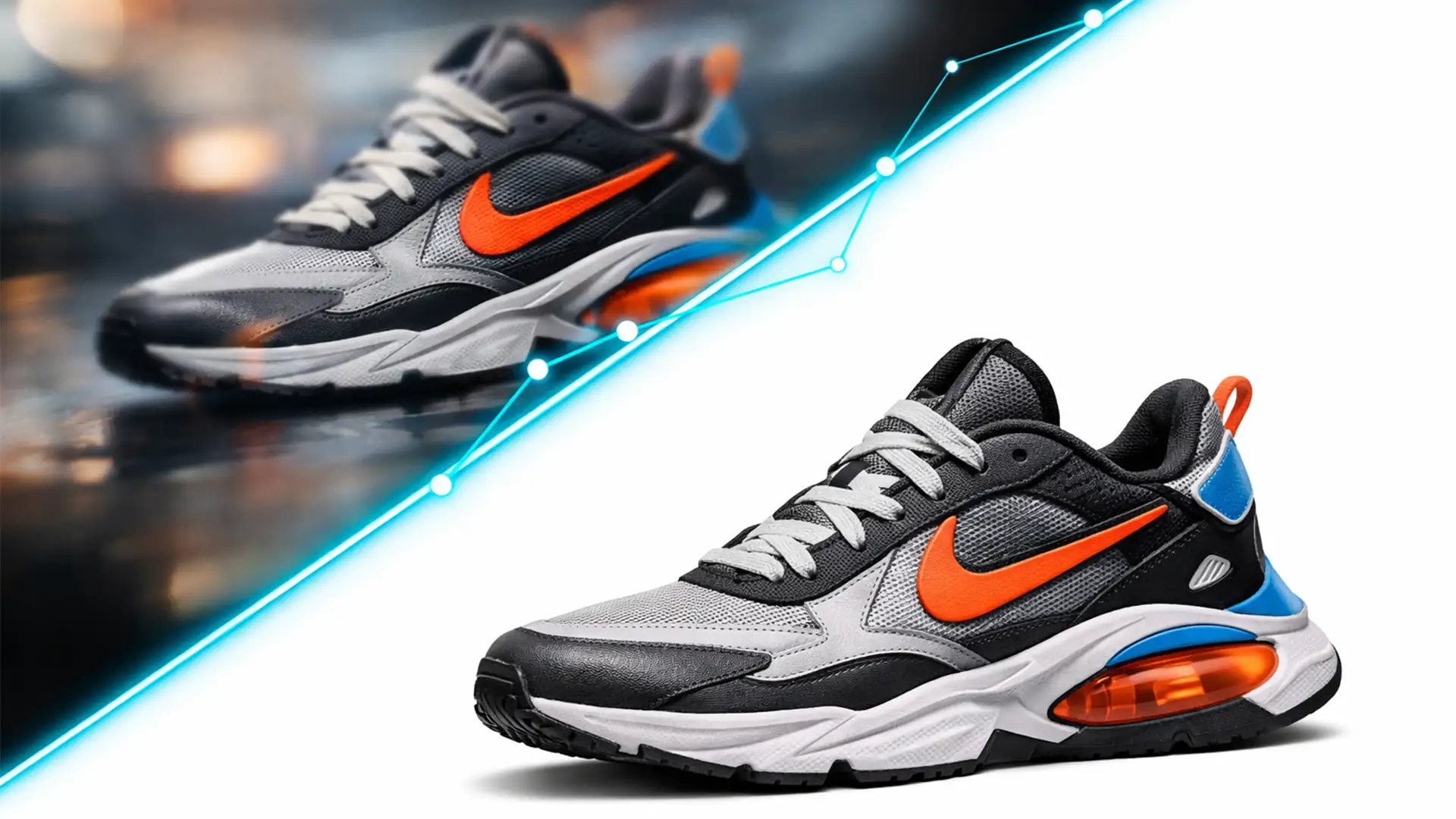
The 10% Rule: Why AI Product Photos Need Manual Clipping Paths
You just generated a breathtaking product concept using Midjourney v6. The lighting is dramatic, the textures look rich, and the composition is flawless. But the moment you zoom in to prepare the image for your e-commerce store, the illusion shatters....
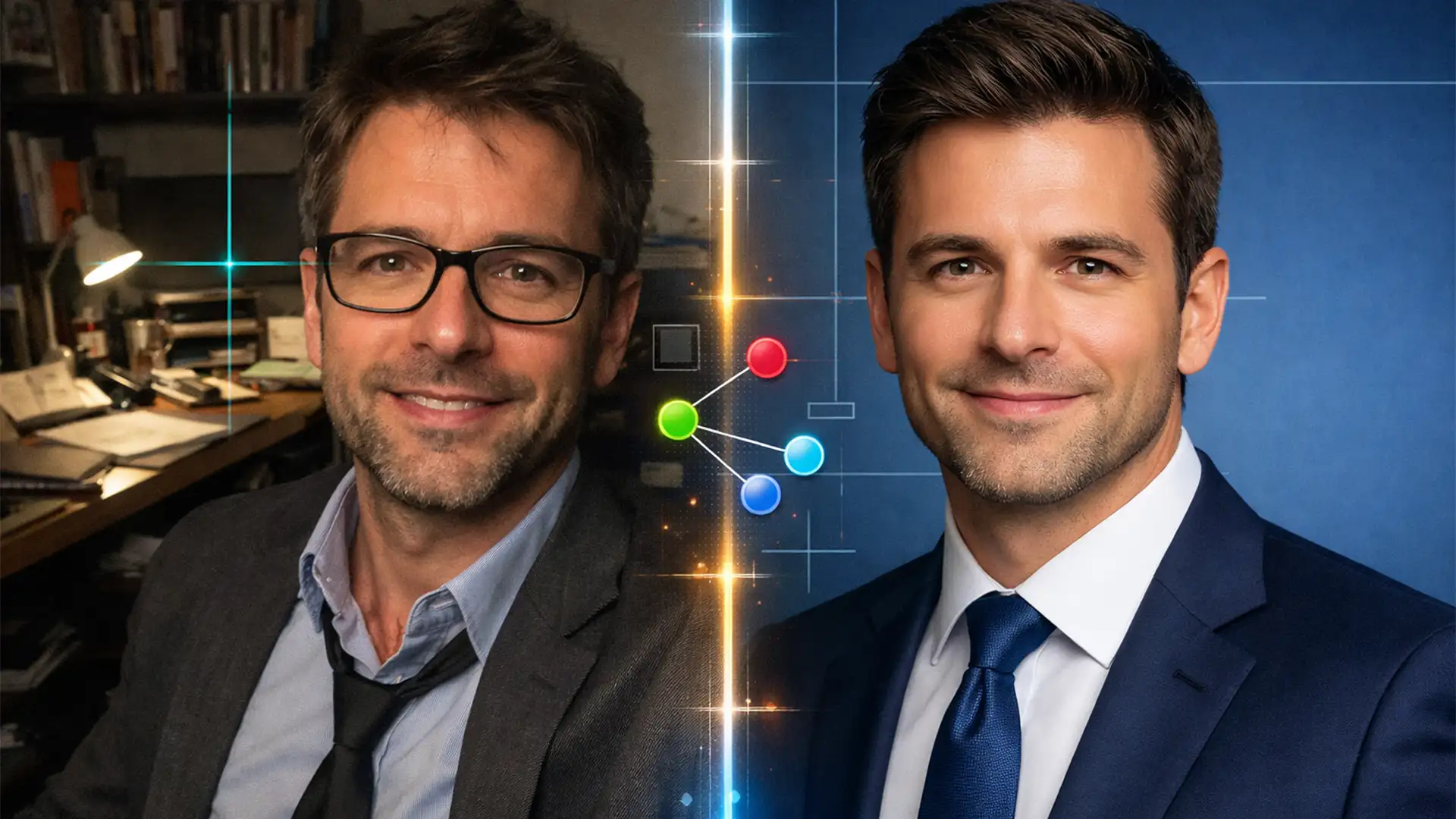
Selfie-to-Studio: Unifying Remote Team Headshots
Building a professional “Meet the Team” page in the remote work era is a massive headache. Instead of cohesive studio portraits, you are handed a messy folder of smartphone selfies. One employee is backlit by a sunny window, another is...
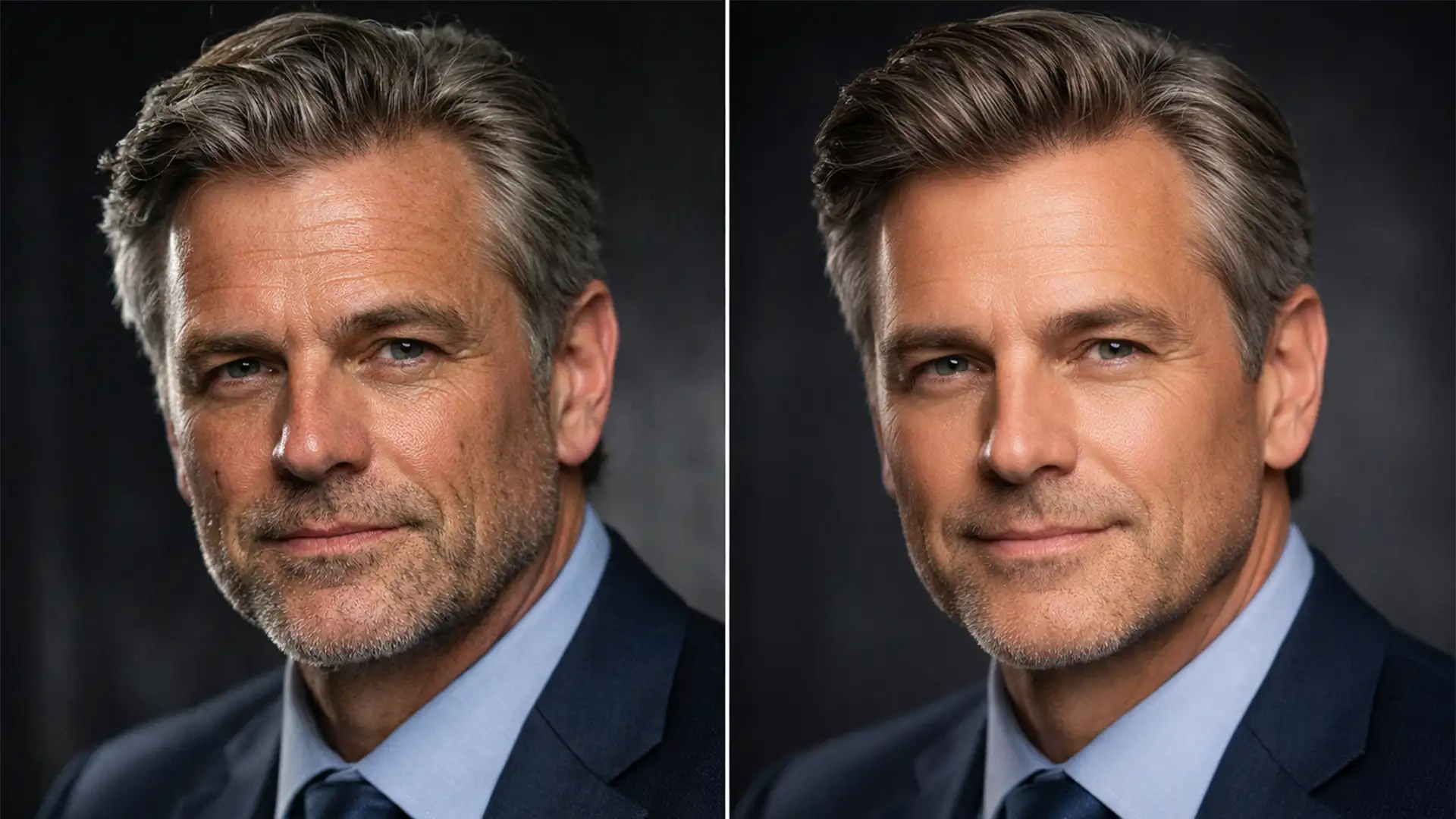
How to Retouch Executive Headshots While Keeping Character Lines
When executives sit for professional portraits, they expect to project a balance of authority and approachability. Yet, a common tragedy occurs in post-production: the dreaded “plastic skin” effect. Driven by the over-use of Neural Filters or aggressive frequency separation in...
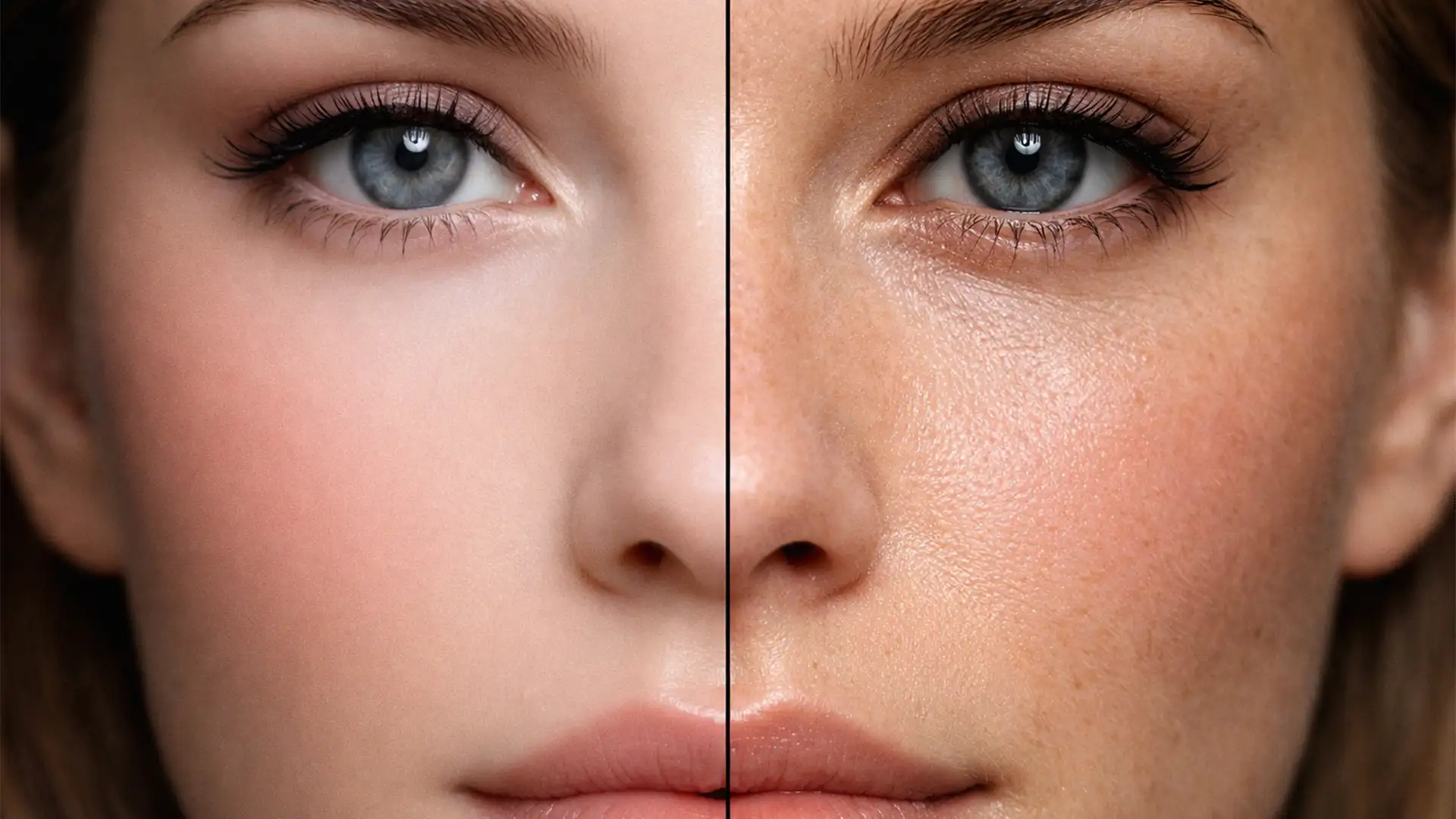
Beyond the Wax Figure: A Pro Guide to Restoring Skin Texture in AI Headshots
You have just generated the perfect corporate headshot using Midjourney or Stable Diffusion. The lighting is flawless, the composition is professional, and the subject looks exactly the way you envisioned. But there is one glaring issue: the skin looks like...
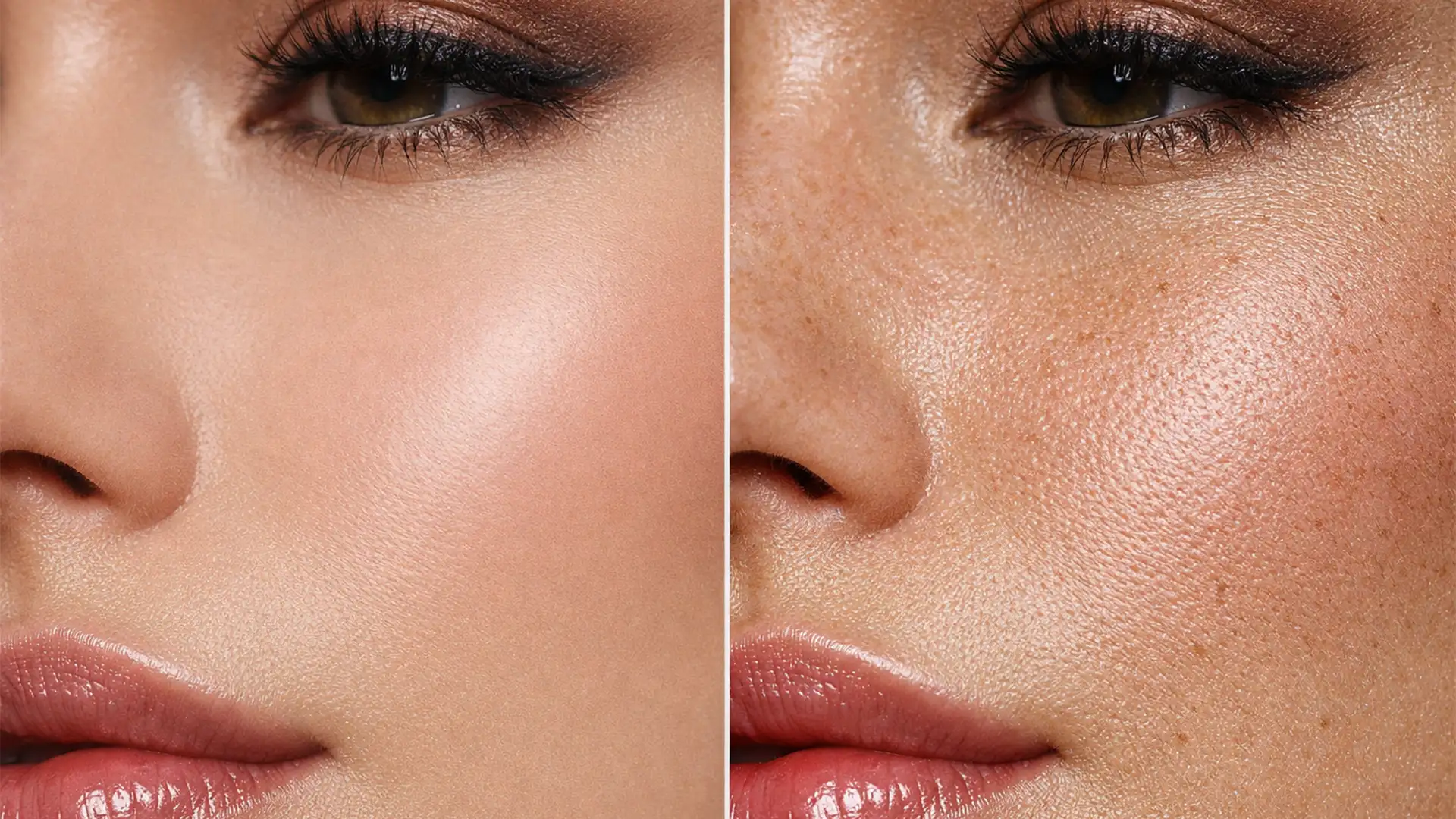
The Anti-Plastic Guide: How to Restore Skin Texture Lost to Photoshop Generative Fill
You’ve just used Photoshop’s Generative Fill to seamlessly remove a complex blemish or expand a high-end beauty portrait. Structurally, the AI did a flawless job. But zooming in reveals a glaring issue: the dreaded “uncanny valley” plastic skin effect. As...