
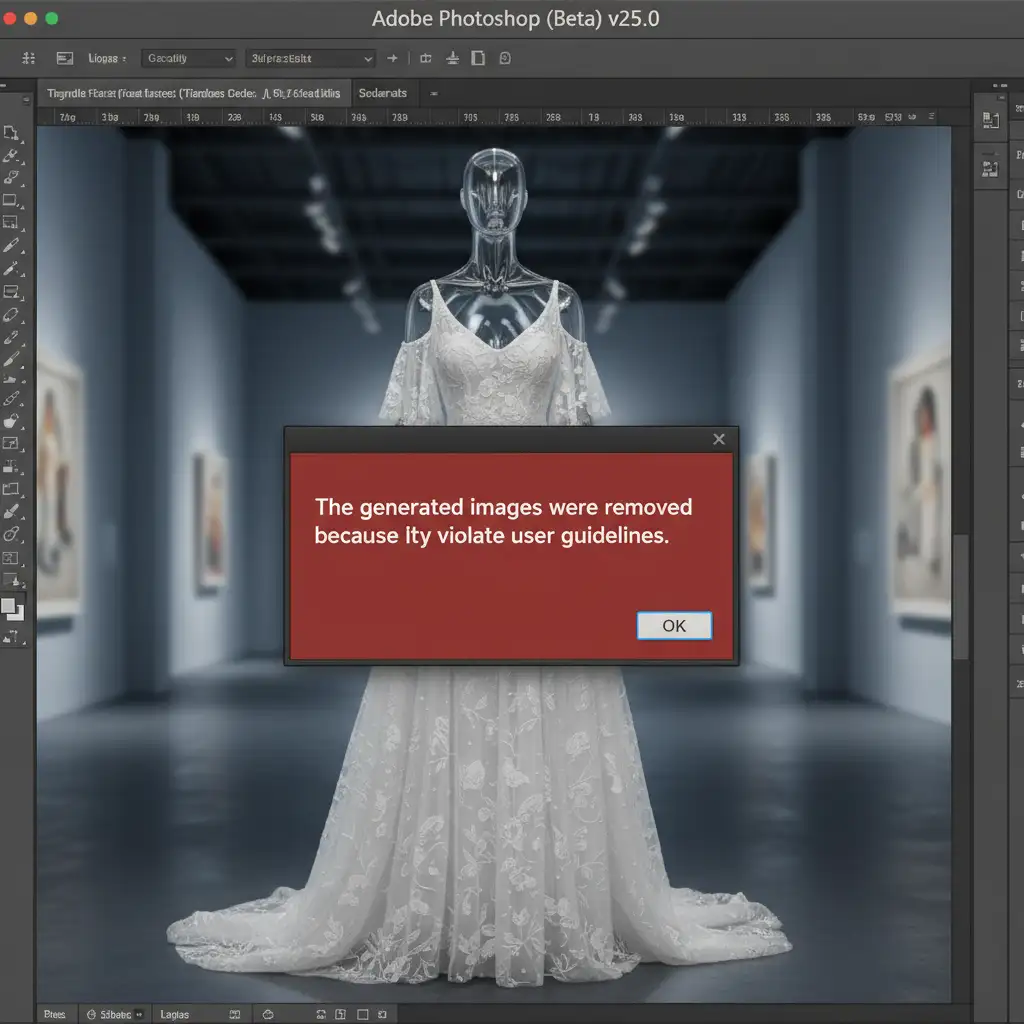
You are in the middle of a massive e-commerce photoshop retouching batch, utilizing Adobe’s latest AI tools to speed up your ghost mannequin edits. Suddenly, a red warning halts your progress: “The generated images were removed because they violate user guidelines.”
This frustrating bottleneck is a common pain point for professional studios editing swimwear, lingerie, or standard neck joints. Adobe’s strict AI safety protocols frequently misinterpret innocent skin-to-clothing transitions as inappropriate content, completely derailing production timelines.
If you are looking for a reliable Photoshop Generative Fill apparel censorship fix, you are in the right place. Below, we break down exactly why this happens and provide three proven methods to bypass the filter and get your catalog back on track.
Understanding the “Policy Violation” Error in Photoshop v25.0+
Since the integration of the Adobe Firefly Image 3 Model into Photoshop v25.0 and its Beta builds, Adobe has implemented aggressive AI safety guidelines. These cloud-based filters are designed to block the generation of adult content.
Unfortunately, the algorithm struggles with context in fashion photography. When retouchers attempt to use Generative Expand or Generative Fill on empty neck spaces, deep V-necks, or tight apparel, the AI falsely flags the missing anatomical data or skin proximity as a violation. This results in the dreaded Policy Violation Error, forcing editors to abandon AI efficiency for tedious manual labor.
How to Fix Photoshop Generative Fill Apparel Censorship
To maintain your e-commerce workflow without triggering Adobe’s censors, you need to adjust how you communicate with the software. Here are three professional strategies to bypass the block.
Method 1: The Quick Fix (Smart Prompt Engineering)
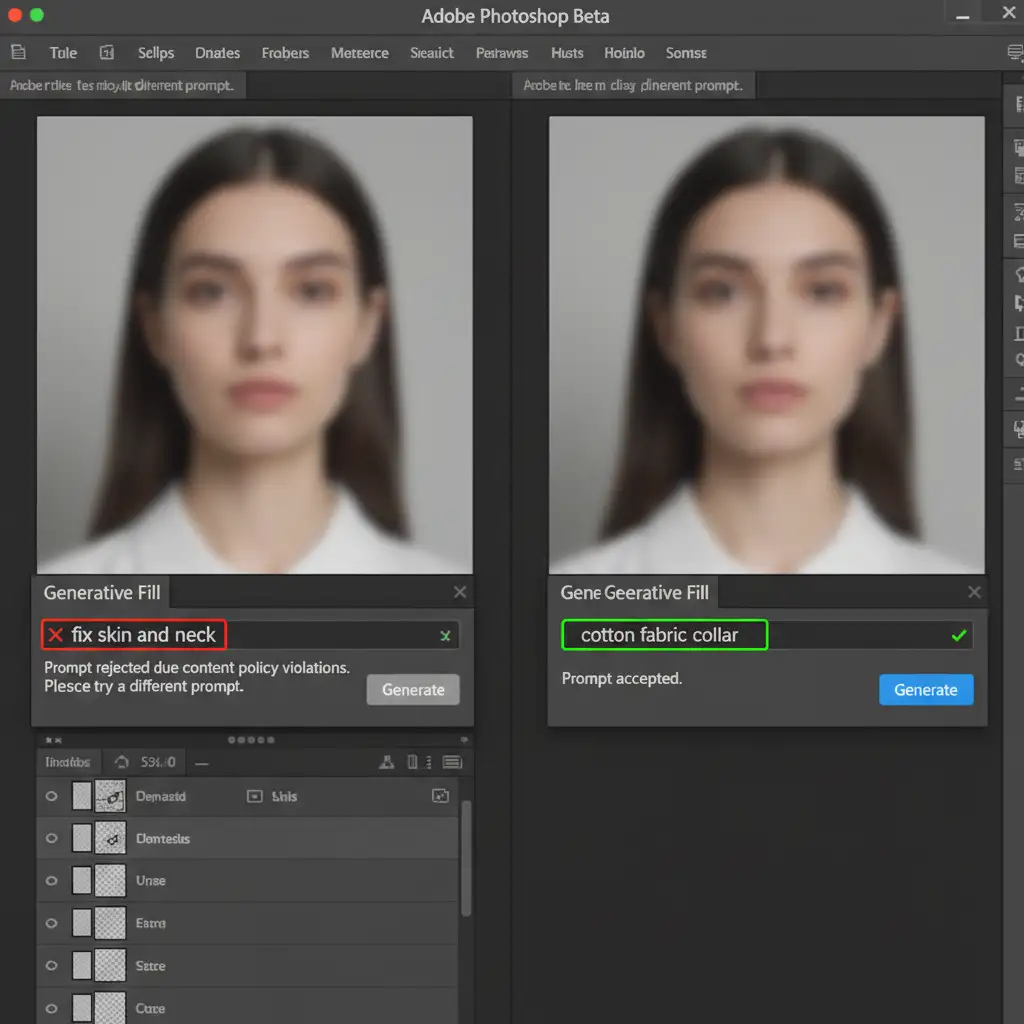
The most common reason for a policy violation is the text prompt itself. Words that describe human anatomy—even innocently—will trigger the cloud filters.
The Solution:
- Leave it Blank: Make your selection and hit ‘Generate’ without typing anything. Photoshop will rely entirely on the surrounding pixels to fill the gap without semantic triggers.
- Use Non-Anatomical Terms: If a blank prompt fails, use strictly textile-based language. Avoid words like skin, neck, chest, or cleavage. Instead, use safe prompts like “cotton fabric collar,” “neutral background,” or “seamless textile.”
Method 2: The Pro Workaround (Micro-Selections and Masking)
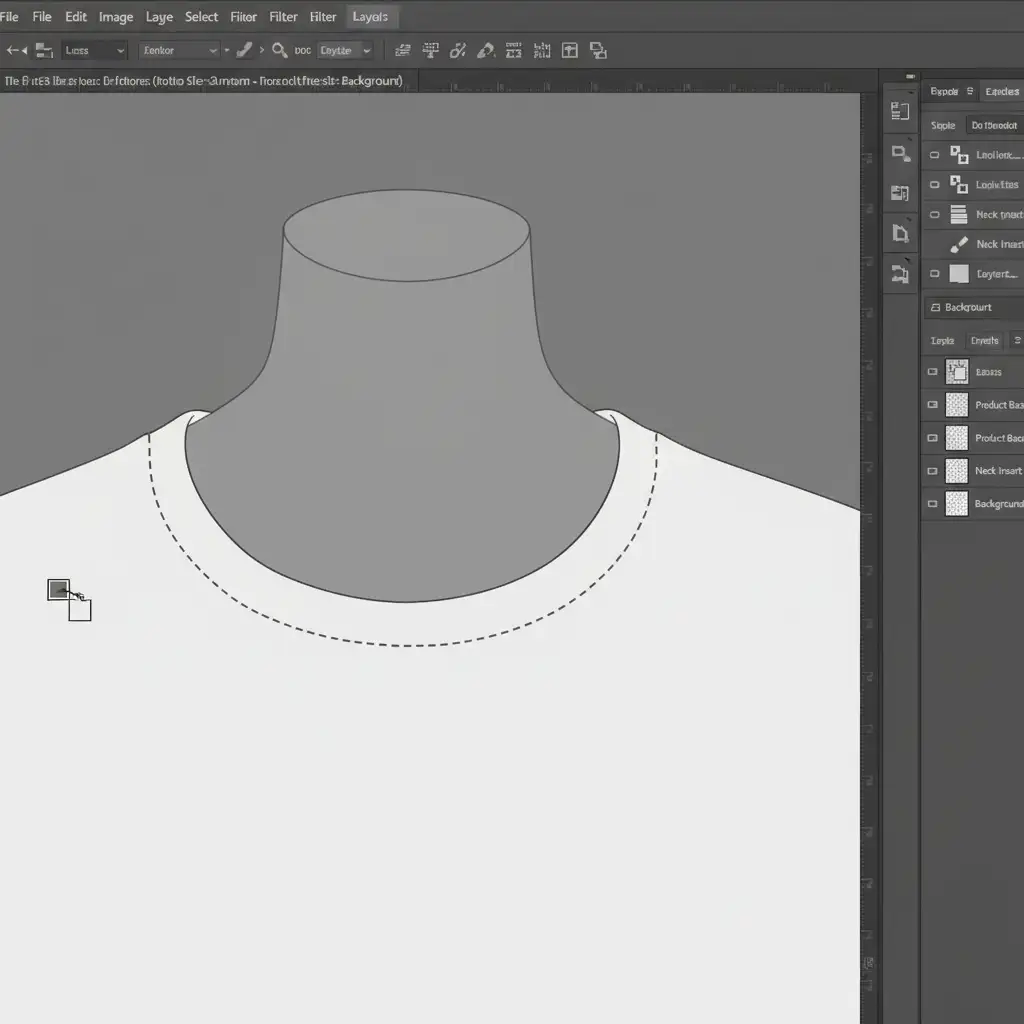
When editing a ghost mannequin neck joint, selecting the entire collar and chest cavity at once is a guaranteed way to trigger the AI safety guidelines. The AI sees a large void near clothing and assumes the worst.
The Solution: Instead of bulk selections, use the Lasso tool to make micro-selections.
- Select only the immediate fabric edges that need extending.
- Apply Generative Fill to build out the fabric incrementally.
- Once the clothing is structured, use traditional Layer Masking, the Clone Stamp Tool, or the Healing Brush on a separate layer to manually blend the skin transitions.
By feeding the AI smaller, fabric-only data points, you bypass the anatomical triggers completely.
Method 3: The Technical Deep-Dive (Hybrid Fallback Strategy)
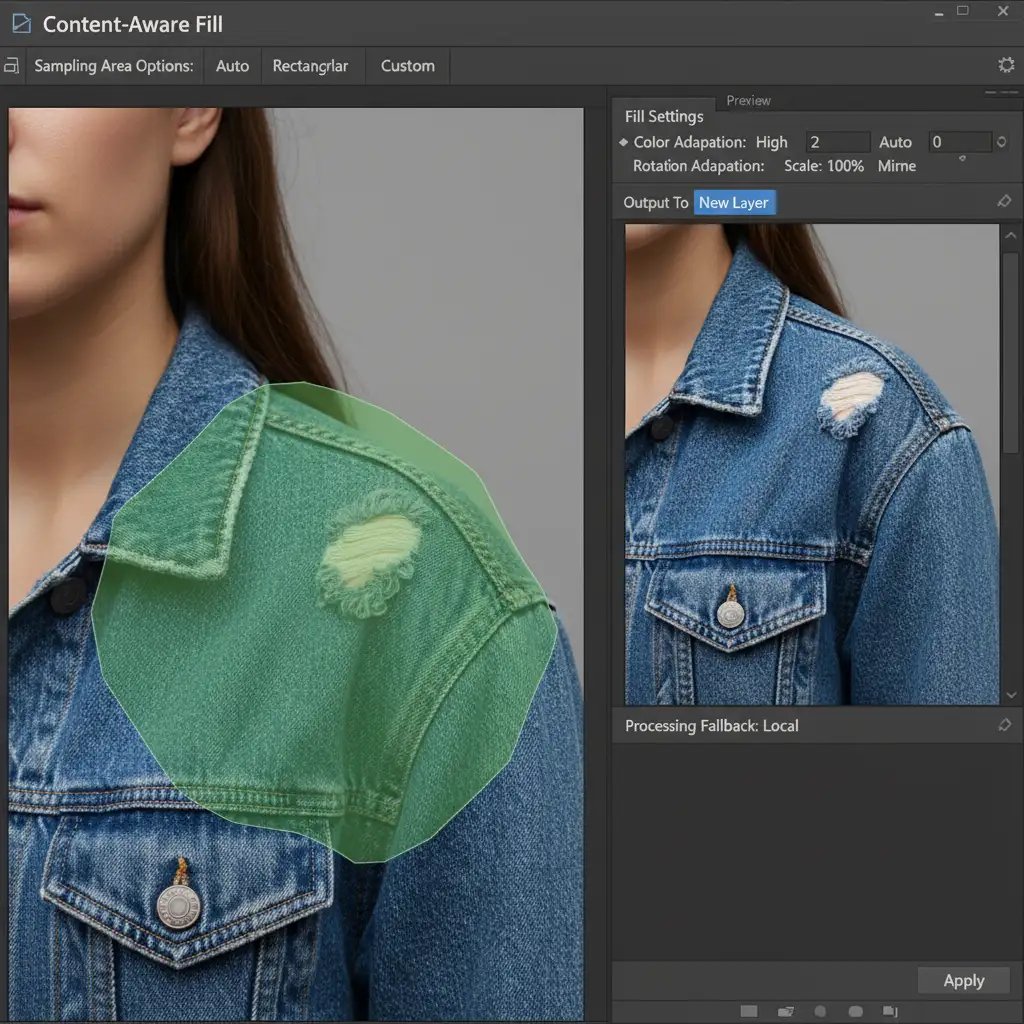
If Adobe Firefly outright refuses to generate via cloud processing regardless of your prompts or selections, you must abandon the cloud and rely on local processing.
The Solution:
- Rasterize your working layer to ensure you are working with hard pixels.
- Open the traditional Content-Aware Fill workspace. Because this tool utilizes local processing rather than cloud-based AI, it completely bypasses Adobe’s safety checks. Use it to establish your base pixels.
- Alternatively, create a blank layer above your image, select the Remove Tool, and ensure Sample All Layers is checked. This allows you to manually stitch the apparel joint together using advanced local algorithms without the risk of a policy violation.
Streamline Your E-Commerce Retouching Workflow
Implementing a reliable Photoshop Generative Fill apparel censorship fix requires a blend of prompt engineering, precise tool usage, and knowing when to fall back on traditional techniques. By mastering these workarounds, you can keep your fashion catalogs moving through post-production without being held hostage by overzealous AI filters.
Outsource Your Apparel Retouching to the Experts
Tired of fighting AI filters and policy violations just to get your fashion catalogs published? Stop wasting hours troubleshooting software limitations.
Let the experts at Image Work India and Cloud Retouch handle your image editing needs. From complex ghost mannequin neck joints to high-volume e-commerce apparel retouching, our dedicated team delivers pixel-perfect precision without the technical headaches. Focus on growing your brand, and let us handle the pixels. Contact us today to streamline your post-production workflow.




