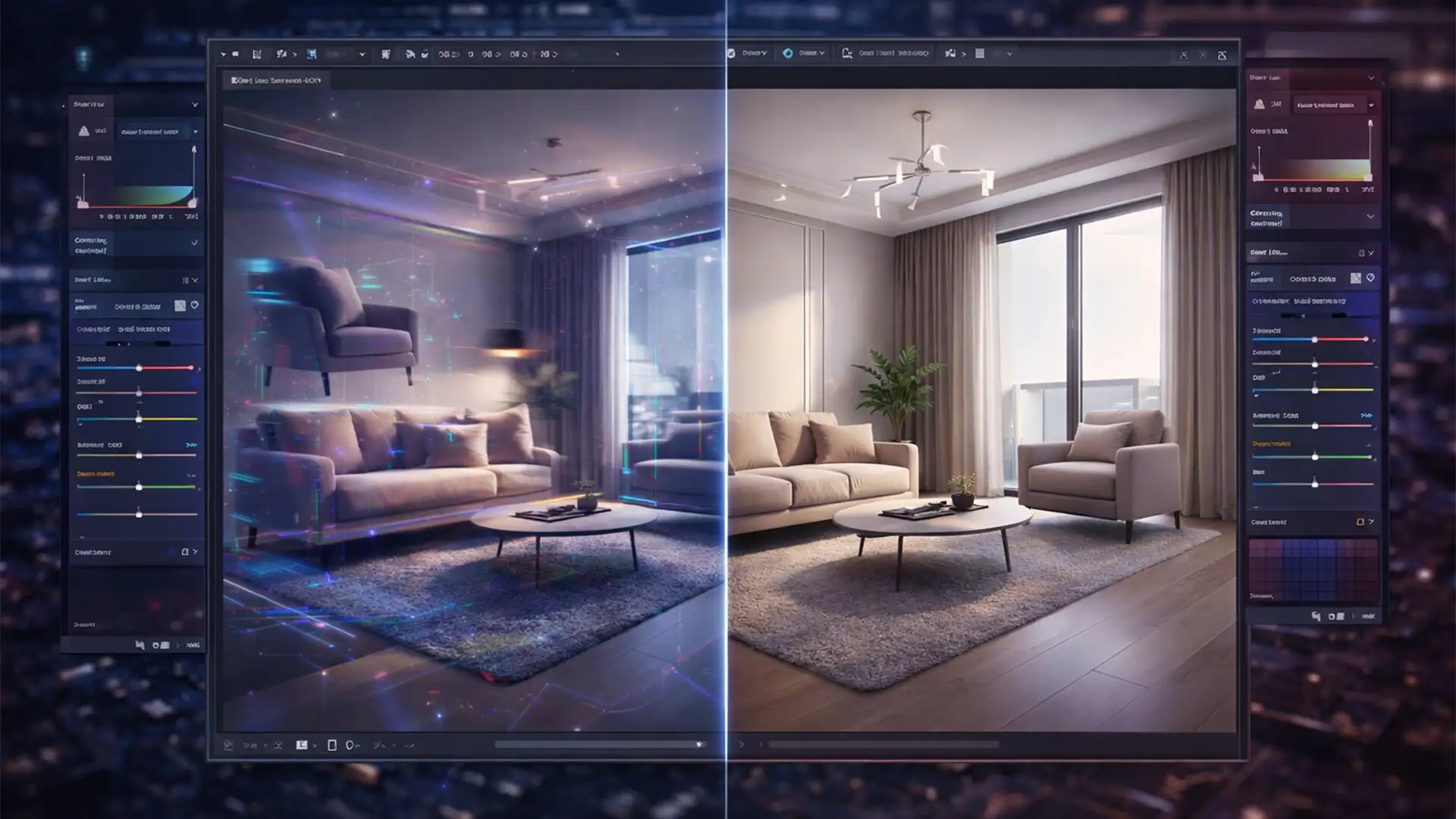

You just used Adobe Photoshop’s Generative Fill to virtually stage a gorgeous empty living room, hoping for a quick turnaround. But instead of a sleek modern interior, the AI gave you a floating sofa, a coffee table with three melted legs, and baseboards that warp into another dimension.
If you are losing your mind over these structural anomalies and blended textures, you aren’t alone. AI virtual staging is a powerful tool, but it frequently produces unrealistic artifacts that render real estate photos completely unusable. Here is exactly how to go beyond the prompt and fix those distorted perspectives to save your property listings.
Why Do AI Hallucinations Happen in Virtual Staging?
In recent versions of Adobe Photoshop (v25.0 and above) utilizing Firefly-based Generative Fill, editors frequently encounter bizarre visual glitches. These AI hallucinations occur because the AI model lacks native 3D spatial awareness.
Instead of understanding the actual mathematical depth, architectural dimensions, and real-world physics of a room, the AI relies on 2D pixel-pattern matching. When it tries to guess where a floor meets a wall behind a generated couch, it often guesses wrong, resulting in skewed perspective lines and phantom objects.
How to Fix AI Hallucinations in Real Estate Photos
To achieve pixel-perfect results, you cannot rely on AI alone. You must combine generative generation with traditional, manual retouching techniques. Here are three professional methods to correct bad AI geometry.
Method 1: The Quick Fix for Minor Artifacts
When the AI generates a mostly accurate room but leaves behind small floating phantom objects or blended textures on flat walls, you don’t need to regenerate the entire image.
- Flatten or Merge: Create a new merged layer of your Generative Fill results.
- Remove Tool: Select the new AI-powered Remove Tool. Brush over the small floating artifacts. Because the surrounding area (like a blank wall or hardwood floor) is structurally simple, the tool will instantly eliminate the glitch.
- Healing Brush: For minor texture blending issues on fabrics or flat surfaces, use the Healing Brush to manually sample a clean texture and paint over the hallucinated pixels.
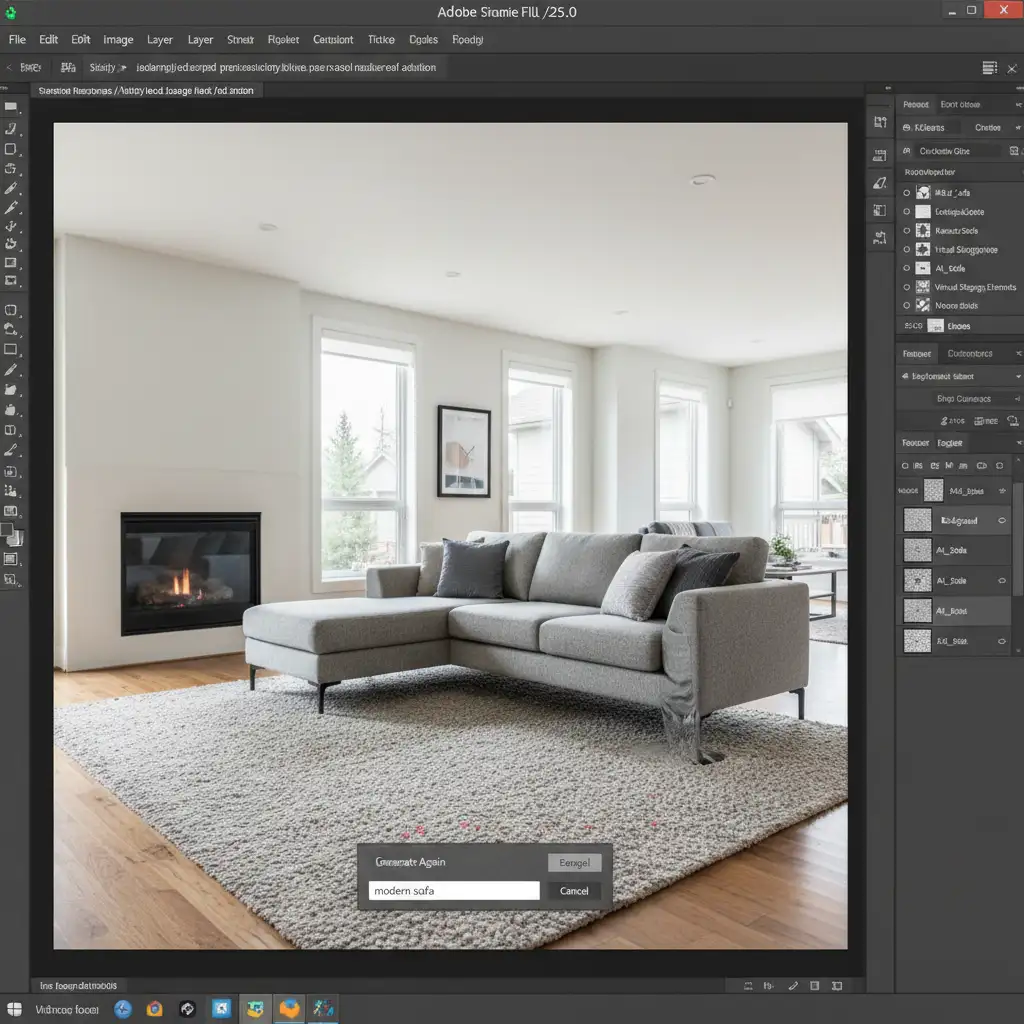
Method 2: The Pro Workaround for Structural Anomalies
When the AI fundamentally breaks the architecture of the room—such as bending straight baseboards or skewing window frames behind generated furniture—you need to manually reconstruct the geometry.
- Isolate the Error: Identify the skewed perspective lines caused by the AI.
- Clone Stamp Tool: Create a new blank layer. Use the Clone Stamp Tool to sample a clean, straight section of the baseboard or window frame from elsewhere in the room. Stamp it roughly over the distorted area.
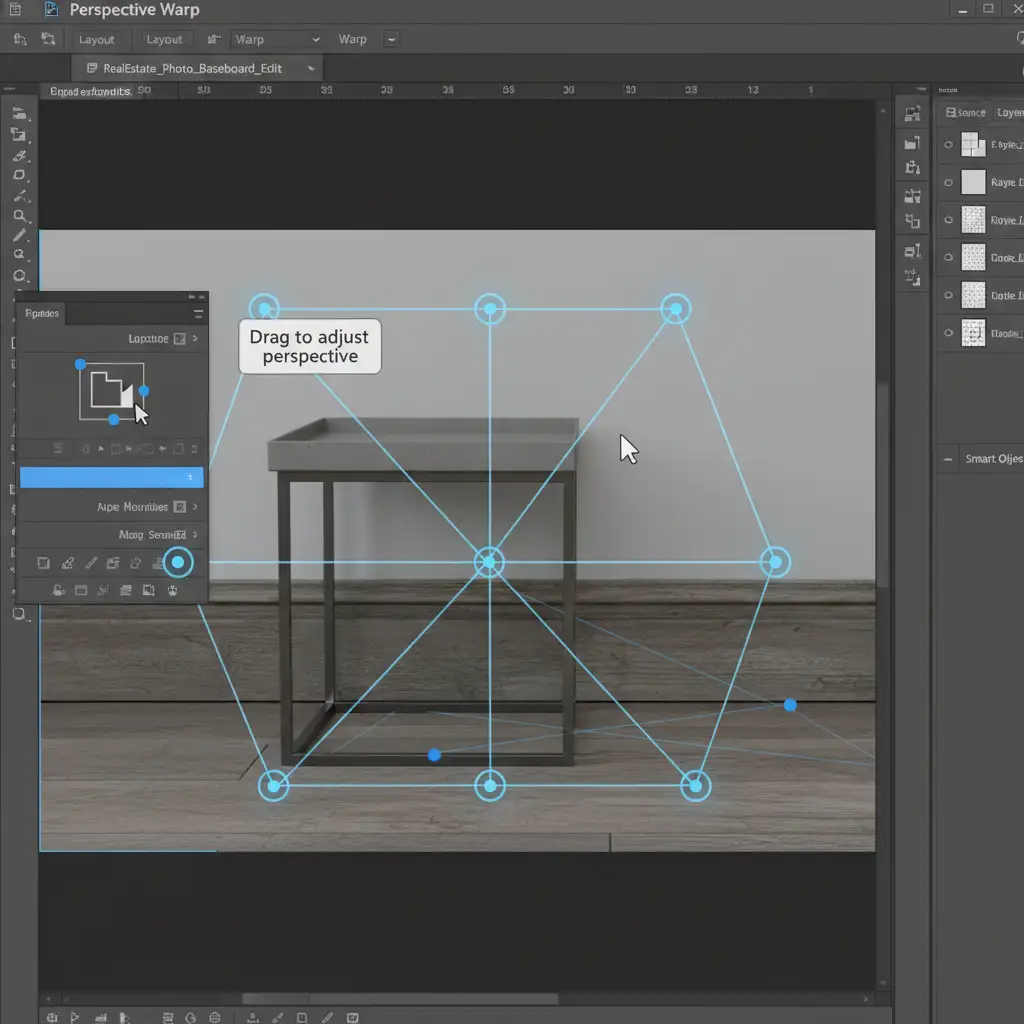
- Perspective Warp: Go to Edit > Perspective Warp. Draw your layout grid over the newly cloned architectural element. Switch to “Warp” mode and drag the pins so the cloned baseboard mathematically aligns with the room’s true dimensions.
- Layer Masking: Apply a Layer Mask to your corrected geometry layer. Carefully brush away the edges so the straight architectural lines blend seamlessly behind the AI-generated furniture.
Method 3: The Technical Deep-Dive for Perfect Geometry
If you are dealing with complex flooring patterns, tile work, or high-end architectural details, generating a whole room at once will almost always result in hallucinations.
Step 1: Micro-Prompting
Instead of typing “modern living room furniture,” use structured Micro-Prompting. Make precise polygonal lasso selections for individual items (e.g., just the rug, then just the sofa). This limits the AI’s canvas, drastically reducing structural anomalies.
Step 2: The Vanishing Point Grid
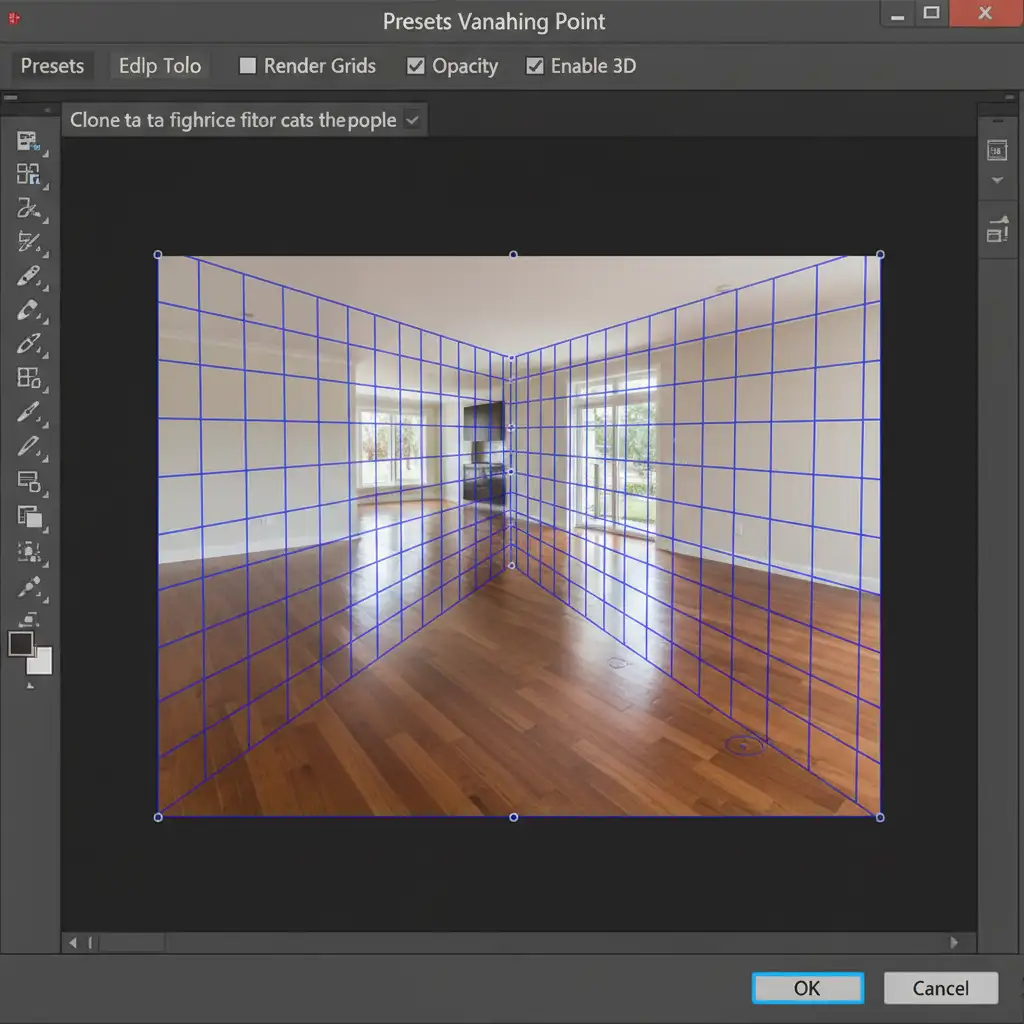
If the AI still hallucinates the perspective of a textured floor or ceiling under your generated Smart Objects, use the Vanishing Point filter.
- Create a new layer and open Filter > Vanishing Point.
- Draw a precise 3D grid along the actual floorboards or ceiling tiles of the original, un-staged photograph.
- Use the Vanishing Point Clone Stamp to sample the original, mathematically perfect floor texture.
- Paint the cloned texture over the AI’s hallucinated floor. The filter will automatically scale and angle the cloned pixels in exact perspective, ensuring perfect alignment.
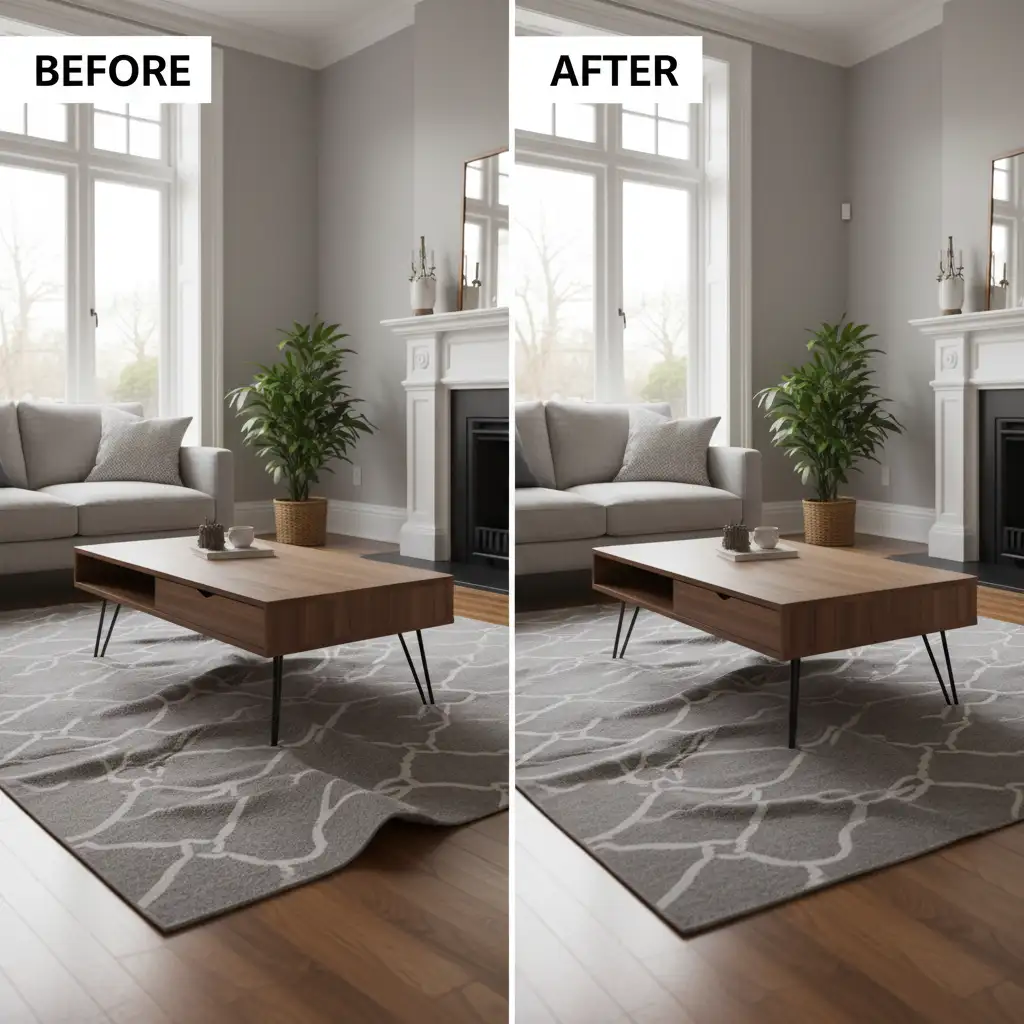
The Final Polish: Before and After
By combining Generative Fill with the Clone Stamp Tool, Perspective Warp, and strategic Layer Masking, you can transform an unusable, glitchy AI generation into a photorealistic property listing.
Stop Losing Sales to Bad AI Geometry
Fixing AI hallucinations in real estate photo editing requires a deep understanding of Photoshop, architectural geometry, and advanced retouching techniques. Your clients expect perfection, and a floating couch or warped floorboard can instantly cost you a property sale.
Don’t have the time to manually correct every structural anomaly and blended texture? Let the experts handle it. Hire Cloud Retouch and Image Work India for pixel-perfect, realistic virtual staging and flawless real estate photo editing. We combine the speed of AI with the precision of master retouchers to deliver images that sell. Contact us today to elevate your property listings.




