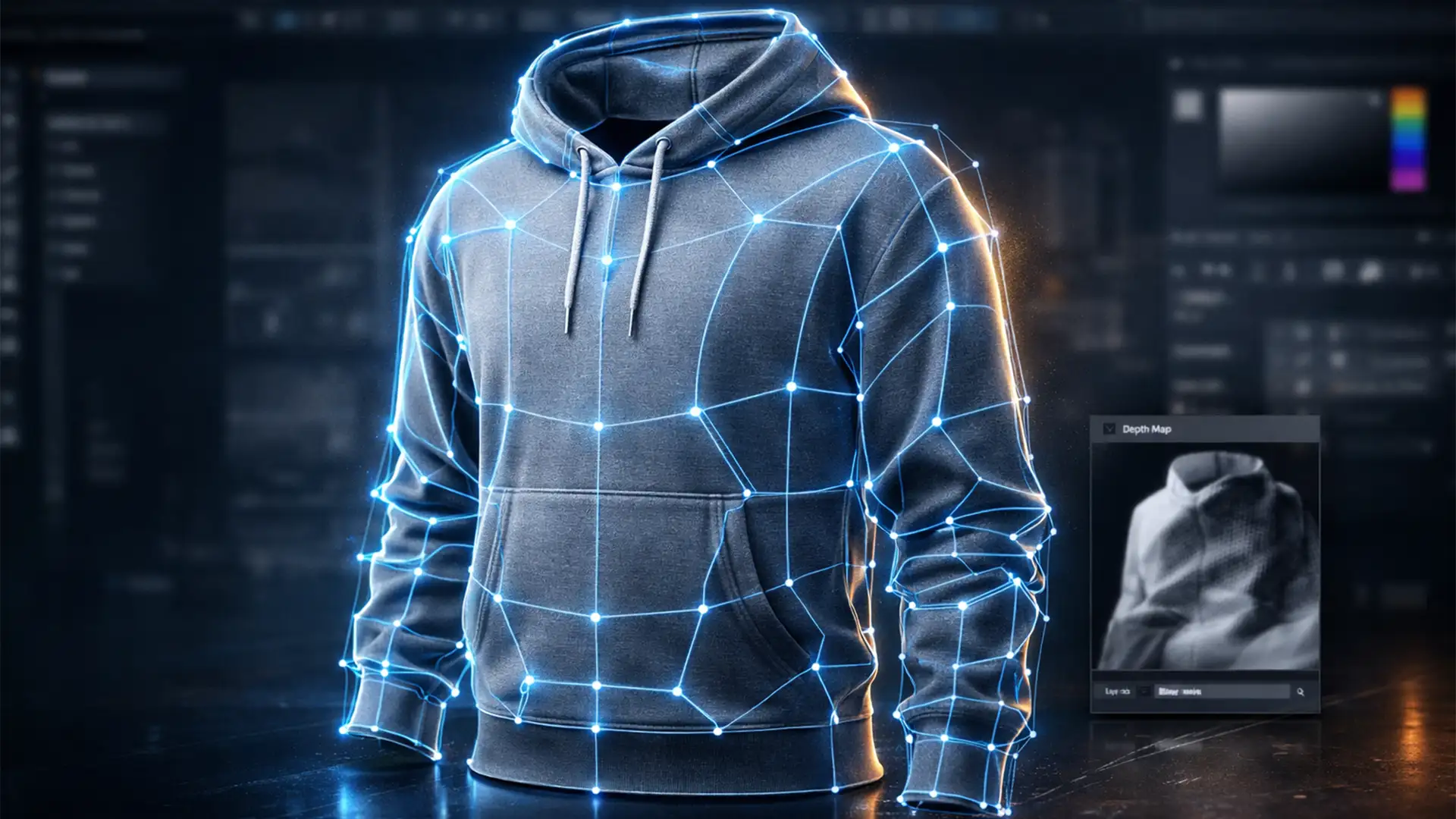

Are your 3D apparel renders looking more like flat cardboard than premium garments? You are not alone. As e-commerce studios transition from traditional photography to modern 3D rendering, Ghost Mannequin is a critical bottleneck occurs right at the foundational stage: the clipping path.
When retouchers rely on a single, flat silhouette path, 3D modeling software fails to understand where the front of a shirt ends and the inner collar begins. To achieve true realism, mastering the ghost mannequin clipping path for 3D product renders is non-negotiable.
In this technical guide, we will break down how to upgrade your Photoshop (v25.x and v26.x) workflow using multi-path clipping to ensure your garments have the volume, depth, and segmentation required for high-end 3D environments.
The Technical Bottleneck: Why Flat Edits Fail in 3D
Standard 2D ghost mannequin edits work fine for basic web catalogs, but they lack the necessary volume segmentation for 3D rendering pipelines. If you import a standard flat-clipped image as a texture or base framework, the 3D software cannot accurately calculate depth mapping.
Without multi-path data separating the front torso, inner neck joint, sleeves, and drop-tail hem, your geometry will compress. To fix this, you must leverage Photoshop’s Paths Panel to create distinct, named vector paths for every overlapping garment segment.
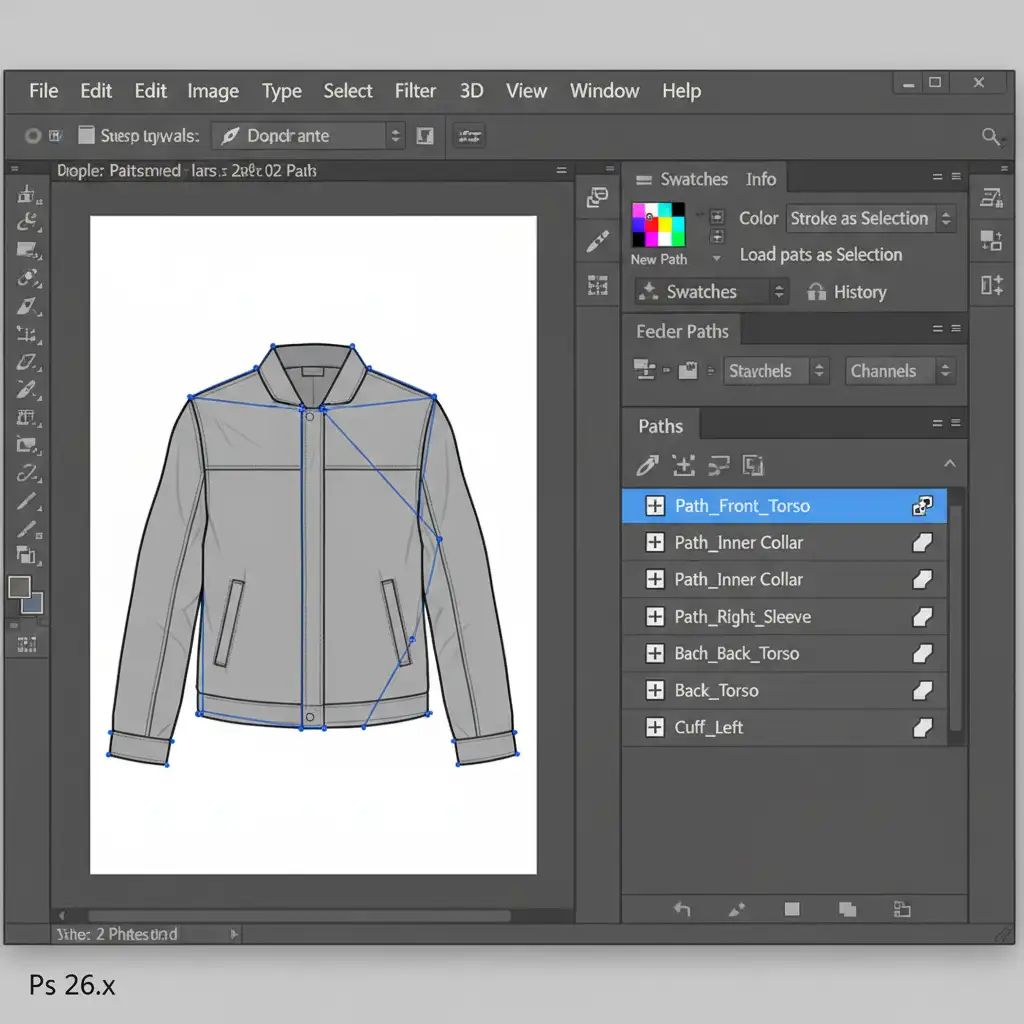
3 Methods to Build High-Depth Clipping Paths
Depending on your studio’s turnaround time and the complexity of the 3D render required, there are three distinct ways to handle garment segmentation.
Method A: The Quick Fix (Basic Separation)
If you are working with simple garments like basic t-shirts, you can achieve a functional neck joint effect with minimal pathing.
- Select the Pen Tool (P).
- Trace the outer silhouette of the garment.
- Critical Step: Do not stop at the silhouette. Create a separate, active path specifically mapping the inner collar and the inner hemline.
- Save both paths distinctly in the Paths panel. This allows the 3D artist to extrude the front torso while pushing the inner collar backward, creating basic depth.
Method B: The Pro Workaround (Smart Object Segregation)
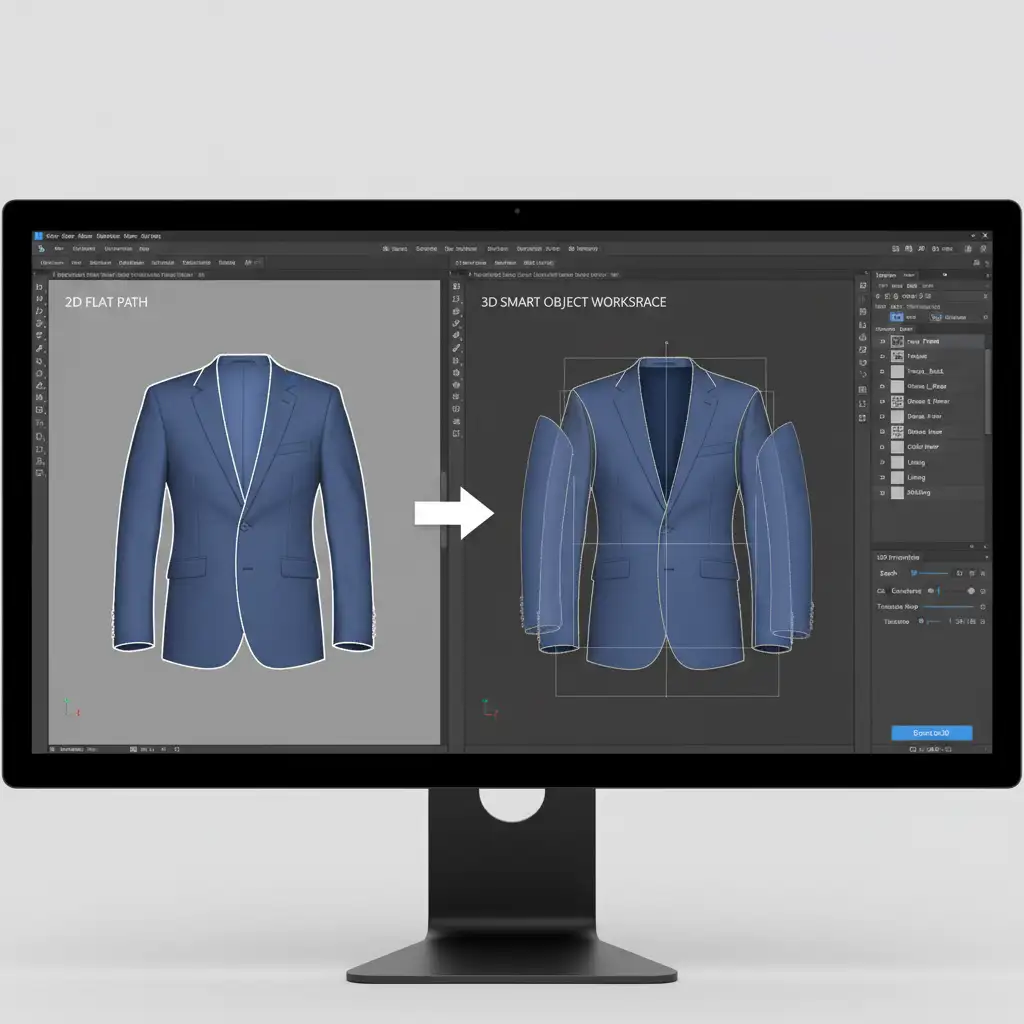
For jackets, long-sleeve shirts, and complex apparel, you need true multi-path clipping. This method ensures independent warping and shadow generation without destructive editing.
- Segregate the garment into overlapping Smart Objects (Left Sleeve, Right Sleeve, Front Torso, Inner Back).
- Create dedicated vector paths for each individual component.
- Apply individual Vector Masks to each Smart Object.
- Avoid the urge to rasterize these layers. Keeping them as Smart Objects with Vector Masks ensures that when the file is imported into a 3D workspace, the individual layers retain their crisp, mathematically perfect edges.
Method C: The Technical Deep-Dive (Vector Export for 3D)
When working with advanced 3D software like Blender or Adobe Substance, your clipping paths must serve as the exact geometric framework for UV mapping.
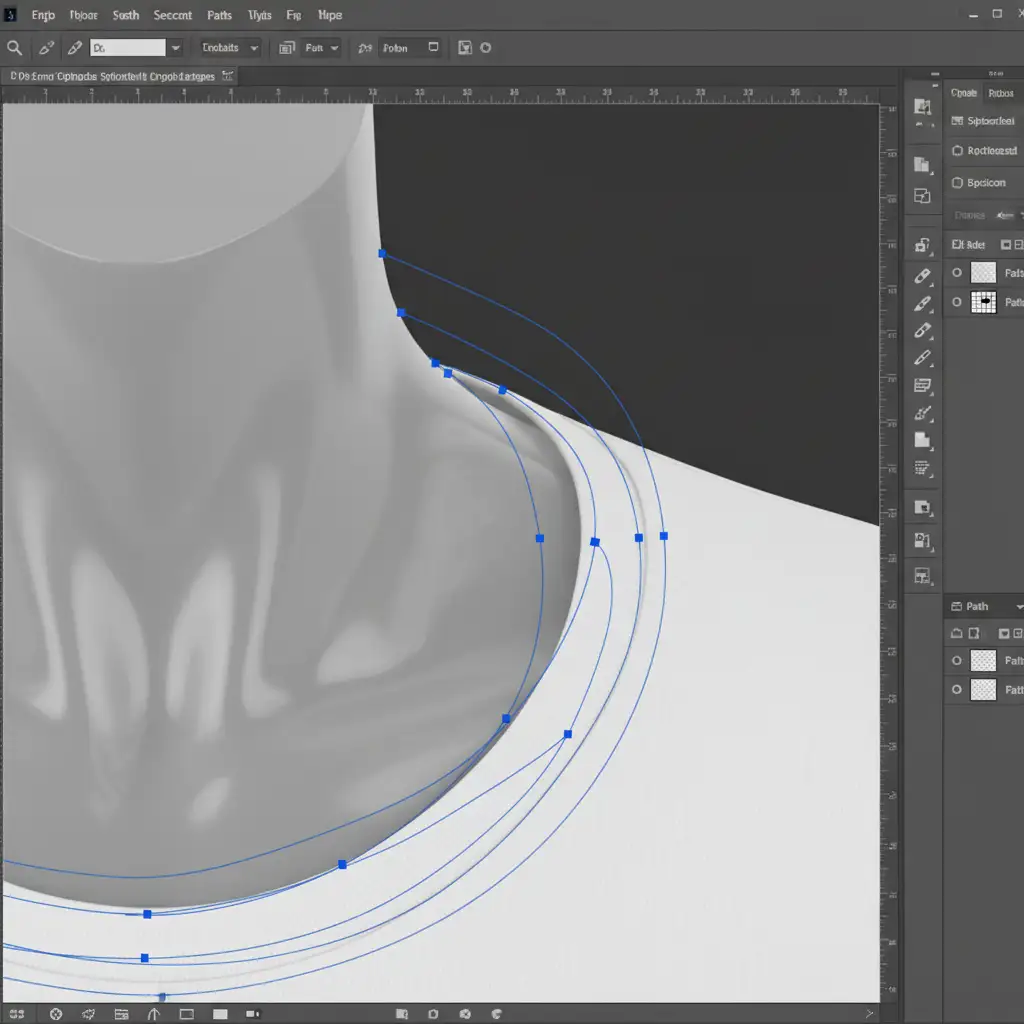
- Draw meticulous Bezier curves with exact anchor points placement. Jagged edges will severely distort the 3D mesh.
- Convert these distinct paths into Alpha channels. This bakes the transparency data directly into the file’s metadata, ensuring the 3D software reads the exact boundaries of the fabric.
- Navigate to File > Export > Paths to Illustrator.
- This generates an exact SVG/AI framework. The 3D modeler can now use these vector lines for accurate geometric extrusion, ensuring the sleeve naturally overlaps the torso.
Scale Your 3D E-Commerce Production
Transitioning from traditional flat photography to immersive 3D product rendering is the future of e-commerce. However, executing a flawless ghost mannequin clipping path for 3D product renders requires immense precision, deep software knowledge, and hours of tedious Pen Tool work. A single misplaced anchor point can ruin hours of 3D modeling.
Don’t let pathing bottlenecks slow down your studio’s output.
Save hours of tedious studio work and ensure pixel-perfect, 3D-ready assets by outsourcing your complex multi-path clipping and ghost mannequin editing to the experts. At Image Work India and Cloud Retouch, our dedicated teams specialize in high-depth clipping paths, precise alpha channel generation, and complex garment segmentation.




