
Woke up to a dreaded “Listing Suppressed” notification on your best-selling ASIN? You aren’t alone. As sellers rush to use Photoshop’s Generative Fill to scale their product photography, Amazon has quietly updated its A9 algorithm bots for 2026. The new target? AI hallucinations and non-compliant backgrounds.
If your main image features off-white pixels or synthetic alterations flagged by C2PA content credentials, your listing is at immediate risk of automated suspension. In this technical guide, we will break down the exact Amazon main image AI compliance 2026 standards and show you step-by-step how to bulletproof your product photos against algorithmic rejection.
Why Amazon is Cracking Down on AI Images in 2026
Amazon’s primary goal is to maintain a standardized, trustworthy shopping experience. With the rapid adoption of AI generation tools in Photoshop v25 and above, the marketplace has been flooded with distorted product representations.
The updated 2026 A9 algorithm bots aggressively scan for two specific triggers:
- Product-to-Frame Distortion: Generative expansion often alters the required 85% product-to-frame ratio.
- C2PA Content Credentials: Amazon’s systems now read hidden image metadata. If the primary ASIN image contains C2PA tags indicating synthetic alterations, it triggers an automated review.
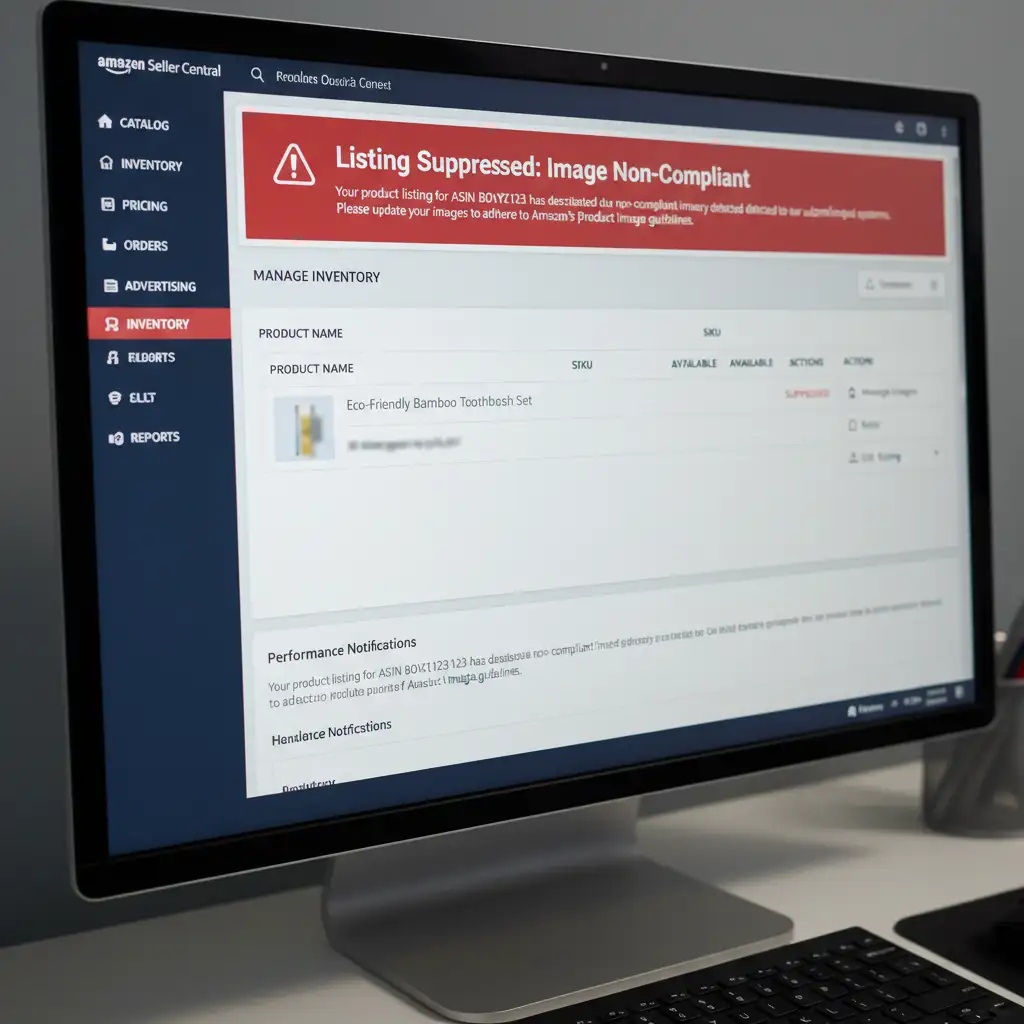
The Core Technical Flaws of AI Backgrounds
When sellers attempt to use AI to extend or replace backgrounds, the technology frequently fails the strict requirements for main listing images.
The Off-White Pixel Problem
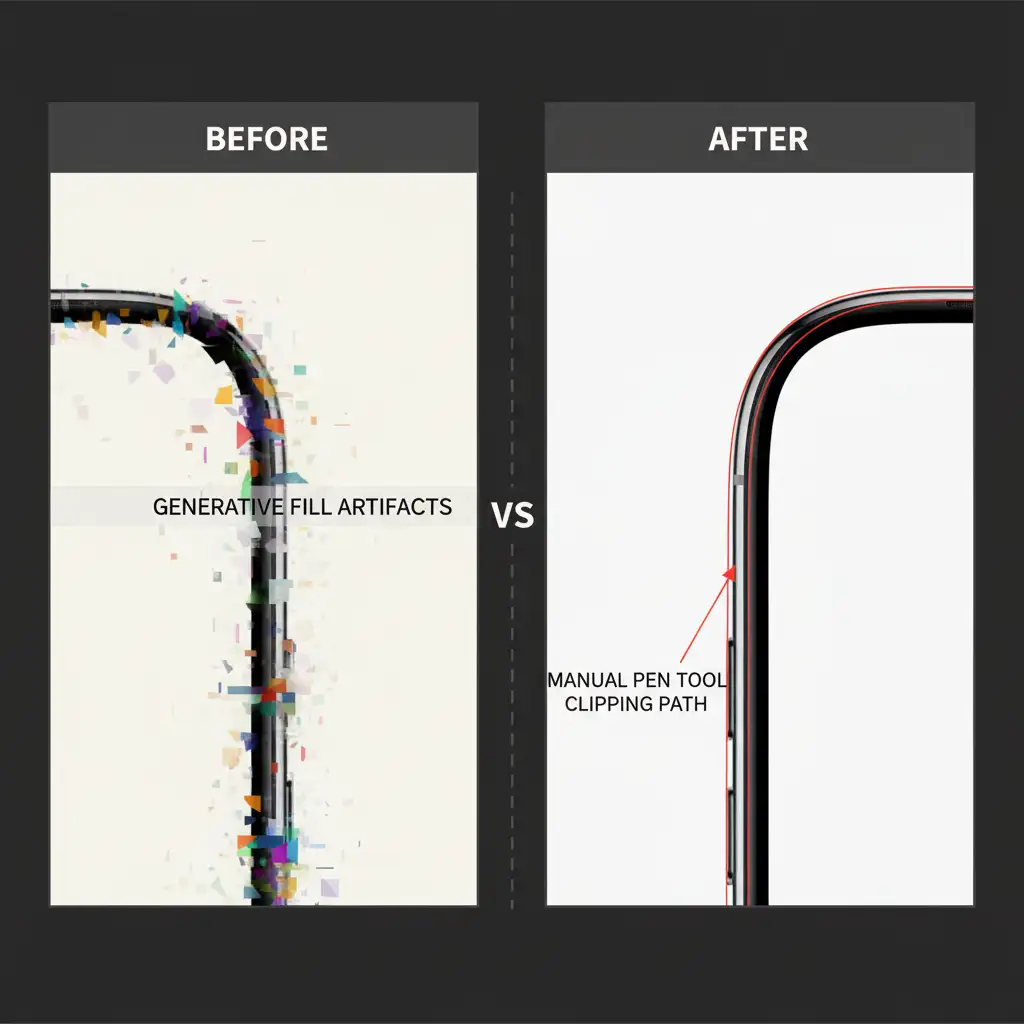
Amazon demands a strict, pure white background for all main images—exactly RGB 255. However, when AI expands a canvas, it rarely outputs pure white. Instead, it generates a non-compliant artifact, leaving behind off-white pixels (e.g., RGB 250, 252, 253). To the human eye, it looks white; to an Amazon bot, it is a direct violation.
The Threat of AI Hallucination
An AI Hallucination occurs when the generative model attempts to blend the background with the product, resulting in warped edges, missing shadows, or added features that do not exist on the physical item.
How to Fix Your Images for Amazon 2026 Compliance
To avoid listing suppression, you must isolate authentic product photography from AI-generated elements. Restrict your AI generative tools to secondary lifestyle images, and enforce pure backgrounds for your main shots using these professional methods.
Method A: The Quick Fix (Solid Color Layering)
If you have an image with an off-white AI background, you need to force it to pure white.
- Open your image in Photoshop.
- Use the Object Selection tool to highlight your core product.
- Invert the selection to target the background.
- Add a Solid Color adjustment layer and set the exact hex code to #FFFFFF.
Method B: The Pro Workaround (Clipping Paths & Smart Objects)
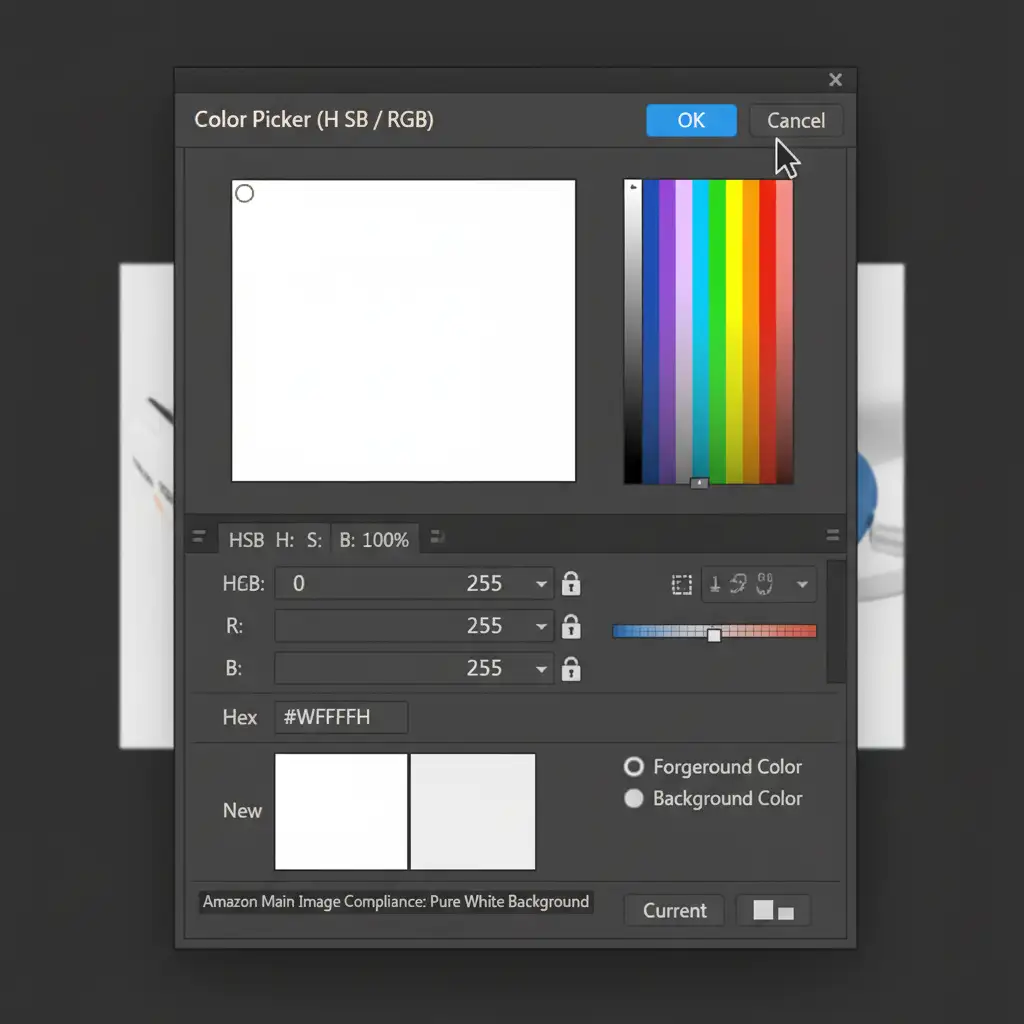
Relying on automated selection tools can still leave a halo effect. For guaranteed compliance, utilize manual masking.
- Convert your original product photo into Smart Objects to preserve the original resolution.
- Use the Pen Tool to draw a precise Clipping Path around the authentic product.
- Apply Layer Masking to hide the original background entirely.
- Place a strict white layer underneath. This ensures zero AI hallucinations alter the actual product features.
Method C: The Technical Deep-Dive (Color Profiles & Metadata)
Even with a perfect clipping path, incorrect export settings can trigger a rejection.
- Configure Color Settings: Go to Edit > Color Settings and set your working space to the sRGB Color Profile (specifically sRGB IEC61966-2.1). Amazon’s compression algorithm favors this profile.
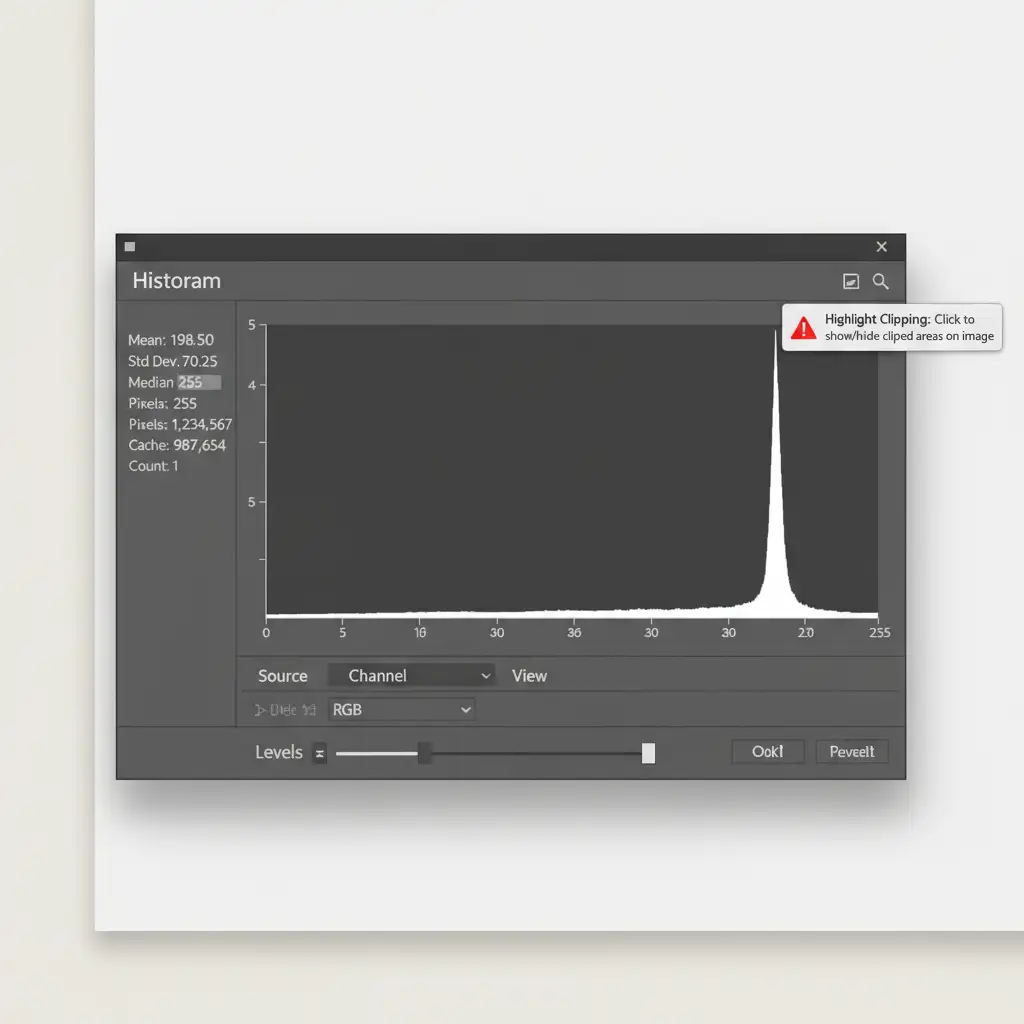
- Verify with the Histogram: Open the Histogram panel. Look for clipping warnings on the far right side to verify that your background is hitting absolute pure white, ensuring no off-white pixels remain.
- Strip Image Metadata: When exporting (File > Export As), ensure you are not embedding unnecessary metadata tags. Stripping C2PA data prevents Amazon bots from falsely flagging manual edits as synthetic AI generation.
Stop Risking Your Revenue: Outsource Your Amazon Edits
Navigating the Amazon main image AI compliance 2026 update requires precision, technical expertise, and a lot of time. One missed pixel or overlooked metadata tag can result in thousands of dollars in lost sales due to automated listing suppression.
You don’t have to spend hours drawing clipping paths or fighting with Photoshop’s histogram. Ensure your Amazon listings are 100 percent compliant with the latest guidelines by partnering with the experts.
Outsource your high-volume image editing to Image Work India or Cloud Retouch. Our professional retouchers specialize in pixel-perfect, AI-artifact-free product photos that meet Amazon’s strictest A9 bot standards. We handle the manual clipping paths, exact RGB 255 color profiling, and metadata management so you can focus on scaling your brand.
Contact Image Work India and Cloud Retouch today to bulletproof your Amazon catalog.




