
Are you manually editing hundreds of apparel images while your TikTok Shop inventory piles up? For fast-paced e-commerce sellers, speed is survival. Traditional ghost mannequin editing takes up to 15 minutes per image—a massive bottleneck when you have hundreds of new SKUs dropping weekly. You need an automated ghost mannequin workflow for TikTok Shop that slashes your post-production time without sacrificing the premium, invisible-body effect that drives conversions.
In this technical guide, we will show you how to leverage Photoshop v25.x AI tools, Actions, and Droplets to reduce your edit time from 15 minutes to under 3 minutes per photo. Let’s build a high-speed production line.
Why High-Volume Sellers Need an Automated Workflow
Creating a seamless composite image requires combining a front apparel shot with an inside/neck shot. Doing this manually involves drawing a tedious clipping path, aligning layers, and masking. By integrating modern AI object selection and batch processing techniques, you can achieve non-destructive editing at scale, perfectly tailored to TikTok Shop’s strict 1:1 aspect ratio guidelines.
Here is exactly how to set up your automated workflow.
Step 1: The Quick Fix – Automating Background Removal
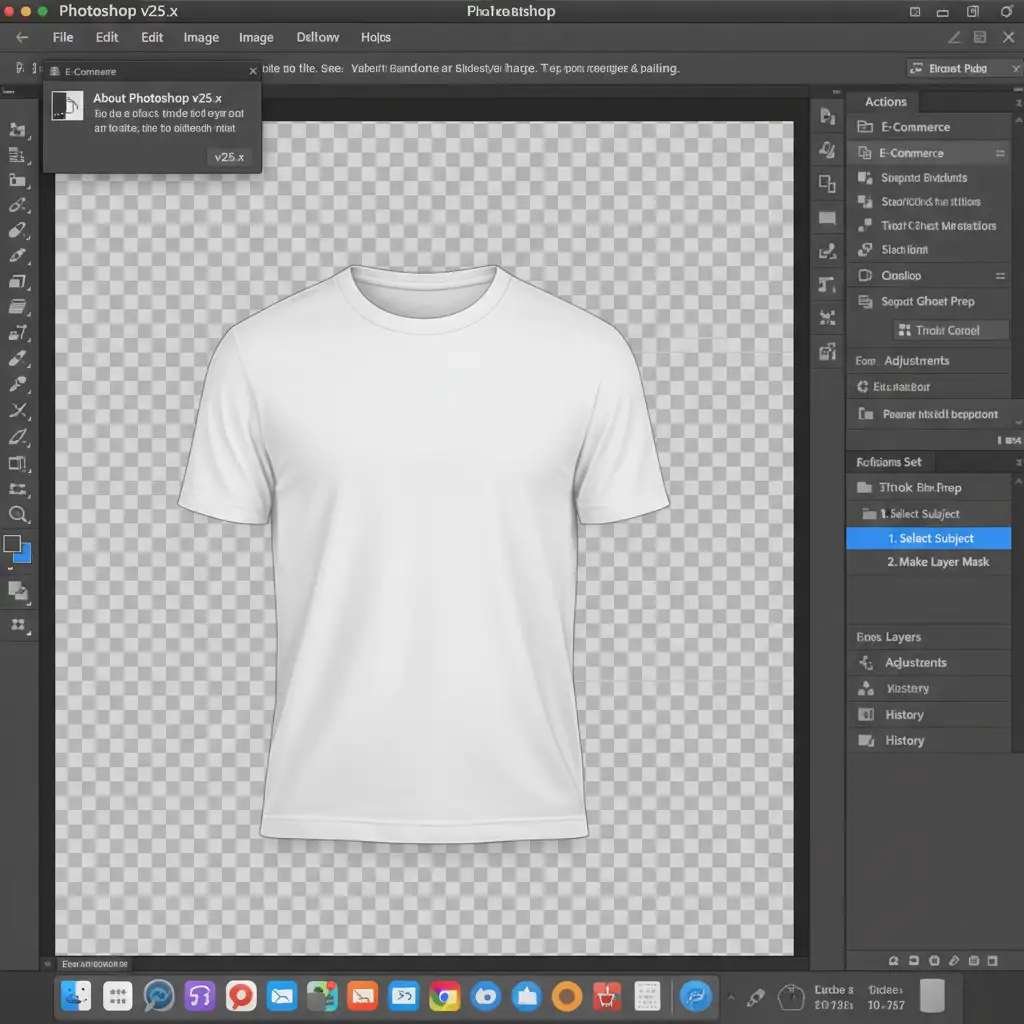
The foundation of any fast ghost mannequin workflow is separating the garment from the background instantly. Instead of using the Pen Tool for every image, we will record a Photoshop Action utilizing AI.
- Open a front garment image in Photoshop v25.x or newer.
- Open the Actions Panel (Window > Actions) and create a new Action named “TikTok Ghost Prep”.
- Click Record. Go to Select > Subject.
- Expand the selection slightly (Select > Modify > Expand by 1-2 pixels) to avoid edge halos.
- Apply a layer mask to hide the background non-destructively.
- Stop recording. You can now apply this action to entire folders via File > Automate > Batch.
Step 2: The Pro Workaround – Auto-Aligning the Neck Joint
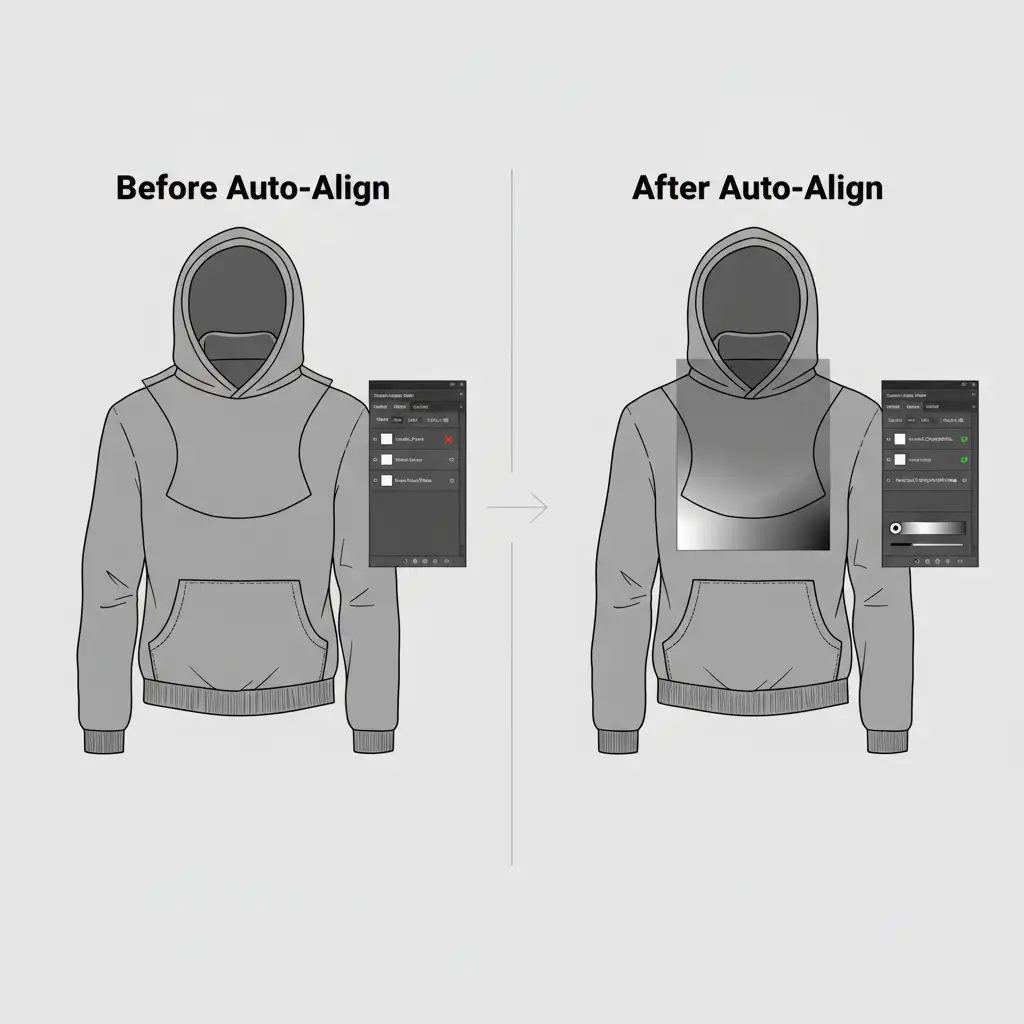
The most challenging part of the ghost mannequin effect is the neck joint—where the inside back of the collar meets the front of the shirt. Manual alignment is time-consuming, but Photoshop can do the heavy lifting.
- Drag your inside/neck shot layer beneath your masked front garment layer.
- Select both layers in the Layers Panel.
- Go to Edit > Auto-Align Layers and choose Auto. Photoshop will analyze the pixels and snap the collar into the perfect position.
- Use the Contextual Task Bar to quickly add a Gradient Mask to the neck layer. Drag the gradient from the bottom of the collar upward to seamlessly blend the inner fabric with the front garment.
- Pro Tip: If there are minor fabric tears or missing tags, use Generative Fill to instantly reconstruct the inner collar.
Step 3: The Technical Deep-Dive – Zero-Click Photoshop Droplets
To truly master the automated ghost mannequin workflow for TikTok Shop, you need to eliminate the need to even open files manually. We achieve this using a Photoshop Droplet.
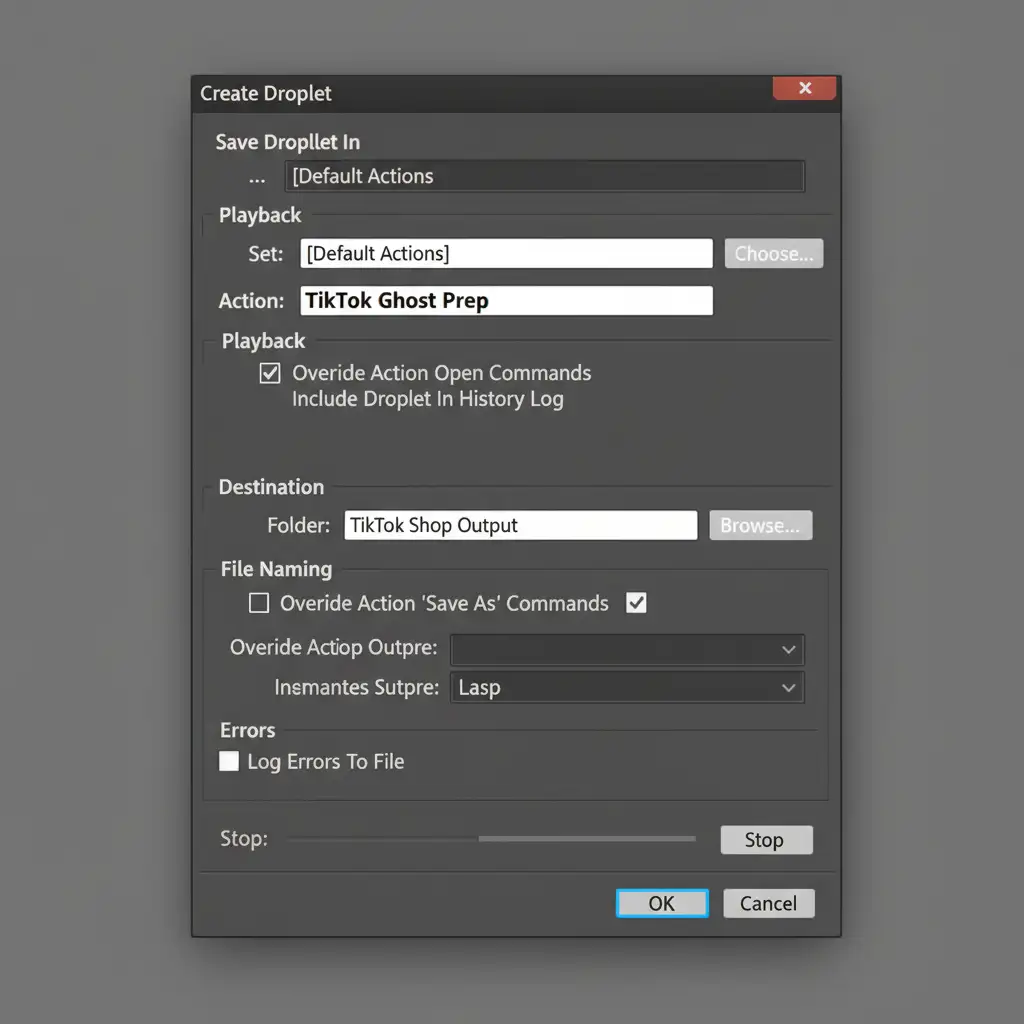
A Droplet turns your Action into a standalone mini-app. You simply drag and drop a folder of images onto the Droplet icon on your desktop, and Photoshop processes them in the background.
- Go to File > Automate > Create Droplet.
- Choose where to save the Droplet on your computer.
- Select the “TikTok Ghost Prep” Action you created earlier.
- Set the Destination to a specific “TikTok Ready” folder.
- Crucial: Ensure GPU acceleration is enabled in Preferences > Performance so your machine can handle massive batches without crashing.
Optimizing Output for TikTok Shop
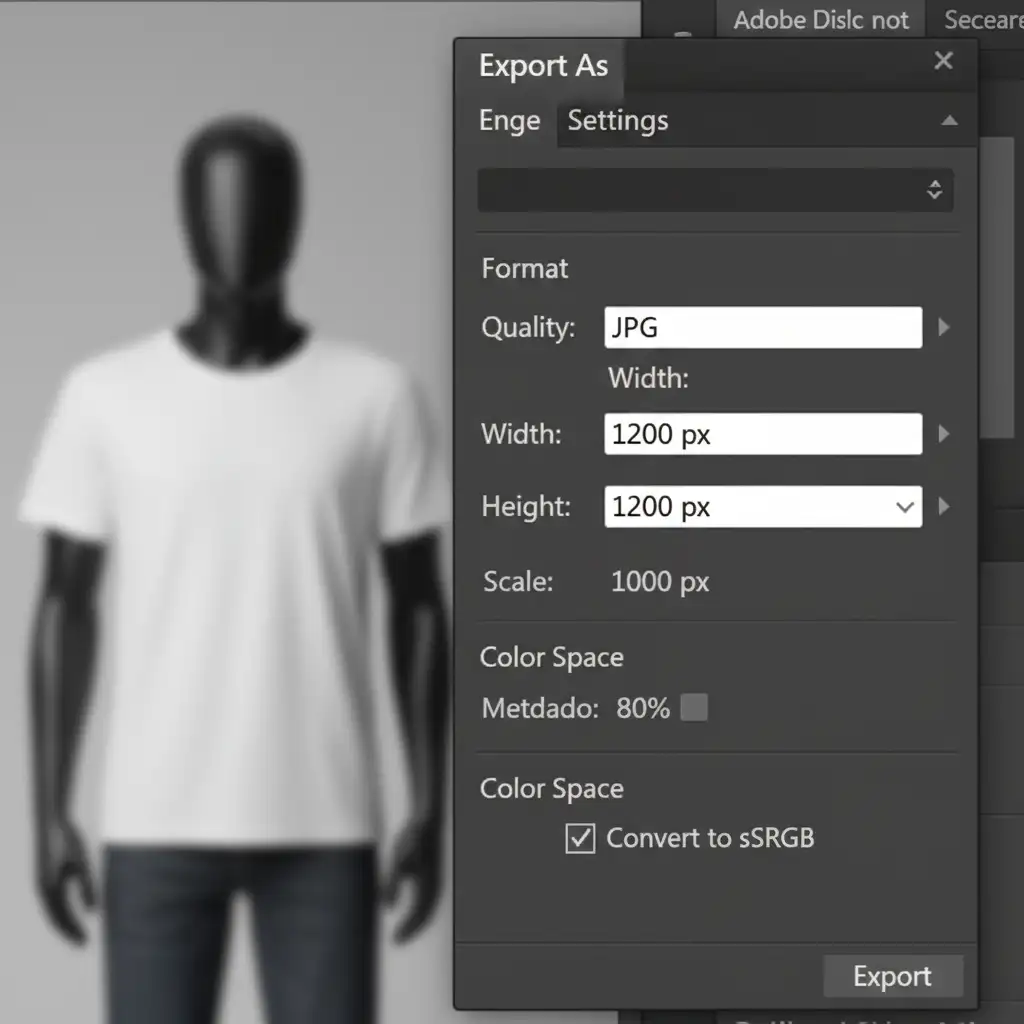
TikTok Shop requires specific dimensions for optimal mobile viewing. You must ensure your final batch export meets these criteria. Set your Action’s final step to File > Export > Export As with the following parameters:
- Format: Web-optimized JPEG
- Dimensions: 1200x1200px (1:1 aspect ratio)
- Color Space: Convert to sRGB
Scale Your TikTok Shop with Image Work India
Implementing an automated ghost mannequin workflow for TikTok Shop will drastically reduce your processing time. However, managing software updates, troubleshooting AI masking errors, and handling complex apparel (like sheer fabrics or intricate collars) still requires a dedicated team to maintain quality control at high volumes.
Don’t let photo editing throttle your sales.
At Image Work India and Cloud Retouch, we specialize in high-speed, pixel-perfect bulk image processing. Whether you need flawless neck joint composites, precise clipping paths, or TikTok-optimized batch formatting, our expert retouching teams work around the clock to deliver ready-to-publish images.
Stop editing and start selling. Contact us today to handle your ghost mannequin edits and scale your e-commerce empire without limits.




